
A pink or purple picture in daylight often means the camera is still admitting infrared light after night mode ends. A stuck IR-cut filter is a common cause, but a viewer problem, unusual lighting or white-balance setting can look similar.
Save a short clip before changing settings. Then check whether the tint appears in the recording, in every viewer and under more than one light source. That sequence separates a display problem from a camera problem and avoids an unnecessary format or factory reset.
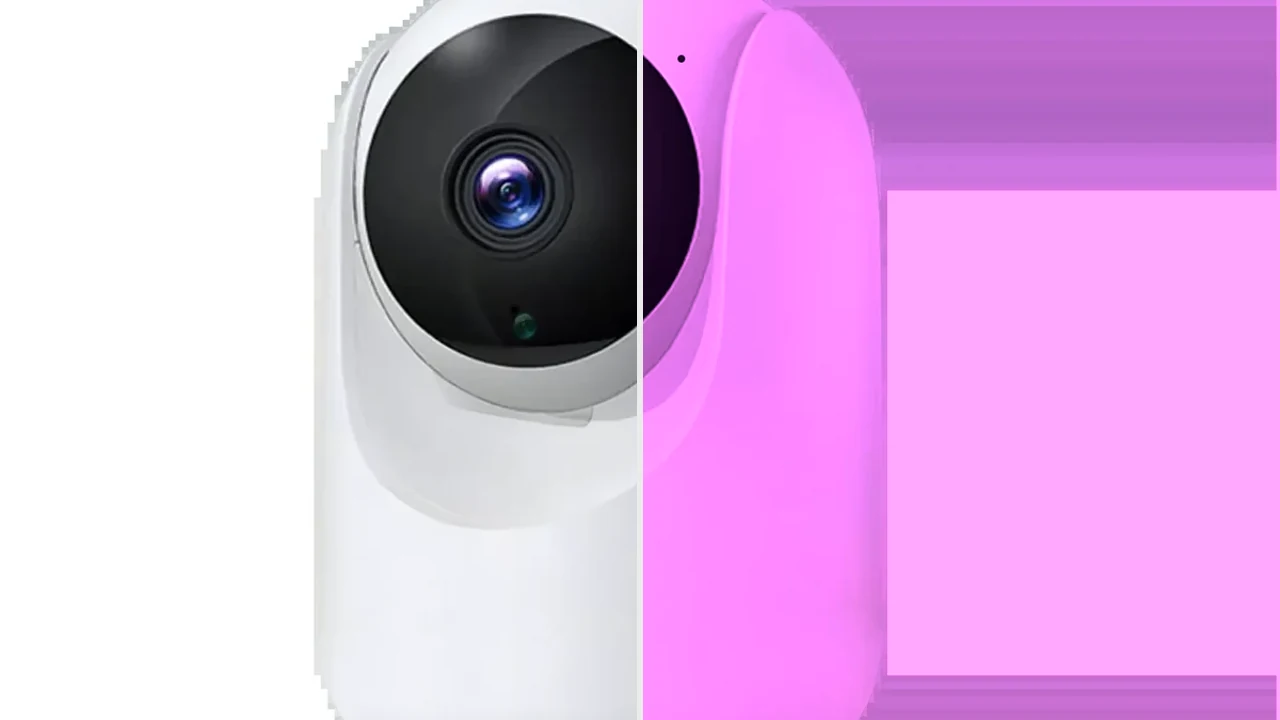
Editorial comparison made from a QZT-owned C26 room image. The purple half is simulated and does not represent a measured C26 fault.
1. Is the purple tint in the recording or only one viewer?
Start with the saved file. A purple live preview on one phone does not prove that the camera recorded purple video.
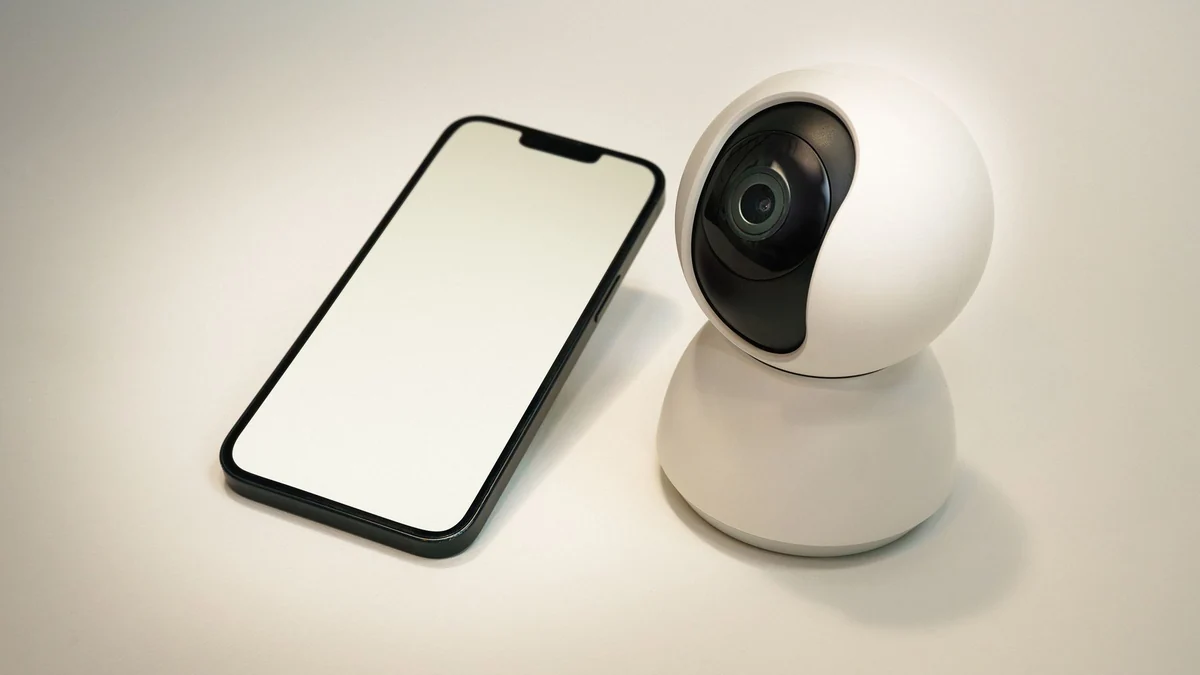
Licensed Pexels photograph used to illustrate viewer and file checks. It is not a screenshot from a QZT camera.
Record 20 to 30 seconds in the affected scene. Download the original file when the app permits it, then compare it in a second viewer or on another device. Also take a screenshot of the live view so you can compare the display symptom with the stored video.
Use this first split:
| Observed result | First place to investigate |
|---|---|
| Purple in one app, normal in the downloaded file | App rendering, phone display, decoder or viewer setting |
| Purple in the original file and every viewer | Camera image path, day/night mode, IR-cut filter or white balance |
| Purple only after sunrise or when lights switch on | Day/night transition or lighting interaction |
| Purple only under one lamp or in one room | White balance or the lamp spectrum before assuming a mechanical fault |
| Purple after water ingress, impact or condensation | Hardware inspection and supplier support |
Do not judge the result from an app thumbnail. Use the original file at full size. If only remote viewing is affected, compare local MicroSD playback or another authorized viewing path before changing camera settings.
For a QZT sample, record the exact SKU and firmware with the file. Two cameras that look alike can use different sensors, firmware and night-mode logic.
2. What does the IR-cut filter do during day and night mode?
The IR-cut filter blocks incoming infrared light in day mode so visible colors look natural. In night mode, the filter moves out of the optical path so the sensor can use more near-infrared light.
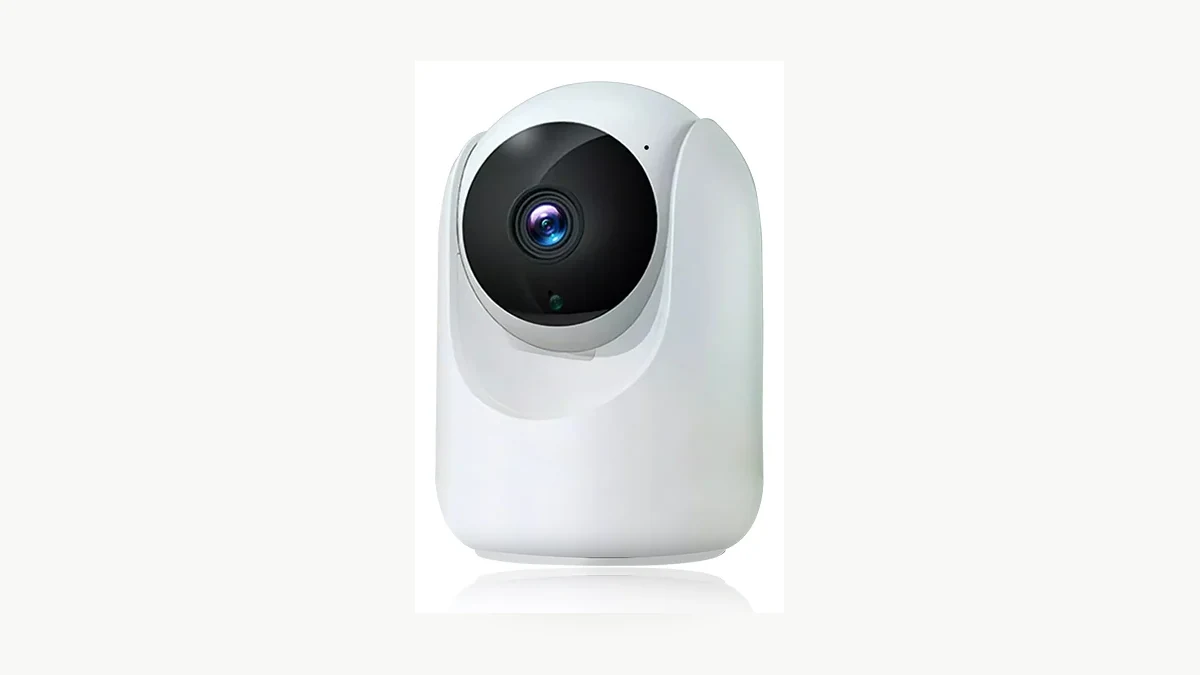
Real QZT C26 product photograph. The image does not show the internal filter mechanism or prove a fault.
Axis documents the same basic behavior in its current camera interface help: the filter is on in day mode and blocks infrared light; it is off in night mode to increase light sensitivity. See the Axis OS day/night and IR-cut filter documentation.
Netatmo’s March 2026 support article explains the visible symptom directly: if the filter remains in night position during the day, the picture may look pink or purple. It recommends an electrical reboot and says a persistent problem usually indicates a defective filter. See Netatmo: Why is my camera image pink or purple?.
A useful day/night test is:
1. Save the current settings and recording evidence.
2. Test the camera in stable daylight.
3. If the exact model offers a documented Day, Night or Auto control, switch modes one at a time.
4. Wait for the image to settle after each change.
5. Return the setting to its original value unless the model documentation says otherwise.
6. Repeat after the next natural day-to-night transition.
A normal mechanical switch may make a faint click on some cameras, but the absence of a click is not a universal failure test. Do not publish or reject a batch based on sound alone.
Current QZT pages for the C23B indoor pan-tilt camera and C26 compact indoor pan-tilt camera list infrared night mode. Those public pages do not establish that the filter is user-serviceable or that one repair procedure applies to every hardware revision.
3. Could lighting or white balance create a purple cast?
Yes. If the color changes only under one lamp, at one time of day or in one room, compare the lighting before treating the camera as mechanically defective.
Licensed Pexels photograph used to illustrate a lighting comparison. It is not a camera test result.
White balance tells the camera which combination of red, green and blue should be treated as neutral. Axis provides automatic, fixed-lighting and manual white-balance options on supported cameras, including manual red and blue balance controls. The available controls differ by product.
Run a controlled comparison:
– place a neutral white or gray object in the scene;
– record in daylight, under the installed lamp and under a second known light source;
– keep camera position and exposure as stable as possible;
– compare the original files, not only screenshots;
– note whether the whole image shifts or only bright highlights and reflective surfaces;
– restore the original white-balance setting after the test.
A tint that follows one lamp points toward lighting or white balance. A strong daytime purple image that remains outdoors and indoors, across viewers and after the camera is forced back to documented day mode is more consistent with an IR-cut or hardware problem.
Purple bands, rolling lines or flicker under LED lighting are a different symptom. Use the security-camera flicker and 50/60 Hz guide when the problem moves across the frame instead of applying as a stable color cast.
Do not use aggressive color sliders to hide a repeatable hardware fault. A corrected preview can still leave the underlying day/night switch unreliable.
4. Which checks are safe before repair or replacement?
Protect the footage first, then use reversible checks. Formatting storage and factory-resetting the camera are poor first steps for a color problem.
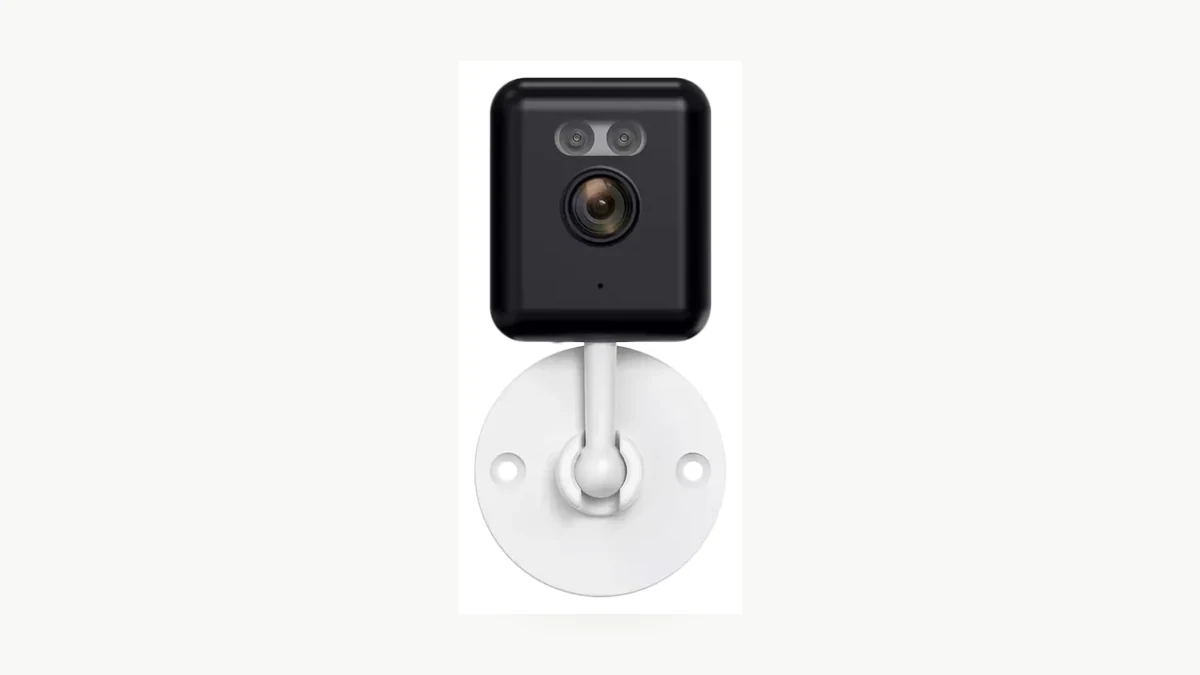
Real QZT C12 hardware photograph. Use the exact model manual and supplied power arrangement for any restart or service step.
Use this order:
1. Back up important recordings and export the current firmware and settings information when available.
2. Confirm the correct power supply, cable and connector for the exact model.
3. Reboot through the documented app or interface, or perform the documented power cycle.
4. Test the documented Day, Night and Auto setting if the model exposes those controls.
5. Clean the exterior lens cover with the method permitted by the manufacturer.
6. Check for condensation, impact marks, a loose dome, water ingress or a damaged cable.
7. Compare the result after the next natural day/night transition.
8. Stop and contact support if the tint returns or the filter does not switch reliably.
Hikvision’s support page for its own equipment says a few firm taps may temporarily free a stuck filter, and that a filter that sticks again will probably need repair. See Hikvision: Why is my camera image pink/red?. Treat that as manufacturer-specific advice, not a universal instruction. Do not strike, open or place magnets near a QZT camera unless support for the exact build authorizes it. Physical intervention can damage a sealed housing, alter alignment or affect warranty handling.
A factory reset can remove network, account and recording settings without repairing a mechanical filter. Format the card only when the storage path itself is the diagnosed problem and the files have been backed up.
5. What should you send the supplier for a purple-image claim?
A short versioned test record is more useful than the sentence “the camera is purple.” It lets the supplier separate a display issue, configuration issue and hardware failure.
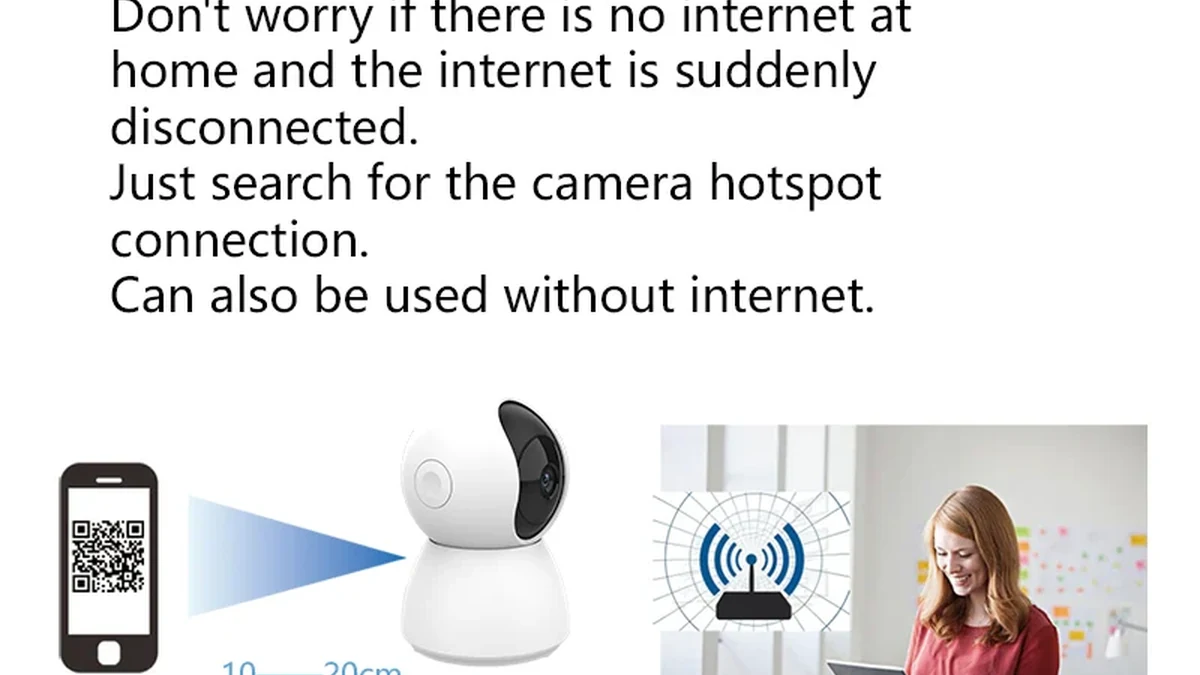
Real QZT C23B product and package photograph. Match the tested sample to the supplied revision before applying the result to a larger order.
Record these fields:
| Field | What to send |
|---|---|
| Product identity | SKU, label, hardware revision, batch or order reference |
| Software | Firmware, app, app version and account region |
| Symptom timing | Always present, after sunrise, after night mode, or under one light |
| Viewer comparison | Live app, downloaded original, local playback and second device |
| Mode result | Day, Night and Auto result if those controls are documented |
| Lighting | Daylight, lamp type, room and time of test |
| Restart result | Exact reboot or power-cycle method and whether the fault returned |
| Physical condition | Condensation, impact, water, loose cover or cable damage |
| Evidence | Original clips, screenshots, timestamps and settings export |
| Required outcome | Repair, replacement, firmware check or sample comparison |
For an incoming sample, test at least one full day/night cycle in the intended room. Check natural color in daylight, black-and-white or color-night behavior as specified, return to day mode, saved recordings and the same result after restart.
Do not upgrade one successful sample into a permanent specification for every future batch. Keep the approved hardware and firmware with the test record, then repeat the day/night check when the sensor, board, lens module or firmware changes.
Frequently asked questions
Will a factory reset fix a purple security-camera image?
Usually not if the IR-cut filter is mechanically stuck. A reset can change image settings and remove network or account configuration, so back up first. Test the saved file, documented day/night controls and a normal restart before using a factory reset.
Why does the picture turn purple only in daylight?
The camera may still be operating with the infrared path used for night mode. In daylight, unwanted infrared can distort normal color. A repeatable night-to-day failure across original files and viewers is a strong reason to request filter or hardware inspection.
Why is the picture purple only under one LED lamp?
That pattern can come from the lamp spectrum, white balance or a mixed-lighting scene rather than a stuck filter. Compare daylight and a second lamp with a neutral target, then check the original recording. Moving bands or flicker belong to the anti-flicker diagnosis instead.
Is it safe to tap a security camera to free the IR-cut filter?
Only when the manufacturer supports that step for the exact product. Hikvision documents tapping as a quick check for some of its equipment. Do not generalize it to sealed, motorized or warranty-covered cameras, and do not open the housing without authorization.
Should a distributor accept a camera after the color returns to normal once?
Not without a repeat test. Run another natural day/night cycle, restart the camera and compare saved files. A filter that sticks again can produce an intermittent return, so the approved sample record should include repeatability, revision and firmware.
A purple image is a symptom, not a complete diagnosis. Confirm the original file, separate lighting from the day/night mechanism, preserve the evidence and use the exact model’s support path. For a QZT project, compare the approved sample with the indoor camera range before a repeat order.

 English
  Italiano
  Deutsch
  Français
  Español
  Polski