
When a PoE security camera restarts as its infrared lights turn on, check power delivery before resetting the camera. First confirm a real restart in the camera’s uptime or boot log. Then compare its maximum power requirement with the port’s capability and the switch’s total budget. A short, known-good cable helps separate the camera from the installed cable run.
A daytime picture cannot validate a night-time load. Work through the checks below during a planned maintenance window, preserve recordings and configuration first, and keep another way to monitor any area that needs continuous coverage.
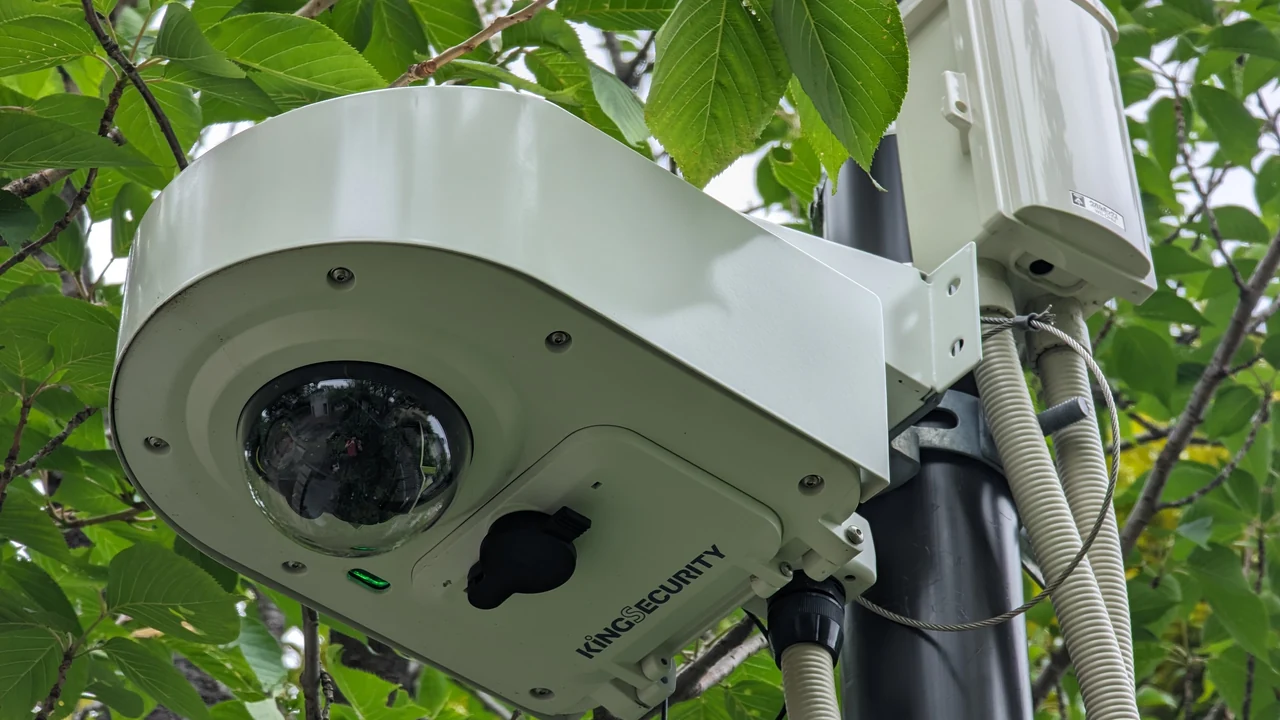
Did the camera reboot, or did only the video disappear?
Write down the time of the interruption and look for a fresh boot event or reset uptime counter in the camera’s supported diagnostics. A recorder’s “camera offline” message alone leaves several possibilities open: loss of power, a broken network link, or a stream that the recorder cannot display.
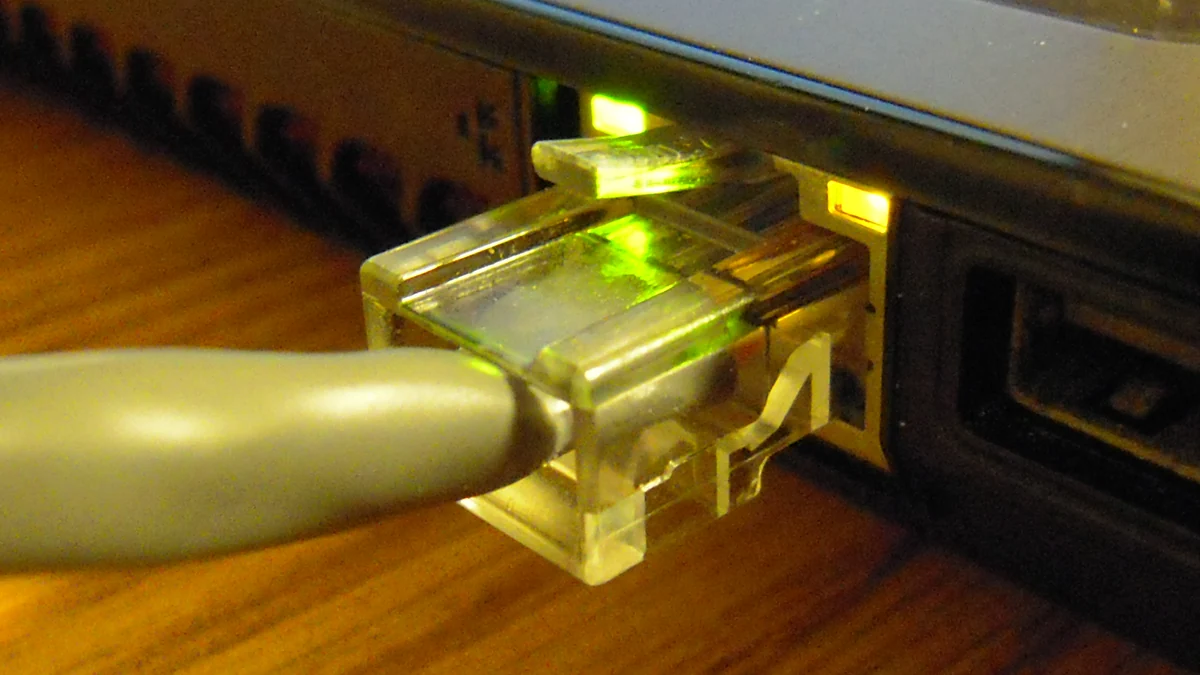
Use the exact device manual to interpret its indicators. If the camera’s uptime continues and local video still works, follow the black-screen troubleshooting guide instead of treating the event as a power reboot. If the model exposes neither uptime nor a boot log, tell the supplier that the restart is suspected rather than confirmed.
For a confirmed restart, compare its timing with the night-mode transition. Record whether one camera fails, several cameras on the same power source fail together, or the switch itself also restarts. Those observations decide whether to investigate one camera connection or a shared power source first; they do not prove which component has failed.
Where the manual provides a separate infrared-illumination control, make a brief, reversible comparison with illumination off and on. Keep recording settings unchanged. A restart that appears only with illumination enabled narrows the fault to something associated with that operating state. Restore the original setting afterward. Leaving the infrared lights disabled may hide the symptom while leaving the site without usable night video.
Save diagnostics before rebooting or applying firmware changes. Axis’s Companion troubleshooting instructions likewise ask for a system report before a restart, configuration change or reset. A factory reset is a poor first experiment when the fault only appears after dark.
Which power figures should you compare?
Compare the camera’s documented maximum requirement, the installed port’s supported PoE type and the power available to all connected devices. Read the footnotes next to each number. Camera consumption and power supplied at a switch port are different measurement points.
Axis’s power-consumption white paper includes an illustrative datasheet with 4.7 W typical consumption with infrared illumination and the heater off, versus 12.6 W maximum. Its maximum scenario includes supported loads such as illumination, heaters and motors. Older Axis “typical” figures used different conditions, so check the actual datasheet wording.
The following arithmetic shows the consequence of choosing the wrong figure. It is a planning example based on the paper’s sample values, not a measurement of four installed cameras.
| Assumption for four identical example cameras | Camera-side total |
|---|---|
| Four cameras at 4.7 W each | 18.8 W |
| Four cameras at 12.6 W each | 50.4 W |
| Difference before cable losses | 31.6 W |
Axis also specifies that these consumption figures are measured at the camera; power lost in the Ethernet cable must be allowed for at the source. Use the manufacturer’s sizing method rather than applying an unexplained universal percentage.
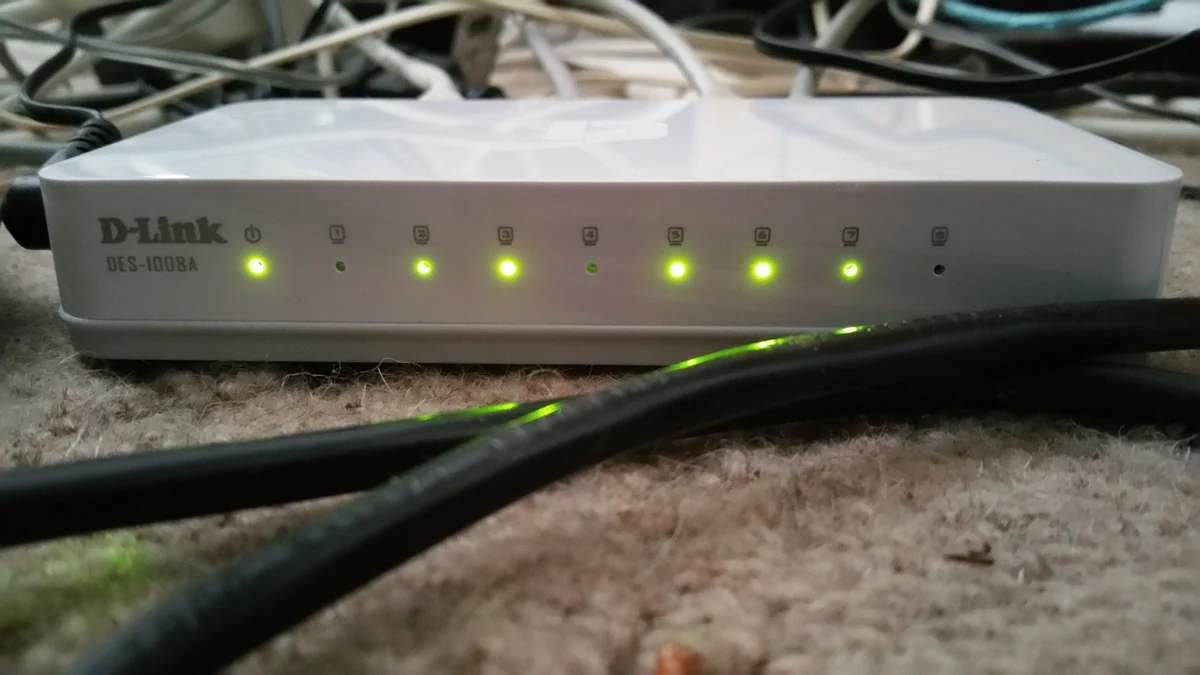
A port rating cannot be multiplied by the port count and treated as the switch budget. The AXIS Companion Switch 4CH manual specifies up to 30 W per port but 60 W in total. It lists four 15 W loads or two 30 W loads as supported combinations. Four 30 W loads would total 120 W, beyond that documented budget. This is an example of how to read two limits, not a recommendation to buy that switch.
Check the configured allocation as well as the printed rating. The AXIS S2212 switch documentation distinguishes reserved, allocated and consumed power. On equipment that exposes these fields, a low instantaneous reading should not be treated as proof that another port can receive its requested allocation.
Finally, match the exact power standard. Reolink’s PoE power guide specifies active 802.3at for its RLC-823 series and rejects passive PoE injectors for its PoE cameras. Other models have different requirements. Do not connect a higher-voltage or passive supply as an experiment. A camera with a power cable is not necessarily a PoE camera; check the wired-camera terminology guide when the interfaces are unclear.
Can a short cable isolate the installed run?
Test the same camera on a short, known-good Ethernet patch cable connected to a compatible PoE source. Keep the night settings unchanged. Arrange safe access first; do not climb to a camera or disconnect critical coverage without an agreed maintenance plan.
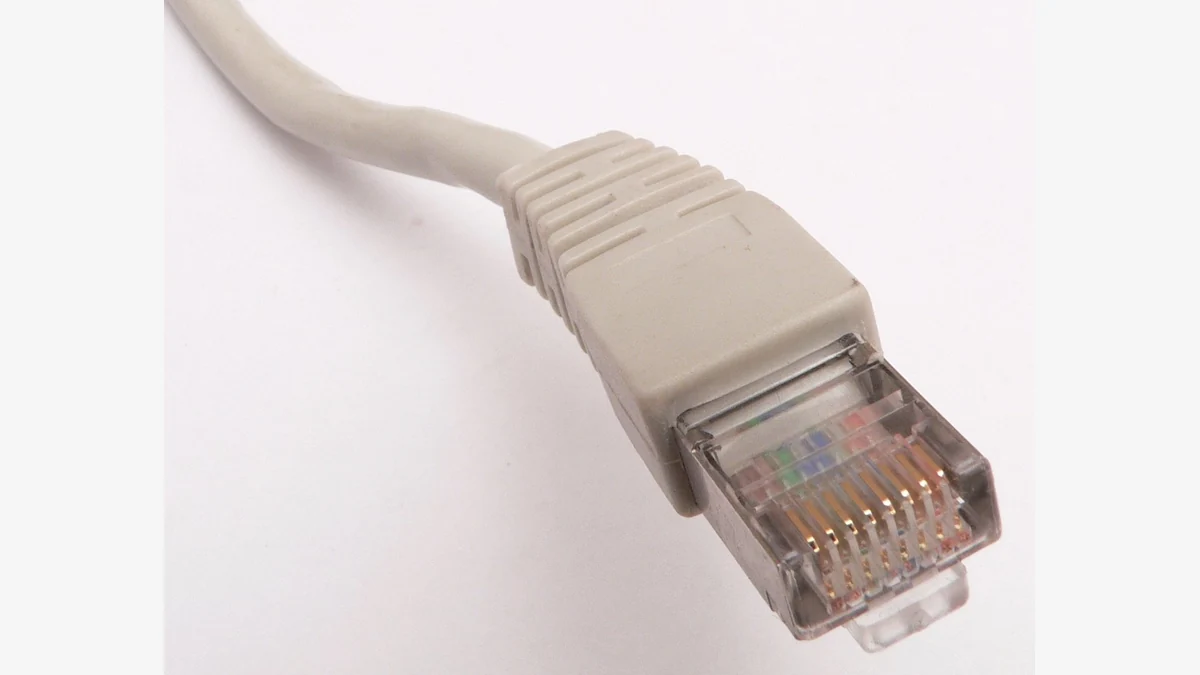
Reolink’s PoE switch and injector troubleshooting instructions recommend checking the supply and comparing cables or ports. Use those substitutions as controlled comparisons, not a reason to replace the camera immediately.
| Comparison result | Next step |
|---|---|
| Same source and settings work with the short cable but fail on the installed run | Inspect that run, terminations and intermediate connections; ask for a cable test under the required load. |
| Short cable still fails on the original source but works on a verified compatible source | Review the original source, port configuration and shared budget. |
| Camera still restarts with both a verified source and short cable | Give the supplier the boot evidence, firmware details and test results for camera-level diagnosis. |
| Video fails but camera uptime does not reset | Investigate the network or video path rather than labelling the event a power reboot. |
For its PoE cameras, Reolink specifies Cat5e or higher and a maximum Ethernet cable length of 100 m (328 ft). That is a model-family requirement, not a guarantee that every shorter installation is sound. Couplers, terminations and exposed connectors still need inspection. Reolink also calls for waterproof protection at outdoor Ethernet junctions.
Record exactly what changed between attempts. Moving to another port while replacing the cable and changing firmware makes the result difficult to interpret. Do not open a switch power supply, probe exposed mains wiring, or bypass protective features. Damaged or wet powered equipment should be isolated safely and checked by a qualified installer.
What should you check again after dark?
Return the camera to its intended installation and restore all cameras normally sharing the PoE source. Repeat the original night-mode transition. A single camera working on a bench does not establish that the installed cable and shared supply work together.
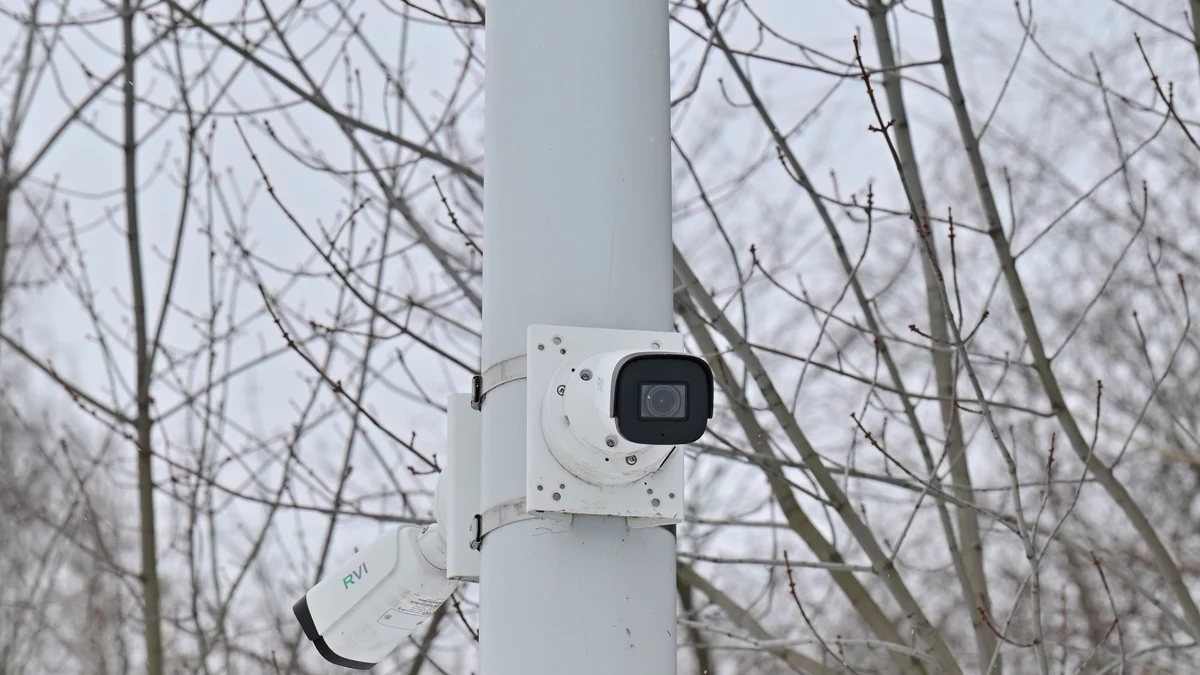
Keep a before-and-after record of the camera uptime or boot events, the source’s reported power status, the moment illumination activates and the resulting recording. Where an outdoor heater is relevant, record the temperature too. A warm indoor test cannot establish cold-weather operation.
Play the new recording across the period that previously failed. An image that returns to live view is insufficient if the recorder still loses the relevant interval. The recording verification guide covers checking a newly saved clip rather than relying on a status light.
Send unresolved cases to the supplier with the camera model and hardware revision, firmware, PoE source and power-adapter model, port used, cable route, connected device count and the controlled comparison results. Note any changed setting. These details let the supplier distinguish a supply or installation issue from a camera fault without repeating the same reset experiment.
Frequently Asked Questions
Why does a PoE camera work during the day but restart at night?
A PoE camera can encounter a higher power requirement when infrared illumination or a heater operates. Check the exact maximum rating and supply limits, then confirm whether camera uptime resets. The timing alone cannot distinguish a weak power source, an installation problem, or a fault within the camera.
Does a 30 W PoE port guarantee enough power for every camera?
A 30 W PoE port does not guarantee compatibility with every camera or enough power across the whole switch. The camera’s required PoE standard, the port configuration and the shared budget must all match. For example, Axis lists 30 W ports on a switch with a 60 W total budget.
Can a long Ethernet cable cause night-only restarts?
A cable run is worth testing when a PoE camera works at a lower load but restarts in night mode. Compare a short, known-good cable under the same settings. A successful comparison points toward the installed path, but does not identify a particular connector or prove that cable length alone caused the fault.
Should I leave the infrared lights off to stop the rebooting?
Disabling infrared illumination can help isolate a PoE camera fault when the manufacturer provides that control. It should remain a temporary diagnostic comparison unless the installation has another verified lighting arrangement. Restore the intended setting and confirm both camera stability and usable recorded video before considering the problem resolved.
When should I ask the camera supplier for a replacement?
Ask the supplier to assess a PoE camera that still restarts with a verified compatible source and a short, known-good cable at the required night settings. Supply boot evidence, firmware details and the comparison results. A failed test narrows the investigation; it does not by itself establish which internal component is defective.
Before replacing equipment
Ask for the maximum power requirement and supported supply standard for the exact model being ordered. For QZT camera enquiries, include the existing power source and recording setup. The third-party examples above explain diagnosis; they do not establish PoE compatibility for a QZT model.

 English
  Italiano
  Deutsch
  Français
  Español
  Polski


