
A solar security camera is useful when getting power to the mounting point is difficult. A wired camera is useful when stable site power is already available or when the project needs a network architecture such as Ethernet or PoE.
But power source alone does not tell you the recording mode, network path or reliability of the whole system.
Use five separate questions:
- How will the camera be powered?
- How will video leave the camera?
- Does the exact model support the recording mode you need?
- What maintenance will the site require?
- What is the installed cost over the period you plan to operate it?
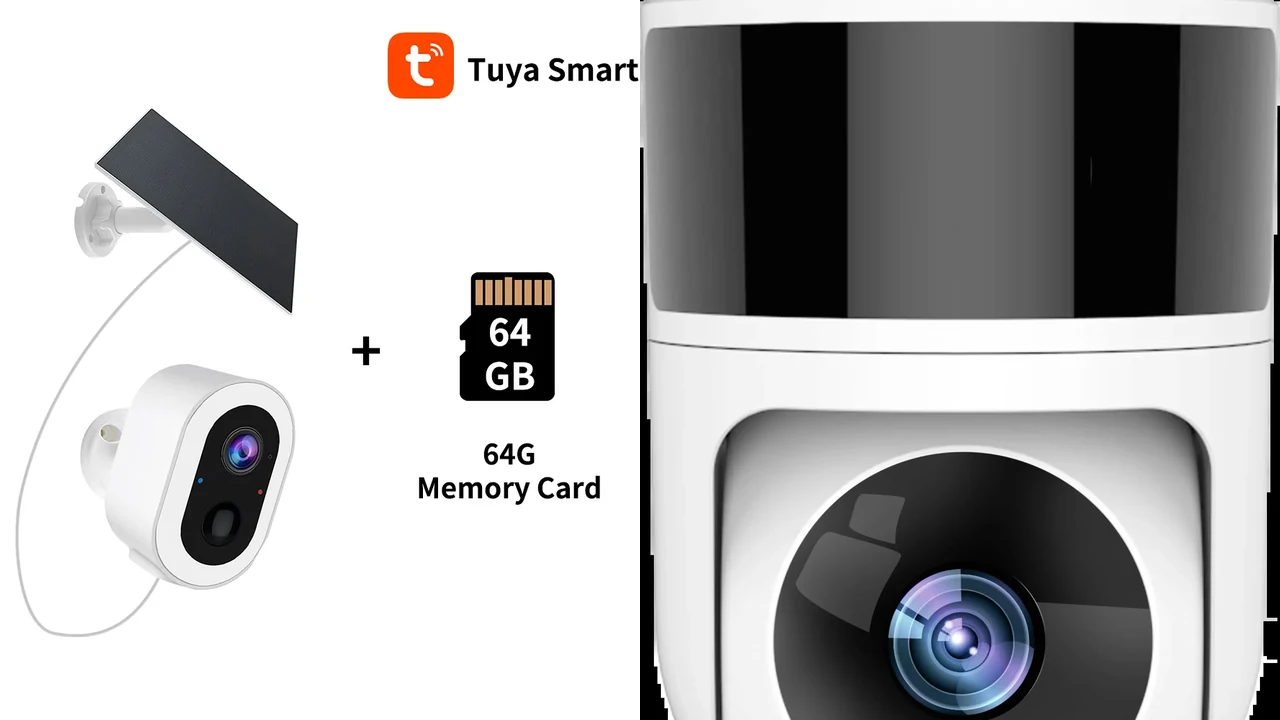
Composite made from real QZT S7L-SP-4G3 and C40 product source images. It illustrates two power approaches and is not a field-performance comparison.
Start with the site constraint, not the word “solar”
Solar is most useful when running a new power cable is difficult, disruptive or expensive. A grid-powered camera makes more sense when the mounting point already has a suitable power route and the installation can be maintained safely.
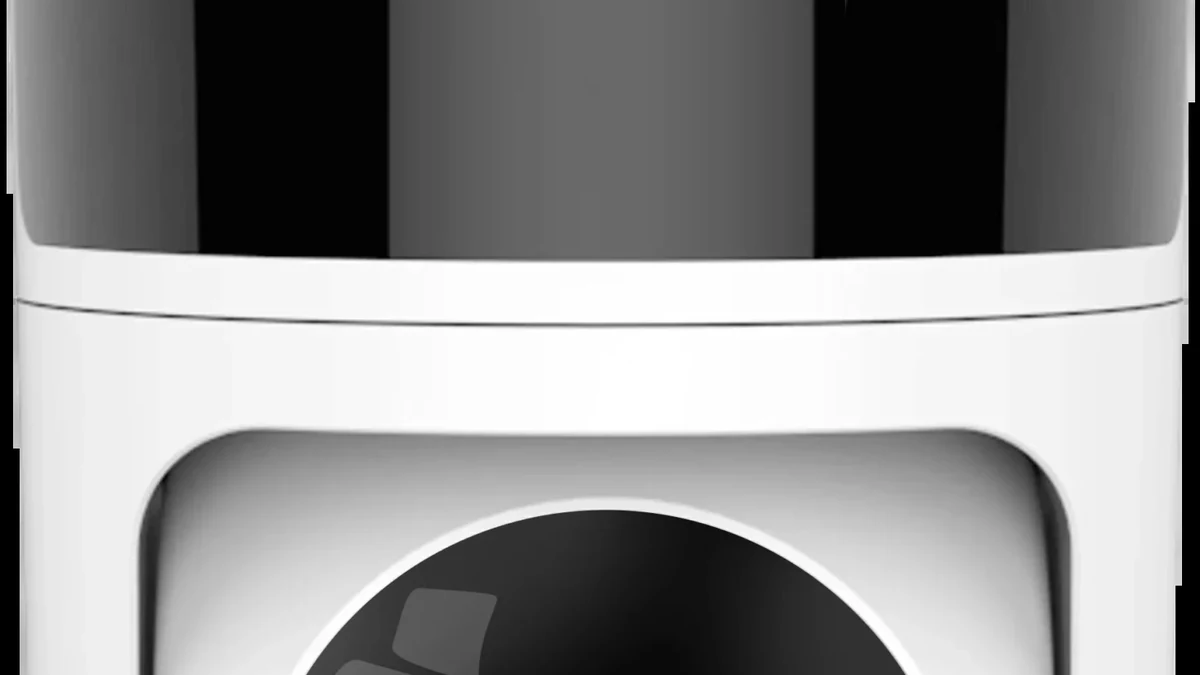
Real QZT C40 source image. C40 uses 12V DC power and WiFi; it is a useful example of why a “wired” power connection does not automatically mean Ethernet or PoE.
Before comparing camera specifications, record:
| Site question | Why it matters |
|---|---|
| Existing power at the mounting point | Can remove the need for battery/solar charging |
| Cable route | Determines installation work, protection and future service access |
| Sunlight at the proposed panel location | A solar panel only helps when it receives useful light |
| Network path | WiFi, 4G, Ethernet/PoE and local-only recording solve different problems |
| Recording requirement | Event clips and continuous recording are different workloads |
| Outage requirement | Grid power, battery backup and network backup must be considered separately |
| Maintenance access | Panels, batteries, connectors, cables and storage all need different checks |
A solar camera on a weak WiFi link can still have a network problem. A wired-power camera on a poor WiFi link can have the same network problem. Power and data are separate design decisions.
What does a solar camera actually change?
The panel charges a battery. The battery then powers the camera.
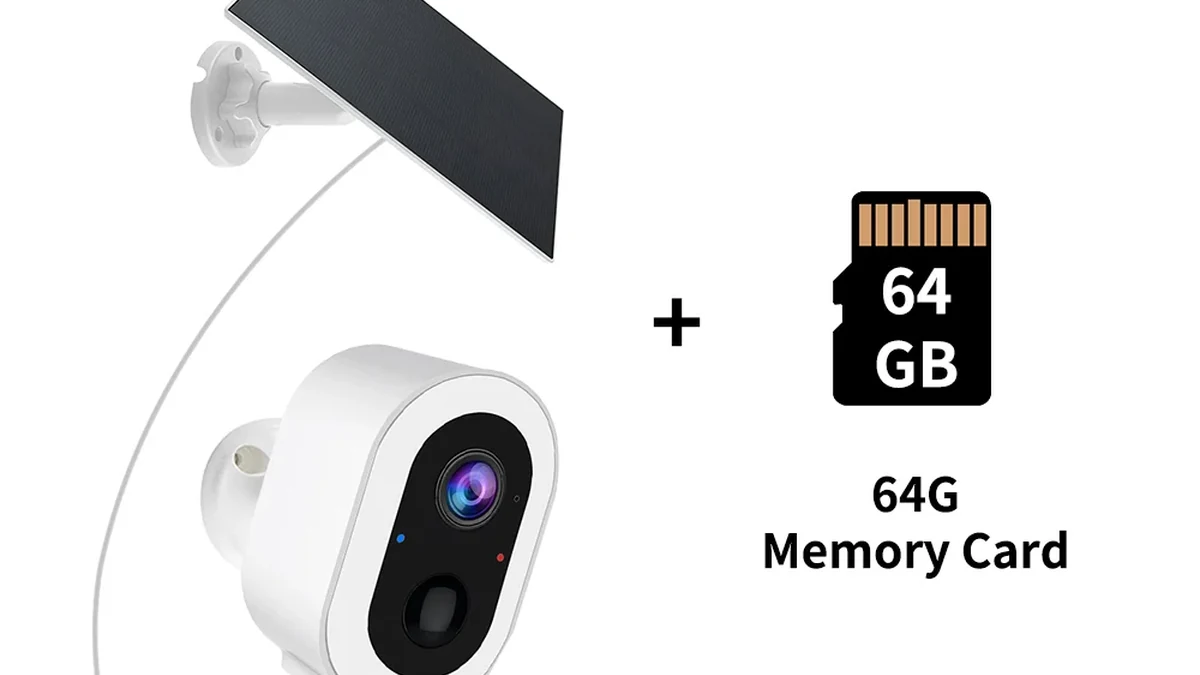
Real QZT S7L-SP-4G3 product source image. Its current page lists a 9000mAh battery and 3.3W panel; that listing is not a guaranteed runtime.
Current QZT examples show how different solar builds can be:
| Model | Current battery / panel listing | Network path | Current recording/storage wording |
|---|---|---|---|
| S7L-SP-4G3 | 9000mAh + 3.3W panel | 4G SIM / Tuya Smart | microSD up to 128GB listed |
| C13L | 5000mAh + 3W panel | 2.4GHz WiFi / Tuya Smart or Smart Life | microSD up to 128GB listed |
| C42L | 7800mAh + 3W panel | 2.4GHz WiFi / Tuya Smart or Smart Life | microSD up to 128GB listed |
| C45L | 7800mAh + 3W panel | 2.4GHz WiFi | TF card up to 128GB listed |
These values describe the listed hardware. They do not let you calculate one universal “days of runtime” figure.
For the S7L-SP-4G3, the current product page explicitly says the panel output depends on placement, sunlight and weather, and that no fixed battery runtime is stated in the supplied data. C42L likewise says runtime and charging depend on event frequency, live viewing, motor use, night lighting, WiFi strength, temperature and sunlight.
After sunset, the panel is no longer the active energy source. The camera runs from energy already stored in the battery. That power chain is explained in more detail in Do Solar Cameras Need WiFi? 4G or Local Recording.
“Wired” can mean power-only, Ethernet, or PoE
Do not treat “wired camera” as a synonym for PoE.
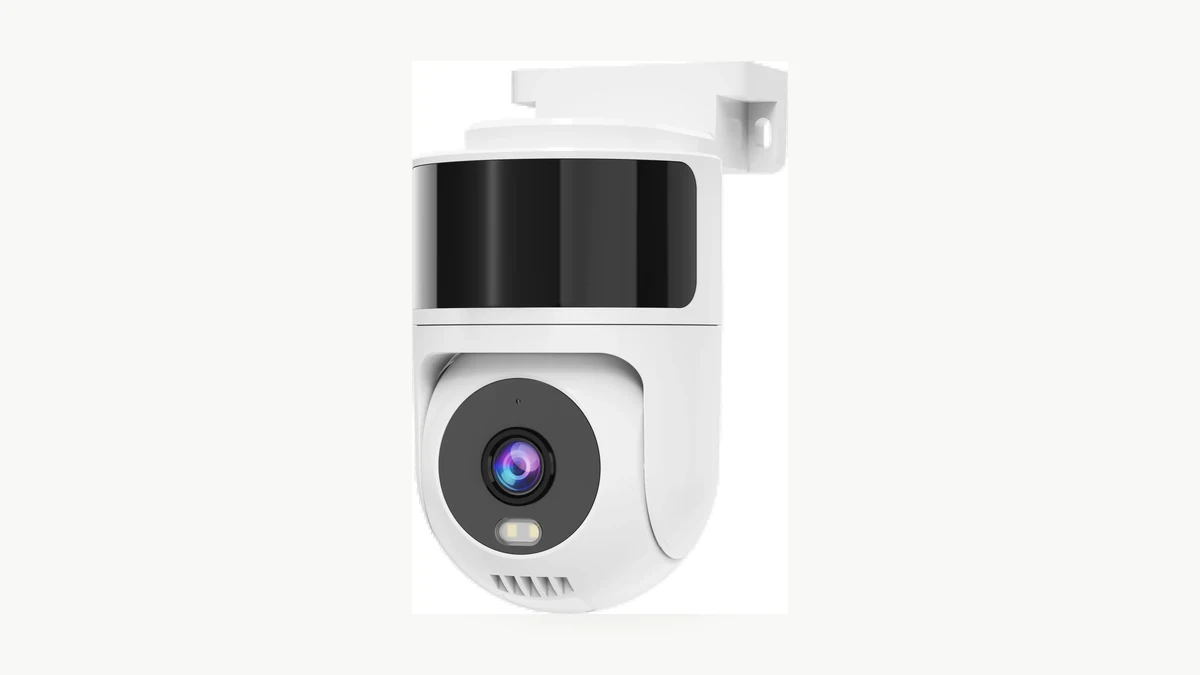
Real QZT C40 hardware source image. Its current page lists 12V DC power plus WiFi and ONVIF; it does not list Ethernet or PoE.
C40 is a current QZT example of a camera with a wired power supply but wireless data:
- 12V DC power;
- 2.4GHz / 5GHz WiFi;
- Tuya Smart / Smart Life;
- ONVIF listed.
That is not the same architecture as a PoE camera.
Cisco defines Power over Ethernet as DC power delivered over copper Ethernet cabling to a powered device. In a PoE installation, the Ethernet link and the power-delivery design belong to the same cable path.
That means a site comparison should distinguish at least:
| Architecture | Power path | Data path |
|---|---|---|
| Solar battery camera | Solar panel → battery → camera | WiFi, 4G or another supported link |
| DC-powered WiFi camera | Local DC adapter / power cable | WiFi |
| Ethernet camera with separate power | Local power supply | Ethernet |
| PoE camera | PoE switch/injector → Ethernet cable | Same Ethernet cable |
If a project requires PoE, verify the exact camera hardware, the switch or injector, the power budget and the Ethernet design. Do not infer PoE from ONVIF, from a power cable or from the word “wired.”
Recording behavior is separate from the power source
Solar does not automatically mean event-only, and wired power does not automatically mean 24/7 recording.
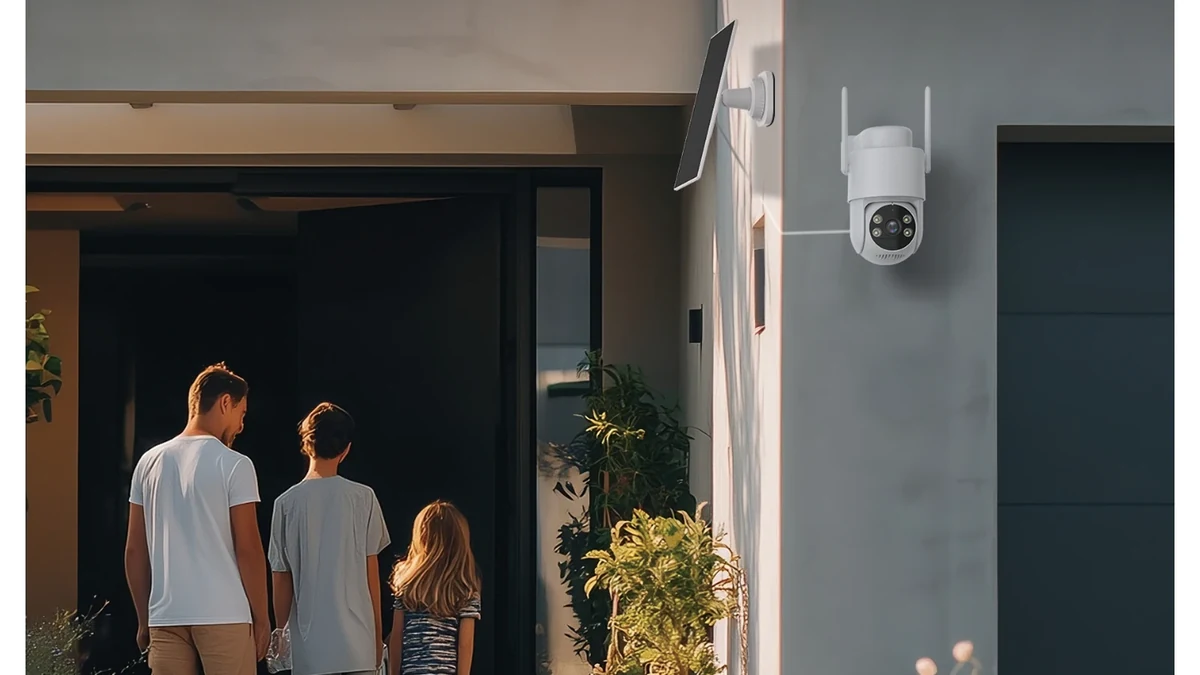
Real QZT C42L source image. Its current product page lists PIR alerts and local storage; the image does not establish continuous-recording support.
The exact hardware and firmware determine whether a camera can record:
- only around events;
- on a continuous schedule;
- continuously to a local card;
- to an NVR or server;
- to cloud storage;
- through more than one of those paths.
Reolink's current continuous-recording support guide is a useful example of why this must be model-specific. It notes that some battery-powered models do not support continuous recording even when they are being continuously powered or charged, while other specific battery models do support it.
That example is not QZT compatibility evidence. It shows why the correct question is:
Does this exact camera and firmware support the recording mode I require?
For QZT indoor/outdoor recording behavior, use the same four-way distinction already established in Motion-Activated or Continuous Indoor Camera Recording: What Gets Saved?: detection, notification, event recording and continuous recording are separate results.
For the solar QZT examples above, do not turn “PIR + microSD” into a 24/7 claim unless the exact product documentation or a controlled sample test establishes it.
Maintenance is different, not zero
Solar removes one type of cable run, but it adds panel and battery considerations. Wired systems remove solar charging dependence, but they add cable, connector, power-source and network infrastructure to maintain.
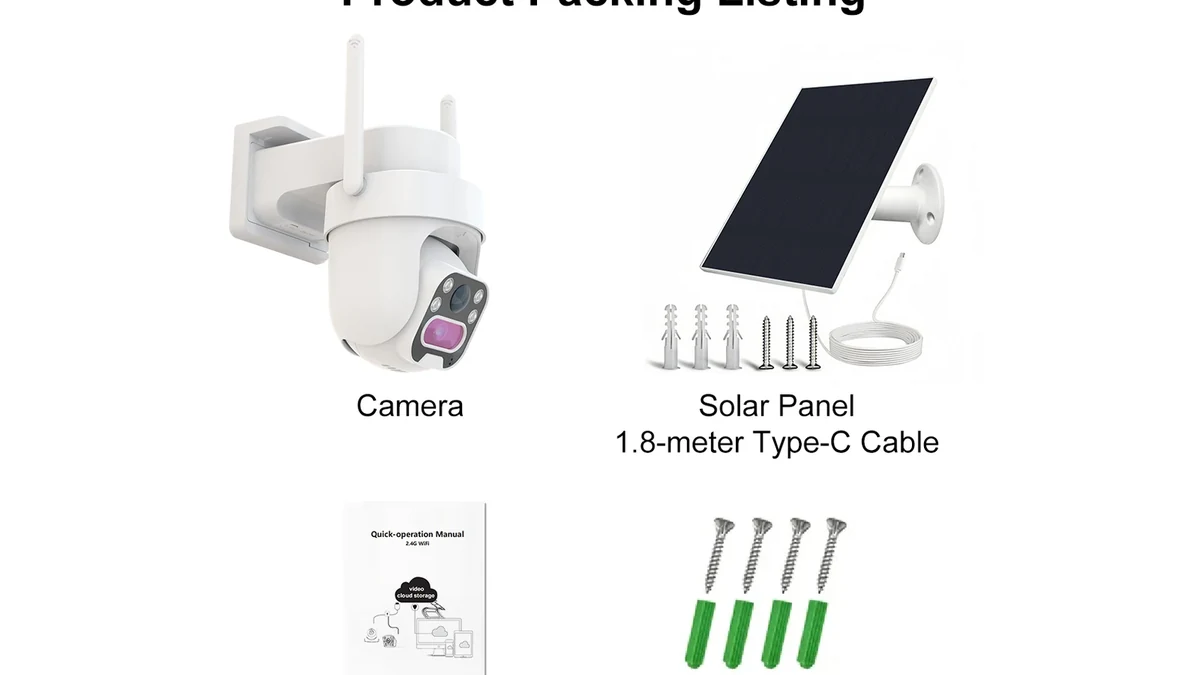
Real QZT C45L source image. A panel, battery, cable connection and outdoor mounting all become part of the maintenance plan.
For solar, inspect:
- panel angle and useful daylight;
- shading from trees, roofs or seasonal changes;
- panel surface condition;
- cable and connector condition;
- battery health and charging behavior;
- actual event/live-view workload;
- WiFi or cellular signal at the mounting point.
For a wired-power or PoE installation, inspect:
- cable route and physical protection;
- connectors and weather sealing;
- power source or PoE switch/injector;
- network path and switch capacity;
- surge/grounding design where required by the installation;
- backup-power plan if the site must continue operating during grid loss.
There is no universal “maintenance zero” option.
A solar panel can reduce visits if it keeps the battery adequately charged in the real site conditions. It can also create service work if the panel is shaded, dirty, badly aimed or undersized for the actual workload.
Compare total installed cost, not only camera price
The cheapest camera body can be the more expensive deployment once installation and service are included.
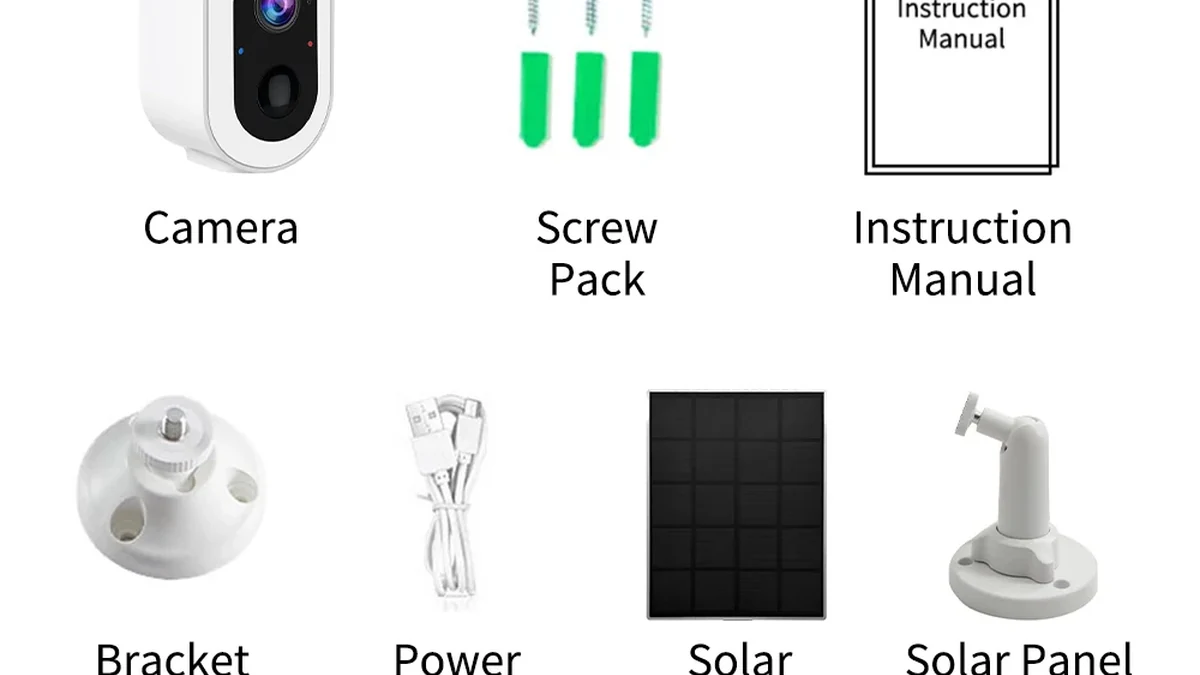
Real QZT S7L-SP-4G3 package source image. Use the sample stage to confirm the exact panel, camera, accessories and service path before comparing installed cost.
Build the cost stack separately:
| Cost layer | Solar / battery site | Wired / PoE site |
|---|---|---|
| Camera hardware | Camera + battery configuration | Camera + required power/network interface |
| Power infrastructure | Panel, mount, charging cable | Power run or PoE switch/injector/cabling |
| Network | WiFi/4G/local path | WiFi or Ethernet/PoE path |
| Installation | Camera + panel placement | Cable routing, termination and camera placement |
| Storage | microSD / cloud / NVR as supported | microSD / cloud / NVR as supported |
| Service | Battery/panel inspection | Cable/power/network inspection |
| Backup requirement | Stored battery energy; exact runtime not assumed | UPS or other backup if continuous operation is required |
Do not invent a universal ROI percentage or payback period. Trenching across a warehouse yard and plugging a camera into an existing outlet are completely different jobs.
For a fair comparison, price both designs for the same coverage, recording requirement, retention period, network access and outage requirement.
Use a site acceptance test before deciding
A product-page feature list is not enough to approve a large installation.
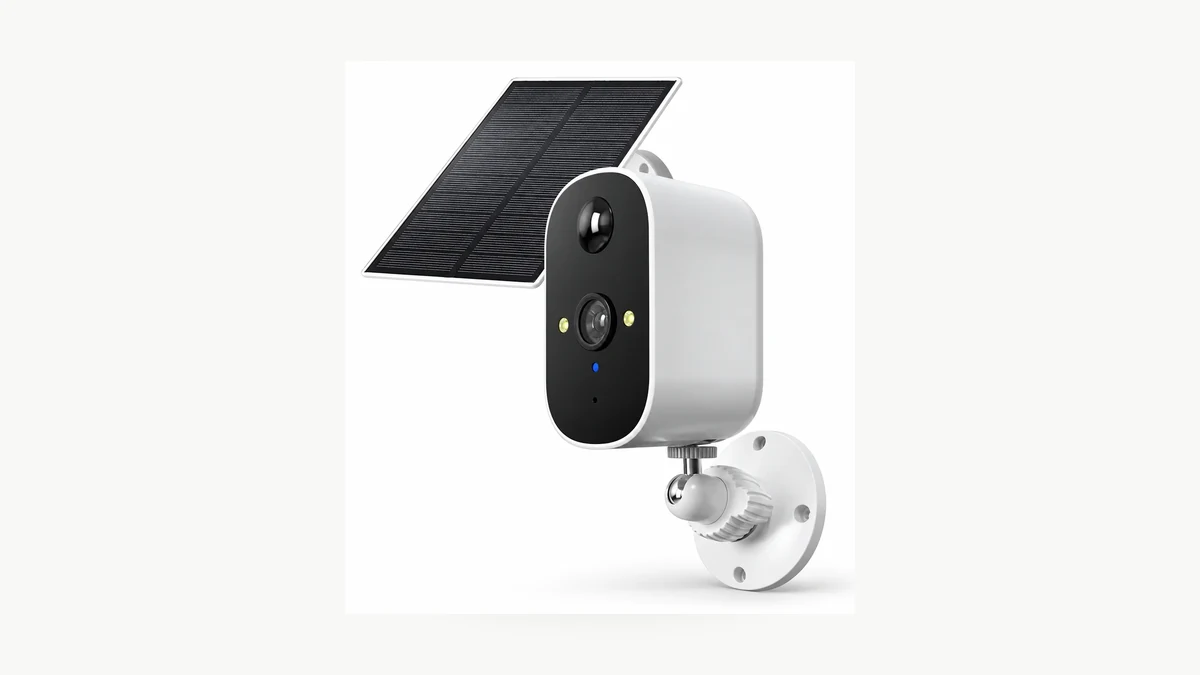
Real QZT C13L product source image. Test the exact camera and panel at the intended mounting point before using the result for a larger deployment.
For a solar sample, record:
- battery level at the start of the test;
- panel position and hours of useful daylight;
- event count and live-view time;
- night-light use;
- network signal;
- recording mode and saved footage;
- battery level over several representative days.
For a wired sample, record:
- supply voltage or PoE status as applicable;
- network stability;
- recording mode;
- storage destination;
- reboot recovery;
- behavior during a planned power/network interruption.
Then compare the two against the original project requirement.
A remote gate that only needs event clips may be a strong solar candidate. A site requiring continuous centralized recording may justify the installation work of a wired network camera. Another site may use both architectures.
The right design is therefore not “solar versus wired” in the abstract. Choose the architecture that passes the site's power, network, recording and maintenance requirements with evidence from the actual sample.
Frequently asked questions
Are solar security cameras worth it?
They can be when avoiding a new power run creates real installation value and the camera's event/recording behavior matches the job. They are less attractive when the site has poor panel exposure, very high continuous workload or a recording requirement the exact solar model does not support.
Do solar security cameras work at night?
The solar panel does not power the camera directly after sunset. The camera uses energy already stored in its battery. Night operation therefore depends on the battery state, the camera workload and the exact model's settings.
Is a wired security camera always PoE?
No. A camera can use a wired DC power supply and still use WiFi for data. QZT C40 is a current example. PoE is a specific Ethernet power architecture and must be verified for the exact hardware.
Are PoE cameras always better for 24/7 recording?
PoE can provide a stable power-and-network architecture, but continuous recording still depends on the camera, firmware and storage/recording configuration. Power source alone does not create a recording mode.
Do all solar cameras only record motion events?
No. Some battery/solar camera families from some manufacturers support continuous recording, while others do not. Check the exact model and firmware. For the QZT solar examples in this article, do not infer 24/7 support from the panel, battery, PIR or memory-card specification alone.
Which current QZT solar model should I choose?
Choose by the required network path and site. S7L-SP-4G3 is a current 4G SIM example; C13L, C42L and C45L are current WiFi solar examples with different battery, form-factor and camera functions. Confirm the exact recording behavior and sample performance before a repeat order.
The useful decision rule is simple: match the site constraint first, verify the exact recording mode second, and compare the complete installed cost last.\n

 English
  Italiano
  Deutsch
  Français
  Español
  Polski