
A camera can detect motion without recording continuously. It can also send a notification without saving the clip you expected.
Treat these as separate functions:
1. Detection — the camera decides that an event happened.
2. Notification — the app sends an alert.
3. Event recording — the camera saves a clip around the event.
4. Continuous recording — the camera records through the whole scheduled period, including the quiet gaps between events.
If uninterrupted footage matters, do not buy on the phrase “motion detection” alone. Confirm that the exact hardware and firmware support continuous recording to the storage path you plan to use.
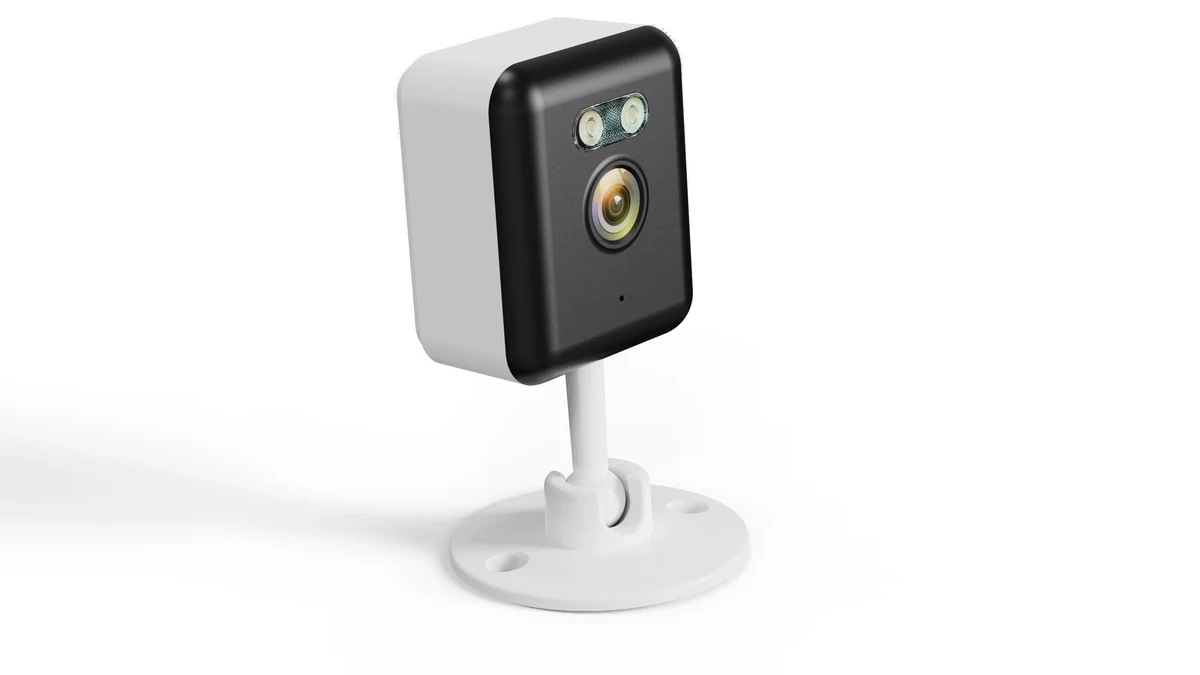
Real QZT C23B product scene. Its current page lists detection and local storage features; this image does not prove continuous 24/7 recording.
Detection, notification, event clip and archive are four different results
A motion event can pass one step and fail another.
Real QZT C12 application image. Test the four outputs separately instead of treating one motion alert as proof that every recording function worked.
For example:
| What happened | What it proves | What it does not prove |
|---|---|---|
| Motion icon appears in the app | The system detected an event | A clip was saved |
| Phone receives a push notification | Alert delivery worked | Local or cloud recording worked |
| Event clip is present | That event was recorded | Quiet periods were recorded |
| Timeline has uninterrupted footage | Continuous recording worked for that period | Every alert rule worked |
This separation is not unique to one brand. TP-Link’s current Tapo documentation, for example, lets users configure detection, notifications and recording independently. Its continuous-recording guide also distinguishes Continuous Recording from Detection Recording. See Tapo detection settings and continuous recording.
Those pages are examples of how a modern camera system separates the functions. They are not evidence that a QZT model uses the same menus.
Motion recording still has timing rules you need to test
“Motion activated” does not tell you how much video gets saved around the event.
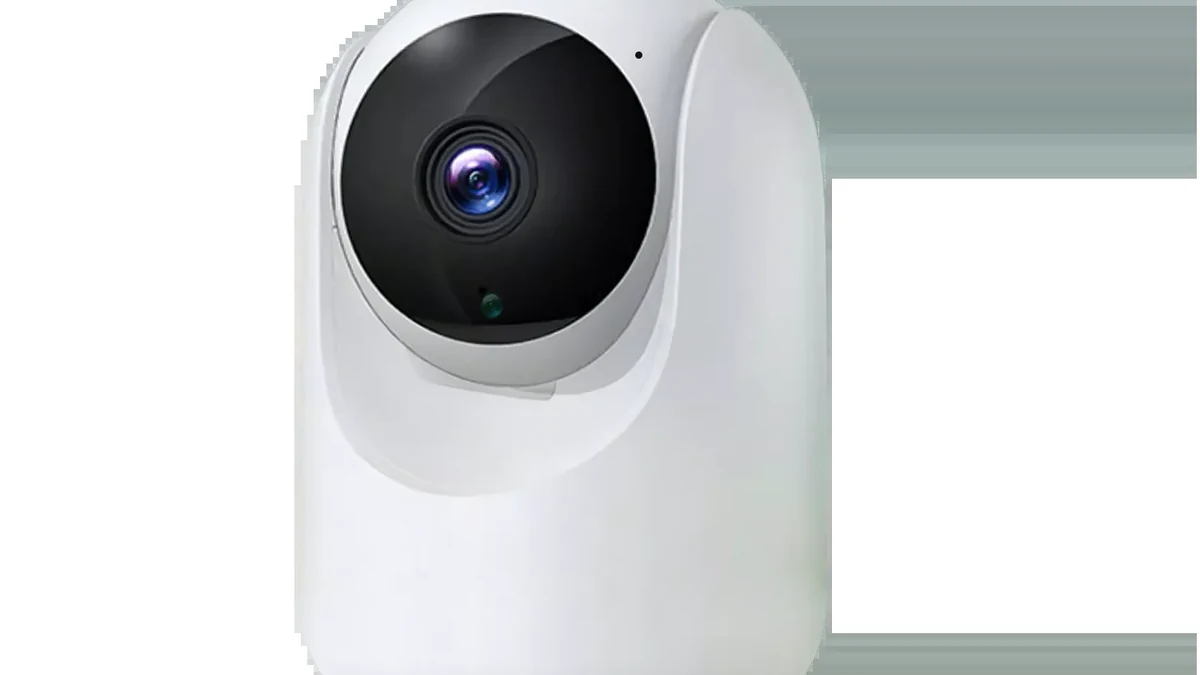
Real QZT C26 product scene. Event timing, retrigger and clip behavior must be verified on the exact firmware rather than assumed from the product form factor.
For the exact camera, record:
– what starts an event: pixel change, person detection, PIR, sound, another trigger or a combination;
– whether the camera has a pre-event buffer;
– how long the saved clip continues after the event;
– whether a new event can extend the same clip;
– whether there is a cooldown before another event can record;
– where the clip is saved: microSD, hub, NVR, cloud or more than one location;
– whether a notification can arrive even when the recording step fails;
– how the camera behaves when the card is full or the network is unavailable.
Do not publish a generic “30-second clip” or “five-minute cooldown” unless the exact model documentation or sample test supports that number.
A useful motion test should include short motion, sustained motion, two events close together and an event that happens immediately after the first clip ends.
Continuous recording must be explicitly supported
A powered camera with a microSD slot is not automatically a 24/7 recorder.
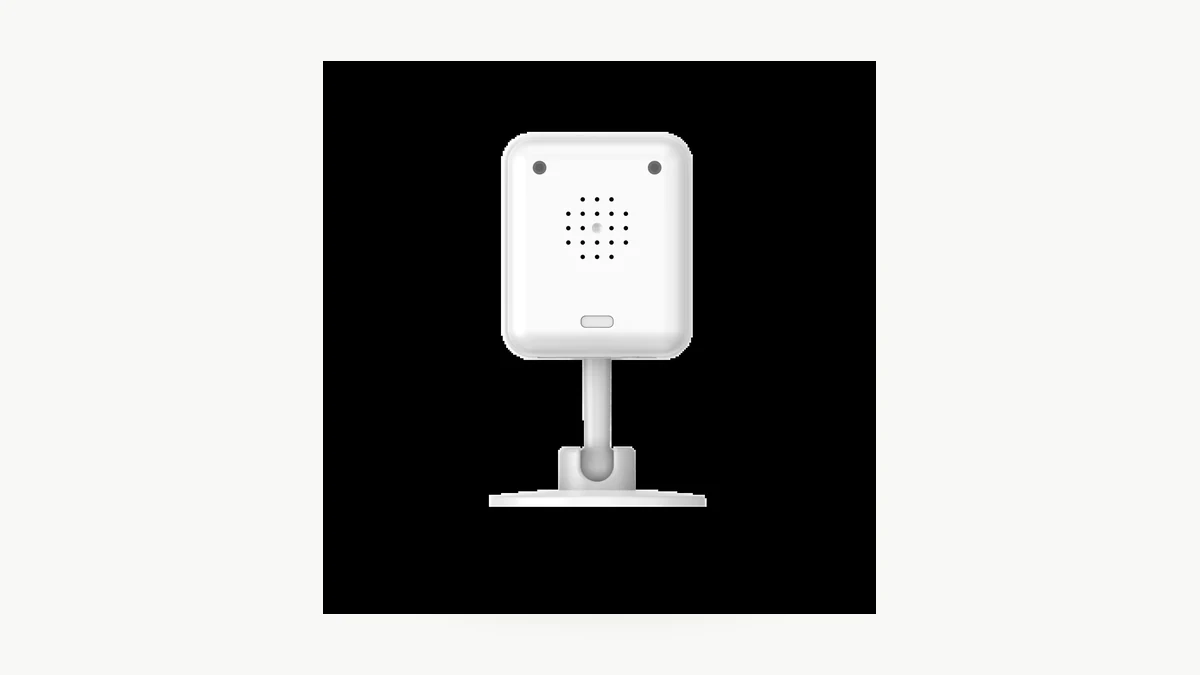
Real QZT C12 product image. The current page lists microSD storage; this article does not turn that into an unverified 24/7 recording claim.
Continuous recording normally requires all of these to line up:
– the camera firmware supports a continuous or scheduled recording mode;
– the selected storage path supports that mode;
– power remains available;
– the card, hub or NVR has enough write endurance and capacity;
– overwrite / loop behavior is configured as intended;
– the camera recovers correctly after power or storage interruption.
A current vendor example again shows why model-level verification matters. Tapo’s June 26, 2026 continuous-recording guide says continuous recording must be supported by the device and enabled in settings; it also states that its battery-powered cameras and doorbells do not support continuous recording. That documentation is vendor-specific, but the verification habit is broadly useful: support must be confirmed, not inferred from motion detection or a card slot.
If your project requires 24/7 footage, write that requirement explicitly into the sample acceptance test.
What current QZT indoor pages actually establish
Current QZT indoor-camera pages give useful starting specifications, but they do not all publish a verified continuous-recording result.
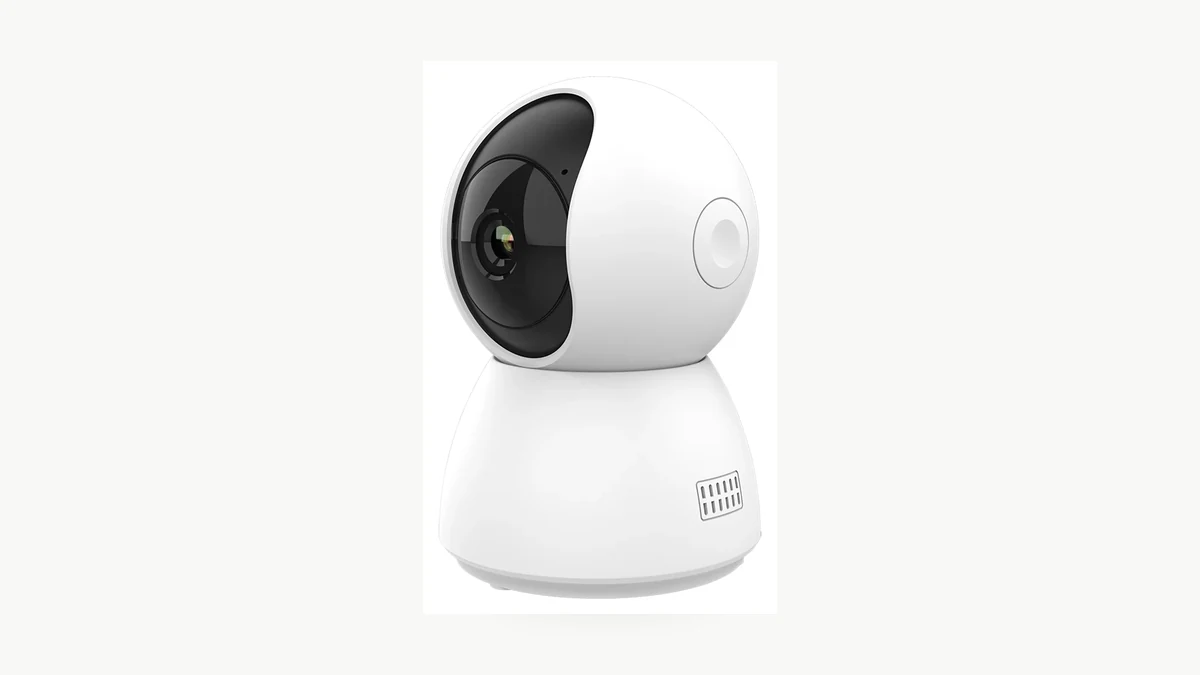
Real QZT C23B product photograph. The table below separates current public specifications from recording behavior that still needs a sample test.
| QZT model | Current page lists | Local storage | Continuous 24/7 status in this article |
|---|---|---|---|
| C12 | Human, motion and sound detection; alerts; Tuya/Smart Life | MicroSD up to 256GB | Not established on current public page |
| C23B | Human, motion and sound detection; alerts; Tuya Smart | MicroSD up to 256GB | Not established on current public page |
| C26 | Human, motion and sound alerts; Tuya/Smart Life | MicroSD up to 256GB | Not established on current public page |
That wording matters.
The pages establish that these models have detection functions and a local-storage option. They do not, by themselves, establish:
– continuous recording for every hour of the week;
– pre-event buffer duration;
– event clip duration;
– cooldown behavior;
– loop overwrite behavior under your selected card;
– recovery after power loss;
– whether app notifications and saved clips always use the same trigger policy.
Until the exact firmware/manual or a sample test confirms those points, keep them Not tested rather than filling them in from another product family.
Test the saved footage, not just the motion alert
A reliable sample test creates events you can reproduce and then checks the actual archive.
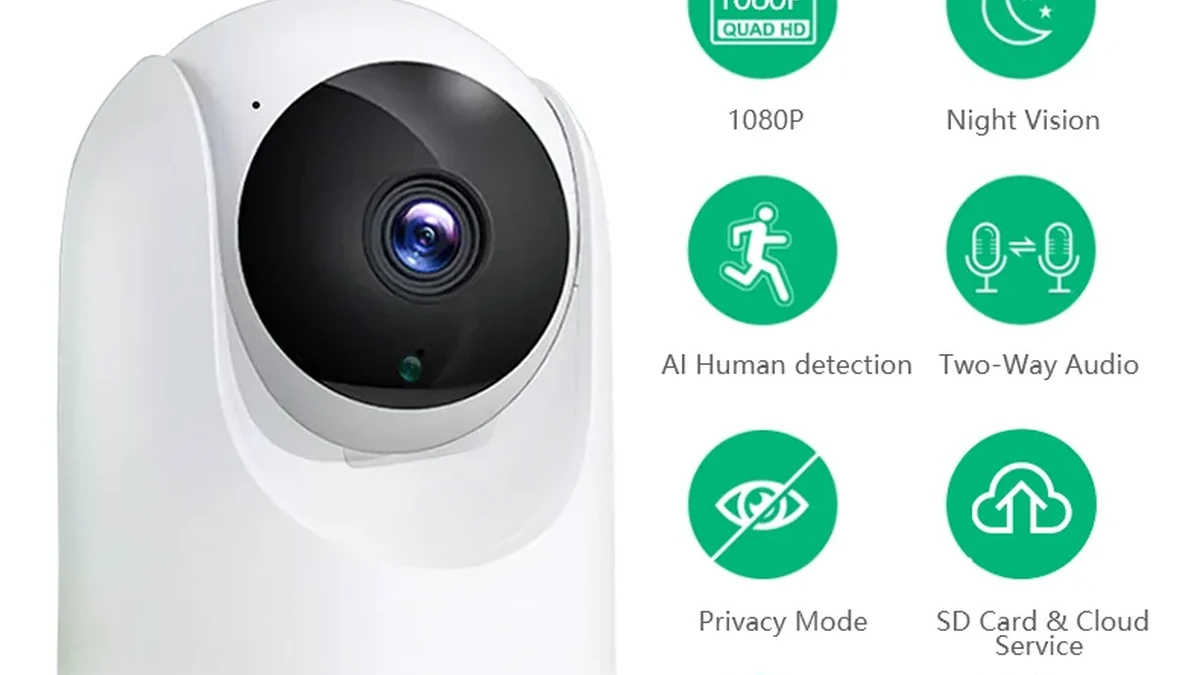
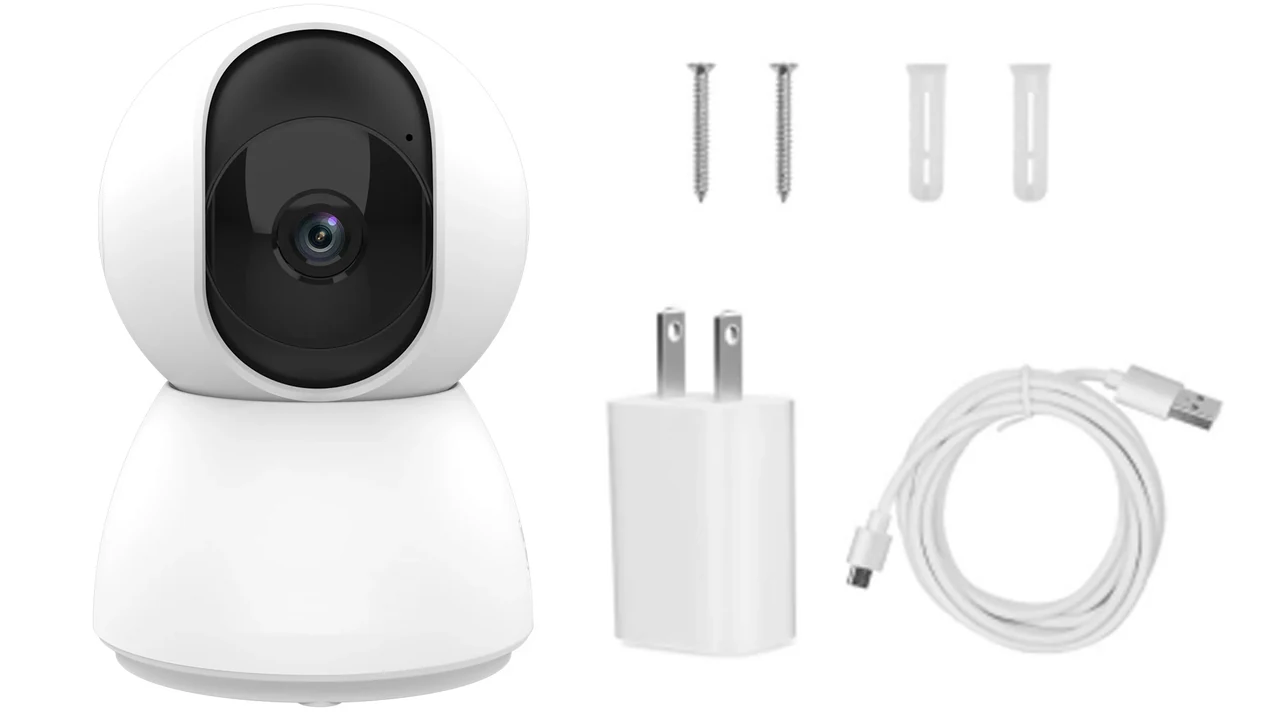
Real QZT C26 package/product image. Use the exact approved hardware and firmware for the recording acceptance test.
For an owned or authorized installation:
Test 1 — baseline recording
1. confirm card / hub / NVR storage is recognized;
2. note firmware, recording schedule and detection settings;
3. create one known event;
4. confirm the alert;
5. confirm the expected video is actually saved.
Test 2 — two events close together
Create one event, pause briefly, then create a second event. Check whether you receive:
– one long clip;
– two separate clips;
– one clip plus a missing second event;
– a notification without a saved second clip.
Test 3 — continuous schedule, if the model supports it
Enable the documented continuous mode for a short test window. After the test, inspect the timeline and confirm whether quiet periods are present between the known events.
Test 4 — storage interruption
Use the manufacturer’s supported method to test card-full, storage-unavailable or restart behavior. Do not remove media while the device is writing unless the manual allows it.
Record the results:
| Field | Result |
|---|---|
| Model / hardware / firmware | |
| Storage device / capacity / format | |
| Detection type and sensitivity | |
| Notification | Pass / Fail |
| Event clip saved | Pass / Fail |
| Second close event saved | Pass / Fail |
| Pre-event footage | Present / Absent / Not tested |
| Post-event duration | Observed value |
| Cooldown / retrigger | Observed behavior |
| Continuous mode available | Yes / No / Not tested |
| Continuous test window complete | Pass / Fail / Not tested |
| Loop / overwrite | Pass / Fail / Not tested |
| Power-restart recovery | Pass / Fail / Not tested |
| Evidence | Clip / screenshot / log ID |
“Not tested” is better than a guessed capability.
Choose the mode from the evidence you need
Motion recording and continuous recording solve different problems.
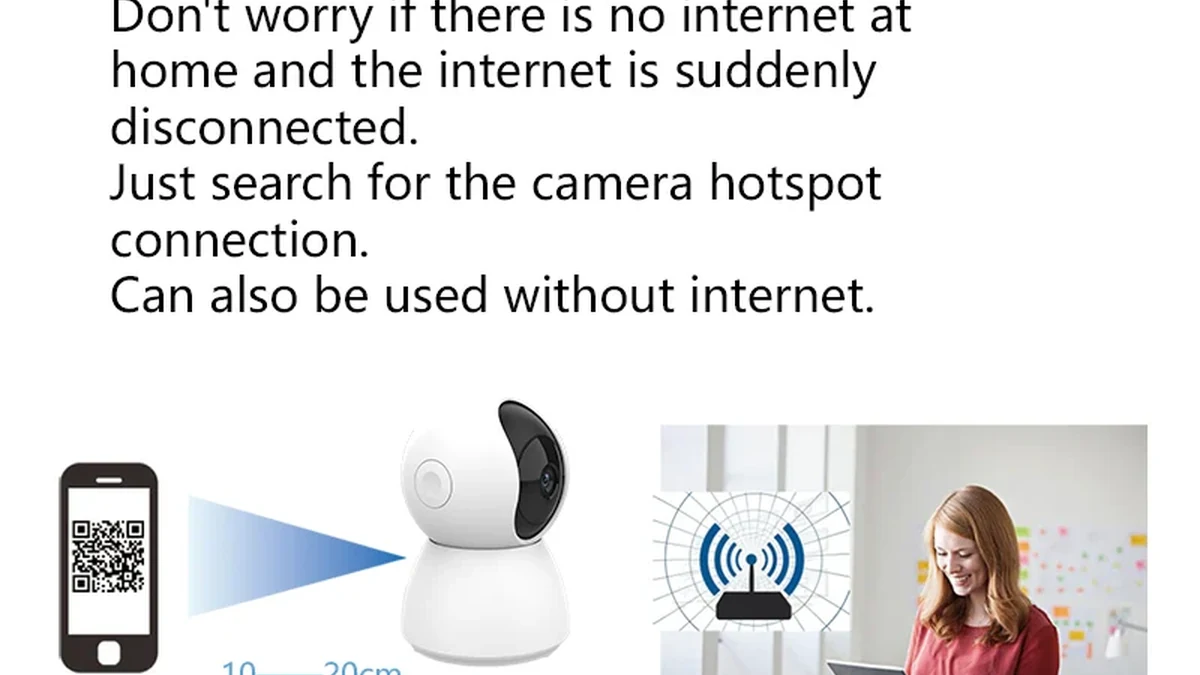
Real QZT C23B package image. Select the recording mode from the required evidence, not from a generic “smart camera” label.
Use motion/event recording when:
– you only need activity windows;
– storage and bandwidth efficiency matter;
– gaps between events are acceptable;
– the event trigger has been tested for the target scene.
Use continuous recording when:
– you need the quiet periods between events;
– missed triggers are unacceptable;
– the exact model/storage path explicitly supports the mode;
– power, card endurance and retention have been planned.
Some projects need both: continuous local recording plus event markers or notifications for faster review.
If the search task is “which indoor camera records 24/7,” the answer should come from a verified feature and storage test, not from the fact that the camera is plugged in. A plugged-in camera can stay powered indefinitely and still have firmware that only saves event clips.
For battery and overall runtime questions, keep those separate from this recording-mode decision. The older QZT runtime guide should own the battery-duration question; this page owns what gets saved and when.
Frequently asked questions
Does motion detection mean the camera records motion?
Not always. Detection can be used for notifications, alarms, tracking or recording depending on the model and settings. Confirm that the event produces the saved clip you need.
Does a microSD card mean the camera can record 24/7?
No. A card slot or local-storage specification does not prove that continuous recording is supported. Check the exact model, firmware and recording schedule options.
Is continuous recording the same as motion detection with no cooldown?
No. Continuous recording saves the whole scheduled period. Event recording still depends on trigger logic even if events can retrigger quickly.
Can a camera send a notification but fail to save the clip?
Yes, those functions can be separate. Storage errors, service configuration or recording policy can produce an alert without the expected archive. Verify both.
Do battery cameras record continuously?
Do not assume they do. Support is model-specific. As one current example, TP-Link states that its Tapo battery cameras and doorbells do not support continuous recording. Check your exact model rather than generalizing from another brand.
How much storage does 24/7 recording need?
Calculate from the actual bitrate or a measured sample file for the selected camera and mode. Resolution alone is not enough. The QZT guide How Much SD Card Storage Does a 1080p Spy Camera Need? covers the bitrate-based method.
The practical rule is: motion detection tells you that something may have happened; the archive tells you what was actually saved. Verify both before you rely on the installation.

 English
  Italiano
  Deutsch
  Français
  Español
  Polski