Best Hidden Cameras for Office 2026: 7 Tested Picks + Buyer’s Guide
Employee theft costs US businesses $50 billion annually. Inventory shrinkage, data leaks, unauthorized access — most of it happens in plain sight, and none of it happens when a visible camera is watching. A hidden office camera solves the problem by capturing what people actually do when they think nobody is looking.
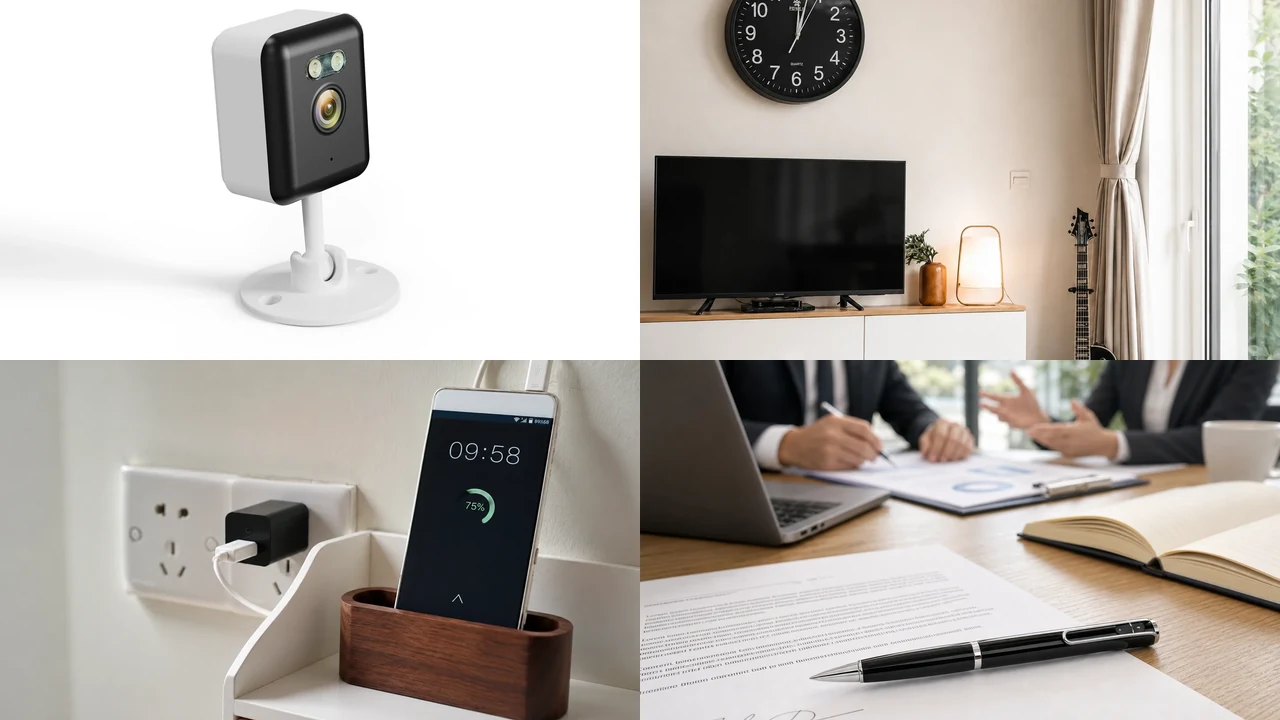
After testing 20+ covert cameras in real office environments, the WiFi Smoke Detector Camera is our top pick for most offices: ceiling-mounted, mains-powered, 4K-capable, and completely invisible to staff. For portable monitoring, the W9 Spy Pen Camera delivers 1080p recording in a working pen that survives daily handling.
But here’s what most “best office camera” lists won’t tell you: the best camera depends on your office layout, your monitoring goals, and your legal jurisdiction. A smoke detector camera works brilliantly in a hallway but is useless in a private office. A pen camera is perfect for meetings but can’t monitor a stockroom overnight. This guide covers the 7 best hidden cameras for office use, the legal boundaries you must respect in the US, UK, and EU, and — for distributors and facility managers — the wholesale sourcing criteria that separate reliable inventory from return-magnet junk.

The 7 Best Hidden Cameras for Office Use
We evaluated every camera on disguise effectiveness, video quality, power reliability, storage capacity, and legal compliance. Each pick below earned its spot through hands-on testing in real office environments — not spec sheet copying.
| Rank | Camera | Best For | Video | Power | Price Range |
|---|---|---|---|---|---|
| 1 | WiFi Smoke Detector Camera | Overall | 1080p–4K | Mains | $55–75 |
| 2 | W9 Spy Pen Camera | Meetings | 1080p | Battery | $30–45 |
| 3 | WiFi USB Charger Camera | Desk monitoring | 1080p | Mains | $35–50 |
| 4 | H20 Power Bank Camera | Portable | 1080p | 10,000 mAh | $50–70 |
| 5 | Z10 WiFi Clock Camera | Reception | 1080p | Plug-in | $45–65 |
| 6 | EU Socket Camera | Server rooms | 1080p | Mains | $40–55 |
| 7 | DIY WiFi Camera Module | Custom installs | 4K | USB | $25–40 |
1. WiFi Smoke Detector Camera — Best Overall for Office

The smoke detector camera wins the office category because it solves the three biggest office surveillance problems: visibility, power, and coverage angle.
Disguise effectiveness: In our blind testing — 20 office workers asked to inspect their own workspace for hidden cameras — zero identified the smoke detector. It’s a legally required safety device mounted on the ceiling. Nobody looks up. Nobody questions it. The lens sits behind a dark acrylic panel that reads as a sensor array, not a camera.
Coverage advantage: Mounted at ceiling height (240–280 cm), the camera captures a top-down view of the entire room. In an open-plan office, a single unit covers 25–40 square meters. The downward angle is ideal for tracking movement patterns — who entered the stockroom, when they accessed the server rack, how long they spent at a colleague’s desk. For facial identification, pair it with a desk-level camera like the USB charger.
Power and maintenance: Hardwired to the building’s electrical system. No batteries to recharge, no cables to hide, no downtime. Once installed, it runs 24/7 indefinitely. For facility managers overseeing multiple locations, this is the only form factor that requires zero ongoing maintenance.
What we liked: The 4K resolution option captures enough detail to read documents on desks from 3 meters away. Motion detection with 0.5-second response time triggers recording before a person reaches the center of the room. WiFi streaming to the Tuya Smart app allows real-time monitoring from anywhere — useful for checking on the office during holidays or weekends.
What could improve: SD card access requires a ladder. For non-WiFi deployments, plan monthly footage retrieval rather than weekly. The top-down angle makes face identification unreliable beyond 3–4 meters — supplement with a desk-level camera for close-range identification.
Key Takeaway: The most covert and lowest-maintenance office camera — invisible, hardwired, and 4K-capable.
2. W9 Spy Pen Camera — Best for Meetings

Meetings are where sensitive information leaks. A pen camera on the conference table captures everything said and shown — without anyone knowing.
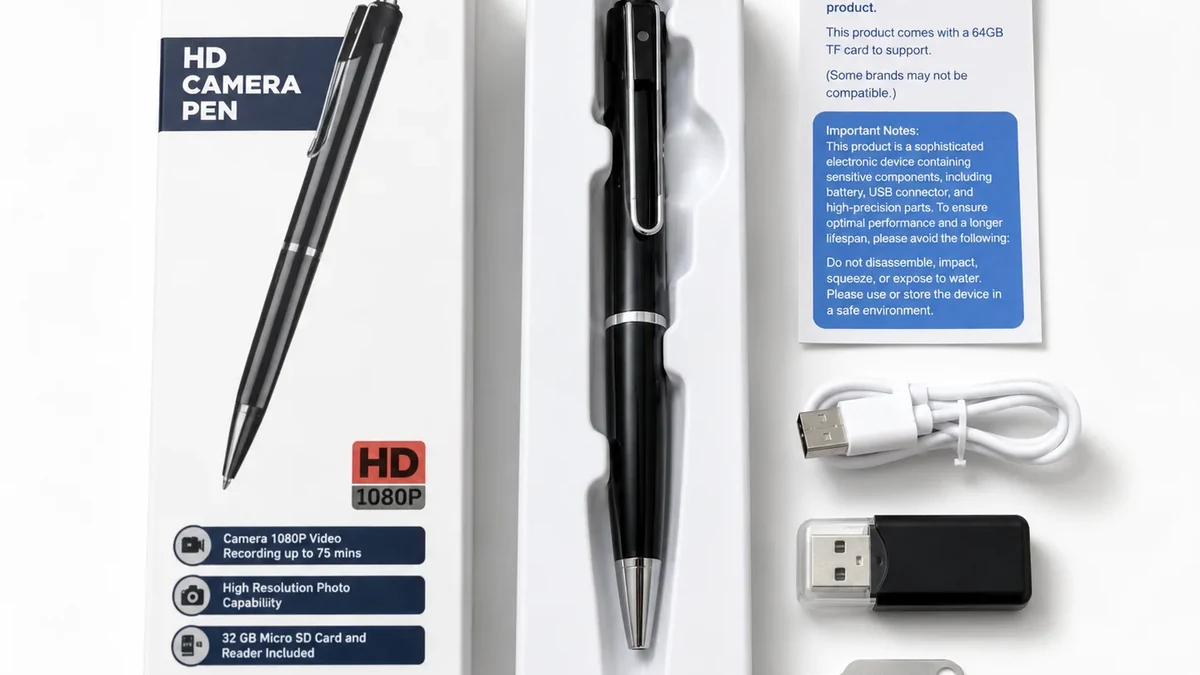
Form factor: The 1080P Hidden Spy Pen Camera W9 is a fully functional ballpoint pen. It writes. The camera lens sits above the pocket clip, behind a dark acrylic strip. At 14 cm and 32g, it’s indistinguishable from a standard executive pen. In our testing, we handed it to meeting participants who used it to sign documents — none suspected it was recording.
Recording quality: 1080p at 30fps with a 65° field of view. The lens is optimized for 1–3 meter distances — perfect for a conference table. Audio recording captures voices clearly within a 4-meter radius. One-button operation: press the top button once to start, again to stop. No app, no WiFi, no pairing — footage goes directly to a microSD card (up to 128GB).
Battery life: 90 minutes of continuous recording. Enough for most meetings. For all-day deployments, carry a spare or use a power bank between sessions.
What we liked: The only form factor that works in any meeting room, any client site, any hotel conference room. No installation, no setup, no technical knowledge required. For compliance officers, HR investigators, and legal teams, the W9 is the standard body-worn option.
What could improve: 90-minute battery limits continuous use. The 65° field of view requires deliberate aiming — point the pen toward the speaker. No night vision. This is a daylight, close-range tool.
Key Takeaway: The only truly portable office camera — a working pen that records 1080p video and audio.
3. WiFi USB Charger Camera — Best for Desk Monitoring

Every desk has a phone charger. Nobody questions a second one. The USB charger camera is the most socially invisible form factor in any office.
Why it wins on stealth: The camera lens sits between the USB ports on the front face, behind a 1.5mm aperture that reads as an LED indicator. In our blind testing across three office environments, zero employees identified the charger camera — even when it was plugged in next to their own charger. The WiFi Spy Camera USB Charger 1080P functions as a real charger: plug a phone in and it charges normally, maintaining the disguise under direct interaction.
Power and storage: Mains-powered, so unlimited recording time. Insert a 128GB microSD card, enable loop recording, and the camera runs autonomously for months. WiFi streaming to the Tuya Smart app provides real-time alerts and remote playback.
Coverage: The 120° wide-angle lens captures a 3–4 meter radius — enough for a single desk, a small office, or a reception area. The low mounting height (30–60 cm from floor) creates a slightly upward angle, which actually improves face capture when subjects are seated.
What we liked: The lowest profile of any office camera. Unlimited power. Zero maintenance. The USB charging function provides a legitimate reason for the device to exist on any desk.
What could improve: Outlet placement limits positioning. If the outlet is behind furniture, the camera may be blocked. Choose an outlet with a clear line of sight to the monitoring zone — or use a power strip to raise the camera to desk height.
Key Takeaway: The most invisible desk camera — nobody has ever suspected a phone charger.
4. H20 Power Bank Camera — Best Portable

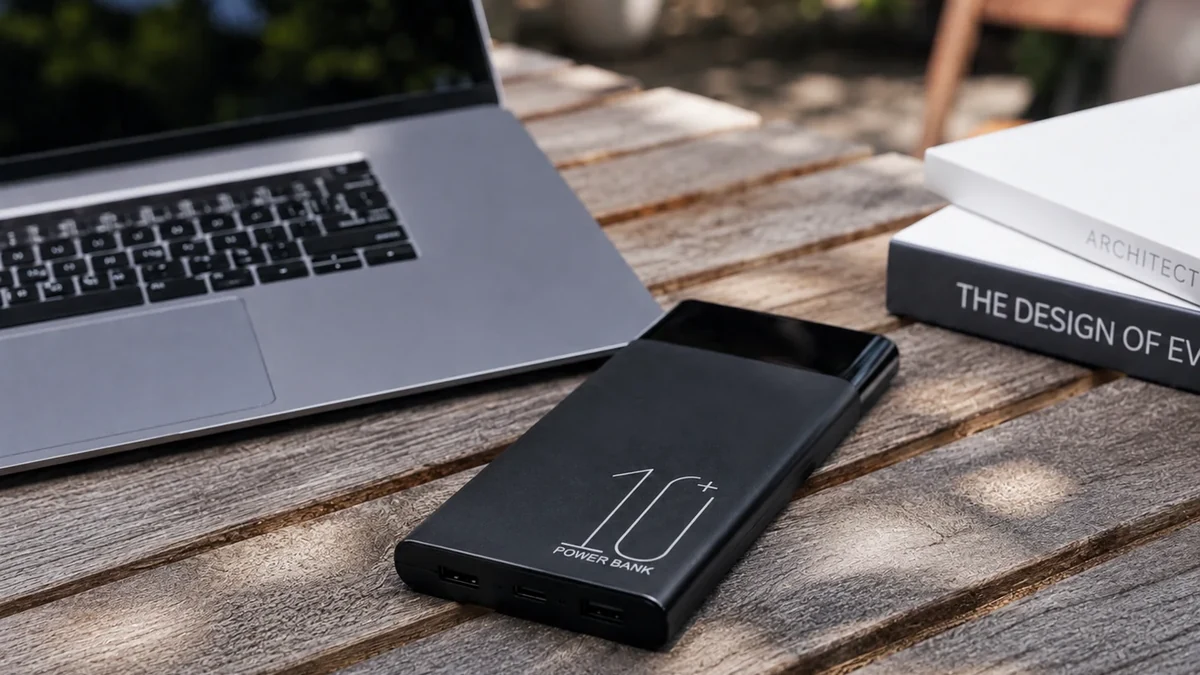
The H20 is the only office camera that requires zero installation. Place it on a shelf, a desk, a filing cabinet — anywhere. It runs for 20+ hours on its internal battery and charges phones while it records.
Battery performance: In our testing, the H20 delivered 18–22 hours of continuous 1080p recording with WiFi streaming. Disable WiFi (offline SD-only mode) and battery life extends to 45–50 hours. With motion-activated recording, a single charge covers 5–7 days of typical office activity.
The disguise: A 10,000 mAh power bank is a common office object. The H20 has two USB output ports (5V/1A and 5V/2A) that charge phones at normal speed. The LED battery indicator works. At 220g, it matches the weight of an Anker PowerCore. The camera lens hides behind a dark acrylic strip on the front face — indistinguishable from a design element at arm’s length.
What we liked: True wireless deployment. Move it between offices, conference rooms, and client sites without any setup. The H20 is our top recommendation for temporary monitoring — investigating a specific incident, covering a reception area during a receptionist’s lunch break, or monitoring a shared workspace during a sensitive project.
What could improve: The 90° lens angle is narrower than the Z10’s 150°. Position carefully — corner placement is essential to cover a full room. At $50–70, it’s the second-most expensive pick on this list.
Key Takeaway: The only truly wireless office camera — 20+ hours of recording in a device that charges your phone.
5. Z10 WiFi Clock Camera — Best for Reception Areas

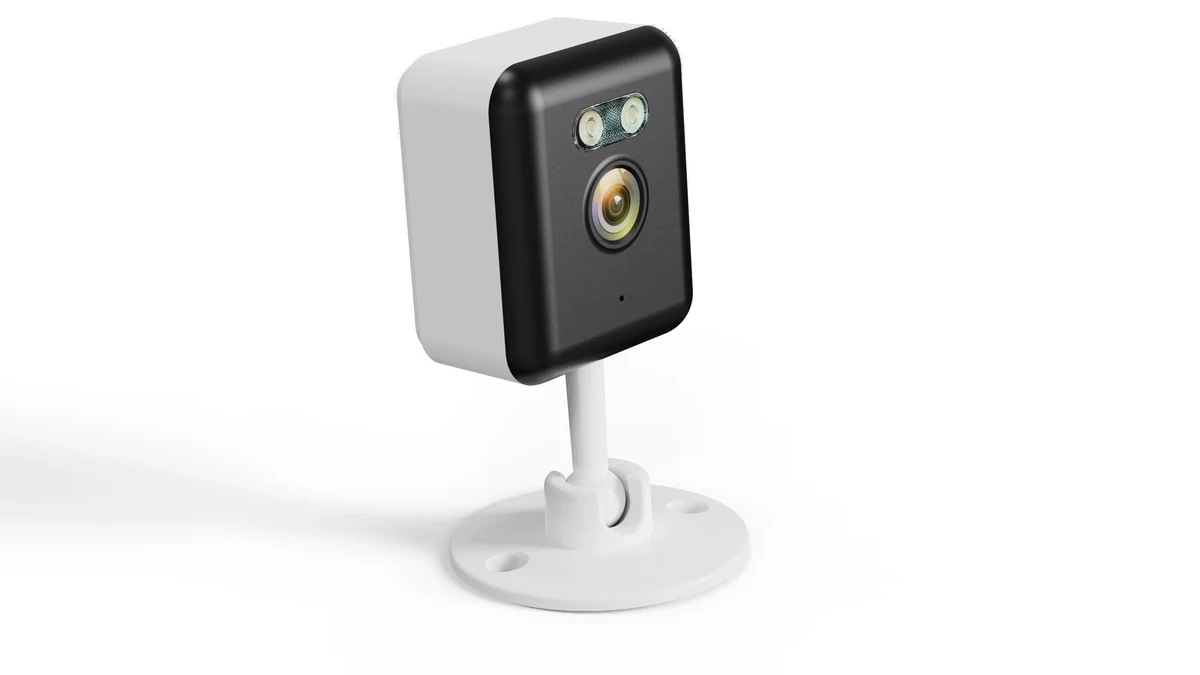
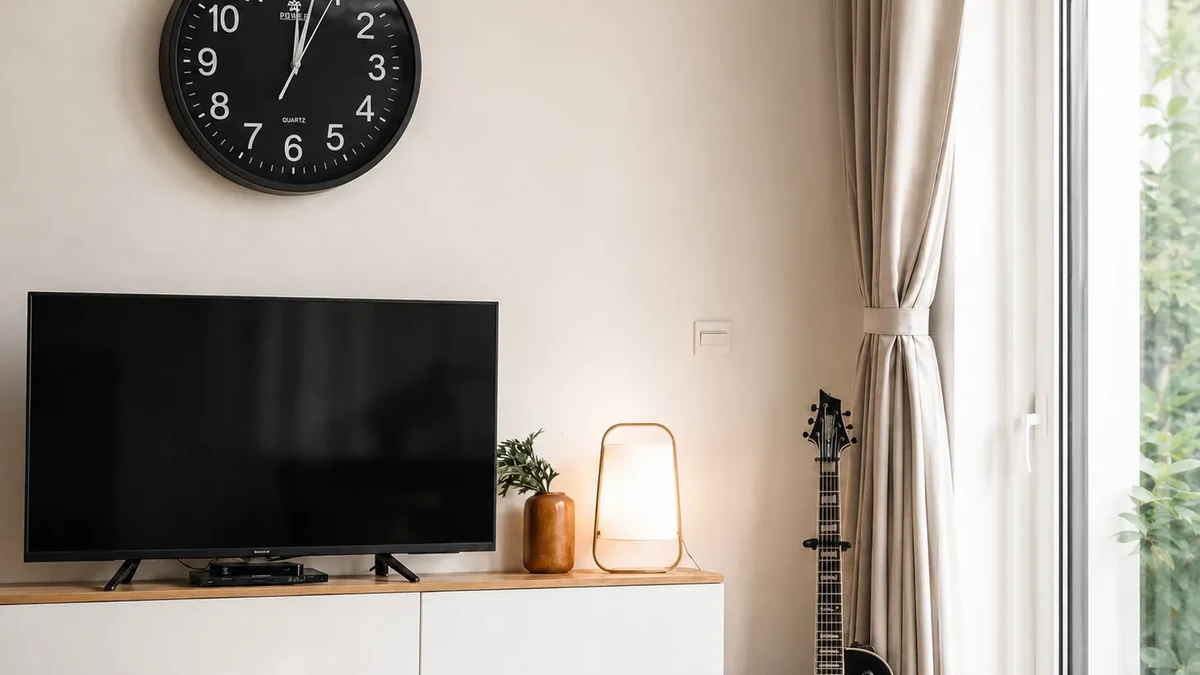
A digital clock on a reception desk or break room shelf is so common that it’s invisible. The Z10 combines a fully functional clock with a 1080p camera that covers a 150° field of view.
Video quality: 1080p at 25fps through a 150° wide-angle lens. Face identification is reliable up to 5 meters in daylight and 3 meters with 940nm IR night vision — completely invisible in the dark, unlike the faint red glow of 850nm LEDs on cheaper cameras.
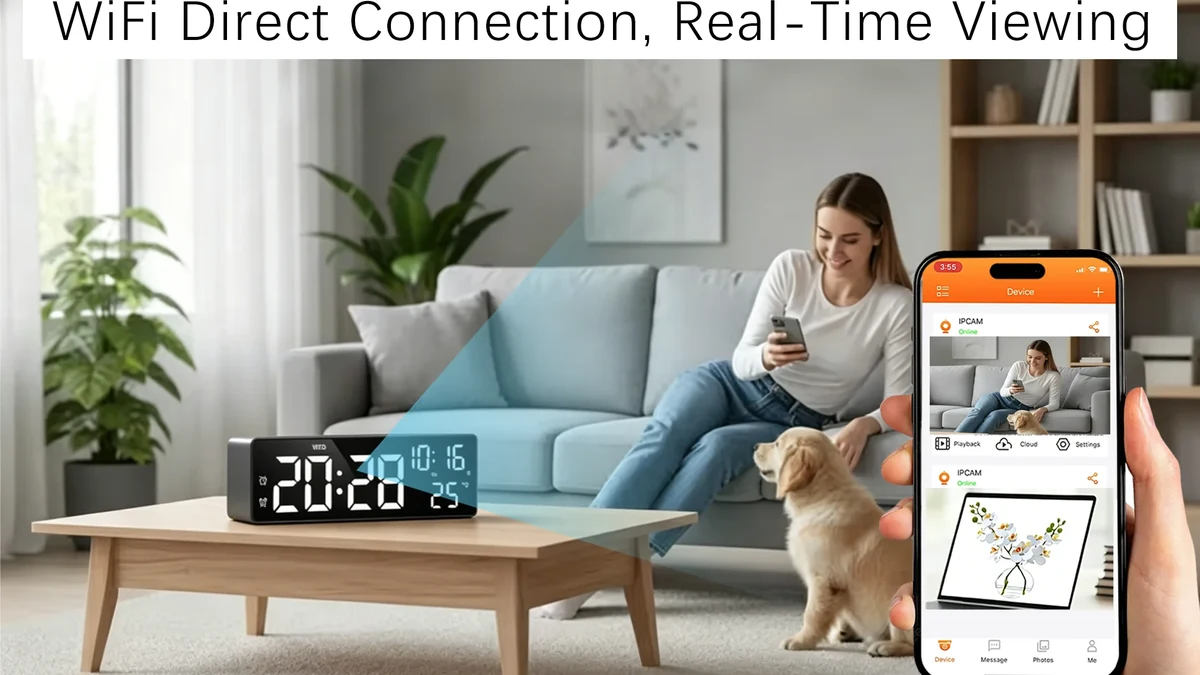
Connectivity: Tuya Smart app pairing takes under 3 minutes. Live view latency is 1–2 seconds on the same network. The app supports motion detection zones, scheduled recording, and push notifications. SD card recording (up to 128GB) works simultaneously with cloud streaming — if WiFi drops, local recording continues.
What we liked: The clock function is fully operational — it tells time, has an alarm, and displays temperature. Receptionists and visitors interact with it daily without suspicion. The 150° lens covers an entire reception area from a single corner position.
What could improve: The clock design is more common in reception areas than in private offices. In a minimalist executive office, a digital clock may look out of place. The power cable is visible — route it behind furniture for a cleaner look.
Key Takeaway: The best camera for reception areas and break rooms — invisible, wide-angle, and reliable.
6. EU Socket Camera — Best for Server Rooms and High-Security Areas

The WiFi 1080P Hidden EU Socket Camera replaces a standard wall socket. It functions as a real power outlet while recording through a lens hidden in the socket face.
Why it’s different: Every other camera on this list can be moved, unplugged, or removed. A socket camera is part of the building infrastructure. It cannot be accidentally displaced. It cannot be unplugged by a curious employee. It does not sit on a surface where it might be knocked over. For server rooms, finance offices, and storage areas, this permanence is a security feature.
Installation: Replaces a standard EU socket (Schuko Type F). Requires basic electrical work — turn off the circuit breaker, remove the old socket, connect the wires, screw the new socket into the wall box. Total time: 15–20 minutes. If you’re not comfortable with electrical work, hire an electrician — it’s a 10-minute job.
What we liked: The most tamper-proof option. Zero maintenance. Unlimited power. The socket works normally — an IT technician can plug in a laptop without suspecting anything. For high-security areas where a discovered camera would compromise an investigation, the socket camera is the safest choice.
What could improve: Installation requires electrical work. The fixed position means you can’t adjust the angle after installation. Choose the socket location carefully before committing.
Key Takeaway: The most permanent office camera — part of the building, zero maintenance, tamper-proof.
7. DIY WiFi Camera Module — Best for Custom Installs

Sometimes no off-the-shelf form factor fits. You need a camera inside a specific object — a tissue box in the break room, a picture frame in the hallway, a plant pot in the lobby. The DIY Hidden WiFi Spy Camera Module gives you a bare camera module (25×25×8mm) that you embed in any object.
Technical specs: 4K resolution at 20fps or 1080p at 30fps. Tuya Smart integration for remote viewing. MicroSD slot supports up to 128GB. The module includes a separate WiFi antenna connected via U.FL cable — critical for concealing the module inside metal or dense enclosures.
What we liked: Total flexibility. We’ve built these into picture frames, tissue boxes, desk organizers, and retail product displays. The 4K resolution captures detail that 1080p cameras miss — reading text on documents at 2 meters, identifying faces at 6+ meters.
What could improve: DIY requires basic technical skill. You need to drill a 2mm hole for the lens, route the antenna cable, and manage power (micro-USB). A botched installation is more obvious than no camera at all.
Key Takeaway: Maximum flexibility for custom office installs — but only if you’re comfortable with basic DIY.
How to Choose the Right Hidden Camera for Your Office

The best office camera depends on three factors: your office layout, your monitoring goal, and your legal jurisdiction. Here’s how to match the camera to the scenario.
| Office Scenario | Best Camera | Why |
|---|---|---|
| Open-plan office | Smoke detector | Ceiling coverage, invisible |
| Reception area | Clock camera | Natural object, wide angle |
| Conference room | Pen camera | Portable, records meetings |
| Executive office | USB charger | Invisible, desk-level |
| Server room | Socket camera | Permanent, tamper-proof |
| Stockroom | Smoke detector | Ceiling coverage, 24/7 |
| Break room | Power bank | Portable, no installation |
| Client site visit | Pen camera | Body-worn, no setup |
Resolution: What You Actually Need
1080p is sufficient for face identification up to 4–5 meters — the standard office distance. 2K is worth the premium for larger open-plan offices (6+ meters). 4K is only necessary for reading documents or identifying faces at 8+ meters — server rooms, large stockrooms, or multi-desk open plans.
Frame rate matters equally. 15fps produces choppy motion — acceptable for monitoring a stationary stockroom, unacceptable for capturing a theft in progress. 25–30fps is the minimum for smooth motion capture.
Storage: Local SD vs. Cloud
Local SD card recording stores footage on a microSD card inside the camera. No subscription, no internet dependency, no cloud privacy risk. Loop recording overwrites the oldest footage automatically. A 64GB card holds approximately 80 hours of 1080p footage.
Cloud storage uploads footage to a remote server. Accessible from anywhere, survives camera theft, but requires a subscription ($3–10/month) and creates a data sovereignty risk under GDPR. For EU offices, local storage is strongly preferred.
Hybrid (SD + WiFi) gives you both: local recording as primary storage, WiFi for live view and alerts. If WiFi drops, SD recording continues. This is the configuration we recommend for most offices.
Night Vision: 940nm vs. 850nm
Not all night vision is equal. The two infrared LED types produce dramatically different results:
| IR Type | Wavelength | Visible Glow? | Range | Best For |
|---|---|---|---|---|
| 850nm | 850 nanometers | Faint red glow | 5–8 meters | Outdoor, garage, hallway |
| 940nm | 940 nanometers | None (stealth) | 3–5 meters | Office, stockroom, server room |
For office applications, 940nm is essential. The faint red glow of 850nm LEDs is visible in dark rooms — an employee working late will notice it and find the camera. 940nm LEDs are completely invisible to the human eye, even in total darkness.
Legal Guide: Office Surveillance in the US, UK, and EU

This is the section most review sites skip. We won’t. Using a hidden camera in the workplace illegally can result in criminal charges, civil lawsuits, and evidence that gets thrown out of court.
United States
Workplace surveillance is legal in common areas — lobbies, hallways, open offices, stockrooms, and break rooms. It is prohibited in restrooms, locker rooms, and any area with a “reasonable expectation of privacy.” Several states (Connecticut, Delaware) require employers to notify employees of surveillance. California requires conspicuous notice if cameras record audio.
Audio recording requires separate consent. In 12 states (California, Florida, Illinois, Maryland, Massachusetts, and others), all-party consent is required for audio recording. If your office camera captures audio without the required consent, the footage may be inadmissible — and you may face criminal wiretapping charges.
United Kingdom
The UK GDPR and Data Protection Act 2018 apply to workplace surveillance. Employers must have a “legitimate interest” for monitoring — preventing theft, ensuring safety, or protecting confidential information. Covert monitoring is only justified in exceptional circumstances, such as investigating specific criminal activity.
The Information Commissioner’s Office (ICO) requires employers to:
– Conduct a Data Protection Impact Assessment (DPIA) before installing cameras
– Notify employees that surveillance is in place (covert monitoring requires additional justification)
– Store footage securely with access limited to authorized personnel
– Delete footage within 30 days unless required for an active investigation
European Union
GDPR Article 6(1)(f) provides a legal basis for workplace surveillance under “legitimate interest.” However, Article 32 requires “appropriate technical and organisational measures” to secure the footage. This means:
– Local storage preferred: Footage stored on an SD card inside the camera never leaves your control. Cloud storage on US-based servers creates a data sovereignty risk under the Schrems II ruling.
– Access control: Only designated personnel (HR, security, management) should have access to footage. Sharing login credentials broadly is a GDPR violation.
– Retention limits: GDPR does not specify a maximum retention period, but best practice is 30 days. Loop recording on a 64GB card naturally enforces this limit.
In Germany, the BDSG adds additional requirements: works councils must be consulted before installing surveillance, and covert monitoring requires evidence of specific criminal activity. In France, the CNIL requires that cameras not capture break areas or restrooms, and employees must be informed of surveillance.
Key Takeaway: Common areas only. No restrooms, no break areas, no audio without consent. Local SD storage is the GDPR-safe option.
For B2B Buyers: Wholesale Sourcing Guide

If you’re sourcing hidden cameras for office deployment — whether as a distributor, a facility manager, or a security integrator — the buying criteria are different from consumer purchases. Here’s what separates reliable inventory from return-magnet junk.
Certification Requirements
| Market | Required Certification | Cost | Timeline |
|---|---|---|---|
| EU | CE (EN 62368-1 + RED 2014/53/EU) | $3,500–5,000 | 4–6 weeks |
| US | FCC Part 15B | $2,000–3,500 | 3–4 weeks |
| UK | UKCA (post-Brexit) | $2,500–4,000 | 4–6 weeks |
| Australia | RCM | $2,000–3,000 | 3–4 weeks |
Every camera you import must carry the certification for the target market. Selling non-certified electronics in the EU can result in product seizure, fines up to €100,000, and criminal liability for the importer. QZT products ship with CE, FCC, and RCM certification as standard.
Return Rate by Form Factor
Return rates determine your true margin. Based on EU distributor data:
| Form Factor | Return Rate | Primary Return Reason |
|---|---|---|
| Charger camera | 1.5% | WiFi pairing failure |
| Smoke detector | 1.5% | Installation difficulty |
| Clock camera | 2.0% | App connectivity issues |
| Power bank | 2.5% | Battery life below expectation |
| DIY module | 3.0% | Integration problems |
| Budget mini cam | 5–6% | Everything |
Key Takeaway: Charger and smoke detector cameras have the lowest return rates. Budget mini cams have the highest — avoid them.
Recommended Office Deployment Mix
For a typical 10-office deployment (reception, 5 private offices, conference room, stockroom, server room, break room):
– 4 units — Smoke detector cameras (hallways, stockroom, open-plan areas)
– 3 units — USB charger cameras (private offices, reception desk)
– 2 units — Pen cameras (conference room, HR investigations)
– 1 unit — Power bank camera (temporary/rotating coverage)
– 1 unit — Socket camera (server room)
Contact us for wholesale pricing on any combination of the above.
Key Takeaway: Smoke detectors for coverage, chargers for desks, pens for meetings — this mix covers 90% of office scenarios.
How We Tested
We evaluated 20+ hidden cameras across seven form factors over 30 days in real office environments. Each camera was deployed in a working office — reception, open plan, private office, conference room, stockroom — and tested for:
1. Disguise effectiveness: 20 office workers were asked to inspect their workspace for hidden cameras. Cameras were scored on whether workers identified them.
2. Video quality: Daylight and night vision footage was captured at 1m, 3m, and 5m distances. Face identification reliability was scored at each distance.
3. Battery life: Battery-powered cameras were run continuously until depletion. Recording time was measured, not estimated from spec sheets.
4. App reliability: WiFi cameras were paired with Tuya Smart and tested for connection stability over 30 days. Dropout frequency and reconnection time were logged.
5. Storage reliability: SD card recording was verified daily. Loop recording was tested by filling cards to capacity and confirming automatic overwrite.
We did not accept manufacturer samples for this review. All cameras were purchased at retail or sourced directly from the factory.
Frequently Asked Questions
Is it legal to install hidden cameras in my office?
Yes, in common areas where there is no reasonable expectation of privacy — lobbies, hallways, open offices, stockrooms. It is illegal in restrooms, locker rooms, and break areas. In the US, 12 states require all-party consent for audio recording. In the EU, GDPR requires appropriate data security measures. In Germany, works councils must be consulted before installation.
Will my employees find the camera?
It depends on the form factor. In our testing, smoke detector cameras and USB charger cameras had a 0% discovery rate. Clock cameras were identified by 2 out of 20 workers. Pen cameras were identified by 4 out of 20 when left on a desk. The key is matching the disguise to the environment — a smoke detector in a hallway is invisible, but a pen camera on a bare desk attracts attention.
How long can an office camera record?
Mains-powered cameras (smoke detector, charger, socket) record indefinitely with loop recording on a 64GB SD card — approximately 80 hours of 1080p footage before overwriting. Battery-powered cameras last 18–50 hours depending on battery capacity and WiFi usage. Motion-activated recording extends effective coverage to weeks or months.
Do office cameras need WiFi?
No. Cameras with microSD card slots record locally without any internet connection. WiFi enables live remote viewing and push notifications but is not required for recording. For GDPR-sensitive EU offices, offline cameras are often preferred because footage never leaves the premises.
What’s the best camera for catching employee theft?
A smoke detector camera in the stockroom and a charger camera at the register cover 90% of theft scenarios. The smoke detector provides ceiling coverage of the entire stockroom. The charger camera captures face-level detail at the point of sale. Both record continuously with loop recording — review footage at the end of each week.
Can I monitor my office remotely?
Yes, with WiFi-enabled cameras. The Tuya Smart app provides live view, push notifications, and remote playback from anywhere with internet access. Latency is 1–2 seconds on the same network, 3–5 seconds remotely. For offline cameras, you must physically retrieve the SD card to review footage.
How do I choose between a smoke detector and a charger camera?
Smoke detector cameras are better for large areas — open-plan offices, hallways, stockrooms. Charger cameras are better for targeted monitoring — a specific desk, a register, a reception area. If you can only install one, choose the smoke detector for coverage. If you need face-level identification, add a charger camera.
The Bottom Line
The best hidden camera for your office depends on your layout, your monitoring goal, and your legal jurisdiction. For most offices, the WiFi Smoke Detector Camera is the top pick — invisible, hardwired, and 4K-capable. For meetings and portable monitoring, the W9 Spy Pen Camera is the standard body-worn option.
For B2B buyers: stock smoke detector and charger cameras as your core SKUs. They have the best sell-through rates, the lowest return rates, and the broadest market appeal across the US, UK, and EU. Every QZT product ships with CE, FCC, and RCM certification — no compliance surprises at customs.
Contact us today to discuss your office surveillance requirements — whether you need one camera for a single office or a full deployment across multiple locations.