
Yes — some cameras are designed to record locally without any WiFi setup at all. But a WiFi camera with a microSD slot is a different case: the presence of local storage does not, by itself, prove how that model behaves when the internet fails, when the router disappears, or when the camera has never been paired.
Start by separating four different situations:
1. a standalone camera with no WiFi function;
2. a WiFi camera that is still connected to the local router while the internet is down;
3. a WiFi camera that has lost the router/WiFi network entirely;
4. a camera that has never been paired but has a microSD card inserted.
Those states are not interchangeable.
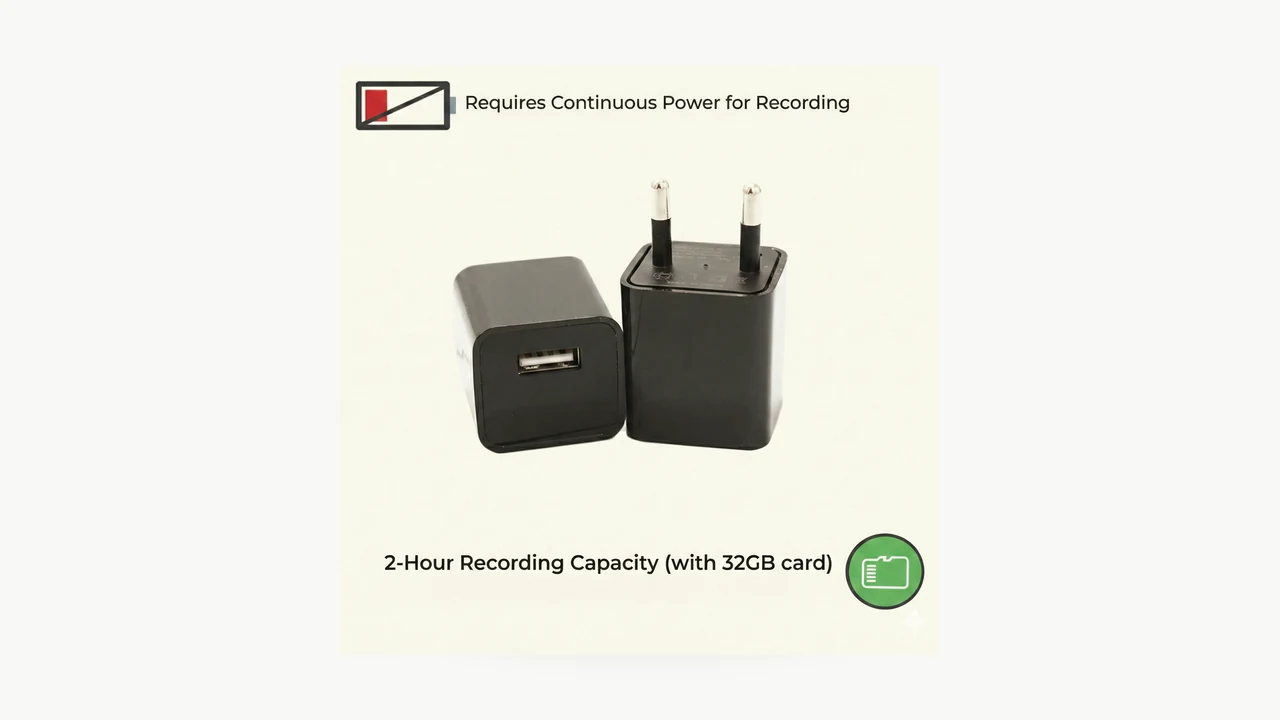
Real QZT USB charger camera product image. Its current page explicitly lists no WiFi setup and standalone DVR recording.
“No WiFi” can mean four different things
When someone says a camera “works without WiFi,” first ask what has actually disappeared.

Real QZT S80 scene. S80 is a standalone DVR example; it should not be used to infer the offline behavior of a Tuya WiFi camera.
| State | Local camera power | Local WiFi/router | Internet | What still needs verification |
|---|---|---|---|---|
| Standalone non-WiFi DVR | Yes | Not required | Not required | Recording mode, card support, loop behavior, file retrieval |
| WiFi camera, internet outage | Yes | Yes | No | Does local recording continue? Can LAN viewing work? What app functions fail? |
| WiFi camera, router/WiFi lost | Yes | No | No | Does recording continue? Does it recover automatically? |
| Never paired / no network configured | Yes | No | No | Will this firmware start local recording without onboarding? |
A product page can prove the first row when it explicitly describes a standalone DVR. For the other rows, use the exact manual or a controlled sample test.
Do not use “offline” as one vague state. Record whether the camera lost internet, lost the local WiFi association, or was never configured.
Standalone local-recording cameras are the simplest case
A camera that was designed as a standalone recorder does not need an app server to create the local file.

Real QZT W9 product photograph. Its current page lists local MicroSD recording and no WiFi/app setup.
Current QZT examples include:
– USB Charger Hidden Camera with 1080P Motion Recording: current page explicitly lists No WiFi setup, standalone DVR recording and MicroSD support up to 64GB.
– W9 1080P Spy Pen Camera: current page lists local MicroSD storage up to 64GB and button control without WiFi or app setup.
– S80 DIY Camera Module: current page describes a standalone DVR module for local MicroSD recording up to 128GB.
These examples support a narrow statement: those listed configurations are intended to create local files without a WiFi app connection.
They do not prove that every QZT WiFi camera can be used the same way.
A WiFi camera with microSD storage still needs an offline-behavior test
A microSD specification tells you that the camera has a local-storage path. It does not automatically answer every network-failure question.
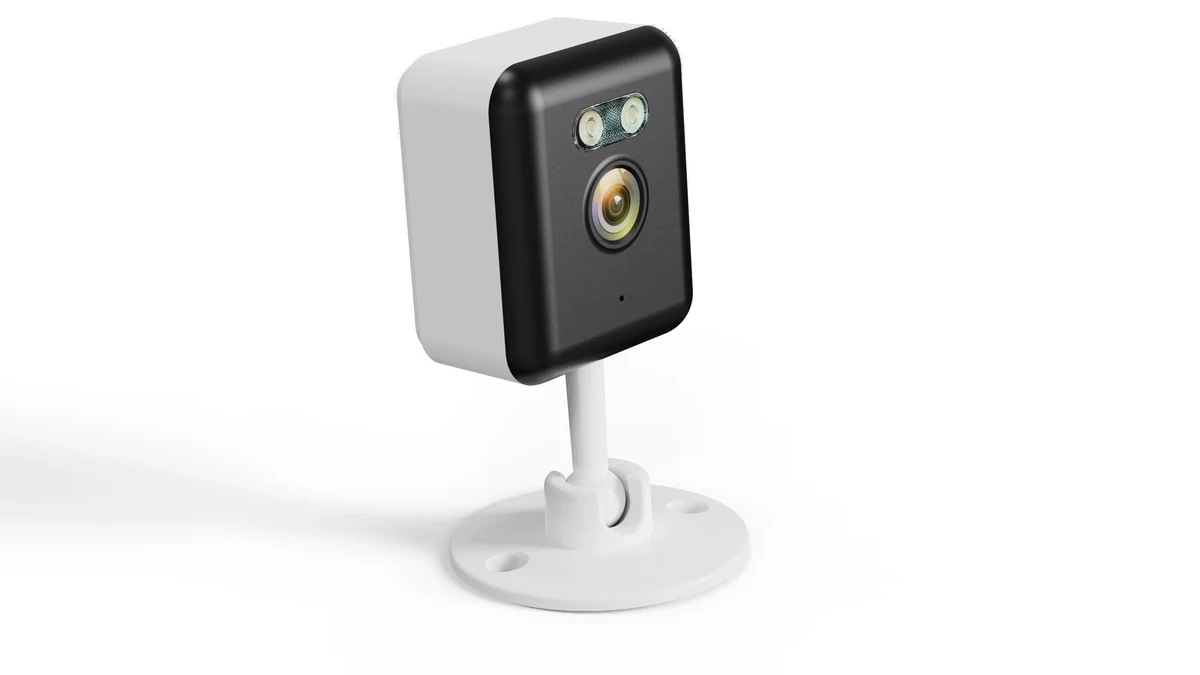
Real QZT C12 product scene. The current page lists Tuya Smart / Smart Life and MicroSD storage; this article does not treat that as proof of offline startup or post-network-loss behavior.
For example, the current C12 Indoor Fixed WiFi Camera page lists:
– Tuya Smart / Smart Life;
– local MicroSD storage up to 256GB;
– wired 5V DC power.
That is enough to say C12 has a listed local-storage option.
The current public page does not document, by itself:
– whether an unpaired C12 starts local recording before app onboarding;
– whether recording continues after the router disappears;
– whether a scheduled recording policy remains active without internet;
– whether playback is available over the local LAN without cloud access;
– how long the camera takes to recover after the router returns.
Until the exact firmware/manual or a sample test answers those questions, keep them Not tested.
This distinction matters for any WiFi/Tuya camera. “Has a card slot” and “verified offline behavior” are two different claims.
Storage capacity does not tell you recording time by itself
The old version of this article used one fixed “GB per hour” number across QZT cameras. That is too broad.
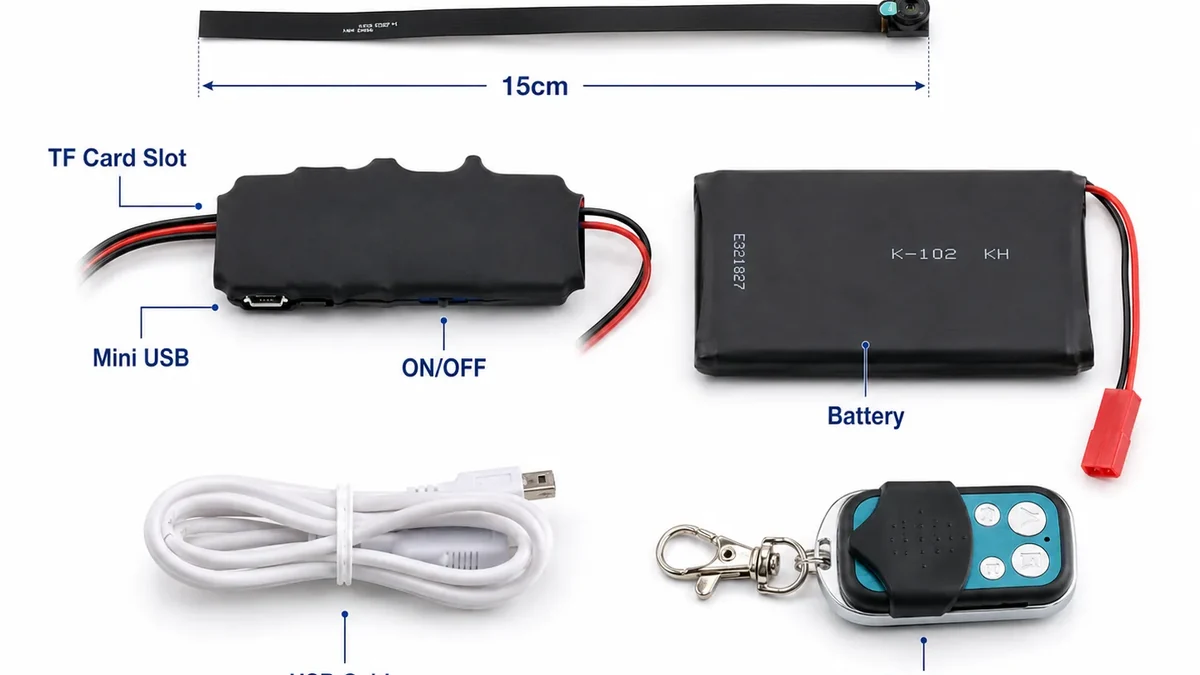
Real QZT S80 kit. The supported card capacity is model-specific, while retention time depends on the actual files the selected build produces.
Recording retention depends on bitrate, codec, frame rate, audio, motion/event policy, file overhead and whether the camera writes continuously.
Use the measured bitrate or a real sample file rather than assuming every 1080p camera writes the same number of gigabytes per hour.
The current QZT storage guide, How Much SD Card Storage Does a 1080p Spy Camera Need?, uses bitrate-based examples for that reason.
For an exact camera:
1. confirm the supported card capacity and card family;
2. confirm the file system or in-camera formatting method from that model’s documentation;
3. make a sample recording under the intended mode;
4. measure the actual file size over a known duration;
5. calculate retention from the measured data;
6. verify loop/overwrite behavior on a full card.
Do not assume every QZT camera supports exFAT, every device splits files the same way, or loop recording is enabled by default.
What current QZT examples actually establish
Use product-page evidence narrowly.
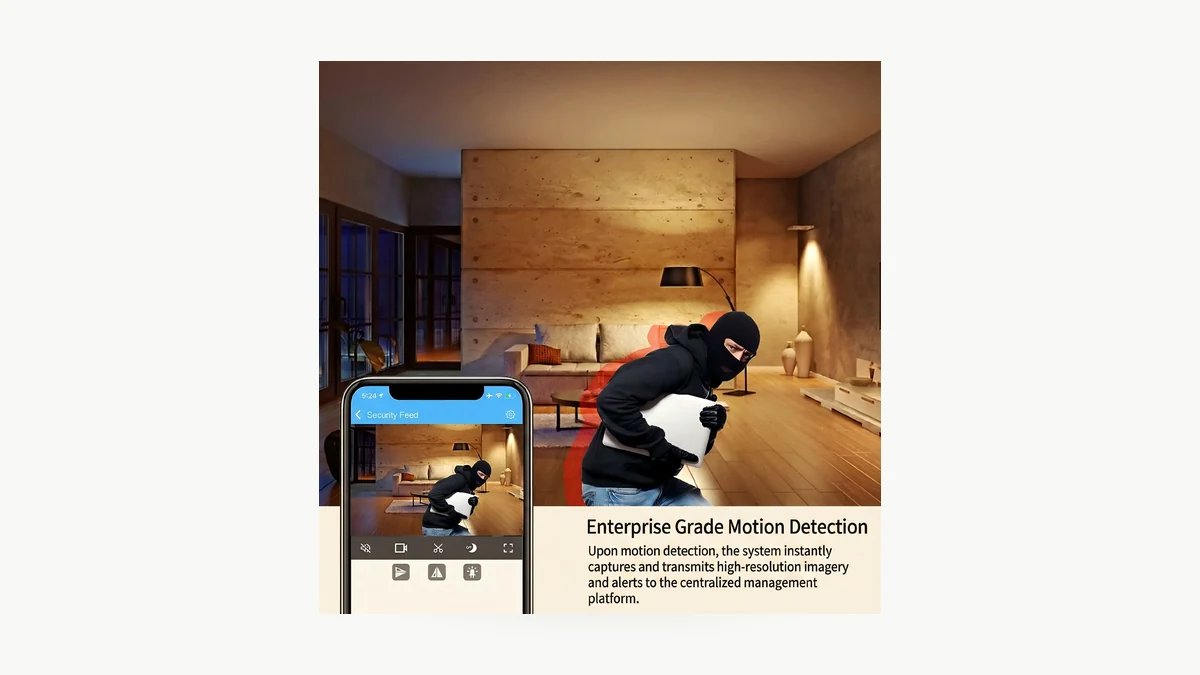
Real QZT USB charger camera image. The matrix separates what the current page establishes from offline behaviors that still require testing.
| Model / configuration | Current public-page evidence | Network state we can state | What remains unverified |
|---|---|---|---|
| USB Charger S8 | No WiFi setup; standalone DVR; MicroSD up to 64GB | Local recording is a listed standalone function | Exact retention time for your card/mode |
| W9 Pen Camera | Local MicroSD up to 64GB; no WiFi/app setup required | Standalone local recording | Your real session runtime and file size |
| S80 DIY Module | Standalone DVR; local MicroSD up to 128GB | Standalone local recording | Your enclosure, power and recording-mode result |
| C12 Indoor WiFi | Tuya/Smart Life; local MicroSD up to 256GB | Local storage is listed | Offline startup / recording after WiFi loss / LAN playback: Not tested here |
This is the important procurement rule:
> Choose a standalone DVR when “no network required” is itself a requirement. Choose a WiFi camera only after the exact offline behavior you need has passed a sample test.
Do not generalize from one app family to another, or from one firmware to another.
Test the exact failure state before relying on offline recording
A useful acceptance test deliberately creates the network failure you care about.
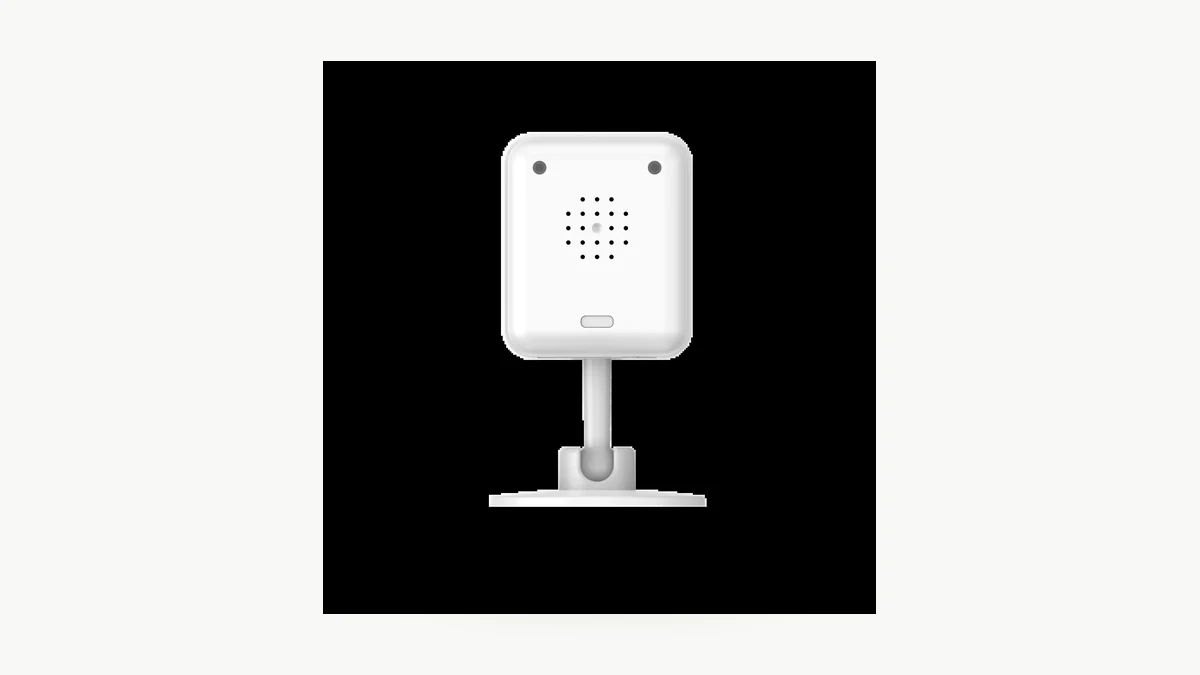
Real QZT C12 product photograph. Use the exact approved sample and firmware; no offline result is claimed here.
For an owned or authorized installation:
Test A — normal baseline
1. power the camera normally;
2. confirm the card is recognized;
3. create a known recording/event;
4. confirm the expected file exists;
5. note app, firmware, recording schedule and card details.
Test B — internet down, router still running
1. leave the local WiFi/router powered;
2. disconnect the router from the internet;
3. create another known event;
4. note whether local recording continues;
5. note whether local app/LAN access remains possible;
6. restore internet and check recovery.
Test C — router/WiFi unavailable
1. remove power from the router or move the approved sample away from that network;
2. keep camera power unchanged;
3. create a known event;
4. check the card later;
5. record whether the camera reconnects after WiFi returns.
Test D — never-paired startup, only if your project needs it
Use a reset or unused sample following the exact manual. Insert the supported card, power it without onboarding and observe whether the required recording mode starts. Do not assume the result from another model.
Record the results:
| Field | Result |
|---|---|
| Model / hardware / firmware | |
| App version | |
| Card model / capacity / format | |
| Recording mode / schedule | |
| Baseline file saved | Pass / Fail |
| Internet-off recording | Pass / Fail / Not tested |
| Router-off recording | Pass / Fail / Not tested |
| Never-paired local recording | Pass / Fail / Not tested |
| Local LAN playback without internet | Pass / Fail / N/A / Not tested |
| Remote playback while offline | Expected unavailable / other observed result |
| Auto-reconnect after network returns | Pass / Fail / Not tested |
| Evidence | Clip / screenshot / log ID |
“Not tested” is better than turning a card-slot specification into a promise.
Frequently asked questions
Can an indoor camera record if the internet goes down?
It can on some models when local recording is supported and the recording process does not depend on the unavailable service. Verify the exact model and failure state. Internet loss while the local router remains up is different from losing WiFi entirely.
Can a camera record without a router?
A standalone non-WiFi DVR can. A WiFi camera is model- and firmware-dependent. A microSD slot alone does not prove that the camera will start or continue recording with no router.
Does MicroSD storage mean the camera works offline?
It proves there is a local-storage feature only if the product documentation says so. It does not automatically prove offline startup, recording after WiFi loss, local playback, remote playback or automatic recovery.
Can I watch a local recording remotely while the camera has no network connection?
Not through that disconnected camera path. Remote access requires a communication path from the camera/site to the viewer. You can still retrieve files locally on a standalone recorder if the model supports card/USB review.
Is a travel router a substitute for internet?
A travel router can create a local WiFi network, but whether a particular camera/app supports useful LAN-only viewing without internet is model-dependent. Do not publish a universal viewing distance or assume cloud-dependent apps work locally without testing.
How much footage fits on 64GB or 128GB?
Calculate from the actual bitrate or measured sample file for the exact camera and recording mode. Resolution alone is not enough to predict retention accurately.
The practical rule is: if the requirement is “records with no network at all,” select a configuration documented as standalone. If the requirement is “a WiFi camera should keep recording when connectivity fails,” test that exact failure state on the approved sample before promising it.

 English
  Italiano
  Deutsch
  Français
  Español
  Polski