
When a voice recorder does not appear to charge, start with the charging path before replacing the battery or recorder. Confirm the exact model, cable, USB power source and expected charge behavior. Then separate two different failures: a recorder that never accepts charge and a recorder that reaches “full” but loses usable runtime soon afterward.
Keep any recordings you still need backed up before troubleshooting. If a unit becomes unusually hot, swells, smells abnormal or shows visible battery damage, stop the charging test and follow the supplier’s safety instructions instead of continuing to experiment.
Is the cable and power source actually delivering a charge?
Start with the parts you can change without opening the recorder. Use the cable and charging method documented for the exact supplied model. A connector that fits mechanically does not prove that the cable, adapter or computer port is appropriate for that recorder.
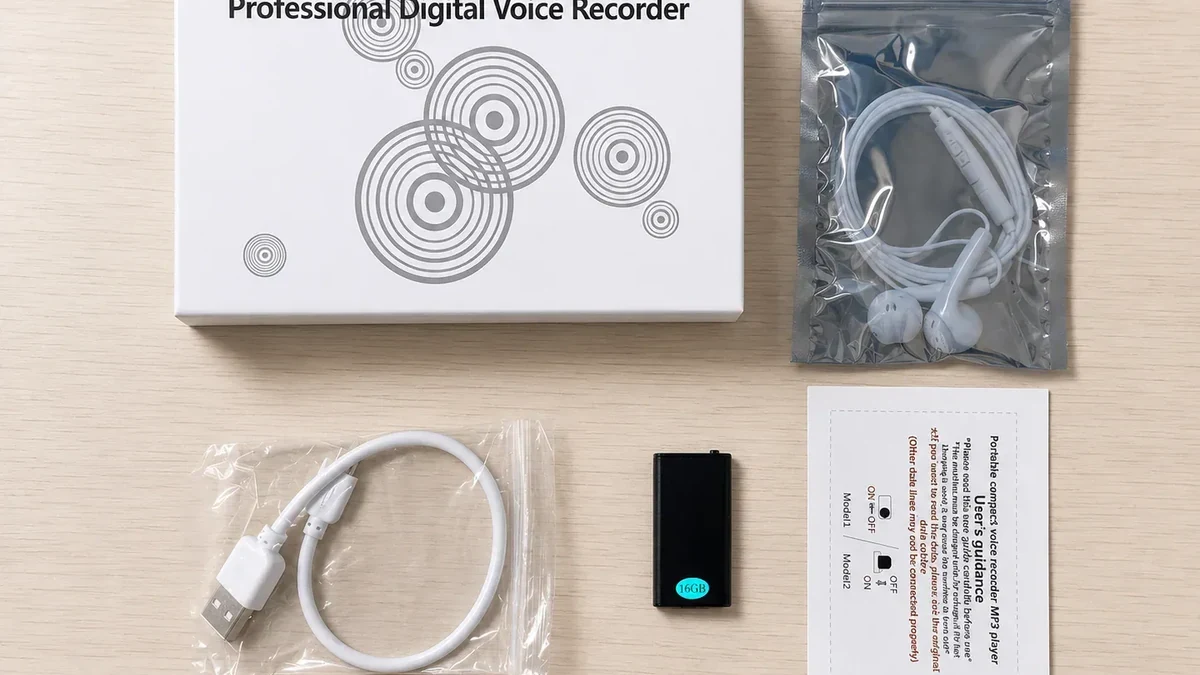
Sony’s ICD-UX570 charging troubleshooting gives a useful model-specific example. Sony says that recorder will not charge from a computer that is off or in standby/sleep, recommends disconnecting and reconnecting it, and advises removing a USB hub or extension cable and connecting directly to the computer’s USB port. Those instructions apply to the ICD-UX570, not automatically to a QZT recorder.
I would use the same diagnostic principle without copying Sony’s menu or hardware assumptions. Test one known-good charging path at a time:
1. Inspect the recorder port and cable ends for damage, contamination or a loose fit.
2. Use the supplied cable where available, or a replacement specifically confirmed for the exact recorder.
3. Try a known-good USB power source that matches the recorder documentation.
4. If charging from a computer, keep the computer awake during the test.
5. Remove unneeded hubs, extension cables and adapters while isolating the problem.
Do not rotate through random fast chargers merely because the plug fits. The correct charging method is a model specification, not a connector-shape guess.
The current QZT Q1 product page lists a built-in polymer lithium battery and states that charging takes about 1–1.5 hours through computer USB for the current Q1 listing. Treat that as a Q1 reference only. A Q61, Q37, pen recorder or another Q1 revision may have different charging hardware or instructions.
| Observation | Next check |
|---|---|
| No response with one cable, but normal charging with a confirmed cable | Replace or isolate the cable |
| No response through a hub, but charging starts on a direct supported port | Keep the direct path and investigate the hub/adapter separately |
| Computer recognizes files but battery does not gain charge | Check the model’s charging mode and battery condition |
| Recorder charges from one documented source but not another | Compare the supported power-source requirements before replacing hardware |
| Connector feels loose or charging stops when the cable moves | Stop repeated flexing and inspect the port/cable for mechanical damage |
If the recorder is visible on the computer but file transfer is the problem, charging and USB data are no longer the same troubleshooting task. Use the separate voice recorder USB recognition checks for the data path.
What should the exact recorder do while charging?
Do not diagnose charging from another model’s LED color, screen icon or button sequence. First identify the exact recorder and revision, then compare its documented charge state with what you observe.
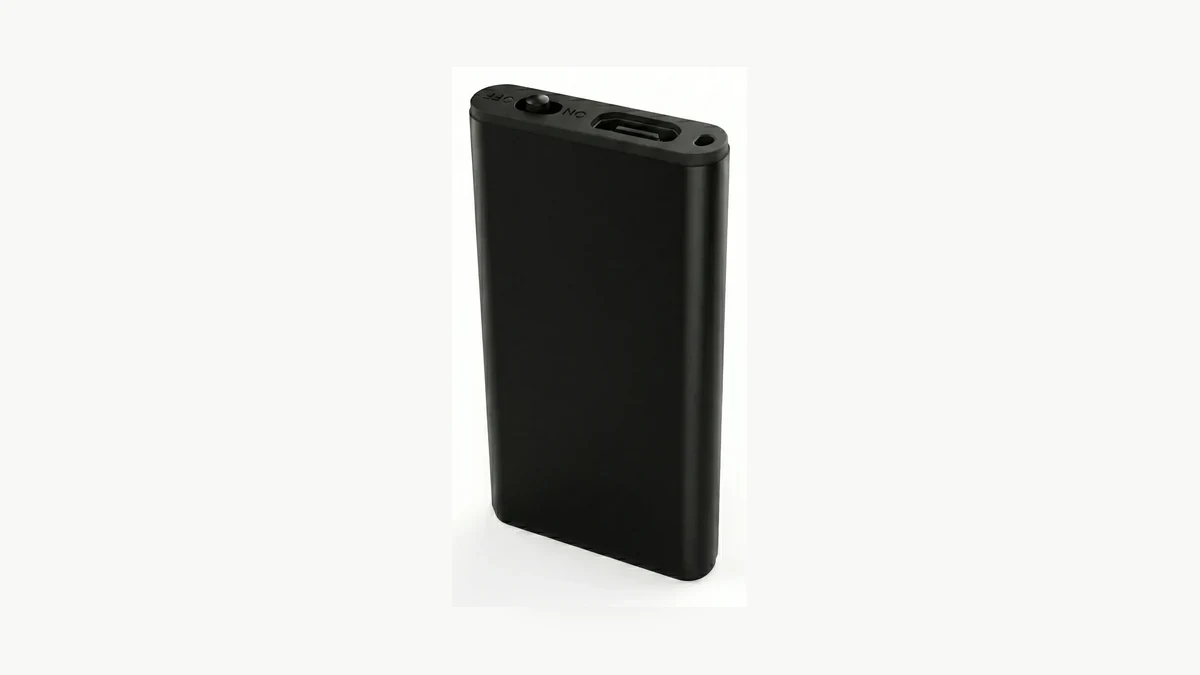
Sony’s ICD-TX660 guide says its supplied USB Type-C cable must be connected correctly, the computer must be running rather than sleeping, and charging should occur within 5 °C to 35 °C. Sony’s separate ICD-TX650 troubleshooting lists a poorly connected USB cable, unsupported cable, sleeping computer and deteriorated rechargeable battery among possible causes. Those details show how model-specific the charge state can be.
I would record the current behavior before changing anything: whether an indicator appears, whether the recorder can power on while connected, whether the battery level changes after a documented charge interval and whether the same cable powers or transfers data correctly on another supported device. That evidence is more useful than “no light.”
A recorder may also have operating states that affect charging. Sony documents, for example, that the ICD-TX650 cannot charge while playing files through its built-in speaker. That does not mean a QZT recorder has the same restriction. It means the operating mode belongs on the checklist.
For the current Q1 listing, the useful acceptance references are the published 1–1.5 hour charging time and 15–18 hour recording time. They are supplier-listed values for that product page, not a promise that every sample will produce identical runtime under every mode, temperature and battery age. If your sample differs, preserve the exact conditions and ask for the supplied revision’s documentation.
I would not factory-reset or format the recorder to solve a charging complaint unless the exact manual calls for it. Formatting storage changes files, not the physical USB connection or battery cell. Preserve the customer’s recordings and isolate the power path first.
Does the recorder charge but lose power almost immediately?
A recorder that reaches an apparent full-charge state but shuts down quickly has a different problem from a recorder that never charges. Test charge acceptance and usable battery capacity separately.
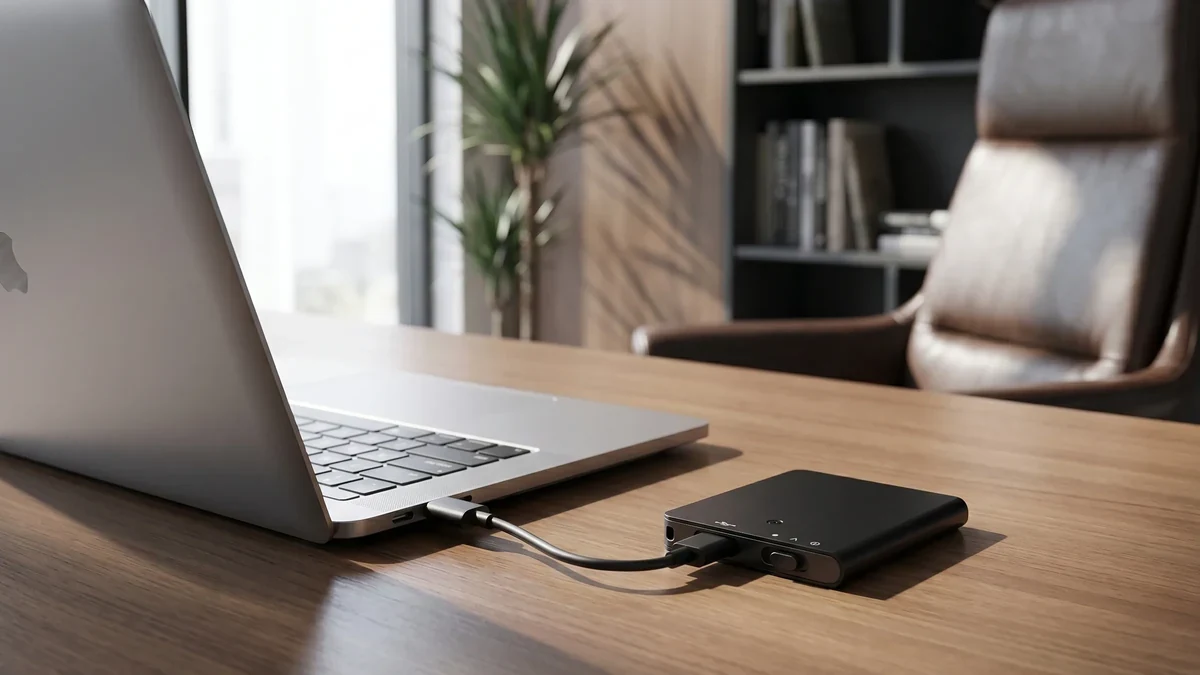
Sony’s ICD-TX650 troubleshooting explicitly notes that rechargeable-battery performance can deteriorate with age or long periods of non-use. Sony recommends service if the battery does not recover its ability to take and hold a charge. That is a Sony service path, but the diagnostic distinction applies broadly: “shows charged” does not prove healthy runtime.
I would make a short acceptance record before deciding that the battery or complete recorder is defective. Fully charge using the documented method, disconnect external power, start the recorder in one specified mode and note the elapsed time until the next clear low-battery or shutdown condition. Do not compare a voice-activated standby claim with continuous recording, and do not mix speaker playback, recording and file transfer in one runtime figure.
The QZT Q1 page currently lists 15–18 hours of recording after a 1–1.5 hour computer-USB charge. If a Q1 sample runs for only a small fraction of the expected duration under the intended recording mode, retain the original battery state, charging source, charge duration, recording mode and measured runtime for support. Do not transfer that Q1 threshold to Q61 or ZD46.
A battery problem can also look like a connector problem. If the recorder operates only while external power is connected and turns off immediately after unplugging, the internal battery path deserves attention. If power cuts in and out when the connector moves, inspect the connector first. Those observations point to different service decisions.
Visible swelling, case deformation, smoke, odor or abnormal heat should end the test. Do not open a sealed lithium-battery recorder or substitute an unknown cell as a routine diagnostic step. Escalate the sample to the supplier using the model and batch information.
How do you verify a recorder before replacing it?
Use one controlled acceptance test so a reseller can distinguish cable, charge-state, battery-runtime and recorder faults. The goal is a reproducible record, not a collection of charger swaps.
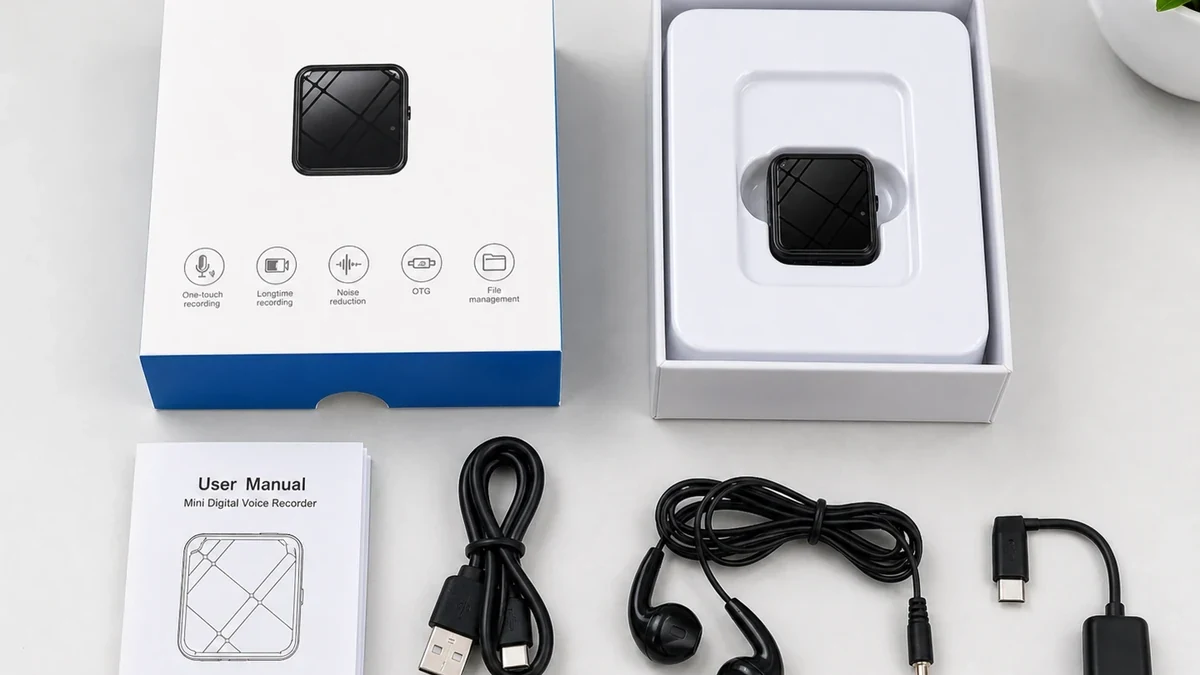
I would keep the test simple:
1. Record the exact model, storage version, hardware revision and firmware if exposed.
2. Back up needed audio files.
3. Note the starting battery state and the cable/power source used.
4. Charge for the model’s documented interval without changing other settings.
5. Record the charge indicator or status at the start and end.
6. Disconnect power and make a fresh authorized recording in one documented mode.
7. Note the runtime and whether the recorder remains stable when the cable is removed.
8. Repeat once with a second confirmed cable or power source only if the first result points to that path.
Keep the acceptance record with the original sample. “Charged overnight” is less useful than “Q1 sample, supplied cable, computer awake, 85 minutes, then continuous recording mode for X hours.” Replace X with the measured result; do not fill it from a listing.
| Acceptance field | Record |
|---|---|
| Model / revision | Exact supplied sample |
| Cable | Supplied / approved replacement / unknown |
| Power source | Computer USB / documented adapter / other |
| Charge start state | Indicator or battery level |
| Charge duration | Measured elapsed time |
| Charge-end state | Full indicator / changed level / no response |
| Test mode | Continuous / VOR / playback / other |
| Unplugged runtime | Measured result |
| Connector stability | Stable / intermittent / damaged |
| Safety observation | Normal / heat / swelling / odor / other |
For a batch order, test more than one sample. A single failed cable does not establish a recorder-batch defect, while several units showing the same charge behavior under a controlled setup deserve a batch-level investigation.
For QZT voice recorder procurement, ask the supplier to confirm the exact charging method, expected indicator behavior and replacement/service policy for the SKU and revision you are buying. A buyer should be able to reproduce the charging test before approving a larger order.
Frequently Asked Questions
Why does my voice recorder charge from a wall adapter but not from a computer?
A voice recorder may depend on the computer being powered and awake, the USB port, cable, hub and model-specific charging behavior. Sony documents computer sleep and hubs as charging factors on some IC recorders. Check the exact recorder manual before assuming the battery is faulty or changing to another charger.
Why does my voice recorder show no charging light?
A voice recorder’s charging indicator is model-specific. Some use an LED, others a screen icon, and operating modes can affect what appears. Confirm the exact model’s documented behavior, then check whether battery level changes after the correct charging interval. “No light” alone is not enough to identify the failed part.
Can I use any USB-C fast charger with a voice recorder?
Do not assume a voice recorder supports every charger merely because the connector fits. Use the charging method, cable and power source specified for the exact model. Sony’s TX660 documentation, for example, includes cable-specific requirements. For a QZT SKU, confirm the supplied revision before substituting a fast charger or adapter.
How long should a QZT Q1 voice recorder take to charge?
The current QZT Q1 product page lists about 1–1.5 hours of charging through computer USB and 15–18 hours of recording time. Treat those as current Q1 listing values, not universal recorder specifications. Confirm the supplied Q1 revision, charging method and recording mode when testing a customer sample.
Should I replace the battery or the whole voice recorder?
The right repair depends on whether the voice recorder has a serviceable battery and whether the fault follows the cable, port, charging circuit or battery capacity. Do not open a sealed recorder merely to diagnose it. Send the controlled charge/runtime record and exact model details to the supplier before authorizing replacement.
Before approving the next recorder batch
A charging specification becomes useful only when it is tied to a model, cable, power source, charge interval and runtime test. For the next QZT voice recorder sample, keep those fields with the result so a charging complaint can be reproduced instead of guessed.

 English
  Italiano
  Deutsch
  Français
  Español
  Polski