
A USB charger camera combines two jobs inside one enclosure: a real power/charging function and a camera/recording system.
That does not mean every charger camera uses the same board, app, storage, lens, microphone or recording mode.
Current QZT products already show at least three different architectures:
– a 5-port WiFi charging hub with app viewing;
– a standalone local-recording charger with no WiFi setup;
– a compact WiFi charger camera with app viewing and local storage.
This page explains those architectures. It is not a claim that one specific retail charger was physically torn down in a laboratory.
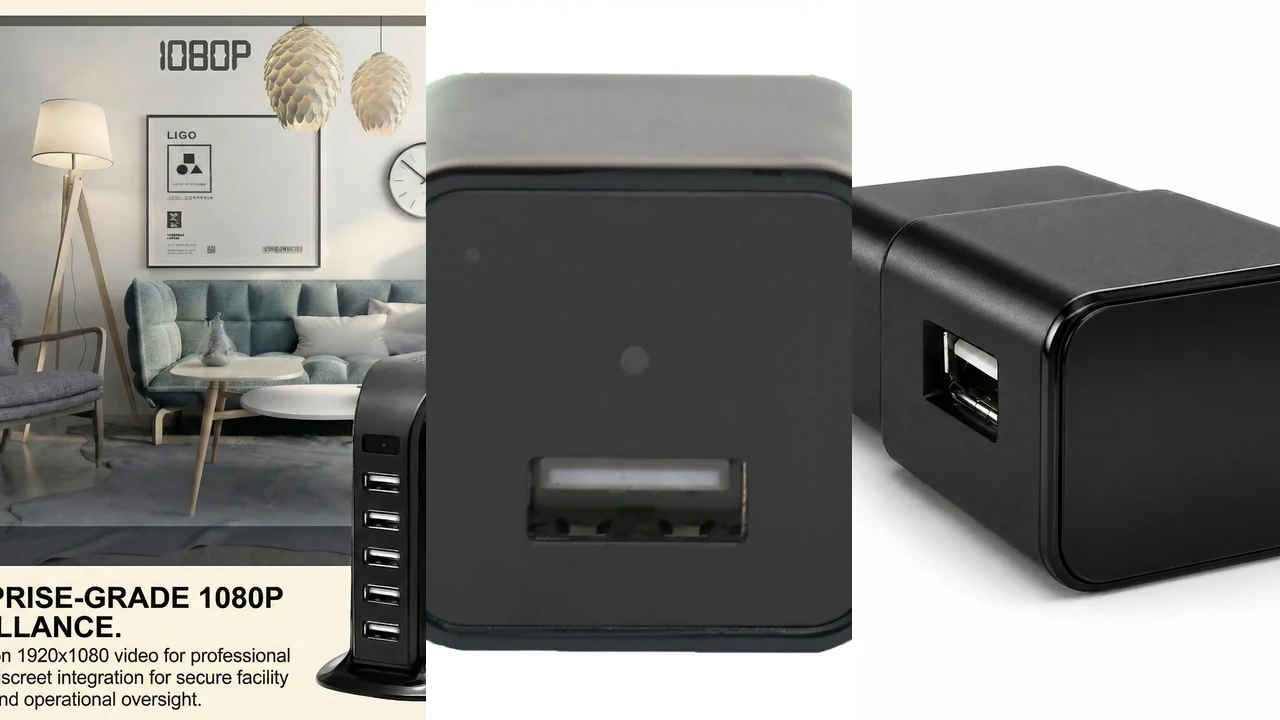
No-text composite of real QZT 5-port WiFi, standalone local-recording and compact WiFi charger-camera product images. It shows different architectures, not a same-condition performance test.
1. A charger camera has a power path and a camera path
The charger section must receive mains power and provide the advertised USB output. The camera section needs power for its image sensor, processor, storage and any wireless radio.
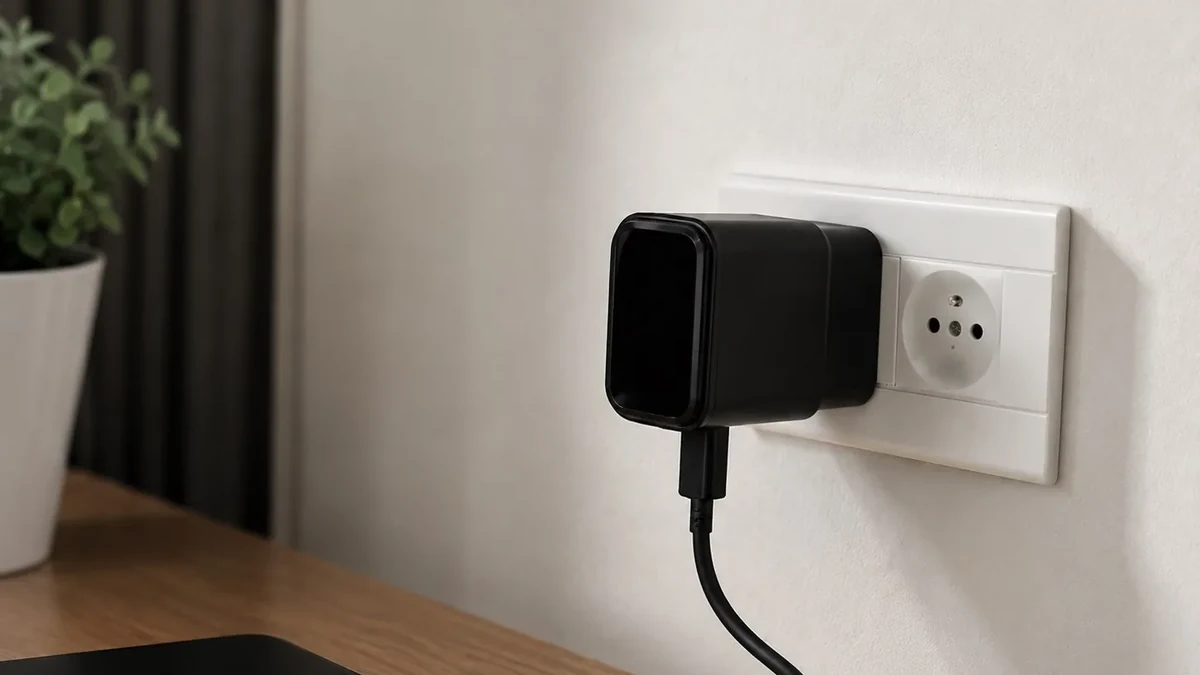
Real QZT compact WiFi charger-camera source image. Charging and recording should be tested together on the approved sample.
The two functions share one enclosure, but they should be tested separately.
For the charging side, record:
– plug/voltage version;
– USB output type;
– charging behavior with a real phone/device;
– heat during charging and recording;
– supplied cable or adapter if relevant.
For the camera side, record:
– video mode;
– lens direction;
– storage;
– controls;
– app/network path if present;
– restart behavior after power loss.
A working charger does not prove the camera is recording. A working camera does not prove the charger meets the electrical and charging requirements of the target market.
2. QZT 6170 is a 5-port WiFi charging-hub architecture
QZT product 6170 is currently positioned as a larger 5-port charging hub with a WiFi camera system.
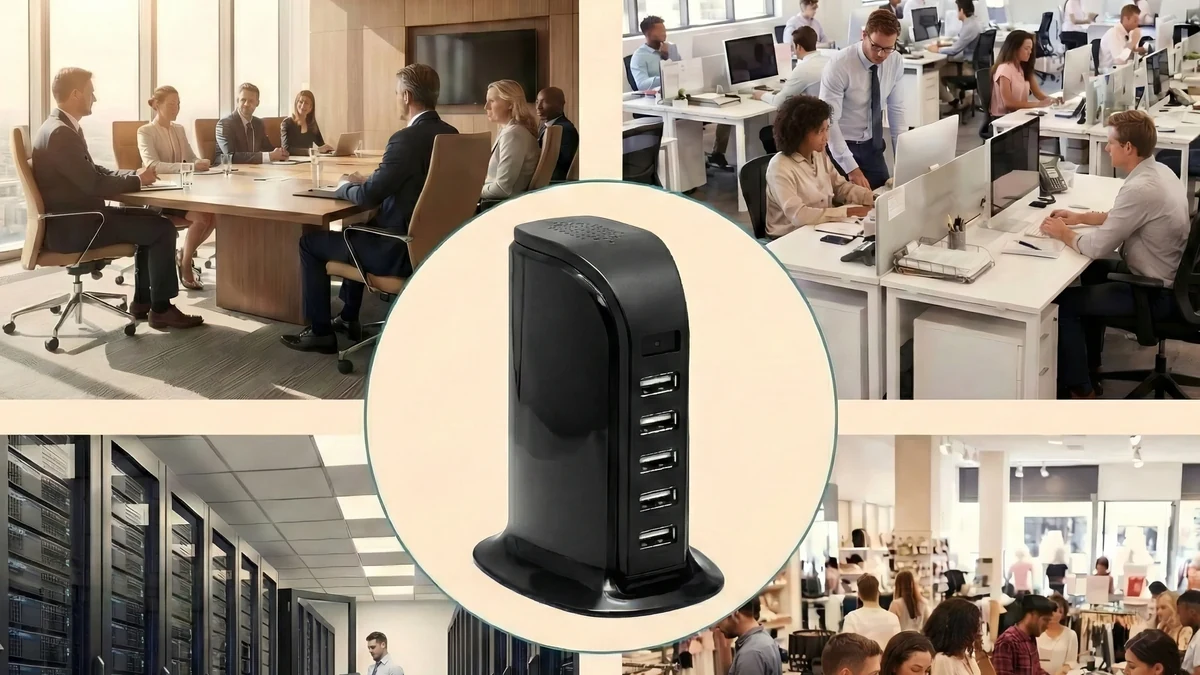
Real QZT 5-port WiFi charger-camera source image. This larger hub format is different from a compact single-port wall charger.
Current page:
The current product page lists:
– 1920 × 1080P at 30fps;
– H.264 reference video format;
– 5 USB charging outputs, including USB-A and Type-C ports;
– 2.4GHz WiFi/app remote viewing;
– motion alerts;
– MicroSD recording up to 128GB.
The practical reason to choose this architecture is not “more ports means a better camera.” It is that a charging hub may naturally belong on a desk or counter where several devices are already powered.
For a sample, test charging and recording at the same time. Confirm the exact app workflow and the supplied plug/market version before a repeat order.
3. QZT 6105 is a standalone local-recording charger
QZT product 6105 solves a different task: local recording without WiFi setup.
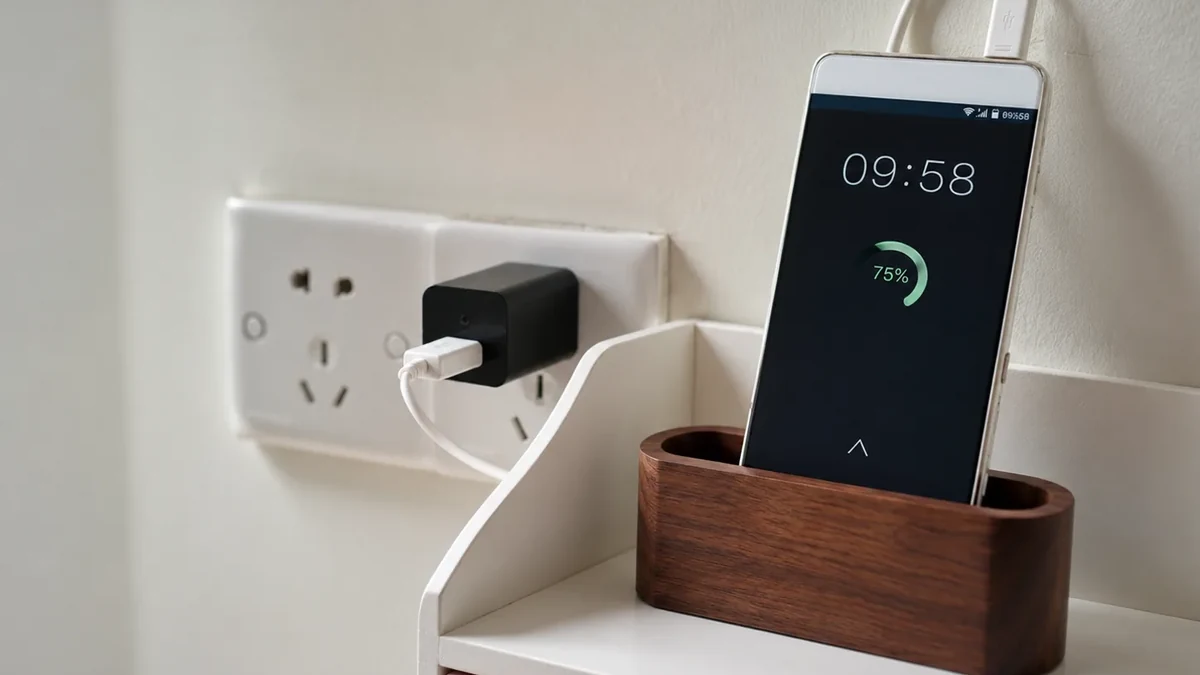
Real QZT standalone charger-camera source image. This product is intended for local DVR-style recording rather than app live view.
Current page:
The current page lists:
– 1920 × 1080P at 30fps;
– AVI video;
– no WiFi setup;
– standalone DVR recording;
– motion detection and loop recording;
– MicroSD support up to 64GB;
– a functional USB charger body.
This architecture should not be described as a WiFi/app camera.
A buyer choosing it should verify:
– card compatibility;
– motion vs loop behavior;
– file segmentation;
– overwrite behavior;
– how files are retrieved;
– whether a file closes cleanly after power interruption;
– charging behavior during recording.
Local recording also does not mean every offline/restart condition is automatically proven. Test the exact power-loss and restart scenario that matters.
4. QZT 6118 is a compact WiFi charger-camera architecture
QZT product 6118 is a compact WiFi charger camera rather than a 5-port desktop hub.
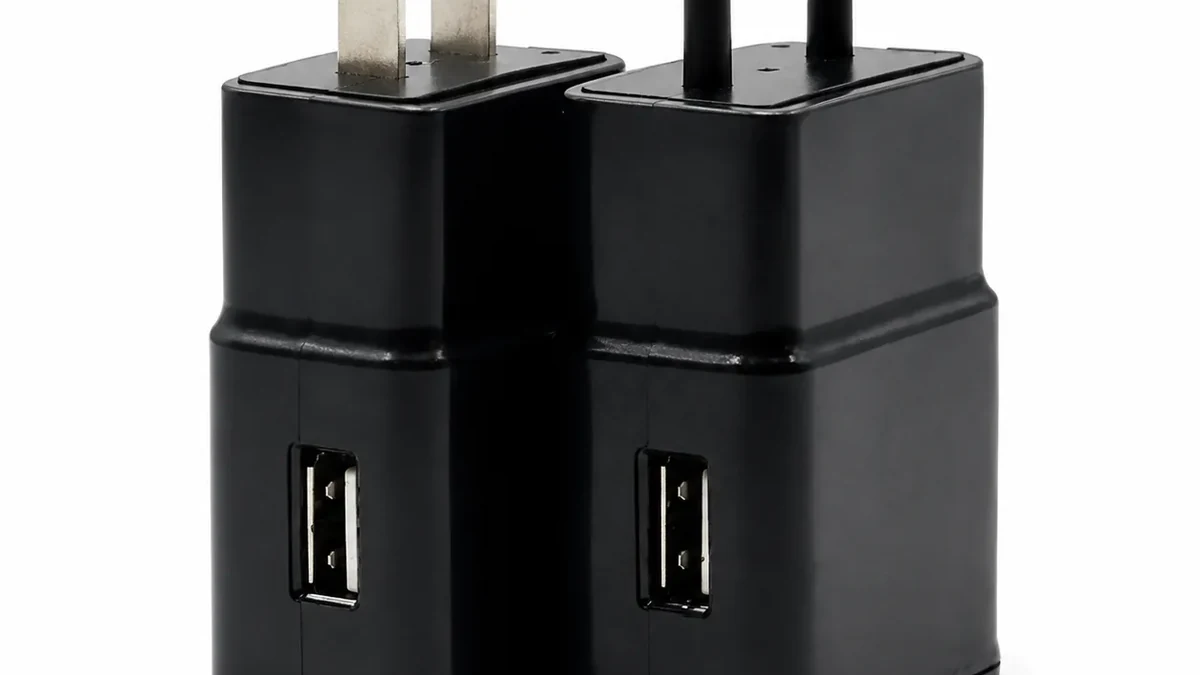
Real QZT compact WiFi charger-camera source image. Its form factor, charging output and app path differ from the 5-port hub.
Current page:
The current page lists:
– 1080P video;
– 2.4GHz WiFi/app viewing;
– audio recording;
– motion detection;
– loop recording;
– MicroSD support up to 128GB;
– 5V/1A USB charging.
That is a different buyer task from the standalone S8/6105 local recorder and from the larger 6170 hub.
A compact charger can fit a wall-outlet use case, but the outlet location controls the lens height and direction. Test the actual view instead of assuming a compact body will cover the required room.
5. Local recording, WiFi viewing and cloud services are separate paths
A charger camera can save video locally, send a live stream through an app, or support more than one path. These functions should not be collapsed into one “WiFi camera” label.
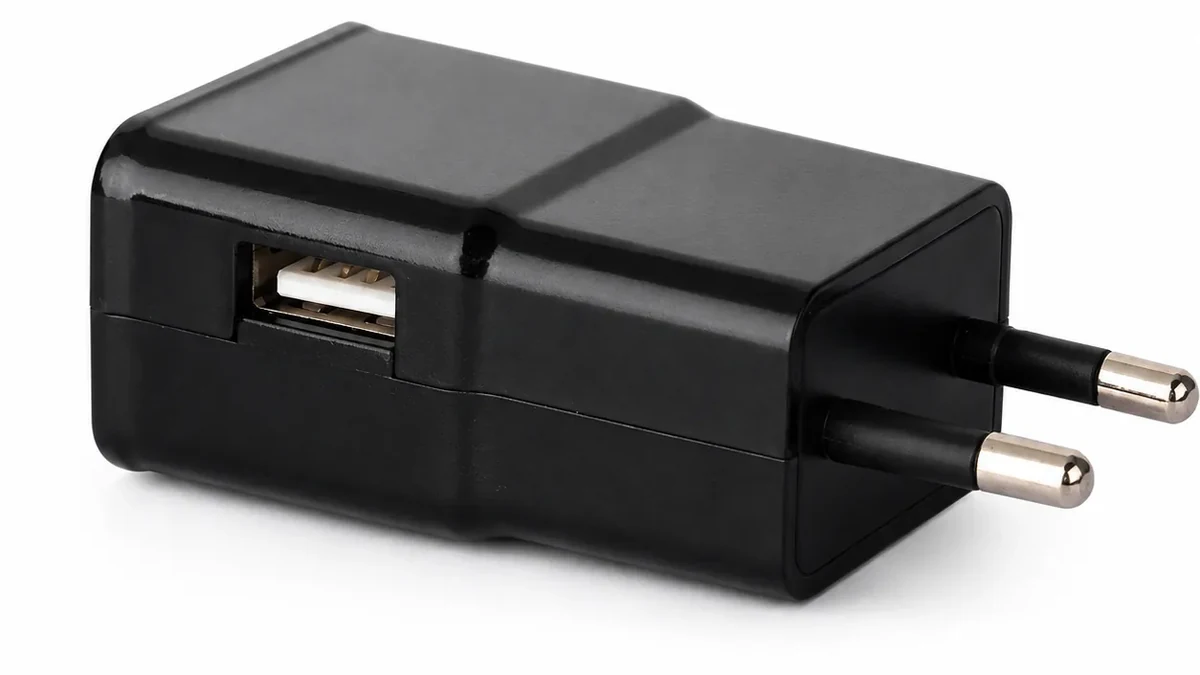
Real QZT WiFi charger-camera hardware image. A MicroSD slot, app connection and cloud service are separate functions.
For any WiFi charger camera, verify:
| Result | What to test |
|---|---|
| Local recording | Does the expected file reach the MicroSD card? |
| Remote live view | Can the app show the camera from outside the local network? |
| Remote playback | Is playback coming from the card, cloud or another server? |
| Internet loss | Does local recording continue with the router still running? |
| WiFi/router loss | Does behavior differ when the local network disappears? |
| Power restoration | Does the camera restart and reconnect automatically? |
| Cloud service | Is it included, optional or separately billed? |
For a standalone local recorder such as 6105, the app/network rows may not apply at all.
For generic offline-camera states, use:
6. Identify a suspicious charger with evidence, not generic weight or pinhole rules
There is no reliable universal rule such as “spy chargers are heavier,” “they only have one or two ports,” or “the camera hole is always 0.5–1mm.”
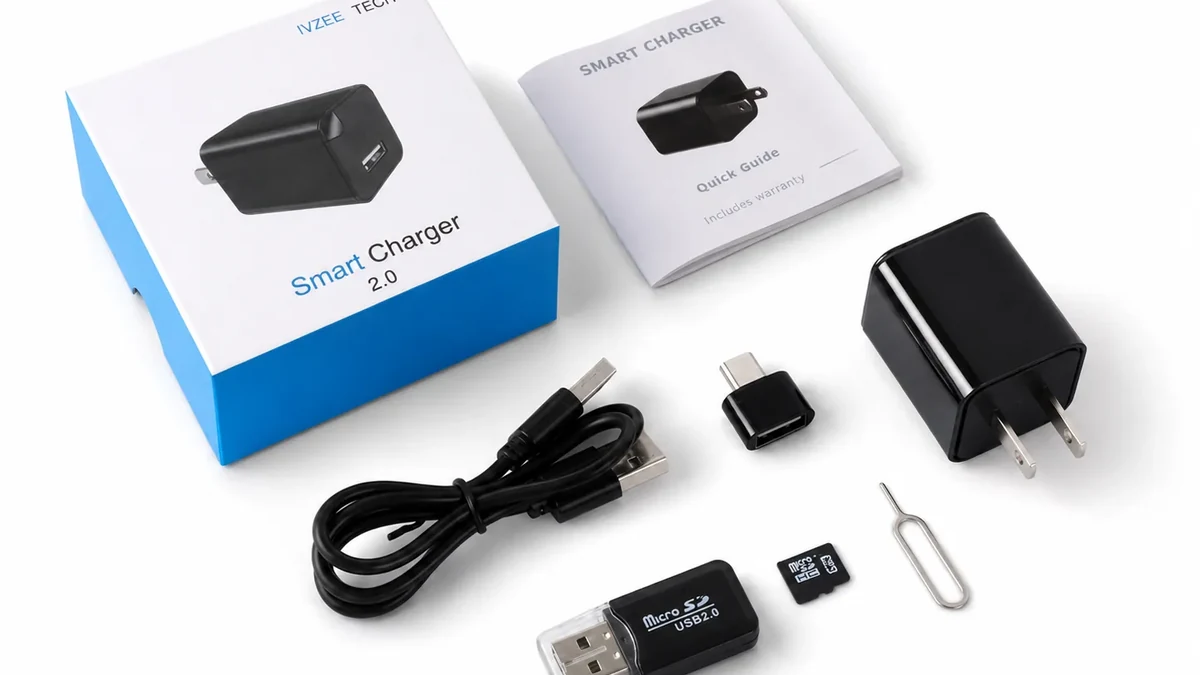
Real QZT charger-camera package source image. Model identification and authorized inspection are stronger evidence than generic appearance rules.
A better inspection sequence is:
1. identify the charger brand/model and compare it with the manufacturer’s documented housing;
2. inspect unexplained openings from more than one angle;
3. look for an optical path rather than assuming every dark dot is a lens;
4. use a lens-reflection tool as a clue when line of sight exists;
5. use RF scanning only to locate active radio transmissions;
6. if access is authorized, inspect the device label, storage slot, reset/control layout or internal hardware.
An RF detector does not identify “a camera”; it detects relevant radio energy. A local-recording or powered-off charger camera can be quiet on RF.
A smartphone app also cannot provide a universal “hidden camera detector” result. Network scans only show devices visible through the network you are authorized to inspect.
For RF/lens detector limits:
RF or Lens Detection: What Can a Hidden Camera Detector Actually Find?
Frequently asked questions
#### Does every USB charger camera use WiFi?
No. Current QZT examples include WiFi/app models and a standalone local-recording model with no WiFi setup.
#### Can a USB charger camera still charge a phone?
The current QZT charger-camera pages describe functional charging, but charging should be tested on the exact sample together with camera operation.
#### Does a MicroSD card mean the camera records when WiFi is down?
Not automatically. Test internet loss, router loss, reboot and power restoration separately on the exact model.
#### Which QZT USB charger camera should I choose?
Use 6170 when a 5-port WiFi hub format is required, 6105 when local recording without WiFi setup is the task, and 6118 when a compact WiFi charger-camera format is required. Confirm the exact revision and destination-market plug/power requirements.
#### Can I identify a camera charger by its weight or number of ports?
Not reliably. Those characteristics vary between ordinary chargers and camera products. Model identification, optical inspection and authorized physical inspection are stronger evidence.
#### Is using a charger camera legal?
Rules depend on jurisdiction, location, privacy expectations, audio recording and the purpose of monitoring. Use cameras only where the monitoring is lawful and authorized, and obtain local legal/compliance advice for high-risk deployments.
The useful architecture question is not “what spy chip is inside every charger?” It is: what power, camera, storage and network paths does this exact charger-camera version actually use?

 English
  Italiano
  Deutsch
  Français
  Español
  Polski