
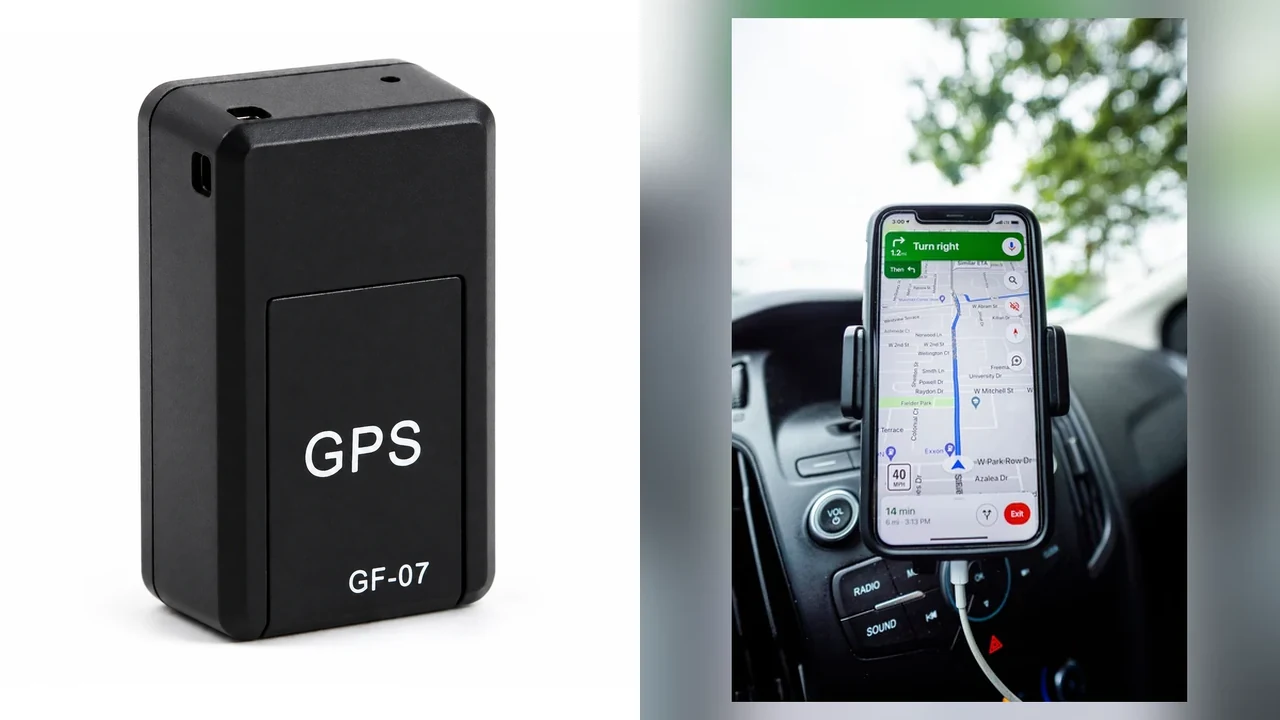
If a GF-07 map point looks wrong, first check what location method the device actually uses. The current QZT GF-07 product page specifies GSM/LBS network location rather than satellite GPS. That means the position is approximate by design and should not be judged by the same standard as a GNSS tracker.
The product page currently lists about 100 metres under suitable network conditions. Treat that as a supplier-listed reference for this GF-07 version, not a guaranteed radius in every country, building, carrier or SIM configuration.
Is GF-07 using satellite GPS?
The current GF-07 specification says no: this model uses GSM/LBS network location. The plastic housing may carry a “GPS” marking, and some marketplace listings may call the device a GPS tracker, but the current QZT technical page identifies the location method as GSM/LBS.
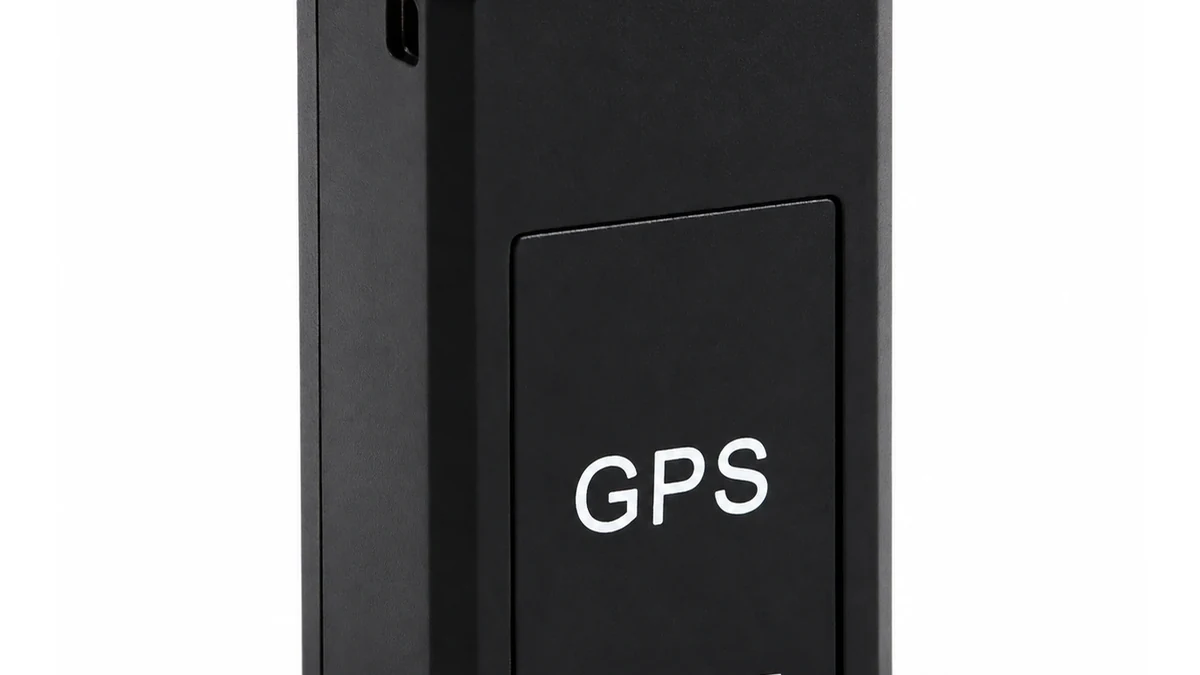
That distinction matters because a satellite GNSS receiver and a network-location device solve the location problem differently. A GNSS tracker calculates a position from satellite signals. A GSM/LBS device estimates a position from mobile-network information available to the service.
For a general example of network-based geolocation, Google’s Geolocation API accepts radio-network information such as cell towers and Wi-Fi access points and returns an estimated location plus an accuracy value. GF-07 is not claimed to use Google’s service; the example simply shows why network geolocation is an estimate rather than a satellite fix.
I would therefore ask one question before troubleshooting “accuracy”:
Was the buyer expecting satellite GPS, or did the order actually specify GSM/LBS location?
If satellite-level tracking is required, a configuration change cannot add a GNSS receiver that the hardware does not have. Move to a tracker whose specification explicitly includes GNSS/GPS, rather than repeatedly resetting GF-07.
The current QZT GF-07 page lists:
| GF-07 field | Current listing |
|---|---|
| Location method | GSM/LBS network location |
| Listed location reference | About 100 m under suitable conditions |
| Mobile network | 2G GSM/GPRS |
| Bands | 850 / 900 / 1800 / 1900 MHz |
| Battery | 3.7 V, 400 mAh rechargeable Li-ion |
| Storage | Mini TF card support; card not included |
These are current page values for the QZT GF-07 listing. Confirm the supplied revision before using them in a customer quotation.
What can an LBS location actually tell you?
An LBS result should be treated as an approximate network position, not as a surveyed vehicle coordinate. The useful question is whether the reported point is close enough for the intended use and behaves consistently under the same network conditions.
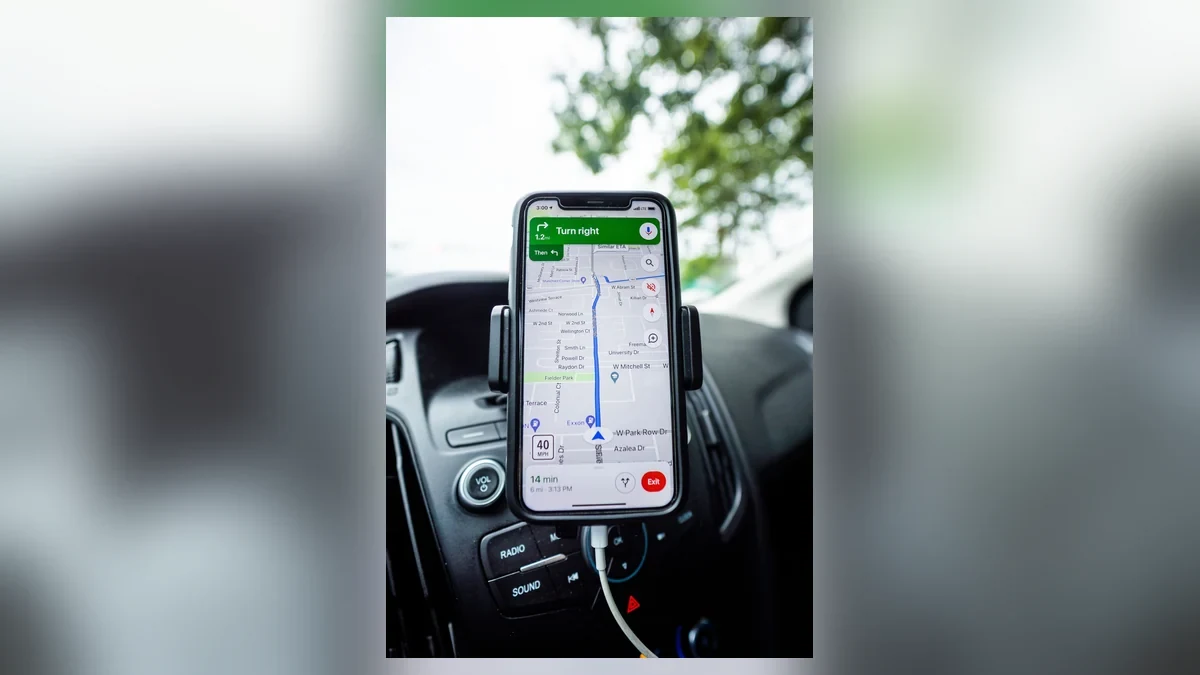
Google’s Geolocation API request/response documentation illustrates a useful concept: a network-derived result can include an accuracy radius in metres around the estimated latitude and longitude. Again, this does not mean GF-07 uses Google, but it shows why network location should be evaluated as an area of uncertainty rather than a perfect pin.
A 100 m supplier figure is therefore not the same as “the device will always be within 100 m.” The QZT page explicitly qualifies it with under suitable network conditions. If the service has limited network information, the map result may be farther away, stale or unavailable.
Use a controlled test instead of one screenshot:
1. Place the GF-07 on an asset you own or are authorized to monitor.
2. Record the actual test location and time.
3. Request or view the current GF-07 location through the supported service.
4. Save the returned coordinates, map pin and timestamp where available.
5. Repeat at the same site and at a second known site.
6. Record the difference between the known site and returned point.
Do not compare a GF-07 LBS result with the GPS wrong-location guide as though they were the same technology. That article covers GNSS fixes, network estimates and stale reports on GPS trackers; GF-07 is a model-specific case because its current specification is network location rather than satellite GPS.
A simple acceptance table helps:
| Test result | Interpretation |
|---|---|
| Map point is roughly near the correct area and repeats consistently | LBS is operating within the needs of that use case |
| Map point jumps widely between requests | Network-location conditions or service data need investigation |
| Old point remains on the map | Check whether a new network/location response was actually received |
| No point is returned | Check SIM service, 2G network availability and supported location workflow |
| Buyer requires lane-level or precise vehicle position | GF-07 LBS may be the wrong product architecture |
Do not invent a universal “acceptable error.” Define it from the buyer’s task. Locating an equipment case within a facility district is different from proving which parking space a vehicle occupies.
Could the SIM or 2G network be causing stale location?
GF-07 depends on the mobile network for more than communication. The current page lists 2G GSM/GPRS at 850, 900, 1800 and 1900 MHz, so the destination operator and SIM must still provide a compatible service path.
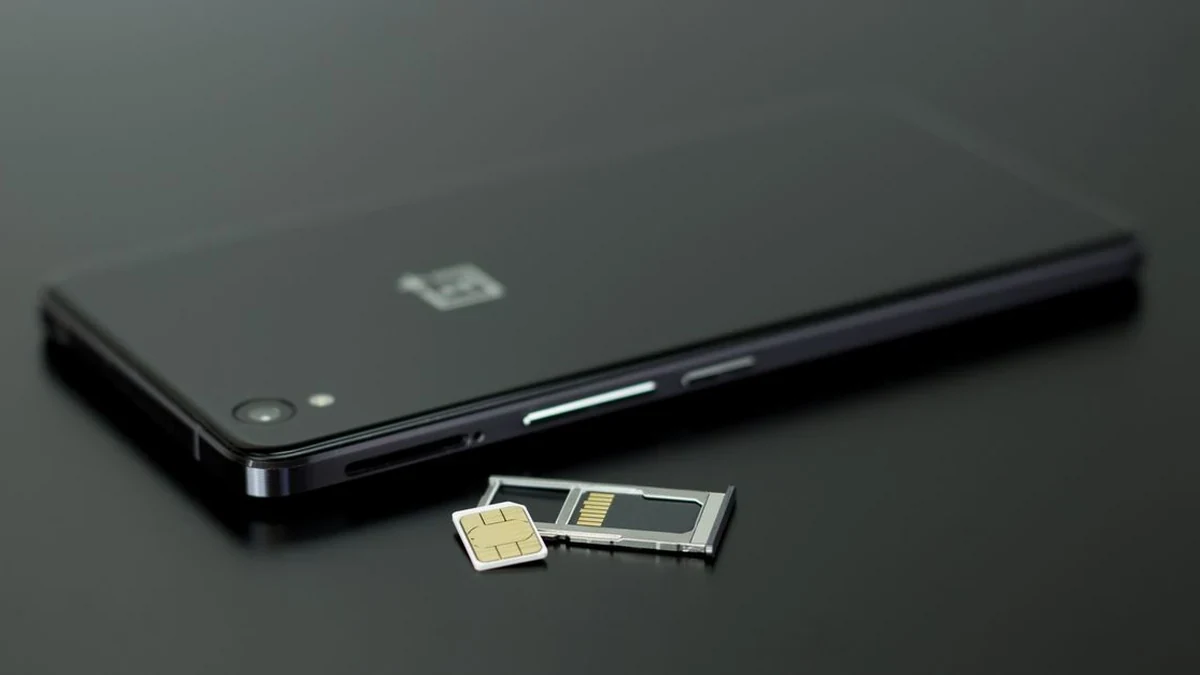
A modern SIM does not guarantee that an older 2G GSM device can register. The separate 4G SIM in a 2G GSM device guide explains the modem, SIM-service and network-lifecycle checks. For GF-07, confirm the exact destination country and operator before blaming the location function.
I would separate four conditions:
– No 2G registration: the device may not be able to exchange the messages or data needed for the supported location workflow.
– SIM lacks the required service: a data-only, restricted or inactive SIM may not support the documented GF-07 functions.
– Network service is intermittent: a previously returned map point can look like a current position when no fresh response arrived.
– Network location is available but approximate: the device is communicating, but the LBS estimate still has wider uncertainty than satellite GPS.
The current QZT GF-07 page also tells buyers to confirm an active 2G GSM SIM in the destination country and to test network location, call access and SMS functions on an approved sample. That is the correct B2B approach: approve the complete device + SIM + operator + firmware combination.
Do not copy APN values, SMS commands or setup messages from an unrelated GF-07 clone. Many visually similar products use different firmware. Use only the instructions supplied with the quoted QZT revision.
If a previously working unit suddenly shows an old location, keep these fields for support:
| Evidence | Record |
|---|---|
| GF-07 revision / batch | As supplied |
| SIM operator and plan | Exact account |
| Country / test city | Actual destination |
| 2G service confirmed | Yes / no / unknown |
| Last successful location | Time and returned coordinates |
| New request result | Fresh / stale / none |
| Voice/SMS functions | Working / failing / not tested |
| Battery state | Charged / low / unknown |
This record separates a network-service problem from a location-estimation limitation.
How do you test GF-07 location without calling it GPS accuracy?
Use an LBS acceptance test, not a GPS accuracy test. The goal is to determine whether the current GF-07 version, SIM and network provide an approximate position suitable for the buyer’s task.
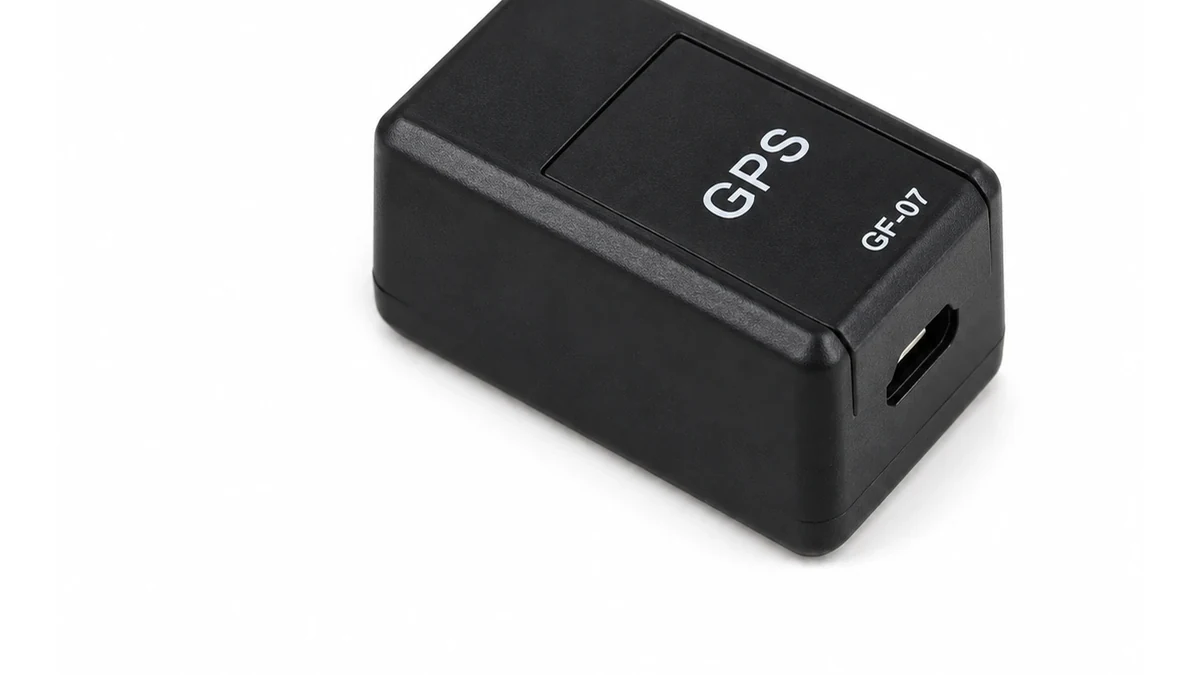
I would test at three known locations that represent the intended use: for example, an open parking area, a normal urban street and the actual facility or asset site. Keep the same SIM, device settings and account throughout the comparison.
For each location, record:
1. Known test point.
2. Time the GF-07 location was requested.
3. Time shown by the service, if exposed.
4. Returned coordinates or map pin.
5. Straight-line difference from the known point.
6. Whether a second request gives a similar result.
7. 2G network/service condition.
8. Whether other supported GSM functions still work.
Do not treat a phone’s own GPS point as a perfect survey reference. It is a practical comparison point, not zero-error truth. For a procurement test, the important result is whether GF-07 consistently meets the agreed use case.
The current QZT page’s “about 100 metres under suitable network conditions” can be used as a supplier reference, but acceptance should preserve the real result. If a buyer requires a tighter threshold, write that threshold into the sample requirement before ordering and test it explicitly.
A useful decision record is:
| Requirement | GF-07 sample result | Decision |
|---|---|---|
| Approximate asset area only | Result consistently meets agreed area | GF-07 may fit |
| Vehicle route history with precise points | LBS uncertainty too wide | Move to GNSS tracker |
| Country has no usable 2G service | Device cannot meet service requirement | Select another radio generation |
| Voice/SMS works but location is approximate | Communication path works; location method remains LBS | Decide by use case |
| Location result is stale or absent | Network/SIM/firmware workflow needs support review | Do not approve batch yet |
For a buyer who actually needs GNSS, use a current QZT GPS tracker whose specification explicitly includes GPS/GNSS. Do not sell GF-07 LBS performance as satellite tracking.
Frequently Asked Questions
Does QZT GF-07 have real satellite GPS?
The current QZT GF-07 product page specifies GSM/LBS network location rather than satellite GPS. The housing may carry GPS lettering, but the technical specification is the deciding reference. If the buyer requires satellite-derived coordinates, choose a tracker whose current specification explicitly includes GNSS or GPS hardware.
How accurate is the GF-07 location?
The current QZT GF-07 page lists about 100 metres under suitable network conditions. That is a supplier-listed reference, not a guaranteed radius in every location. GSM/LBS network location is approximate, so actual results should be recorded with the specific SIM, operator, country and use environment.
Why does my GF-07 show an old location?
An old GF-07 point can remain visible when a fresh network-location response has not arrived. Check the timestamp where available, battery state, SIM service and 2G network availability. Do not assume the displayed map pin is current merely because the app or page itself has refreshed.
Can a 4G SIM make GF-07 location more accurate?
A newer SIM does not convert GF-07 into a satellite GPS tracker. The current GF-07 uses 2G GSM/GPRS and GSM/LBS network location. The SIM must support the required service on a compatible 2G network. Location precision still depends on the network-location method, not the SIM’s marketing label.
Should I replace GF-07 if its location is not precise enough?
Replace or reselect the product when the required location precision is tighter than GF-07’s GSM/LBS architecture can reliably provide. First run a controlled sample test with the intended SIM and operator. If the business requirement needs GNSS coordinates, choose a tracker designed with satellite positioning instead of repeatedly resetting GF-07.
Before ordering GF-07 for location projects
For a QZT GF-07 order, specify the country, operator, approximate-location requirement and whether voice or TF-card recording is also needed. Approve a sample only after the GSM/LBS result is tested under the customer’s real network conditions.

 English
  Italiano
  Deutsch
  Français
  Español
  Polski