
A GPS tracker can show the wrong place because the displayed report is old, the device is using a network-based estimate, or its satellite position is inaccurate. Check the location timestamp and positioning source before changing settings. Then compare a fresh outdoor report with the known location of your own vehicle or an asset you are authorized to monitor.
An old point and an inaccurate new point need different investigations. The checks below help you identify which one you have, preserve useful evidence, and avoid replacing a tracker before testing the reporting path.
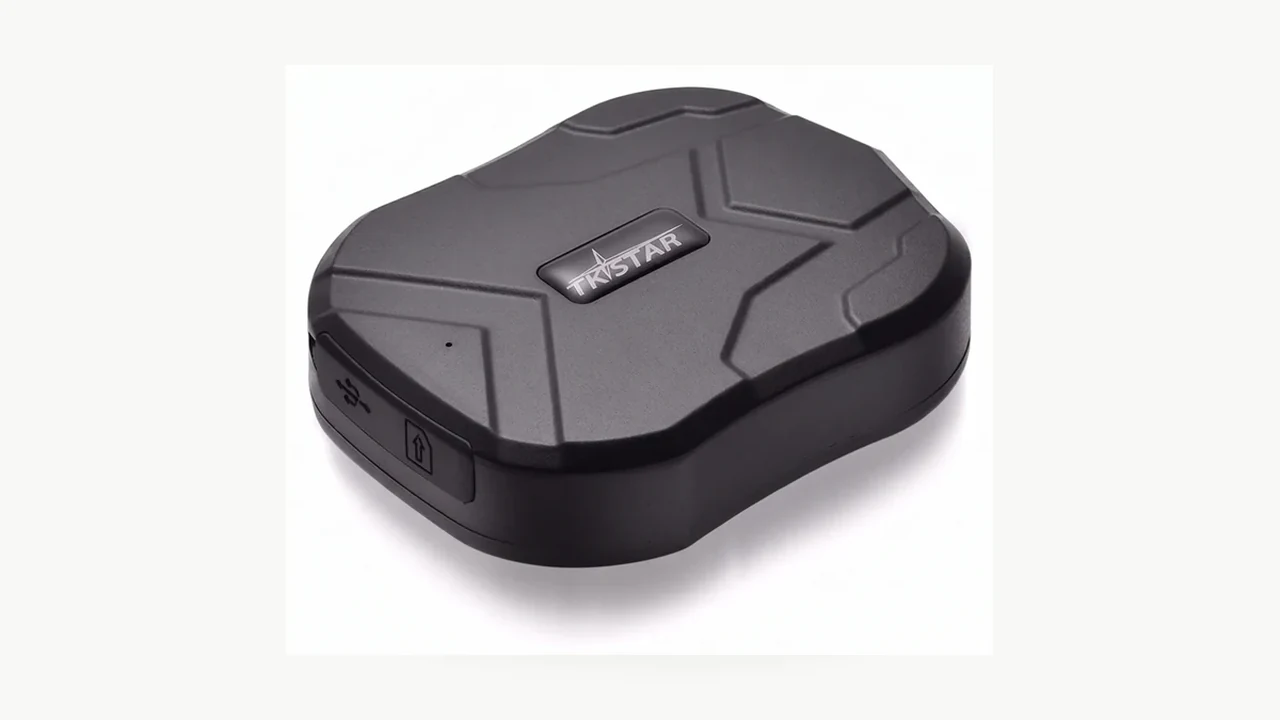
Is the map showing an old location report?
Confirm that you have selected the correct tracker, then open the details of the displayed position. Compare its recorded time with the current time, using the same time zone. A recent app refresh does not establish when that position was measured.
Where the platform provides them, distinguish the time of the satellite fix from the time the server last heard from the device. Teltonika’s FMB920 status documentation provides a concrete example: its GNSS section shows Fix Status and Fix Time, while the GSM section separately lists Last Record Send and Last Server Response Time. Your tracker’s menu may use other labels or expose fewer details.
Record the evidence without guessing what an unlabeled time means:
| Observation | What to check next |
|---|---|
| Position time remains old, with no recent device communication | Power, documented reporting schedule, mobile service and platform connection |
| Device communication is recent, but the last valid position is old | Whether the tracker has acquired a new satellite fix |
| Position time is recent, but the point is displaced | Positioning source, reception conditions and map accuracy |
| Only the street address looks wrong | The actual coordinates and the map’s address lookup |
Movement makes an old report look like a large accuracy error. At a constant 60 km/h, a vehicle travels 1 km in one minute and 2 km in two minutes. These are distance calculations, not tracker accuracy measurements: the displayed point may correctly describe where the vehicle was earlier. A report measured at 10:00 and received at 10:02 is still two minutes old at 10:02.
For a stale report, confirm the configured reporting interval and any documented sleep or wake condition. Do not immediately choose the shortest available interval; reporting frequency can affect runtime. The GPS tracker battery and reporting-interval guide covers that separate trade-off. Keep a copy of the original settings so you can reverse a diagnostic change.
Did the tracker report a satellite fix or a network estimate?
Look for the positioning-source label attached to the point. Depending on the system, it may distinguish GPS/GNSS from a cellular or other network-based estimate. If the label is missing, ask the supplier how the platform identifies the source; do not infer it from the shape or color of a map pin.
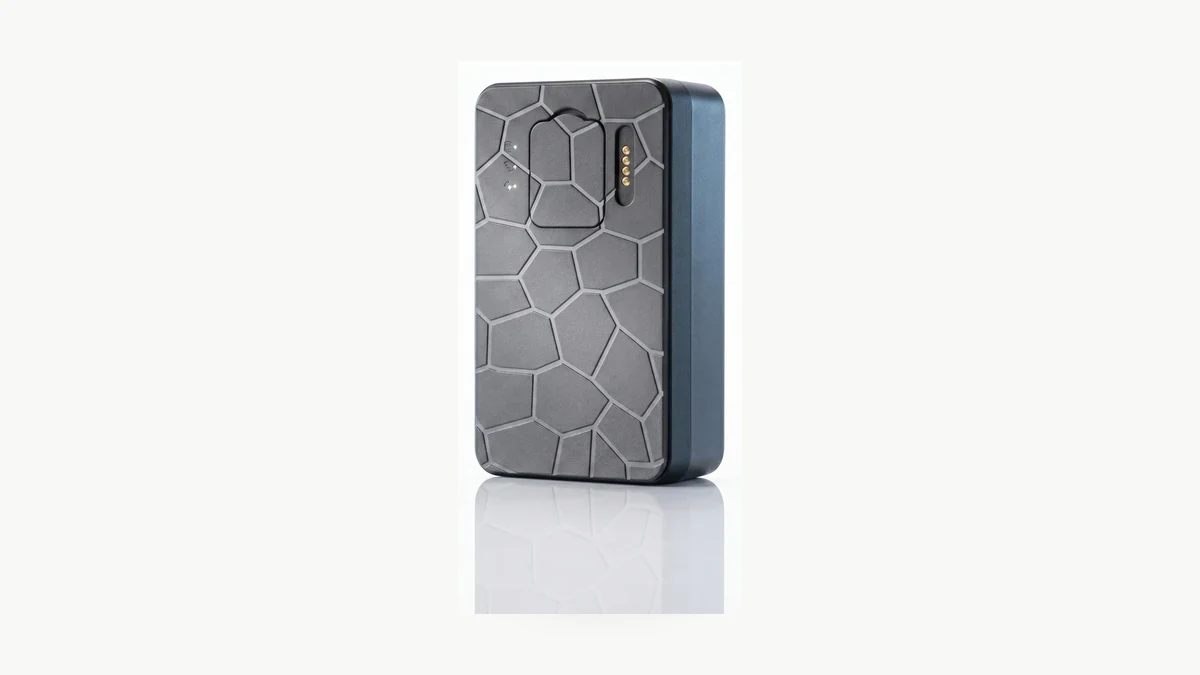
Samsung’s SmartThings Tracker accuracy guidance illustrates why the source matters. That product can report an estimate using LTE network information when GPS positioning is unavailable, and its displayed location can vary. This is a documented behavior of that product, not proof that every QZT tracker supports the same fallback.
A label such as LBS should therefore send you to the exact device and platform documentation. Do not test a satellite-accuracy claim against a point that the system identifies as a different positioning method. Conversely, a cellular connection can transport a valid satellite position; the transport network and the positioning source are separate questions.
An online status alone is insufficient. The Traccar server troubleshooting guide separates incoming device messages from messages containing decoded coordinates and notes that a device may lack a GPS fix. On a managed service, ask support to check those records rather than changing server addresses or sending commands copied from another tracker’s manual.
For a model such as the QZT G50 4G magnetic tracker, confirm the supplied hardware version, supported app and platform before applying any instructions. A 4G description identifies a communications capability; it does not supply an accuracy guarantee or establish which positioning-source fields the app displays.
What changes when you test outdoors?
Compare the same tracker in a safe, open outdoor location and in the location where the problem occurs. Keep its operating settings unchanged. Use the manufacturer’s antenna-orientation and mounting instructions, and wait for a fresh position rather than judging the old point still on the screen.

GPS.gov’s accuracy guidance identifies obstruction by buildings, bridges and trees, indoor or underground use, and signals reflected from buildings or walls as common causes of positioning problems. Reflected signals are called multipath. These effects explain why a stationary tracker can appear to move; apparent movement on the map alone does not prove that the vehicle moved.
Start with a stationary comparison. Note the observation time and known parking position, then save the new report’s coordinates, time and positioning source. If the device exposes fix status or satellites in use, retain those fields too. A phone position is a useful secondary comparison, but it is not a surveyed reference with zero error.
| Controlled comparison | How to use the result |
|---|---|
| Fresh satellite positions improve outdoors but deteriorate in the original location | Review reception and installation conditions before replacing the device |
| Device communicates outdoors but still cannot produce a fresh satellite fix | Escalate the fix-status evidence and exact model details |
| Neither communication nor the position updates outdoors | Investigate power and the reporting connection before judging positioning accuracy |
| Coordinates fit the known location but the address or drawn road does not | Ask the platform to check its map or address lookup |
GPS.gov also distinguishes mapping errors from receiver problems, including incorrectly drawn roads and estimated street addresses. Keep the coordinates with your screenshot; a street name alone cannot show where the tracker placed the point.
For a wired installation, have the installer check the mounting and antenna requirements. Do not disconnect vehicle wiring, alter safety systems, or place a loose tracker where it could interfere with driving. The wired GPS installation checklist covers preparation rather than location diagnosis.
What evidence should you send before replacing the tracker?
Send a short comparison record that support can reproduce. Two screenshots of different map zoom levels are less useful than a before-and-after record that preserves the time, coordinates and positioning source. Keep device identifiers and route history in the supplier’s private support channel.
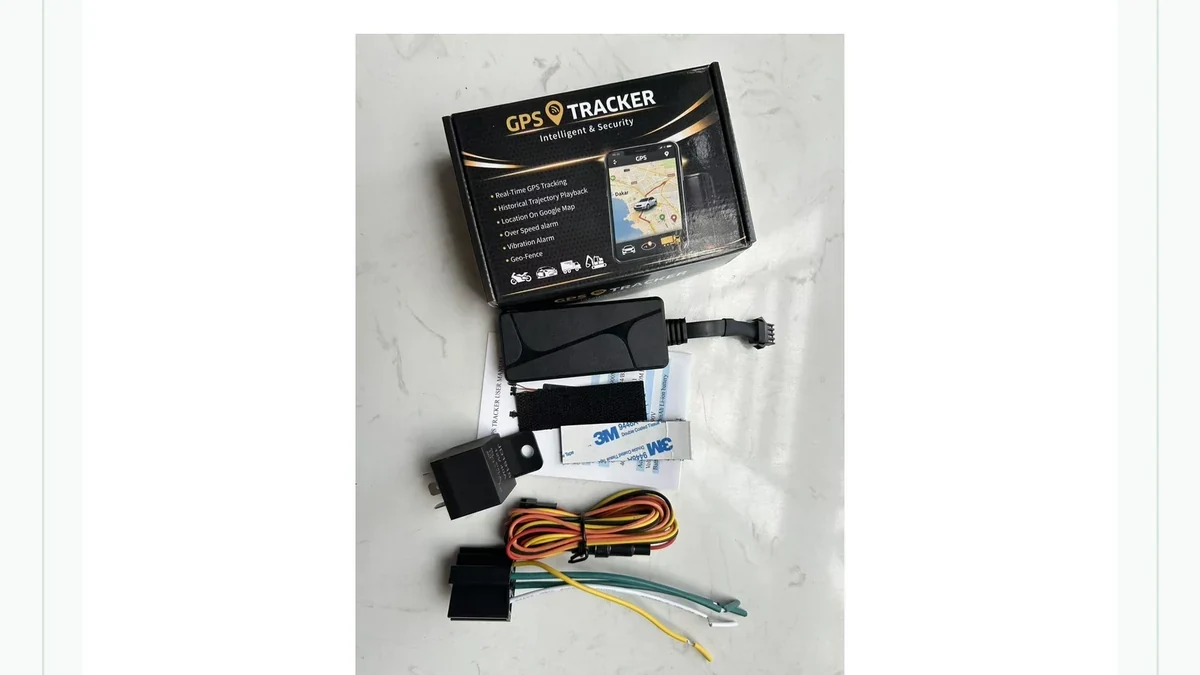
Record the model, hardware revision, firmware and app version, plus the device identity as shown in your account. For a wired unit, include the installation configuration. For a rechargeable unit, include its charge state and current operating mode. Use the manual for that unit; a familiar-looking case does not establish identical commands or firmware.
Your support record should answer four practical questions. Was the point new? Which positioning method produced it? Did the result change in open sky? Did the server receive a new report? Attach the relevant times and screenshots, and state which checks were unavailable. An unavailable diagnostic field is not a passing result.
A useful sample acceptance record contains three observations: stationary outdoors, the intended installation position, and a short authorized route with known stops. These are proposed comparison stages, not a published QZT test result. Keep the phone with a passenger or review the logs after parking; the driver should not operate the app while moving.
Agree on the acceptable position error, maximum report age and test environment before a bulk order. Do not accept a single unexplained meter figure as a complete specification. For a TK905 sample, confirm the supplied version and platform first, then retain the test conditions with the result. That makes a later change in behavior easier to investigate.
Frequently Asked Questions
Why does my GPS tracker show an old location after I refresh the app?
A GPS tracker app refresh can reload the latest stored report without making the tracker measure or upload a new position. Check the time attached to the location, then inspect the reporting schedule, power and connection. Where available, compare the last satellite-fix time with the last device-communication time.
Does a GPS tracker showing online have an accurate position?
An online GPS tracker has not necessarily produced a fresh satellite fix. A server may receive device messages without new coordinates, and a platform may display the last known point. Confirm the position time and source separately. Use the exact model’s diagnostics or ask the service provider to check its records.
Why does a parked GPS tracker appear to move?
A parked GPS tracker can produce varying coordinates when satellite reception is obstructed or reflected, especially near buildings or underground. A network-based estimate may also differ from a satellite position. Save the timestamps and positioning-source labels, then compare fresh reports outdoors before concluding that the vehicle moved or the tracker failed.
Is a wrong street address proof that the GPS tracker is faulty?
A wrong address does not by itself prove a GPS tracker fault. The map or address-lookup service can assign an incorrect street name even when coordinates are usable. Compare the reported coordinates with the known location and preserve a screenshot. Ask the platform to investigate the address lookup when those results disagree.
Should I factory-reset a GPS tracker that shows the wrong location?
A factory reset should not be the first response to a GPS tracker location problem. Preserve settings and diagnostic evidence, check report age and positioning source, and run a controlled outdoor comparison first. Follow a reset procedure only when the exact model’s instructions or supplier support identify it as an appropriate next step.
Before ordering another tracker
For QZT GPS tracker enquiries, provide the target country, installation type and reporting requirement. Ask for the exact model’s positioning methods and a sample test under your intended conditions before replacing hardware or committing to a larger order.

 English
  Italiano
  Deutsch
  Français
  Español
  Polski