
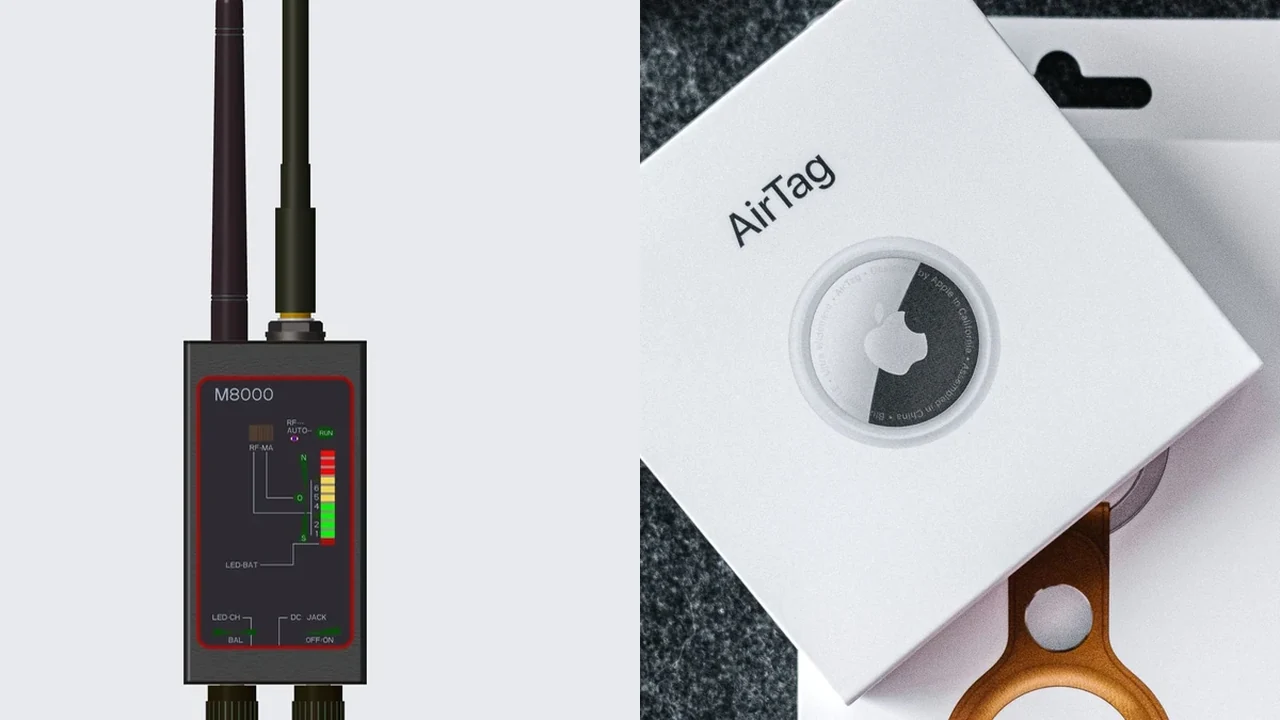
A wideband RF detector can react to radio energy from an AirTag or another Bluetooth tracker when that tracker is transmitting and the signal falls inside the detector’s usable range. That does not mean the detector can identify an AirTag by name. Use Apple’s or Android’s unknown-tracker features first, then treat RF as a secondary localization clue.
The useful distinction is between detecting radio activity and identifying the device that produced it. Phones, routers, earbuds and many other products share nearby spectrum. A strong RF reading is therefore a place to investigate, not proof that a tracker is present.
What signal does an AirTag transmit?
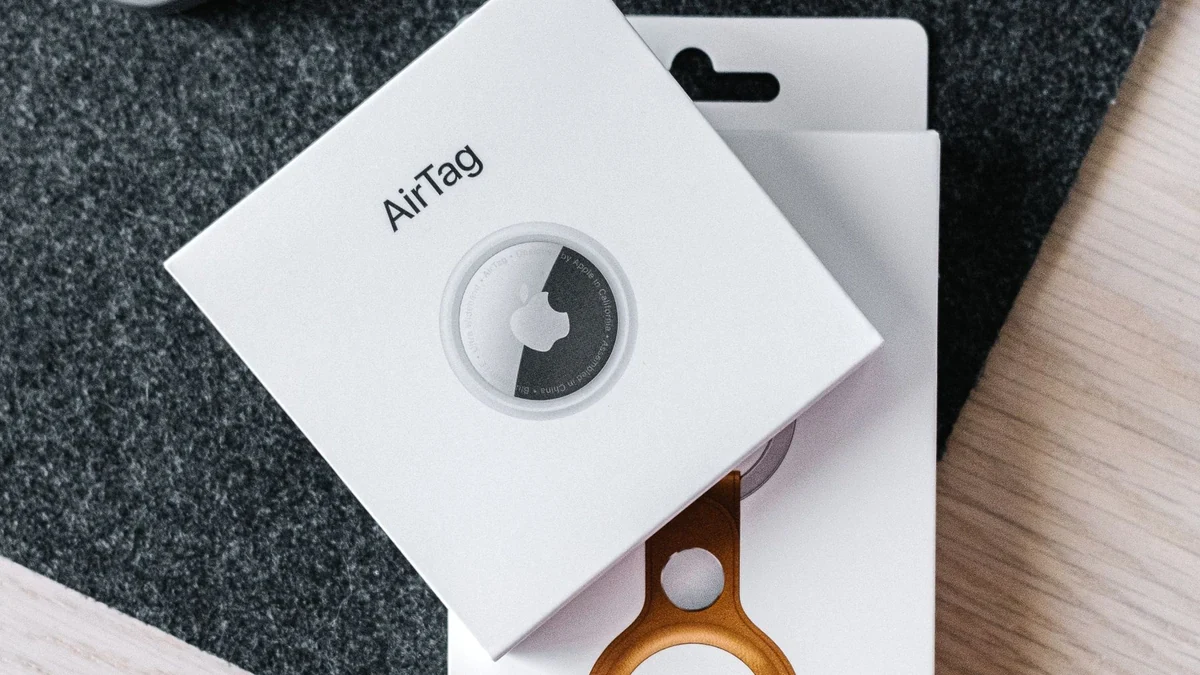
Apple says an AirTag sends a secure Bluetooth signal that nearby Find My network devices can detect. The nearby Apple device, not the AirTag itself, reports the item’s location through the Find My network. That makes Bluetooth the first radio fact to establish before thinking about a wideband RF detector.
The FCC identifies Bluetooth as operating in the 2400–2483.5 MHz band in the United States. That frequency sits inside the current supplier-listed RF ranges for several QZT detectors:
| QZT detector | Current listed RF range | Does the listed range include 2.4 GHz? |
|---|---|---|
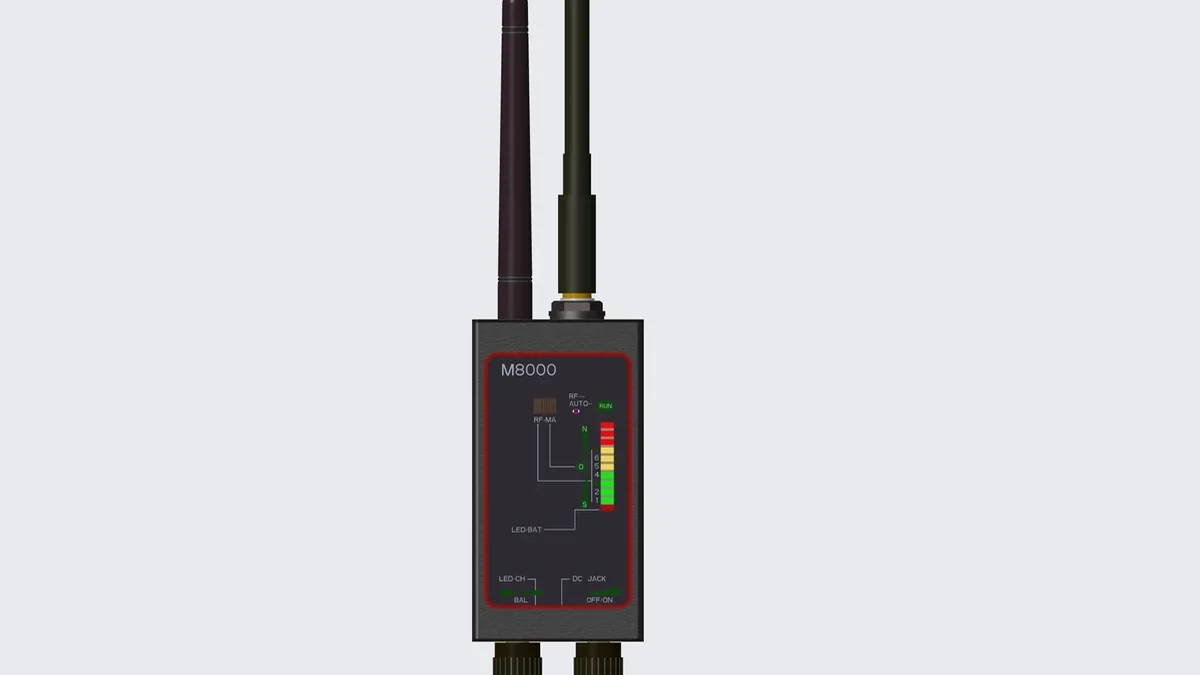
| M8000 | 1 MHz–12 GHz | Yes |
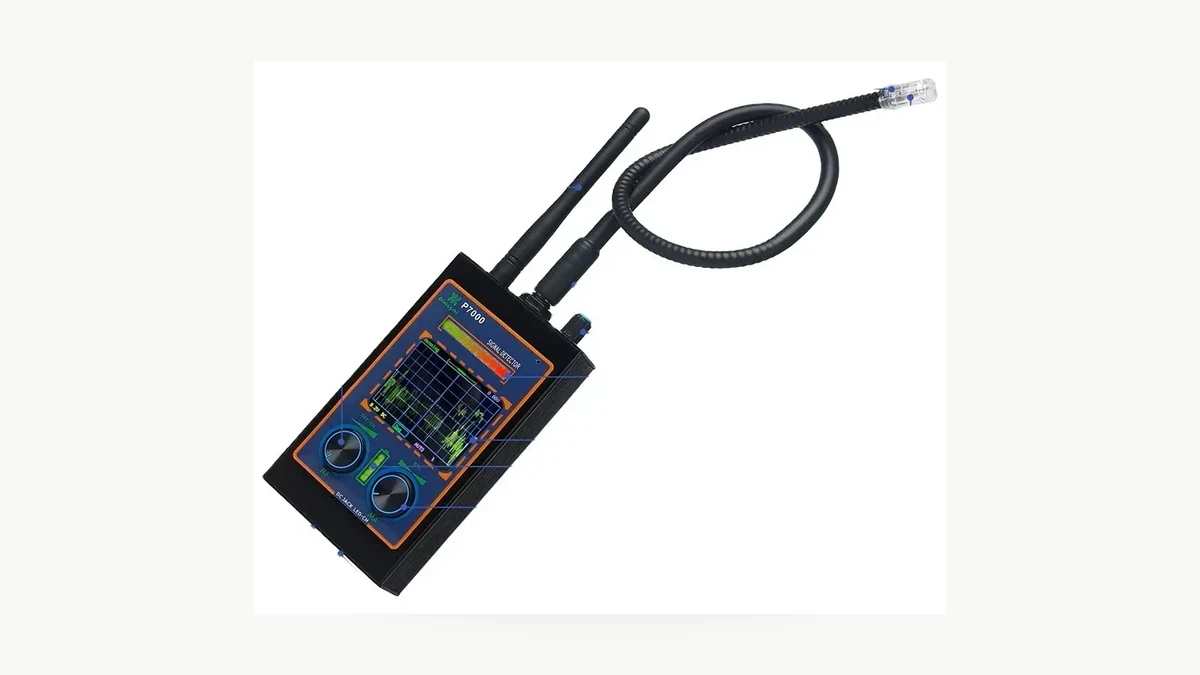
| P7000 | 1 MHz–12 GHz | Yes |
| Card007 | 50 MHz–6.5 GHz | Yes |
Those numbers establish frequency coverage on the product specification, not an AirTag detection guarantee. A detector still has to receive enough energy from a transmission at the moment you sweep. Distance, antenna orientation, detector threshold, nearby transmitters and the tracker’s transmit timing can change the reading.
Apple also states that AirTag identifiers change frequently. A general RF meter does not decode those identifiers, so the changing ID is another reason not to use a raw RF alarm as an identity test.
If you are testing a sample detector for resale, keep the claim narrow: “2.4 GHz is inside the listed RF range” is supportable from the current specifications. “Finds every AirTag” would require a documented AirTag test protocol, repeated trials and actual results.
Why can’t a wideband RF detector identify an AirTag?
A wideband RF detector measures radio activity within the frequencies it can receive. It does not automatically know whether a 2.4 GHz signal came from an AirTag, Wi-Fi router, Bluetooth earbuds, phone, smart speaker or another transmitter.
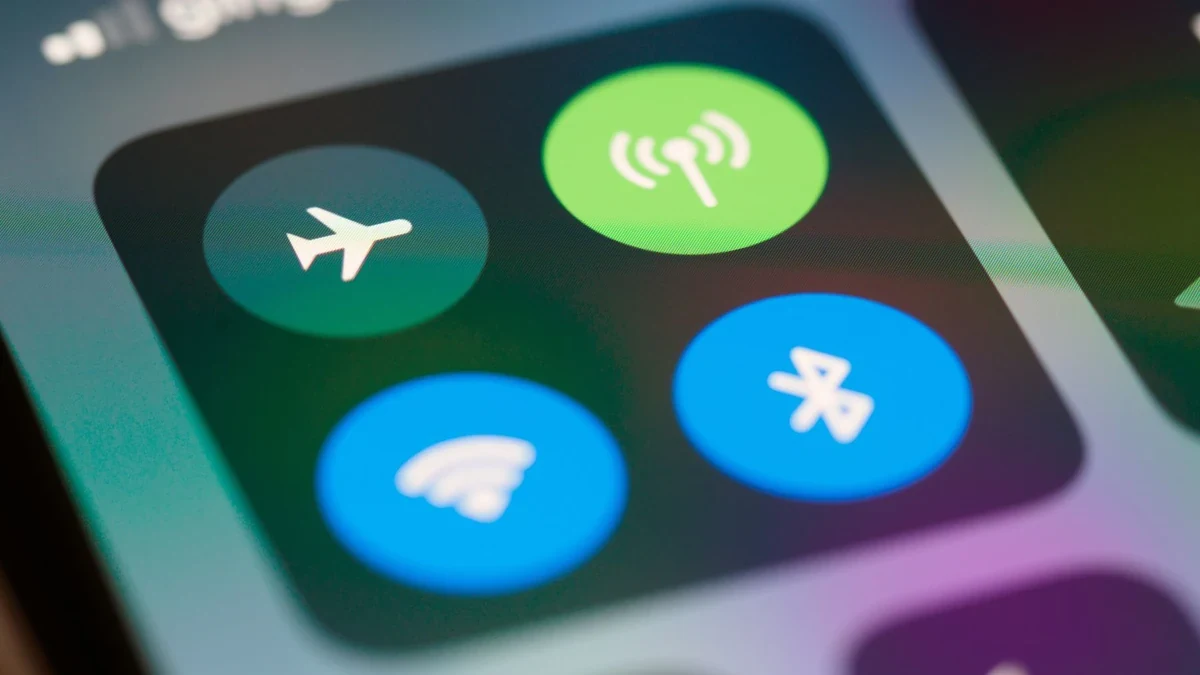
The FCC describes the 2.4 GHz band as shared by Wi-Fi, Bluetooth and other unlicensed devices. That crowded environment explains why a detector can respond strongly in an ordinary home, office or hotel room even when no unknown tracker is present.
Current QZT detector controls are built around this reality. The M8000 and P7000 list an adjustable RF threshold. Card007 provides five selectable RF sensitivity levels. These controls help narrow a signal, but they do not turn a wideband detector into a Bluetooth protocol analyzer.
A practical reading has three layers:
| Evidence | What it can establish | What it cannot establish |
|---|---|---|
| Detector becomes active in one area | RF energy is stronger there under the current settings | Which device transmitted it |
| Reading weakens when a known phone or router is moved away | That known source contributed to the reading | That no other transmitter exists |
| Reading persists near one object at lower sensitivity | The object or nearby area deserves closer inspection | That the object is an AirTag |
| Phone shows an official unknown-tracker alert | A compatible tracking system detected a tracker moving with you | Exact physical location until you locate it |
Do not label every detector alarm a “false positive.” The RF energy may be real; the mistake is assigning the wrong identity to it. The detector is telling you that radio energy exists. Device identification requires another step.
The broader RF, lens and magnetic detection guide covers what each mode can establish. For Bluetooth trackers, stay with RF plus the dedicated phone tools. Lens detection has no role in identifying an AirTag.
What should you use first for an unknown tracker alert?
Use the phone’s dedicated unknown-tracker system before reaching for a wideband detector. Apple and Google can recognize compatible Bluetooth tracking devices at the protocol level, something a general RF meter does not do.
Apple’s current support instructions say an iPhone or iPad can alert you when an AirTag, compatible Find My accessory or certain other Bluetooth tracking devices appear to be moving with you after being separated from their owner. From the alert, supported devices can offer Play Sound and, for compatible AirTag hardware and iPhone models, Find Nearby / Precision Finding.
Android’s Unknown tracker alerts support Apple AirTags and compatible Find Hub trackers. Google also provides a manual Scan now option under Unknown tracker alerts. When a supported tracker is found, Android can provide a map and, where supported, options such as Play sound or Find nearby.
These systems are more useful for identity than a wideband RF detector because they are designed to recognize tracker protocols. Use the RF detector only when you need an additional physical clue, when the phone says a tracker is nearby but you still cannot locate it, or when you are evaluating detector behavior on a known sample.
If you receive an unwanted-tracker alert and feel unsafe, follow the phone manufacturer’s safety guidance. Apple and Google both advise moving to a safe public place and contacting law enforcement or a trusted person when appropriate. Preserve screenshots and device information before making changes that could remove useful evidence.
Do not use an RF detector to defeat another person’s legitimate anti-stalking alert system. The appropriate use here is finding a tracker on your own belongings, vehicle or property you are authorized to inspect, or testing a detector against a tracker you control.
How can you use an RF detector as a secondary check?
Run a controlled comparison rather than sweeping at maximum sensitivity and treating every beep as a tracker. The goal is to see whether one area produces a repeatable RF change after known sources are accounted for.
Start where you have permission to inspect. Keep the phone alert or manual-scan result as the primary evidence. Then note the detector mode and sensitivity before changing anything.
A repeatable sequence is more useful than a single alarm:
1. Move your own phone, smartwatch, earbuds and portable hotspot away from the inspection area when practical.
2. Leave essential equipment running; record the known router or fixed transmitters you cannot move.
3. Set the detector so background RF produces a stable, manageable reading rather than a continuous maximum alarm.
4. Sweep the same path twice from different directions.
5. When a reading strengthens, lower sensitivity or threshold and rescan a smaller area.
6. Inspect the object or compartment physically. Use the phone’s Play Sound / Find Nearby feature if the official tracker alert provides it.
7. Repeat the check before concluding that the signal follows one object.
M8000 and P7000 both provide signal-strength feedback and adjustable RF thresholds; P7000 also has a waveform display. These features help compare relative signal changes. They still do not decode Bluetooth packets or prove that the source is an AirTag.
A known sample can help you learn the detector before a real search. Place an AirTag or other Bluetooth tracker that you own in a known location, document the phone state, detector sensitivity, distance and result, then repeat at several distances and orientations. That produces a sample-specific observation. It does not establish a universal detection distance.
A quiet RF detector also has limits. A device that is not transmitting during the sweep gives a wideband detector nothing useful to receive. Intermittent Bluetooth traffic can also make a reading appear and disappear. If the phone has issued a compatible tracker alert, do not dismiss it only because one RF pass was quiet.
For procurement, ask the supplier to demonstrate the detector against the exact tracker type and test environment your customers care about. Keep hits, misses, distances, sensitivity levels and known background transmitters in the sample report. A frequency-range line in a specification is not a substitute for that evidence.
Frequently Asked Questions
Can an RF detector identify an AirTag by name?
No. A wideband RF detector can react to radio energy in a frequency range that includes Bluetooth, but it does not normally decode the Bluetooth identity of the transmitter. Use Apple’s Find My warnings or Android Unknown tracker alerts for tracker recognition, then use RF only as an additional localization clue.
Can an RF detector find an AirTag when it is not transmitting?
No RF detector can receive a transmission that is not present at the moment of the sweep. AirTag uses Bluetooth, but its radio activity is not equivalent to a continuous transmission that a simple meter must always show. Repeat a controlled check and keep the phone’s tracker alert as primary evidence.
Will Wi-Fi or Bluetooth earbuds trigger the same RF detector?
They can. Wi-Fi, Bluetooth earbuds, phones and many smart devices transmit radio energy in bands that wideband detectors may cover. A reading near one of these products is not evidence of an AirTag. Move known portable sources away when practical, reduce sensitivity as the signal strengthens, and compare the area again.
Which QZT RF detectors cover the Bluetooth 2.4 GHz band?
The current listed ranges for QZT M8000 and P7000 are 1 MHz–12 GHz, while Card007 is listed at 50 MHz–6.5 GHz. Each range includes 2.4 GHz. That only establishes frequency coverage. It does not guarantee detection distance, timing, protocol identification or a successful AirTag search.
Should I use an RF detector instead of iPhone or Android tracker alerts?
Use the phone’s dedicated unknown-tracker system first. Apple and Google can recognize compatible Bluetooth tracker protocols and provide actions such as Play Sound or Find Nearby on supported hardware. An RF detector is more useful as a secondary physical-search tool when you need another clue after the phone has raised an alert.
Before choosing a detector for Bluetooth-tracker checks
For QZT security detector enquiries, specify whether the job is a general RF sweep, Bluetooth-tracker localization, magnetic-mount inspection or a combined workflow. Ask for a sample test against the exact tracker type you plan to support, and keep the detector settings and background RF conditions with the result.

 English
  Italiano
  Deutsch
  Français
  Español
  Polski