
There is no single hidden camera that is best for every room or every job. A wall-clock camera, USB charger, power bank, smoke-detector shell, pen, DIY module and wall-socket camera solve different placement and power problems.
The useful comparison is not “which one won a test?” unless there is a real, documented same-condition test. It is:
– where the camera will be placed;
– whether it has continuous external power;
– whether you need remote viewing or only local files;
– how recordings are stored and retrieved;
– what the exact sample actually does.
For the technology changes behind these products, use the dedicated Hidden Camera Technology Trends in 2026 guide. This page stays focused on choosing a form factor.
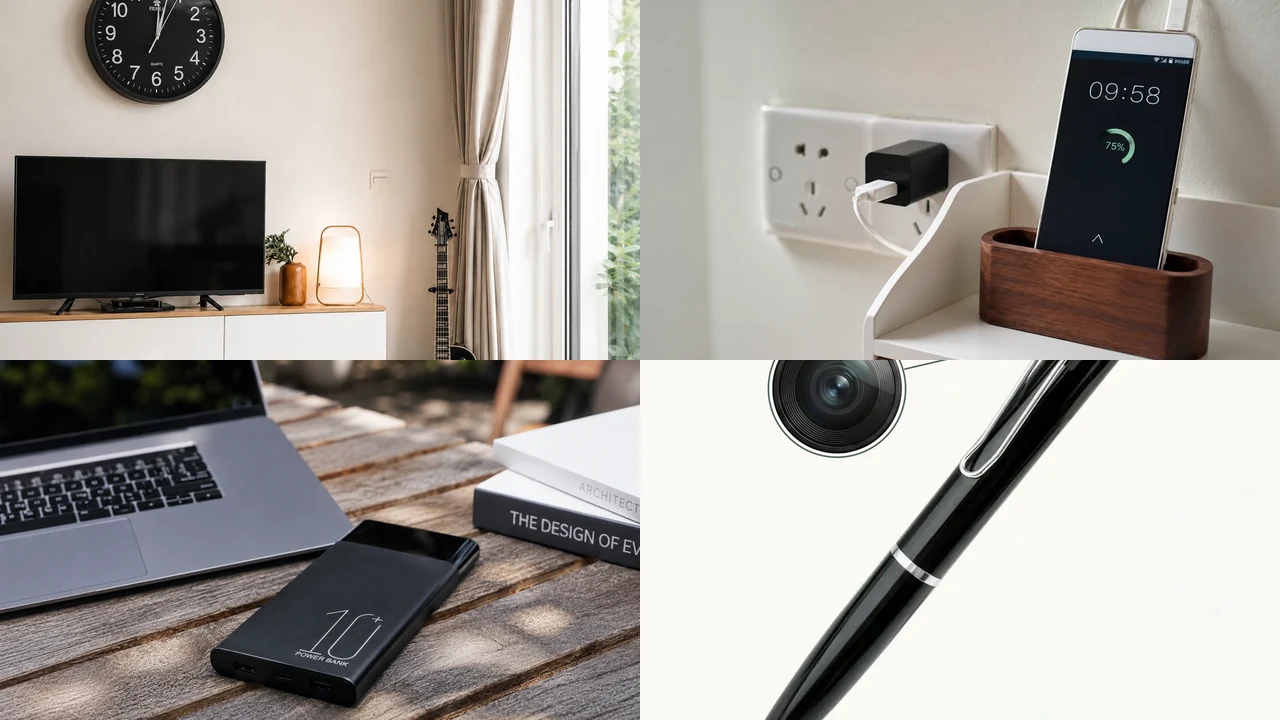
No-text composite made from real QZT product-source images. It illustrates form-factor choices, not a ranked performance test.
1. Start with the placement and power source
The “best” form factor is the one that fits the location without forcing the wrong power or network design.
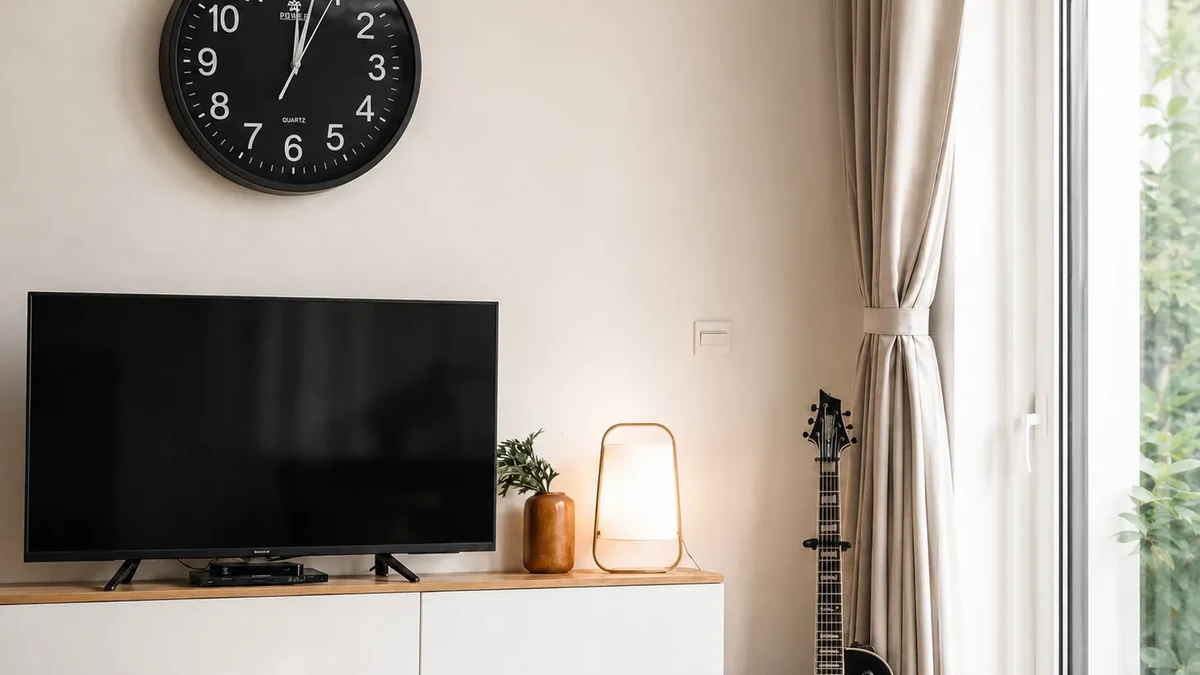
Real QZT wall-clock camera source image. A clock form factor is one fixed indoor option; the image is not a stealth or detection test.
| Form factor | Current QZT example | Typical strength | Main sample check |
|---|---|---|---|
| Wall clock | 4K WiFi Wall Clock Camera | Fixed indoor position with mains/AC power available | App, lens angle, storage, actual video mode |
| USB charger | 5-Port WiFi USB Charger Camera | Plug-in desk/counter placement with continuous power | Plug version, WiFi/app, card recording, camera angle |
| Power bank | H20 Power Bank Hidden Camera | Portable battery body with larger battery volume | Exact battery version, app, runtime, storage |
| Smoke detector | SC02 Smoke Detector Camera | Ceiling-style view | Mounting, power, view angle, recording path |
| Pen | W9 Spy Pen Camera | Short-session portable recording | Battery runtime, field of view, file retrieval |
| DIY module | Tuya DIY Camera Kit | Custom integration into another enclosure | Lens, firmware/app, power, heat, storage |
| EU wall socket | S2 EU Wall Socket Camera | Fixed wall installation | Plug/electrical version, view angle, network, storage |
These are current product examples, not winners.
Before comparing resolution or app features, eliminate any form factor that does not fit the site’s power, mounting and retrieval requirements.
2. Clock, charger and wall-socket cameras suit fixed indoor positions
Plug-in or mains-powered products are useful where the camera is expected to stay in one location and external power is available.
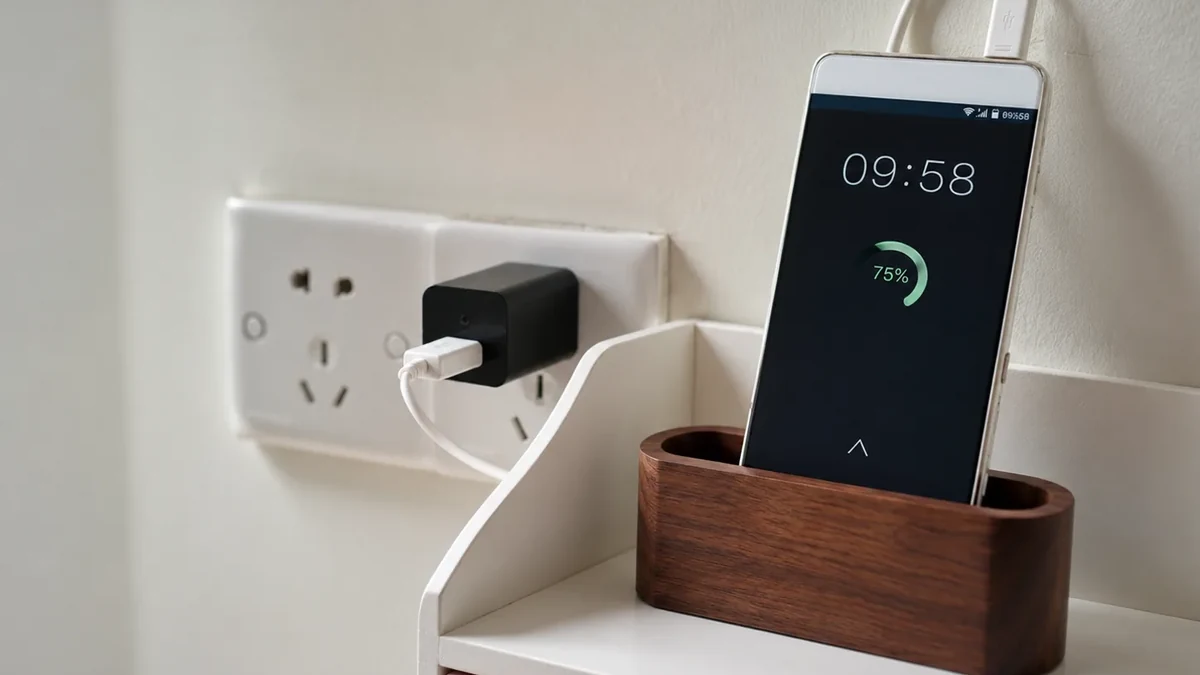
Real QZT USB-charger camera scene. A plug-in body solves a different power problem from a battery wearable.
A clock camera can provide a higher mounting position on a shelf or wall. A USB charger naturally belongs near power. A wall-socket camera can create a fixed viewing position.
That does not mean all three products share the same network or recording behavior.
For example, current QZT pages show different combinations of:
– WiFi app viewing;
– MicroSD storage;
– 1080p or 4K-labeled configurations;
– direct AC/USB power;
– model-specific motion or night-vision functions.
For a fixed installation, verify:
1. exact plug and voltage version;
2. lens position and real field of view;
3. whether local recording continues under the outage condition you care about;
4. how the card is accessed;
5. whether the app/server is required for setup or playback.
Do not choose a mains-powered disguise just because it can run longer than a small battery camera. Placement and recording path still have to fit the job.
3. Power-bank, pen and other portable cameras trade runtime against size
Portable products are useful when the camera cannot stay connected to wall power, but there is no universal “portable camera battery life.”
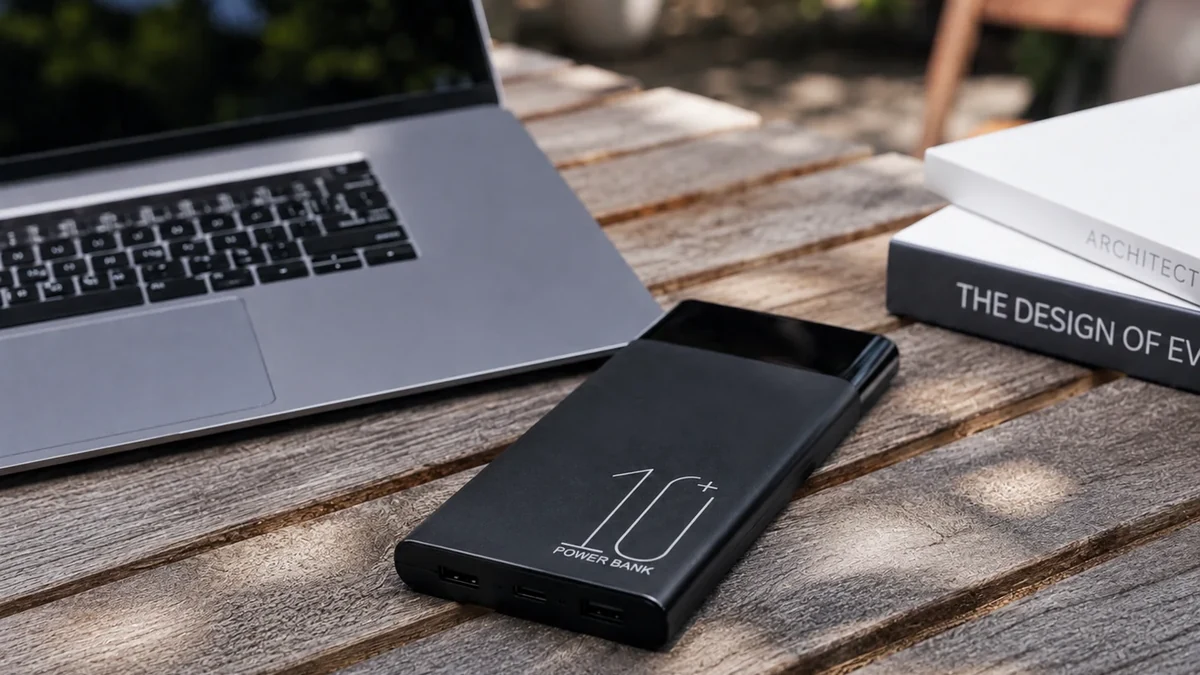
Real QZT H20 source image. Its larger body allows a larger battery than a pen or glasses form factor, but actual runtime still requires the exact mode and sample.
The current H20 page lists a 10000mAh power-bank body and 4K/1080p configurations, with 365-app or Tuya-app versions depending on the order. The W9 pen is a much smaller local-recording form factor.
Those products should not be compared using only “battery powered.”
Record:
– battery capacity for the exact version;
– continuous vs event recording;
– WiFi/app activity during the test;
– IR/night-light use;
– bitrate/video mode;
– storage card;
– room temperature;
– measured recording time.
A pen can be easy to carry but has much less battery volume than a power bank. A power bank can run longer but is physically larger. Neither is “best” without the use case.
4. Smoke-detector and DIY cameras need installation evidence, not just a disguise
A ceiling shell or bare camera module introduces installation questions that a table-top product does not.
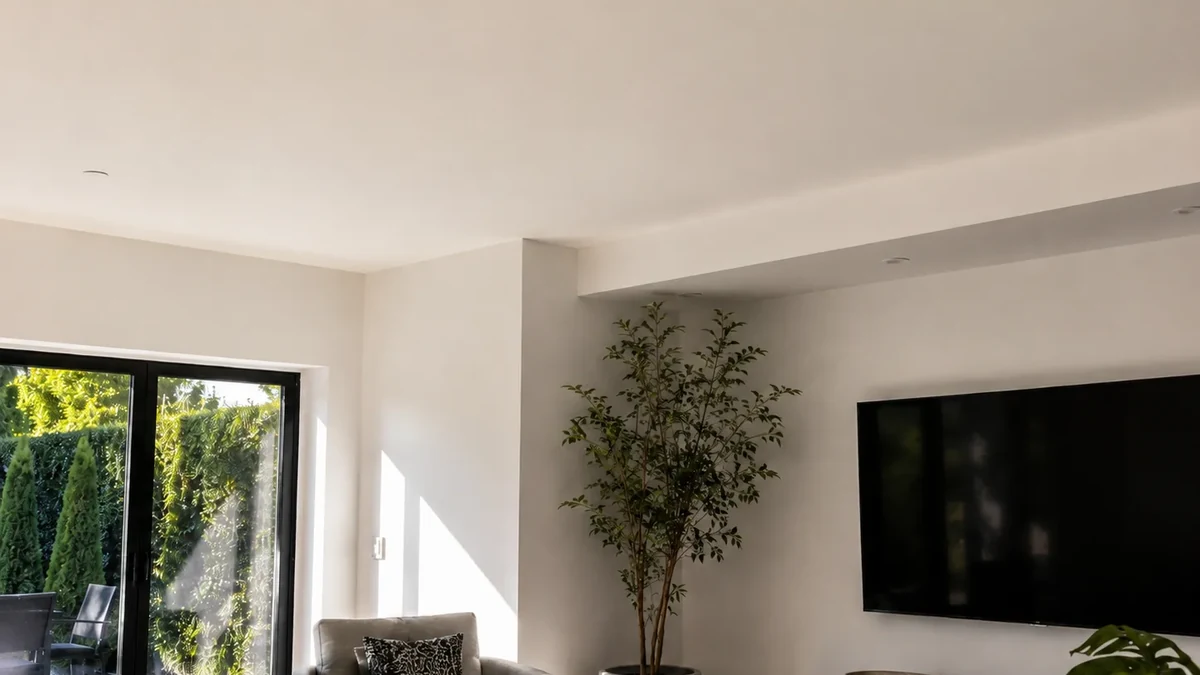
Real QZT SC02 source image. Check the exact mounting, power and recording configuration before installation.
The current SC02 page lists a 1080p WiFi camera, motion detection, infrared night vision and MicroSD storage up to 128GB. The current QZT DIY Tuya kit lists a separate module/lens, Tuya app viewing, 1080p/4K options, 2.4GHz WiFi, battery or USB power and MicroSD storage.
Those specifications do not answer installation questions such as:
– how the device is powered in the finished enclosure;
– whether heat is managed;
– whether the lens has a clear optical path;
– whether the housing remains functional for its apparent purpose;
– whether the installation complies with electrical/building requirements;
– whether the exact camera behavior has been approved in the sample.
A smoke-detector-shaped housing should also not be confused with a certified fire-safety device unless the supplied product is actually documented and certified for that function.
For custom OEM projects, preserve the hardware revision and firmware with the sample approval. A visually identical shell can contain a different camera board later.
5. Choose WiFi/app viewing or local recording by the retrieval job
Remote live view and local file recording are different requirements.
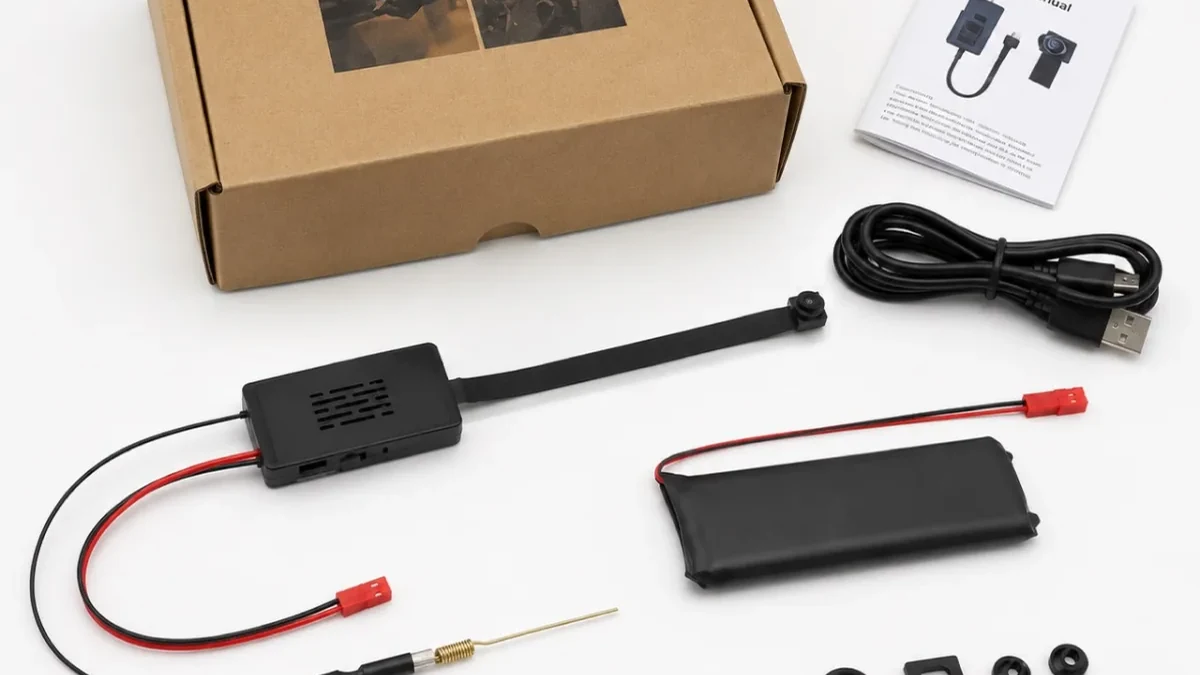
Real QZT Tuya DIY module image. App viewing, local recording and offline behavior should be verified separately.
Ask what must happen after the recording is created:
| Requirement | What to verify |
|---|---|
| See the camera remotely now | App/server path, account, network and remote access |
| Retrieve the file later | Card/storage format and file access method |
| Keep recording if internet fails | Exact model behavior with internet unavailable |
| Keep recording if WiFi/router disappears | Different test from internet-only outage |
| Avoid cloud service | Local recording and local retrieval path |
| Central NVR recording | Exact ONVIF/RTSP support and integration test |
A MicroSD slot does not prove every offline scenario. A WiFi label does not prove cloud dependence. The exact model and firmware decide the behavior.
For indoor/offline questions, see Can an Indoor Camera Record Without WiFi or Internet?.
6. Verify a sample instead of copying a “best” ranking
A trustworthy buyer guide should leave you with a repeatable sample test, not a fictional score.
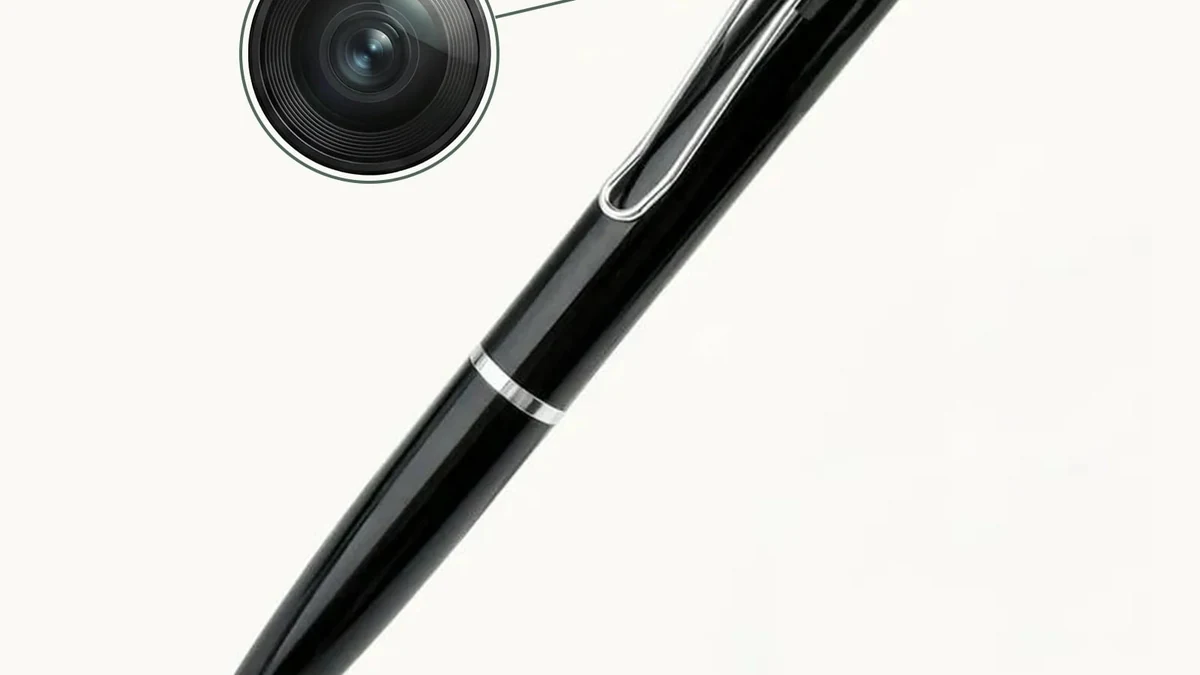
Real QZT W9 product image. Use the approved sample to verify the exact video, power and file behavior before a repeat order.
For every candidate, record:
| Check | Result |
|---|---|
| Exact SKU / hardware revision | Record |
| Firmware / app version | Record |
| Video mode / frame rate / codec | Record |
| Field of view in the real location | Pass / Fail / Not tested |
| Day image | Pass / Fail / Not tested |
| Night image if required | Pass / Fail / Not tested |
| Continuous/event recording behavior | Pass / Fail / Not tested |
| Local storage / overwrite | Pass / Fail / Not tested |
| Remote view if required | Pass / Fail / Not tested |
| Reconnect after power/network interruption | Pass / Fail / Not tested |
| Battery runtime if applicable | Measured under documented conditions |
| Accessories / plug / packaging | Match / Mismatch |
Do not turn one successful sample into a permanent claim for every later batch. Re-check any feature that changes with hardware, firmware, app or supplier revision.
The current QZT lineup gives buyers several form factors to sample. It does not create a same-condition laboratory ranking between all seven types.
Frequently asked questions
What is the best hidden camera for a room?
There is no universal best type. A fixed indoor room with available power may suit a clock or charger form factor. A portable job may need a power bank or pen. A custom installation may need a DIY module. Start with power, view angle, recording and retrieval requirements.
Is a 4K hidden camera always better than 1080p?
No. Resolution is one variable. Inspect the sensor/lens, frame rate, codec, bitrate, low-light result and storage impact on the exact sample.
Which hidden camera works without WiFi?
Standalone/local-recording products can work without a WiFi app, while some WiFi cameras can still save to a local card under certain outage conditions. Verify the exact model. Use the dedicated without-WiFi guide for the different offline states.
Which hidden camera has the longest battery life?
Do not compare different form factors using battery capacity alone. Power-bank bodies can hold much larger batteries than pens or glasses, but runtime depends on recording mode, wireless use, night lighting, bitrate, temperature and battery condition.
Are hidden cameras legal everywhere?
No. Privacy, audio recording, workplace monitoring, rental-property rules and expectations of privacy vary by jurisdiction and use. Use discreet cameras only where the monitoring is lawful and authorized, and obtain local legal guidance for high-risk deployments.
What changed in hidden-camera technology in 2026?
See Hidden Camera Technology Trends in 2026: What Is Actually Shipping?. That page covers ecosystem choice, local/remote storage, 4K options, power design, detection terminology and wearable form factors.
The useful “best camera” decision is therefore the best-matched form factor for a defined job, verified on the exact sample.

 English
  Italiano
  Deutsch
  Français
  Español
  Polski