
Spy glasses can record hands-free video from an eye-level wearable position, but that does not mean every pair has the same lens angle, runtime, storage, app support or frame construction.
The current QZT G3000 documentation is a useful example of why the exact revision matters. The current product page and the current G3000 manual do not agree on several key specifications, including recording time, charging time and maximum memory. Those differences should be resolved on the supplied sample before a reseller publishes a fixed number.
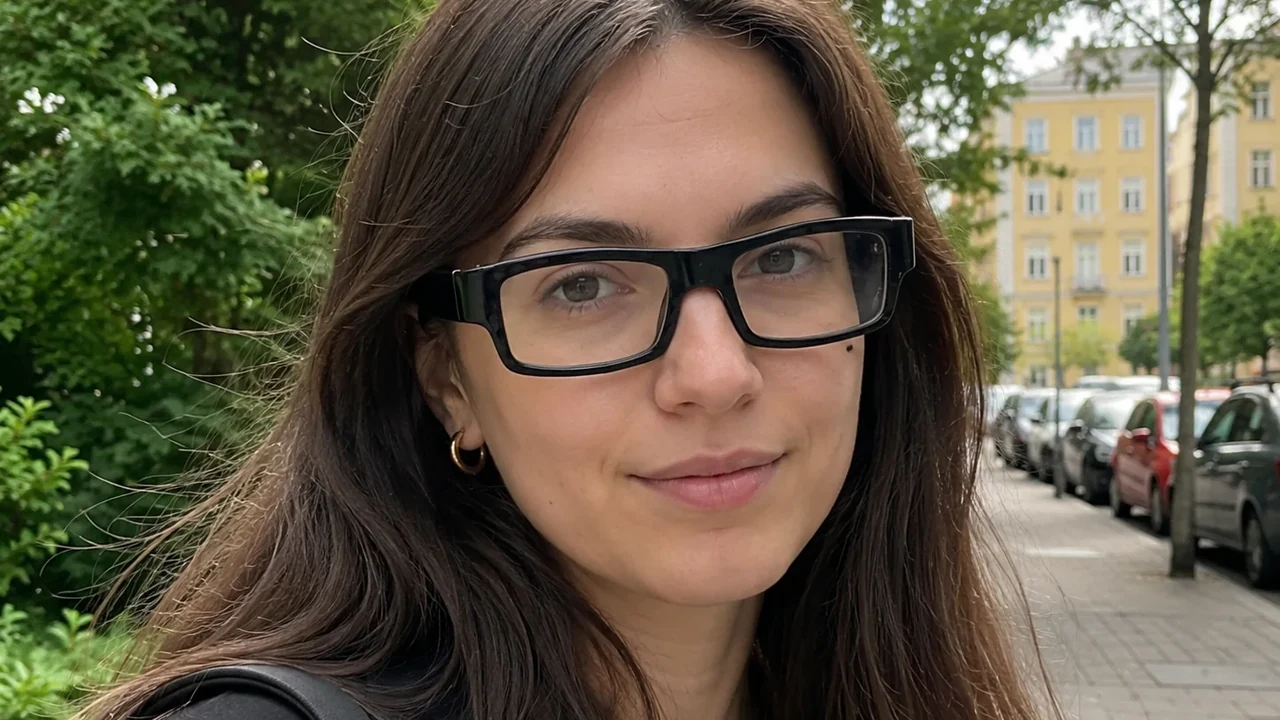
Real QZT G3000 source image. It shows the wearable form factor; it is not a performance or concealment test.
Start with the exact model and documentation revision
The current QZT G3000 Camera Glasses page identifies the model as G3000. QZT’s current G3000 instruction manual also identifies the model as G3000, but the two sources contain different numbers.
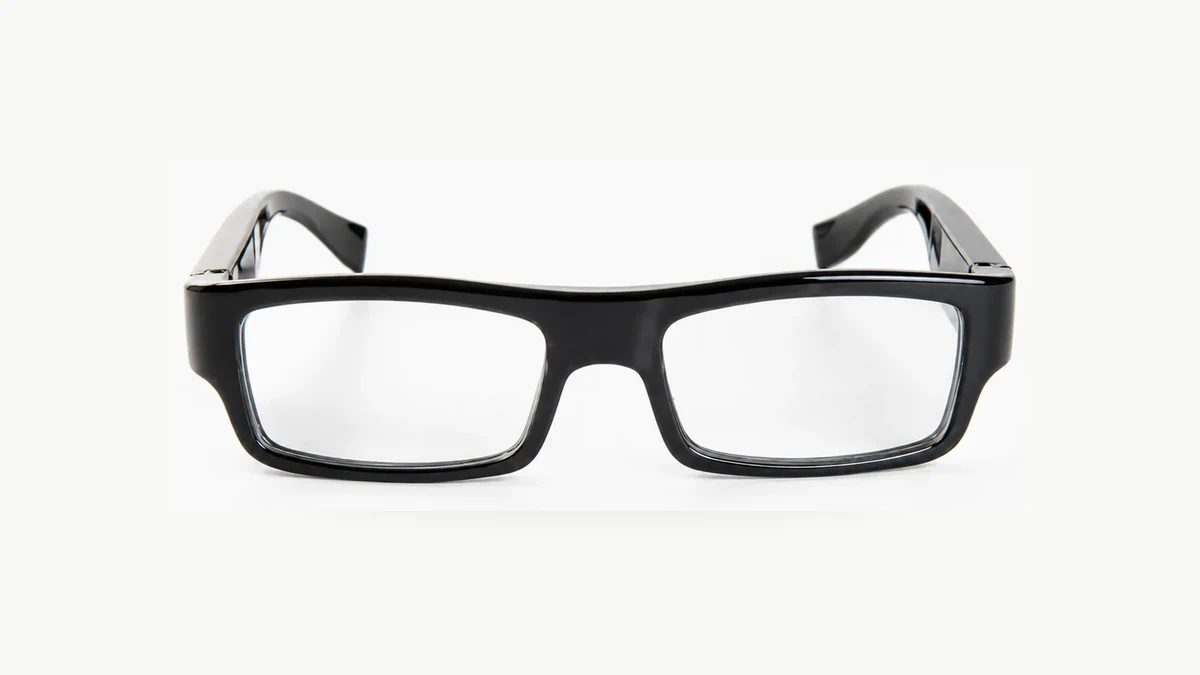
Real QZT G3000 product image. Record the hardware/manual revision that ships with the sample rather than assuming every G3000 listing is identical.
| Item | Current product page | Current G3000 manual | Safe purchasing conclusion |
|---|---|---|---|
| Video | 1080P / 720P listed | 1920×1080P, 30fps | Verify the delivered video mode/file |
| Charging | About 1.5 hours listed | About 2 hours | Conflicting — sample-confirm |
| Recording time | About 80 minutes listed | Up to 180 minutes | Conflicting — sample-confirm |
| Max memory | Up to 64GB listed | Maximum 128G | Conflicting — sample-confirm |
| WiFi / app | Current page contains no WiFi product configuration for G3000 | Manual explicitly says no WiFi / no app | Treat current manual as local-recording workflow unless a different documented build is supplied |
| Power input | DC-5V listed | 5V1A | Confirm supplied charging cable/source |
Do not solve a conflict by choosing the bigger number.
For a sample order, save:
– model/SKU;
– hardware revision or label;
– manual version/date;
– firmware if exposed;
– supplied memory-card support;
– actual video file properties;
– measured charge/recording test conditions.
If the production batch changes, repeat the fields that matter to the listing.
Check the lens position and actual point of view
Wearable glasses naturally move with the user’s head, but the usable scene still depends on the real lens position and framing.
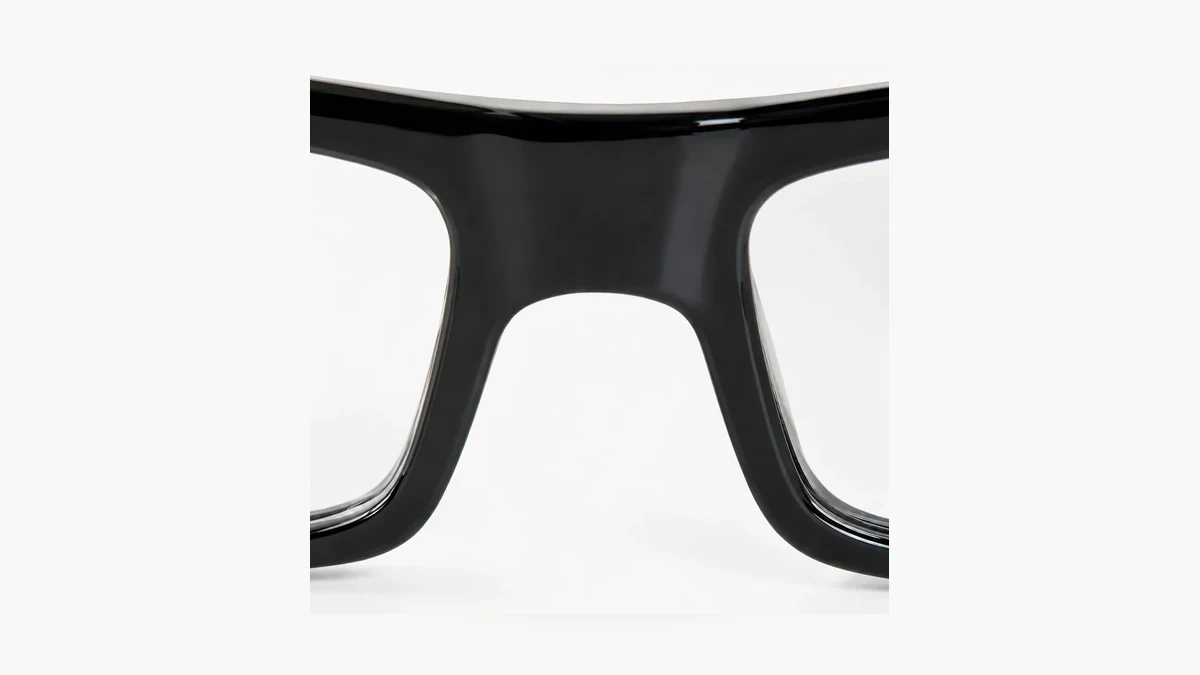
Real QZT G3000 lens-area image. Lens position should be checked on the exact sample; this photo does not establish field-of-view performance.
The current G3000 product page lists a 62° lens FOV in its technical specification. The manual tells the user to confirm the lens is not covered if video has no image.
For a sample test, do not rely on a static desk clip. Record:
1. a stationary scene;
2. normal walking;
3. looking left/right;
4. near and far objects relevant to the job;
5. indoor and outdoor lighting if both matter.
Then inspect the original file, not a compressed messaging-app copy.
Do not carry forward the old blog claims that every bridge-mounted camera is automatically stable, that temple mounts create a fixed 10–15° tilt, or that one mount geometry is always superior. Those conclusions require same-condition sample evidence.
Verify video, audio and file handling from the original recording
The G3000 manual documents 1920×1080P video at 30fps, a TF-card workflow and USB file access. The current product page also lists 12MP JPG photos and a built-in microphone.
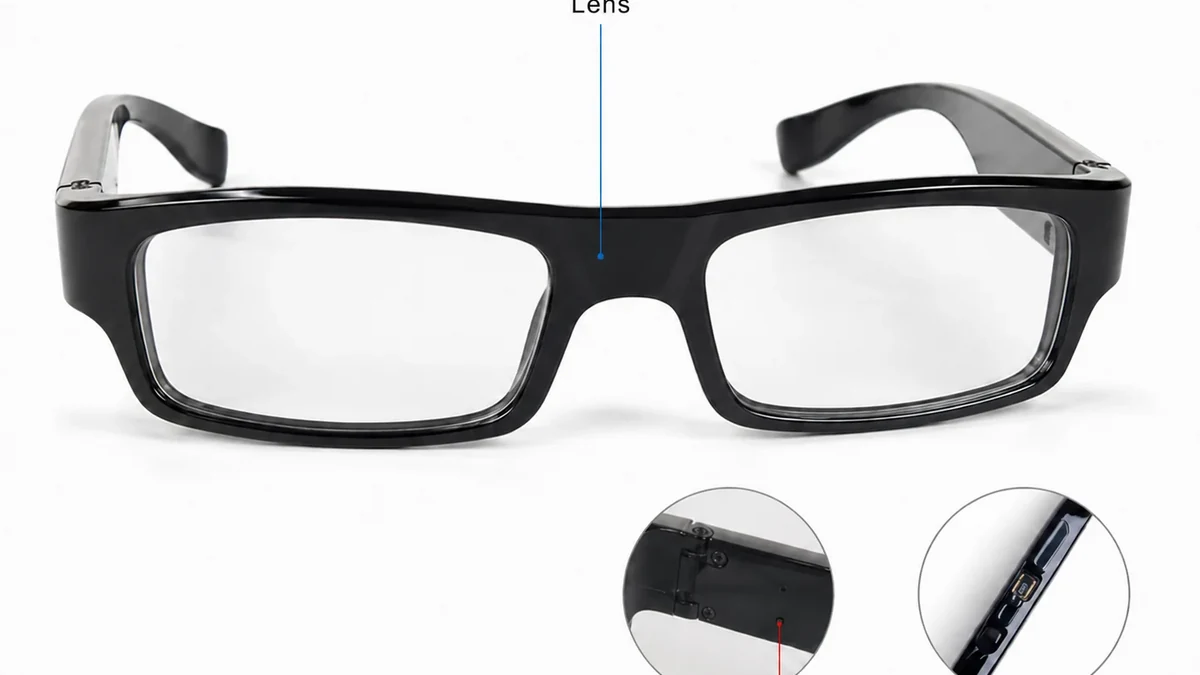
Real QZT G3000 feature image. File quality and audio should be judged from the delivered sample’s original files.
The manual’s current workflow says:
– a TF card is required for normal recording;
– long-press powers on and starts recording;
– long-press powers off and saves the file;
– low battery triggers shutdown and attempts to save the active file;
– with a TF card installed, USB connection can enter drive mode;
– the manual says Android playback via Type-USB is supported, while iOS is not supported in that workflow;
– VLC is suggested if a computer’s default player cannot decode the video.
That is much more useful than saying “1080p looks better.”
For procurement, save one original sample file and inspect:
– resolution;
– frame rate;
– codec/container;
– audio presence;
– time/date behavior;
– file segmentation;
– whether shutdown saves the current clip cleanly.
The product page and manual must match the batch before those details are printed on retail packaging.
Do not publish a fixed battery/runtime claim until the conflict is resolved
The old spy-glasses article contained invented side-by-side tests, fixed 55–80 minute runtime bands, temperature reductions and comfort-hour thresholds. Those claims have no matching archived test record and should not be used.
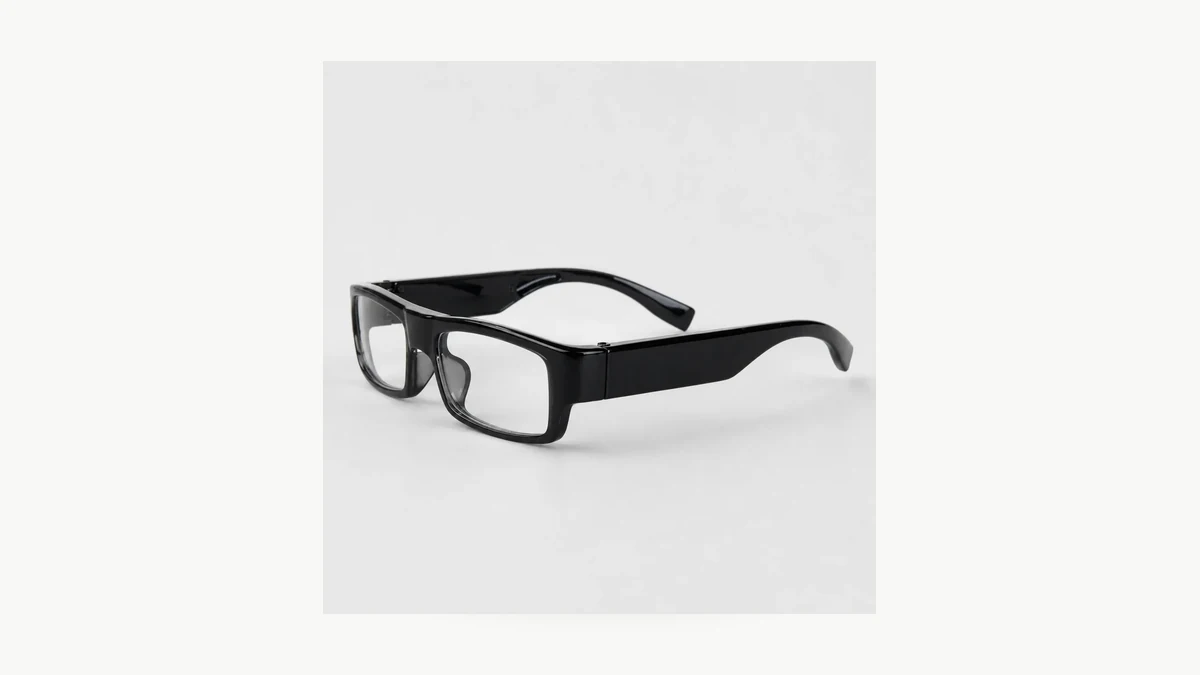
Real QZT G3000 side-view product image. Runtime needs a controlled sample test because the current page and manual conflict.
The current sources themselves already show why a single number is unsafe:
– product page body: about 80 minutes continuous video;
– product-page technical specification: Recording Time 1.5 hours;
– current manual: up to 180 minutes after a full charge;
– product page: about 1.5 hours charging;
– manual: about 2 hours charging.
Until QZT has a revision-matched supplier specification or a controlled production-sample test, the honest listing is:
> Recording and charging time: confirm for the supplied G3000 revision. Current web and manual sources conflict.
A useful runtime test should record:
– exact sample/revision;
– memory card;
– video mode;
– starting charge state;
– ambient temperature;
– continuous vs interrupted recording;
– start/end timestamps.
Do not convert battery capacity into runtime without measuring the actual device.
Current G3000 is a local-recording workflow, not a Tuya WiFi product
The old blog said some G3000 glasses could live-stream over Tuya and claimed WiFi reduced battery life by a fixed amount. That is not supported by the current G3000 manual.
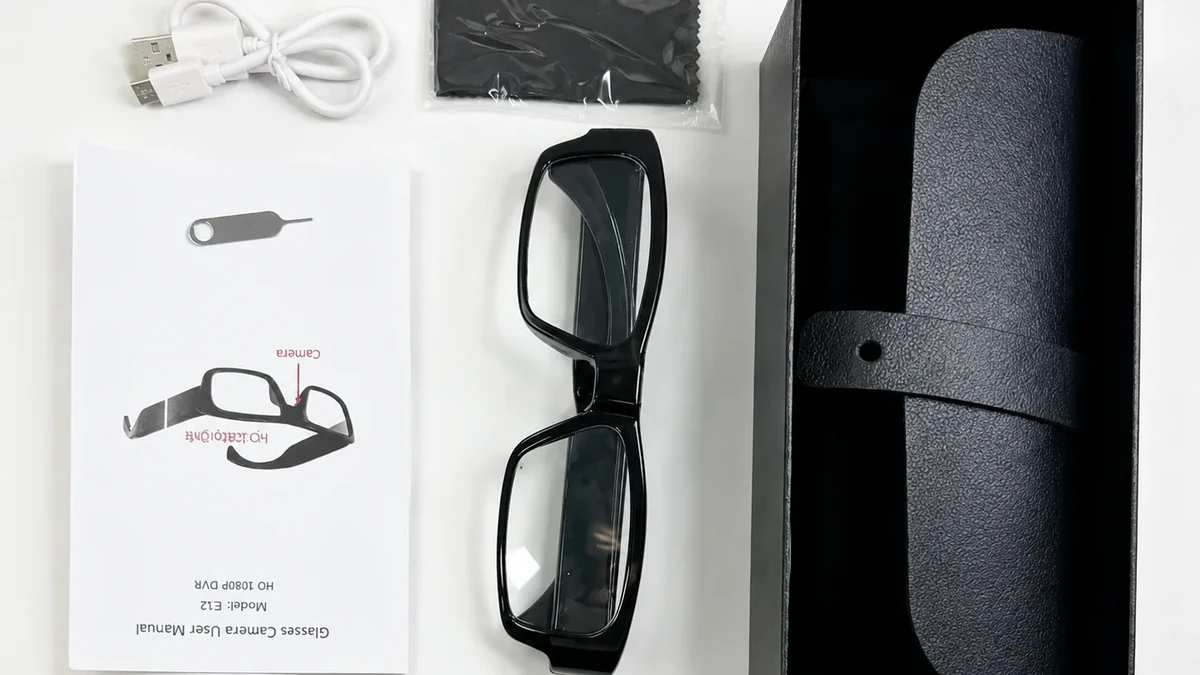
Real QZT G3000 package image. The current manual describes local TF-card recording and explicitly says the item does not support WiFi or an app.
The current manual says:
> “This item do not support Wi-Fi, Could not work with App.”
So for this documented G3000 workflow:
– do not advertise Tuya live view;
– do not publish a WiFi runtime penalty;
– do not call RF transmission a normal G3000 recording behavior;
– do not infer cloud storage.
If a future WiFi glasses SKU is offered, it needs its own model/revision evidence rather than inheriting the G3000 page.
For detector questions, remember that an RF sweep only reacts to active RF transmission. A local-recording device can be quiet on RF. The broader detection limits are covered in RF or Lens Detection: What Can a Hidden Camera Detector Actually Find?.
Fit, prescription use and weather resistance need their own evidence
The current G3000 page describes clear non-prescription lenses with UV protection. It does not provide an approved prescription range or an IP water-resistance rating in the current product documentation reviewed for this article.
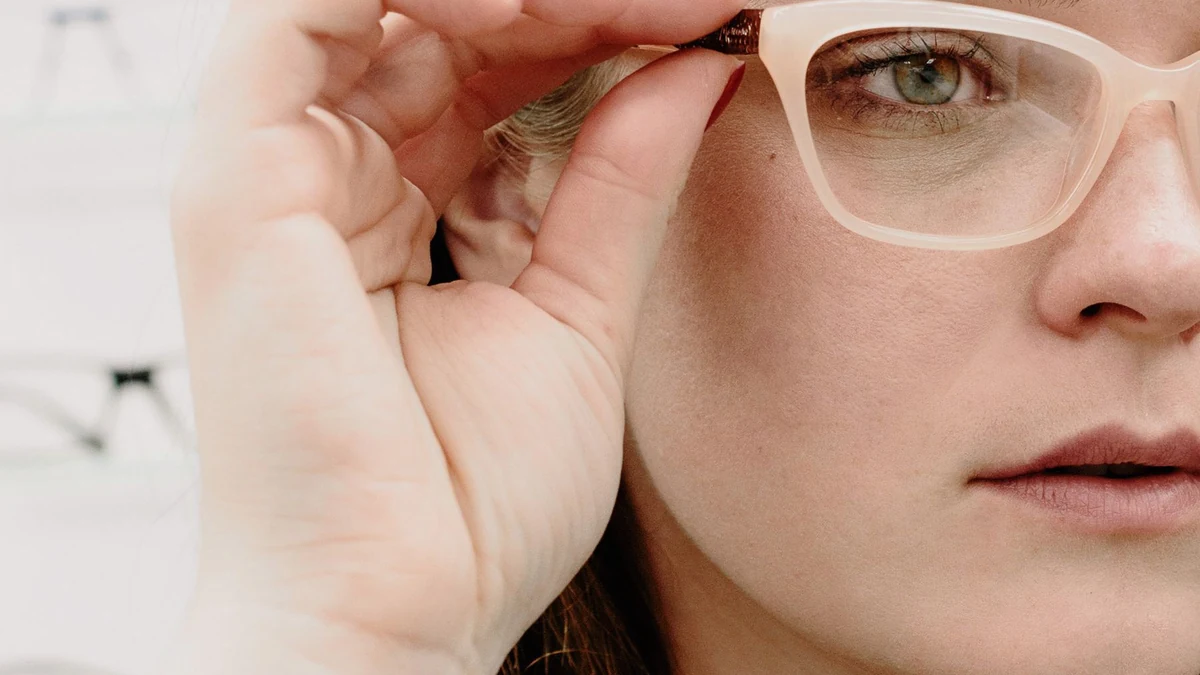
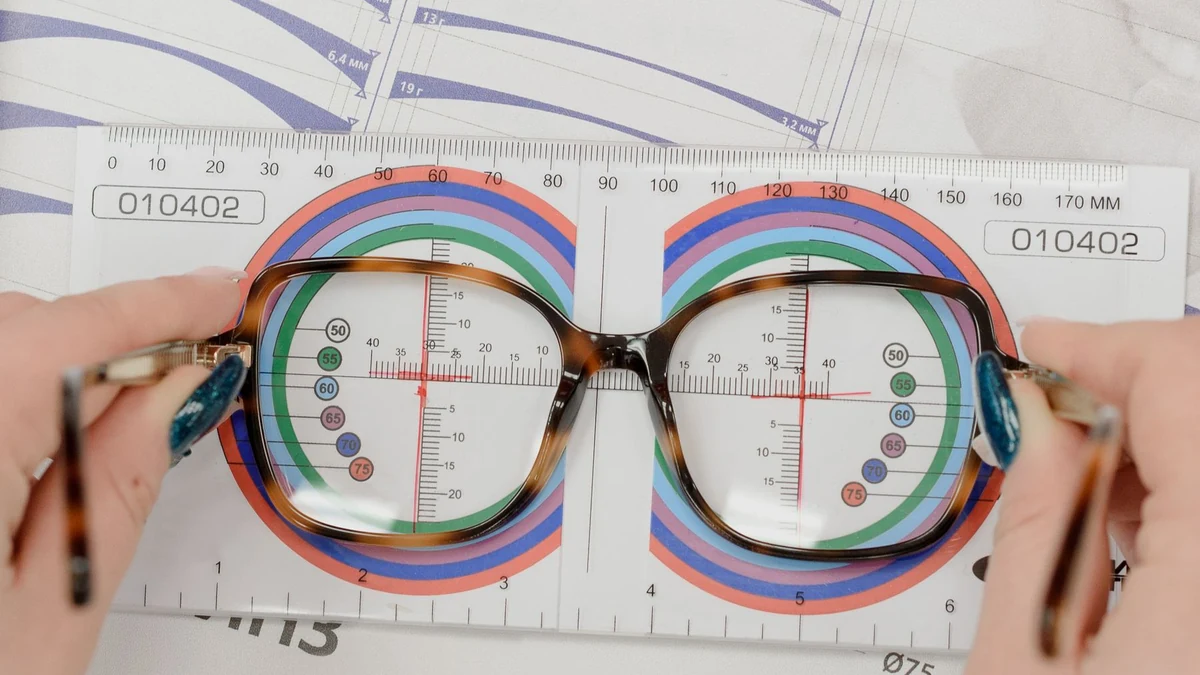
Real QZT G3000 worn-scene image. Fit and optical-lens replacement should be checked with the exact frame and qualified optical advice rather than a generic prescription claim.
Therefore do not repeat the old article’s unsupported statements about:
– +4 to -6 prescription ranges;
– optician compatibility for every frame;
– fixed comfort hours by gram weight;
– one universal weight threshold;
– rain tolerance.
For a B2B sample, record:
– frame dimensions;
– actual product weight;
– nose/temple fit across the target user group;
– whether the supplied lens can legally/practically be replaced in the destination market;
– whether modification would obstruct the camera or controls;
– any documented ingress-protection rating.
If prescription replacement is a product requirement, get written confirmation for the exact frame and use a qualified optician for the optical work.
Use a short acceptance test before bulk ordering
The old article used star ratings and “best wearable” conclusions without a stored test protocol. Replace that with a reproducible checklist.
Real QZT G3000 package image. Confirm the exact delivered accessories, manual and recording behavior before a repeat order.
| Check | Result |
|---|---|
| Model / revision / manual match | Pass / Fail / Not tested |
| Original video resolution / fps / codec | Record observed values |
| Audio present | Pass / Fail / Not tested |
| Lens framing while walking | Pass / Fail / Not tested |
| TF card size actually accepted | Record tested card |
| File saved after normal shutdown | Pass / Fail / Not tested |
| Low-battery file handling | Pass / Fail / Not tested |
| Full-charge time | Measured |
| Continuous recording time | Measured |
| Android/PC file retrieval | Pass / Fail / Not tested |
| Accessories / case / cable / manual | Match / Mismatch |
| Frame fit for target buyer | Record sample feedback |
Do not publish “best,” “tested,” “80 minutes,” “180 minutes,” “64GB,” or “128GB” as a fixed production claim until the approved sample/revision resolves the conflicts.
Frequently asked questions
Do spy glasses with a hidden camera really record hands-free?
Yes, the G3000 manual describes one-button wearable recording to a TF card. The usable framing still needs to be checked while the wearer moves.
How long do G3000 camera glasses record?
Current QZT sources conflict. The product page says about 80 minutes, another product-page field says 1.5 hours, and the current manual says up to 180 minutes. Confirm the supplied revision with a controlled sample before publishing a fixed number.
Do G3000 spy glasses connect to WiFi or Tuya?
The current G3000 manual says the item does not support WiFi or an app. Do not reuse an old Tuya/WiFi claim for this documented G3000 build.
What memory card does G3000 support?
Current sources conflict: the product page lists up to 64GB, while the current manual says maximum 128G. Test the exact supplied batch/card and align the product documentation before making a fixed claim.
Can G3000 use prescription lenses?
The current product page describes clear non-prescription lenses with UV protection. The reviewed documentation does not establish a universal prescription range. If prescription conversion is required, confirm the exact frame and use qualified optical advice.
Are camera glasses legal to use?
Rules differ by jurisdiction, location, purpose and whether audio is recorded. Do not rely on a generic country table from a product blog. Use camera glasses only where recording is lawful and authorized, and obtain local legal advice for workplaces, private premises, audio recording or other high-risk uses.
The useful buying rule is simple: approve the exact G3000 revision from original files and a short sample test, not from an old “tested” blog claim.

 English
  Italiano
  Deutsch
  Français
  Español
  Polski