
A wall clock camera and an alarm clock camera can both place a camera inside a working clock-style housing, but they solve different placement and power problems.
The useful comparison is not “which one wins.” It is:
– where the camera will sit;
– how it will be powered;
– which app/platform the exact model uses;
– how recordings are stored;
– what viewing angle the real sample gives from that position.
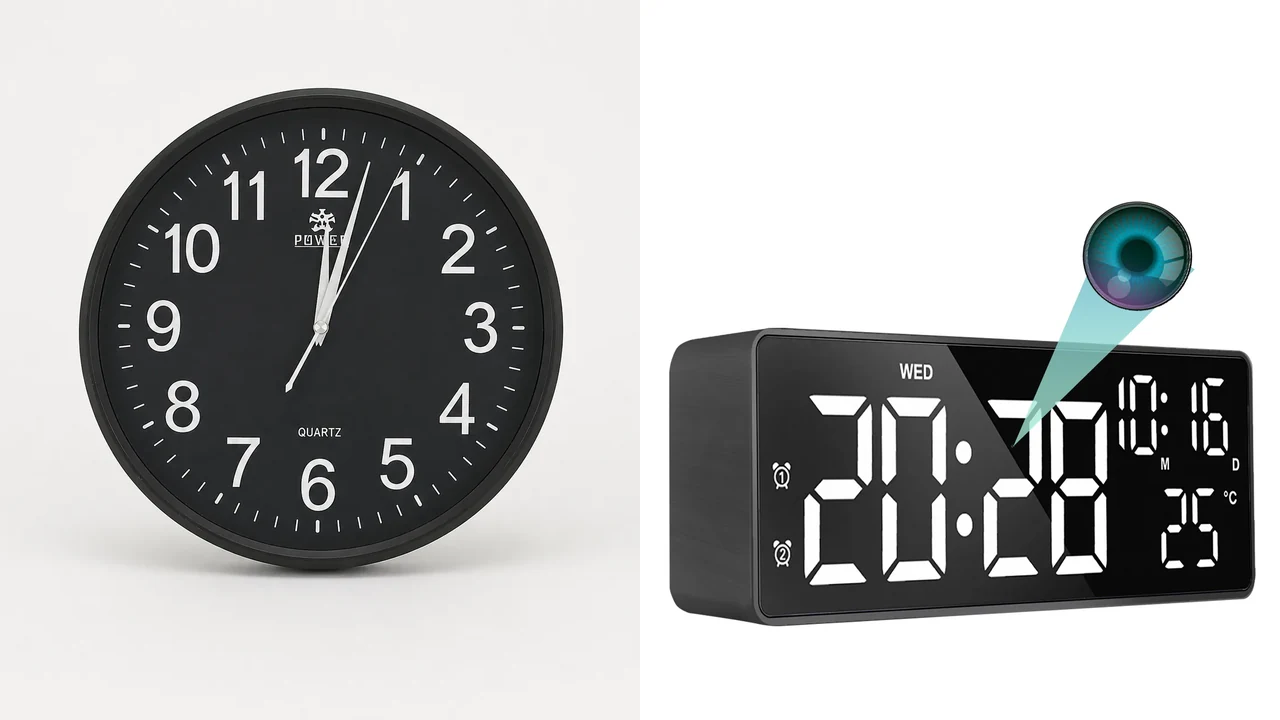
No-text composite of real QZT wall-clock and Z13 alarm-clock product images. It shows two form factors, not a same-condition performance test.
1. Wall-clock and alarm-clock cameras start from different mounting positions
A wall clock normally sits higher on a wall. An alarm clock normally sits on a desk, shelf or bedside surface.
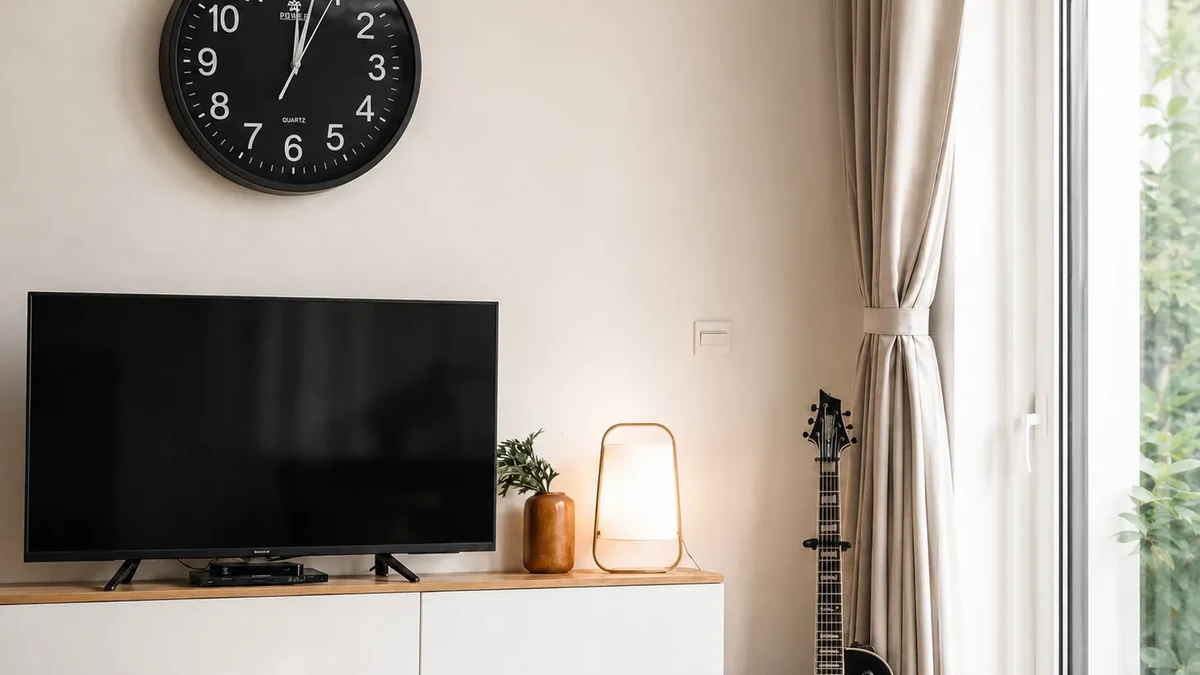
Real QZT wall-clock source image. The actual coverage depends on the installation height, lens and room layout.
That changes the natural viewing direction before any camera specification is considered.
For a wall-clock sample, check:
– mounting height;
– horizontal position;
– downward viewing angle;
– whether the clock can be serviced after mounting;
– whether power can reach the location safely.
For an alarm-clock sample, check:
– desk/shelf position;
– whether the lens is blocked by objects;
– Type-C/USB or adapter route;
– whether the display remains readable at the intended angle;
– whether the camera view matches the required area.
Do not publish one universal room-coverage distance. Test the actual sample in the real position.
2. Current QZT examples use different power designs
The current QZT wall-clock page and the current Z13 alarm-clock page do not use the same power architecture.

Real QZT Z13 source image. Z13 is a plug-in alarm-clock example and should not be treated as a specification for all alarm-clock cameras.
The current QZT wall-clock page lists AC power plus a 2800mAh battery for its present configuration.
The current Z13 page lists Type-C plug-in power.
Product pages:
Those are model-specific facts.
Do not convert them into category rules such as:
– every wall clock has battery backup;
– every alarm clock has a small backup battery;
– plug-in power guarantees 24/7 recording;
– external power removes all restart/reconnect issues.
Power availability and recording behavior must be verified separately.
3. App and storage paths also differ by model
The two current QZT examples already use different app ecosystems.
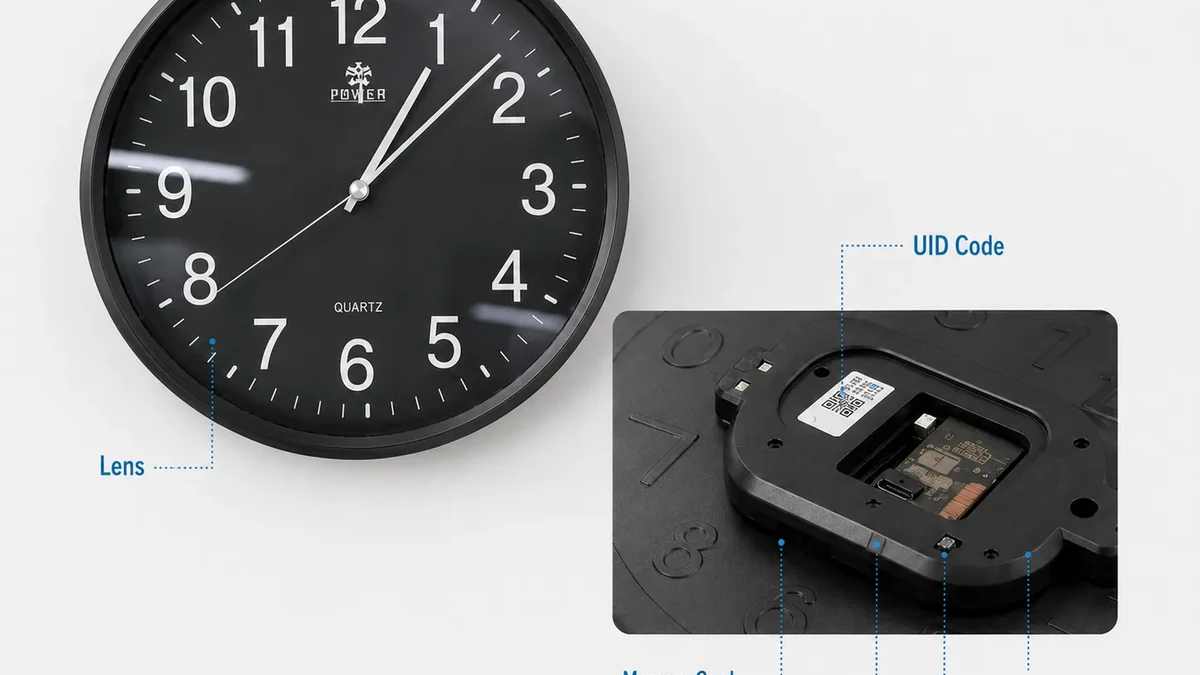
Real QZT wall-clock hardware image. App, memory and control layout should be checked on the exact ordered version.
The current wall-clock page lists:
– a Tuya Smart version;
– 2.4GHz WiFi;
– MicroSD storage up to 128GB;
– motion alerts.
The current Z13 page lists:
– AllCam365;
– 2.4GHz WiFi;
– MicroSD from 8GB to 128GB;
– optional cloud storage that can require a separate plan.
This means “clock camera” does not identify the app.
For procurement, record:
– app name;
– account/region;
– firmware;
– local storage;
– cloud option and fees;
– behavior without internet;
– behavior without the local WiFi/router;
– reconnect after power/network recovery.
For the basic clock-camera architecture, use:
4. Video and night features must be compared on the exact version
Both form factors can be sold with different camera modules and options.
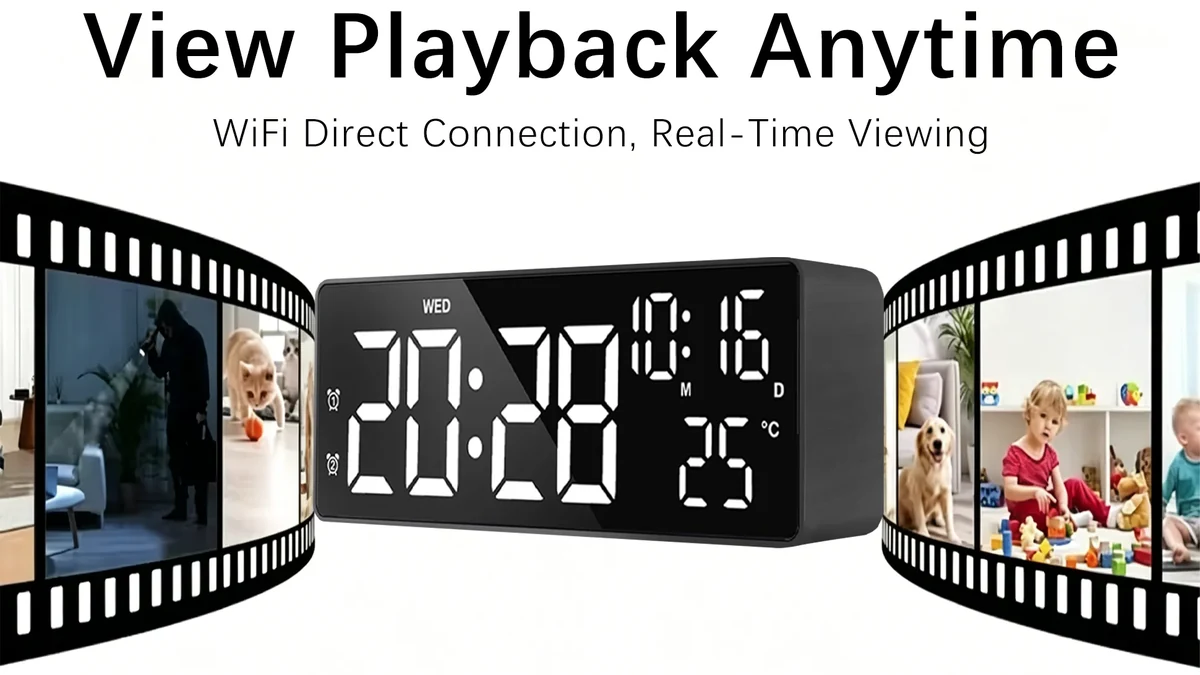
Real QZT Z13 playback source image. Compare original sample files instead of relying only on a 4K or 1080p label.
The current QZT wall-clock page lists:
– 1080p standard video;
– a 3840 × 2160 4K option;
– optional infrared night vision.
The current Z13 page lists:
– 4K / 1080p modes;
– 30fps;
– a listed 110° viewing angle.
These values describe the current pages. They do not prove equal image quality or equal low-light performance.
For each sample, inspect:
– original video file;
– resolution;
– frame rate;
– codec;
– bitrate;
– real field of view;
– daylight result;
– low-light result if required.
Do not publish a “winner” without a same-condition test.
5. Choose by the site task, not by a generic ranking
The form factor should fit the place and the maintenance workflow.
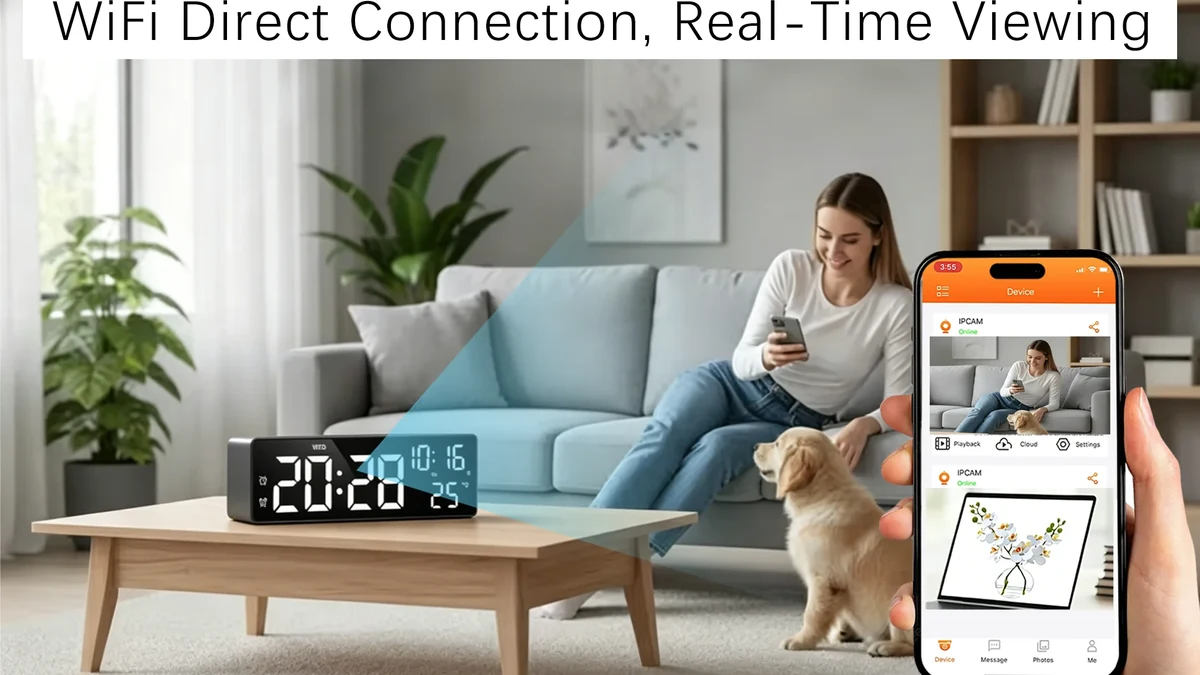
Real QZT Z13 app-view source image. Remote viewing is one workflow; local recording and outage behavior still need separate tests.
A wall-clock form can make sense when:
– an elevated wall position is natural;
– the viewing direction from the wall is useful;
– the power route is practical;
– service access after mounting is acceptable.
An alarm-clock form can make sense when:
– a desk/shelf position is more natural;
– the camera should remain portable within a room;
– plug-in Type-C power is convenient;
– the viewing angle from desk height is useful.
Neither form factor is automatically more discreet, more reliable or better for evidence.
The exact housing, lens, app and installation decide the result.
6. Use one acceptance checklist for both form factors
A repeat-order decision should use the same acceptance fields for both products.
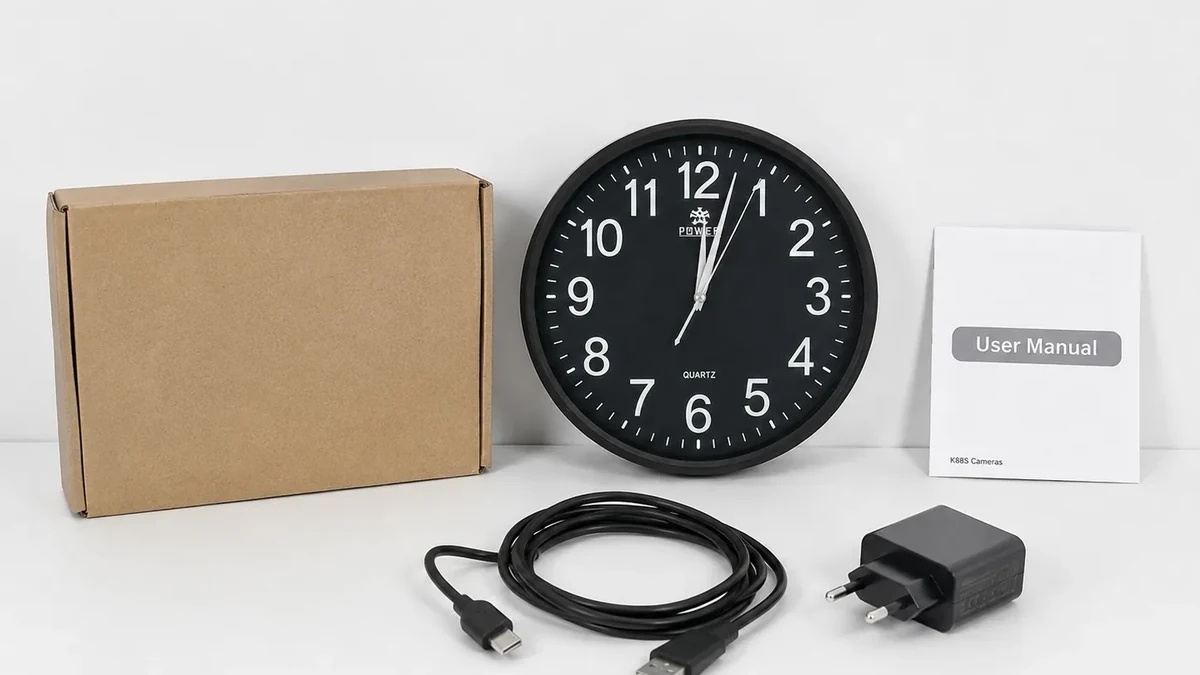
Real QZT wall-clock package source image. Match the approved sample, accessories and documentation before a repeat order.
Record:
1. exact SKU;
2. hardware revision;
3. firmware/app;
4. clock function;
5. power input and supplied adapter/cable;
6. original video mode and file properties;
7. real view from the installed position;
8. local recording result;
9. remote viewing result if required;
10. network-loss behavior;
11. restart/reconnect behavior;
12. storage/overwrite behavior;
13. accessories and packaging.
If the hardware, app or firmware changes, re-test the functions that matter.
Frequently asked questions
#### Is a wall clock camera better than an alarm clock camera?
Not universally. A wall clock provides a different mounting position from a desk/shelf alarm clock. Choose by the required view, power route and recording workflow.
#### Do both types use the same app?
No. Current QZT examples do not: the wall-clock page lists a Tuya Smart version, while Z13 uses AllCam365.
#### Does a wall clock camera always have a wider view?
No. Mounting height and lens specification both matter. Compare the actual sample from the intended location.
#### Can both record to a MicroSD card?
The current QZT wall-clock page and Z13 page both list local MicroSD storage, but capacity and recording behavior must be verified for the exact version.
#### Does plug-in power mean continuous recording?
No. Power and recording mode are separate. Verify continuous schedule support, storage and overwrite behavior on the exact model.
The practical choice is simple: choose the clock form factor that fits the site, then approve the exact camera version with the same checklist.

 English
  Italiano
  Deutsch
  Français
  Español
  Polski