
A clock camera is a camera built into a clock-style housing. The housing can be a wall clock, alarm clock or another time-display product, but the camera system inside can vary widely.
A clock camera may combine:
– a working clock display or movement;
– a camera lens and image sensor;
– local MicroSD storage;
– WiFi/app viewing on some versions;
– model-specific motion, night-view or alert functions;
– plug-in, AC, USB/Type-C or battery-supported power depending on the design.
The important point is that “clock camera” describes the form factor, not one universal specification.
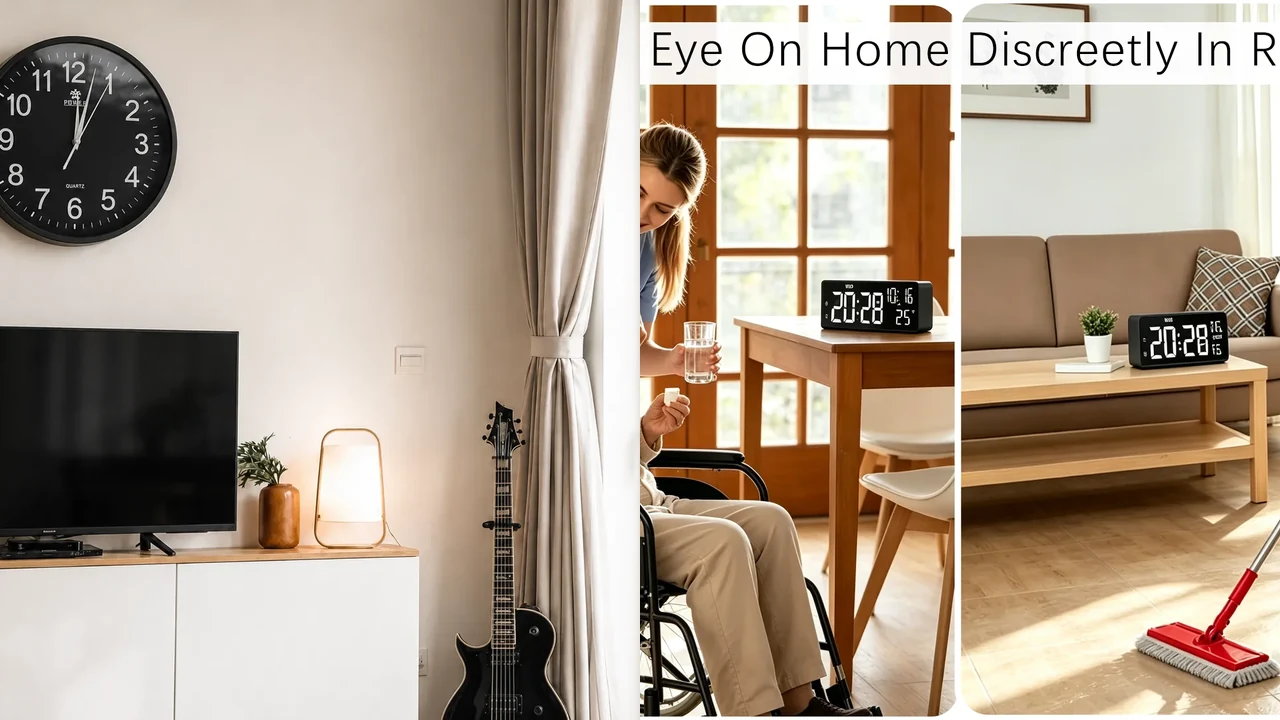
No-text composite of real QZT wall-clock and Z13 alarm-clock product images. It illustrates two current form factors, not a same-condition performance comparison.
1. A clock camera combines a timepiece housing with a camera system
The clock function and camera function share the same enclosure, but they are still separate systems.
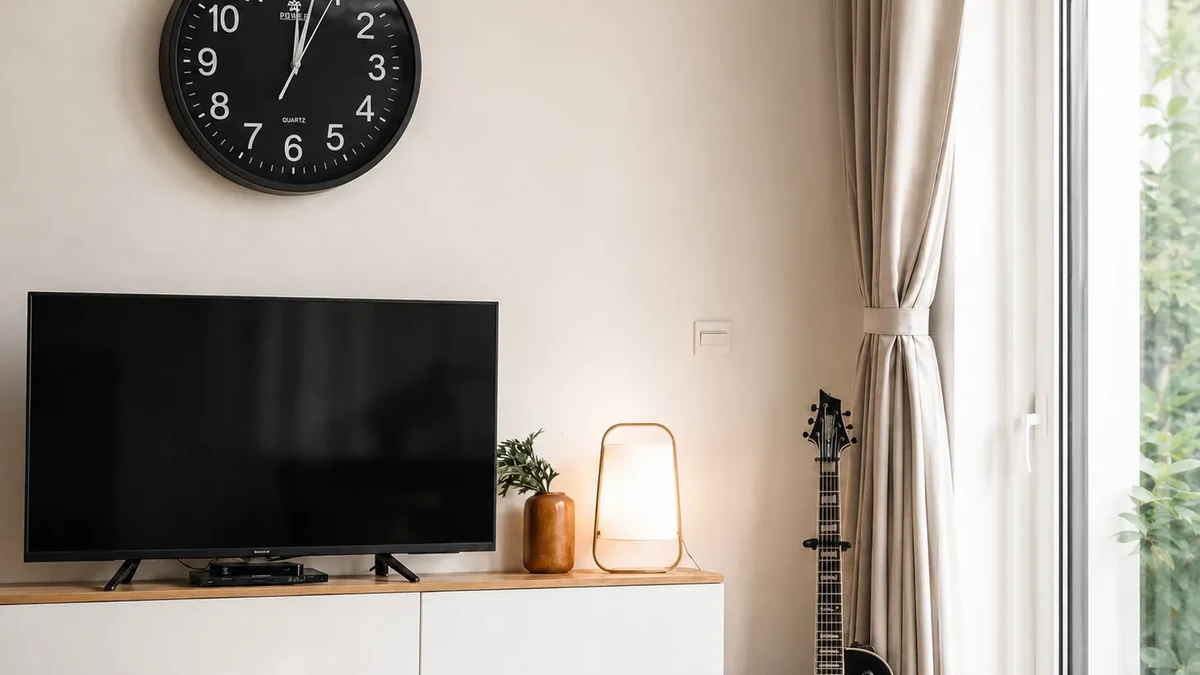
Real QZT wall-clock camera source image. The exact lens, app, storage and power configuration depend on the ordered version.
QZT’s current 4K WiFi Wall Clock Spy Camera is one example. Its current page lists:
– 1080p standard video or a 3840 × 2160 4K option;
– a Tuya Smart app version;
– optional infrared night vision;
– 2.4GHz WiFi;
– motion alerts;
– 2800mAh battery plus AC power;
– MicroSD storage up to 128GB.
That list describes this product family. It should not be copied to every clock camera.
The camera lens can be placed behind a dark window, opening or design element in the clock face. The clock itself may continue to show time even when a camera function is offline, depending on how the hardware is designed.
2. Wall-clock and alarm-clock cameras solve different placement problems
A wall clock is normally viewed from an elevated fixed position. An alarm clock is usually placed on a desk, bedside table, shelf or counter.

Real QZT Z13 source image. Z13 is a plug-in alarm-clock example with AllCam365 rather than the Tuya wall-clock configuration above.
The current Z13 4K WiFi Alarm Clock Camera lists:
– AllCam365 remote viewing;
– local MicroSD recording;
– 2.4GHz WiFi;
– 4K / 1080p video modes;
– 30fps recording;
– a listed 110° viewing angle;
– Type-C plug-in power;
– MicroSD cards from 8GB to 128GB;
– optional cloud storage that can require a separate plan.
That architecture differs from the current QZT wall-clock model.
Before choosing between the two form factors, check:
| Site question | Wall-clock form | Alarm-clock form |
|---|---|---|
| Natural placement | Wall / elevated position | Desk / shelf / bedside |
| Power access | Confirm AC/power arrangement | Confirm Type-C/adapter |
| Camera angle | Test from wall height | Test from desk/shelf height |
| App | Exact model/version | Exact model/version |
| Storage | Exact model/version | Exact model/version |
| Clock function | Verify on sample | Verify on sample |
For a direct form-factor comparison, use Wall Clock vs Alarm Clock Spy Camera after its exact model/version has been confirmed.
3. How does a clock camera save and show video?
A clock camera can use local storage, remote app viewing or both. These are different functions.
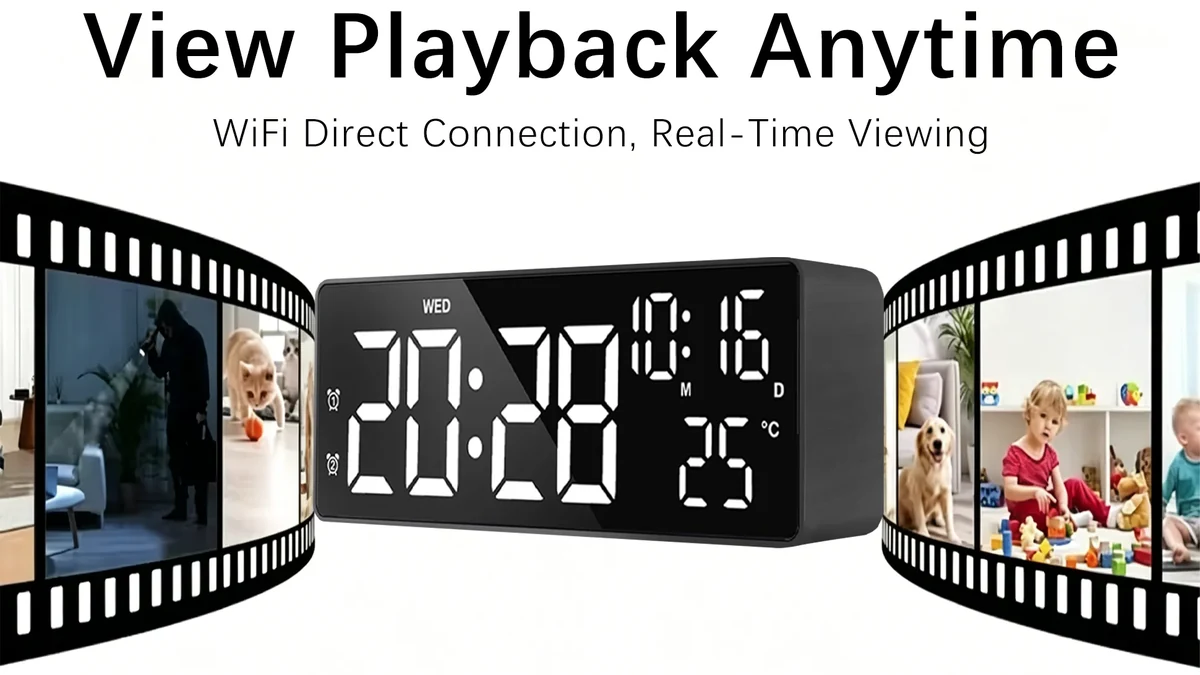
Real QZT Z13 playback source image. Local MicroSD recording and remote viewing are separate paths that should be tested independently.
For a WiFi model, separate these checks:
1. Local recording — does the camera actually save the expected files to the card?
2. Live view — can the app show a remote stream?
3. Remote playback — is playback from local card, cloud or another server path?
4. Internet outage — does local recording continue when internet access is lost?
5. Router/WiFi outage — does the camera behave the same way if the local network disappears?
6. Reconnect — what happens after the network or power returns?
A MicroSD slot does not prove every offline scenario.
The current wall-clock product page lists local MicroSD storage. Z13 lists local MicroSD plus optional cloud storage. Neither statement should be converted into a universal rule for all clock-camera models.
For generic offline recording states, use Can an Indoor Camera Record Without WiFi or Internet?.
4. WiFi, app and power are model-specific
Old clock-camera guides often say “most models use Tuya,” “all use 2.4GHz,” or “plugged-in means unlimited recording.” Those shortcuts are unreliable.
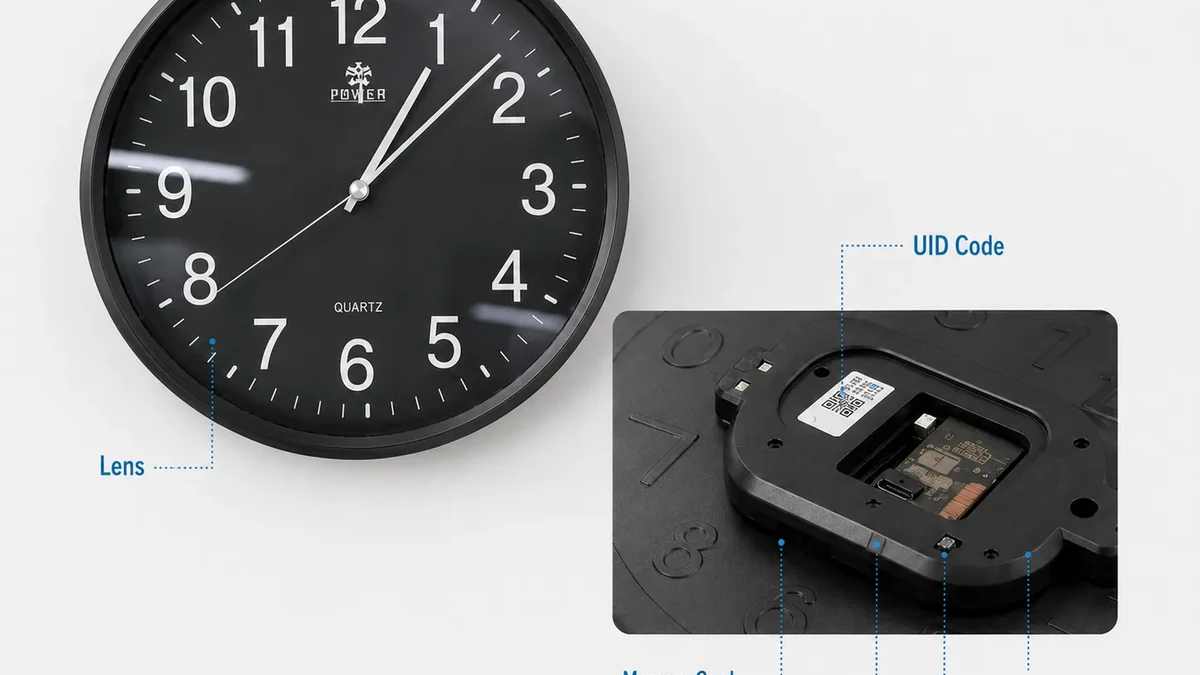
Real QZT wall-clock hardware image. Inspect the exact ports, power input, memory slot and reset/control layout on the sample.
Current QZT examples already show different ecosystems:
– the current wall-clock page lists a Tuya Smart version;
– Z13 uses AllCam365;
– both current examples list 2.4GHz WiFi, but that does not prove every clock camera uses only 2.4GHz;
– power architecture also differs between the products.
Plug-in or AC power removes the need to rely only on a small internal battery, but external power does not create a recording mode that the firmware does not support.
If continuous recording matters, verify the exact schedule/mode, storage destination, overwrite behavior and restart recovery.
Do not infer continuous 24/7 support from:
– a power cable;
– a MicroSD slot;
– motion detection;
– the word “WiFi.”
5. Resolution, night vision and motion detection need sample verification
A 4K label, infrared LEDs or motion detection can be useful specifications, but they do not tell the whole result.
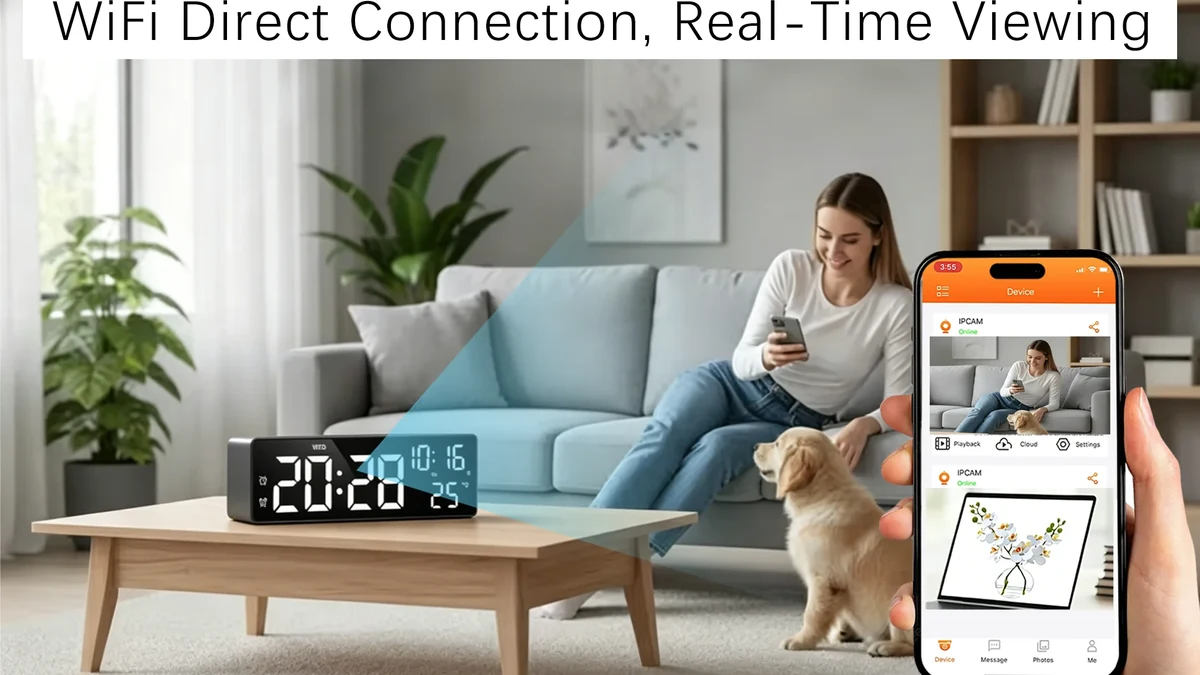
Real QZT Z13 app-view source image. Inspect an original sample recording rather than judging image quality from the product label alone.
For video quality, inspect:
– original sample file;
– pixel dimensions;
– frame rate;
– codec;
– bitrate;
– lens/viewing angle;
– daylight result;
– low-light or night result.
For detection, distinguish:
– motion detection;
– human detection if specifically documented;
– notification;
– saved event recording.
These are separate functions.
The current QZT wall-clock page lists optional infrared night vision and motion alerts. Z13 lists current video/app/storage capabilities on its own page. Do not merge those feature lists into a single “clock camera standard.”
6. Approve the exact clock-camera sample before a repeat order
Clock-camera housings can look almost identical while using different boards, lenses, firmware, apps or storage options.
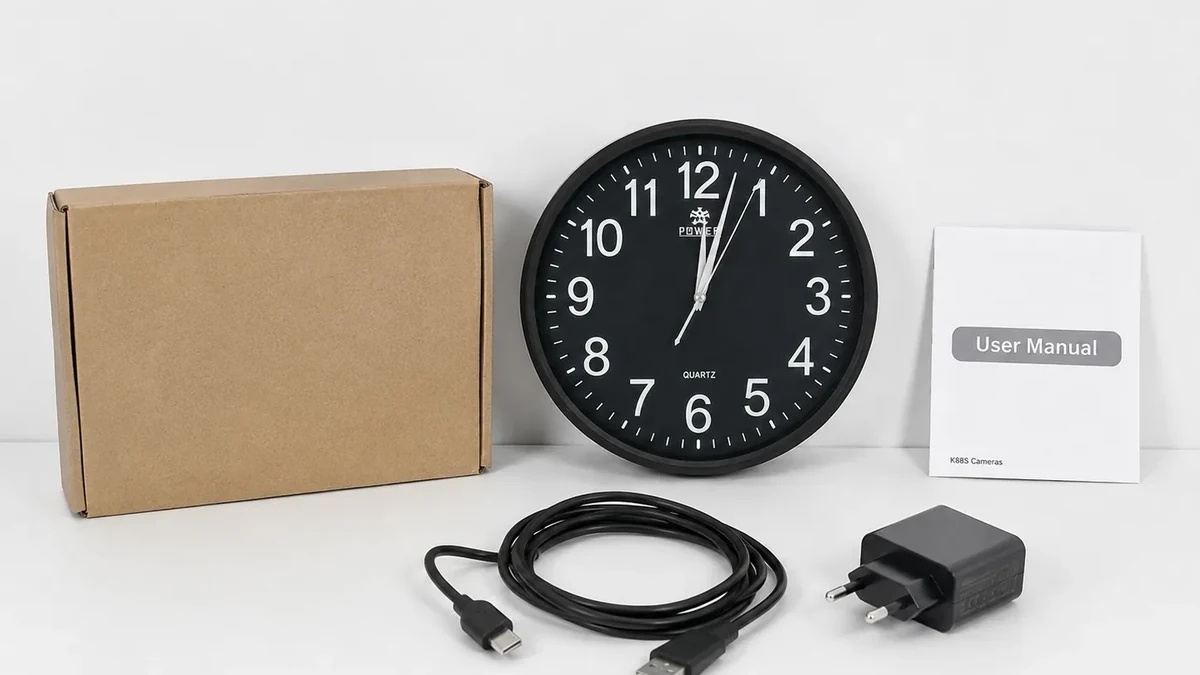
Real QZT wall-clock package source image. Match the approved sample, accessories and documentation to the repeat-order version.
Record:
| Sample field | What to capture |
|---|---|
| Exact SKU | Product/model code |
| Hardware revision | Label or supplier record |
| Firmware/app | Version and app name |
| Clock function | Display/movement/alarm behavior |
| Video mode | Resolution, fps, codec, bitrate |
| Lens/view | Real sample position |
| Power | Adapter, AC, Type-C, backup battery if any |
| Storage | Card type/capacity and file format |
| Live view | Pass / Fail / Not required |
| Local recording | Pass / Fail / Not required |
| Network-loss behavior | Observed result |
| Restart/reconnect | Observed result |
| Accessories | Match / Mismatch |
For a repeat order, do not approve only by housing photo.
If the board, app or firmware changes, re-test the functions that matter.
Frequently asked questions
#### What is a clock camera?
A clock camera is a camera integrated into a clock-style enclosure. The clock and camera can share the housing while using different power, app, storage and recording designs depending on the model.
#### Does every clock camera connect to WiFi?
No. Some models use WiFi/app viewing, while other clock-style cameras can be local-recording devices. Check the exact product.
#### Does every clock camera use Tuya?
No. Current QZT examples already use different ecosystems: the wall-clock model has a Tuya version, while Z13 uses AllCam365.
#### Can a clock camera record without internet?
Potentially, if the exact model supports local storage under the outage condition being tested. A MicroSD slot alone does not prove every offline behavior.
#### Is a wall-clock camera better than an alarm-clock camera?
They fit different placements. A wall clock suits an elevated wall position; an alarm-clock format suits a desk, shelf or bedside position. Compare the real camera angle, power and recording needs.
#### How much video fits on a clock-camera memory card?
It depends on actual bitrate, recording mode and file behavior. Do not use one universal “days per 128GB” number. Measure bytes per hour from a real sample file when storage retention matters.
The useful definition is simple: a clock camera is a form factor. The exact camera board, app, power, storage and recording behavior still have to be verified model by model.

 English
  Italiano
  Deutsch
  Français
  Español
  Polski