
How to Register Your Spy Camera and File a Warranty Claim
Buying from a reputable factory like qztsecurity.com means your spy camera comes with a warranty—but many customers never actually use it because they don’t know how to register or claim it.
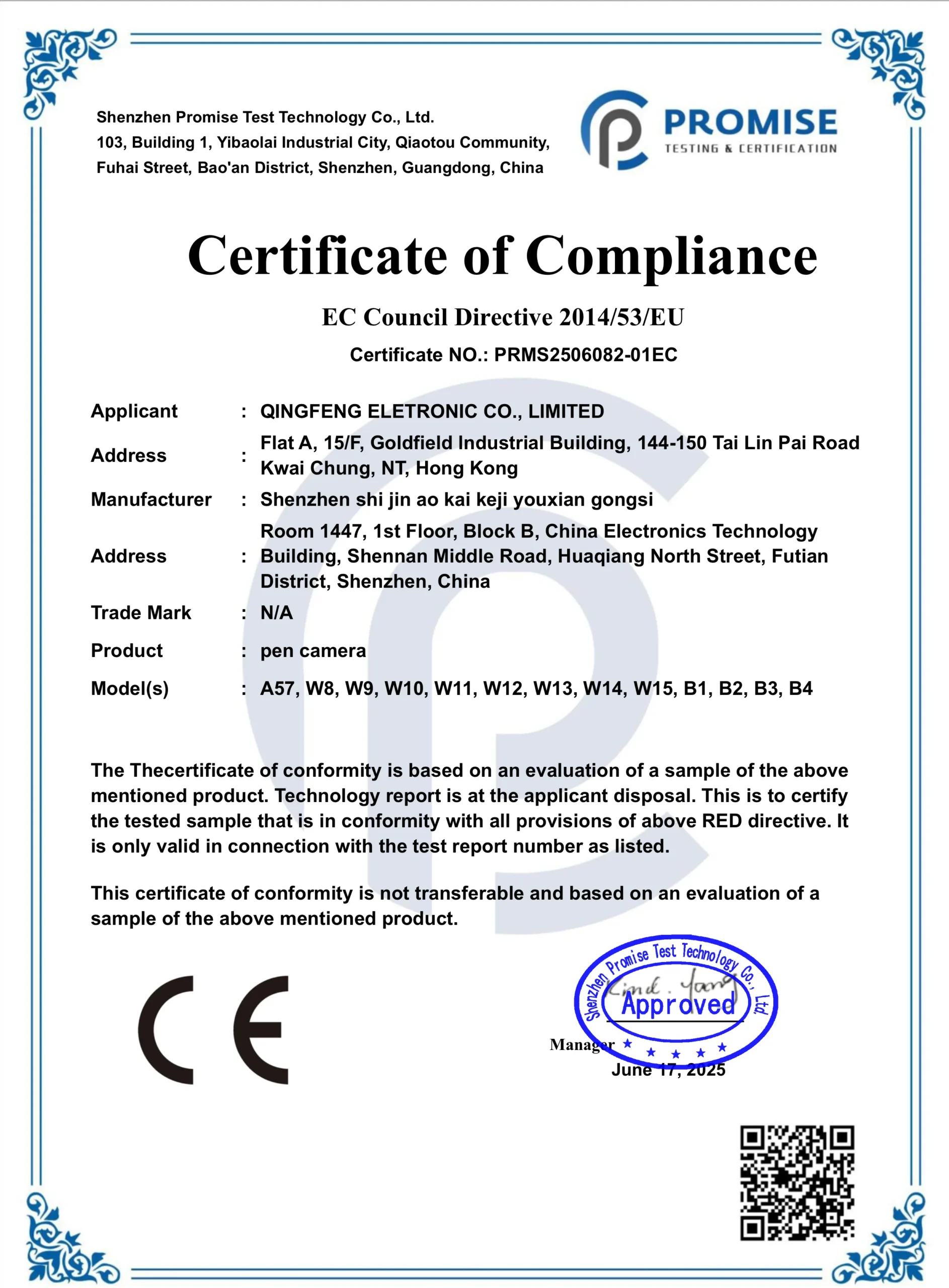
This guide walks distributors and end users through the full process: from initial product registration to filing a warranty claim, with clear guidance on what is covered, what is not, and how to minimize downtime when a device fails.
Understanding Warranty Coverage
Before filing a claim, it helps to understand what your warranty actually covers. Most hidden cameras sold by qztsecurity.com come with a standard 12-month limited warranty covering manufacturing defects and hardware failures under normal use. This includes cameras that stop recording, experience persistent connectivity failures not caused by user error, or have components that fail without physical damage.
The warranty typically does not cover: physical damage from drops or water exposure, damage caused by using incompatible power sources or SD cards, modifications made by unauthorized repair shops, or failures resulting from firmware modifications done incorrectly. Cosmetic wear—scratches on the housing, minor discoloration of plastic—also falls outside warranty coverage.
For distributors purchasing in bulk, warranty terms may differ. Contact qztsecurity.com directly for wholesale warranty arrangements, which often include extended coverage periods and streamlined replacement processes for qualified bulk orders.
How to Register Your Spy Camera
Product registration is the step most customers skip, but it is what makes the warranty claim process fast. Without registration, verifying the purchase date and product authenticity takes longer.

Step 1: Locate Your Order Confirmation and Serial Number
The order confirmation email from qztsecurity.com contains your order number, purchase date, and product details. Keep this email—it serves as your proof of purchase. Some cameras have a serial number on the device label (often found inside the battery compartment or behind a panel). For clock cameras and smoke detector cameras, the serial number is typically on a label on the back of the device.
Step 2: Register on qztsecurity.com
Log into your account on qztsecurity.com and navigate to the Order History section. Find the relevant order and click Register Product. Fill in the device model, serial number if applicable, and purchase date. This links your device to your account and starts the warranty clock.
Step 3: Download and Save Your Documentation
After registration, download a PDF confirmation of your warranty status. Keep this alongside your order confirmation. For distributors, this documentation is essential when handling warranty returns from your own customers.
Filing a Warranty Claim: Step by Step
Step 1: Diagnose the Problem
Before contacting support, try to identify whether the issue is a configuration problem or a genuine hardware defect. Many “warranty” issues are actually user errors:
– Camera not recording? Check the SD card format and storage capacity.
– WiFi not connecting? Reset the camera and re-pair with the app.
– App shows offline? Reboot the camera, check the router, and re-add the device.
If the camera exhibits symptoms that persist after following the troubleshooting steps in the product manual, it is likely a hardware issue.
Step 2: Gather Documentation
You will need: your order number, proof of purchase, product serial number, a clear description of the problem, and any troubleshooting steps you have already tried. For WiFi cameras, note the app version, phone model, and router model—this information helps the support team diagnose the issue faster.
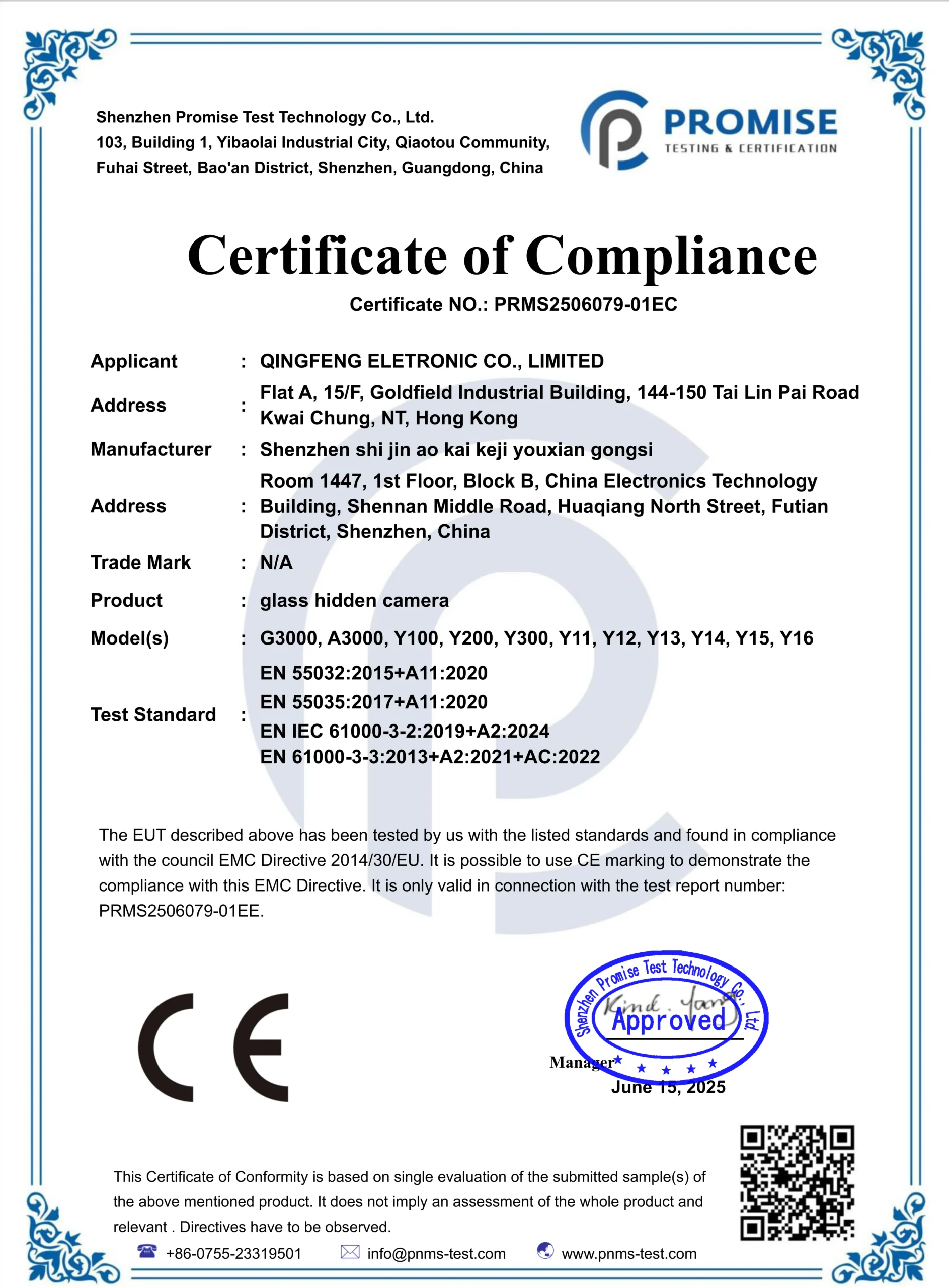
Step 3: Contact qztsecurity.com Support
Submit a warranty claim through the contact form on qztsecurity.com or via the support email provided in your order confirmation. Describe the problem clearly and attach photos or short videos if the issue is physical (for example, the camera’s LED does not light up, or the lens cover is damaged on arrival).
Step 4: Follow the Replacement or Repair Process
For confirmed defects, qztsecurity.com typically offers a replacement or repair. The process usually involves:
– Replacement: A new unit is shipped once the defective unit is confirmed. Distributors with stock on hand can request advance replacement to minimize customer downtime.
– Repair: The camera is sent to the factory service center, repaired, and returned. This takes longer but is common for issues that can be resolved without full replacement.
Shipping costs for warranty claims are typically split: the customer pays shipping to the service center, and qztsecurity.com covers return shipping for confirmed defects.
Tips for Distributors Handling Warranty from Their Customers
If you are a distributor reselling these cameras, having a clear internal process for handling warranty claims saves time and protects your customer relationships.

Set up a tiered support system: first, provide your customer with the basic troubleshooting steps (SD card format, WiFi reset, firmware update) before escalating to a warranty claim. Many issues resolve at this level and do not need to go to the factory at all.
For confirmed defects, keep a small buffer of spare units in stock so you can provide a replacement to your customer immediately, then process the claim separately with qztsecurity.com. This keeps your customer satisfied while the warranty process runs in the background.
Maintain a simple log of warranty claims: product model, defect type, claim outcome. Over time, this data reveals which models have higher defect rates—a useful signal for adjusting your wholesale purchasing mix.
Common Warranty Questions
What if my camera fails after the warranty period?
After the warranty expires, qztsecurity.com may still offer paid repair services. Contact support with the model number and a description of the issue for a repair quote.
Can I transfer the warranty if I resell the camera?
Warranty is typically tied to the original purchaser. If you are a distributor, clarify the transfer policy with qztsecurity.com before offering warranty assurances to your resale customers.
Does the warranty cover firmware update failures?
Firmware updates done through official channels (the app or qztsecurity.com) are covered. If a camera becomes unusable after a firmware update, contact support immediately with the firmware version number and a description of what happened.
How long does a warranty claim take?
Simple replacement requests are typically processed within 3–5 business days. Repair requests take 2–4 weeks depending on the complexity and shipping times.
My camera arrived damaged. What do I do?
Document the damage immediately with photos and contact qztsecurity.com within 48 hours of delivery. This is typically covered under the shipping damage policy and does not count against the product warranty.

 English
  Italiano
  Deutsch
  Français
  Español
  Polski