
A smoke-detector-shaped object can contain a camera, but one extra hole, one LED or one unusual vent is not proof. Real smoke alarms vary widely by brand and model, and a camera can also be hidden behind an opening that looks ordinary.
Use several checks together:
1. identify the exact smoke-alarm model if possible;
2. compare its housing with the manufacturer’s documented layout;
3. inspect suspicious openings from more than one angle;
4. use lens-reflection or RF tools only for the clues they are designed to find;
5. do not treat a quiet RF scan as proof that no camera exists.
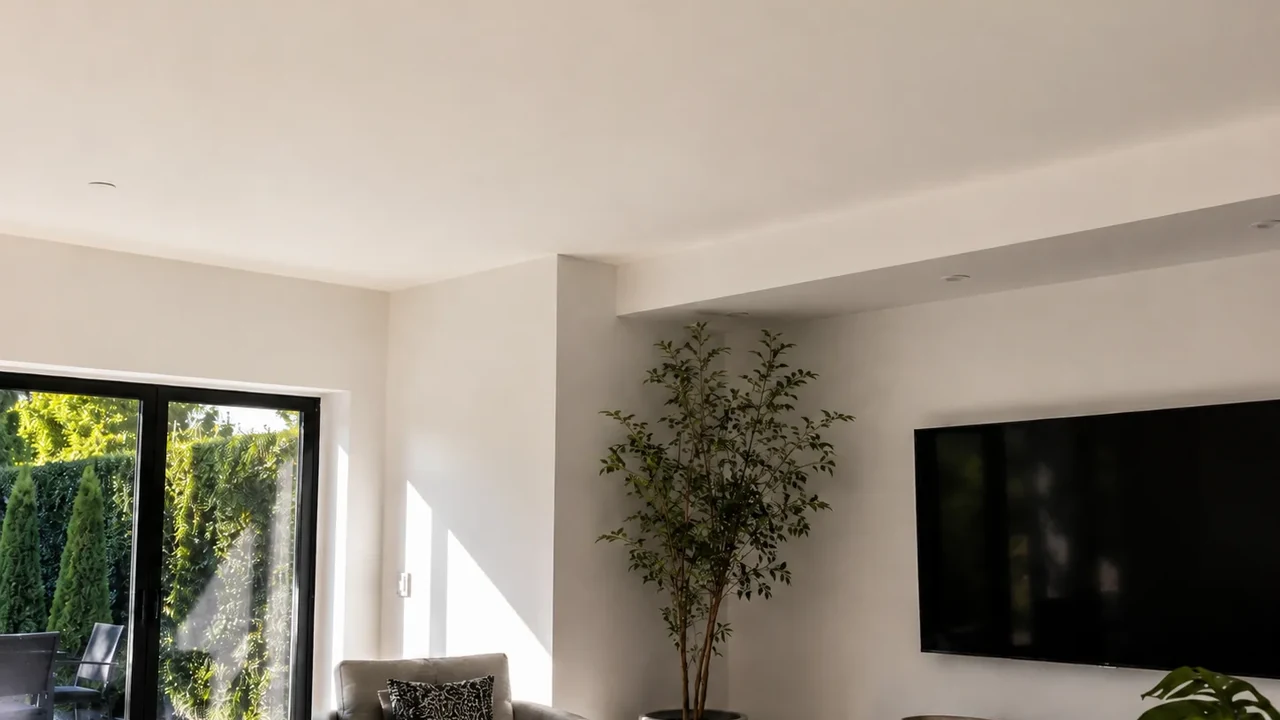
Real QZT SC02 source image showing a camera built into a smoke-detector-style housing. It is a visual reference, not proof that any unfamiliar smoke alarm contains a camera.
1. Identify the exact smoke-alarm model before judging the holes
A genuine smoke detector can have vents, indicator LEDs, test buttons, speaker openings, sensor chambers and model-specific service holes. The safest first check is to identify the device rather than compare it with a generic picture of “what a smoke detector should look like.”
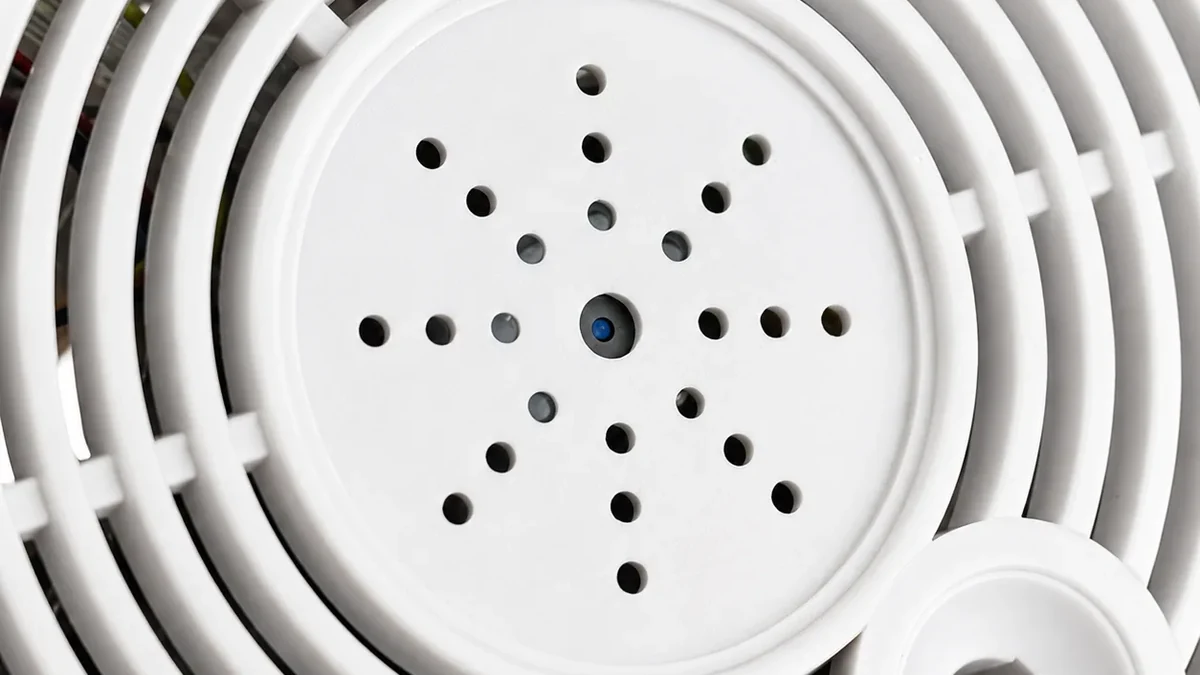
Real QZT SC02 product image. The visible camera aperture is specific to this product and should not be treated as a universal layout.
Look for:
– manufacturer and model label;
– certification or compliance markings;
– installation/manual reference;
– button and LED positions;
– whether the housing matches the manufacturer’s current product photos;
– any opening or dark window that is not explained by the documented design.
If you are in a hotel, rental property or workplace and cannot access the rear label safely, photograph the device from several angles and ask the property manager or responsible party for the model information.
A suspicious opening is a reason to inspect further. It is not a final identification by itself.
2. Look for an optical path, not a “magic pinhole”
A camera needs an optical path to see the room. That path may be obvious, tiny, recessed, tinted or hidden behind another material.
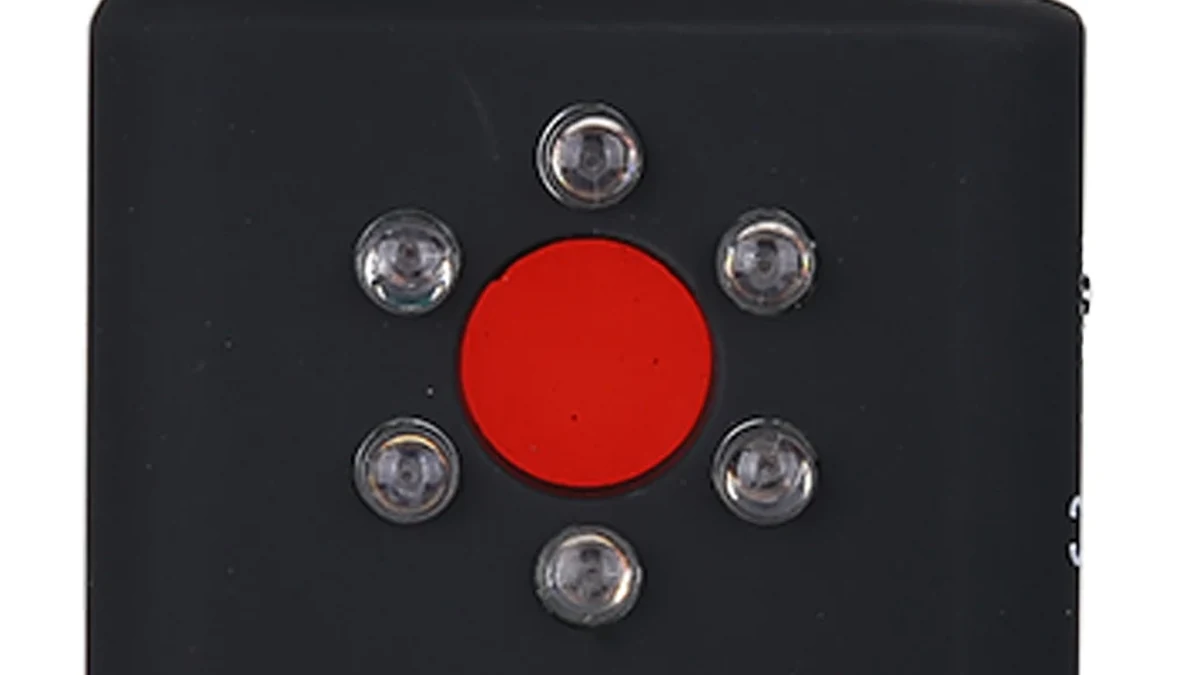
Real QZT DT01 lens-detection hardware. Lens-reflection checks depend on line of sight and viewing angle.
Inspect the object from several positions. A small dark aperture that appears aimed into the room deserves attention, especially if it does not match the documented smoke-alarm design.
A phone flashlight can sometimes reveal a small bright reflection from glass or a camera lens, but it is not definitive:
– polished plastic, screws and sensors can also reflect;
– a recessed or covered lens may not reflect strongly;
– the useful angle can be narrow;
– a reflection tells you where to inspect, not what the object is.
Do not use the rule “a real lens always reflects and plastic never does.” Real materials and viewing angles are more variable than that.
3. Lens-reflection tools can help when the camera is not transmitting
A dedicated lens detector sends light toward the suspected area and lets the operator look for a return from an exposed lens.
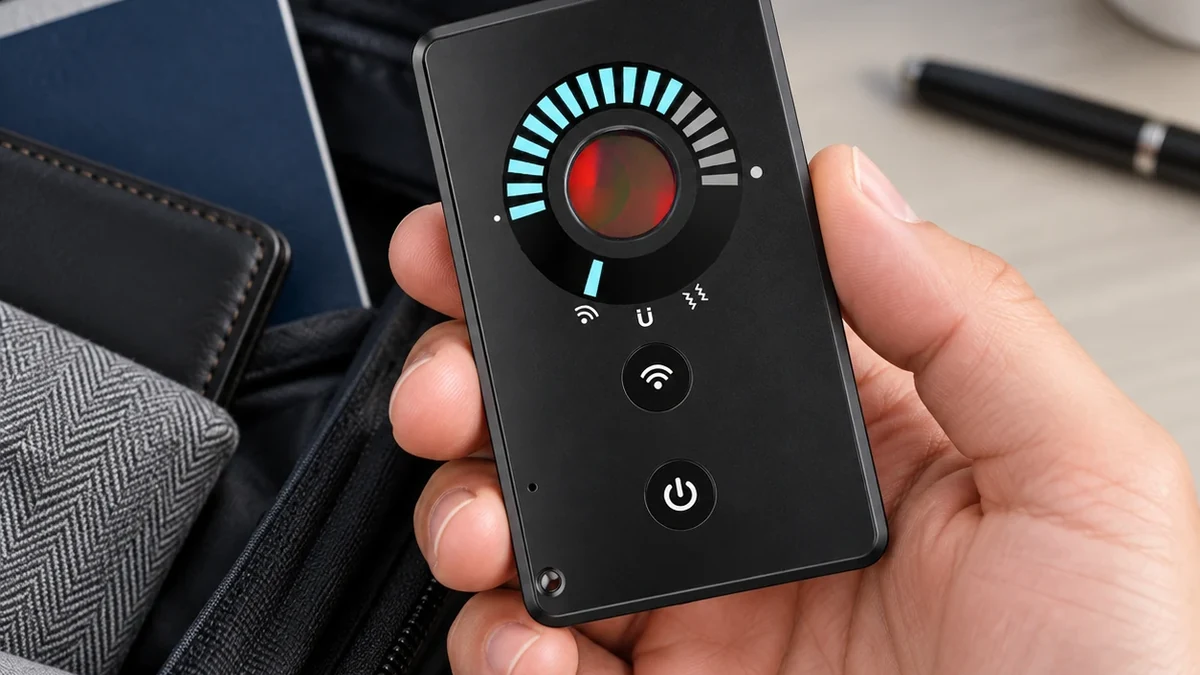
Real QZT Card007 product image. Lens mode can be useful even when a camera is not transmitting, but only if the lens is optically visible.
That makes lens-reflection checking useful for a camera that records locally to a memory card or is not currently sending video over WiFi.
Its limits remain important:
– line of sight is required;
– tinted or opaque material can block the return;
– a deeply recessed lens may be difficult to see;
– shiny non-camera objects can create false reflections.
Move the viewing angle and confirm the physical object before concluding that a reflection is a camera.
For a fuller explanation of optical and RF detector limits, see RF or Lens Detection: What Can a Hidden Camera Detector Actually Find?.
4. RF and network scans only help with active communications
An RF detector reacts to radio energy. A network scan shows devices visible on the network you are allowed to inspect. Neither tool automatically identifies “a camera.”
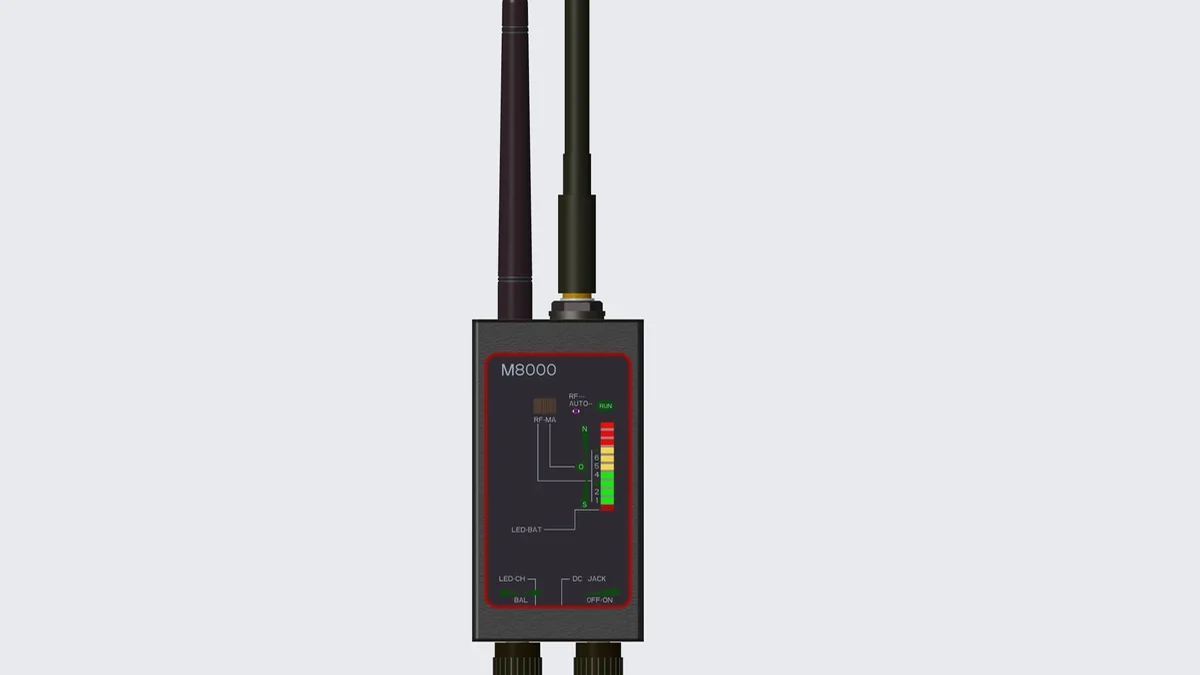
Real QZT M8000 product image. An RF alert means radio activity is present; it does not identify the transmitter as a hidden camera.
Normal devices can create RF activity:
– WiFi routers and access points;
– phones and tablets;
– Bluetooth accessories;
– smart-home devices;
– wireless audio equipment.
If an RF reading gets stronger near the smoke-detector-shaped object, reduce sensitivity as you move closer and compare the result with known transmitters in the room.
A WiFi/network scan has an additional limitation: it only shows devices visible through the network you can access. A camera using another network, cellular data, a private hotspot or no radio connection at all may not appear.
Use RF or network results as location clues, then inspect the suspected object.
5. A powered-off or local-recording camera can be silent on RF
A camera that is powered off is not actively transmitting. A camera that records only to local storage can also be quiet on RF if its wireless radio is disabled or inactive.
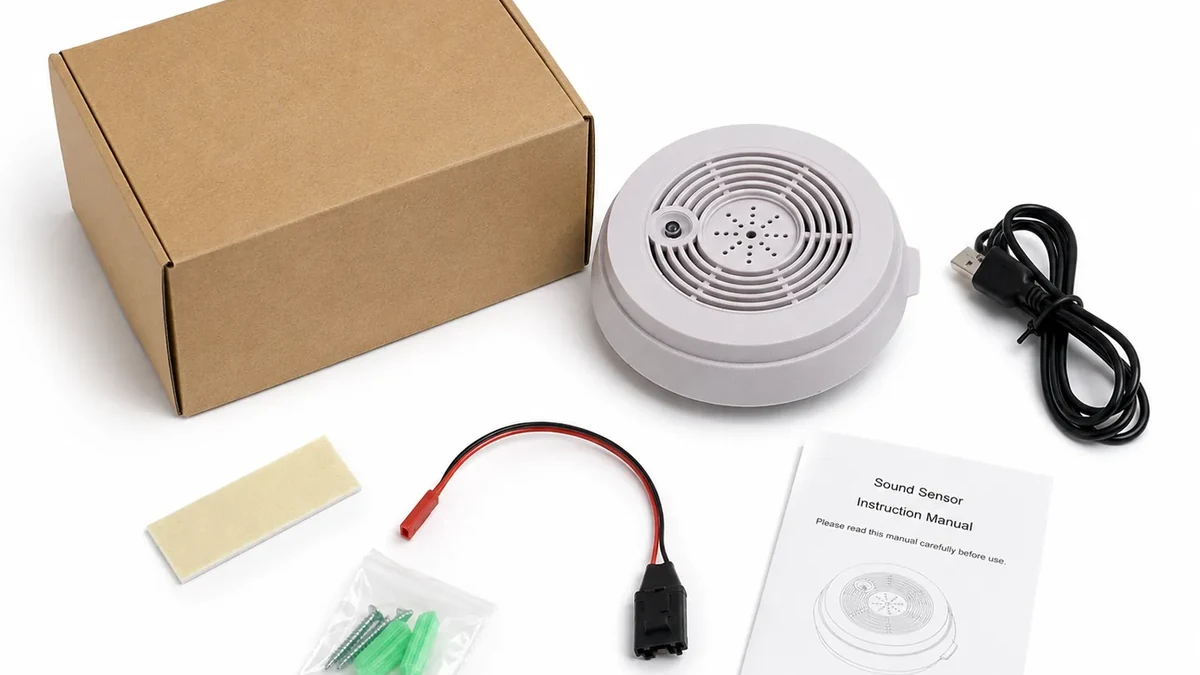
Real QZT SC02 package image. Storage and wireless behavior depend on the exact camera build; a package photo does not establish RF activity.
That means:
> No RF alert does not prove that no camera exists.
It only means the RF detector did not find a relevant transmission under the conditions of that sweep.
For the same reason, do not assume that every smoke-detector camera joins the property’s WiFi network. Some devices can use local recording or a different communication path.
If the device is silent on RF, visual and lens inspection become more important. If access is authorized, the exact product label, memory-card slot, wiring and internal hardware can provide stronger evidence than a wireless scan.
6. If the device is suspicious, document first and avoid disabling a real alarm
A real smoke alarm is a life-safety device. Do not remove, cover, disconnect or dismantle it unless you are authorized and know the device can be handled safely.
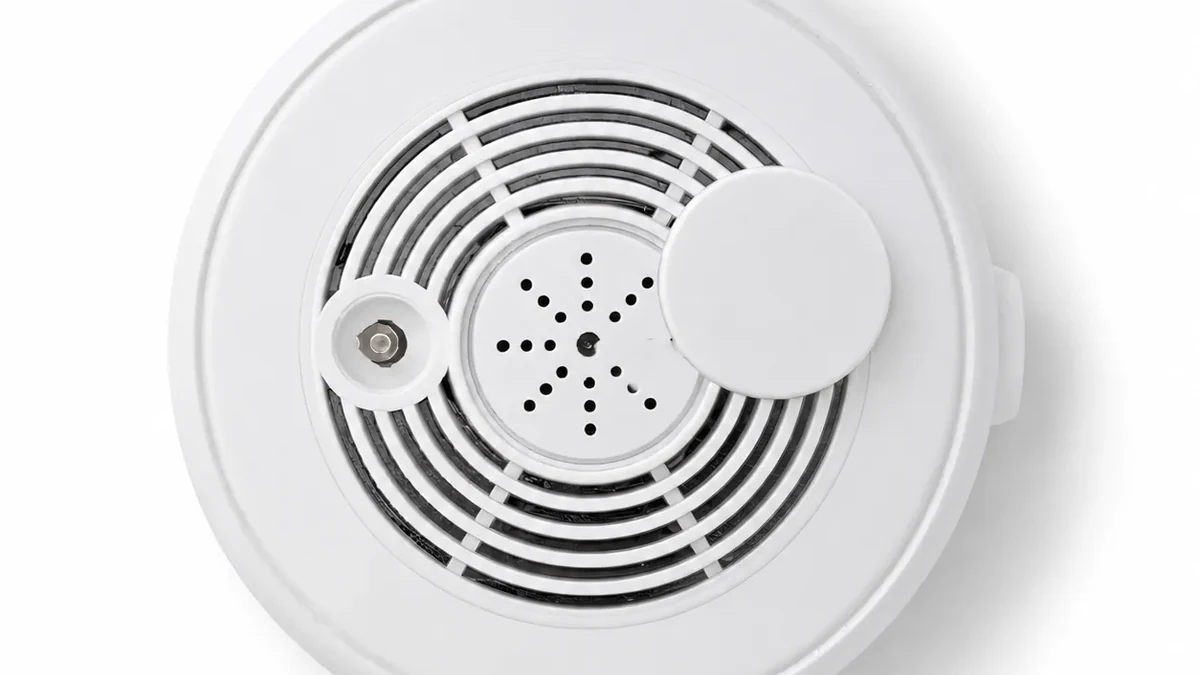
Real QZT SC02 product image used as a documentation reference. If a real building alarm is involved, preserve safety and use the appropriate property or safety contact.
If you find a suspicious device:
1. photograph it from several angles;
2. record the room and exact location;
3. save the model/label information if visible;
4. avoid destroying or modifying possible evidence;
5. in a hotel or rental, contact the property/platform and local authorities as appropriate;
6. in a workplace or managed building, use the responsible security, facilities or compliance channel.
Privacy and recording laws differ by country, state and context. Audio recording can have different rules from video. For a high-risk legal situation, use local legal advice rather than a generic internet rule.
The practical goal is to identify the object without creating a fire-safety problem or destroying evidence.
Frequently asked questions
How can I tell if a smoke detector has a camera lens?
Compare the exact smoke-alarm model with its documented layout, then inspect unexplained openings from several angles. A lens reflection can be a useful clue, but a glint or dark hole is not proof by itself.
Can my phone detect a hidden camera in a smoke detector?
A phone flashlight may help reveal a reflection, and a network app may show devices on a network you are authorized to inspect. Neither method detects every camera. Do not rely on a universal claim that every phone camera can see infrared light.
Can an RF detector find a camera that records to an SD card?
Only if the camera is transmitting relevant RF at the time. A local-recording camera can be silent on RF. Lens inspection or authorized physical inspection may still reveal it.
Do all smoke-detector hidden cameras use WiFi?
No. Communication and recording paths vary by device. Some can use WiFi, some may record locally, and other builds can use different networks.
Should I take down a suspicious smoke detector?
Not automatically. A real smoke alarm is a safety device. Document the object and use the property manager, building security, platform or authorities where appropriate unless you are specifically authorized and qualified to remove it.
Are smoke-detector cameras legal?
The hardware itself can be sold in many markets, but use can violate privacy, audio-recording, workplace, tenancy or criminal laws depending on location and context. Check the applicable local rules for the actual installation.
The reliable approach is therefore model identification + optical inspection + mode-appropriate detector checks + safe documentation, not one “magic” test.

 English
  Italiano
  Deutsch
  Français
  Español
  Polski