
How to Choose 4G vs WiFi Hidden Cameras: B2B Buyer’s Guide
Remote monitoring is now the baseline customers expect, yet one decision keeps tripping up installers: WiFi or 4G? Pick the wrong connection and the feed dies on day one.
This guide breaks down the differences, costs, and B2B stocking logic so you match each customer to the right technology.
What Is a WiFi Hidden Camera?
A customer pairs the camera, the router reboots, and the feed never returns. That is the WiFi camera risk every reseller should surface before selling.
A WiFi hidden camera streams or stores video over a local wireless network, usually 2.4 GHz, and sends footage to the cloud or an SD card for app-based playback.
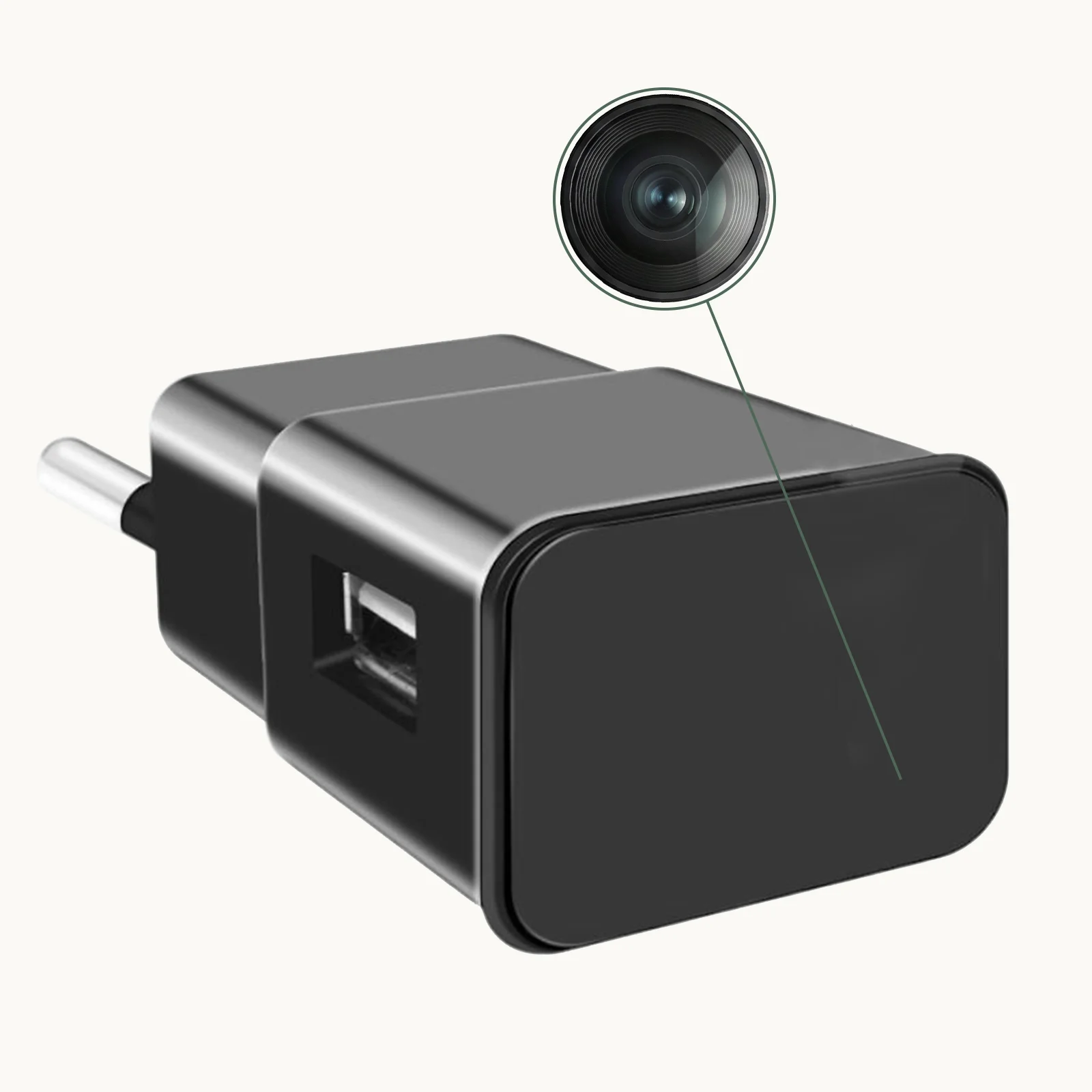
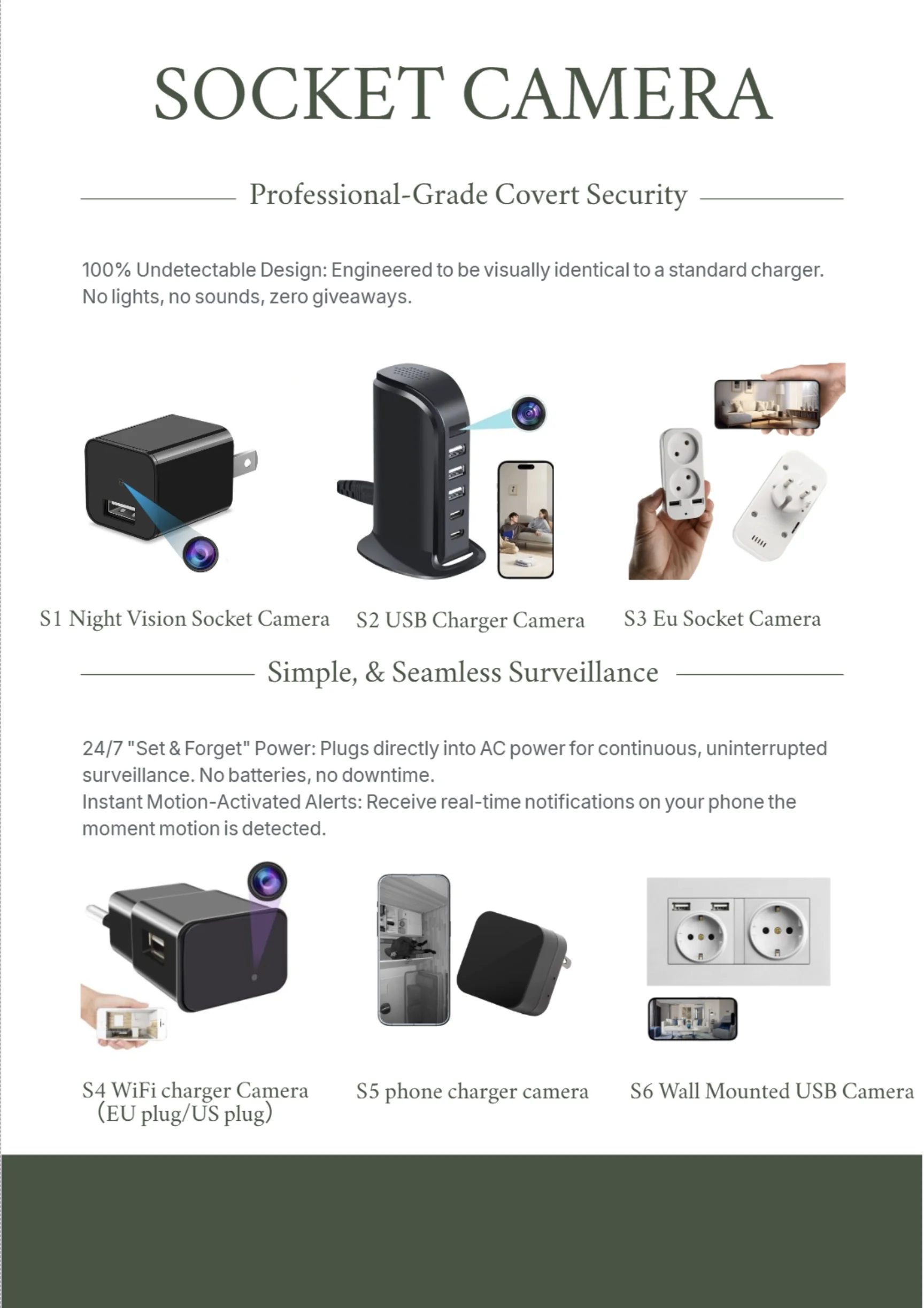
Most WiFi covert cameras run on 2.4 GHz only. Many modern routers broadcast 5 GHz by default, so a customer who skips the band check will fail to pair the device. The USB charger camera plugs into a socket, joins the network, and stays invisible.
WiFi cameras are only as reliable as the network they join. A weak signal, changed password, or guest network with client isolation breaks the feed. Before every WiFi sale, confirm 2.4 GHz coverage and who controls the network.
| Feature | WiFi Hidden Camera | 4G Cellular Hidden Camera |
|---|---|---|
| Connection | Local router | Mobile SIM card |
| Monthly cost | None | Data plan required |
| Best range | Within WiFi coverage | Anywhere with cellular signal |
| Setup complexity | Router pairing | SIM activation |
| Ideal buyer | Home/office with WiFi | Remote site or vehicle |
Key Takeaway: WiFi cameras suit fixed indoor locations with reliable wireless coverage.
What Is a 4G Cellular Hidden Camera?
Installers hear it constantly: “There is no WiFi there.” A 4G hidden camera solves that exact problem by carrying its own SIM card and connecting directly to a mobile network.
It sends video over LTE/4G data, so it works anywhere the chosen carrier has signal—no router, no password, no IT department.
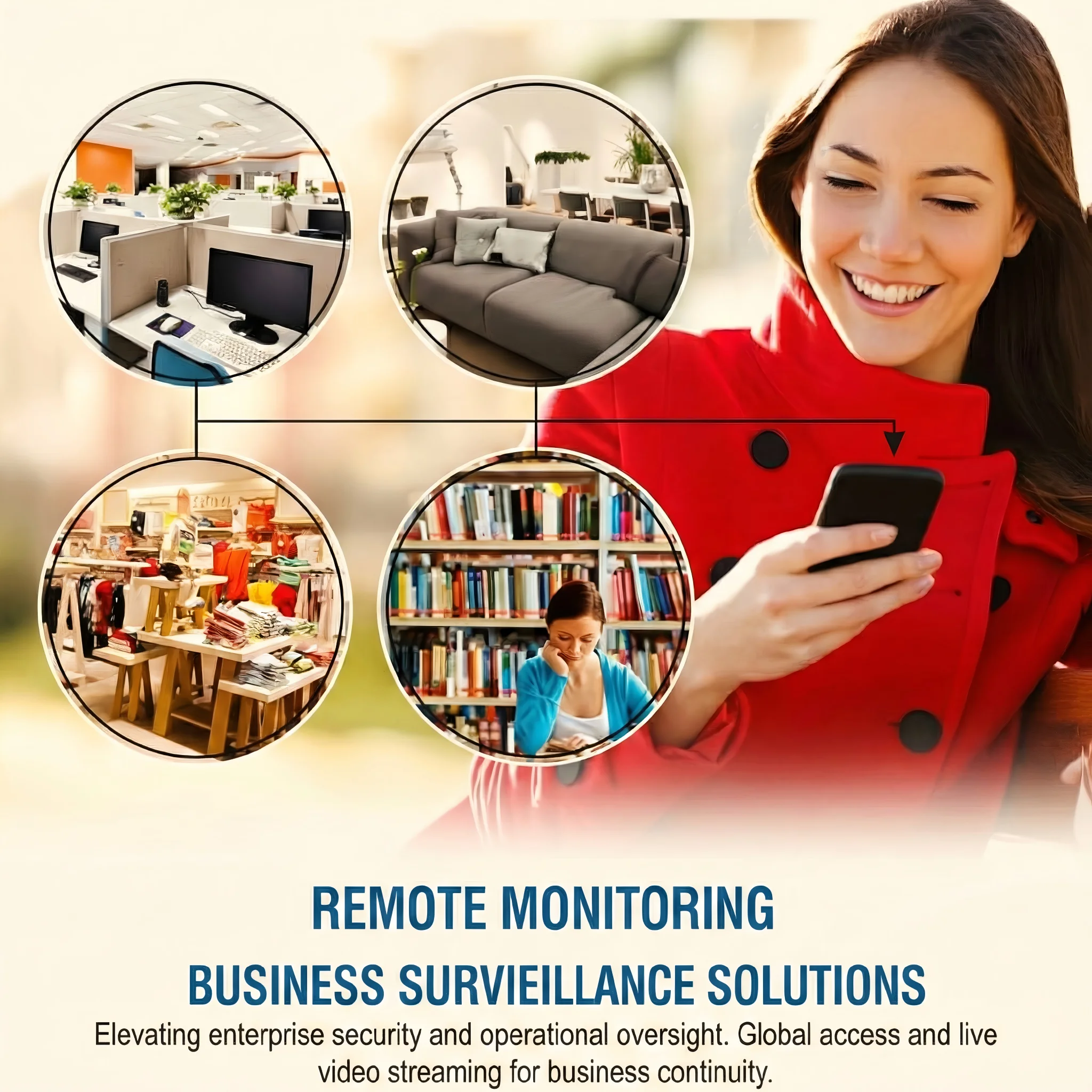
The hardware looks like a WiFi model from the outside, but inside a 4G module, SIM slot, and cellular antenna replace the WiFi chipset. Some units accept any nano-SIM; others ship with a locked IoT SIM tied to one carrier. The IoT-SIM route is easier for resellers because the manufacturer handles provisioning, but it can lock the customer into higher fees.
Cellular modules consume more power and run warmer than WiFi chips, so 4G units often have shorter battery life or larger enclosures.
| Spec | Typical WiFi Covert Camera | Typical 4G Covert Camera |
|---|---|---|
| Standby time | 30-90 days | 7-30 days |
| Live streaming | Unlimited on power | Limited by data cap |
| Activation | App + WiFi password | SIM + APN settings |
| Carrier flexibility | N/A | Depends on module |
| Form factor | Very small | Slightly larger |
Key Takeaway: 4G cameras bring their own internet connection, making them independent of local networks.
How Do WiFi and 4G Cameras Connect to the Internet?
The connection path is where each technology wins or breaks.
WiFi cameras route video through the customer’s router; 4G cameras send it straight to the carrier’s data network.

A WiFi camera creates a peer-to-peer tunnel through the router to the manufacturer’s cloud server. Latency stays low and monthly costs are zero. The catch: if the router goes down, the camera goes blind. The WiFi smoke detector camera depends entirely on that router.
4G cameras skip the router and push video over LTE. That independence is powerful, but signal strength becomes the new variable. A 4G camera in a basement may struggle even when the same carrier works outdoors.
| Connection Stage | WiFi Camera | 4G Camera |
|---|---|---|
| Local link | Router WiFi | Cellular tower |
| Authentication | WiFi password | SIM + carrier |
| Path to cloud | Home/office internet | Mobile data network |
| Failure point | Router/network | Signal/data plan |
| Latency | Usually lower | Depends on tower load |
Key Takeaway: WiFi uses existing infrastructure; 4G builds its own path via the mobile network.
Where Should You Use a WiFi Hidden Camera?
WiFi cameras fail fast when the installer cannot control the network.
They shine in controlled indoor environments—homes, offices, retail shops, warehouses, and short-term rentals—where the network is stable and the owner has permission to use it.
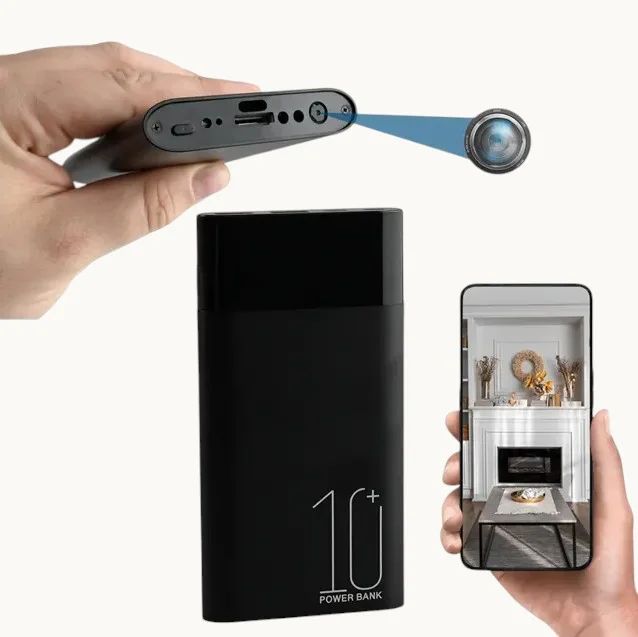
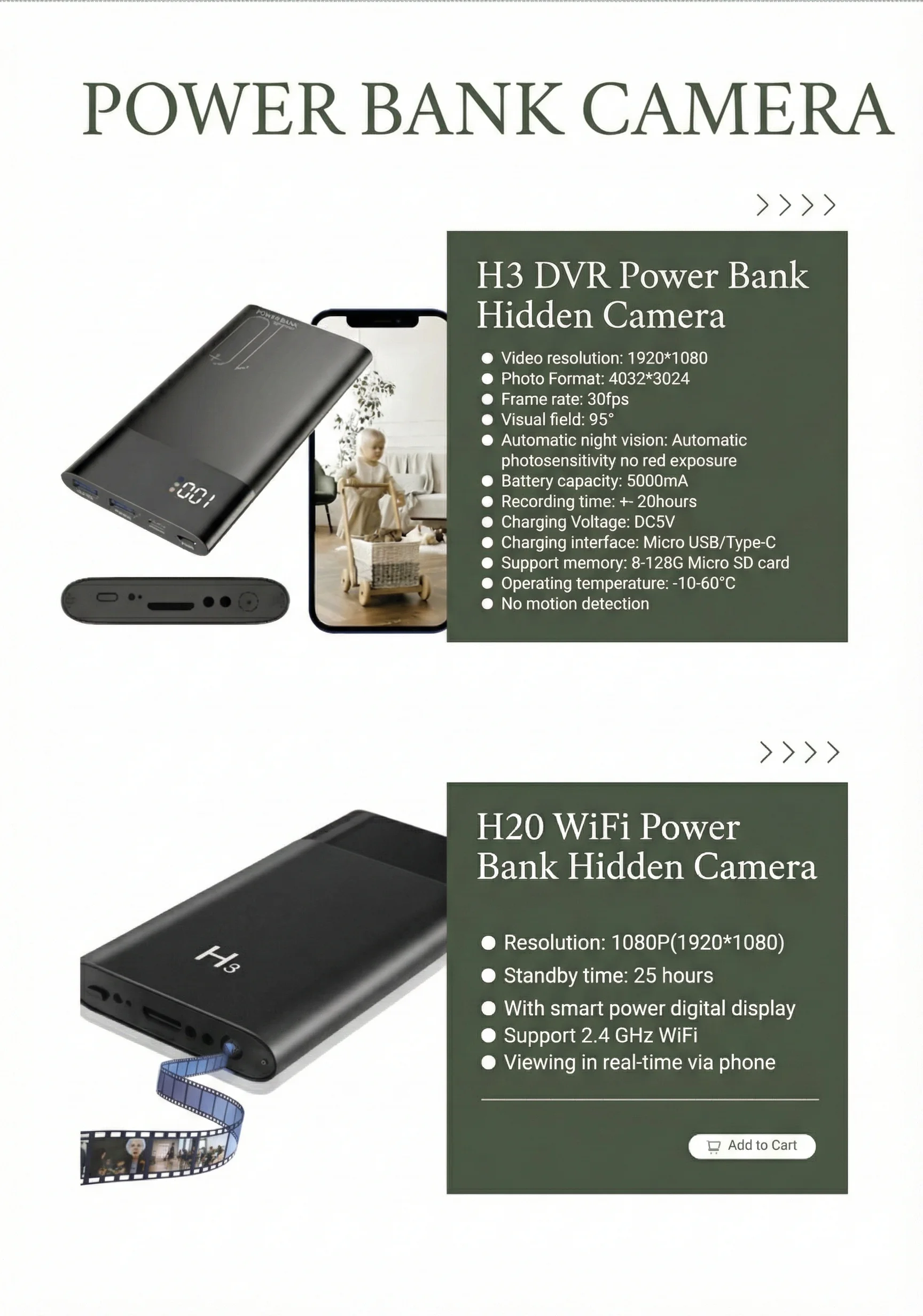
The power bank camera illustrates the point. It sits on a desk, runs on battery, and connects to office WiFi. No SIM card, no data plan, no extra bills.
WiFi is a poor fit for rentals, hotels, shared workspaces, or construction trailers. If the customer cannot get the password—or if the network blocks unknown devices—the deployment stalls. Ask before recommending WiFi: “Will you have admin access to the router on day one?”
| Use Case | WiFi Suitability | Reason |
|---|---|---|
| Home security | Excellent | Stable router, low cost |
| Office monitoring | Excellent | IT-controlled network |
| Retail loss prevention | Good | Fixed location, existing WiFi |
| Airbnb/short-term rental | Moderate | Guest networks may block devices |
| Vehicle surveillance | Poor | No reliable WiFi while moving |
Key Takeaway: WiFi works best when the customer owns and controls the local network.
Where Should You Use a 4G Hidden Camera?
4G cameras earn their keep where WiFi is absent, unreliable, or off-limits.
Remote cabins, construction sites, parked vehicles, storage yards, and temporary event setups are classic 4G use cases.
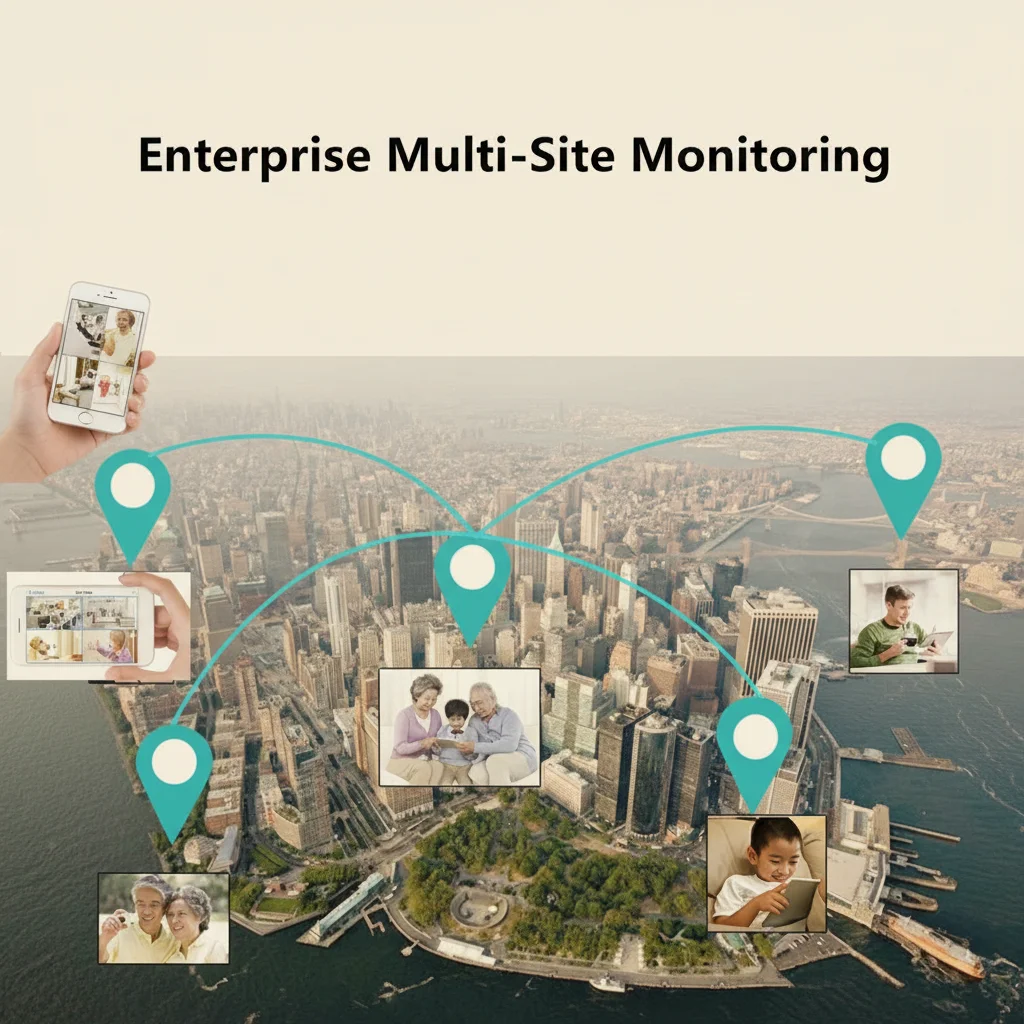
Imagine a fleet manager who wants covert cameras inside delivery vans. A 4G camera with a vehicle SIM records while driving, uploads key clips over LTE, and lets the manager log in from headquarters. The same logic applies to rural properties and pop-up retail stalls.
However, 4G is not magic. Underground garages and metal containers can kill cellular signal. A reseller who promises “works anywhere” will face refunds. The honest pitch: “Works anywhere you can make a phone call.”
| Use Case | 4G Suitability | Reason |
|---|---|---|
| Vehicle/fleet | Excellent | Mobile, no fixed WiFi |
| Remote property | Excellent | No internet infrastructure |
| Construction site | Good | Temporary, changing network |
| Event surveillance | Good | Short-term, shared spaces |
| Indoor office | Overkill | WiFi is cheaper and simpler |
Key Takeaway: 4G is the right choice for mobile, remote, or temporary deployments.
How Do Data Plans and Operating Costs Compare?
The purchase price is only part of the story. Over two years, data-plan fees can exceed the hardware cost of a 4G camera.
WiFi cameras have no recurring cellular bill, while 4G cameras need an active SIM and data allowance.
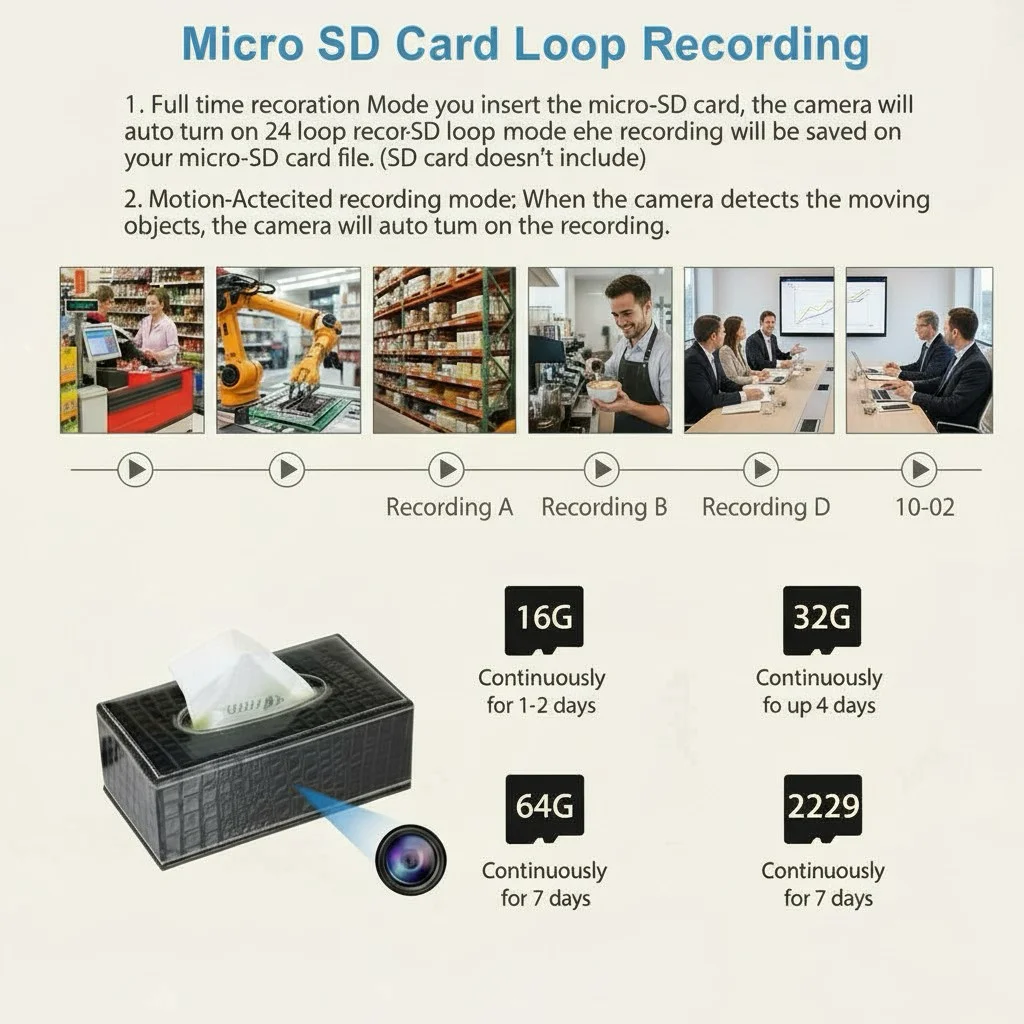
A typical WiFi hidden camera wholesales between $20 and $60. The customer pays nothing beyond their existing internet bill. That makes WiFi models easy to stock and explain. The clock camera is a set-and-forget example.
4G hardware usually costs 30-60% more than an equivalent WiFi model. Then the data plan arrives. A low-use plan with 1 GB per month might cost $5-$10, while a fleet camera streaming daily can burn through 10 GB or more. Resellers can sell hardware only, or bundle a managed IoT plan and earn recurring margin.
| Cost Item | WiFi Camera | 4G Camera |
|---|---|---|
| Hardware wholesale | $20-$60 | $40-$120 |
| Monthly data plan | $0 | $5-$50+ |
| Setup support time | Low | Medium |
| Return/refund risk | Lower | Higher if signal poor |
| Recurring revenue | None | Possible with IoT plans |
Key Takeaway: WiFi wins on total cost of ownership; 4G wins on deployment flexibility.
Which Technology Is More Secure for Covert Surveillance?
Security comes down to attack surface, and the two technologies expose different surfaces.
WiFi cameras sit on the customer’s local network; 4G cameras bypass it but depend on a carrier and a SIM.
A poorly secured WiFi camera can become a doorway into the customer’s network. Default passwords and open P2P IDs have been exploited. The best WiFi models use encrypted tunnels and let users set strong passwords. Resellers should remind buyers to change default credentials and keep firmware current.
4G cameras avoid the local network, which helps in shared environments. But they introduce SIM-related risks: cloning, IMEI tracking, and carrier-side breaches. A stolen 4G camera can keep broadcasting until the data plan is cancelled. For high-risk deployments, recommend local micro SD storage as backup.
| Security Factor | WiFi Camera | 4G Camera |
|---|---|---|
| Local network exposure | Yes | No |
| Physical theft risk | Footage stays in cloud | Camera may leave with data plan |
| Default credential risk | High if unchanged | Moderate |
| Carrier dependency | None | Yes |
| Offline backup | SD card optional | SD card recommended |
Key Takeaway: WiFi needs local network hardening; 4G needs physical and SIM security.
What Stocking Mix Should B2B Distributors Choose?
Distributors should not treat 4G and WiFi as interchangeable SKUs.
A balanced stock plan weights WiFi heavily for residential and office channels, while keeping a smaller 4G range for fleet, rural, and commercial installers.
For a typical B2B order, we recommend roughly 70% WiFi and 30% 4G for general security distributors. WiFi models like the pen camera and Bluetooth speaker camera move faster because they cover everyday home and office needs. 4G SKUs should focus on mobile-friendly form factors: power banks, vehicle housings, and outdoor enclosures.
The biggest mistake is importing a 4G line without validating carrier compatibility. Before a bulk order, test samples with the SIM cards your customers actually use.
| Channel | Recommended Mix | Top Form Factors |
|---|---|---|
| Consumer electronics | 85% WiFi, 15% 4G | Clocks, chargers, pens |
| Security installers | 60% WiFi, 40% 4G | Smoke detectors, power banks, outdoor |
| Fleet/vehicle | 10% WiFi, 90% 4G | Dash-style, power banks |
| Rural/property | 20% WiFi, 80% 4G | Outdoor, solar, large battery |
Key Takeaway: Start with WiFi for volume, add 4G for specialized channels.
How Do You Explain the Difference to End Customers?
End customers rarely ask for a “4G camera” or a “WiFi camera.” They ask for a problem to be solved.
Resellers should translate the choice into plain outcomes: cost, coverage, and convenience.
When a customer says, “I want to watch my warehouse remotely,” the first question is not which camera to sell. It is: “Does the warehouse have reliable WiFi at the mounting point?” If yes, recommend a WiFi model like the USB charger camera. If no, move to 4G and explain the monthly data cost upfront.
Transparency about data plans separates professional resellers from drop-shippers. A customer who discovers a surprise monthly bill will blame the seller. Quote the hardware, quote the data plan, and explain the usage range: 1-3 GB per month for light alert clips, but continuous live viewing burns far more.
| Customer Concern | What to Say |
|---|---|
| Monthly fees | WiFi: none. 4G: SIM data plan required. |
| Remote viewing | Both work anywhere via the app. 4G does not need local WiFi. |
| Installation | WiFi pairs to router; 4G needs SIM activation. |
Key Takeaway: Match the explanation to the customer’s location, budget, and tech comfort.
What Is the Future of 4G and WiFi Hidden Cameras?
Both technologies will coexist, but their roles are sharpening.
WiFi will dominate indoor residential and office deployments, while 4G will capture mobile, remote, and temporary use cases.
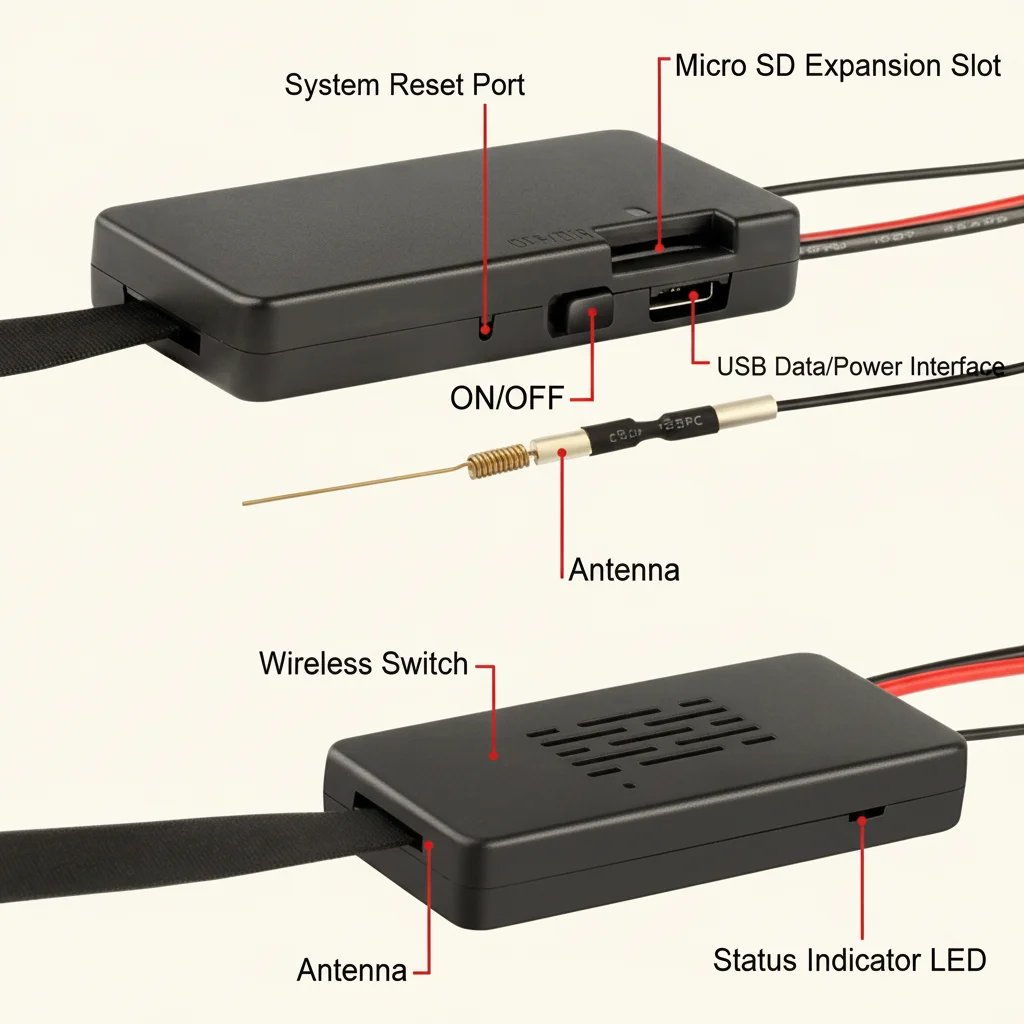
The hidden camera market is projected to grow from $3.1 billion in 2025 to $6.04 billion by 2034. WiFi models benefit from smart-home ecosystems like Tuya. A camera that integrates with smart plugs, lights, and sensors in one app is easier to sell. QZT’s DIY WiFi camera module lets integrators build custom covert devices around a proven chipset.
4G will gain ground as 5G networks roll out and IoT data plans become cheaper. Better indoor penetration will make cellular covert cameras practical in places where 4G currently struggles. For distributors, master WiFi first, build volume, then add a curated 4G range after carrier testing.
| Trend | WiFi Impact | 4G Impact |
|---|---|---|
| Smart home growth | Strong positive | Neutral |
| Cheaper IoT data plans | Neutral | Positive |
| 5G rollout | Minor | Strong positive |
| Privacy regulation | Requires compliance focus | Requires compliance focus |
| Supply chain consolidation | More stable pricing | Module costs falling |
Key Takeaway: WiFi is the volume play today; 4G is the growth play for tomorrow’s mobile deployments.
FAQ
Can I use a 4G hidden camera without any WiFi at all?
Yes. A 4G camera only needs a SIM card with an active data plan and cellular signal. It does not connect to a local router, so it suits remote sites, vehicles, and temporary locations.
What’s the best hidden camera for a small office with stable WiFi?
A WiFi model is the better choice. Look for a form factor that blends in, such as a clock camera or USB charger camera. No monthly data cost, and setup takes minutes.
How much data does a 4G hidden camera use per month?
Light use—motion alerts and occasional live viewing—typically consumes 1-3 GB per month. Continuous streaming can use 10 GB or more. Always recommend a plan with a buffer.
Are 4G hidden cameras legal to sell in the UK and EU?
Yes, but sellers and installers must respect local privacy laws. In the UK, CCTV operators must register with the ICO, display signage, and handle data-subject requests. In the EU, GDPR applies to identifiable footage.
Should a distributor stock both WiFi and 4G hidden cameras?
Yes. A mix of roughly 70% WiFi and 30% 4G fits most general security distributors. WiFi drives volume; 4G captures specialized jobs. Test 4G samples with local carriers first.
Ready to source hidden cameras for your market? Contact QZT Security today and tell us whether your customers need WiFi reliability or 4G freedom.

 English
  Italiano
  Deutsch
  Français
  Español
  Polski