
There is no reliable universal answer such as “this battery size equals this many days.”
A battery-powered GPS tracker spends energy when it wakes, looks for a position, connects to a mobile network, uploads data, processes movement events and stays awake longer because a fix or connection is difficult. The same hardware can therefore run for very different periods under different reporting schedules and installation conditions.
The useful question is:
> How long does this exact tracker run with this exact update schedule, signal environment, firmware and battery condition?
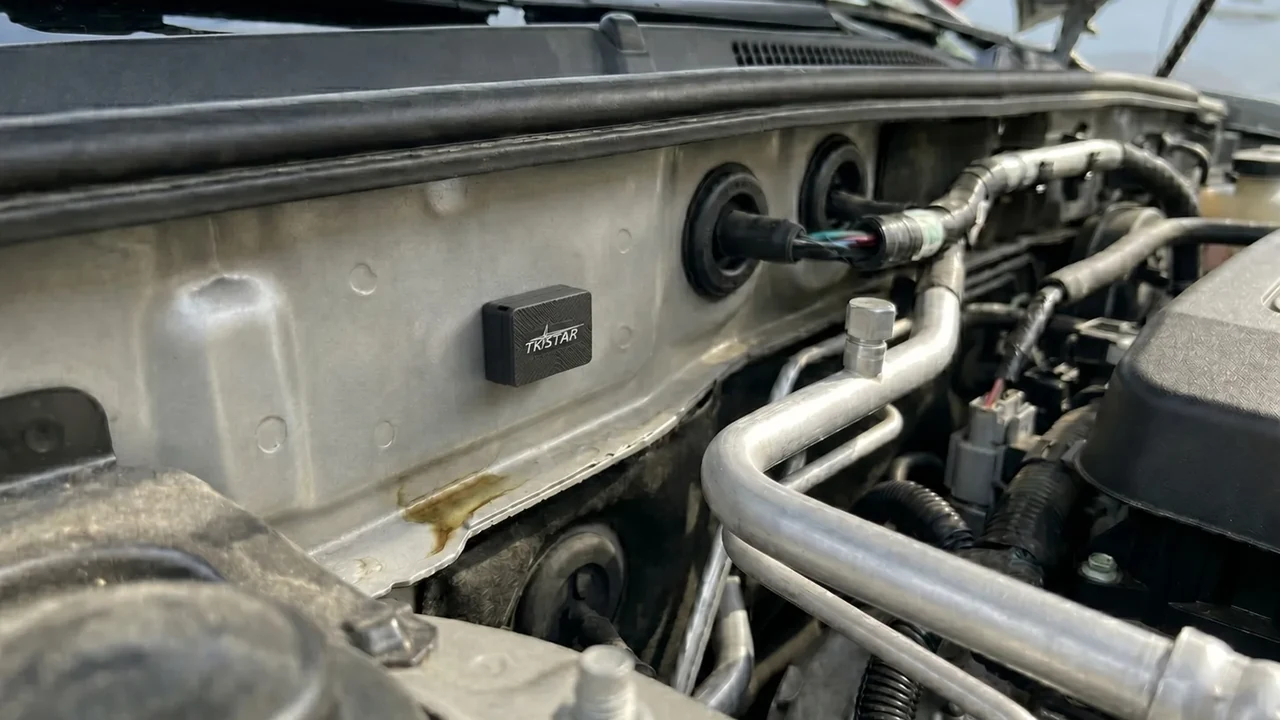
Real QZT TK913 product scene. The current product page does not publish a fixed runtime; sample testing is still required.
Reporting interval changes how often the tracker has to wake up
A battery tracker saves energy by spending as much time as possible in a low-power state. Every scheduled position report can require the device to wake its electronics, acquire a GNSS fix, connect to the cellular network, send data and return to sleep.
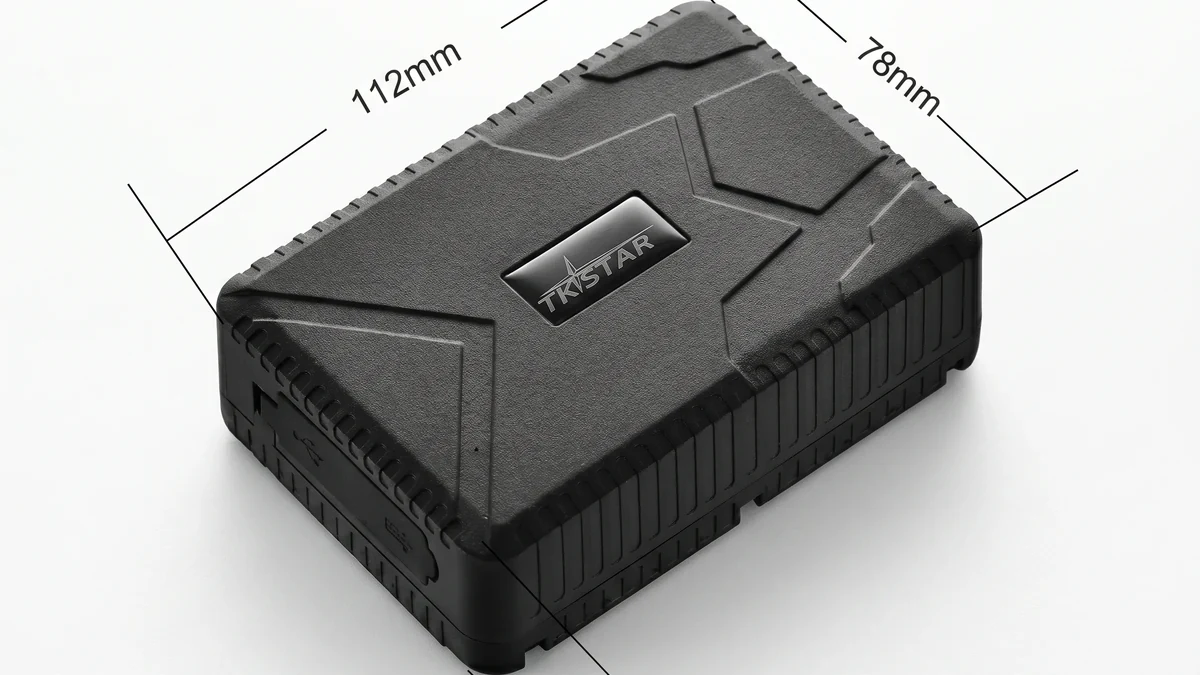
Real QZT TK915 product image. Runtime must be measured with the reporting profile intended for the project.
Digital Matter’s battery-powered tracking documentation separates movement-based tracking from periodic tracking and explains that periodic updates are used when greater battery life is required. Its tracking-modes guide likewise shows that a device can remain asleep between scheduled updates.
That does not mean battery life increases by a simple mathematical ratio such as “one-hour updates last 360 times longer than ten-second updates.” Each wake cycle has fixed overhead, and the time needed to obtain a position and register on the network changes from one environment to another.
For a real sample, record:
| Setting | Test value |
|---|---|
| Moving update interval | Record exact value |
| Stationary / heartbeat interval | Record exact value |
| Motion-triggered wake | Enabled / disabled |
| Recovery / high-frequency mode | Enabled / disabled |
| Server upload schedule | Record exact value |
| Test start battery level | Record measured / app value |
| Test end point | Define before test |
Compare trackers only when these settings are the same.
Weak GPS or cellular signal can keep the device awake longer
A tracker may consume more energy even when the reporting interval has not changed.
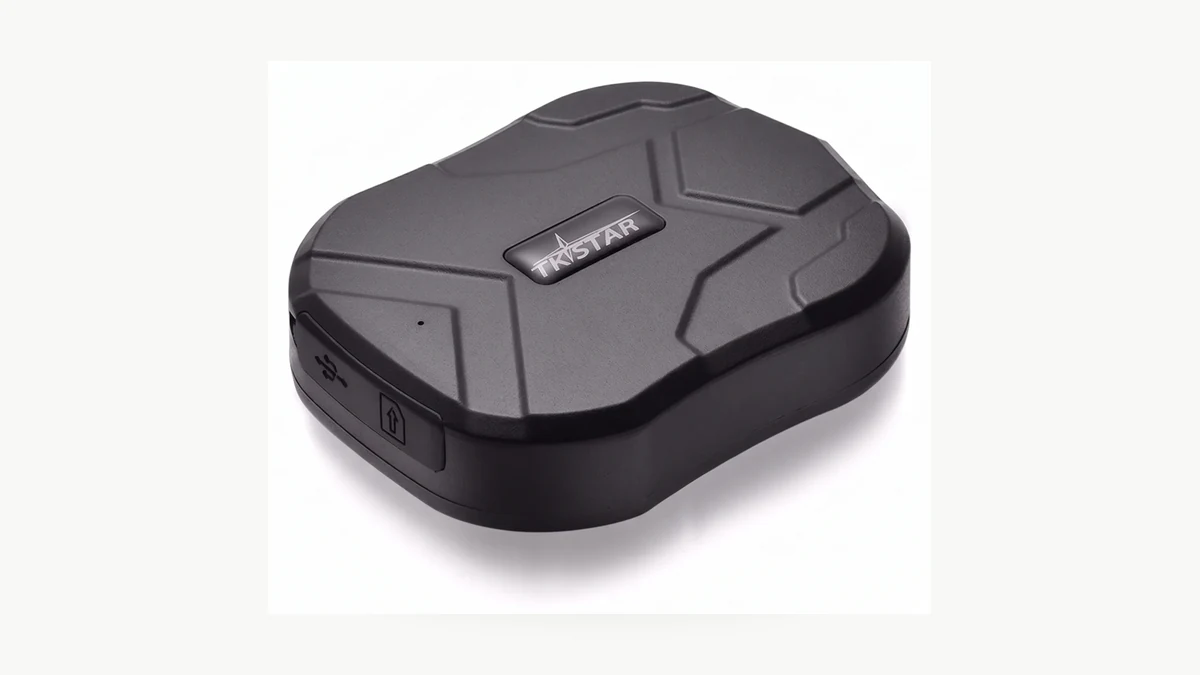
Real QZT TK905 product photograph. Mounting position and radio conditions still have to be tested on the actual installation.
Digital Matter’s battery-life estimation guidance lists cellular network quality and GNSS performance among the main causes of real-world variation. Poor cellular coverage can increase modem transmit power, retries and reconnection time. A long GNSS Time to First Fix keeps the GNSS subsystem active longer.
Teltonika’s TAT240 tracking documentation gives the same practical warning: when GNSS signal is poor, the device needs more time to obtain a position, and battery usage is higher while it is searching than while it remains asleep.
Installation therefore matters:
– a location with a poor view of the sky can increase GNSS search time;
– a metal enclosure can degrade GNSS or cellular reception;
– a weak or roaming cellular network can increase network search and retry behavior;
– moving the tracker a small distance can change both radio paths.
Do not call a battery “bad” until you have also checked fix success, upload retries and installation position.
Sleep, movement and recovery modes can matter as much as the headline interval
Two trackers both configured for “one update per hour” can still behave differently if one is repeatedly woken by vibration or enters a high-frequency recovery mode.
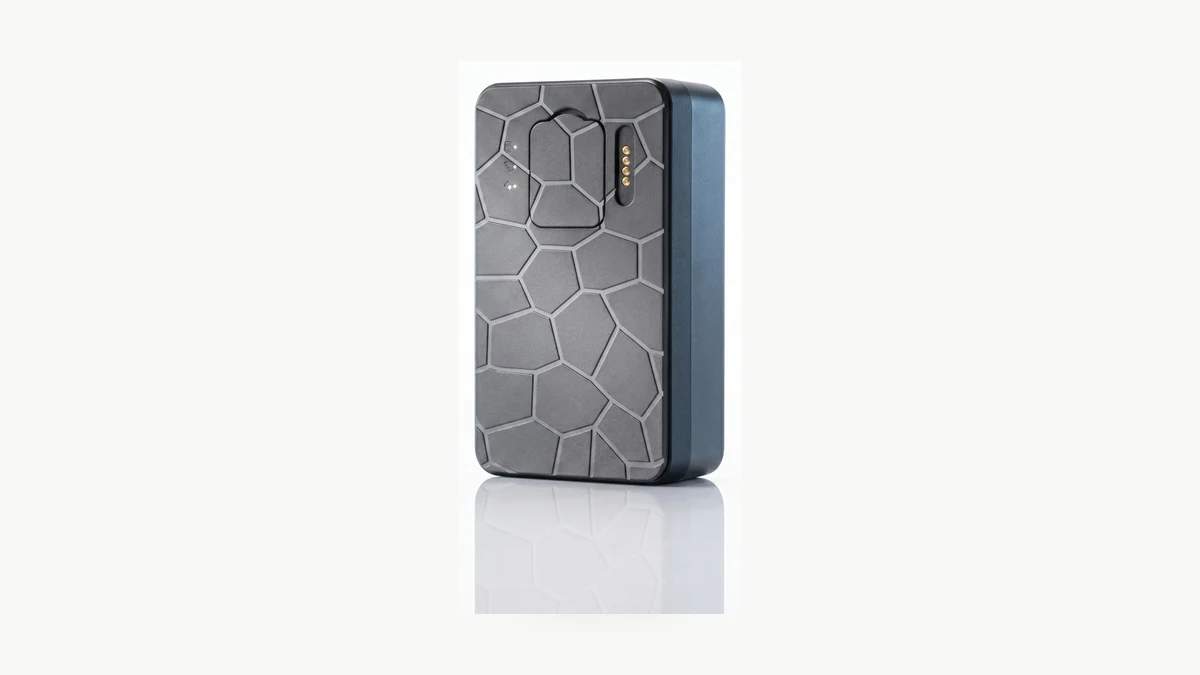
Real QZT G50 product photograph. Check the exact firmware’s movement and sleep behavior instead of assuming a generic mode.
Digital Matter’s battery-powered tracking parameters describe movement-driven wake behavior, periodic-only modes and higher-detail trip tracking as separate operating profiles. Its short-battery-life troubleshooting guide lists excessive uploads, high vibration, poor GPS reception and cellular connectivity problems as common reasons a battery-powered tracker runs down earlier than expected.
For a sample test, note:
– how the device decides that movement started;
– how long it stays in the active tracking state;
– what happens after movement stops;
– whether vibration repeatedly wakes a stationary asset;
– whether theft/recovery mode changes reporting frequency;
– whether failed fixes or uploads are retried.
A construction machine that vibrates for hours, a parcel that stays still for days and a vehicle that moves every morning do not create the same wake pattern.
Temperature, battery age and battery type change the available energy
Configuration is not the only variable. The battery itself is part of the test.
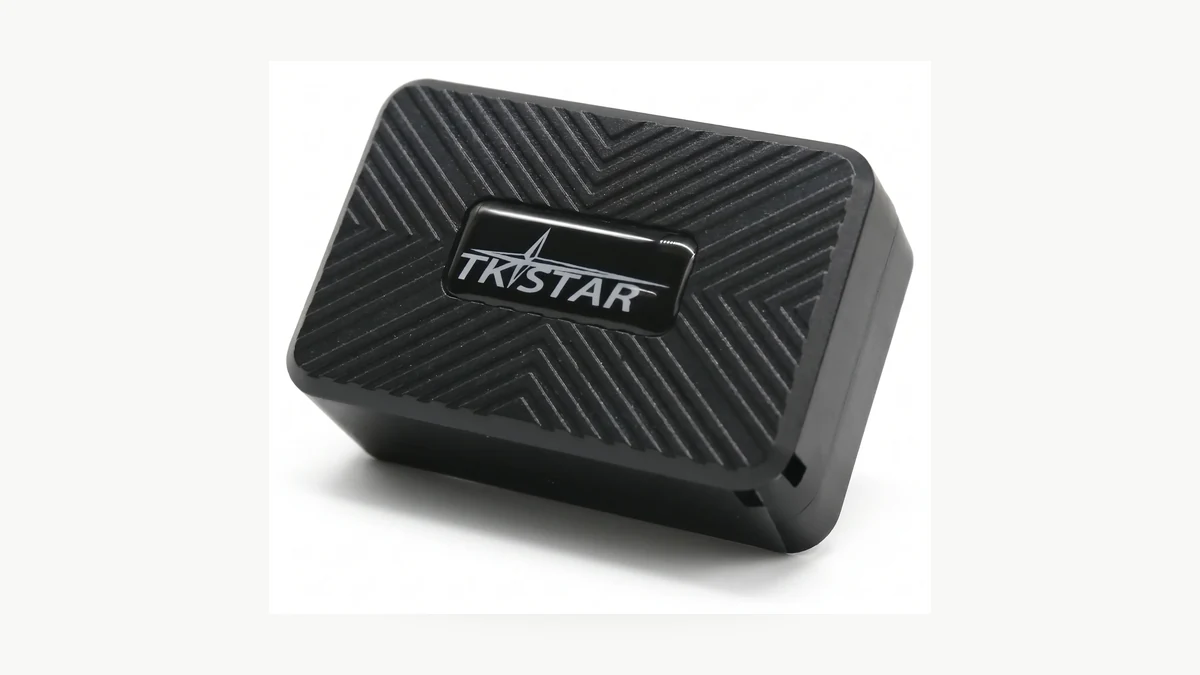
Real QZT TK913 product photograph. Do not infer battery chemistry or temperature rating from the housing image; use the supplied battery specification for the exact build.
Digital Matter’s battery-life estimation guidance lists temperature, battery chemistry, manufacturing variation, ageing and storage condition among the factors that can change real-world life. Its guidance explicitly treats battery-life estimation as an approximation, not a guarantee.
Do not publish a universal percentage such as “cold weather cuts runtime by 50%” unless the exact battery and test conditions support that figure.
Record instead:
| Battery test field | Record |
|---|---|
| Battery type / chemistry | From exact supplier documentation |
| Rated capacity | Exact supplied build |
| Battery age / sample date | Record |
| Charge state at test start | Record |
| Ambient temperature range | Record |
| Mounting temperature exposure | Record |
| Number of prior cycles if known | Record |
| End-of-test voltage / app level | Record |
If a sample performs well at room temperature, that is not proof that it will deliver the same interval on an exposed vehicle in winter or summer.
What do current QZT GPS pages actually establish?
Current QZT pages intentionally avoid publishing a fixed battery-life promise for TK905, TK913, TK915 and G50.
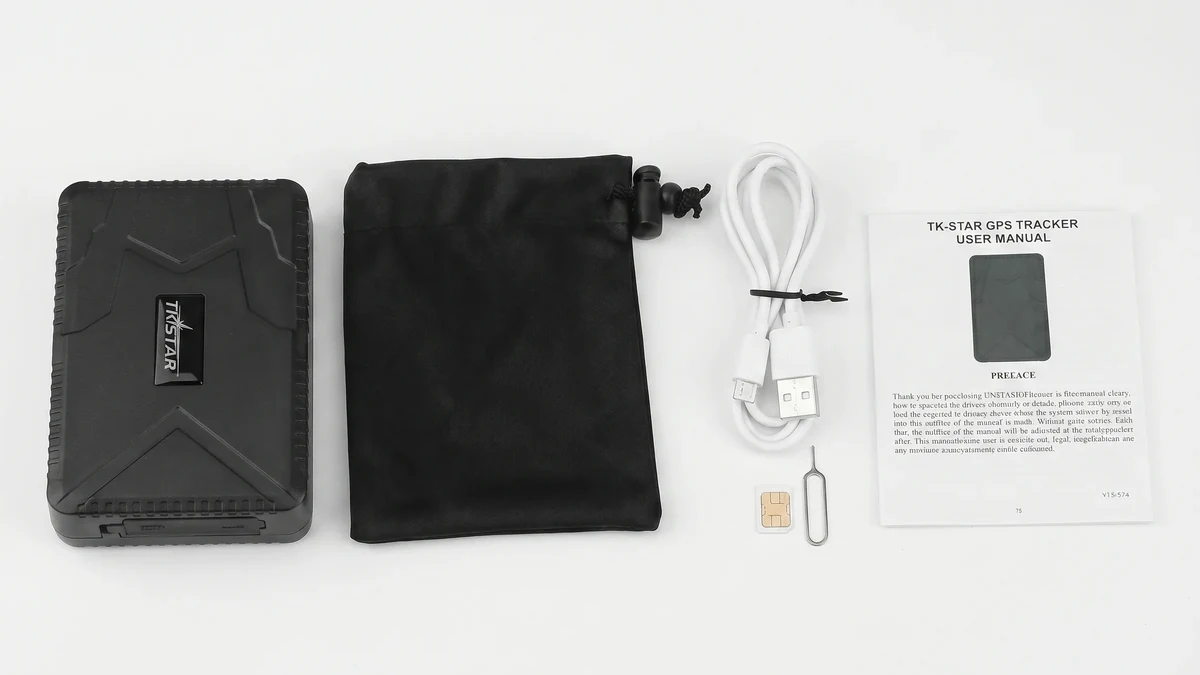
Real QZT TK915 package image. Current product copy tells buyers to confirm charging routine and runtime expectations during sample approval.
The current TK913 page says the sample should confirm whether the smaller body gives enough runtime for the project. The TK915 page tells buyers to check the charging routine and runtime expectation before order. TK905 and G50 similarly tell buyers to test the selected configuration rather than publishing a universal day count.
That is the correct commercial boundary.
| QZT model | Current page establishes | Battery-life claim in this article |
|---|---|---|
| TK913 | Compact body; sample should confirm runtime for the project | Not stated — sample test required |
| TK905 | Larger magnetic vehicle / asset body; charging and setup to confirm | Not stated — sample test required |
| TK915 | Larger vehicle / equipment body; charging routine and runtime expectation to confirm | Not stated — sample test required |
| G50 | Multiple body-size versions; expected battery runtime is a selection factor | Not stated — sample test required |
| N70 | Hardwired 4G vehicle tracker | Battery-duration comparison is not the primary selection question because vehicle power is the main supply |
If a quotation includes a battery capacity or standby figure, keep it tied to the exact model/version and then verify the operating profile that produced it.
Run a battery acceptance test before you promise days or months
A controlled sample test is more useful than a generic “long battery life” badge.
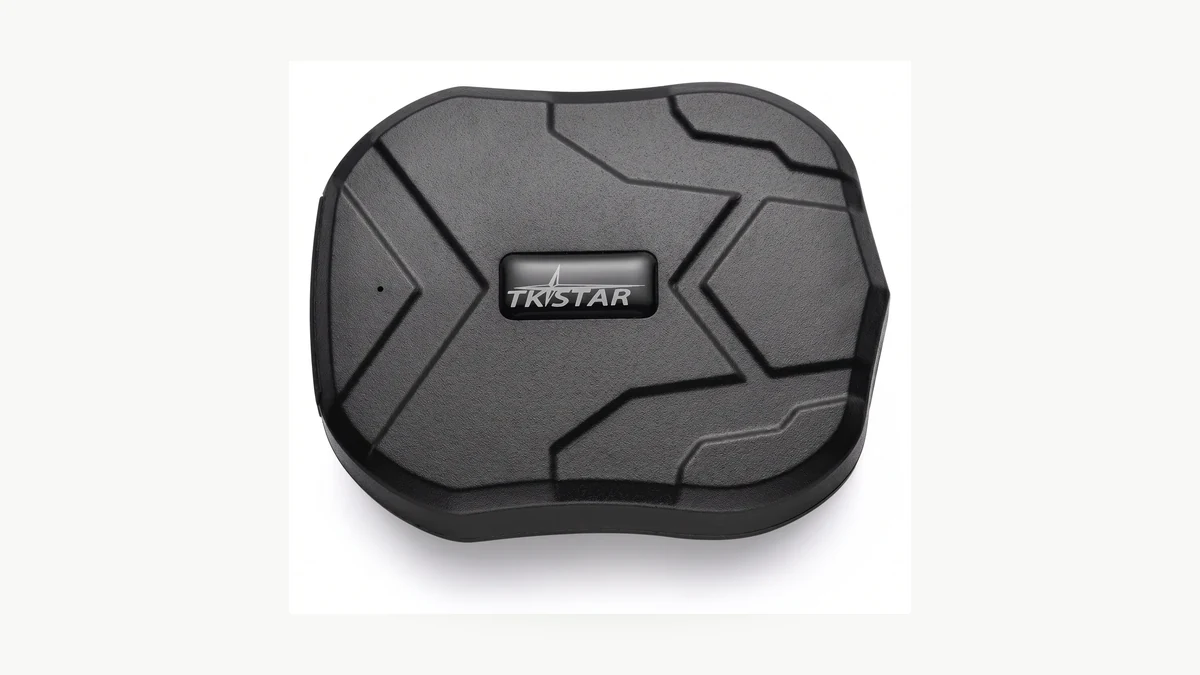
Real QZT TK905 product photograph. Use a real sample and the intended server settings to establish a runtime claim.
For an owned or authorized asset/vehicle test:
1. record exact tracker model, hardware and firmware;
2. fully charge or install the documented fresh battery;
3. record the SIM/carrier and server/app version;
4. record all reporting, heartbeat, movement and recovery settings;
5. place the tracker in the intended mounting position;
6. record the temperature range and signal conditions;
7. run the normal operating schedule rather than leaving the device untouched on a desk;
8. log successful GNSS fixes, upload retries and movement events if the platform exposes them;
9. record the test end condition before the test starts;
10. repeat after any firmware, network, battery or configuration change that could alter power use.
A useful result looks like this:
| Field | Result |
|---|---|
| Model / firmware | |
| Battery / build | |
| Moving update interval | |
| Stationary interval | |
| Movement / sleep mode | |
| Cellular carrier | |
| Installation position | |
| Temperature range | |
| Start state | |
| End state | |
| Elapsed operating time | |
| GNSS / upload problems observed | |
| Evidence | Log / screenshot / report ID |
Only after that test should the measured interval become a sales claim for that exact configuration.
Frequently asked questions
Does a bigger battery always mean longer GPS tracker battery life?
Not necessarily. More stored energy helps, but reporting frequency, sleep behavior, GNSS fix time, cellular retries, temperature and firmware settings also affect consumption. Compare the complete operating profile.
Does a longer reporting interval always save battery?
Usually it reduces the number of wake/fix/upload cycles, but do not calculate runtime from the interval alone. Fixed wake overhead, failed fixes, network retries and movement-triggered events can change the result.
Why does my GPS tracker battery die faster in one installation?
Check cellular coverage, GNSS sky visibility, mounting position, vibration/movement wakes, recovery mode, temperature and battery condition. Digital Matter and Teltonika both document poor GNSS or cellular conditions as causes of longer active time or extra retries.
Can I use the standby number on a supplier sheet as the real deployment runtime?
Use it as a specification to investigate, not as a guaranteed deployment result. Ask what configuration produced it, then test the exact reporting profile and installation you plan to sell.
Which QZT GPS tracker has the longest battery life?
The current QZT pages do not publish a controlled, same-condition runtime comparison for TK913, TK905, TK915 and G50. Without that common test, this article does not rank them by battery life. Compare samples under the same configuration instead.
How often should I repeat the battery test?
Repeat when the firmware, reporting profile, SIM/network, battery version, mounting environment or other power-relevant configuration changes. Also re-test when aged batteries no longer match the acceptance baseline.
The practical rule is: define the reporting behavior first, then test the exact tracker in the exact signal and temperature conditions where it will be used. A battery-life estimate is useful for planning; a measured sample under your operating profile is what supports a promise.

 English
  Italiano
  Deutsch
  Français
  Español
  Polski