
A silent GSM earpiece can have a failed phone call, an unpowered earpiece or a problem in the local audio link. First confirm that the call has connected to the GSM card, then check the earpiece’s separate battery and the model’s working distance. With QZT GSM communicators and wireless earpiece kits, record which connection succeeds before replacing the SIM or the complete set.
This sequence is for authorized stage, event and training communication. Keep the supplied manual beside the sample: SIM-card communicators and phone-paired Bluetooth kits use different connection arrangements, so their controls and setup steps are not interchangeable.
Call connection · Earpiece power and distance · Audio direction and sample checks · FAQ
Confirm whether the call has connected to the GSM card
Ringing, voicemail and a connected call are different results. Start by calling the installed SIM from a known phone. Check the caller’s displayed call state and, where available, the GSM card’s documented status indicator. Do not assign meanings to flashing lights from another model’s manual.
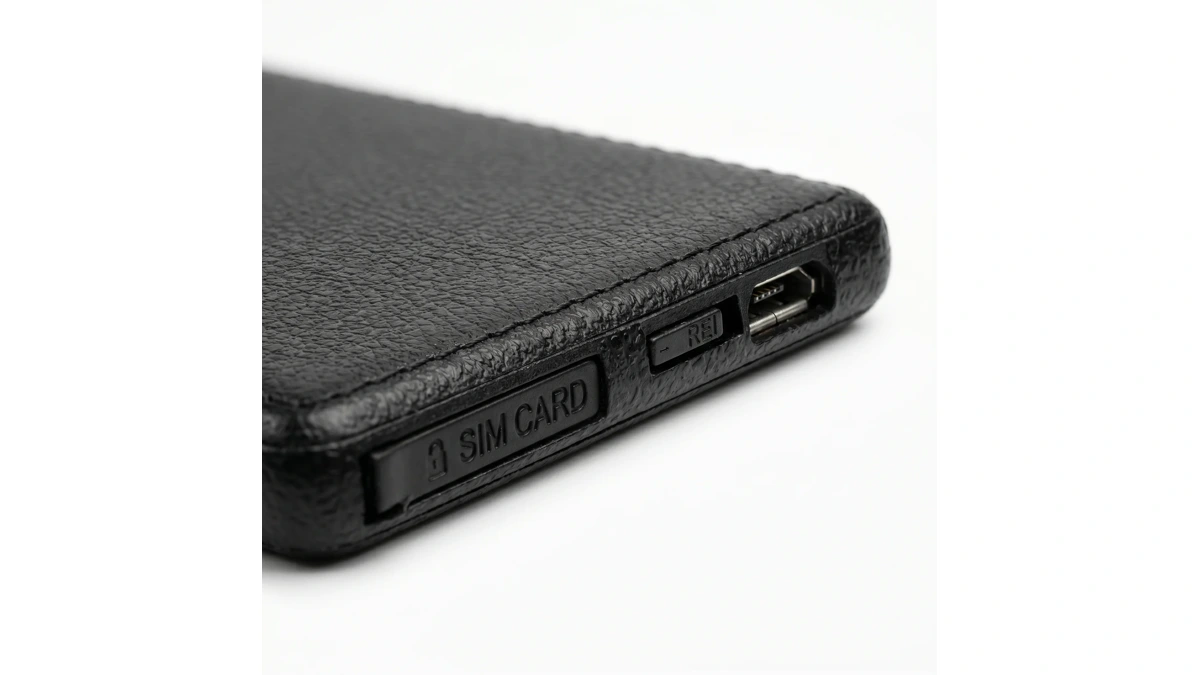
The QZT VIP GSM card communicator uses a standard GSM SIM with active call service. Confirm that the SIM is activated and has the required incoming-call service. A data-only plan is insufficient if the communicator needs ordinary phone calls. Also confirm the quoted card’s modem generation and bands with the supplier; the product overview does not provide that complete compatibility list.
If the call never connects, check network and account compatibility before investigating the earpiece. Record whether the caller hears an unavailable message, reaches voicemail or sees an immediate disconnection. Reception, account restrictions and device registration can produce different symptoms. Give the operator or supplier the actual result rather than describing every failure as “no sound.”
When the same SIM works in a modern phone, ask which network technology the phone used. A successful LTE call does not prove that an older GSM module can use the available network. The 4G SIM in 2G GSM device guide explains the separate modem, SIM-service and local-network checks.
For a phone-paired kit such as the QZT BT01 Bluetooth earpiece kit, first confirm that the phone’s call works through its own speaker. Then follow the kit manual to pair the transmitter and check the phone’s selected call-audio output. A Bluetooth connection indicator alone does not prove that the active call is routed to that accessory.
Once a call is connected, keep the call running while checking the local audio link. Avoid swapping the SIM, changing several settings and replacing a battery simultaneously. Those changes make the result harder to reproduce.
Check the earpiece battery and the card-to-earpiece distance
Charging the GSM card does not replace the A680 earpiece’s button battery. The VIP card and wireless earpiece are separate powered components. A powered card can therefore have a connected call while the earpiece remains silent.
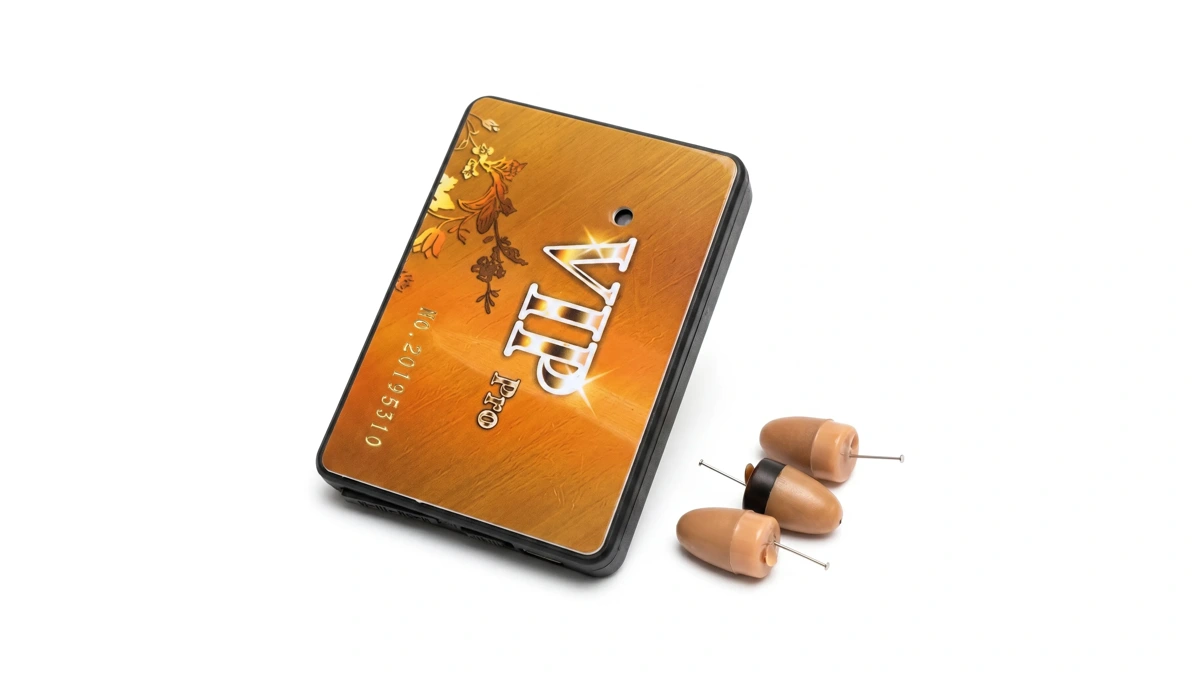
QZT lists a 350mAh rechargeable card battery with approximately 3–4 hours of talk time. The A680 earpiece is listed at approximately 6–7 hours with fresh batteries. Those are published approximate runtimes, not measurements of the sample on your desk. A battery installed earlier may have much less usable time remaining.
Check the battery type, condition and fitting instructions in the supplied manual. The standard VIP set lists two 337A button batteries. Use the supplier-approved battery for the received revision, and follow the manual’s polarity and handling instructions. Do not assume that a visually similar battery or another earpiece’s charging arrangement is compatible.
The stated VIP card-to-earpiece working distance is approximately 40–60 cm. Check that local segment with the card and earpiece positioned as the manual specifies. Moving the GSM card several metres away may leave the mobile call connected while interrupting the shorter link to the earpiece. The mobile network connection and the nearby earpiece connection have different distance limits.
If audio returns after fitting a fresh approved battery or repositioning the card within the stated distance, repeat the test with the final intended placement. Record the placement and battery condition. A brief successful bench check is insufficient to approve a long event or training session.
Inspect accessible parts only as the manual permits. Follow the supplier’s cleaning and maintenance guidance for an in-ear component; avoid sharp tools, liquids in openings or improvised insertion methods. Stop using a damaged component and ask for the appropriate replacement rather than opening sealed electronics during the test.
Test incoming audio and the microphone separately
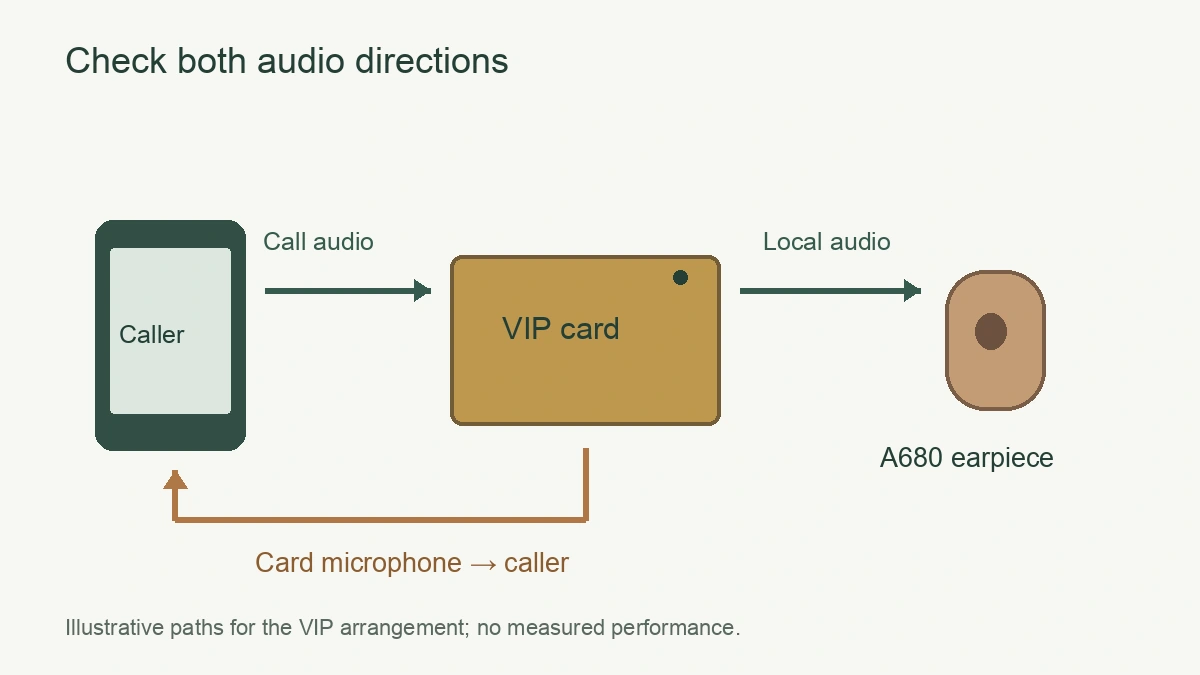
Ask both participants to speak in turn. Write down who can hear whom. For the VIP arrangement, QZT places the SIM connection and microphone in the card, while the A680 receives audio nearby. Hearing the card’s microphone at the remote phone does not establish that the A680 receive path works.
Use this table to keep the failure description precise:
| Observed result | Next check | Record for support |
|---|---|---|
| Call never connects | SIM services, registration and compatible network | Operator, tariff, location and caller’s result |
| Call connects; A680 is silent | Approved earpiece battery and local card placement | Battery condition and distance from card |
| Remote caller hears card microphone; A680 is silent | Local receive path with one compatible spare, if available | Which earpiece and card combination was tested |
| A680 receives audio; remote caller hears nothing | Card microphone opening and supported mute controls | Audio direction and exact control state |
| Audio cuts out during movement | Final card placement, power and local link | Position or movement associated with the interruption |
For a one-way microphone problem, check whether clothing or the final mounting position covers the microphone opening. Check supported mute controls in the actual manual. Do not apply a phone operating-system fix, pairing code or SMS command found in a generic headphone article to the GSM card without confirming that the revision supports it.
If a compatible spare is available, change one component at a time. Keep the same approved SIM and charged card while checking a known compatible earpiece. Then compare the suspect component with the approved set. Avoid mixing transmitters and earpieces solely because the housings look alike; ask the supplier whether the components belong to the same system.
Before accepting a sample, run a call for the planned session duration using the approved battery arrangement and final placement. Note incoming audio, outgoing microphone audio, interruptions and any recharge or battery replacement needed. Send support the model revision, operator, symptom sequence and test conditions. Remove phone numbers and other personal details from screenshots unless support specifically needs them through an agreed channel.
Frequently Asked Questions
Why is a GSM earpiece silent even though the call connects?
A GSM earpiece can remain silent after a call connects if the earpiece has no usable power or the local audio link fails. The QZT VIP GSM card communicator and A680 earpiece have separate batteries, with a stated card-to-earpiece distance of approximately 40–60 cm. Check those conditions on the sample.
Does charging the QZT VIP GSM card communicator charge the A680 earpiece?
Charging the QZT VIP GSM card communicator replenishes the card’s 350mAh rechargeable battery. The A680 earpiece uses a separate button battery; the standard set lists two 337A batteries. Follow the supplied manual for the received revision’s battery fitting and handling. Card charging alone does not establish that the earpiece has power.
How far can the QZT VIP GSM card communicator be from the A680 earpiece?
The QZT VIP GSM card communicator has a stated local card-to-earpiece distance of approximately 40–60 cm. That figure describes the nearby link to the A680 earpiece, not the distance between callers on the mobile network. Check audio at the intended placement before approving the QZT VIP GSM card communicator sample.
Why can the remote caller hear the card but the A680 earpiece is silent?
The QZT VIP GSM card communicator carries the microphone and SIM connection, while the A680 earpiece receives audio through a separate local link. A working card microphone does not verify that receive path. Check the approved earpiece battery, card placement and a known compatible spare before replacing the complete set.
Does the QZT BT01 Bluetooth earpiece kit connect like a GSM SIM card kit?
The QZT BT01 Bluetooth earpiece kit pairs an external transmitter with a mobile phone over Bluetooth. The phone handles the call connection. QZT lists a 6mm nano earpiece with approximately 2.5 hours of use per battery. Follow the QZT BT01 Bluetooth earpiece kit manual rather than GSM card setup instructions.
Approve the complete audio setup before a batch order
Keep one accepted card, earpiece, battery type and manual revision as the reference set. Include the destination operator and planned session length in the enquiry for QZT GSM communicators and wireless earpiece kits, and request a sample check of both incoming audio and the return microphone before approving the batch configuration.

 English
  Italiano
  Deutsch
  Français
  Español
  Polski