
A security camera privacy mask hides a selected part of the picture, but the exact behavior depends on the camera, firmware and viewing path. On a QZT security camera installation, treat the mask as a feature that must be verified in live view, saved recordings and exports—not as a promise that every stream is automatically protected.
The difficult case is a camera that moves. Some privacy zones stay fixed to the current image, while supported PTZ systems can anchor a mask to a real-world location. The safest handover test follows the footage from camera to recorder to export and checks every position operators will actually use.
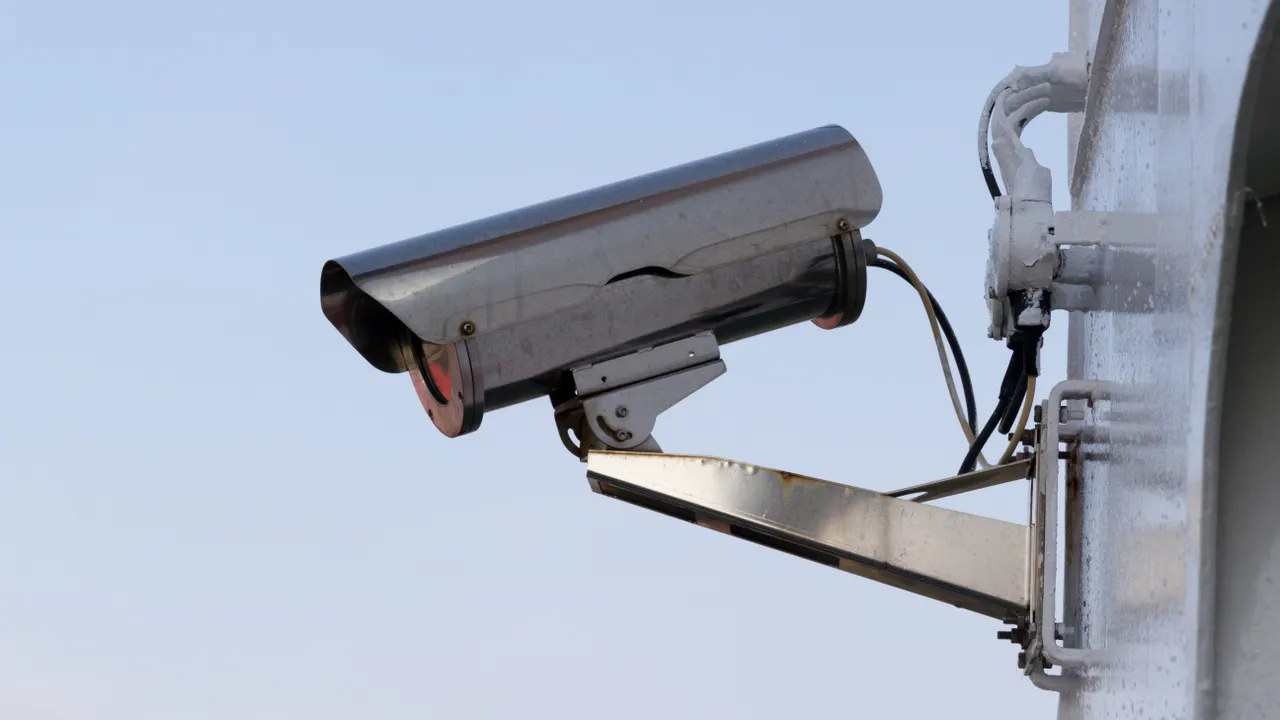
Which setting do you actually need?
Start with the outcome, not the menu label. A privacy mask or privacy zone is used to conceal pixels; an activity or detection zone usually changes alert or recording triggers; a privacy mode may stop monitoring or recording entirely. These functions can coexist on the same camera, so selecting the wrong one can leave the private area visible even when notifications have stopped.
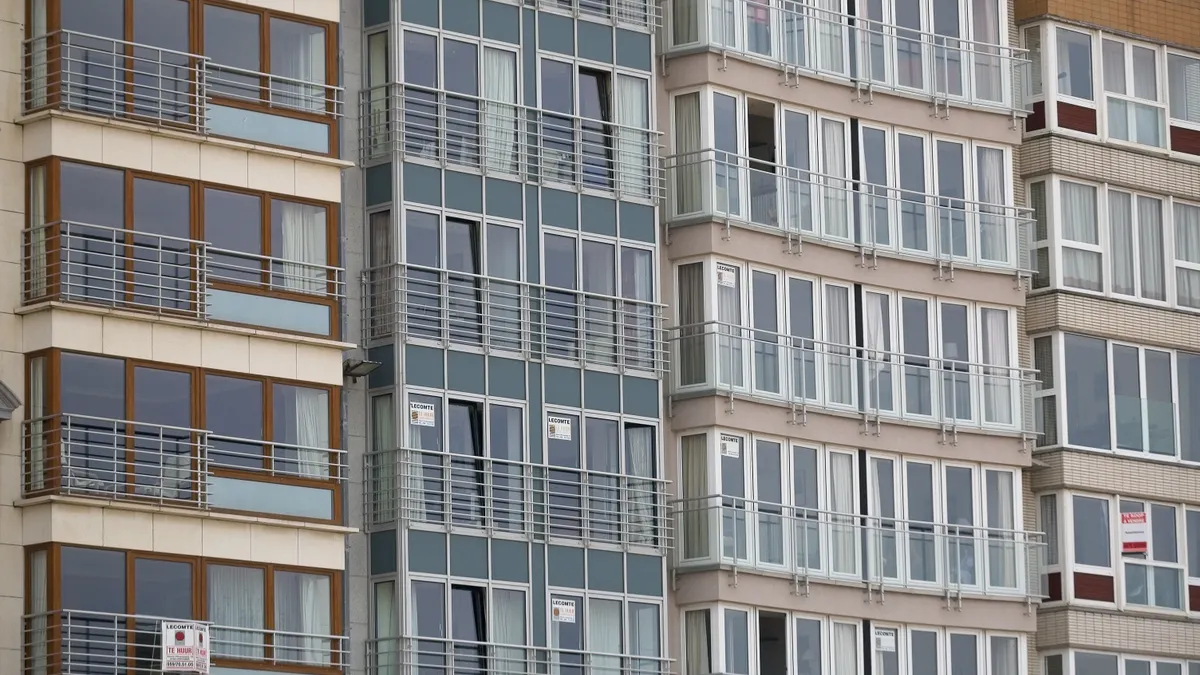
Arlo’s current Privacy Zones guidance makes this distinction explicit: privacy zones conceal selected areas in live streaming and recordings, while Activity Zones are used to control where activity should trigger recording or alerts. TP-Link similarly separates Tapo privacy zones from motion-detection zones.
Write the requirement in plain language before opening the camera menu. For example: “The neighboring apartment window must not be visible in the live feed, local recording, cloud recording or exported clip.” That is testable. “Privacy is enabled” is not.
Prefer camera placement that avoids the private area in the first place. A mask is a secondary control, not a substitute for sensible field-of-view design. Where a mask is still required, leave a margin around the protected boundary so a small installation shift does not expose the edge.
Do not assume a visual block also disables audio. If the site has an audio requirement, test microphone and recording settings separately using an authorized test.
Does the mask reach recordings, exports and other streams?
A masked live view is only one path. Before handover, confirm which outputs the manufacturer documents, then test every output the installation will actually use: live view, alternate stream, recorder playback, local storage, cloud storage, downloaded clips and snapshots.
The AXIS Q6225-LE manual states that its privacy masks appear on snapshots, recorded video and live streams. Reolink’s privacy-mask setup guide says its masks appear in live view and recordings. Arlo’s September 2026 support guidance says supported Privacy Zones apply to cloud recordings, Local Storage recordings and live streaming.
Those are vendor-specific examples, not proof that another camera behaves the same way. An NVR may use a different stream from the phone app. A VMS may have a separate role or channel. An export workflow can also differ from normal playback. The only reliable acceptance result is a new file produced by the exact path the customer will use.
Also check whether an intentionally unmasked stream exists. AXIS Live Privacy Shield supports an unmasked view area or unmasked virtual view on supported devices. That can be legitimate for authorized users, but it means a masked operator screen is not evidence that every available stream is masked.
Existing footage needs separate handling. Changing a camera setting does not retroactively alter recordings that were already created. Review old exports before sharing them and use an approved redaction workflow if a previously recorded file must be distributed.
Will the mask stay on the same place when a PTZ camera moves?
Do not infer scene tracking from the words “privacy mask.” Some systems tie the mask to the current screen coordinates; others can bind it to a real-world location. Firmware, model and configuration interface can change the result.
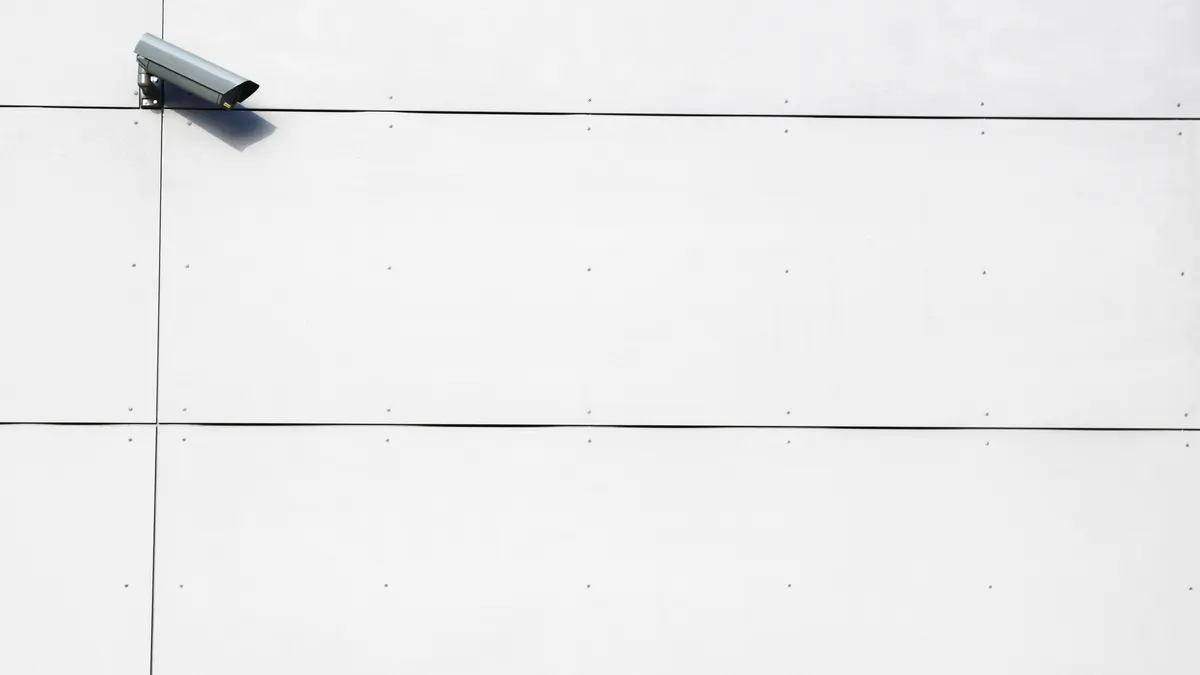
TP-Link’s current Tapo Privacy Zones FAQ says those zones are based on the current camera view. If the camera is rotated or repositioned, the zone remains active but shifts with the view and no longer covers the original scene area. By contrast, TP-Link’s September 2026 VIGI Speed Dome PTZ privacy-mask guide documents real-world position locking for the VIGI InSight PTZ5425 so the mask remains aligned during pan, tilt and zoom.
AXIS documents a similar scene-referenced behavior on the Q6225-LE: the privacy mask is relative to pan, tilt and zoom coordinates and covers the same place or object as the camera moves.
Reolink documents an interface-dependent case. Its Dynamic Privacy Mask beta is currently listed for RLC-823S1, RLC-823S1W and RLC-823S2. Reolink says dynamic masking must be configured through the App or web interface; masks configured from a Reolink NVR or Client remain static and can offset during PTZ movement.
That is why a single screenshot is not a PTZ acceptance test. Check every preset the installation will use, the movement between presets and the permitted zoom range. Watch the mask boundary while the camera is moving, not only after it stops. If scene tracking is unsupported or cannot be verified, change the camera position or restrict the operating range instead of assuming a larger rectangle will solve every angle.
How do you verify a privacy mask before handover?
Use one repeatable acceptance test and record the configuration that was actually checked. The procedure below is a verification workflow, not a claim that QZT has tested a particular third-party model or firmware.
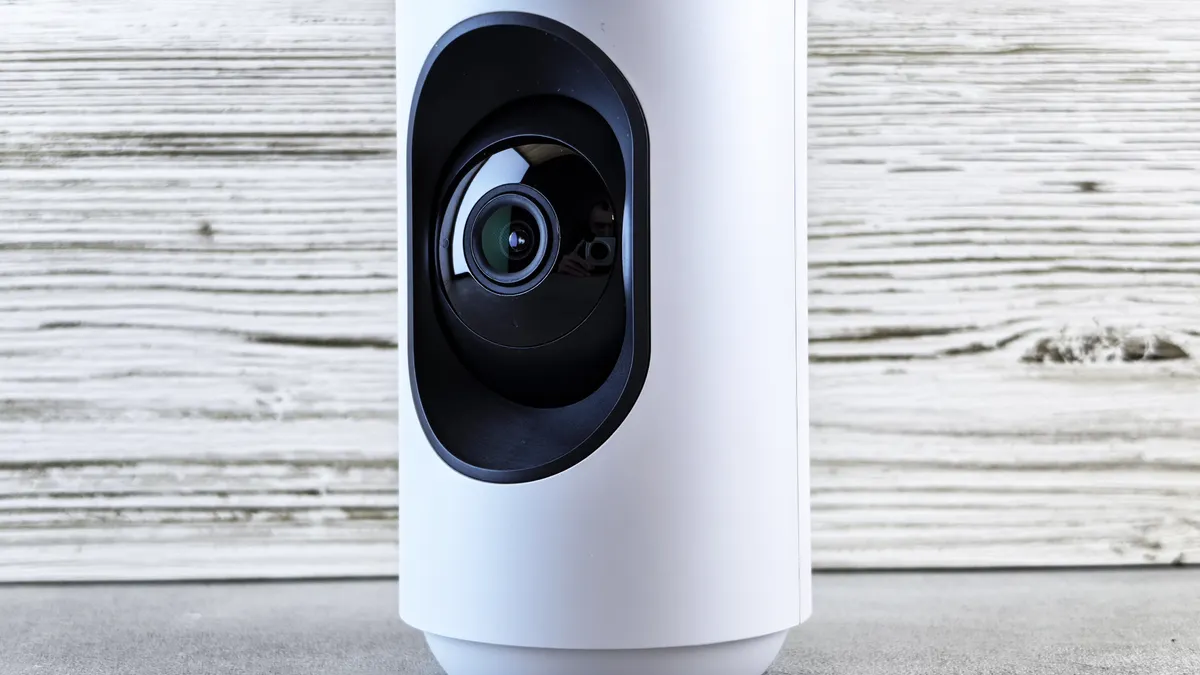
Place a clearly recognizable test target in the area you control and intend to conceal. Configure the mask using the manufacturer’s documented interface, save the setting and make a new recording. Then follow the footage through each path the customer will use.
| Check | What to verify | Evidence to retain |
|---|---|---|
| Normal live view | Test target remains fully concealed | Permitted screenshot and camera/version details |
| Alternate stream or NVR view | The same protected area is still concealed | Stream/channel used and result |
| Saved recording | A new clip keeps the target hidden | Clip time and storage destination |
| Downloaded export | Exported file matches protected playback | Export method and player used |
| PTZ presets and zoom | No edge of the target becomes visible | Presets, zoom range and result |
| Restart | Intended settings remain active | Restart time and fresh check |
| Audio | Audio requirement is tested separately | Authorized audio test result |
Record the camera model, hardware revision, firmware, app or recorder version, configuration interface, recording destination and test date. Mark an unused path as “not applicable” and an untested path as “not tested.” Neither label means “passed.”
If the target appears in an output that must be protected, stop the handover and isolate that path. A recorder stream, a downloaded clip, a PTZ transition and an audio track are different failure layers. Fix the specific path and repeat the acceptance test rather than judging the result from one black rectangle on a phone screen.
For procurement, ask the supplier to confirm the required masking behavior for the exact SKU, firmware and management interface before ordering. A feature name alone is not enough to prove behavior across all streams or PTZ states.
Frequently Asked Questions
Is a motion-detection zone a privacy mask?
No. A security camera motion-detection zone controls where activity is evaluated for alerts or recording triggers, while a privacy mask controls which pixels are visible. A camera can stop alerting about an area and still show it in video. Verify the privacy setting separately and inspect a new saved clip.
Can a privacy mask follow a moving PTZ camera?
Some security camera privacy masks can follow a real-world area during pan, tilt and zoom, but the behavior is model-specific. TP-Link documents anchored masking on the VIGI InSight PTZ5425, while its Tapo privacy zones can shift with the current view. Test every preset and zoom range before approval.
Does a privacy mask mean audio is disabled?
No. A security camera privacy mask changes the video image; it does not by itself prove that a microphone or audio track is disabled. Check the exact camera’s audio controls, recorder settings and exported file separately. Use an authorized test recording and document whether audio is required, disabled or not supported.
Is a masked live view enough to approve a camera installation?
No. A masked security camera live view only proves that one display path is masked at that moment. Approval should also cover the recorder or alternate stream in use, a newly saved recording, a downloaded export, snapshots and any authorized unmasked view. PTZ installations also need movement and zoom checks.
Should privacy-mask checks be repeated after camera changes?
Yes. Repeat the relevant security camera privacy-mask checks after changing camera position, PTZ presets, firmware, viewing software, recording destination or management interface. The previous test describes the previous configuration. A new version or viewing path can change mask behavior, so verify the affected live, recording and export paths again.
Final Check Before Handover
A privacy mask is useful only when its behavior is known on the exact system being installed. Define the area that must remain hidden, verify every real video path, and repeat the test after configuration changes. For camera options and supplier confirmation, start with the QZT security camera range.

 English
  Italiano
  Deutsch
  Français
  Español
  Polski