
Choosing a nanny camera with audio involves two distinct decisions: selecting hardware that captures clear voice-level sound alongside video, and navigating the legal rules around recording audio in a private home. Many buyers purchase a camera assuming video and audio operate under identical rules, only to discover that wiretapping statutes restrict sound capture far more strictly than video recording.
This guide explains how audio-enabled nanny cameras function, how continuous local recording compares to two-way smartphone audio, what legal consent boundaries apply in domestic settings, and how to select the right form factor for your home.
How audio recording works in nanny cameras: 2-way audio vs local recording
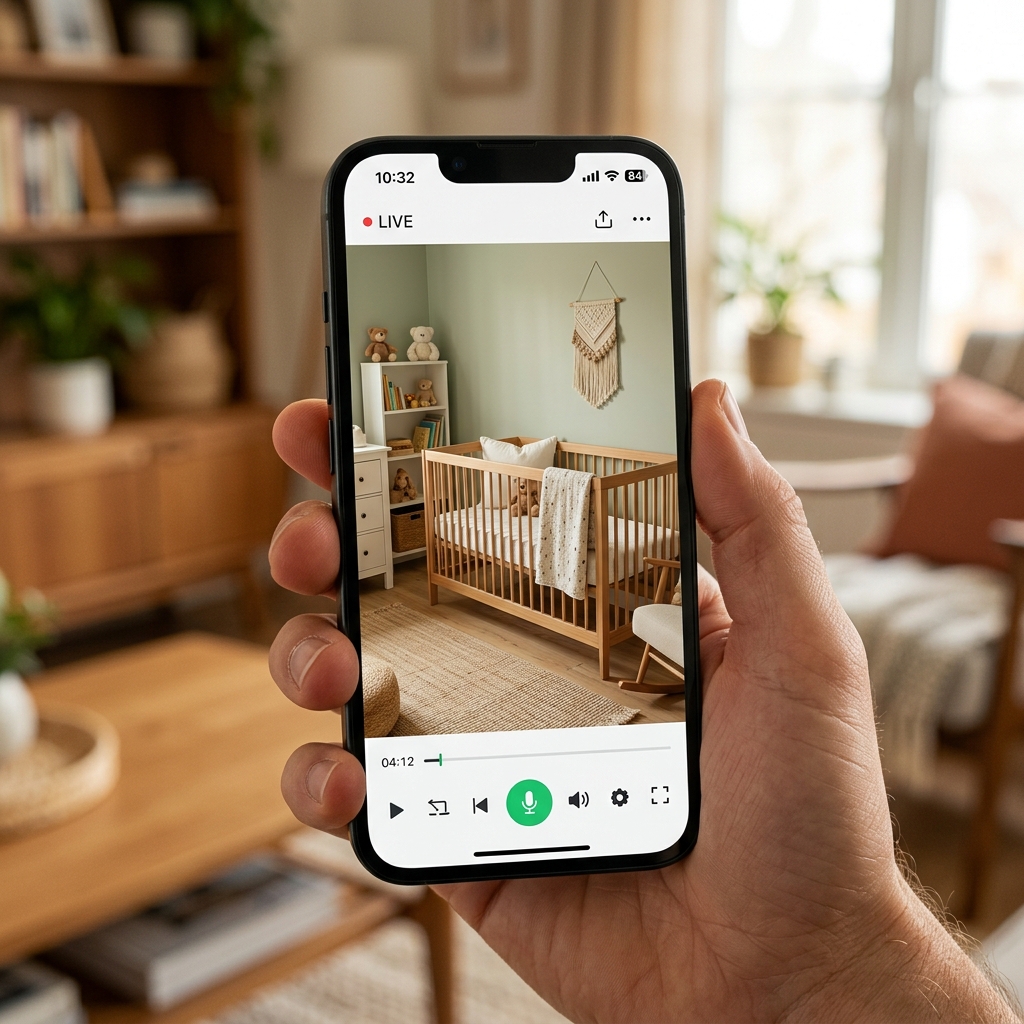
Nanny cameras handle sound capture through two main hardware configurations, each designed for a different operational goal:
- Two-Way Audio (Wi-Fi streaming): The camera contains a built-in electret microphone and a small speaker. Live sound streams over 2.4GHz Wi-Fi to a smartphone app, allowing parents to listen in real time and speak through the camera to soothe a baby or communicate with a caregiver. Audio quality depends heavily on Wi-Fi bandwidth and app latency.
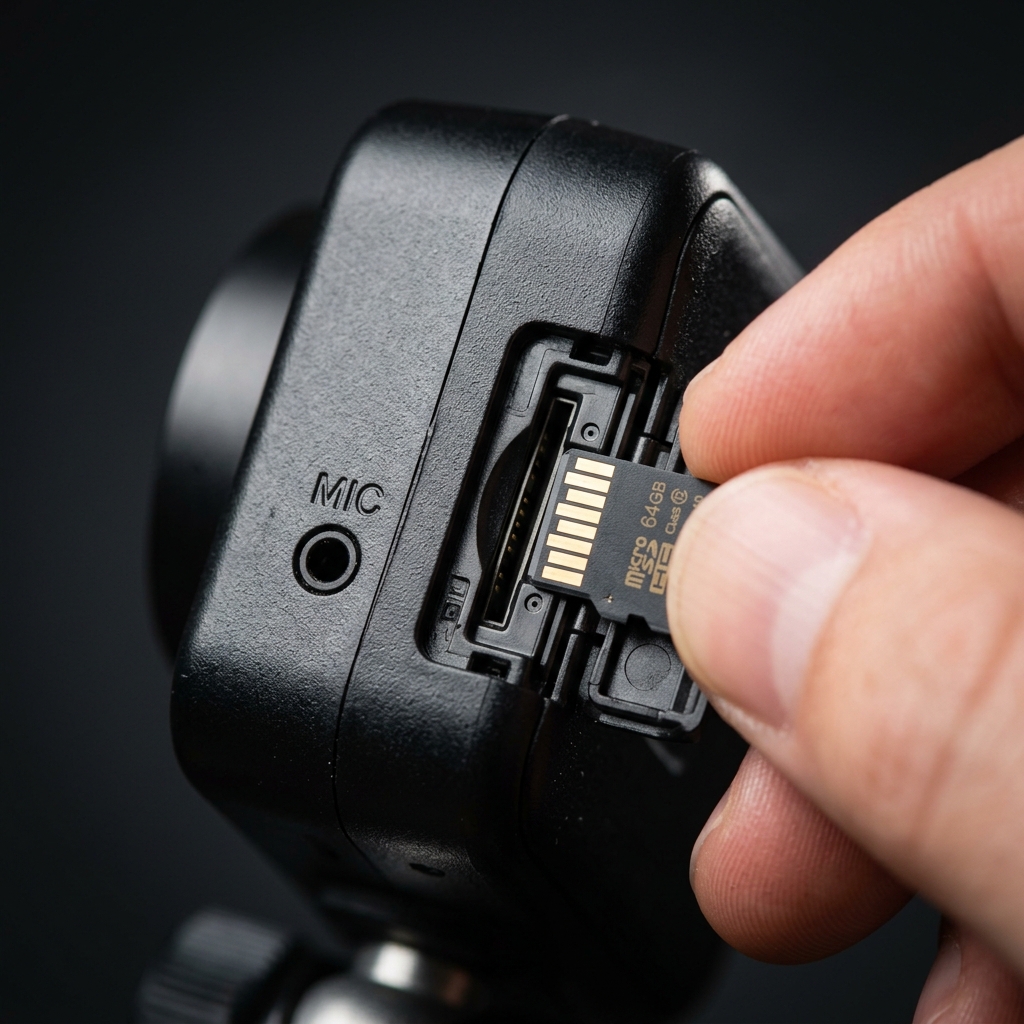
- Local Audio Recording (MicroSD storage): The camera records synchronized audio and video directly to an internal MicroSD card (FAT32, up to 128GB or 256GB). Sound is captured locally without streaming over the internet. This provides an uncompressed audio track for retrospective review, completely independent of home Wi-Fi stability or cloud server uptime.
Microphone pickup range is heavily influenced by the camera housing. A visible indoor camera with an exposed mic port typically picks up clear speech within 3 to 5 meters. In contrast, a covert hidden camera embedded inside a clock or wall socket housing relies on a pinhole microphone port; if covered or positioned near background noise (like HVAC vents), usable pickup range drops to 1 to 2 meters.
Is it legal to record audio with a nanny camera in your home?
In most jurisdictions, recording video inside your own home to protect children or property is legally permitted under domestic exemptions. Audio recording, however, is governed by federal and state wiretapping and eavesdropping statutes that carry significantly stricter legal penalties.
Key legal frameworks to understand before enabling audio recording:
- One-Party Consent Laws (US & International): In one-party consent states (such as New York, Texas, and the UK domestic exemption framework), audio recording is legal as long as one person participating in the conversation consents. If a parent is present in the room during the conversation, recording is generally permitted.
- Two-Party (All-Party) Consent Laws: In two-party consent states (including California, Florida, Illinois, Pennsylvania, and Massachusetts), all individuals being recorded must consent to audio capture. Recording a nanny, babysitter, or housekeeper’s voice in your home without written disclosure or oral consent violates criminal eavesdropping laws in these jurisdictions, regardless of whether the property belongs to you.
- Private Spaces Prohibition: Covert recording of video or audio in spaces with an absolute expectation of privacy—such as bathrooms, live-in caregiver bedrooms, or changing areas—is illegal nationwide and across international law without exception.
The safest legal practice for parents in two-party consent states: include an explicit audio and video monitoring clause in the nanny contract or caregiver agreement before employment begins.
Covert hidden nanny cams vs visible smart indoor cameras
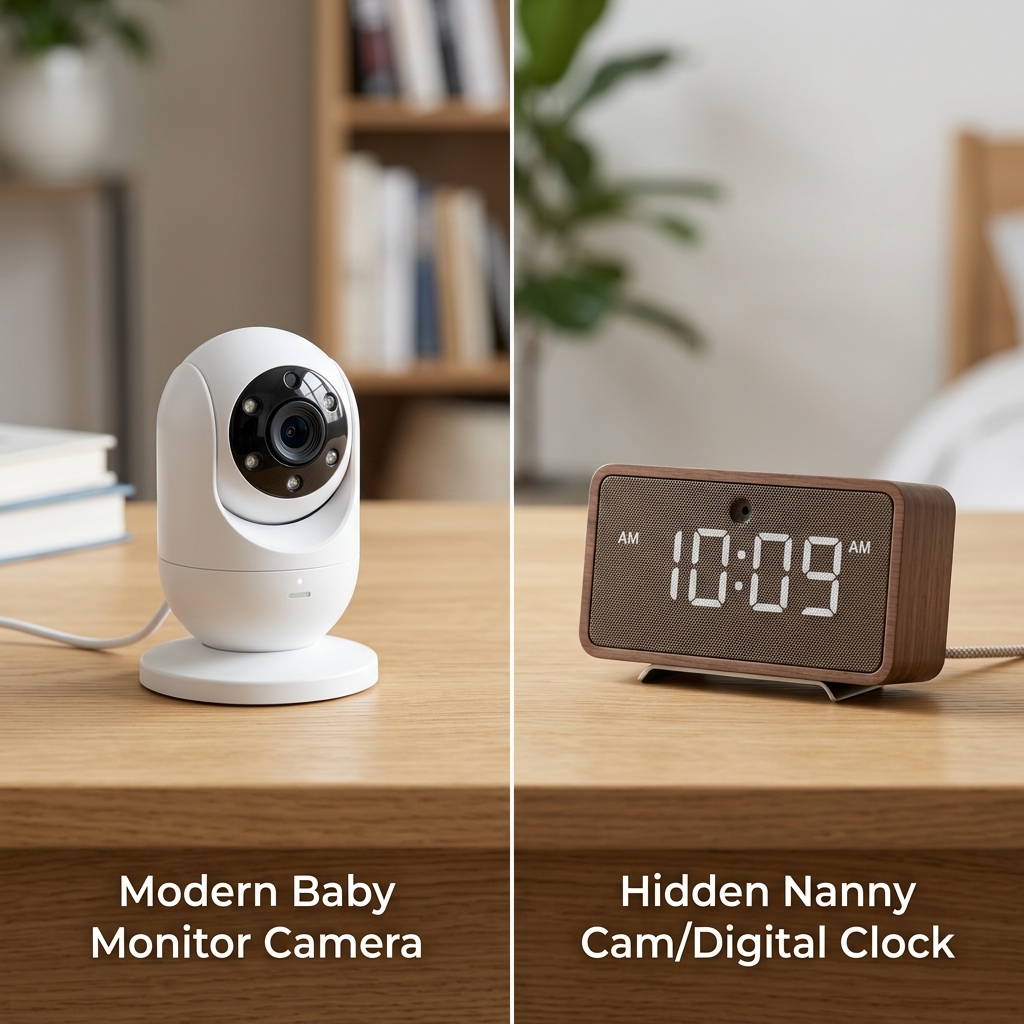
Parents often debate whether to install a visible security camera or a hidden covert camera. Both options serve valid purposes, but they operate under completely different security philosophies:
| Feature | Visible Smart Indoor Camera | Covert Hidden Nanny Camera |
|---|---|---|
| Primary Purpose | Active monitoring, deterrence, child safety | Undetected observation, evidence collection |
| Typical Form Factors | Desktop cube, pan-tilt dome, baby monitor | Digital clock camera, wall outlet camera, USB charger |
| Power Source | AC wall adapter (continuous 24/7) | AC power (continuous) or internal battery |
| Status Indicator Light | Visible LED indicator (can be taped over) | Zero visible LEDs during recording |
| Behavioral Impact | Caregivers are aware of monitoring | Captures uninhibited, natural behavior |
| Tamper Risk | High (can be unplugged or covered) | Low (blends into home decor) |
If your goal is daily communication and general childcare oversight, a visible indoor camera is the most practical choice. If you suspect neglect or misconduct and need unvarnished documentation, a covert disguised camera—such as a Z10 WiFi clock camera or DIY camera module—prevents device tampering or intentional camera blocking.
Essential features to look for in an audio-enabled nanny camera
When evaluating nanny cameras with audio recording capabilities, check these five core technical specifications before buying:
- Invisible Night Vision (940nm IR): Standard night vision LEDs (850nm) emit a faint red glow visible in dark bedrooms, which can disturb a sleeping infant or expose a covert camera. Opt for 940nm infrared LEDs, which are completely invisible to the human eye while providing black-and-white night recording up to 3–5 meters.
- Local Storage with Loop Recording: Verify that the camera supports MicroSD card recording up to 128GB or 256GB formatted in FAT32. Automatic loop recording overwrites the oldest footage when the card is full, ensuring continuous operation without manual card wiping.
- PIR Motion Detection & App Push Alerts: Passive Infrared (PIR) heat sensors detect human movement while filtering out ceiling fan rotation or shadow changes. When triggered, the camera instantly sends a push alert with a short video/audio clip to your smartphone.
- Dual Power Capability: Battery-only mini cameras last 60 to 120 minutes during active Wi-Fi streaming. For 24/7 nursery coverage, select a unit with continuous AC power or pass-through charging while plugged into a USB wall outlet.
- Independent Wi-Fi & Offline Recording: Premium models record locally to the MicroSD card even if home Wi-Fi drops out, synchronizing with the phone app once network connection is restored.
Comparing audio nanny camera options: form factor and specs
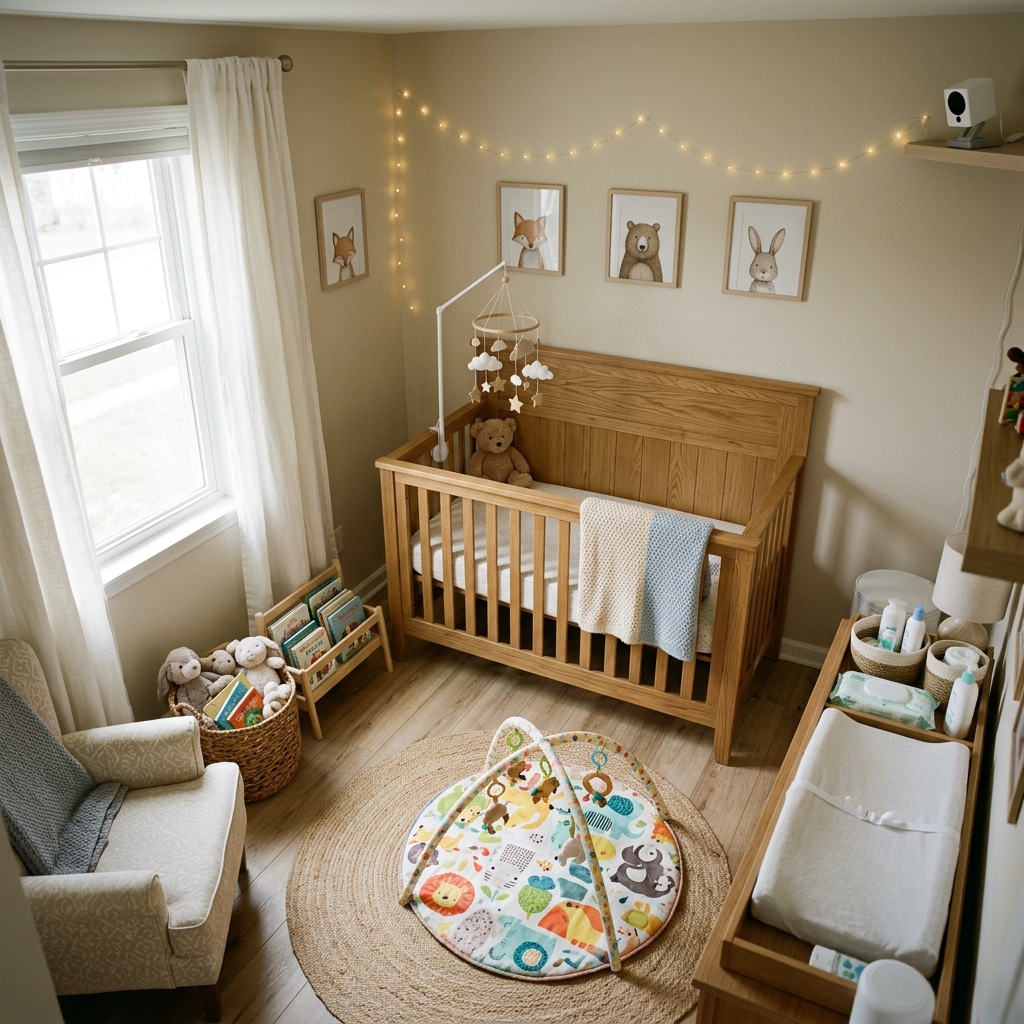
Select the camera form factor that matches your target room layout and mounting height:
| Form Factor | Best Placement | Audio Pickup Range | Power Supply | Ideal Use Case |
|---|---|---|---|---|
| WiFi Clock Camera | Nightstand, desk, living room shelf | 2 to 3 meters | AC adapter or 18650 battery | Bedroom or nursery continuous monitoring |
| Wall Outlet / Socket Camera | Low wall socket, kitchen counter | 1.5 to 2.5 meters | Direct AC wiring (24/7 continuous) | Fixed room monitoring with permanent power |
| Power Bank Camera | Coffee table, mobile placement | 2 to 3.5 meters | Built-in rechargeable battery | Temporary monitoring during travel or nanny outings |
| DIY Camera Module | Custom furniture, plush item, tissue box | 1 to 3 meters (depends on mic hole) | External battery pack or DC adapter | Custom integration into existing home decor |
FAQ
Do nanny cameras record audio and video continuously?
The Z10 WiFi Clock Camera and similar AC-powered models record continuous audio and video directly to a MicroSD card when plugged into power. Battery-operated models typically rely on PIR motion activation to conserve battery life, recording short 1-to-3 minute video and audio clips when human movement is detected in the room.
Can I listen to live audio from my nanny camera on my phone?
The QZT Z10 WiFi Clock Camera supports real-time audio and video streaming via a mobile app connected to 2.4GHz Wi-Fi. Parents can listen to live room audio from any remote location with an internet connection, while simultaneously recording backup audio files locally to an inserted MicroSD card.
How far away can a nanny camera microphone pick up sound?
In a quiet room with minimal background noise, a standard omnidirectional electret microphone inside a nanny camera reliably picks up clear conversational speech at a distance of 2 to 4 meters. Pickup range decreases if the camera is placed near HVAC vents, loud televisions, or inside thick furniture enclosures.
What happens to audio recording if home Wi-Fi goes down?
QZT audio-enabled nanny cameras continue recording synchronized video and audio locally to the internal MicroSD card even during a complete Wi-Fi outage. While live remote app listening is unavailable without Wi-Fi, no recorded audio footage is lost, and files can be reviewed later by removing the MicroSD card.
Is consent required to record audio with a nanny camera in California?
California is a two-party (all-party) consent state, meaning it is illegal to record audio of a nanny or caregiver without their explicit consent. Parents in California using a nanny camera with audio should inform the caregiver in writing or disable the audio recording feature to comply with state wiretapping statutes.
For audio-enabled nanny cameras including clock-style, socket, and DIY module options, explore the QZT hidden camera range or contact QZT Security to discuss specific home monitoring requirements.

 English
  Italiano
  Deutsch
  Français
  Español
  Polski