
How to Choose the Right Hidden Clock Camera: C6 vs Z10 vs W400
If you are in the market for a covert surveillance device that blends into any room without raising suspicion, a hidden clock camera is one of the most practical choices available. Unlike standard wall-mounted units or desk ornaments, clock cameras occupy space that already belongs in every room, making them virtually undetectable to anyone who does not know what to look for. QZT Security manufactures three distinct clock camera models — the C6 Alarm Clock Camera, the Z10 Desk Clock Camera, and the W400 Wall Clock Camera — each targeting a different deployment scenario and buyer profile. This guide breaks down every meaningful specification and use case so that distributors, security professionals, and end users can make an informed decision without sorting through marketing noise.
What Is a Hidden Clock Camera and Why Choose One Over Other Form Factors
A hidden clock camera is a functional timepiece that conceals a surveillance module inside its housing. The lens is positioned behind the clock face or dial, with a small aperture that records video without any visible camera hardware. This design philosophy solves the biggest problem in covert recording: the device itself. When a camera looks like an ordinary object, it does not attract attention, which means it captures genuine behavior rather than performed behavior.
Compared to standalone cameras, clock cameras offer distinct advantages in residential and small-office environments. They require no additional shelf space, no wall mounting, and no awkward positioning. A wall clock belongs in a hallway, a living room, or an office naturally. An alarm clock belongs on a nightstand or a desk. A desk clock fits a reception counter or a manager’s office. Each form factor maps directly to a surveillance scenario, which is why QZT builds three distinct models instead of a single generic unit.
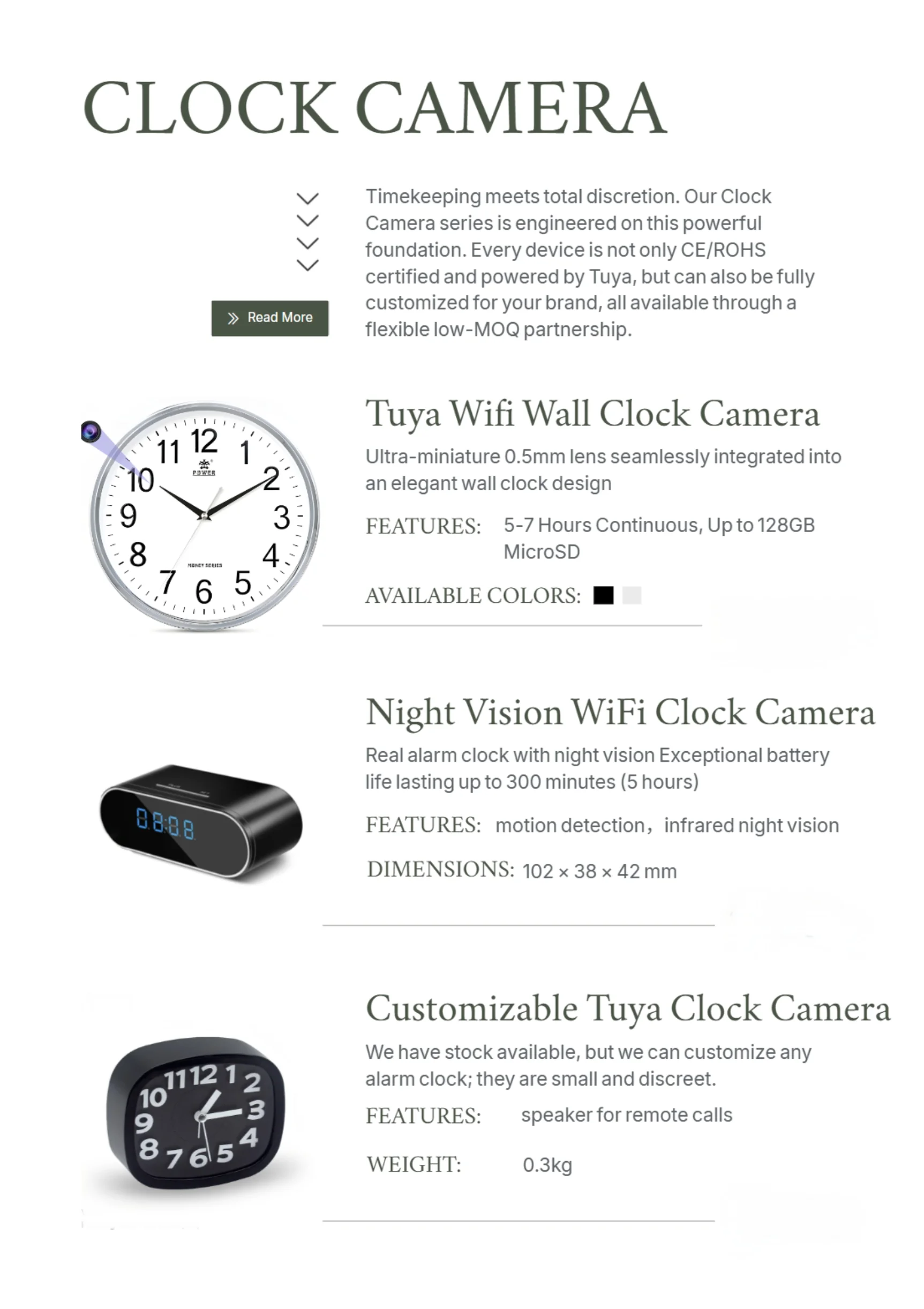
C6 Alarm Clock Camera — Compact Desk Surveillance for Personal Spaces
The C6 is QZT’s entry-level clock camera model, designed as an alarm clock form factor that sits comfortably on any flat surface. Its primary strength is simplicity: it looks like a standard digital alarm clock, complete with a readable LED display, and it performs exactly as a normal alarm clock would from a visitor’s perspective.
The camera module inside the C6 records at 1080p full HD, which is sufficient for identifying faces and reading text on documents within a 3-meter radius. Night vision is handled by IR LEDs that activate automatically when ambient light drops below a set threshold, extending usable recording hours well into the evening without requiring any manual intervention. Motion detection triggers recording only when activity occurs, which saves storage space and makes review sessions more efficient.
For European distributors sourcing compact covert devices for residential use, the C6 hits a practical price point while delivering the core specifications that matter most: reliable motion-triggered recording, decent low-light performance, and a form factor that belongs in a bedroom, guest room, or small home office.
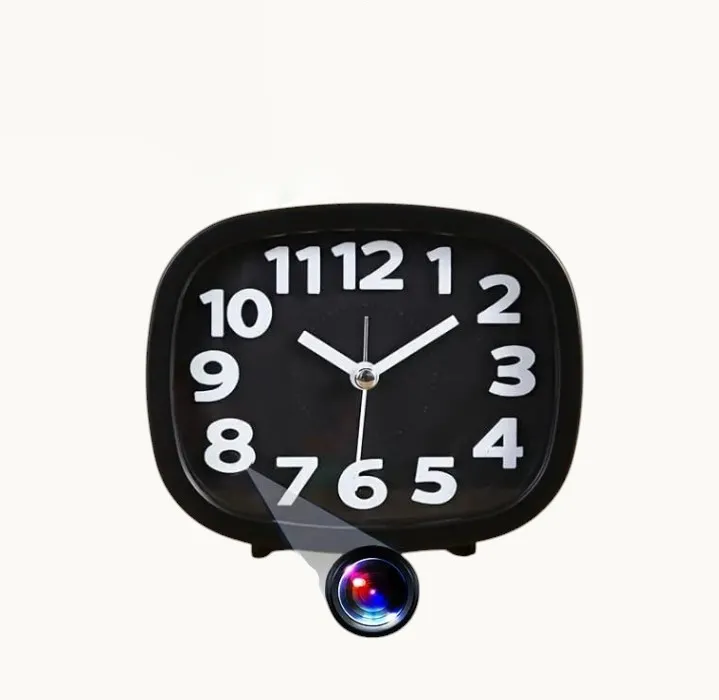
Z10 Desk Clock Camera — Balanced Feature Set for Professional Environments
The Z10 occupies the middle tier in QZT’s clock camera lineup. As a desk clock rather than an alarm clock, it presents a more formal, adult aesthetic — something that fits a manager’s office, a reception desk, or a conference room without looking out of place. The larger housing compared to the C6 accommodates a slightly more capable optical module.
Recording resolution on the Z10 matches the C6 at 1080p, but the lens positioning and wider field of view make it better suited to rooms where the camera needs to cover a broader area. The desk clock form factor also means the device sits at eye level on most desks, which gives the lens a naturally advantageous angle for capturing facial detail when someone approaches the desk.
WiFi connectivity on the Z10 allows live viewing through the Tuya smart home application, which is a meaningful upgrade for users who want real-time monitoring rather than reviewing footage after the fact. Remote access via the app means a security manager can check in on a reception area or an office from a mobile device at any time, without being physically present.
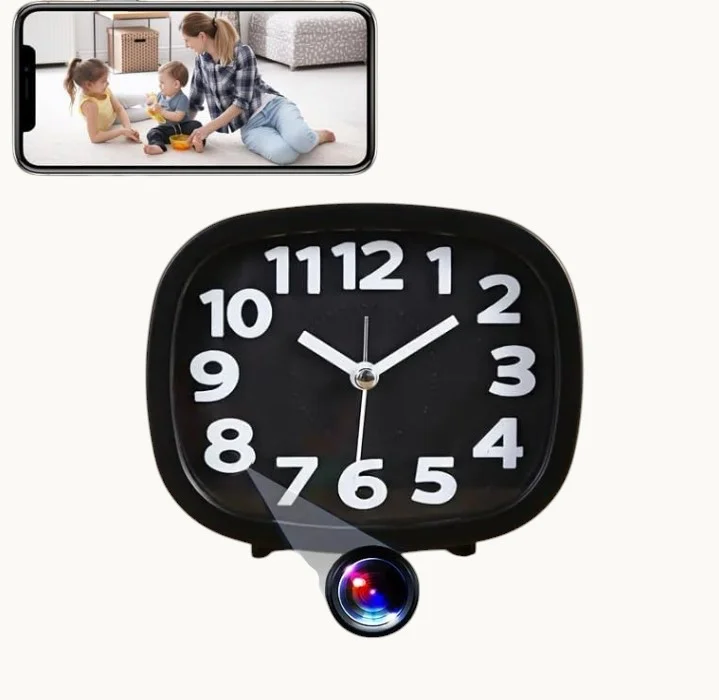
W400 Wall Clock Camera — 4K Wall-Mounted Coverage for Larger Spaces
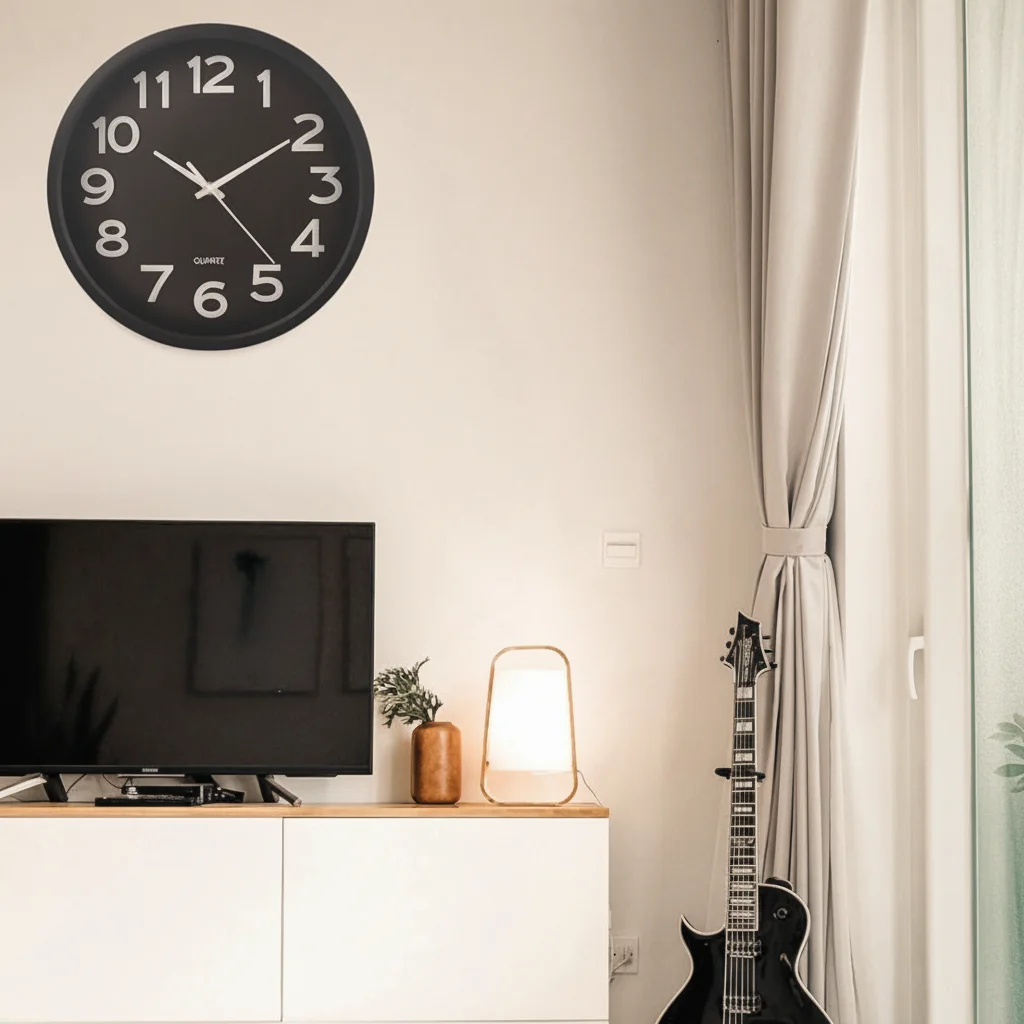
The W400 is QZT’s flagship clock camera and the only model in the lineup that supports 4K recording resolution. Mounted on a wall like any standard timepiece, it can cover an entire living room, a wide office floor plan, or a retail space from a central position that no tabletop device can replicate.
The wall-mounted form factor solves a specific problem: wide-area coverage from an elevated, central vantage point. A wall clock at 2 meters height sees more of a room than a desk clock at 0.5 meters. For security operators monitoring larger spaces or wanting to capture detail across a longer distance, the W400’s 4K sensor provides the pixel density to zoom in on specific areas of the frame without losing readability.
Storage on the W400 supports micro SD cards up to 128GB, which translates to approximately 24-48 hours of continuous 4K recording depending on compression settings, or significantly longer under motion-triggered mode. Remote access via the Tuya application works identically to the Z10, enabling multi-device management for operators running several cameras across different locations.
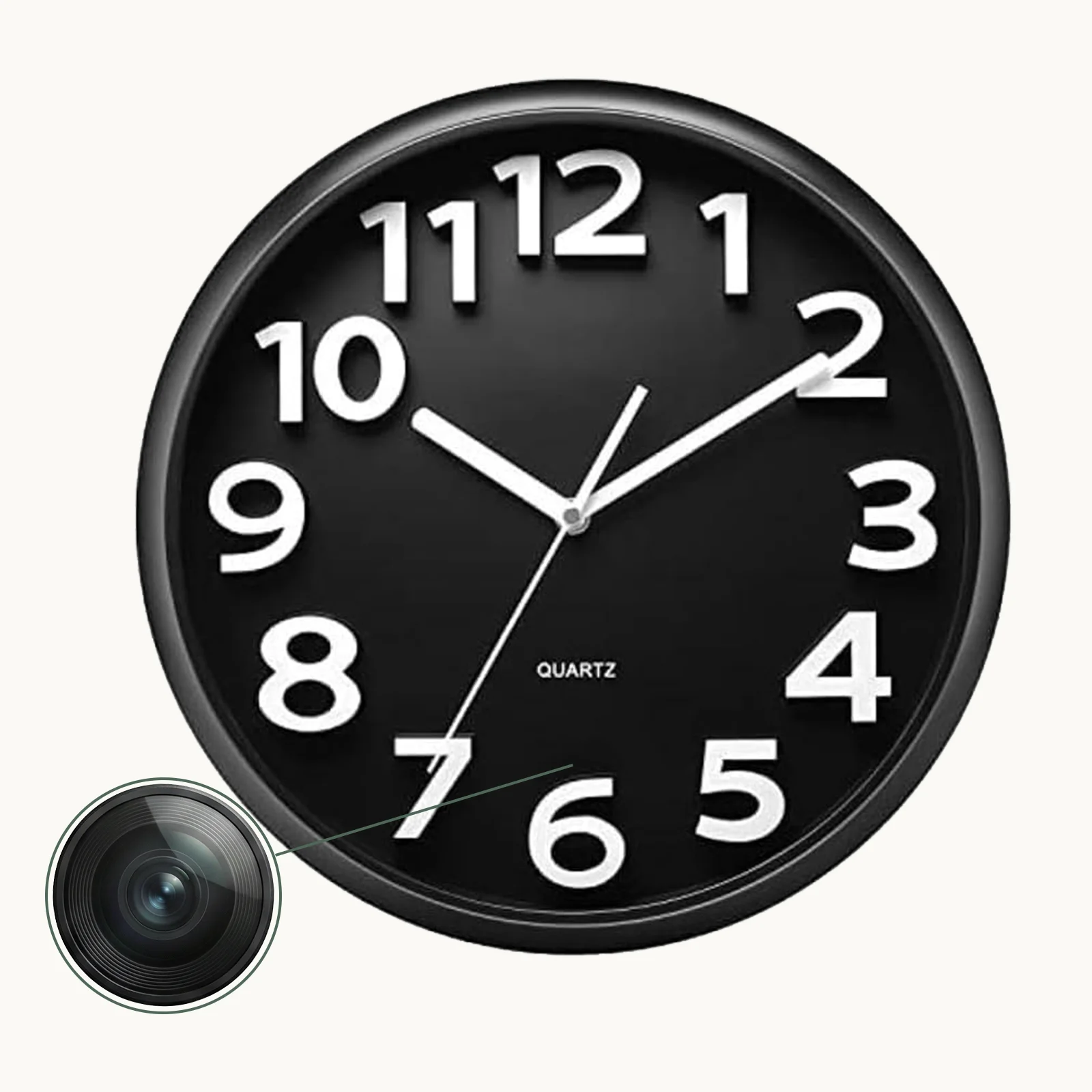
Side-by-Side Specifications Comparison
The table below summarizes the key differences across all three models to help buyers and distributors make a direct comparison.
| Specification | C6 Alarm Clock Camera | Z10 Desk Clock Camera | W400 Wall Clock Camera |
|---|---|---|---|
| Form Factor | Alarm clock (tabletop) | Desk clock (tabletop) | Wall clock (mounted) |
| Resolution | 1080p Full HD | 1080p Full HD | 4K Ultra HD |
| WiFi / App | Yes (Tuya) | Yes (Tuya) | Yes (Tuya) |
| Night Vision | IR (auto) | IR (auto) | IR (auto) |
| Motion Detection | Yes | Yes | Yes |
| Max SD Storage | 128GB | 128GB | 128GB |
| Power Supply | USB DC 5V | USB DC 5V | USB DC 5V |
| Placement | Nightstand / desk | Reception / office desk | Wall (hallway / living room) |
| Target Use Case | Bedroom / home office | Professional office / retail | Large room / open plan |
How to Install and Set Up Your Clock Camera in Three Steps
Proper installation determines whether your clock camera captures useful footage or becomes an expensive paperweight. Follow these three steps for reliable operation.
Step 1 — Choose placement before powering on. For wall-mounted units, select a wall position at eye level or slightly above that covers your primary area of interest. Avoid corners, which compress the field of view. For tabletop units, place on a stable, elevated surface with an unobstructed line of sight to the target area. Do not position the camera directly in front of a window — backlighting washes out faces and makes footage unusable.
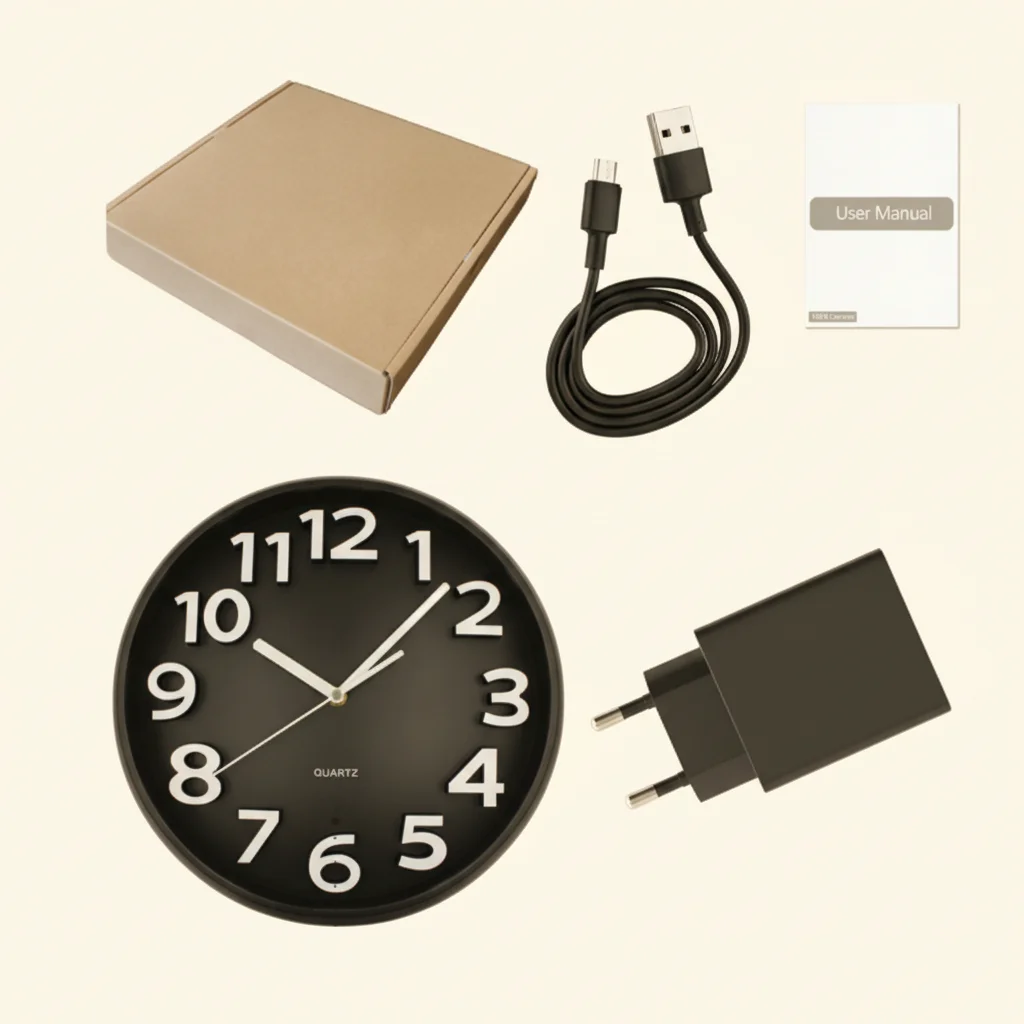
Step 2 — Connect to power and the Tuya application. Power the unit via the included USB cable and adapter. Download the Tuya Smart or Smart Life application from your app store, create an account, and use the in-app camera scanning function to add the device to your WiFi network. Ensure your network runs on 2.4GHz — most clock cameras do not support 5GHz WiFi bands out of the box.
Step 3 — Configure recording mode and storage. In the Tuya application, set your preferred recording mode: continuous for high-security environments, or motion-triggered for standard surveillance. Insert a micro SD card formatted in the device settings menu before relying on local storage. Set up push notifications for motion alerts to receive real-time alerts on your mobile device.
Key Applications for Clock Cameras in Residential and Commercial Settings
Clock cameras serve two broad categories of buyers with different primary concerns: end users who want home security or personal documentation, and commercial operators who need discrete monitoring in professional environments.
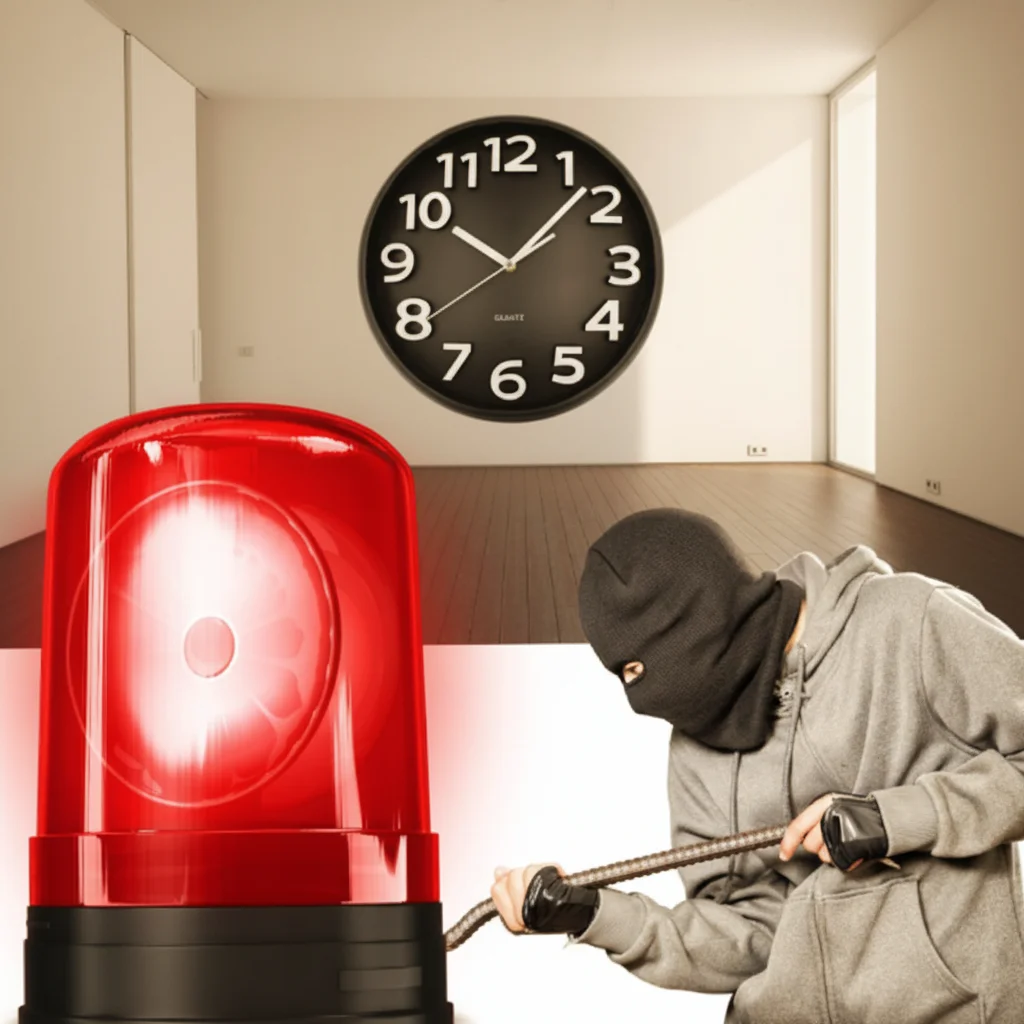
For home security, a clock camera placed in a living room or hallway serves as a passive deterrent and a reliable evidence collector. If a break-in occurs, the device records continuously or on motion triggers, capturing footage that can support police reports and insurance claims. The W400’s wall-mount form factor is particularly well-suited to covering a living room from a central position, while the C6 or Z10 work better in bedrooms and home offices where a wall-mounted unit would look out of place.
For commercial surveillance, clock cameras are effective in environments where employees, customers, or visitors should not know they are being recorded — reception areas, retail floors, interview rooms, and service counters. The Z10’s formal desk clock appearance makes it the natural choice for executive offices and client-facing spaces. The W400’s wall-mounted design works well in wide retail environments or open-plan offices where ceiling-mounted cameras are impractical.
For nanny and elder care monitoring, parents and family members use clock cameras as an unobtrusive way to verify that caregivers follow proper protocols. The C6 alarm clock camera on a nightstand provides bedroom-level coverage without disturbing the room’s appearance, which is particularly important when保姆 or caregivers should not feel singled out or monitored.
Legal Considerations for Using Clock Cameras in Europe
Before deploying clock cameras in the UK, Germany, France, Italy, or any other European market, distributors and end users must understand the applicable privacy regulations. Covert cameras are subject to stricter rules than overt surveillance devices in most EU jurisdictions.
In the United Kingdom, the Information Commissioner’s Office (ICO) guidelines require that CCTV systems capture a minimal amount of personal data and that clear signage is displayed in most commercial environments. Installing covert cameras without appropriate notice in areas where individuals have a reasonable expectation of privacy — such as bathrooms, changing rooms, or private bedrooms — can constitute a criminal offense under the Protection of Freedoms Act 2012. For household use by private individuals, rules are less restrictive, but recording audio without consent carries additional legal implications.
Germany’s Bundesdatenschutzgesetz (BDSG) and the EU General Data Protection Regulation (GDPR) impose strict requirements on covert surveillance in commercial settings. Employers who want to monitor employees with hidden devices generally require consultation with works councils and a documented legal basis. Italy’s Garante per la Protezione dei Dati Personionali enforces similar restrictions, and covert cameras in workplaces require prior authorization in most cases.
Distributors selling clock cameras into European markets should include compliance guidance with every unit, directing buyers to consult local regulations before deployment. A well-informed customer is less likely to create legal liability that could damage your brand reputation in those markets.
Maintenance and Troubleshooting Tips
Clock cameras require minimal maintenance if installed correctly, but a few common issues appear frequently enough to warrant a practical guide.
Camera appears offline in the app. Check that the device is powered and that your WiFi network is functioning. Remove the device from the app, reset it by holding the reset button for 10 seconds, and re-add it. Ensure your phone is on the same WiFi network during setup. If the camera repeatedly fails to connect, the WiFi password may contain special characters that the Tuya app handles poorly — try simplifying the password or adding the device via WPS if your router supports it.
Night vision not activating. IR night vision requires sufficient darkness to trigger the light sensor. If the room has ambient lighting such as LED strips or streetlights through curtains, the camera may not activate IR mode even in the evening. Test in a fully darkened room to confirm night vision functionality. If IR LEDs appear to be on but footage is dark, the IR reflection from the clock face may be obstructing the lens — reposition the device slightly.
Storage card not recognized. Format the micro SD card using the camera’s own formatting function in the settings menu before first use. Third-party formatting may create filesystem incompatibilities. Cards larger than 128GB may not be recognized by the hardware; stick to 64GB or 128GB cards from reputable manufacturers.
How to Choose: A Quick Decision Framework
Selecting the right model depends on three variables: the size of the space, the required resolution, and the installation environment. Use this framework to narrow your choice quickly.
Choose the C6 Alarm Clock Camera if you need a compact, affordable solution for a bedroom, home office, or small room where 1080p resolution is sufficient. It is the easiest model to reposition and works well for renters who cannot modify walls.
Choose the Z10 Desk Clock Camera if you need WiFi live viewing in a professional environment where a formal desk clock appearance is an asset rather than a liability. The app-based remote access makes it suitable for small business owners who want to check on their premises remotely without installing a full security system.
Choose the W400 Wall Clock Camera if you need 4K resolution, wall-level coverage, or the ability to zoom into footage from a large room or open-plan space. It is the only model that genuinely replaces a standard wall clock in terms of visual presence, making it the most discreet option for hallways, living rooms, and retail floors.
Conclusion
QZT’s clock camera lineup covers the full spectrum from compact bedroom surveillance to wide-area 4K monitoring. The C6 delivers solid 1080p performance in a compact alarm clock form factor at an accessible price point. The Z10 adds the professional appearance and WiFi live-viewing capability that professional environments demand. The W400 represents the premium tier, offering 4K resolution, wall-mounted coverage, and the storage capacity to match a serious security deployment.
For distributors sourcing across European markets, each model serves a distinct customer segment: the C6 targets individual consumers and budget-conscious small businesses, the Z10 appeals to professionals and boutique retail operators, and the W400 is positioned for serious security integrators outfitting larger residential or commercial properties. Understanding these segments lets you match inventory to demand without unnecessary overlap or gaps.
If you need help selecting the right model for a specific deployment scenario or want to discuss volume pricing for distribution, the product pages for the Z10 WiFi Spy Clock Camera, the W400 WiFi Wall Clock Camera, and the full Clock Camera category provide detailed specifications and responsive sales support.
Frequently Asked Questions
Can I use a clock camera in my office without telling my employees?
In most European countries, installing covert surveillance in workplaces without appropriate notice is illegal under GDPR and local labor laws. UK law requires employers to notify employees of CCTV use in most circumstances. Consult a legal professional before deploying any surveillance device in a commercial environment.
What is the maximum recording time with a 128GB SD card?
At 1080p with standard H.264 compression, a 128GB card holds approximately 24-32 hours of continuous footage. Under motion-triggered mode, recording time extends significantly depending on activity levels — typically 5-10 days or more for a typical household or office.
Do clock cameras record audio as well as video?
Most QZT clock cameras support audio recording alongside video. However, audio recording is subject to stricter legal requirements than video in many jurisdictions. In the UK and most EU countries, recording conversations without the consent of at least one party may be illegal depending on the context and jurisdiction.
How do I access footage remotely?
All three models — C6, Z10, and W400 — connect to the Tuya Smart application via your local WiFi network. From within the app, you can view live streams and review recorded footage stored on the micro SD card from any location with internet access.
Can these clock cameras work on a 5GHz WiFi network?
No. Clock cameras from QZT connect to 2.4GHz WiFi networks only. Ensure your router has a 2.4GHz band enabled and that the camera is connected to that band during setup.
Are the clock hands and display functional when the camera is recording?
Yes. The clock mechanism and LED display operate independently of the surveillance module. The camera runs silently in the background while the clock displays time and alarm functions exactly as a standard clock would.

 English
  Italiano
  Deutsch
  Français
  Español
  Polski