
An apartment is a harder place to monitor than a house. You may not be allowed to drill, the WiFi is shared, the outlets are where the builder put them, and a camera aimed at the wrong door can record a neighbour. The camera is the easy part. Placement, power, connectivity and consent decide whether the setup works.
This guide is for renters, landlords and serviced-apartment operators who need a discreet camera without turning the flat into a construction site. It covers the form factors that fit apartment rooms, where to put them, how to keep them powered and connected, and the privacy rules to settle before you record.
What makes an apartment different from a house
An apartment has less margin for error. The entry door is often shared or overlooked, the living room doubles as an office, and the nearest power outlet may be behind a sofa. A camera that works in a detached house can fail in a flat because of a weak WiFi spot, a landlord who does not allow wall mounts, or a neighbour who can see the lens.
The constraints are predictable. Shared walls and hallways limit where you can point a lens. A lease may forbid drilling, so adhesive mounts and freestanding devices are safer. Outlets are fixed, which pushes you toward a form factor that already belongs on a shelf or wall. Shared or congested WiFi makes a wired or 4G option worth checking. And because apartments are close together, the privacy question is not optional; it belongs in the plan before the camera is switched on.

Choose the right form factor for an apartment
The best form factor is the one that already has a reason to sit where you need coverage. A camera disguised as an alarm clock fits a living-room shelf. A USB charger fits a kitchen counter or desk. A router fits a home-office corner. A smoke detector fits a ceiling, but it also raises the stakes because a ceiling device is hard to ignore.
| Form factor | Best apartment spot | Power | Watch-outs |
|---|---|---|---|
| Alarm clock | Living room, shelf, sideboard | Wall outlet | Lens angle, clock visibility, cable |
| USB charger | Kitchen counter, desk | Wall outlet | Heat, cable clutter, adapter size |
| EU plug / socket | Entry wall, hallway outlet | Wall outlet | Bulk, blocked socket, lens height |
| Router | Home office, media corner | Wall outlet | Dust, antenna position, cable |
| Smoke detector | Ceiling, hallway | Battery | Mounting, ceiling height, legal use |
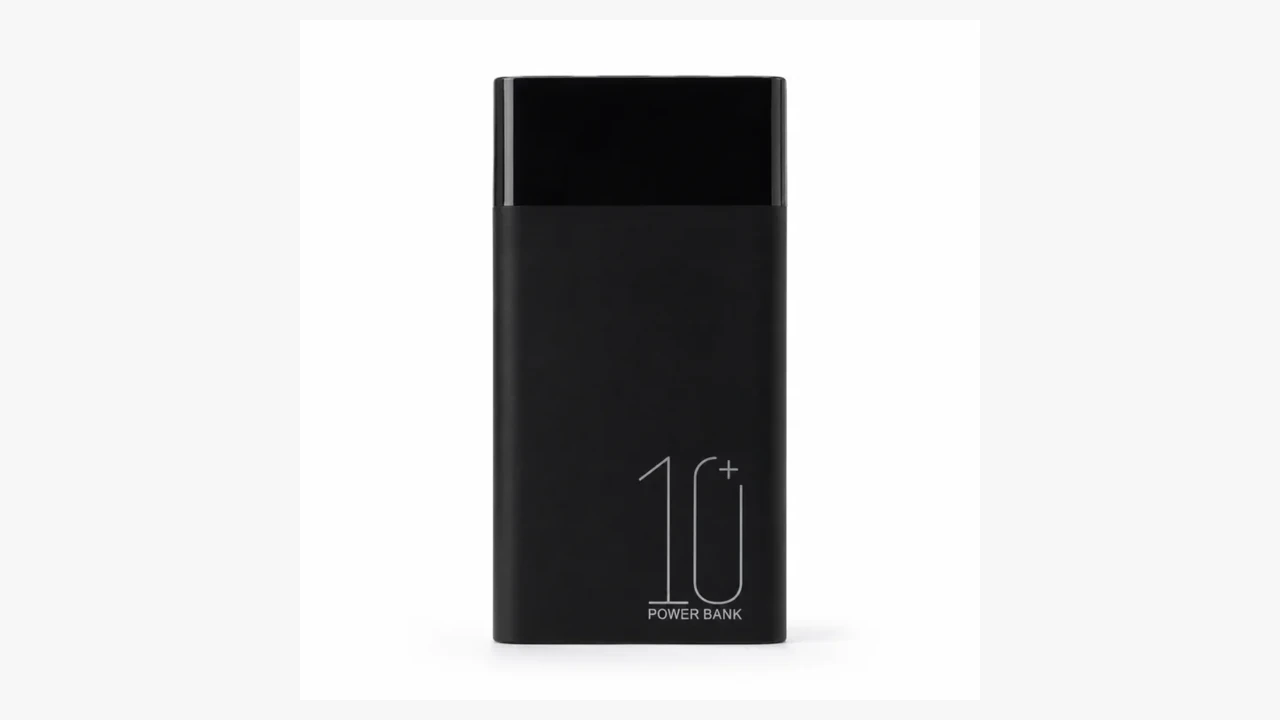
| Power bank | Temporary placement, shelf | Rechargeable battery | Charging routine, weight, stability |
| 4G hotspot camera | Anywhere without WiFi | Battery and data plan | Coverage, data cost, antenna position |
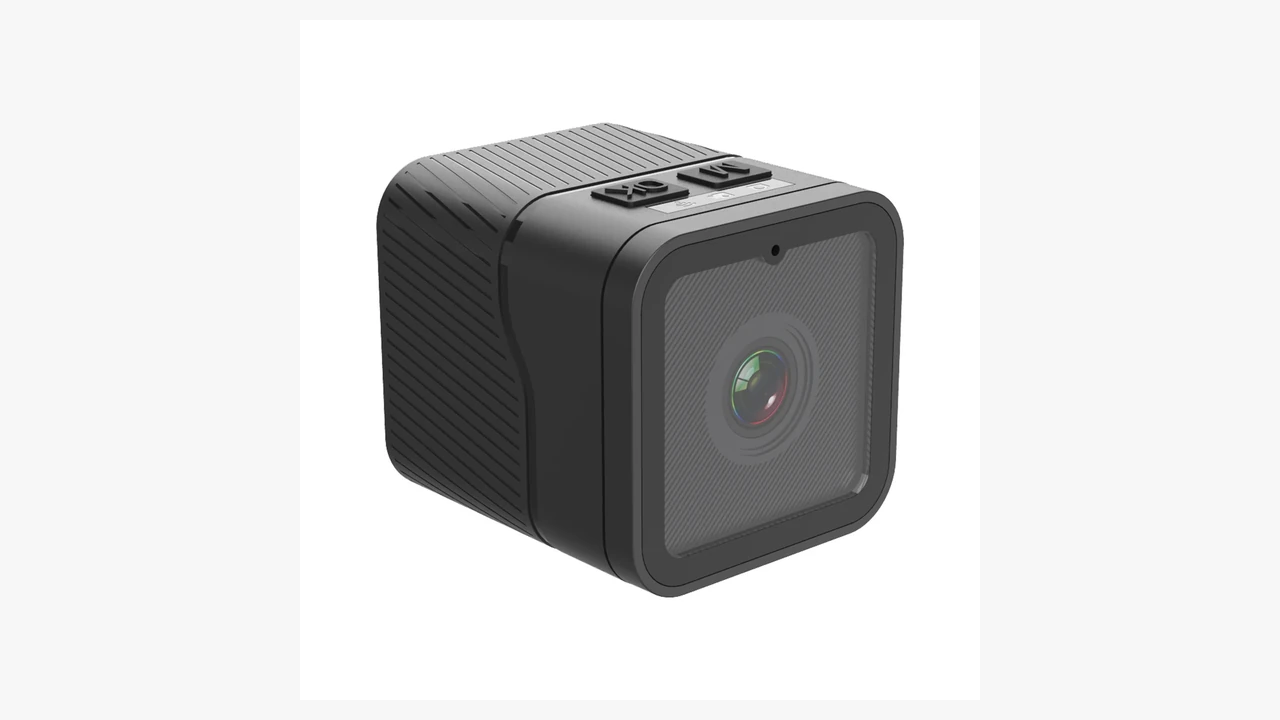
The form factor also decides how much the camera looks like a camera. A charger or clock is easy to explain in a rented flat. A loose mini camera on a shelf is not. If the device will be visible to guests, cleaners or a landlord, choose something that belongs in the room and can be removed without damage.
QZT’s current apartment-friendly range includes the WiFi alarm clock camera, USB charger camera, EU plug camera, WiFi router camera, smoke detector camera, and 4G hotspot mini camera.

Placement: cover the entry, the living area and the work area
Start with the door. The useful view is the inside of the entry, not the shared hallway. Point the lens at the door, the shoe area and the package drop, and keep the hallway out of frame. In a small flat, the same camera can cover the entry and the living area if you place it on a shelf at an angle. Test the view on the app before you commit to the position.
The living area is the second priority. A camera on a shelf or sideboard can cover the sofa, the TV and the path to the bedroom without pointing into a private room. If you work from home, a router or charger on the desk can cover the workstation and the door behind it. Keep the lens below the ceiling line to avoid glare from ceiling lights, and avoid pointing it at a window that will blow out the exposure during the day.
Height matters. A camera at eye level or slightly above gives a more useful face angle than a lens on the floor. A high ceiling mount sees the tops of heads and misses the entry floor. A low shelf sees legs and bags. Walk the path a visitor would take, then choose the height that shows the door, the hands and the package.

Power, WiFi and recording in a rental
Power is the first constraint. An outlet camera is the simplest choice if the spot has a free socket. A battery camera avoids the cable but adds a charging routine; a camera that dies on day three is worse than no camera. A 4G hotspot camera avoids the building WiFi entirely, but it needs a data plan and a signal check at the exact spot, not just at the front door.
WiFi is the second constraint. Apartments often have congested 2.4 GHz bands and weak coverage behind walls. Check the signal where the camera will sit, not where the router is. If the camera supports cloud storage, confirm the upload path and the monthly cost. If it records to a memory card, confirm how you will retrieve the card without disturbing the placement.
Recording is the third. Decide whether you need live view only, motion clips, continuous recording or time-lapse. Continuous recording fills storage quickly; motion clips miss the seconds before the trigger. For a rental, a local card plus motion alerts is often easier to manage than a subscription. For a serviced apartment, a documented retention policy matters more than the frame rate.
Legal and privacy before you record
A hidden camera is not a licence to record everything. Recording laws vary by country and state, and audio is often treated more strictly than video. In a rented flat, the lease may limit modifications, the landlord may have rules about devices, and guests or roommates may have a reasonable expectation of privacy. A camera in a bathroom, bedroom or changing area is not a grey area.
For a rental, record only the areas you control and need to protect. Tell the people who live there and anyone who regularly visits. For a serviced apartment or a landlord, use a written notice that explains what is recorded, why, who can access it and how long it is kept. Do not point a lens at a neighbour’s door, a shared hallway or a window that looks into another flat. If you are unsure, ask a local lawyer before you buy. This guide is general information, not legal advice.
The same rule applies to audio. A camera that records sound may capture conversations you have no right to keep. If audio is not necessary, disable it. If it is necessary, check the consent rules in your jurisdiction and keep the recording only as long as the purpose requires.

What to check before buying
Look past the disguise. The device still has to produce a usable image, survive the placement and fit the way you will actually use it.
– Resolution and lens angle: 1080p is the practical minimum for reading a face at the door; a wider lens covers more room but makes details smaller.
– Night vision: check the range and whether the IR LEDs reflect off a nearby wall or window.
– Motion alerts: test the sensitivity in the actual room; curtains, pets and traffic can trigger false alerts.
– Storage: confirm local card, cloud or both, and what happens when the card is full.
– App and remote access: check that the app works on your phone, that notifications arrive, and that you can view the camera without a subscription.
– Power: match the form factor to a real outlet or a realistic charging routine.
– Audio: decide whether you need it; if not, choose a model that lets you turn it off.
– Warranty and returns: a discreet camera is hard to test in a shop; confirm the return window before you commit.
A useful test is to place the camera temporarily for a week. Check the view at different times of day, the WiFi signal, the alerts and the charging routine. If the placement is awkward or the app is unreliable, change it before you drill, stick or mount anything permanent.

FAQ
Can I use a hidden camera in an apartment?
You can use one in areas you control, subject to local law and the lease. Do not record bathrooms, bedrooms or other private areas, and do not point a lens at a neighbour’s door or a shared space where people expect privacy. Audio recording may have separate consent rules.
Do hidden cameras need WiFi?
Not always. An outlet or battery camera can record to a local memory card without WiFi. A WiFi camera adds remote viewing and alerts but depends on a stable 2.4 GHz signal. A 4G hotspot camera avoids the building network but needs a data plan and coverage at the placement.
Where should I place a hidden camera in an apartment?
Start with the inside of the entry door, then the living area and the work area. Keep the lens at roughly eye level or slightly above, avoid windows and ceiling glare, and test the view on the app before mounting. Do not cover bathrooms, bedrooms or shared hallways.
Will my landlord know?
A freestanding device or an adhesive mount is easier to remove than a drilled bracket, but the lease may still require permission. Check the rental agreement before installing anything permanent. For a serviced apartment or a landlord, use written notice and a clear policy for access and retention.
What is the best form factor for a rental?
A clock, charger, plug adapter or router is easier to justify in a furnished room than a loose mini camera. Choose the form factor that already belongs in the spot you need to cover, and make sure it can be removed without damaging the wall or the furniture.
Next step
QZT supplies WiFi, battery and 4G hidden cameras in clock, charger, plug, router, smoke-detector and power-bank form factors. If you are equipping a rental, a serviced apartment or a small property portfolio, start with the room and the power source, then choose the form factor. Browse the hidden camera catalog or send the placement plan to the wholesale team for a configuration check.
For a second opinion on hidden-camera features and the situations where a camera should not be used, see SafeHome’s hidden camera guide.
