
When a GPS tracker shows offline, separate location reception from data transmission. A tracker can have a valid satellite position but fail to send it to the platform, or it can communicate with the server without a fresh GPS fix. Check power first, then SIM/mobile data, APN and network registration, and finally the server and device ID.
Preserve the current configuration before changing anything. Do not copy APN, server addresses, ports or SMS commands from another model. Those values belong to the exact SIM, firmware and platform supplied with the tracker.
Is the GPS tracker powered and awake?
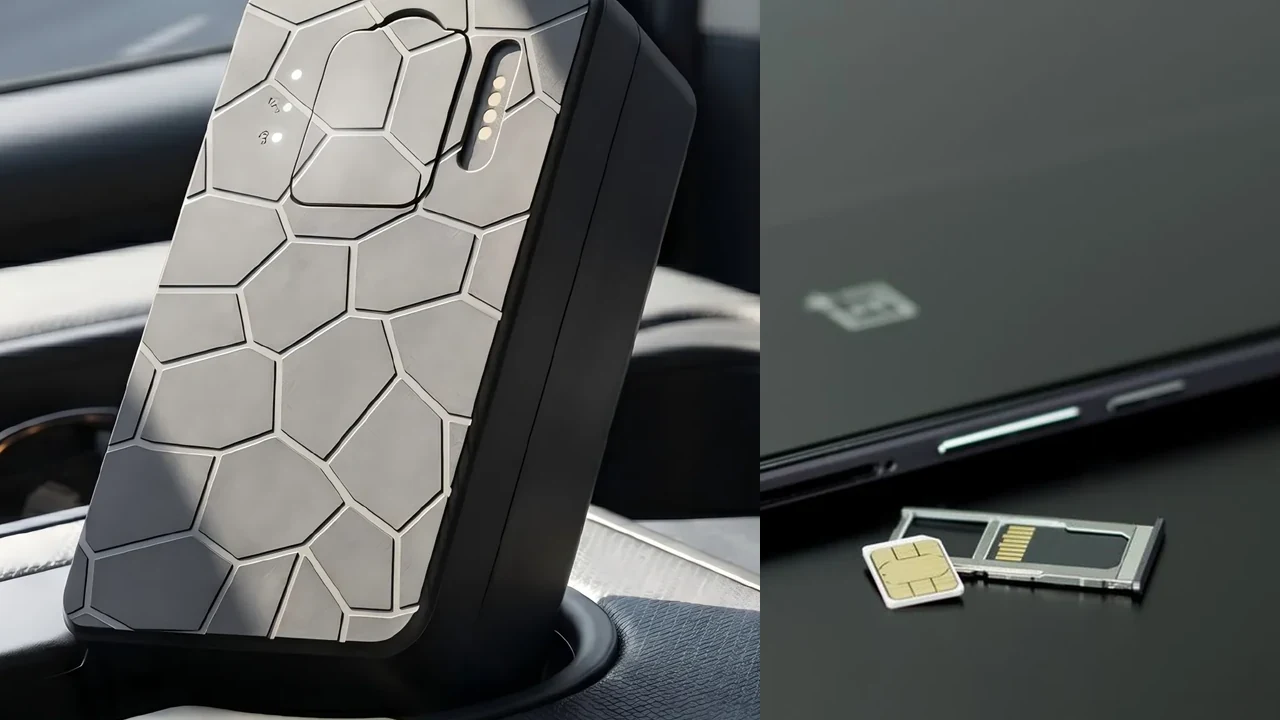
Start with the device itself. A tracker with no stable power cannot register on the mobile network or send records to a server. For a wired unit, confirm the installation and power state according to the exact model documentation. For a rechargeable magnetic tracker, confirm that the battery is charged and the device is in the operating mode intended for the test.
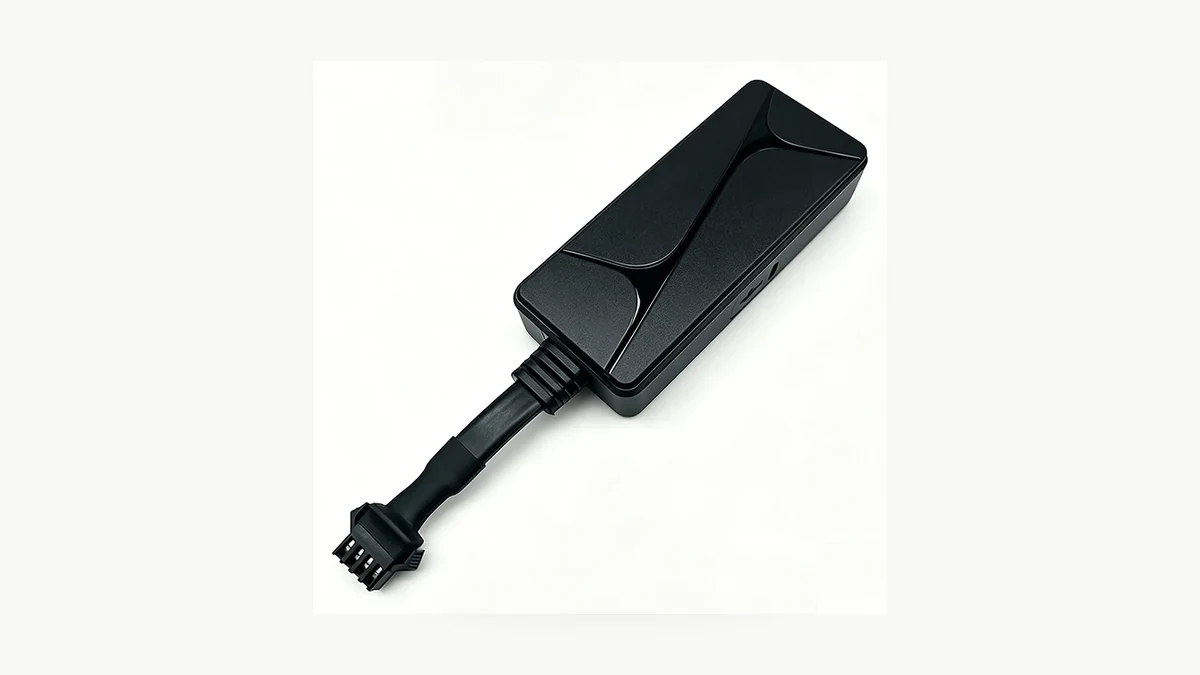
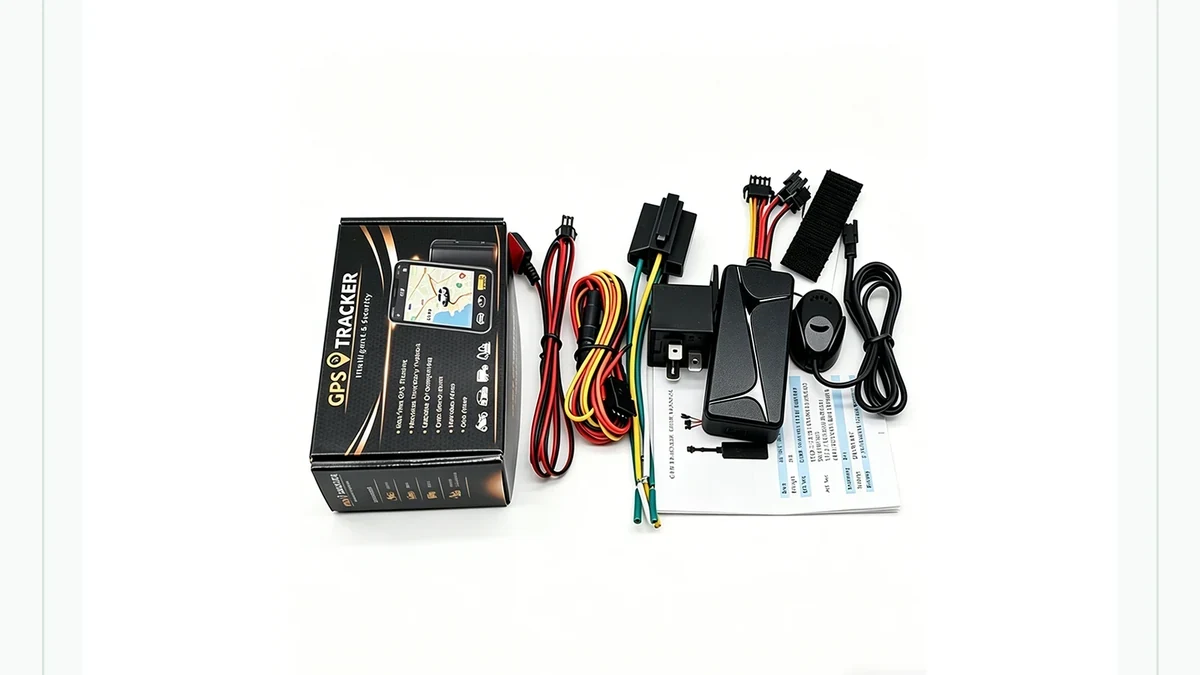
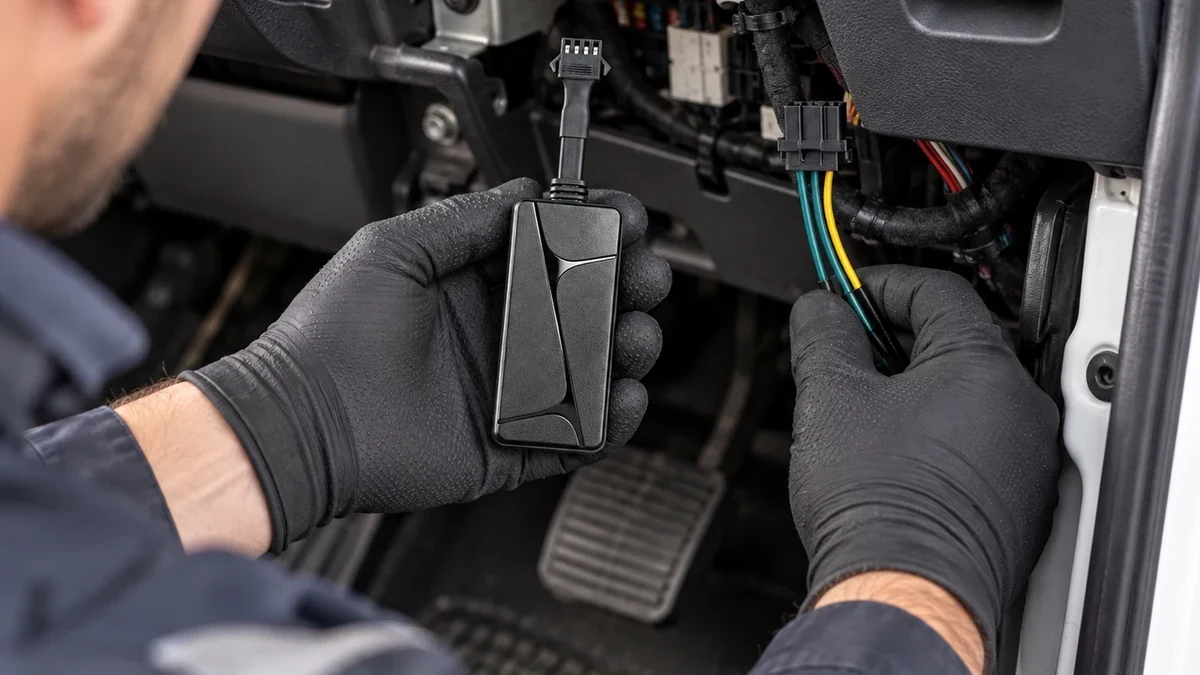
Do not diagnose a wired tracker by guessing vehicle wire colors. The QZT N70 installation guide already treats power, cable routing and optional circuits as installation-specific checks. If a unit went offline immediately after installation or service work, verify that path with a qualified installer before changing server settings.
Sleep behavior also matters. Teltonika’s FMB920 Basic Track & Trace documentation provides a vendor-specific example: some deep-sleep modes disable the GSM module to save power. That does not mean every QZT tracker uses the same sleep modes. It shows why “device has power” and “cellular modem is actively reporting” are different states.
I would record four things before touching configuration:
| Observation | Why it matters |
|---|---|
| Device powers on normally | Basic power path is present |
| Device stays on after external power is removed, if battery-backed | Internal battery path can be checked separately |
| Offline state appears only after a long parked period | Sleep/reporting behavior deserves review |
| Offline state appears immediately after wiring or service work | Power/cabling/install path moves to the top of the list |
For a magnetic unit such as the QZT G50, use the supplied charging and operating instructions for the exact revision. Do not transfer N70 wiring steps to a battery-powered tracker or assume that a normal-looking power indicator proves the cellular path is active.
If the tracker restarts repeatedly, loses power when the vehicle moves, or only stays online while connected to an external source, capture that behavior before proceeding. A server configuration change cannot repair an unstable power path.
Can the SIM register and send mobile data?
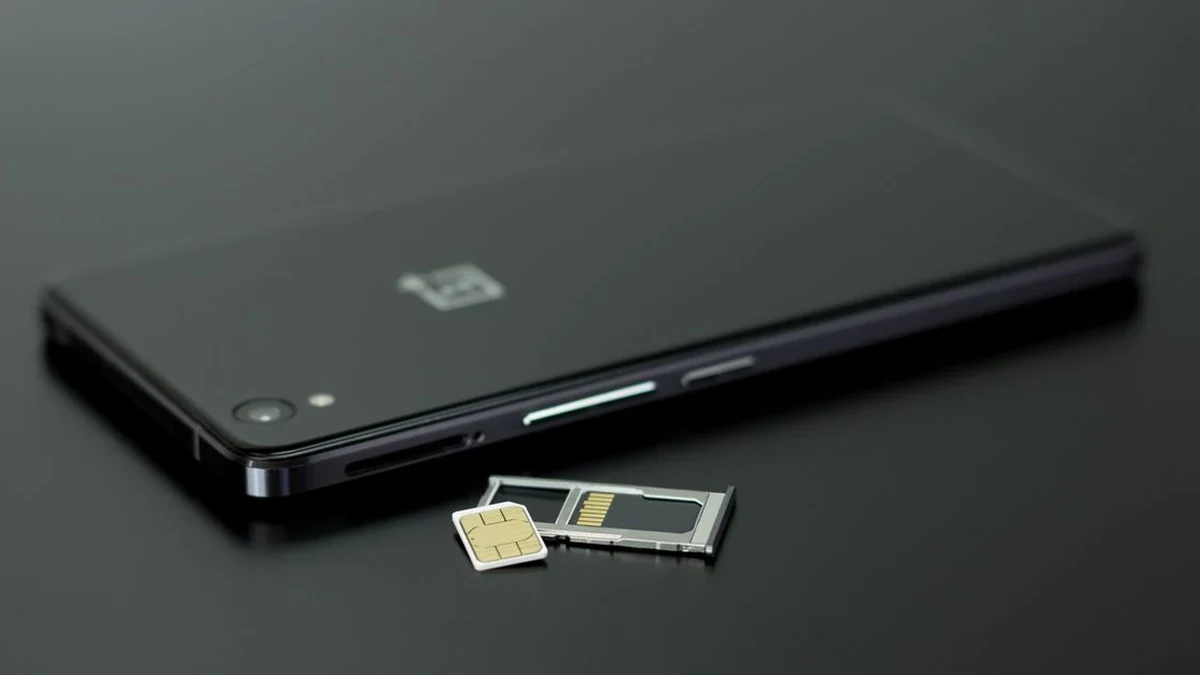
If power is stable, verify the communication service. A cellular GPS tracker normally needs a compatible SIM or embedded service, network coverage and mobile data before it can upload positions to a remote platform.
Teltonika’s FMB920 First Start guide separates GPRS settings from server settings. Its GPRS fields include APN, APN username and APN password, while the server section separately contains domain, port and transport protocol. That structure is a useful diagnostic model even when another tracker uses a different interface.
Do not publish or guess a “universal APN.” APN values belong to the SIM provider and service plan. A SIM can also fail to report because it is inactive, out of data, not provisioned for the destination network, roaming is restricted, or the hardware does not support the required local mobile bands.
Teltonika’s GSM Operators settings also documents a case where operator-list rules can prevent GPRS data even though SMS remains possible. That is specific to FMB920 configuration, but it illustrates another important point: receiving an SMS reply does not prove that packet data to the tracking server works.
I would ask the SIM or platform provider for these exact facts rather than experimenting:
1. Is the SIM active and allowed to use mobile data?
2. Is there remaining data/service validity?
3. Which APN and authentication values belong to this SIM?
4. Is roaming required in the current country, and is it permitted?
5. Do the tracker’s mobile bands match the destination carrier?
6. Does the service block private APNs, IoT profiles or outbound connections that this platform needs?
The current QZT N70 product page lists the supported mobile bands for that model. Use the exact supplied SKU and destination carrier when checking compatibility. A 4G label by itself does not prove support for every carrier in every country.
If the tracker works in one country or with one SIM but not another, preserve that comparison. It can isolate the mobile-service layer more effectively than repeatedly resetting the tracker.
Is the tracker sending to the correct server and account?
After power and mobile data are credible, check where the tracker is sending its records and whether the platform recognizes its device identifier. A tracker can reach the Internet and still appear offline if the domain, port, protocol or registered ID is wrong.
Traccar’s official server troubleshooting guide gives a clean way to separate these layers. If server logs contain no incoming message from the tracker, Traccar directs the user toward network reachability or device configuration. If messages arrive with an Unknown device warning, the server has received data but the device identifier is not registered correctly. If messages decode into coordinates, the communication path has progressed farther.
For a managed tracking platform, you may not have server-log access. Ask the provider to answer the same questions from its backend:
– Did the server receive any packet from this device during the test?
– What unique ID or IMEI did the packet contain?
– Is that ID registered to the correct customer account?
– Is the device using the server address and port intended for this firmware?
– Were incoming packets decoded, rejected or associated with another device?
– What was the timestamp of the last server response?
Do not change server settings based on a forum post for a visually similar tracker. Teltonika’s FMB920 documentation, for example, explicitly separates APN from domain, port and TCP/UDP protocol. Other devices can use different protocols and ports.
Traccar’s Quick Start guide also notes that the registered device identifier must match what the tracker actually reports. That makes “correct login account” and “correct device ID” separate checks. An account can be valid while the tracker is registered under the wrong IMEI or serial number.
For self-hosted systems, confirm the server is reachable from the public Internet and that the required receiving port is exposed correctly. For supplier-hosted systems, do not modify firewall or server infrastructure you do not own. Send the device ID, model, timestamps and test result to the platform operator instead.
An offline map icon is the final symptom. Server evidence tells you which layer failed.
How do you prove the connection is recovered?
A tracker is not “fixed” because the app icon briefly turns green. Confirm that a fresh report travels from the device to the correct account and that later records continue arriving under the intended operating conditions.
I would run one controlled, authorized test after every configuration change. Keep the route short and safe, and have a passenger or stationary observer handle the platform while the driver focuses on driving.
Use the same checklist each time:
1. Record the device model, revision, firmware and unique ID.
2. Record the SIM provider, service status and APN supplied for that SIM.
3. Record the platform URL/account and server profile supplied for the tracker.
4. Power the tracker in its normal operating configuration.
5. Wait for a fresh location report rather than relying on an old map pin.
6. Record the device fix time and the platform/server receipt time where available.
7. Move through a short authorized route and confirm additional reports arrive.
8. Park and confirm whether the tracker follows its documented reporting or sleep behavior.
9. If the device supports offline storage, test a controlled coverage interruption only when the supplier documents how recovery should work.
The current N70 page states that this model supports offline data storage and retransmission when coverage returns. That is a listed N70 capability, not a generic promise for every GPS tracker. Test it on the approved sample before relying on it for a fleet.
| Recovery evidence | Pass condition |
|---|---|
| Power | Stable during the test |
| SIM/mobile data | Active and suitable for the destination network |
| Device identifier | Matches the platform registration |
| First fresh report | Correct device and current timestamp |
| Continued reports | New server receipts during the route |
| Location data | Plausible for the controlled route |
| Coverage recovery | Stored records return only if the model/platform documents this feature |
| Account visibility | Correct authorized user sees the same device |
If the platform receives packets but the unit still appears offline, save the packet timestamps and account/device mapping for support. If no packet reaches the server, return to power, SIM, APN and server configuration rather than replacing the GPS receiver first.
For a batch, repeat the same process on more than one sample. One expired SIM does not establish a hardware-batch problem, while several devices failing at the same configuration step deserve a supplier-level investigation.
Frequently Asked Questions
Why does my GPS tracker show offline even though it has a location?
A GPS tracker can calculate or retain a location separately from sending data to a server. The platform may display the last known point while current uploads have stopped. Check the location timestamp, last server receipt, SIM/mobile data and device ID before assuming the satellite receiver or positioning hardware has failed.
Can a GPS tracker reply to SMS and still be offline in the app?
Yes. A GPS tracker can have an SMS path without successfully sending packet data to the tracking platform. Teltonika documents operator configurations where SMS remains available while GPRS data is not sent. Treat this as a vendor example, then verify the exact tracker, SIM, APN and server path you use.
Should I reset a GPS tracker when it goes offline?
A factory reset should not be the first response to an offline GPS tracker. Preserve APN, server, identifier and firmware information first. Check power, SIM status and backend receipts. Reset only when the exact model documentation or supplier support recommends it, because a reset can remove the configuration needed to reconnect.
Why does a GPS tracker work with one SIM but not another?
A GPS tracker may depend on the SIM’s activation, data allowance, APN, roaming policy and supported network bands. A second SIM can therefore behave differently even in the same device. Record both SIM providers and settings, then confirm the correct APN and destination-network compatibility instead of copying values from the working SIM.
How do I know whether the GPS tracker or the server is the problem?
Check whether the server receives any packet from the GPS tracker. Traccar’s troubleshooting flow separates no incoming messages, unknown-device messages and successfully decoded coordinates. On a managed platform, ask the provider for the equivalent backend evidence. That narrows the fault without guessing from the map’s offline icon alone.
Before approving a GPS tracker rollout
For a QZT GPS tracker deployment, keep the model, SIM/APN, mobile bands, device ID, server profile and recovery test with each approved sample. That record makes the next “offline” report a traceable connection problem instead of an immediate hardware return.

 English
  Italiano
  Deutsch
  Français
  Español
  Polski