
A spy camera normally shows the wrong date or time because its timezone, daylight-saving setting, app synchronization or configuration file is incorrect. If the timestamp becomes wrong again after power is removed, the internal real-time clock may not be retaining its setting.
Before changing anything, identify which timestamp is wrong. The date burned into the video, the file creation time, the app timeline and an NVR overlay can come from different clocks. Correcting the phone will not fix a camera-generated overlay if the camera never synchronizes with it.
The steps below apply across many spy camera designs, but the exact app menu and configuration-file format must come from the manual for the specific model.
Which Timestamp Is Actually Wrong?
Play one new test clip and compare every visible time reference.
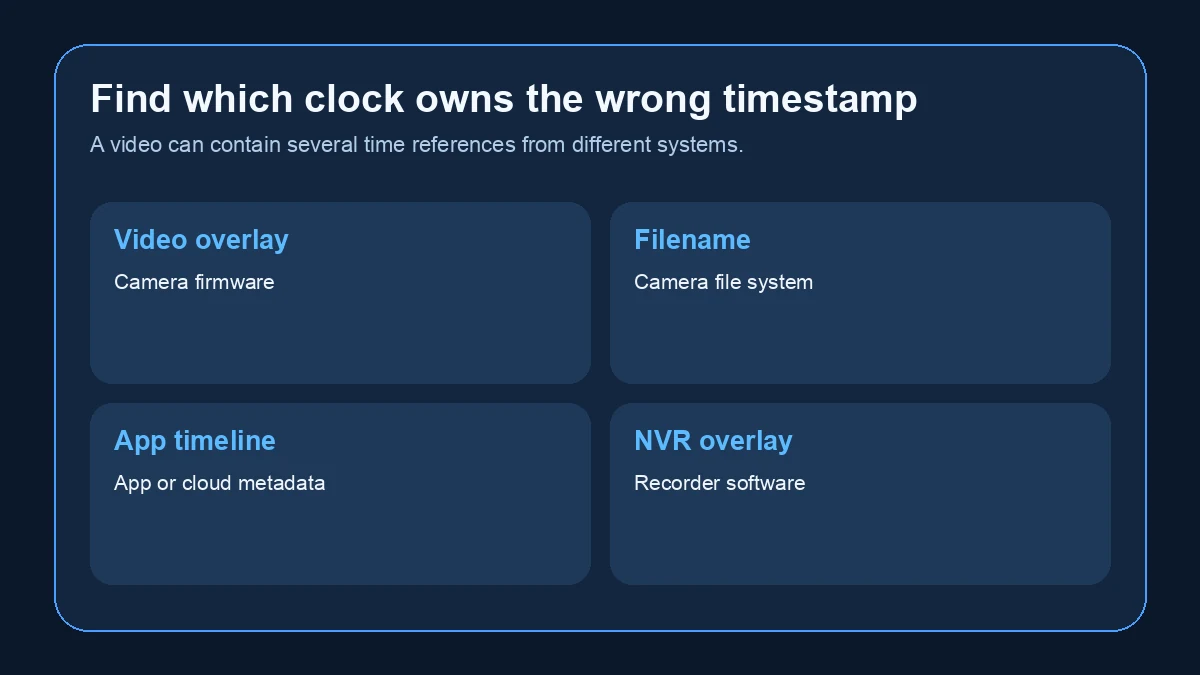
| Time reference | Where it comes from | Typical symptom |
|---|---|---|
| Date burned into the video | Camera firmware | Wrong year, timezone or one-hour offset |
| Video filename | Camera file system | Correct overlay but wrong filename time |
| Computer file “created” time | Computer and file transfer | Changes when the file is copied |
| App event timeline | App, cloud or camera metadata | Events appear in the wrong hour |
| NVR or DVR overlay | Recorder software | Second timestamp differs from camera overlay |
Cover or disable any software overlay temporarily and record a short clip. If two different timestamps appear, one may be generated by the camera and the other by the viewing software. Fix the clock that owns the incorrect layer.
Do not use the computer’s copied-file date as proof of when the footage was captured. A transfer, export or time-zone conversion can change file-system metadata without changing the video frames.
Why Is the Spy Camera Exactly One Hour Ahead or Behind?
An exact one-hour difference usually points to daylight saving time or a timezone offset rather than a failing clock.
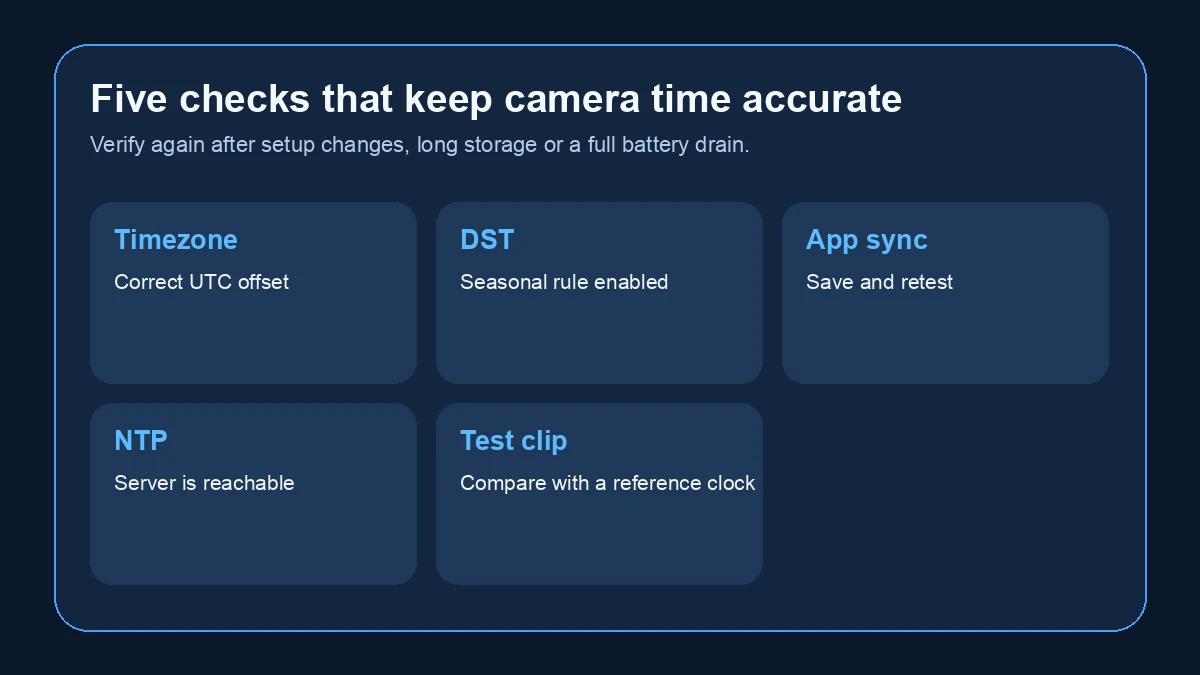
Check these settings in order:
1. Confirm the camera’s timezone, such as UTC+0 or UTC+1.
2. Check whether automatic daylight saving is enabled.
3. Confirm the start and end rules if the app requires manual dates.
4. Compare the phone’s timezone with the camera’s timezone.
5. Synchronize again and restart the camera once.
Reolink’s current support guidance treats a one-hour difference as a DST issue and advises checking the camera’s daylight-saving configuration. The same diagnostic principle applies to other brands, although the menu labels differ.
Europe is especially easy to misconfigure because Central European Time and Central European Summer Time use different UTC offsets. Selecting a nearby city is not enough if the firmware does not apply the correct seasonal rule.
How Do You Synchronize a WiFi Spy Camera with the App?
Networked cameras often provide a “Sync with phone,” “Synchronize time,” “Date and time,” or “Time zone” menu.

Use this sequence:
1. Set the phone to automatic date, time and timezone.
2. Connect the phone and camera as required by the app.
3. Open the camera’s device settings, not only the general app settings.
4. Select the correct timezone and DST behaviour.
5. Press the synchronize or save control.
6. Wait one minute, then record a new clip.
7. Power-cycle the camera and test again.
The second test matters. A camera can display the correct live-view time immediately after an app command but fail to retain it after a restart.
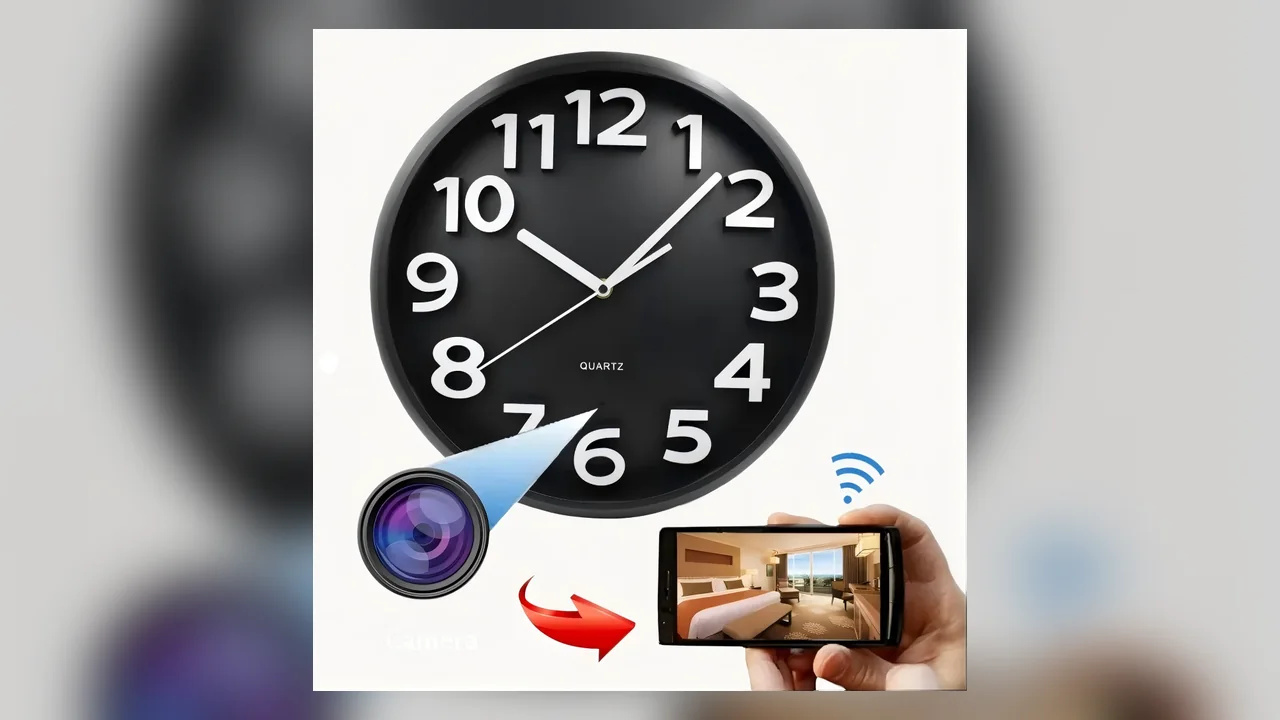
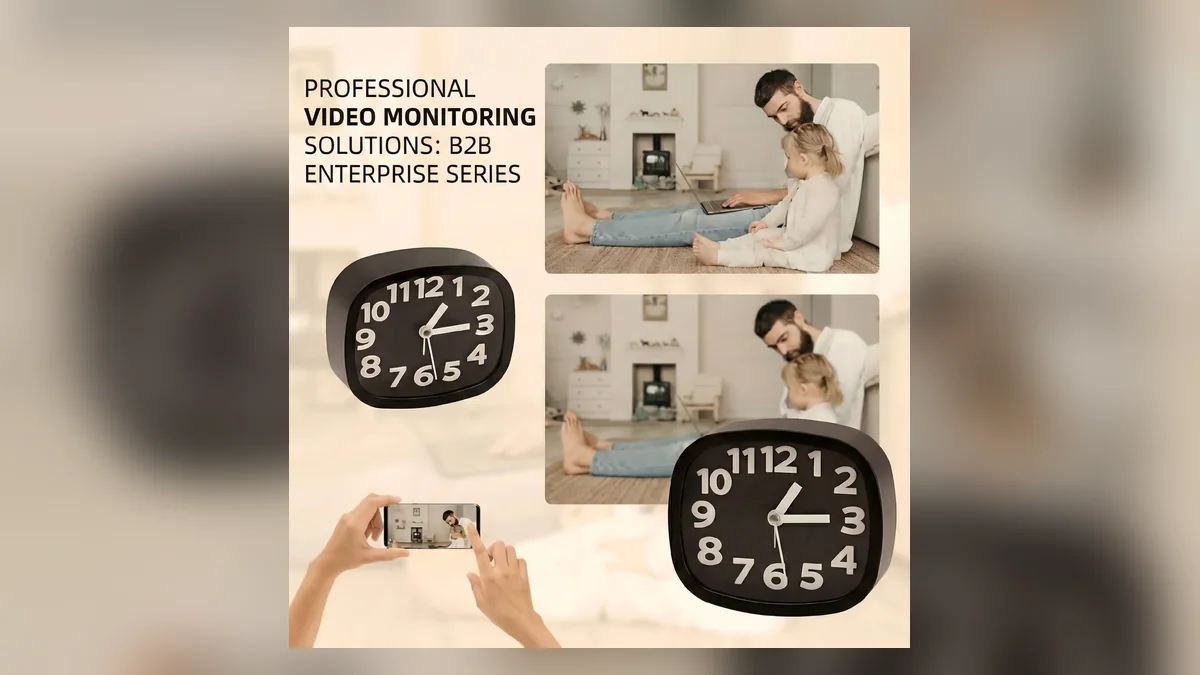
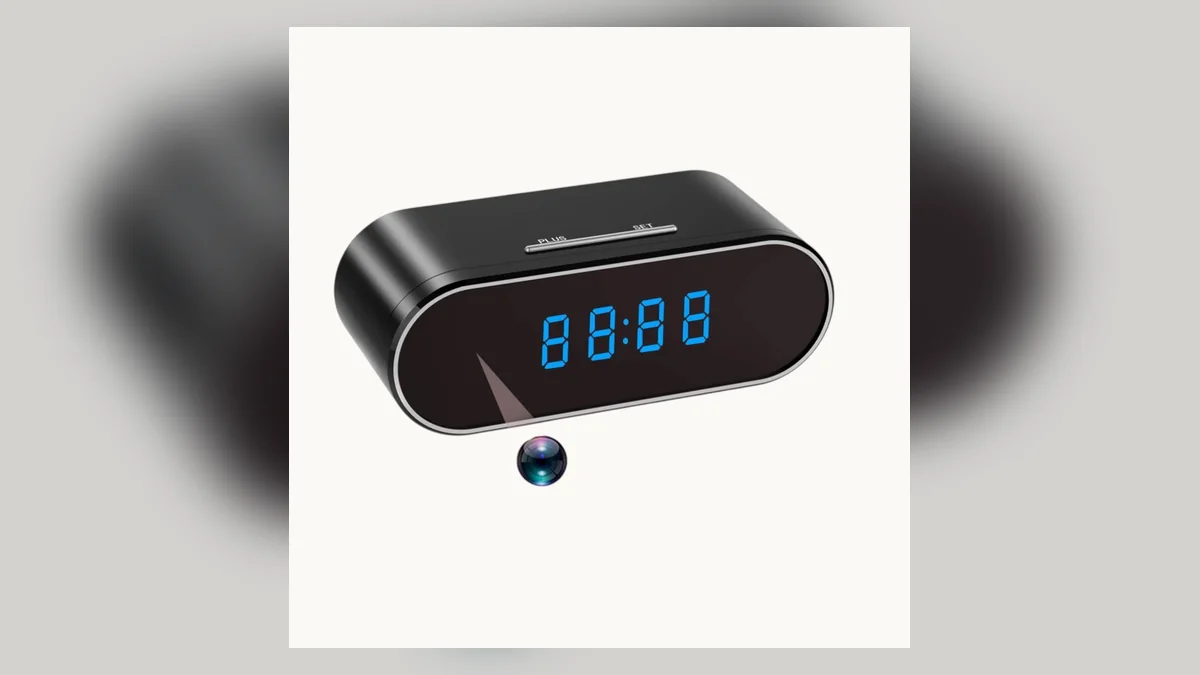
A networked Z10 WiFi clock camera may use an app-based process, while a standalone pen or key-fob camera may require a text file on the storage card. Do not transfer instructions between unrelated models merely because both record 1080p video.
What Is NTP and Why Does It Matter to Camera Time?
Network Time Protocol allows a connected device to correct its clock from a time server. A camera using NTP still needs the correct timezone and daylight-saving rules; NTP supplies a time reference, not the desired local display format.
If the app offers NTP settings, check:
– NTP is enabled.
– The server address is valid.
– The router allows DNS and outbound time traffic.
– The camera has Internet access when synchronization is expected.
– The timezone is correct after synchronization.
If the camera is deliberately isolated from the Internet, it may not reach an external NTP server. Some installations provide a local time server; others rely on manual synchronization and the camera’s real-time clock.
Do not open unnecessary inbound router ports to fix time. Time synchronization normally requires outbound access or a local server, not public exposure of the camera.
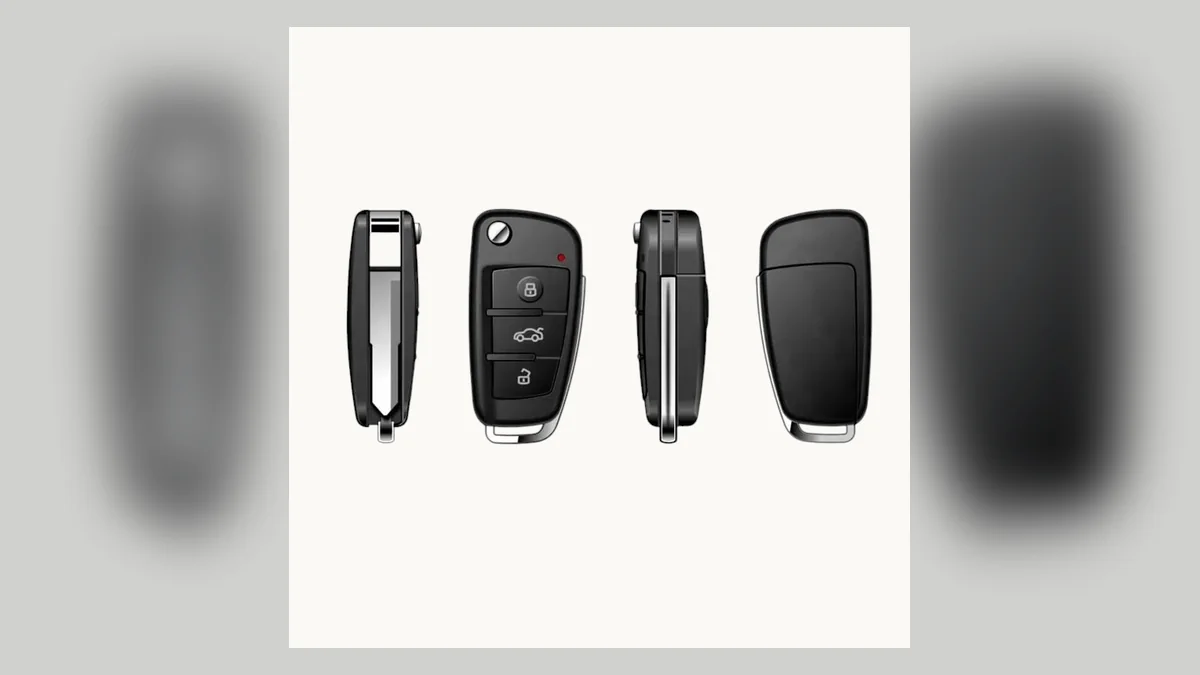
How Do You Set Time on a Spy Pen or Key-Fob Camera?
Many standalone cameras read a small text file from the microSD card or internal storage during startup. Common filenames include variations such as `time.txt`, but the required name, date order, punctuation and enable flag are model-specific.
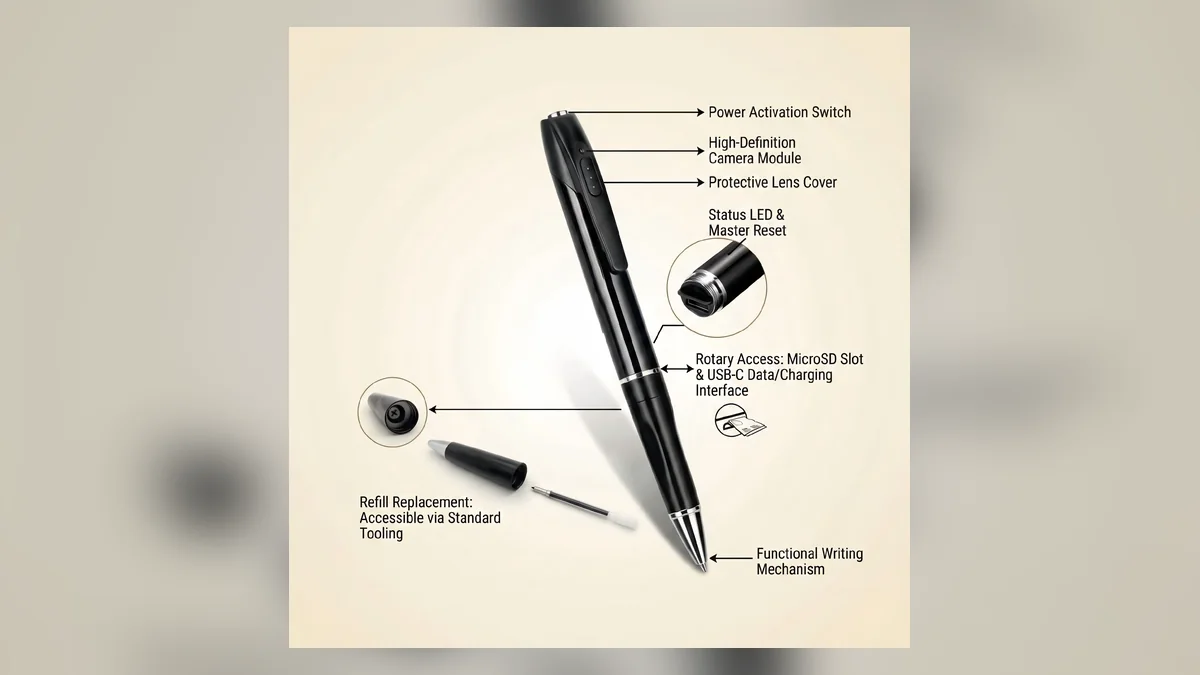
The safe procedure is:
1. Charge the camera and stop recording.
2. Connect it to a computer or insert the card in a reader.
3. Open the exact model manual and copy its example format.
4. Create or edit the required plain-text file.
5. Save it without rich-text formatting.
6. Eject the storage safely.
7. Start the camera and record a new test clip.
8. Check whether the configuration file is deleted or changed after import.
A WiFi spy pen camera may use an app instead of this process. A non-WiFi pen, car key or mini DVR may use a file. The manual takes priority over generic Internet instructions.
Why Does the Time File Fail Even When It Looks Correct?
Small formatting differences can prevent firmware from reading the file.
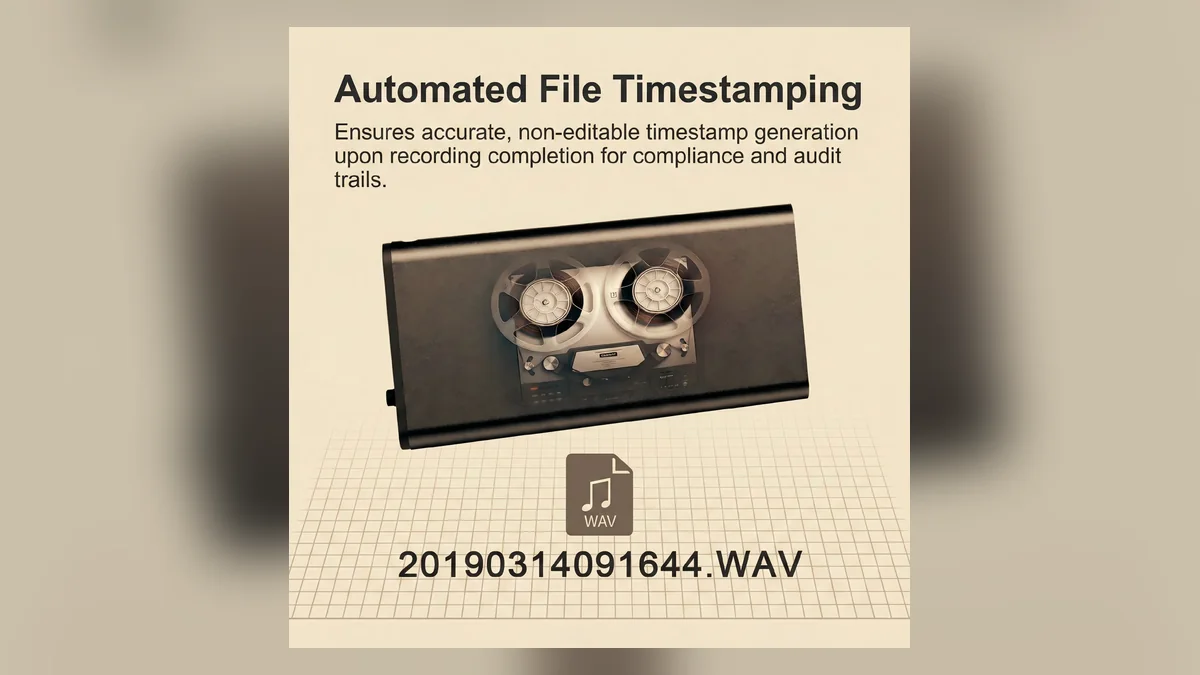
Check for:
– Wrong filename or hidden `.txt.txt` extension.
– Wrong date order, such as day/month instead of year/month/day.
– Missing spaces, colons or an enable flag required by the manual.
– Curly quotation marks or rich-text characters.
– UTF-16 or another unsupported encoding.
– File saved in a subfolder instead of the root directory.
– Card format unsupported by the camera.
– Camera started before the file was fully written and the card safely ejected.
On Windows, enable “File name extensions” in File Explorer before checking the name. On macOS, use a plain-text editor and confirm the file has no additional extension.
After the camera imports the file, some firmware removes it. That can be normal. The meaningful test is whether a newly recorded clip shows the correct time and whether the setting survives the next restart.
Why Does the Date Reset After the Battery Runs Flat?
The video battery and the clock-retention circuit do not always behave the same way. Some cameras retain time through normal charging cycles; others lose time after a completely flat battery or extended storage.
Run a retention test:
1. Set the correct time.
2. Record and confirm a correct clip.
3. Turn the camera off for ten minutes without fully draining it.
4. Record again.
5. Then disconnect power for the normal storage interval and repeat.
If the clock survives a short shutdown but resets after deep discharge, resynchronization may be required after long storage. If it resets after every brief normal shutdown, the real-time clock circuit, retention component or firmware may be faulty.
Do not promise permanent timestamp retention for a model until this test has been completed on the actual hardware revision.
Can a Wrong Timestamp Affect Evidence or Incident Review?
Yes. A wrong timestamp can make it harder to correlate footage with access logs, messages, transactions or other cameras. The video may still show what happened, but its timing needs independent verification.
For any important recording:
– Preserve the original file.
– Do not overwrite the only copy.
– Record the known camera offset.
– Keep export and transfer dates.
– Compare visible events with an independent clock or system log.
– Document any correction instead of silently changing the original footage.
Legal admissibility and evidential weight depend on jurisdiction and circumstances. For a serious incident, obtain appropriate legal advice and keep a clear chain of custody. A corrected display copy should not replace the untouched original.
How Do You Prevent the Timestamp from Becoming Wrong Again?
Build time verification into setup and maintenance.
| Camera type | Preventive check | Recommended interval |
|---|---|---|
| WiFi app camera | Timezone, DST and synchronization | After setup, app update and router change |
| Internet-connected camera | NTP reachability and timezone | After network or firewall changes |
| Standalone pen or key camera | Configuration-file import test | After full battery drain or card replacement |
| Long-stored camera | Record a timestamp test clip | Before each important deployment |
| Multi-camera installation | Compare all cameras with one reference clock | During scheduled maintenance |
When a model is supplied to customers, include one exact time-setting instruction for that hardware and firmware version. A screenshot or short video is more useful than a generic statement such as “set time on the computer.”
When Does the Camera Need Service or Replacement?
Escalate the issue when the camera cannot retain correct time after the documented configuration procedure, current firmware and a stable power test.
Useful support evidence includes:
– Model and hardware revision.
– Firmware and app version.
– Photo of the settings screen or exact text-file contents without passwords.
– One new sample clip showing the wrong timestamp.
– Correct phone and computer time.
– Whether the error is constant, exactly one hour, or increasing each day.
– Whether the error returns after every shutdown.
A constant offset usually suggests configuration. A clock that gradually gains or loses minutes may indicate poor clock accuracy or failed synchronization. A date that resets to a fixed old year after every shutdown suggests the setting is not being retained.
Frequently Asked Questions
Why is a spy camera timestamp one hour wrong?
A spy camera timestamp that is exactly one hour wrong usually has an incorrect daylight-saving or timezone setting. Confirm the local UTC offset, enable or disable DST as appropriate, synchronize the camera again, and record a new clip. Check the camera setting itself rather than changing only the phone display.
Why does a spy camera show the year 2000 after charging?
A spy camera that returns to an old default year after charging may have lost its retained clock setting during complete power loss. Set the time using the exact app or text-file method in the model manual. If every normal shutdown causes the reset, the clock-retention circuit or firmware may need service.
Can a spy camera set its time without WiFi?
A spy camera can set its time without WiFi when the model supports a configuration file, USB utility, button menu or retained real-time clock. The required method varies by firmware. A network-only synchronization feature may need app or NTP access, so confirm the manual before planning an offline deployment.
Why is the spy camera filename time different from the video?
A spy camera filename and video overlay can use different clocks or timezone conversions. The overlay may come from camera firmware while the file date can be changed by copying or viewing software. Compare a fresh original clip, camera overlay, app timeline and computer metadata before deciding which clock needs correction.
Does resetting a spy camera fix the wrong timestamp?
Resetting a spy camera can clear a corrupted configuration, but it also removes pairing and other settings and does not correct the wrong timezone automatically. First set timezone, DST, app sync, NTP or the required time file. Use a factory reset only after the model-specific non-destructive steps fail.
Verify Time Before the Recording Matters
The reliable process is to identify the source of the wrong timestamp, correct that clock, record a test clip, restart the camera and test again. A timestamp that survives the restart is more meaningful than a correct live-view display immediately after synchronization.
When choosing among clock, pen, key-fob and modular spy camera designs, include the time-setting and retention method in the buying decision, especially when recordings must be matched with other business records.

 English
  Italiano
  Deutsch
  Français
  Español
  Polski