
A 1080p spy camera usually needs a 64GB to 128GB microSD card for several days of local recording, but the exact retention time depends on bitrate rather than resolution alone.
At a steady 2 Mbps, video uses about 21.6GB per day, so a nominal 64GB card holds roughly 71 hours before allowing for formatting and system files. At 4 Mbps, the same card holds about 36 hours. Motion recording can extend retention substantially because the camera writes only when an event occurs.
The calculation below helps buyers choose storage for a spy camera without relying on a vague “up to” claim.
What Is the Quick Answer for 32GB, 64GB, 128GB and 256GB Cards?
Use the camera’s actual video bitrate whenever it is available. At 2 Mbps continuous recording, a 32GB card stores about 36 hours, 64GB about 71 hours, 128GB about 142 hours, and 256GB about 284 hours.

| Nominal card capacity | Approximate hours at 2 Mbps | Approximate days at 2 Mbps | Approximate hours at 4 Mbps |
|---|---|---|---|
| 32GB | 36 | 1.5 | 18 |
| 64GB | 71 | 3.0 | 36 |
| 128GB | 142 | 5.9 | 71 |
| 256GB | 284 | 11.9 | 142 |
These are planning figures, not guarantees. A formatted card has less usable space than its label, and variable-bitrate video changes size as lighting, movement and image detail change. Leave a practical margin instead of planning to the final gigabyte.
How Do You Calculate Spy Camera Recording Time?
Storage follows the amount of data written each second. For a decimal gigabyte estimate:
Storage per day in GB = bitrate in Mbps × 10.8
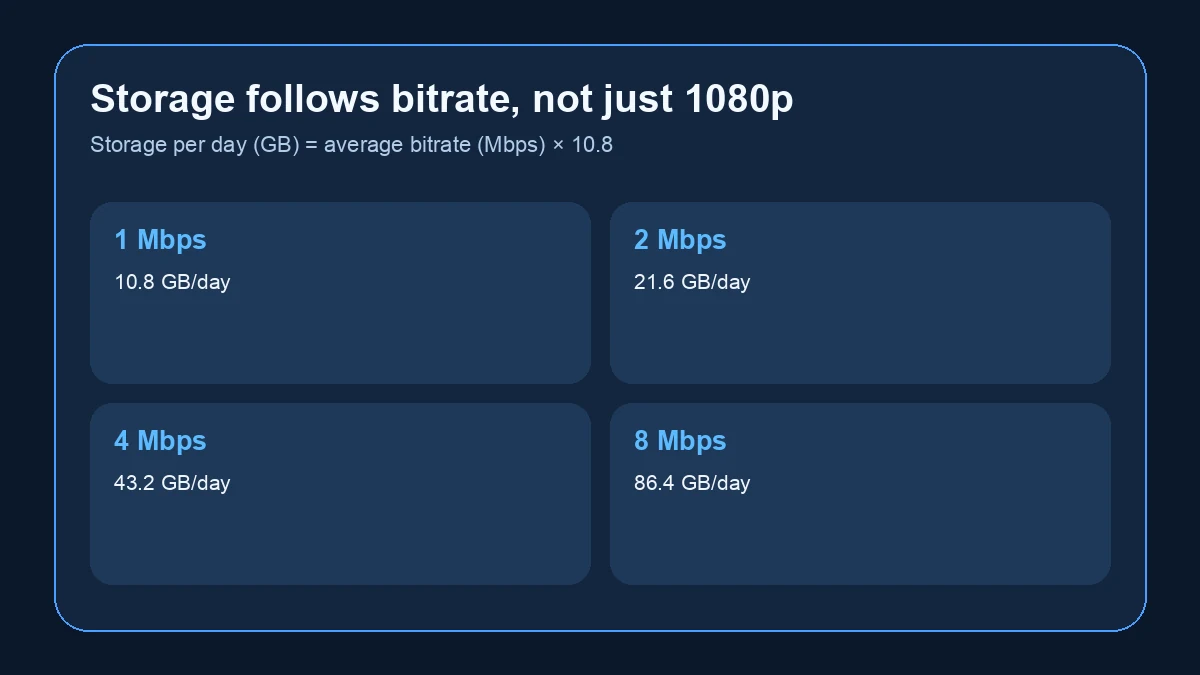
That gives the following continuous-recording estimates:
| Average video bitrate | Approximate storage per hour | Approximate storage per day |
|---|---|---|
| 1 Mbps | 0.45GB | 10.8GB |
| 2 Mbps | 0.90GB | 21.6GB |
| 4 Mbps | 1.80GB | 43.2GB |
| 6 Mbps | 2.70GB | 64.8GB |
| 8 Mbps | 3.60GB | 86.4GB |
To estimate hours on a card, divide usable capacity by the hourly figure. If a camera averages 4 Mbps, for example, a 128GB card provides about 71 theoretical hours. Reduce that estimate to account for reserved space, file-system overhead and bitrate peaks.
Professional surveillance calculators use the same underlying inputs: resolution, compression, frame rate, recording hours and retention period. Seagate’s surveillance storage calculator also treats motion recording and codec choice as separate variables rather than assuming all 1080p video has the same file size.
Why Can Two 1080p Spy Cameras Produce Very Different File Sizes?
“1080p” describes the frame dimensions, not the amount of data stored. Two cameras can both record 1920 × 1080 video while using very different bitrates.
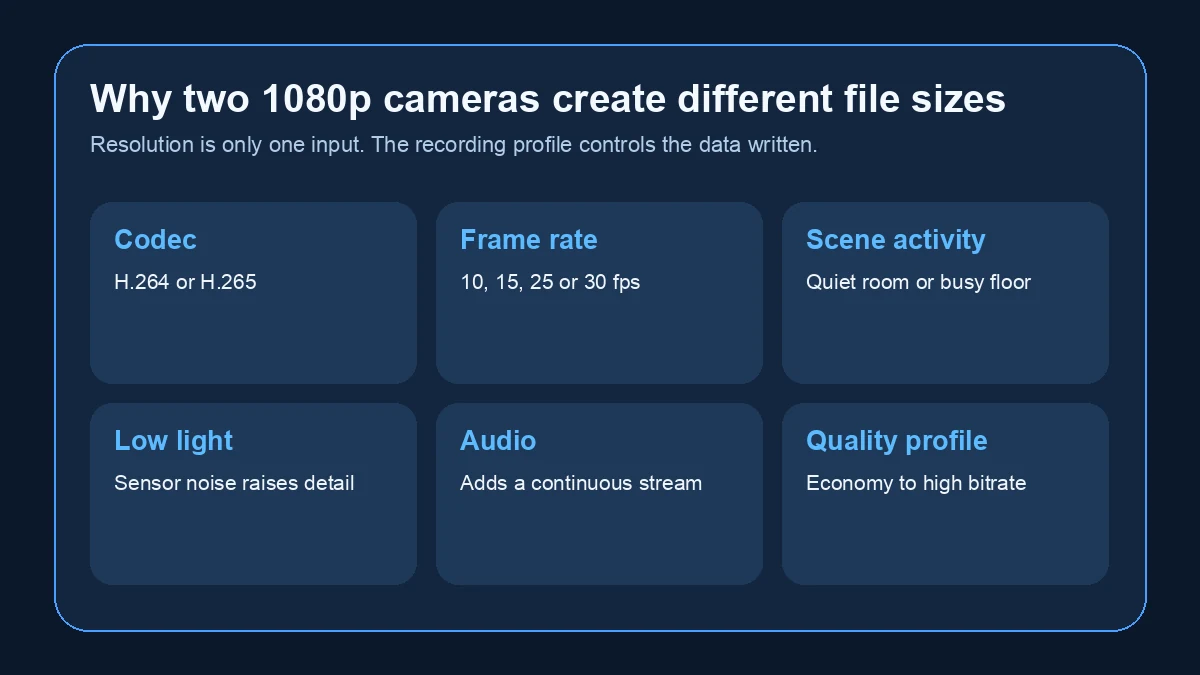
The main variables are:
– Codec: H.265 can use less storage than H.264 at comparable visual quality when both implementations are well tuned.
– Frame rate: 25 or 30 fps normally requires more data than 10 or 15 fps.
– Scene activity: A quiet room compresses more efficiently than a busy shop floor.
– Night noise: Low-light sensor noise creates changing detail that can raise variable bitrate.
– Audio: An audio track adds a smaller but continuous data stream.
– Quality settings: “High,” “standard” and “economy” profiles often change bitrate directly.
Axis explains that variable bitrate changes with activity and recommends planning storage from target bitrate and retention time. That is why a fixed “128GB equals seven days” statement is unreliable unless the camera’s recording profile is also specified.
Does Motion Detection Really Save SD Card Space?
Yes, if the camera records only event clips instead of continuously. The saving depends on how many minutes are actually recorded each day.
Suppose a camera records at 2 Mbps:
| Recorded time each day | Approximate daily use | Theoretical time on 64GB |
|---|---|---|
| 24 hours | 21.6GB | 3 days |
| 8 hours | 7.2GB | 9 days |
| 2 hours | 1.8GB | 35 days |
| 30 minutes | 0.45GB | 142 days |
Real motion recording is less tidy. Pre-record buffers, post-event delays, repeated movement and false triggers all increase the total. A camera facing a quiet stockroom may record only a few clips, while a camera facing a corridor may behave almost like continuous recording.
For deployments where retention matters, run the camera in its final position for 48 hours and measure the actual data written. That is more reliable than estimating activity from the room name.
Which SD Card Size Is Best for Each Use Case?
A larger card is useful only if the camera supports it and the retention period is actually needed.
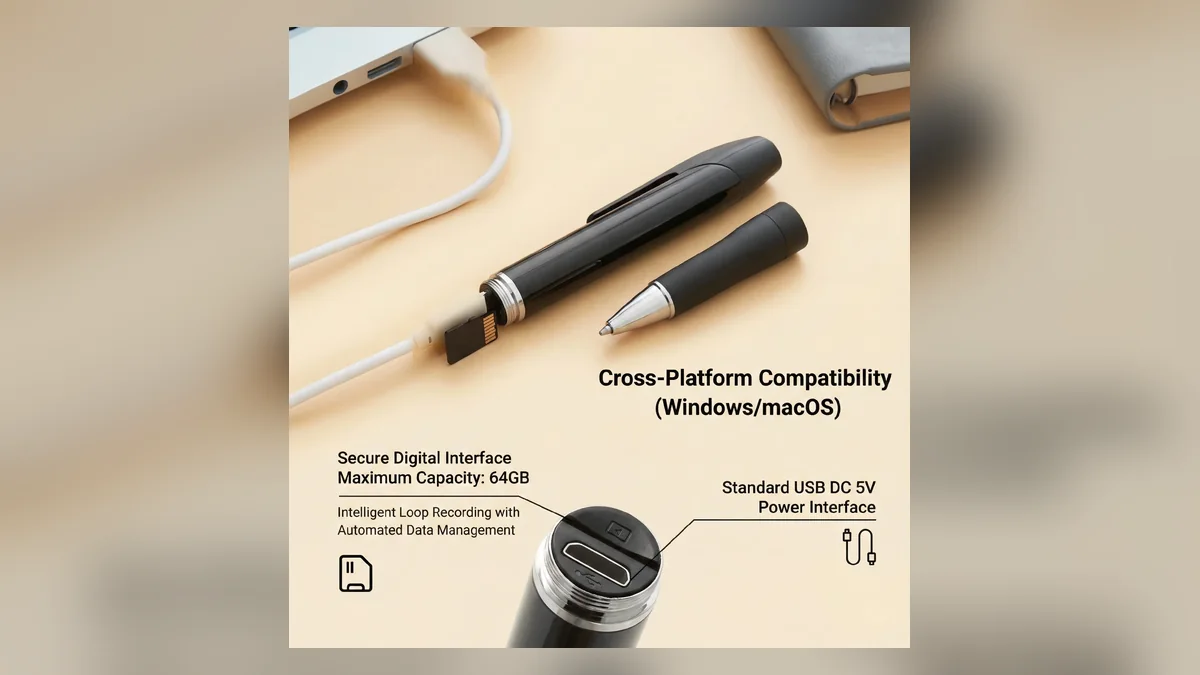
| Use case | Practical starting point | What to confirm |
|---|---|---|
| Short body-worn recording | 32GB–64GB | Clip length, battery runtime and maximum supported capacity |
| Motion clips in a quiet room | 64GB | Daily trigger count and overwrite setting |
| Indoor continuous recording | 128GB | Average bitrate and expected retention days |
| High-activity room or higher bitrate | 256GB | Camera support for SDXC and file system |
| Long unattended operation | 128GB–256GB high endurance | Loop recording, card health and access for maintenance |
A 1080p USB charger hidden camera with motion recording may need a different card plan from a battery-powered wearable camera. Continuous power makes longer retention practical, while a small battery may expire before storage becomes the limiting factor.
What Card Format Must the Camera Support?
Capacity and file system are connected. The SD Association defines SDHC as more than 2GB through 32GB, normally using FAT32, while SDXC covers more than 32GB through 2TB and normally uses exFAT.
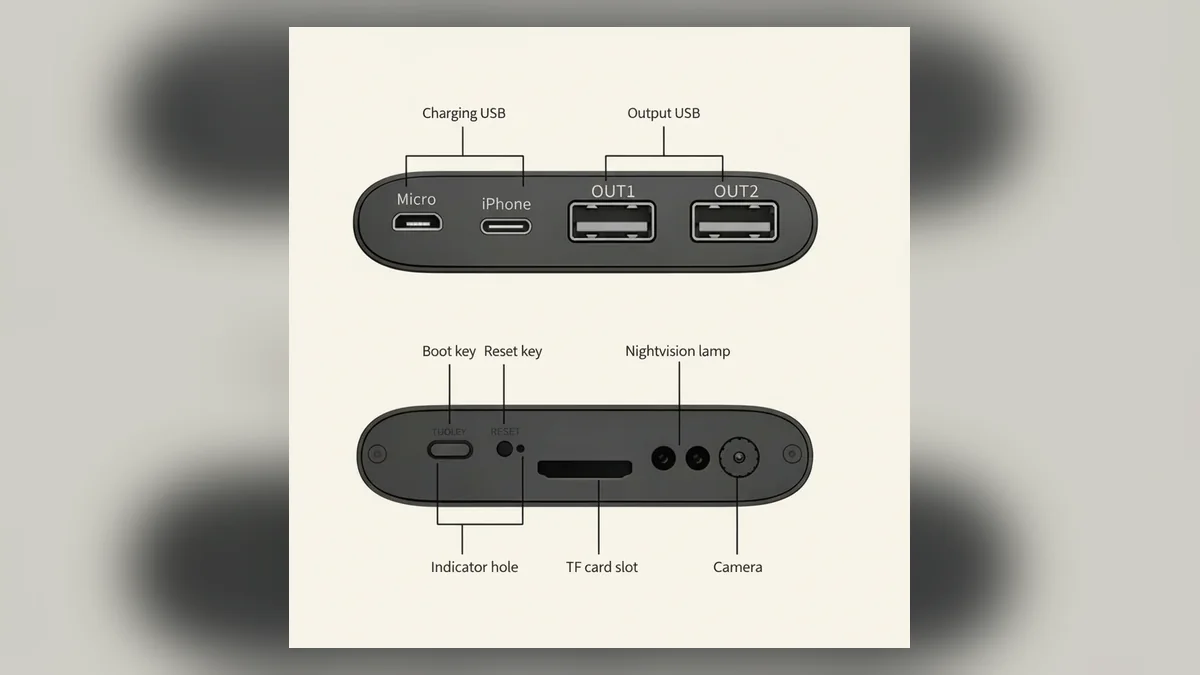
A camera that supports only FAT32 or only cards up to 32GB may reject a 64GB or 128GB SDXC card even when the card is genuine. Some cameras can format larger cards internally; others require a specific file system or allocation size.
Before ordering cards in volume, confirm:
1. Maximum supported capacity.
2. Supported card family: microSDHC or microSDXC.
3. Required file system.
4. Minimum speed class.
5. Whether the camera can format the card itself.
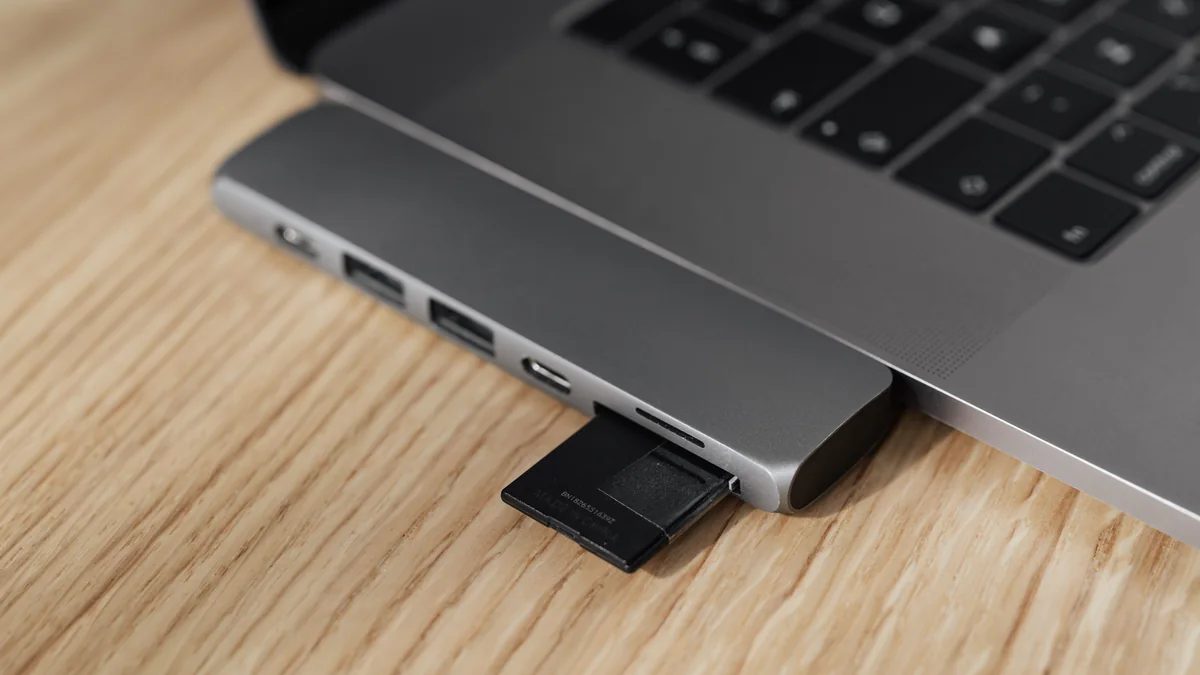
When possible, format the card inside the camera after saving any required footage. For step-by-step preparation, use QZT’s guide to formatting an SD card in a spy camera.
What Happens When the SD Card Becomes Full?
A camera with loop recording deletes the oldest eligible files and continues recording. A camera without loop recording stops when storage is full. Those are different behaviours, and neither should be assumed from the presence of an SD card slot.
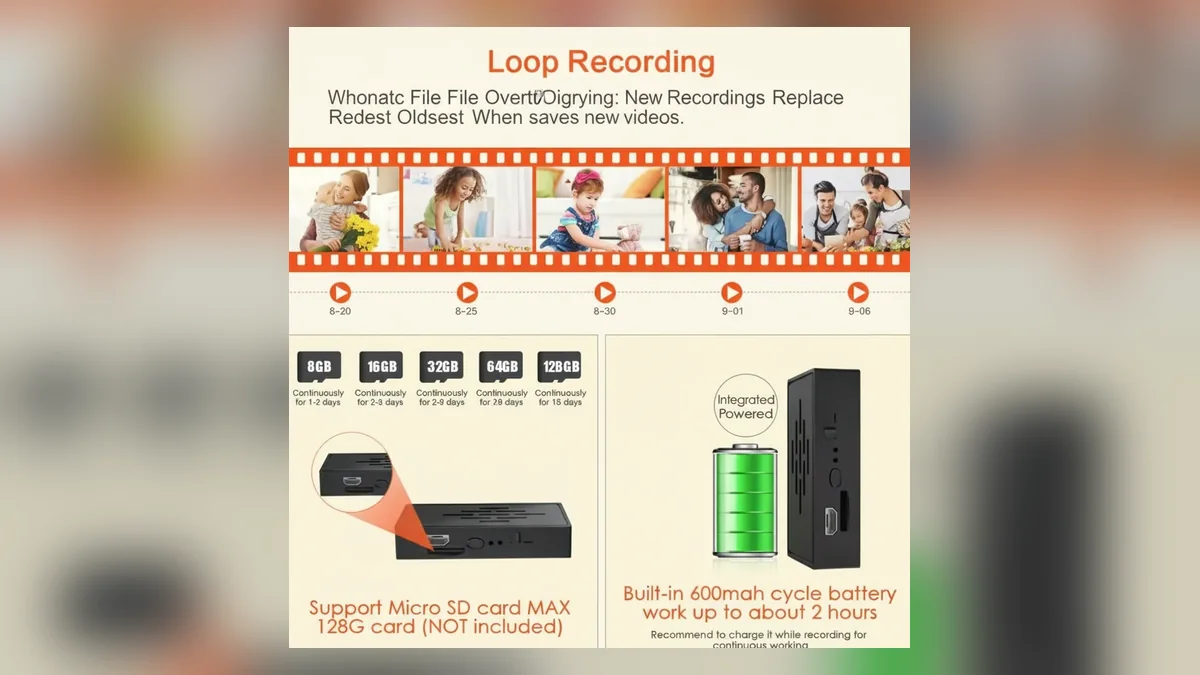
Check the manual or run a controlled test. Fill a small test card with non-essential recordings, leave the camera operating, and confirm whether it creates a new clip. Also verify whether protected or event-locked files are excluded from deletion. A card filled with protected files can stop recording even when loop recording is enabled.
For evidence-sensitive work, automatic overwrite may be undesirable. Export important clips before the retention window expires and keep a separate copy with its original filename and metadata.
Why Does a Surveillance Camera Need a High-Endurance Card?
Continuous recording repeatedly writes and erases the same flash memory. A card designed mainly for occasional phone photos may meet the speed requirement but wear faster under a 24/7 overwrite cycle.
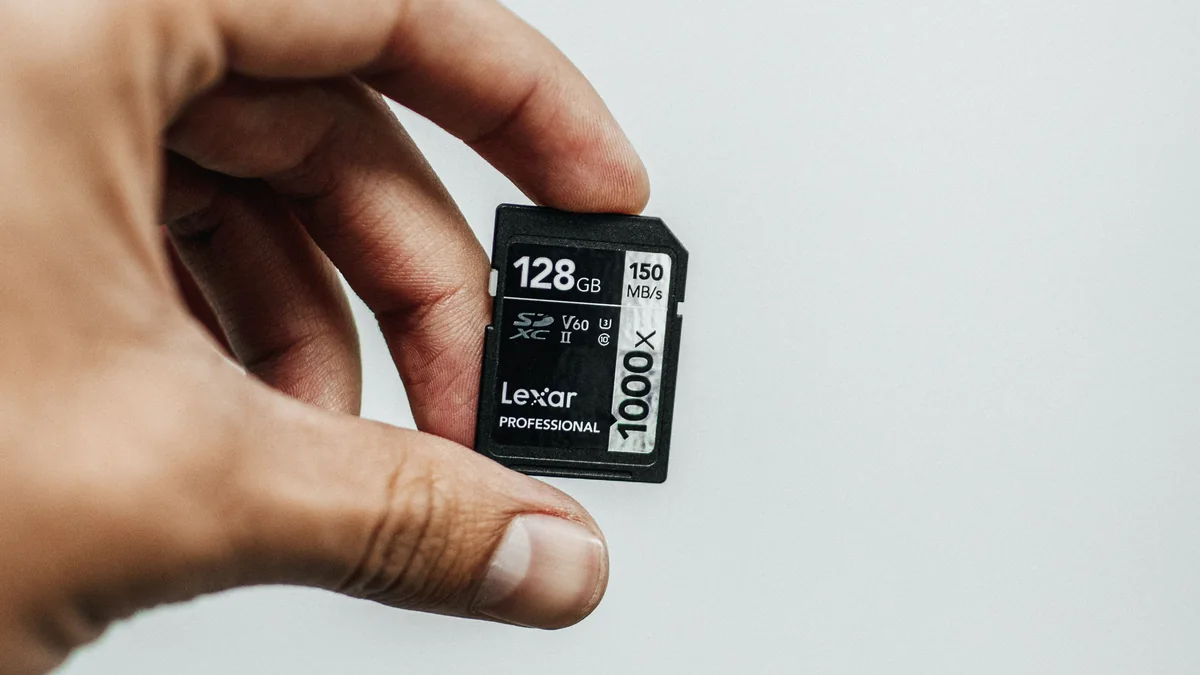
The SD Association explains that video speed classes indicate minimum sequential write performance for sustained recording. Endurance is a separate concern: it describes how much repeated writing the flash can tolerate. SanDisk’s monitoring-card documentation, for example, distinguishes high-endurance products specifically intended for repeated security-camera recording.
For frequent loop recording, choose a reputable high-endurance card from an authorized seller. Capacity labels and speed symbols do not protect against counterfeit media, so test new batches before deployment.
How Can You Measure the Camera’s Real Bitrate?
The simplest method is to record a representative one-hour sample and inspect its file size.
1. Use the intended resolution, frame rate, audio and night-vision settings.
2. Place the camera in the actual room.
3. Record for one full hour during typical activity.
4. Copy the file to a computer and note its size.
5. Multiply that size by 24 for a continuous daily estimate.
Repeat once during daylight and once at night. If the files differ significantly, plan from the larger result or calculate separate day and night periods.
For motion recording, measure an entire 24- or 48-hour period instead. The total written in a real day captures false triggers, pre-record time and post-event time that a theoretical formula cannot predict.
What Should a Distributor Confirm Before Bundling Cards?
Do not bundle one card specification across every model without testing. A DIY hidden spy camera kit may use a different module, codec and capacity limit from a clock or charger camera.
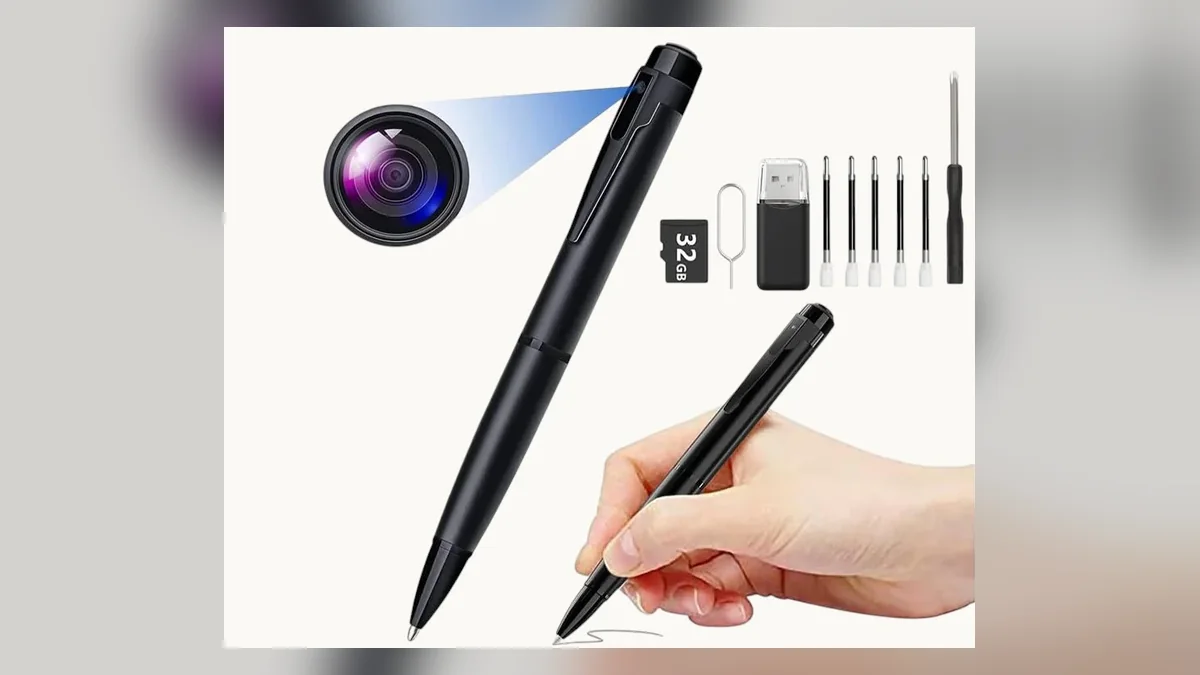
Confirm the following for each SKU:
– Maximum card capacity and required format.
– Default bitrate, frame rate and codec.
– Continuous, motion and loop-recording behaviour.
– Whether recording continues when WiFi is unavailable.
– Whether files are closed safely after a power interruption.
– Recommended speed and endurance class.
– Expected retention under a documented test scene.
Publish retention as a tested range with the test conditions. “Up to 30 days” is not useful unless the buyer knows how many hours were recorded, at what bitrate and under what motion activity.
Frequently Asked Questions
Can a 32GB card record 24 hours on a 1080p spy camera?
A 32GB card can record 24 hours on a 1080p spy camera when the average bitrate is below roughly 3 Mbps and usable capacity is sufficient. At 2 Mbps, the theoretical retention is about 36 hours. Higher frame rates, night noise, audio or a higher quality profile can reduce that time.
How many days can a 64GB card store on a 1080p spy camera?
A 64GB card stores about three days on a 1080p spy camera averaging 2 Mbps continuous recording, or about one and a half days at 4 Mbps. Motion-only recording may last much longer. Check the actual file size from a representative 24-hour test before promising a retention period.
Is 128GB enough for a continuously recording spy camera?
A 128GB card is enough for roughly 5.9 days on a continuously recording spy camera at 2 Mbps, or about three days at 4 Mbps, before practical margins. The camera must support microSDXC capacity and the required file system. Continuous overwrite also makes a high-endurance card preferable.
Does H.265 always double spy camera recording time?
H.265 does not automatically double spy camera recording time. The result depends on the encoder, scene movement, frame rate, quality target and comparison settings. Use the camera’s measured average bitrate rather than a fixed codec multiplier. Two cameras using H.265 can still produce substantially different file sizes.
Will a larger SD card make a spy camera record better video?
A larger SD card does not improve the video quality of a spy camera. It increases potential retention only when the camera supports the capacity. Resolution, sensor, lens, encoder and bitrate determine image quality. The card must provide adequate sustained write speed and endurance, but extra unused capacity does not sharpen footage.
Choose Capacity from Measured Recording, Not the Box Claim
Start with bitrate, calculate the required retention, confirm the camera’s capacity limit, and then allow a safety margin. For repeatable purchasing, test each model with its final settings and scene instead of assuming every 1080p camera writes the same amount of data.
If you are comparing powered, battery and modular designs, review the available spy camera models and form factors before choosing one storage bundle for every deployment.

 English
  Italiano
  Deutsch
  Français
  Español
  Polski