
Can a Nanny Cam Work Without WiFi? Offline Recording Guide
You want to monitor your home, but you don’t trust cloud servers with your family’s footage. Maybe your internet drops constantly. Maybe you’re setting up a camera in a vacation cabin with no router. The question is simple: can a nanny cam actually work without WiFi?
Some nanny cameras are designed for standalone local recording without WiFi. A microSD slot alone does not prove that a WiFi camera will start or keep recording when the internet fails, the router disappears, or the device has never been paired. Verify the exact model and failure state. For the four network states, see Can an Indoor Camera Record Without WiFi or Internet?.
But here’s what most guides won’t tell you: the trade-offs between WiFi and non-WiFi nanny cams go far beyond “no remote access.” Battery life, storage capacity, legal compliance, and even hack resistance all change when you cut the cord. This guide breaks down exactly how offline nanny cams work, what you give up, and how to choose the right model for your situation — whether you’re a parent monitoring a babysitter or a distributor sourcing products for European retail.
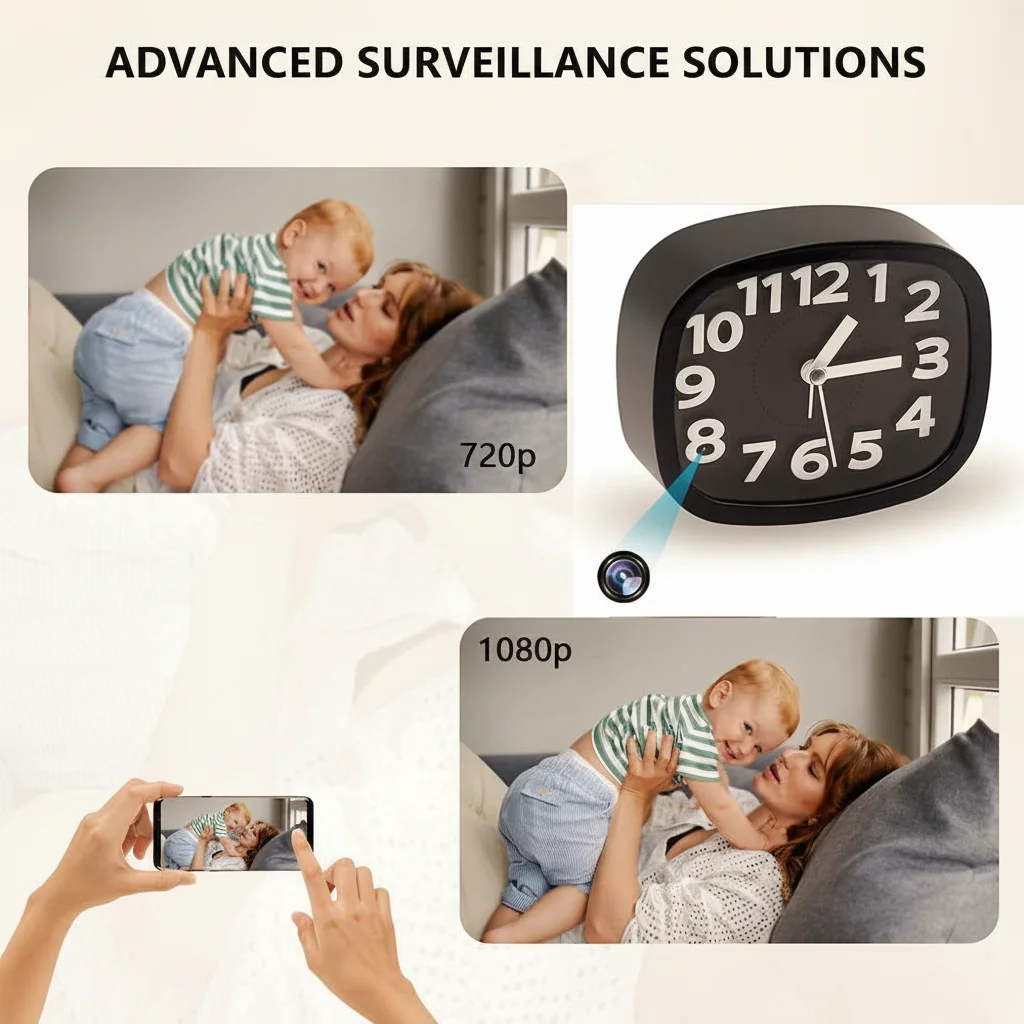
How Does a Nanny Cam Work Without WiFi?
The core recording loop of any nanny cam is completely independent of network connectivity. Here’s what happens inside the device when you press record:
The image sensor captures light through the lens and converts it into raw pixel data. A DSP (Digital Signal Processor) — typically the RTL8710BN in Tuya-based modules or a comparable chip in standalone units — encodes this raw data into H.264 or H.265 compressed video at 1080p resolution and 15–30 frames per second. The compressed video stream writes directly to the microSD card via the FAT32 filesystem driver built into the firmware.
No WiFi chip activation. No cloud upload. No app handshake. The entire pipeline runs on the camera’s internal processor and storage.
Here’s what most people get wrong: they assume “no WiFi” means “no features.” In reality, non-WiFi nanny cams retain motion detection, loop recording, night vision, and even audio recording. The Z10 WiFi Spy Clock Camera and similar models can operate in a dual mode — WiFi when available, offline recording when the network drops. The firmware detects network status and automatically falls back to local-only recording without interrupting the capture loop.
| Feature | WiFi Mode | Offline Mode (No WiFi) |
|---|---|---|
| Video recording to SD | Yes | Yes |
| Motion detection | Yes | Yes |
| Night vision (IR LEDs) | Yes | Yes |
| Audio recording | Yes | Yes |
| Live remote viewing | Yes | No |
| Push notifications | Yes | No |
| Cloud backup | Yes | No |
| Firmware updates | Yes | No |
Key Takeaway: The recording pipeline is fully self-contained — WiFi only adds remote access, not recording capability.
What Happens When WiFi Drops on a WiFi-Enabled Nanny Cam?

This is the scenario most parents worry about: you bought a WiFi nanny cam, configured it with the Tuya Smart app, and then your router reboots or the internet goes down. What happens to your recording?
The camera continues recording to the microSD card without interruption. The firmware’s recording loop runs as a background thread independent of the network stack. When the WiFi module loses connection, it generates a network-down event in the system log, but the recording thread is unaffected. Video continues writing to the SD card at the same resolution and frame rate.
What you lose is the ability to watch live. The Tuya Smart app shows “Device Offline” because it can’t reach the camera through the cloud relay. Push notifications for motion events stop arriving — they require an internet connection to deliver. Cloud storage uploads pause until connectivity returns, at which point the firmware resumes uploading new footage.
But here’s the thing: if you have a 64GB microSD card installed, you have approximately 80 hours of 1080p footage stored locally. When WiFi returns, you can access all of it through the app’s playback timeline. Nothing is lost.
The WiFi Smoke Detector Hidden Camera is a good example: it records continuously to SD regardless of network status, and the smoke detector form factor means it stays plugged into mains power — so even a 12-hour internet outage produces zero gaps in coverage.
Key Takeaway: WiFi cameras fall back to local SD recording automatically — no footage is lost during outages.
Non-WiFi Nanny Cams: Who Still Needs Them?
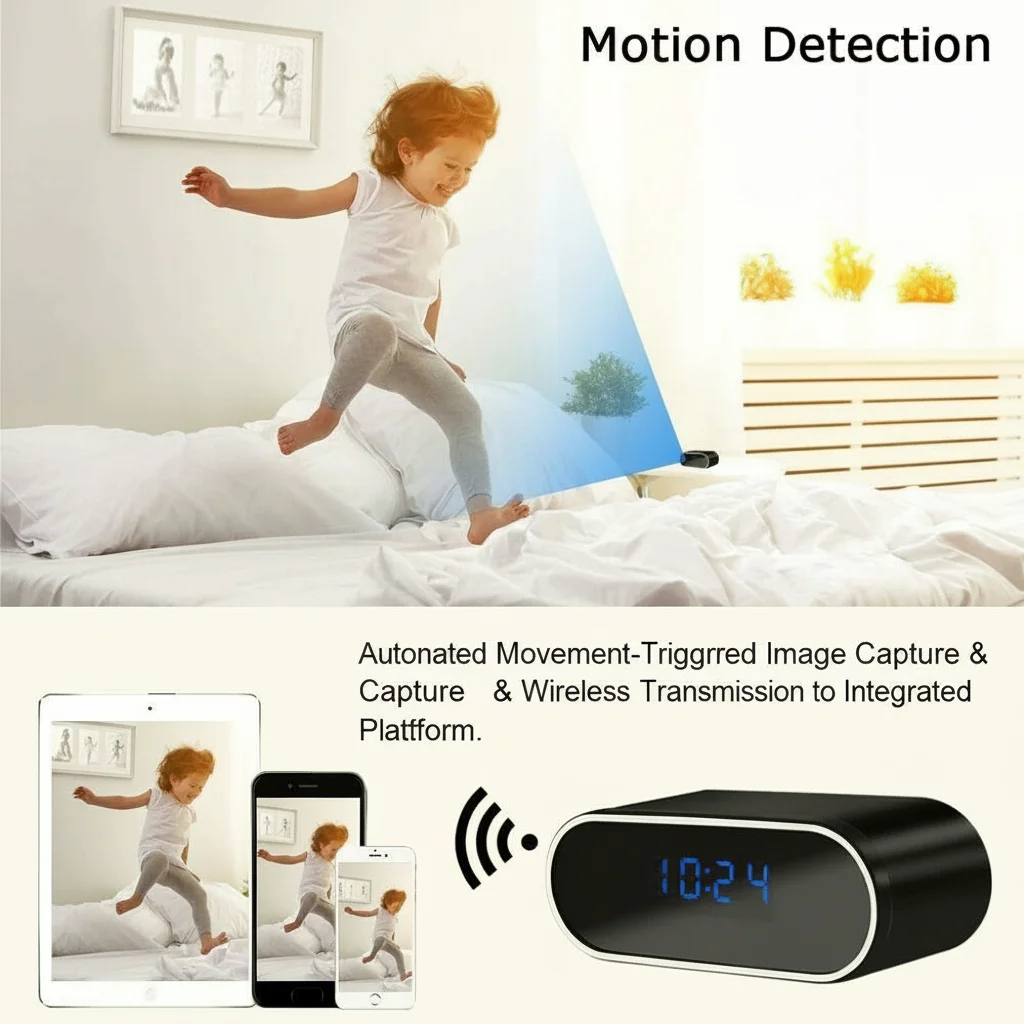
If WiFi cameras can record offline, why would anyone buy a dedicated non-WiFi model? The answer comes down to three factors: privacy, reliability, and simplicity.
Privacy is the strongest argument. A non-WiFi nanny cam has no network interface — no MAC address, no IP stack, no cloud account. It cannot be hacked remotely because it has no remote attack surface. For families concerned about cloud data breaches (the Ring hack of 2019 exposed thousands of home camera feeds), an offline camera is the only guarantee that footage never leaves the house.
Reliability matters in rural areas. Holiday homes, rural properties, and older buildings often have unstable internet. A WiFi camera in these locations may experience repeated connectivity loss. Whether it continues recording locally is model- and firmware-dependent and should be tested. A dedicated non-WiFi camera eliminates the configuration headache — no router pairing, no SSID conflicts, no firmware updates to manage.
Simplicity serves elderly users. Many buyers purchasing nanny cams for elderly parent monitoring are not technically inclined. The DIY Hidden Spy Camera Kit offers a plug-and-play option: insert SD card, plug into power, press record. No app, no account, no smartphone required.
| Buyer Type | Recommended Type | Why |
|---|---|---|
| Tech-savvy parent | WiFi + SD hybrid | Remote access when needed, SD backup always |
| Privacy-focused household | Non-WiFi only | Zero network attack surface |
| Rural/vacation property | Non-WiFi only | No internet dependency |
| Elderly monitor for non-tech user | Non-WiFi only | No app setup required |
| B2B distributor (EU) | Both variants | Different reseller channels want different specs |
Key Takeaway: Non-WiFi cams serve privacy-first buyers, rural locations, and non-technical users — not just people without internet.
Storage Capacity: How Long Can an Offline Nanny Cam Record?
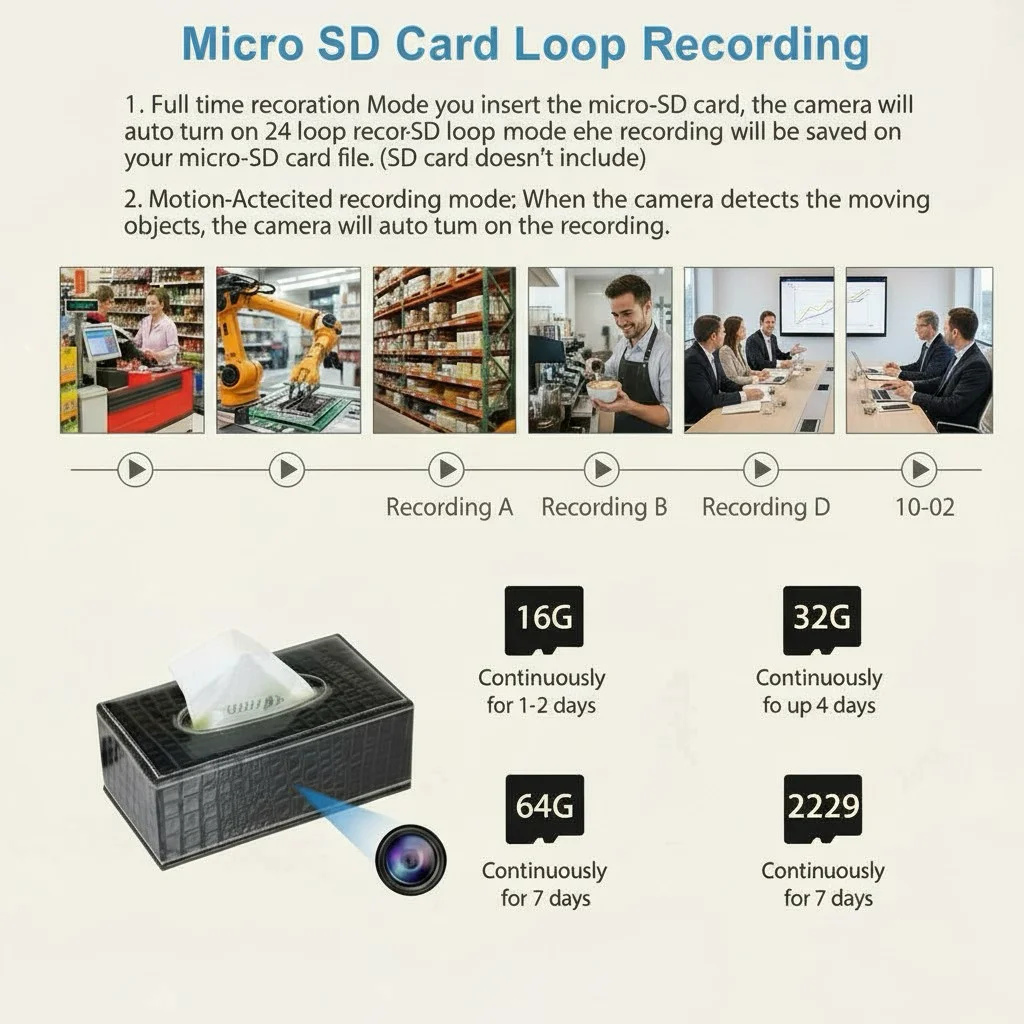
Storage capacity is the single biggest constraint for offline nanny cams. Without cloud backup, the microSD card is your only storage — and it fills up faster than most people expect.
At 1080p resolution with H.264 compression, a nanny cam produces approximately 800MB per hour of continuous recording. That means:
| SD Card Capacity | Continuous 1080p Recording | Motion-Only Recording (approx. 4 hrs/day active) |
|---|---|---|
| 32 GB | ~40 hours | ~10 days |
| 64 GB | ~80 hours | ~20 days |
| 128 GB | ~160 hours | ~40 days |
| 256 GB | ~320 hours | ~80 days |
But here’s what matters: loop recording changes the math entirely. When loop recording is enabled (and it should be), the camera automatically overwrites the oldest files when the card fills up. This means a 64GB card with loop recording provides indefinite coverage — you always have the most recent 80 hours of footage.
For motion-activated recording, the calculation shifts dramatically. If the camera only records when motion is detected — say, 4 hours of actual activity per day in a living room — a 64GB card holds approximately 20 days of footage before the loop begins overwriting. For a nursery with less traffic (1–2 hours of activity per day), the same card lasts 40+ days.
The 1080P Hidden Spy Pen Camera W9 supports up to 128GB microSD, giving you roughly 160 hours of continuous footage — enough for a full week of 24/7 recording without any network connection.
Key Takeaway: Loop recording makes any card size “infinite” — you always keep the most recent footage.
Motion Detection Without WiFi: Does It Still Work?
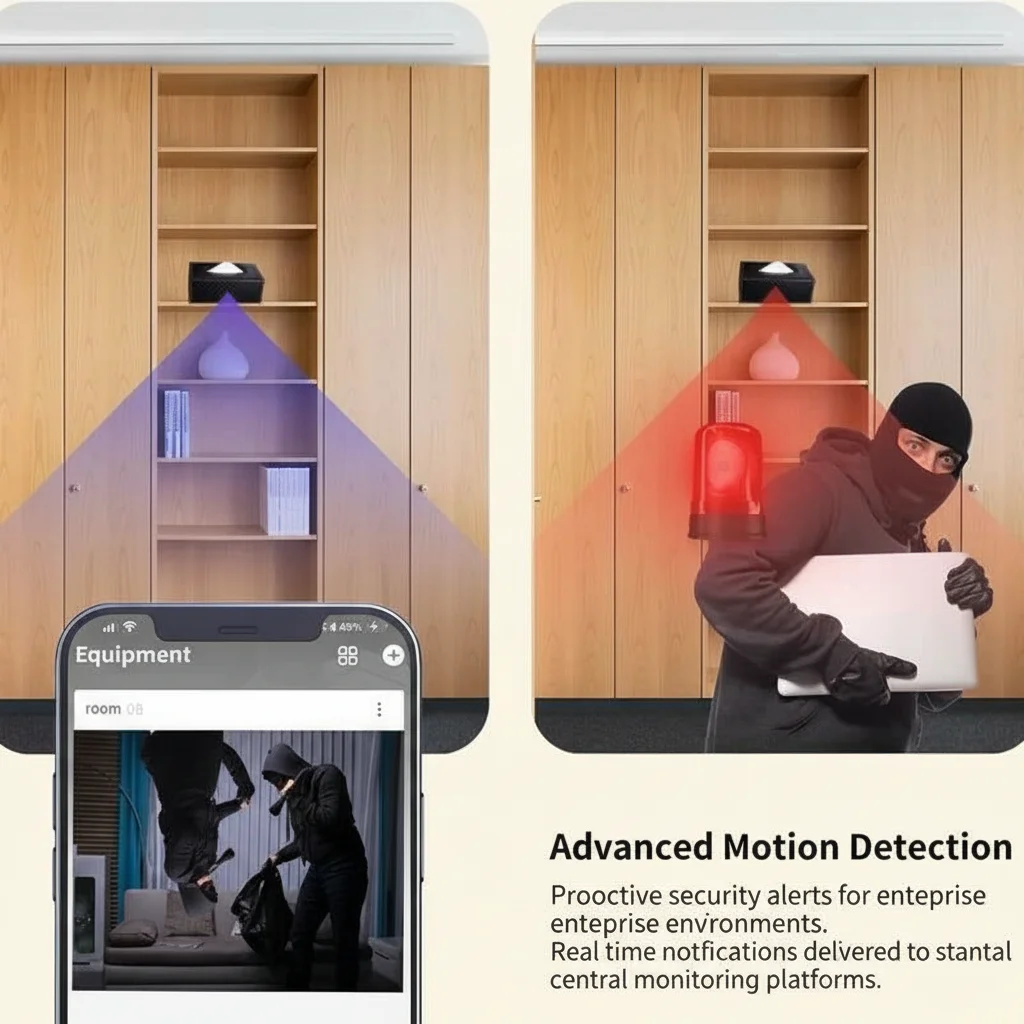
Motion detection is the feature that makes offline nanny cams practical. Without it, you’d have to sift through hundreds of hours of empty-room footage. With it, the camera only records when something actually happens.
Yes, motion detection works perfectly without WiFi. The motion detection algorithm runs entirely on the camera’s DSP. It compares consecutive video frames at the pixel level — typically in 16×16 pixel blocks — and triggers recording when the luminance difference exceeds a configurable threshold. This process requires zero network connectivity.
What changes without WiFi is the notification side. On a WiFi camera, a motion event triggers a push notification to your phone within 2–5 seconds. On a non-WiFi camera, the motion event is recorded to the SD card with a timestamp, but you won’t know about it until you manually review the footage.
For most offline nanny cam users, this is acceptable. Parents reviewing a babysitter’s behavior typically check footage at the end of the day, not in real time. Elderly care monitoring often works the same way — you review the day’s motion events in the evening rather than watching live.
The sensitivity threshold matters more on offline cameras because you can’t fine-tune it remotely. Set it too high and you get false triggers from curtains moving in the wind. Set it too low and you miss a caregiver entering the room. The recommended starting point is 50–60% sensitivity for indoor use, adjusted after the first 24 hours of testing.
Key Takeaway: Motion detection is fully self-contained — you lose real-time alerts but keep all event recording.
Battery Life: WiFi Off vs. WiFi On
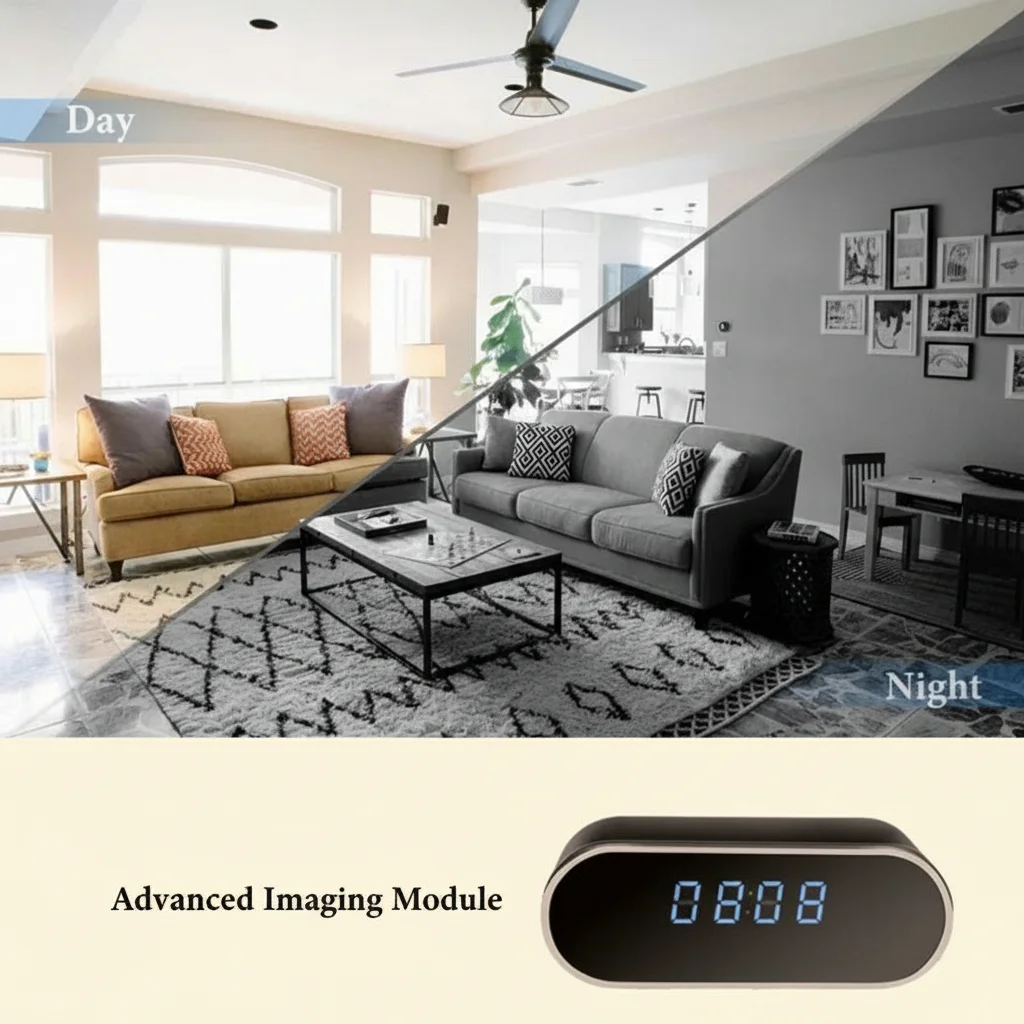
If you’re using a battery-powered nanny cam, WiFi is the single biggest drain on battery life. Turning it off can extend recording time by 40–60%.
The WiFi module in a Tuya-based camera consumes approximately 200–300mA when actively transmitting. The recording pipeline alone — image sensor, DSP, SD write — draws 150–200mA. Add WiFi and total consumption jumps to 400–500mA, cutting battery life nearly in half.
| Power Mode | Current Draw | Battery Life (10,000 mAh) |
|---|---|---|
| Recording only (no WiFi) | ~180 mA | ~55 hours |
| Recording + WiFi standby | ~250 mA | ~40 hours |
| Recording + WiFi streaming | ~450 mA | ~22 hours |
| Recording + IR night vision | ~220 mA | ~45 hours |
| Recording + WiFi + IR + motion | ~500 mA | ~20 hours |
This is why the Power Bank Hidden Camera 1080P is such an effective form factor for offline use: with WiFi disabled and recording to SD only, the 10,000 mAh battery delivers over 50 hours of continuous recording. That’s more than two full days of coverage on a single charge.
For plug-in cameras like the WiFi Spy Camera USB Charger 1080P, battery life is irrelevant — mains power provides unlimited runtime. But if you’re deploying in a location without outlets, the WiFi-off strategy is essential.
Key Takeaway: Disabling WiFi on a battery cam extends recording time by 40–60% — critical for off-grid deployments.
Can You View Footage Remotely on a Non-WiFi Nanny Cam?
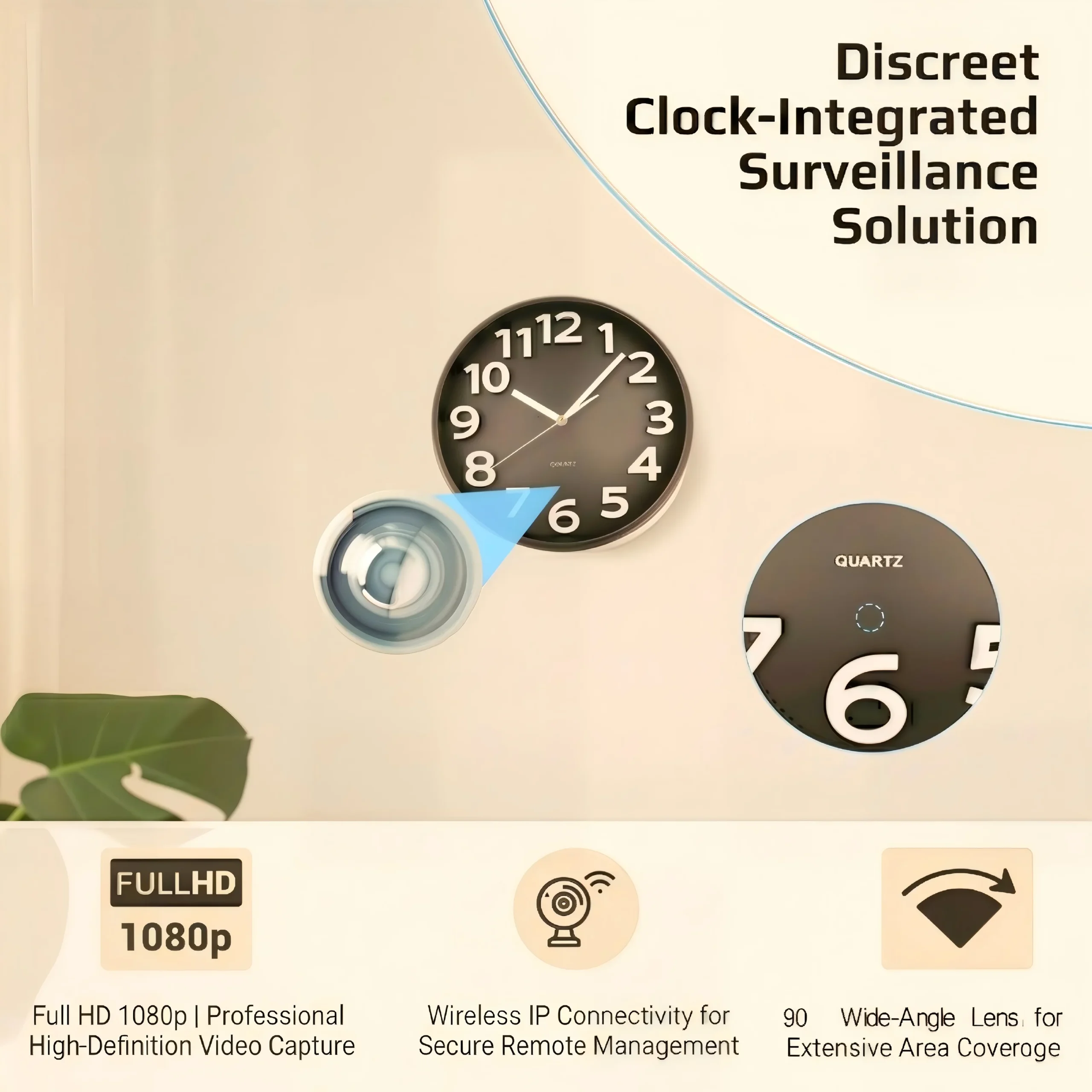
This is the most common question from buyers who want the privacy of offline recording but the convenience of remote access. The short answer: not directly. But there are workarounds.
A true non-WiFi nanny cam has no remote access capability. The footage exists only on the microSD card inside the device. To view it, you must physically remove the card and insert it into a computer or card reader. Some models offer a USB connection that lets you browse files directly without removing the card.
Here’s what most people get wrong: they think “no WiFi” means “no way to check footage remotely at all.” There are actually three workarounds:
Option 1 — Scheduled SD card swaps. If you live nearby, swap the SD card every 24–48 hours and review footage on your computer. A 64GB card costs about €8 — buy two and rotate them.
Option 2 — 4G/LTE cellular cameras. These use a SIM card instead of WiFi for connectivity. They work anywhere with cellular coverage and don’t require your home router. The trade-off is monthly data costs and higher battery consumption.
Option 3 — Hybrid cameras with P2P mode. Some cameras support AP (Access Point) mode, where the camera creates its own WiFi hotspot. You connect your phone directly to the camera’s WiFi within a 10–15 meter range. No router, no internet, no cloud — but you must be physically nearby.
For B2B buyers sourcing for European resellers, the hybrid approach is increasingly popular. The DIY Hidden WiFi Spy Camera Module supports both WiFi mode (for connected deployments) and AP mode (for offline direct-access), giving resellers flexibility across different customer scenarios.
| Remote Access Method | Internet Required? | Range | Monthly Cost |
|---|---|---|---|
| WiFi + cloud app | Yes | Unlimited | €0–8/month |
| 4G/LTE cellular | Yes (cellular) | Unlimited | €10–20/month data |
| AP mode (direct WiFi) | No | 10–15 meters | €0 |
| SD card physical swap | No | N/A | €0 |
Key Takeaway: Non-WiFi cams can’t stream remotely, but AP mode and SD swaps offer practical alternatives.
Legal Advantages of Offline Nanny Cams in the EU
For European distributors and resellers, the legal landscape around nanny cameras is complex — and offline recording offers a significant compliance advantage.
Under GDPR Article 32, data controllers must implement “appropriate technical and organisational measures” to secure personal data. A WiFi nanny cam that uploads footage to a cloud server based in the United States creates a data sovereignty problem: the footage crosses an international border, potentially triggering GDPR transfer restrictions. The Schrems II ruling invalidated the Privacy Shield framework, making US-based cloud storage of EU personal data legally risky.
A non-WiFi nanny cam sidesteps this entirely. Footage never leaves the device. There is no data transfer, no cross-border processing, no cloud provider relationship. The householder is the sole data controller, and the data never exits the physical premises.
In Germany, the Bundesdatenschutzgesetz (BDSG) adds additional requirements: video surveillance in semi-public spaces requires signage, and recording in private homes must comply with state-specific monitoring laws. An offline camera that stores footage locally is easier to defend in a compliance audit because there is no third-party data processor involved.
In Italy, the Garante per la Protezione dei Dati Personali has issued specific guidance on domestic video surveillance: recording is permitted in one’s own home for family security purposes, provided footage is not shared or transmitted without consent. Local-only storage aligns perfectly with this requirement.
For UK resellers post-Brexit, the UK GDPR mirrors EU GDPR requirements. The Information Commissioner’s Office (ICO) has stated that domestic cameras recording to local storage fall under the “domestic purposes” exemption in most cases — but cloud-connected cameras may require registration as a data controller.
Key Takeaway: Local-only storage can reduce some cloud-transfer exposure, but it does not by itself establish GDPR compliance. Purpose, placement, access, retention and jurisdiction still matter.
How to Choose an Offline Nanny Cam: B2B Buying Checklist

For distributors and wholesale buyers, here’s the spec checklist that separates a sellable offline nanny cam from a return magnet:
Storage: Must support at least 64GB microSD. 128GB is preferable for the European market where customers expect longer retention. FAT32 formatting is standard; verify the firmware handles exFAT if you want to offer 256GB cards.
Power: Plug-in models have lower return rates than battery models (2% vs. 5–6%). For battery-powered SKUs, specify the mAh capacity and estimated recording hours in offline mode — this is the spec European retail customers ask about most.
Loop recording: Must be enabled by default. Cameras that stop recording when the card is full generate support calls and returns. Verify this in the firmware settings before bulk ordering.
Motion detection sensitivity: Must be adjustable. Fixed-sensitivity cameras generate too many false positives in homes with pets. The DSP should support at least 3 sensitivity levels.
Night vision: IR LEDs at 940nm (stealth) are preferable to 850nm for nanny cam applications. The faint red glow of 850nm LEDs is visible in dark rooms and can alert a caregiver to the camera’s presence.
Certification: CE (EN 62368-1 + RED 2014/53/EU) is mandatory for EU sales. FCC for US market. RCM for Australia. Verify that the certification covers the specific SKU — not just the parent series.
| Spec | Minimum | Recommended | Premium |
|---|---|---|---|
| Resolution | 720p | 1080p | 4K |
| SD support | 32GB | 64GB | 128GB |
| Battery | 2,000 mAh | 5,000 mAh | 10,000+ mAh |
| IR night vision | 850nm, 3m range | 850nm, 5m range | 940nm stealth, 6m+ |
| Motion detection | Fixed | 3 levels | Adjustable + scheduling |
| Certification | CE | CE + FCC | CE + FCC + RCM |
Key Takeaway: Prioritise 64GB+ SD support, plug-in power, 940nm IR, and adjustable motion sensitivity for EU retail.
FAQ
Can I use a nanny cam without WiFi or internet at all?
Yes. Any nanny cam with a microSD card slot records video locally without any internet connection. Insert a formatted SD card, plug in power, and press record. The camera captures and stores footage entirely on the internal card — no router, no app, no account needed.
How do I view footage from a non-WiFi nanny cam?
Remove the microSD card from the camera and insert it into a card reader connected to your computer. Alternatively, some models support USB direct connection — plug the camera into your computer via USB cable and browse the video files like a flash drive. Video files are typically in AVI or MP4 format and play in VLC media player.
Does motion detection still work without WiFi?
Yes. Motion detection runs on the camera’s internal processor and does not require any network connection. The camera will detect motion, start recording, and save the clip to the SD card with a timestamp. What you lose without WiFi is the push notification to your phone — you’ll only see the event when you review the footage.
How long does a battery last on an offline nanny cam?
It depends on battery capacity and recording mode. A 10,000 mAh battery recording 1080p to SD without WiFi lasts approximately 50–55 hours. With WiFi enabled, the same battery lasts 20–22 hours. IR night vision adds about 15–20% to power consumption. Plug-in models have unlimited runtime.
Are non-WiFi nanny cams legal in the EU?
Yes, and they are actually easier to comply with GDPR than WiFi models. Because footage never leaves the device, there is no data transfer to a cloud server, no cross-border processing, and no third-party data processor. The householder retains sole control of the data. Always check your country’s specific surveillance laws regarding audio recording and camera placement in private spaces.
Need Help Choosing the Right Nanny Cam?
Whether you need a WiFi-enabled model with cloud access for real-time monitoring or a fully offline camera for maximum privacy, the right choice depends on your deployment scenario. For parents, the answer might be a hybrid clock camera that records to SD and streams when WiFi is available. For distributors, the answer might be a mixed SKU order covering both WiFi and non-WiFi variants to serve different reseller channels.
QZT Security manufactures a full range of nanny cameras, clock cameras, smoke detector cameras, and DIY camera modules — all with local SD recording as standard. Every product ships with CE, FCC, and RCM certification. No mandatory subscriptions, no cloud lock-in, no data sovereignty headaches.
Contact us today to discuss your nanny cam requirements — whether you’re buying one unit for your home or sourcing a container for European distribution.

 English
  Italiano
  Deutsch
  Français
  Español
  Polski