
No, not every solar security camera needs WiFi. A 4G model can send video over a mobile data connection. A model with verified offline recording can save footage without an internet connection, but it cannot send that footage to your phone while it is offline. The solar panel charges the battery; it does not provide connectivity.
Start with one question: Do you need to see what is happening while you are away, or collect the recordings when you return?
That answer matters more than the word “solar” on the box. When comparing outdoor security cameras, check the connection version and the recording behavior separately.
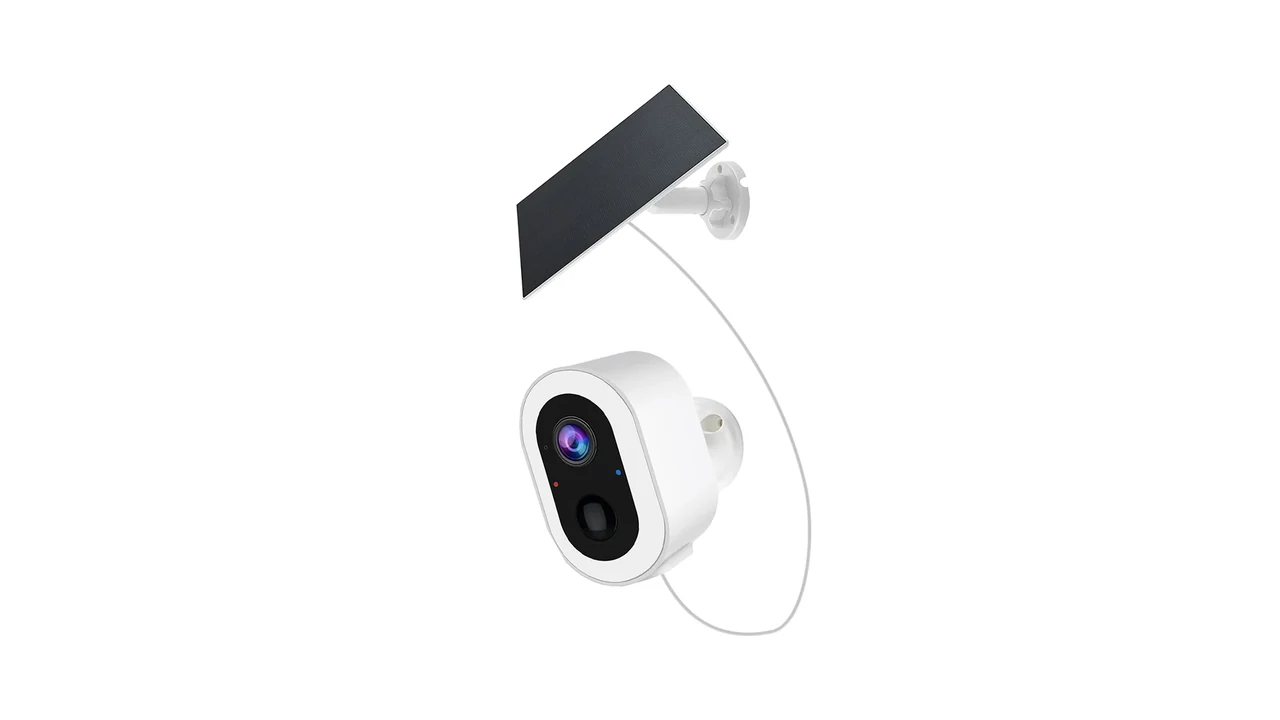
S7L-SP-4G3 catalogue artwork, not a field test or proof of carrier compatibility.
Choose the connection around how you will use the footage
“No WiFi” can describe very different sites. A gate may have no router but usable cellular coverage. A storage building may have neither. A third site may have working WiFi but a broadband connection that sometimes fails.
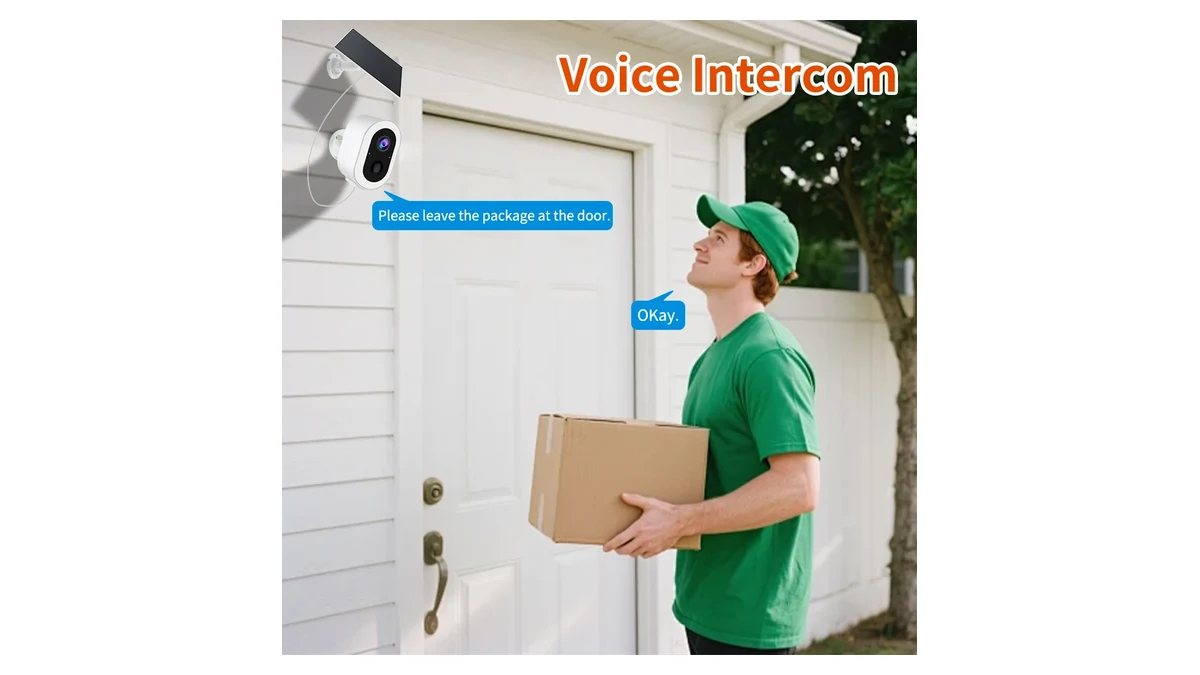
Catalogue illustration of two-way audio. Remote access still needs a working connection for the exact ordered model; this is not a connection test.
Those situations do not call for the same camera.
| Your situation | What to look for | What must be checked |
|---|---|---|
| No site WiFi; you need remote viewing or phone alerts | A solar-supported 4G camera, or another properly supported internet connection | The exact camera, carrier, data plan, app region and signal at the mounting point |
| No usable internet connection; collecting footage later is acceptable | A camera explicitly supporting local recording in those conditions | Initial setup, offline startup, recording mode and a usable way to retrieve the files |
| WiFi exists, but the internet connection can fail | A WiFi camera with verified local recording during an internet outage | Whether recordings continue and what access remains available on the local network |
For the first situation, 4G is a connection option, not a coverage guarantee. Reolink’s own SIM selection instructions direct customers to check the destination country and recommended carriers, and suggest testing the camera with the intended SIM. Those instructions apply to Reolink equipment, but the question to ask any supplier is the same: has this exact hardware version been checked with this network?1
For the second situation, an SD card symbol is not enough. It tells you about storage support, not whether the camera can start and keep recording without completing an online setup.
Check the version, not just the camera housing
A familiar enclosure can hide a different connection or battery configuration. Here is what the current QZT listings say about three solar camera options. These are listed configurations, not measured runtime or network-compatibility results.
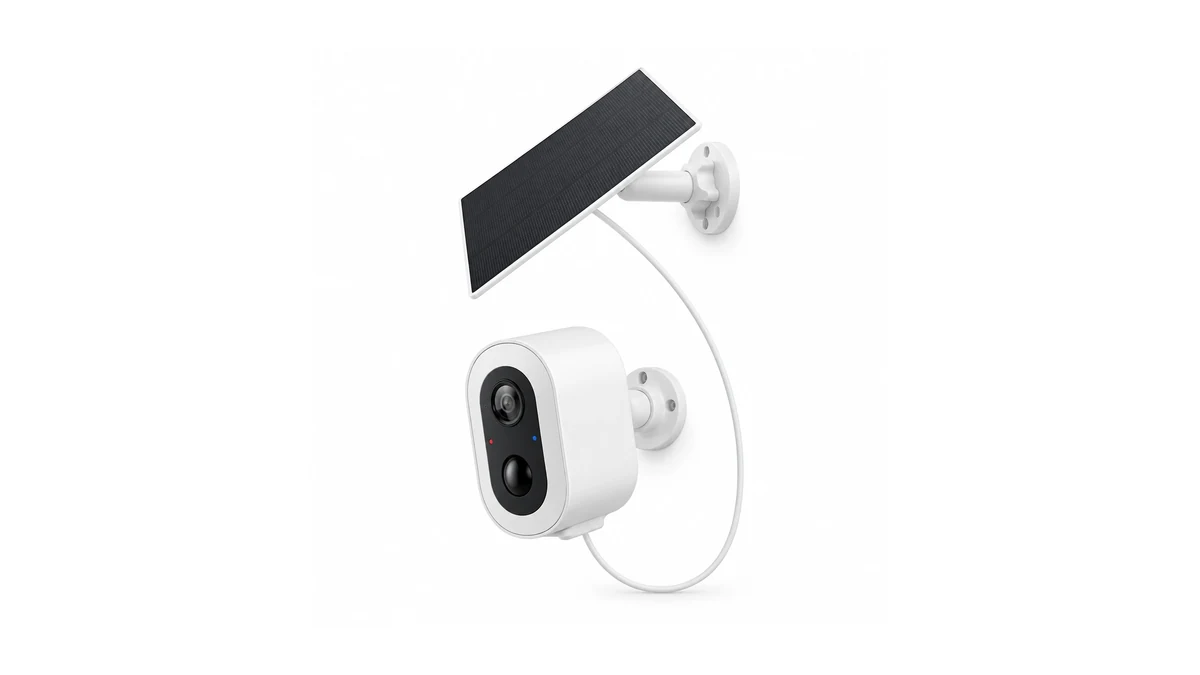
S7T-SP catalogue artwork. WiFi and 4G are separate order options, not proof of automatic switching.
| Model | Listed connection | Listed battery and panel | Meaning for a site without WiFi |
|---|---|---|---|
| S7L-SP-4G3 | 4G SIM; Tuya Smart | 9000mAh battery; separate 3.3W panel | A candidate for cellular monitoring. Destination LTE bands, carrier and app-region compatibility still need confirmation. |
| C13L | 2.4GHz WiFi; Tuya Smart / Smart Life | 5000mAh battery; separate 3W panel | Not a listed cellular model. Its solar panel does not replace the WiFi connection used for remote access. |
| S7T-SP | Supplied materials show WiFi and 4G order versions | 5200mAh and 9000mAh configurations shown; selected panel specification needs confirmation | Confirm the exact ordered version. Family artwork does not prove that one unit supports both connections. |
All three listings mention memory-card support up to 128GB. None of those statements, by itself, verifies offline startup, recording after a network loss, or continuous recording. Those are separate checks.
The S7T-SP is a useful example of why version details matter. Seeing WiFi and 4G in the same set of product materials does not mean that a WiFi unit will switch to cellular when the router stops working. Ask for the network version on the quotation and match it to the sample label and instructions.
Similarly, the S7L-SP-4G3 listing does not provide a confirmed LTE band list or guaranteed operating time. It is a starting point for a sample discussion, not a promise that any local SIM will work.
Separate recording, alerts and remote playback
A saved clip, an app notification and a remote playback session are three different outcomes. Test the one you actually need.
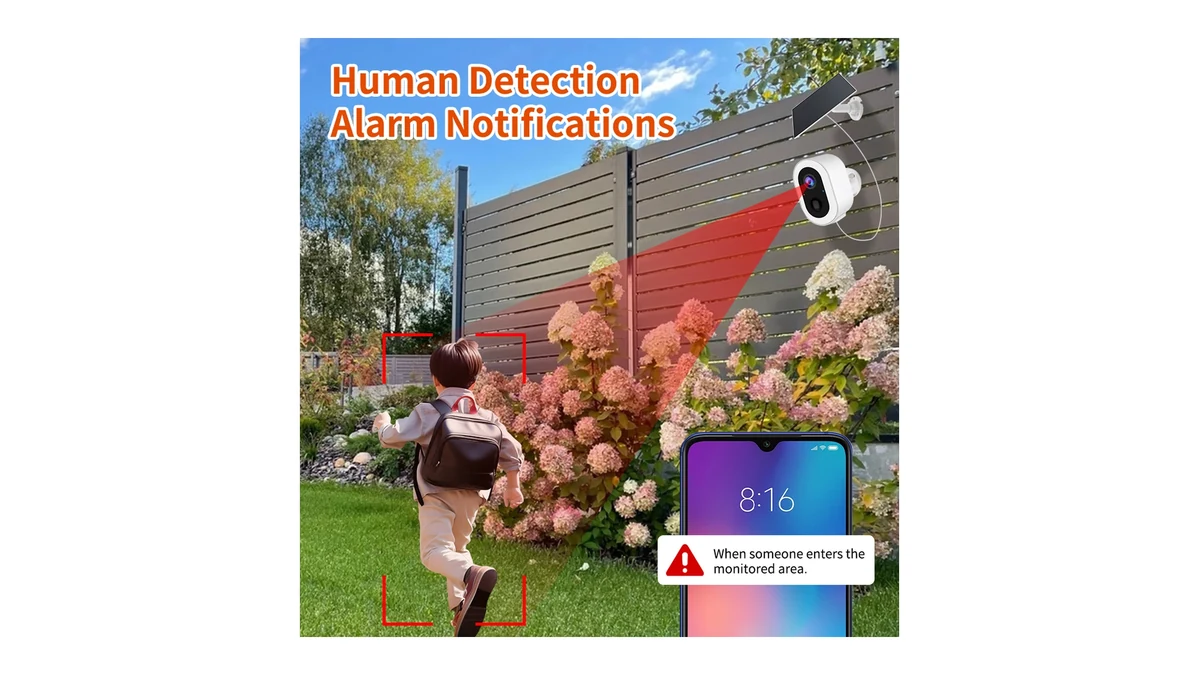
Catalogue illustration, not a captured app notification or a recorded test. Verify the saved clip independently of the alert.
A camera may save footage locally but become unreachable from your phone when its internet connection fails. That does not necessarily mean recording stopped. Conversely, a camera appearing online in an app does not prove that the expected clips were saved.
For a local-recording requirement, ask the supplier to demonstrate a complete sequence: setup, loss of the relevant network connection, a recorded event, and successful retrieval of that event. Include a restart if the camera must recover unattended after a loss of power.
Do not substitute one network test for another. Disconnecting a router’s internet connection leaves its local WiFi running. Switching off the router removes that local connection too. A successful test of one condition is not proof of the other.
For a cellular camera, ask separately what happens when service is unavailable or a data plan expires. Local storage behavior depends on the model and firmware. Also check how you will recover the recordings: an app, a supported local connection, or a card reader may be required. Do not assume every camera creates files that can be read directly on a computer.
If the camera and its only storage card are both taken, those local recordings are no longer available to you. Where retaining footage away from the camera matters, include a supported remote-storage path in the selection. That path requires connectivity when footage is transferred.
Treat solar charging and continuous recording as separate requirements
A solar panel can help replenish a battery. It does not add a recording mode that the camera hardware does not support. Reolink explicitly makes this distinction in its continuous-recording documentation: keeping a camera powered or charging does not necessarily make continuous recording available.2
In daylight, the panel is used to recharge the camera battery when conditions allow. After sunset, the panel is no longer the active power source; the camera runs from energy already stored in that battery. Whether it keeps recording, sleeps between events, or remains available for live view depends on the exact camera, firmware, recording mode and remaining charge. Solar power therefore does not create a separate night-recording mode.
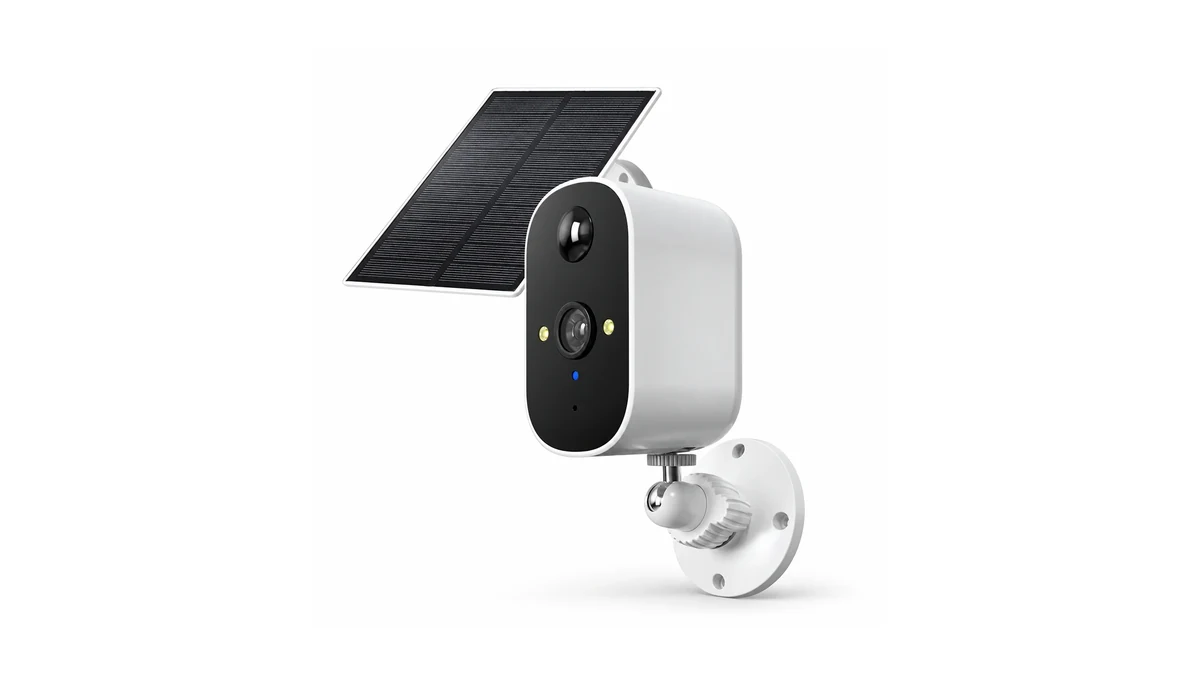
C13L camera and panel. The image does not establish charging yield, runtime or continuous-recording support.
An event-recording camera and a camera that records continuously perform different jobs. For an entrance, you may be satisfied with clips around detected activity. For a process you need to review from beginning to end, gaps between event clips may be unacceptable. Decide that before comparing battery sizes.
The 3.3W panel and 9000mAh battery listed for S7L-SP-4G3 are useful configuration details. They are not a calculation of how many days the camera will last at your site. The reviewed listing does not supply the operating-power measurements or charging yield needed to make that claim.
Panel placement, shade, weather and use all belong in the installation check. Reolink’s solar troubleshooting guidance also distinguishes poor charging from heavy camera use, including frequent activation and live viewing.3 Its numerical temperature limits and accessory recommendations should not be transferred to a different manufacturer’s camera.
For a QZT sample, request the selected panel’s compatibility and charging limits. Then observe battery behavior under the intended viewing and event pattern. One successful afternoon is not evidence of reliable operation through a run of cloudy days.
Check the sample before committing to the installation
Use this checklist for an authorized area of your own property or a site you manage. Treat it as a proposed acceptance check, not a claim that these tests have already been performed.
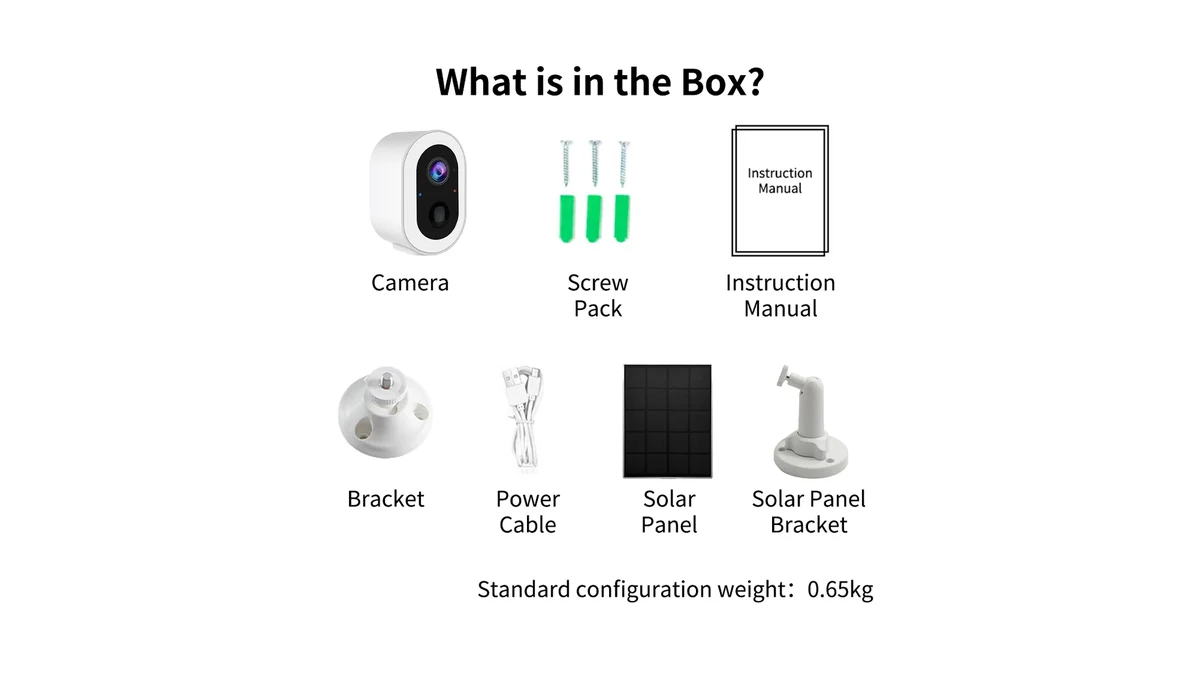
Existing S7T-SP package illustration, not a completed acceptance test. Match the delivered version and accessories to the quotation.
| Check | Evidence worth keeping |
|---|---|
| Identify the supplied unit | Model label, network version, battery configuration, firmware and matching instructions |
| Establish the intended connection | Actual destination SIM and service, or the intended WiFi network; successful access at the mounting position |
| Verify recording and retrieval | A known event with a recorded time, the saved clip and the method used to recover it |
| Check the required outage condition | Whether recording, notifications and access each continue or stop when that specific connection is unavailable |
| Check recovery | Whether the expected recording mode resumes after reconnection and a manufacturer-approved restart |
| Check charging under real use | Panel position, weather, event activity, live-view use and battery observations over an agreed evaluation period |
Make network changes only on equipment you control, and do not interrupt a working security installation just to test a sample. Follow the manufacturer’s instructions when restarting the camera or handling storage and SIM cards. Do not remove a card while the camera is writing to it.
For remote-viewing checks, use a phone connection that is independent of the camera’s local network. Otherwise, a successful preview may only demonstrate local access.
A useful sample request is specific:
The site has no WiFi. We need remote viewing and event recordings. Please confirm the network version for our country and carrier, the compatible SIM service, local recording during a connection loss, the footage-retrieval method, and the supplied solar-panel configuration.
Add the intended mounting position and expected use. That gives the supplier a requirement to verify, rather than an invitation to answer “yes, it is wireless.”
Frequently asked questions
Can a solar camera work without WiFi and without a SIM card?
For local recording, it can if the particular model supports setup and recording in those conditions. Remote viewing still needs a supported communication path. Do not buy a WiFi-only solar camera on the assumption that a memory card automatically makes it a fully standalone recorder.
Will a 4G solar camera keep recording if its data plan expires?
Do not assume so. Confirm the model’s local-recording behavior during a loss of service, whether that behavior survives a restart, and how saved files can be retrieved. The reviewed QZT listings do not verify that complete sequence for the three models compared above.
Does a solar panel mean the camera records 24/7?
No. Continuous recording must be supported by the camera, and its power system must support the intended workload. A larger battery or a connected panel does not establish either condition. Check the recording schedule and saved footage, not just the battery indicator.2
Does a 4G camera also connect to WiFi?
Only when that capability is explicitly listed for the exact version. Separate WiFi and 4G order options are not proof of dual connectivity or automatic failover. The phone you use to view the camera may use WiFi even when the camera itself connects through cellular service.
Does “no WiFi” also mean no monthly fees?
No. A cellular connection needs an appropriate active service. Cloud storage or other platform services can have separate terms. Ask for the hardware, SIM service and optional services to be identified separately; do not treat a free trial or an included SIM as a permanent data allowance.1
For a site without WiFi, narrow the choice in this order: how you will access the footage, the exact network version, the recording behavior, and the available charging conditions. Browse the QZT outdoor camera range with those requirements in hand. For the S7L-SP-4G3, include the destination country and carrier in the sample enquiry before treating it as a match.
-
Reolink Support, “How to Choose SIM Card for Reolink 4G Cameras.” Manufacturer-specific guidance; not confirmation of QZT carrier support. https://support.reolink.com/articles/360009756673-How-to-Choose-SIM-Card-for-Reolink-4G-Cameras/ ↩↩
-
Reolink Support, “Which Reolink Cameras Support Continuous Recording.” https://support.reolink.com/articles/900000420323-Which-Reolink-Cameras-Support-Continuous-Recording/ ↩↩
-
Reolink Support, “Reolink Solar Panels Not Working.” https://support.reolink.com/articles/360004062054-Reolink-Solar-Panels-Not-Working/ ↩

 English
  Italiano
  Deutsch
  Français
  Español
  Polski