
Audio changes the compliance picture entirely. Under EU law, a hidden camera capturing video may be defensible in a private setting, while the same unit recording sound can fall under interception and consent rules that carry criminal, not merely civil, exposure. This guide explains when a hidden camera actually records audio, how microphone-equipped models are classified across member states, and what resellers must document before shipping. We cover GDPR obligations, national one-party and two-party consent regimes, and the practical difference between a device that stores sound locally and one that streams it. Use it to brief buyers, write defensible product listings, and decide which SKUs should leave the warehouse with the microphone disabled by default.
Yes, many spy cameras can record sound. However, it depends on the specific model and, crucially, local laws. Some cameras have built-in microphones. Others are video-only to comply with regulations in regions that restrict audio recording. Always check the product specifications and your local laws first.
If you are choosing equipment rather than checking a suspicious room, compare the A57, USB charger and S2 hidden cameras with audio by power, storage and current price before ordering.
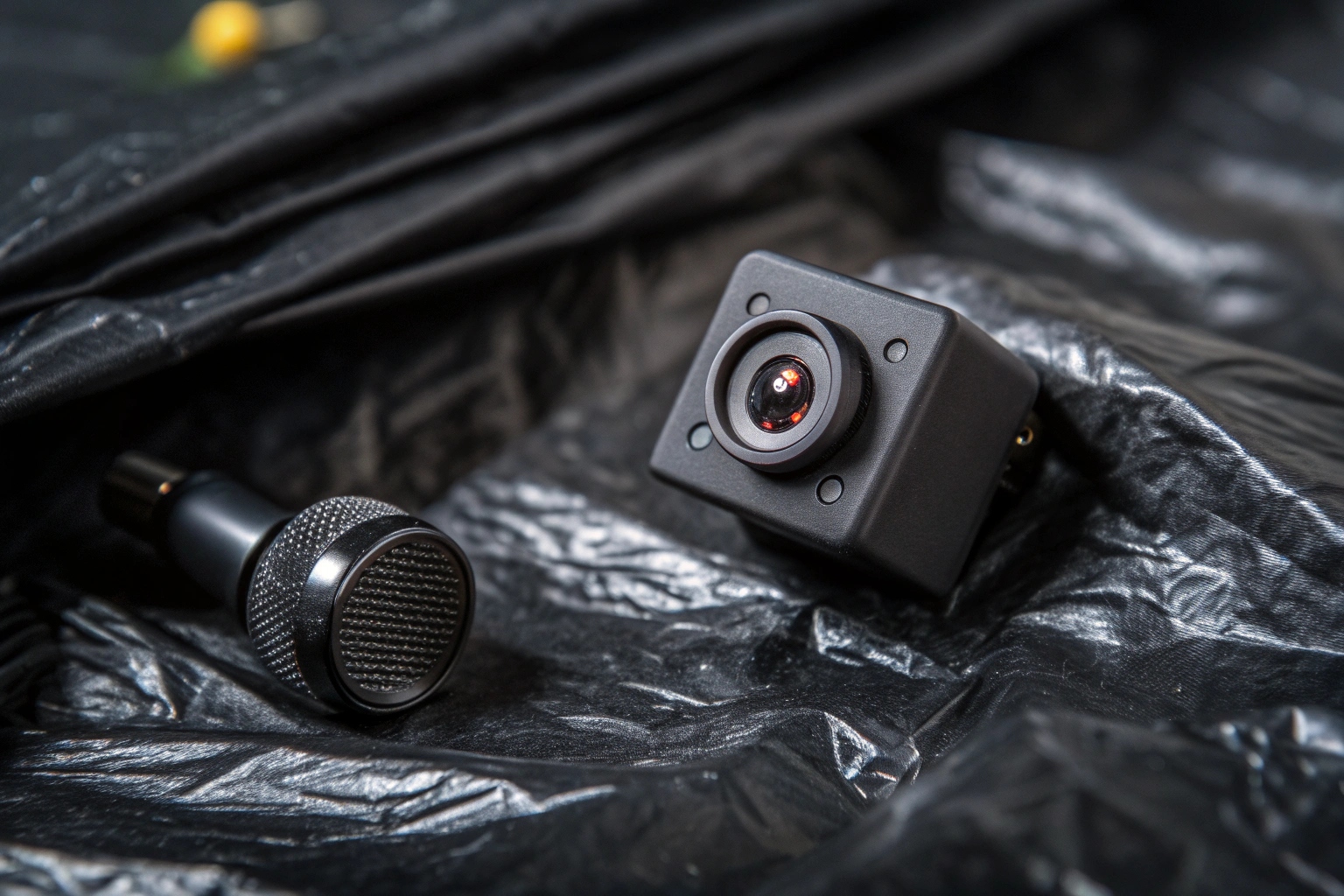
As a manufacturer, we at QZT often discuss this with our clients. Many, like our partners in Europe, are very careful about compliance. For example, a client in Poland named Piotr will only stock products with clear specifications. He needs to know if a product has audio so he can market it correctly and legally within the EU. The CE and ROHS certifications we provide are essential for him, as they prove the product’s compliance. It’s not just about what a camera can do, but what it should do legally. This is why knowing the features of a device is the first step toward using it responsibly and protecting everyone’s privacy.
How to tell if a hidden camera is recording?
You see a suspicious device but have no idea if it’s on. This uncertainty can be very stressful. You need a simple way to confirm if the device is active.
Look for small indicator lights, which may be faint red or blue dots. Use your phone’s front-facing camera to scan for infrared (IR) lights in the dark. An RF detector can also find signals broadcast by active, wireless cameras, confirming they are on and transmitting data.
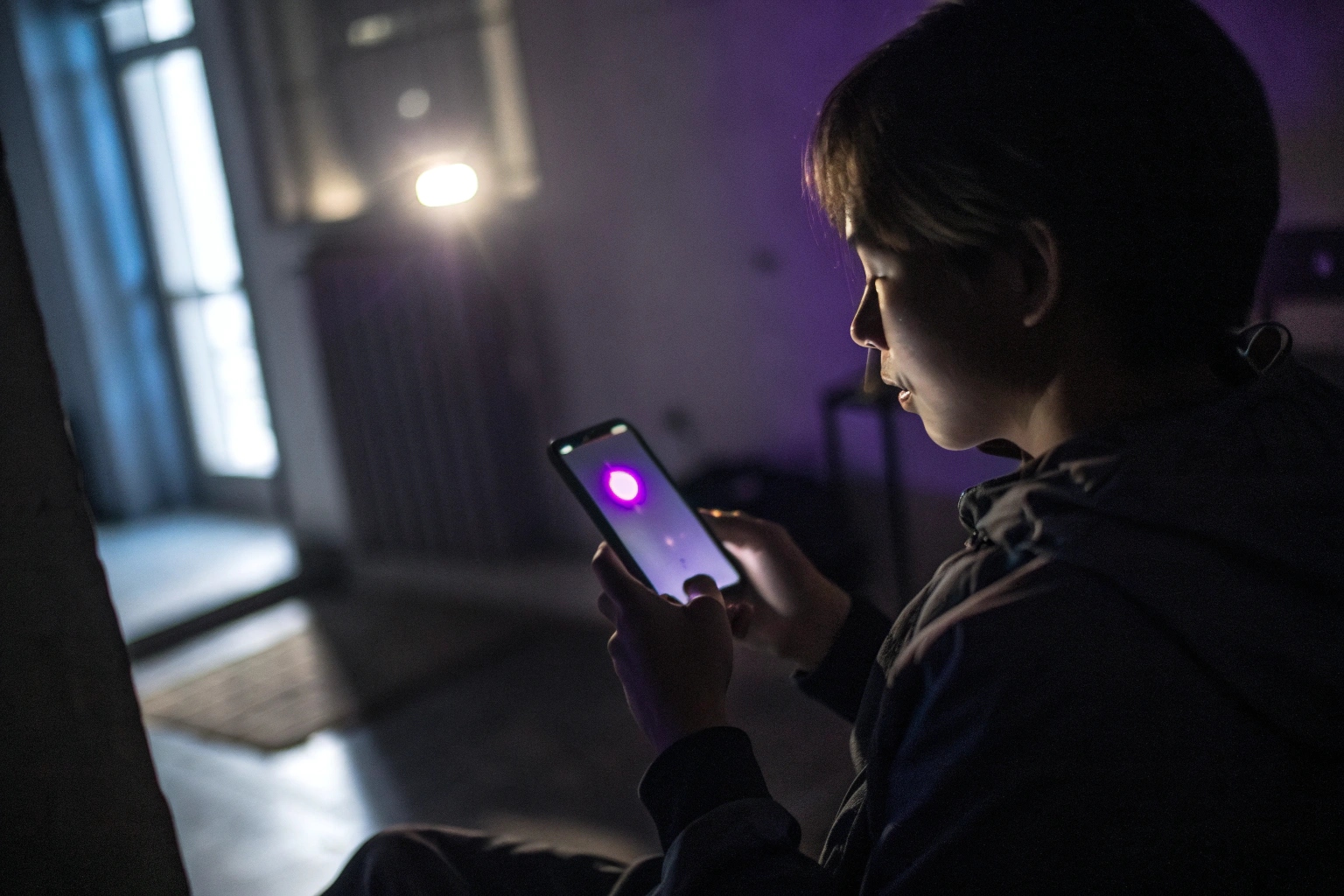
Let’s break this down further. There are two main ways to know if a camera is active: physical signs and electronic signals. I remember a client from Italy asking me about this. He runs an online store and wanted to provide helpful advice to his customers. We went over these methods so he could build more trust with his buyers.
Physical Clues
The easiest thing to look for is a light. Many cameras have a small LED that is on or blinks when recording. However, on our discreet models, this feature can often be turned off. Another physical sign can be a very faint clicking or buzzing sound, but you would need to be very close to the device to hear it. This is not a reliable method.
Technical Methods
This is where it gets more interesting. You can use technology to find active cameras.
| Method | How it Works | Pros | Cons |
|---|---|---|---|
| Phone Camera (IR) | The front-facing camera on many phones can see IR light. | Free, easy to use. | Only finds night-vision cameras. |
| RF Detector | Scans the room for radio frequency signals. | Very effective for Wi-Fi or 4G cameras. | You have to buy a special device. |
| Lens Detector | Flashes bright LEDs to reflect off a camera lens. | Can reveal an exposed camera lens even when the camera is not transmitting; it does not find every camera. | Requires a special device; takes practice. |
For our B2B clients, we often recommend they also understand RF detectors. It helps them answer advanced customer questions and show their expertise.
Can a detector find a hidden audio recording device?
Sometimes, but the answer depends on what the device is doing. An ordinary RF detector can help when a hidden microphone, recorder or bug is actively transmitting. A small recorder that only saves audio to internal memory may emit no useful RF signal at all.
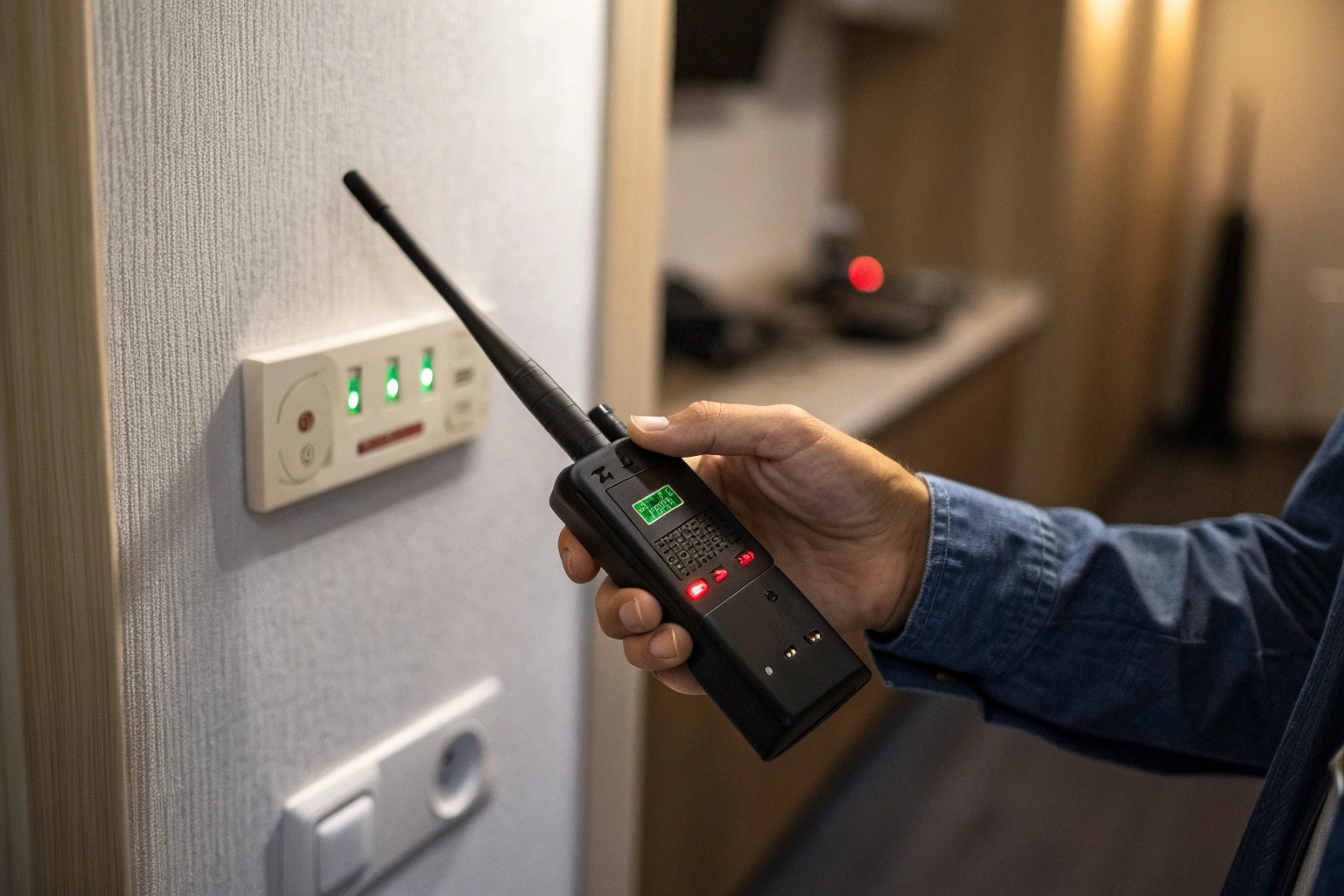
A passive voice recorder also has no camera lens for a lens-reflection detector to find. In that case, physical inspection becomes more important: inspect objects that do not belong, unexpected USB devices, pens, power banks, gaps and microphone openings.
RF scanning
Use RF scanning for a device that is transmitting over WiFi, cellular, Bluetooth or another radio link. Normal routers, phones, smart devices and Bluetooth accessories can produce readings too, so an alert identifies radio activity rather than the device’s purpose.
Specialized electronic searches
A non-linear junction detector (NLJD) is a different professional tool category. It looks for semiconductor junctions and can indicate electronic components even when a target is not actively transmitting. It can also respond to ordinary electronics, so it requires trained interpretation and should not be confused with a consumer RF/lens detector.
| Method | Useful for | Main limit |
|---|---|---|
| RF detector | Active radio transmitters | A passive/offline recorder may emit no useful RF; normal wireless devices also trigger readings |
| Lens reflection | Visible camera lenses | A voice-only recorder has no camera lens; covers and angles can hide a lens |
| NLJD | Electronic semiconductor components, including non-transmitting electronics | Professional/specialized equipment; benign electronics can also produce indications |
| Physical inspection | Confirming the suspicious object itself | Requires access, time and a systematic search |
Key point: “No RF alert” means no relevant RF alert under that sweep’s conditions. It does not mean “no recorder exists.” For the current QZT technical owner covering RF, lens, magnetic and offline-device limits, see RF or Lens Detection: What Can a Hidden Camera Detector Actually Find?.
How to tell if a room is being recorded?
Entering a hotel or meeting room feels risky. You are not sure who might be watching or listening. You need a systematic way to check your surroundings and feel safe.
First, do a thorough physical search. Check everyday objects like smoke detectors, clocks, and power outlets. Next, turn off the lights to scan for hidden camera IR lights with your phone. Finally, use an RF detector to sweep for broadcasting signals.
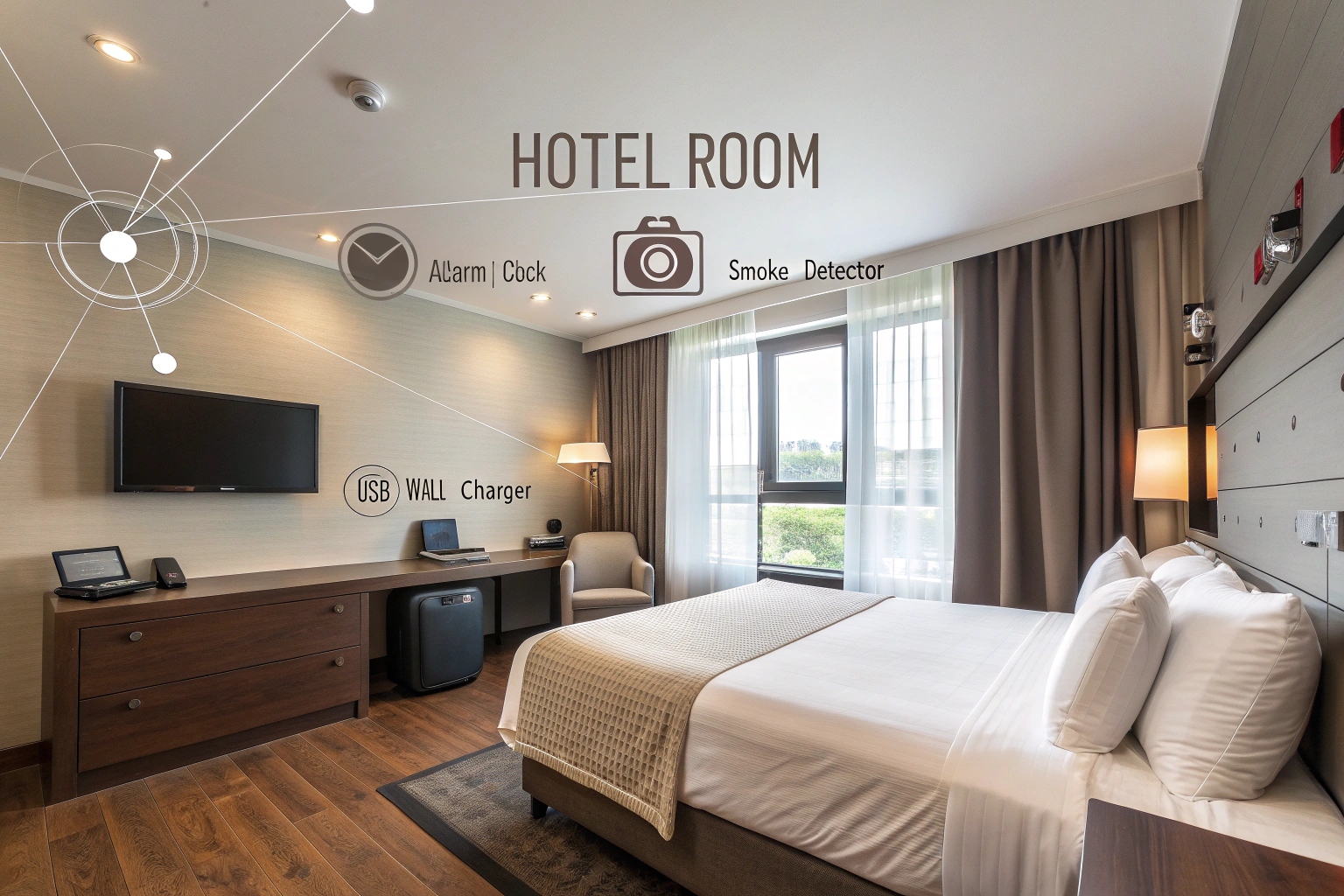
Checking a room a is a process of elimination. You can’t just glance around. You have to be methodical. This is advice I give to all my partners. They can then pass this on to their end-users. It shows they are a responsible seller. A systematic search combines physical inspection with technology.
Step 1: The Physical Sweep
Start by turning on all the lights and looking carefully. Unplug electronics like clocks and lamps and inspect them. Look for suspicious wires or tiny holes. Look at objects from different angles. Sit on the bed or at the desk and ask yourself: what has a clear view of this spot? Check those items first. Think about our Tuya DIY modules. They are tiny cameras that can be built into any object. So, you have to be suspicious of everything.
Step 2: The Light-Out Test
This is a simple but effective trick. Turn off all the lights and close the curtains. The room should be as dark as possible. Now, turn on your phone’s front-facing camera (the selfie camera). Slowly scan the room with your phone. Many hidden cameras use infrared (IR) LEDs for night vision. They are invisible to your eye, but your phone’s camera will see them as a small, glowing purple or white light.
Step 3: The Electronic Scan
If the device is a wireless camera or an audio bug that sends out data, an RF detector will find it. Turn off all known wireless devices, like the hotel Wi-Fi and your phone. Then, slowly sweep the RF detector around the room. Pay close attention to outlets, light fixtures, and electronics. The detector will beep or light up when it finds a signal.
How to tell if there is a hidden recording device or a hidden camera in a vehicle?
The thought of being monitored in your own car is a huge privacy violation. It is a small space, but devices can be well-hidden. You need to know how to search your car effectively.
Check areas with a clear view and a power source. Look under the dashboard, around the rearview mirror, in sun visors, and near the center console. Use a flashlight to inspect vents and crevices. An RF detector is also very effective for finding GPS trackers or cameras.

Cars offer many hiding spots and, more importantly, many power sources. This makes them a common target. When our R&D team works on new products, we often consider vehicle applications. This gives me insight into where someone might place a device.
Common Hiding Places in a Car
The key is to look for places that provide a good view or can hide a GPS tracker. The most common spots are those with easy access to power. A device can be hardwired into the car’s electrical system, or it can be a simple plug-in device.
Power Sources are the Key
A recording device needs electricity. In a car, this is easy to find. This gives you a big clue about where to look.
| Location | Why it’s a good spot | How to Check |
|---|---|---|
| Rearview Mirror | Clear view of the cabin; has power wires. | Physically inspect the front and back of the mirror. |
| Under Dashboard | Many wires for power; very hidden. | Use a flashlight and a mirror to look up from the floor. |
| OBD-II Port | Constant power; easy to plug in a tracker. | Check the port (usually under the steering wheel) for devices. |
| Under Seats | Hidden from view; can hide a battery-powered device. | Slide seats forward and back; check all crevices. |
I once had a conversation with a distributor about this. He was adding GPS trackers to his product line. He confirmed that the OBD-II port is the most popular spot for trackers because it’s “plug and play” and provides constant power. So, that’s one of the first places I would tell a friend to check if they were suspicious.
Conclusion
Knowing that spy cameras can record audio is critical. By using methodical physical searches and simple electronic detectors, you can effectively protect your privacy in any room or vehicle.

 English
  Italiano
  Deutsch
  Français
  Español
  Polski