
Z10 WiFi Clock Camera: A Complete Distributor’s Buying Guide for 2026
A customer in Barbados unboxed his Z10 clock camera, plugged it in, and found that it would not charge. He tried multiple USB cables. He tried different power adapters. Nothing. He asked to return it and convert the refund into credit toward W8 pen cameras instead. The supplier agreed — but the trust cost was higher than the transaction cost.
A customer in Romania had a Z10 that worked perfectly for months. Then his Android phone received an operating system update, and the companion app stopped launching. The app had not been updated to support the new Android version. He now had a perfectly functional camera that he could not configure or access.
A customer in the United States told a supplier that the Z10 was more expensive than competing clock cameras on Amazon — and the supplier had to explain, without resorting to “you get what you pay for,” why the price difference was justified.
The Z10 WiFi Clock Camera is the most popular mains-powered hidden camera in the QZT catalogue. It is also the product that generates the most nuanced after-sales questions, because a clock camera is not a one-time purchase — it is deployed permanently, runs 24 hours a day, and depends on an app that must remain compatible with two mobile operating systems that update themselves automatically.
What Exactly Is the Z10 WiFi Clock Camera?
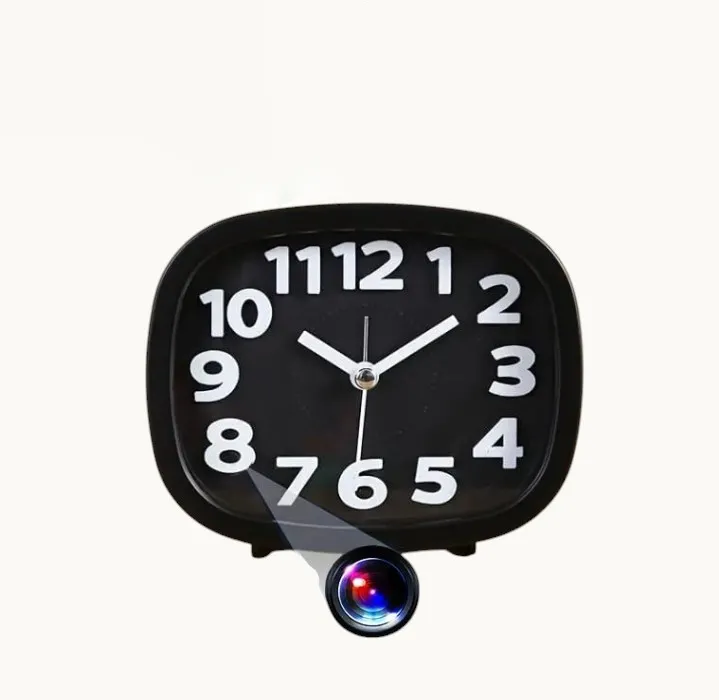
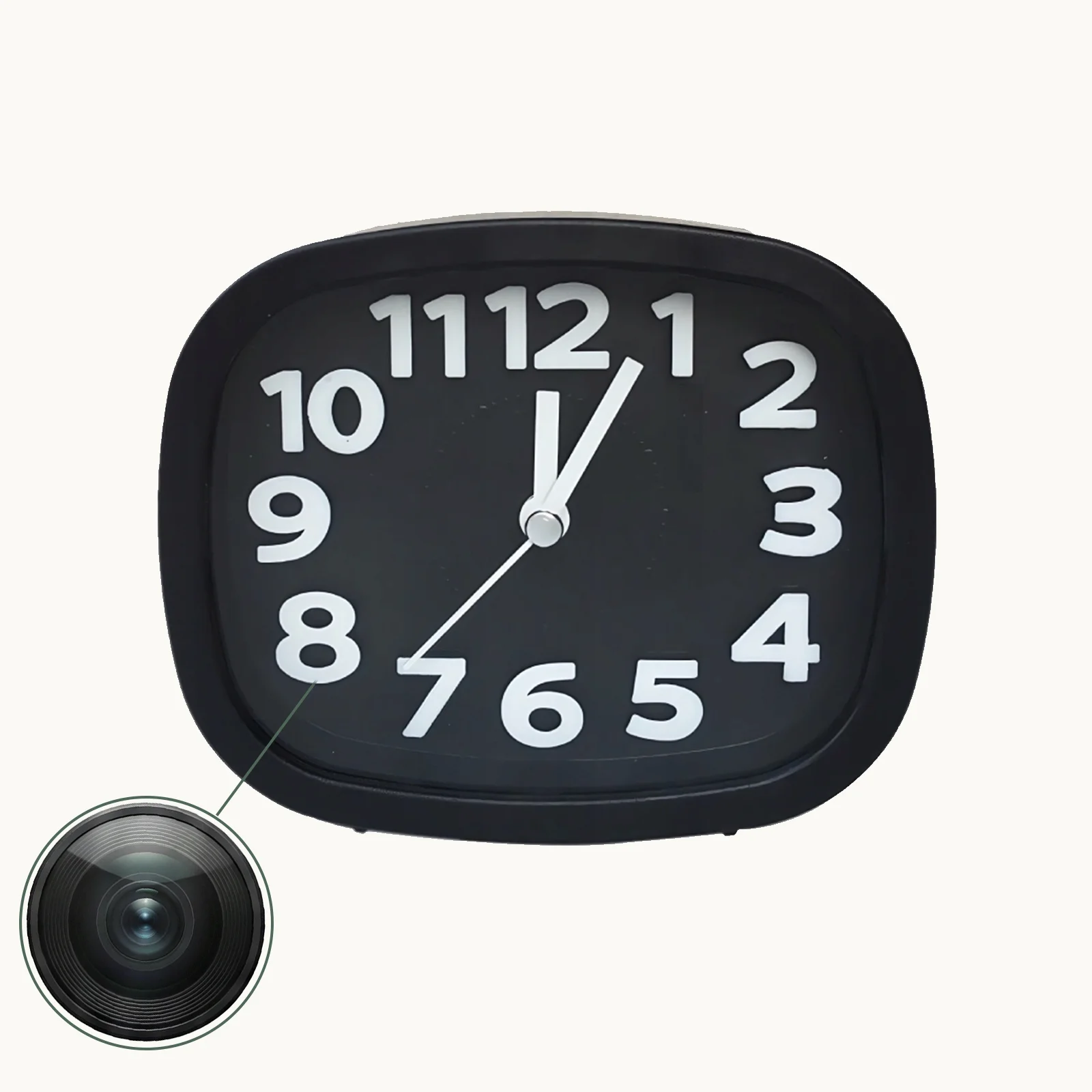
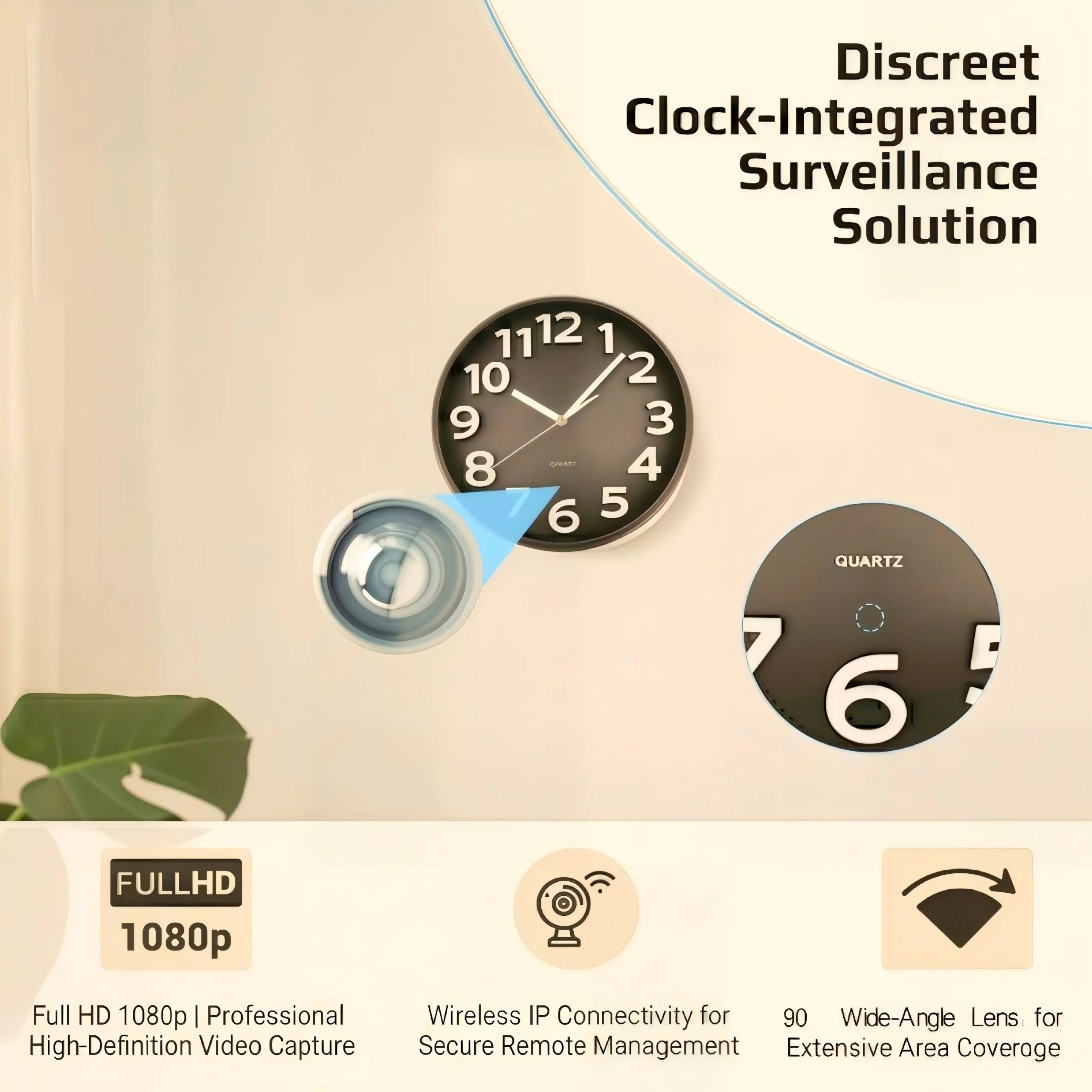
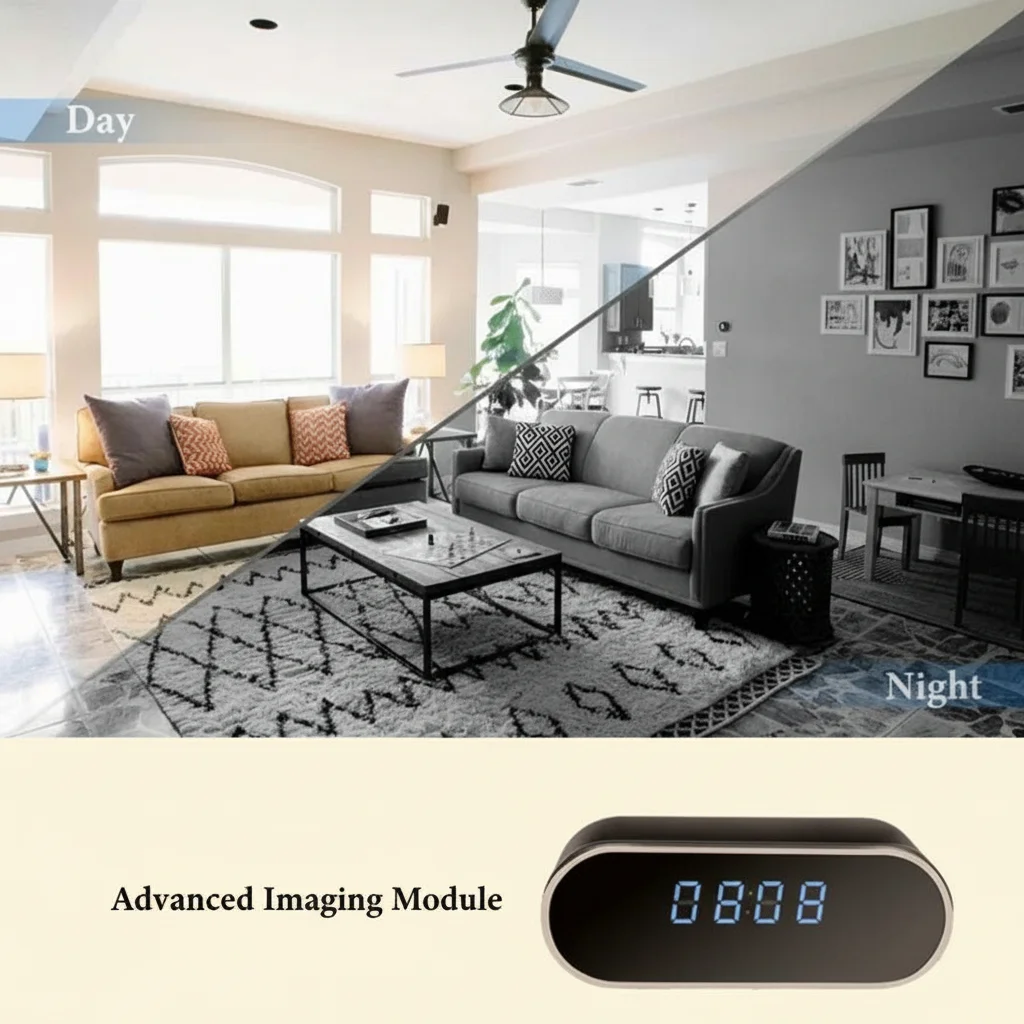
The Z10 is a fully functional LED digital alarm clock that contains a 1080p WiFi camera behind its front display panel. The clock face is a mirror-finished surface — when the LED digits are lit, the camera lens is invisible to anyone standing more than 30 centimetres away. The camera captures 1080p video at 30 frames per second, supports motion detection with push notifications, and records continuously as long as it is plugged into a standard USB power adapter.
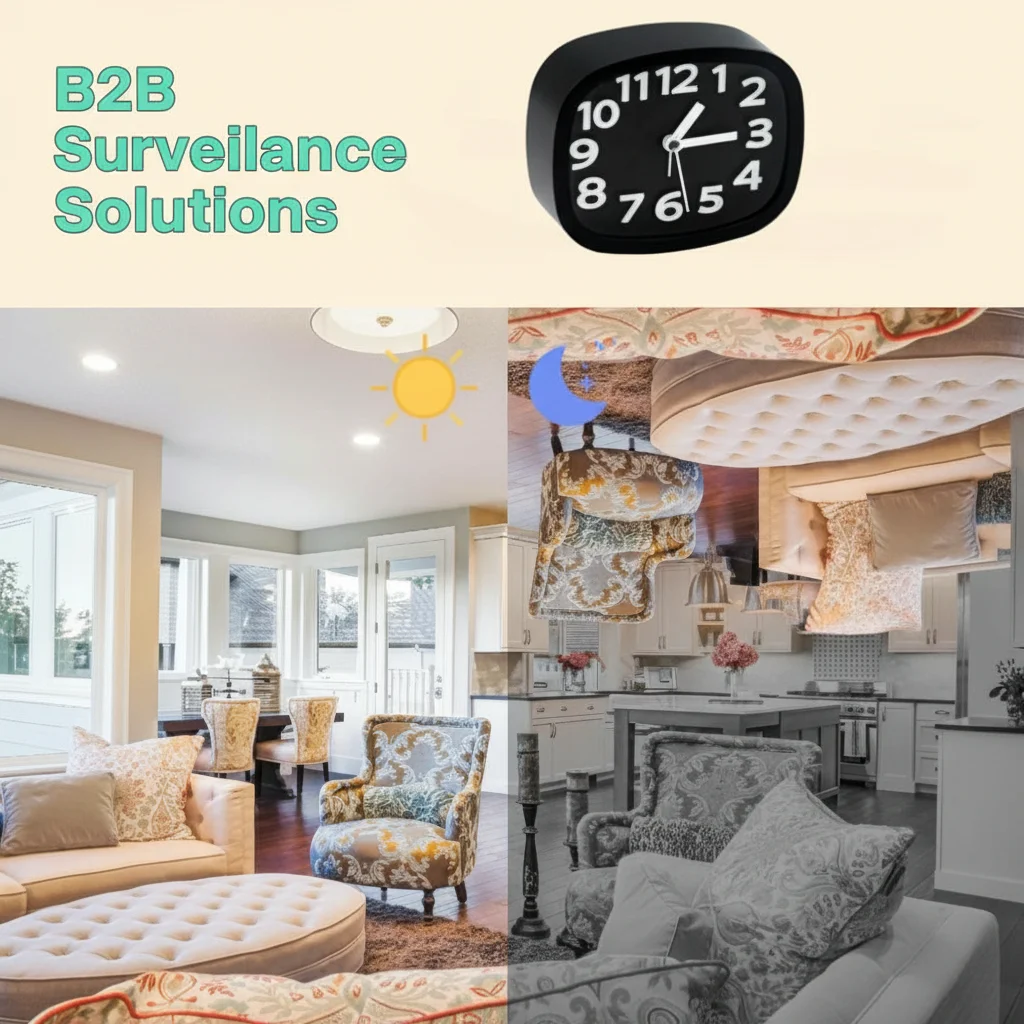
It is designed as a permanent installation device: place it on a bedside table, a living room shelf, or an office desk, plug it in, pair it with the companion app over 2.4GHz WiFi, and it monitors the room indefinitely. The form factor is indistinguishable from ordinary alarm clocks sold in electronics shops across Europe.
Key specifications for distributors:
– Video: 1080p at 30fps, H.264 encoding
– Audio: Yes, built-in microphone
– Night Vision: Infrared LEDs, automatic switching at low light
– Storage: microSD card up to 128GB (loop recording enabled by default)
– Power: USB powered (mains adapter included), no internal battery
– App: Tuya Smart / Smart Life (current models), previously a proprietary app on older units
– WiFi: 2.4GHz only (5GHz is not supported — this is a common pre-purchase question)
The Android App Compatibility Issue and How It Got Resolved
The Z10 has been on the market long enough to have gone through an app migration. Older Z10 units used a proprietary QZT app. Newer Z10 units ship with the Tuya Smart platform.
This migration created a real problem for distributors who had sold older-stock Z10s. When Android released a version update that broke compatibility with the proprietary app, customers who had been using the Z10 without issues suddenly could not access their cameras. The QZT response — providing the Tuya app version as a replacement and shipping new Tuya-compatible Z10 units to affected customers — was the correct long-term fix, but the short-term experience for those customers was negative.
The practical lesson for distributors: always verify the app platform version of any Z10 stock before shipment, particularly if units have been in inventory for more than six months. The current-production Z10 uses the Tuya platform, which eliminates the Android-compatibility risk because Tuya maintains the app independently and updates it for every major OS release.
If you receive a customer complaint about an Android app not working on a Z10, the first diagnostic question is: “Which app version is the camera running — Tuya or proprietary?” If the answer is proprietary, the unit needs to be replaced with a Tuya-compatible model.
Charging Problems: What Causes Them and How to Prevent Them
The Z10 charges through a standard micro-USB or USB-C port (depending on the production batch). The charging problem reported by multiple customers — camera will not power on, LED does not illuminate, no response to any power source — has two main causes at the hardware level:
1. Loose USB port solder joints. The Z10’s USB port is surface-mounted to the PCB. Units that experience rough handling during shipping — particularly international freight where boxes are stacked, dropped, and vibrated for days — can develop microscopic cracks in the solder joints connecting the USB port to the board. The port looks intact externally but does not make reliable electrical contact.
2. Power adapter incompatibility. The Z10 requires a 5V/1A or 5V/2A USB power adapter. Some fast-charging adapters (Qualcomm Quick Charge, USB-PD) attempt to negotiate higher voltages with the connected device. The Z10 does not support fast-charge negotiation protocols and may refuse to power on when connected to these adapters, appearing to be faulty when it is simply incompatible with the charger.
The distributor-level quality check before shipment: connect each Z10 unit to a standard 5V/1A USB adapter (not a fast charger), verify the clock display illuminates within 15 seconds, and leave it powered for 10 minutes to confirm stable operation. This catches the vast majority of charging-related faults before the unit reaches the end customer.
Pricing Objections: What Competitors Charge and Why the Z10 Costs More
The Z10 is consistently priced above generic clock cameras listed on Amazon, AliExpress, and Temu. A US buyer explicitly questioned the price premium. A Nigerian buyer balked at the quote for the Z10 “Emperor Clock” variant.
The price difference is real — and defensible — for three reasons:
1. The Tuya platform integration. Generic clock cameras use proprietary apps with limited language support, no cloud infrastructure, and no automatic firmware updates. The Tuya version of the Z10 connects to an IoT platform maintained by a publicly traded company with permanent app store presence and GDPR-compliant EU data centres. That infrastructure costs money, and it shows in the unit price.
2. The mirror-finish display and lens concealment. Many budget clock cameras have visible lens apertures — a small dark circle on the clock face — that can be spotted by someone standing close to the device. The Z10’s mirror-finish display uses a one-way reflective coating that costs more to manufacture but makes the lens essentially invisible from more than 30 centimetres.
3. Factory testing and CE certification. The Z10 ships with CE certification documentation pre-prepared. Budget competitors often lack CE marking or use forged certificates — a risk that EU distributors cannot afford to take.
For distributors handling the pricing conversation with price-sensitive buyers, the most effective framing is not “our quality is better” — every supplier says that — but “our compliance paperwork is complete, our app will still work after the next Android update, and the lens is actually invisible. Here is a photo of a budget clock camera with the lens visible. Here is the Z10.”
Key Takeaway: The Z10 Is a Permanent-Installation Product — Sell It That Way
The Z10 is not a portable spy gadget. It is designed to sit in one location, plugged in, for months or years without intervention. The customers who are most satisfied with it are those who deploy it as a permanent security fixture — a nanny cam, a living room monitor, an office security device — and treat the app as a secondary access method rather than the primary way they interact with the camera day to day.
The customers who have problems are those who treat it as a consumer gadget — unplugging it frequently, trying to use it on battery (it has none), expecting it to connect to 5GHz WiFi (it cannot), or relying on the app as the sole interface for daily use (the app works reliably for periodic checking and configuration, not for continuous live streaming as a monitor replacement).
For distributors, the recommendation to pass on to end customers is simple and proven:
1. Place the Z10 where it will stay permanently — moving it risks USB port solder fatigue.
2. Use the included 5V adapter, not a third-party fast charger.
3. Verify the app platform is Tuya before selling — this eliminates the Android incompatibility problem.
4. Configure the camera to record on motion detection to SD card. Use the app for periodic checking, not as a 24/7 video monitor.
5. Format the SD card in the camera once after initial setup. Do not format it on a computer and reinsert it.
That five-point setup guidance would prevent approximately 80% of the after-sales issues that reach distributor support desks.
Frequently Asked Questions
Does the Z10 have a battery backup?
No. The Z10 requires continuous mains power through its USB adapter. If power is cut, the camera stops recording and the clock display goes dark. For deployments where power continuity is critical, consider connecting the Z10 to a small UPS (uninterruptible power supply).
Can I connect the Z10 to a 5GHz WiFi network?
No. The Z10 only supports 2.4GHz WiFi (802.11 b/g/n). This is standard for IoT cameras — 2.4GHz provides better range through walls — but it means the Z10 cannot connect to WiFi networks that only broadcast on the 5GHz band.
Is the clock display visible in a dark room?
Yes. The LED digits are adjustable for brightness and can be dimmed to a very low level that is visible close up but not bright enough to disturb sleep. The infrared night vision LEDs are separate from the clock display and activate automatically when ambient light drops below a threshold.
Can the Z10’s camera be detected by anti-spy camera detectors?
Like any camera with a lens, the Z10’s lens reflects light and can be detected by laser-based camera finders. The mirror-finish display makes visual detection much harder — the lens reflection is behind the one-way mirror coating — but it is not completely immune to detection by dedicated equipment.
How long does the microSD card recording last before loop recording overwrites it?
At 1080p/30fps, a 32GB card holds approximately 6–8 hours; a 64GB card holds 12–16 hours; a 128GB card holds 24–32 hours. In motion detection mode, these numbers roughly triple to quintuple depending on how frequently motion is detected. For deployment as a monitoring camera in a moderately active room, a 64GB card typically provides 3–5 days of motion-detected footage before loop recording begins overwriting.
What is the actual WiFi range of the Z10?
In an open indoor space with a standard 2.4GHz router, the Z10 maintains a reliable connection at distances up to 20–25 metres. Through two interior walls, the range typically drops to 10–15 metres. The camera’s WiFi antenna is integrated into the PCB and is optimised for stability rather than extreme range.
For bulk pricing on the Z10 WiFi Clock Camera and technical documentation for your distribution channel, contact QZT Security. Sample units are available for distributors who need to verify app compatibility and Tuya platform integration before ordering.

 English
  Italiano
  Deutsch
  Français
  Español
  Polski