
Should I Buy a WiFi or Non-WiFi Hidden Camera? A Practical Guide for 2026
If you have been comparing hidden cameras online, you have probably noticed something confusing: the same basic product — say, a power bank camera or a pen camera — comes in two versions that look nearly identical but differ by one feature. One connects to your phone via WiFi. The other does not. The price gap is real. The decision is not as simple as it seems.
Here is the core tension. WiFi cameras let you check your living room or office from anywhere in the world using a smartphone app. That is genuinely useful if you travel frequently or manage a rental property. But that wireless connection comes with trade-offs: higher power consumption, the need for a stable network, and one more layer of potential security risk. Non-WiFi cameras record to a local SD card and require you to physically retrieve the footage. That sounds inconvenient — and sometimes it is — but it also means the footage never leaves your hands until you decide it should.
This guide cuts through the marketing noise. By the end, you will know exactly which type fits your situation, which QZT models to look at, and what to watch out for before placing an order.
What Is the Actual Difference Between WiFi and Non-WiFi Hidden Cameras?

The distinction goes deeper than the price tag on the product page.
A non-WiFi hidden camera writes footage directly to an SD card inside the device. When you want to watch the recording, you open the card slot, take out the card, and plug it into a computer or card reader. Some models also show footage on a small built-in screen. That is it. No app. No password. No network.
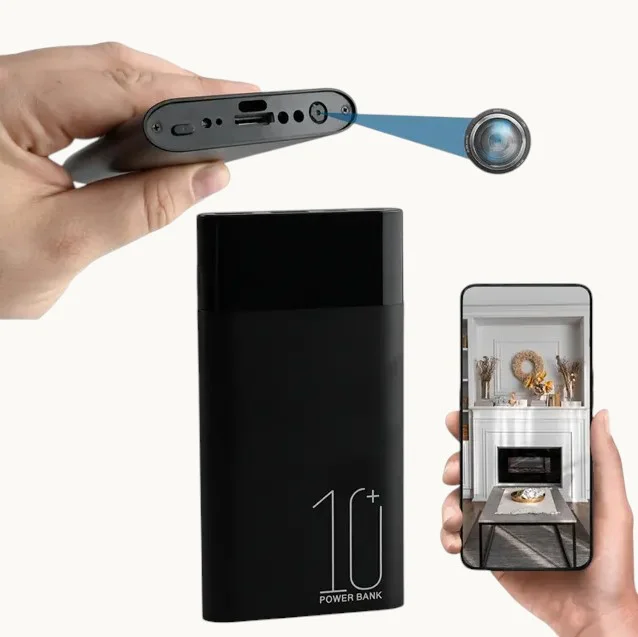
A WiFi hidden camera does everything a non-WiFi model does — and adds a wireless transmitter. When the camera connects to your home or office router, the companion app on your phone can pull a live video feed, review saved recordings stored on the SD card, and receive motion-triggered push notifications. Some models, including the QZT WiFi Power Bank Camera, let you switch between remote live view and local-only recording depending on whether you have a network available.
Here is what most product listings do not tell you clearly: a non-WiFi camera is not a “downgraded” version of a WiFi camera. It is a different tool designed for different use cases. The sooner you accept that, the easier the decision becomes.
When a WiFi Hidden Camera Is the Right Choice
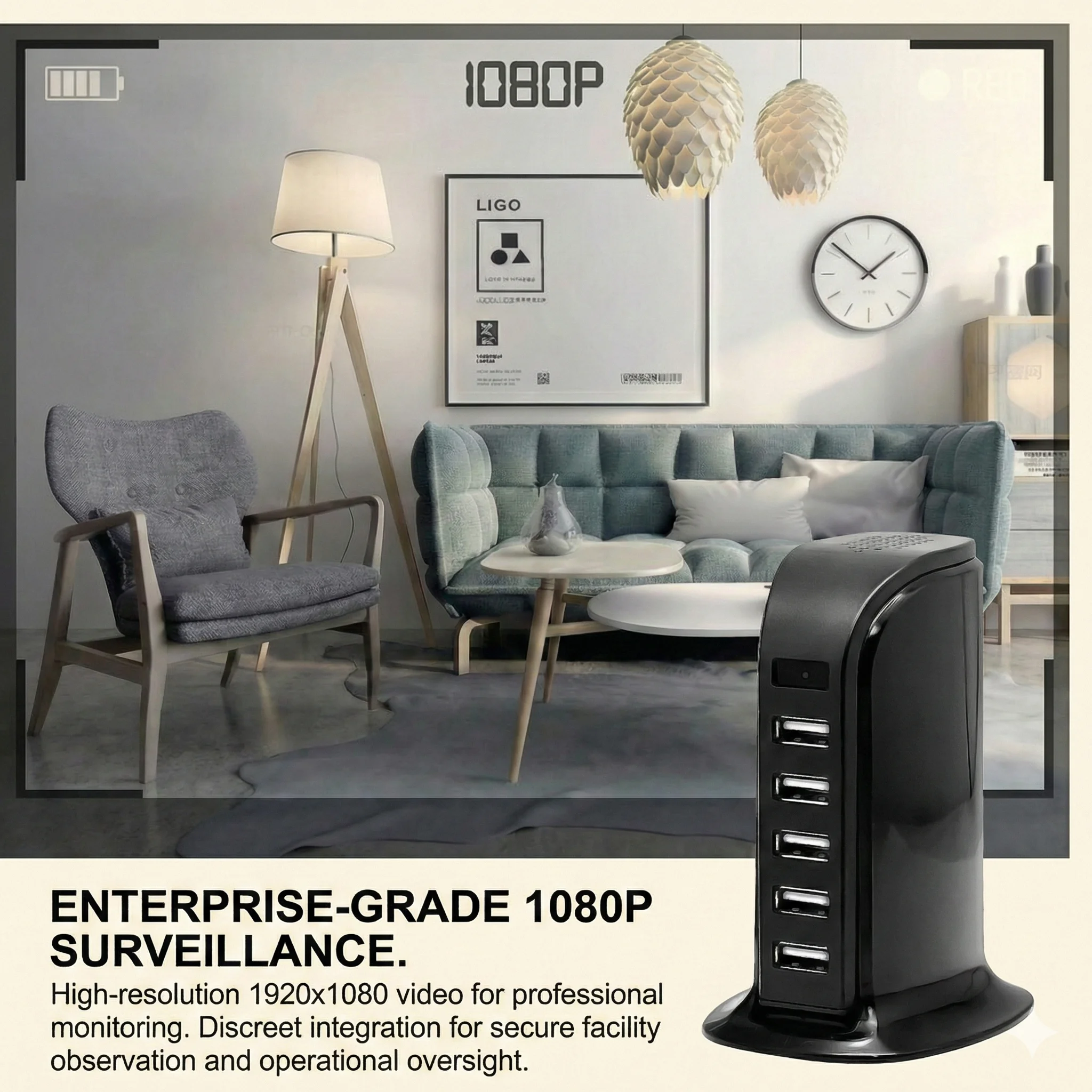
Let me be specific about when the extra cost and complexity actually pay off.
Remote property monitoring is the clearest use case. If you own a rental apartment in Berlin, a holiday let in Tuscany, or a workshop that you visit only twice a week, a WiFi camera gives you eyes on the space without driving there. Motion alerts tell you the moment someone enters. You can check the live feed from your phone while on holiday in Thailand.
Real-time household awareness works the same way. Parents who want to check on a live-in carer or a child at home while at the office get genuine value from remote viewing. The QZT WiFi Clock Camera is particularly popular for this — it looks like an ordinary alarm clock on a bedside table but streams 1080p video to your phone and can record continuously as long as it stays plugged in.
Multiple-camera management scales better with WiFi. Most companion apps let you view four, eight, or more camera feeds simultaneously. For a small shop owner running three or four hidden cameras across a retail space, the consolidated app view replaces the tedious process of checking individual SD cards.
Temporary deployment suits WiFi cameras well. Set the camera up for a week to catch whoever is accessing your home office while you travel, then move it. You never have to physically retrieve an SD card from a locked room — you download the footage remotely and reformat the card from the app.
The common thread is this: if you need to act on what the camera sees now — or from anywhere — WiFi earns its place. If you just need the footage later, WiFi is optional.
When a Non-WiFi Hidden Camera Is the Smarter Buy
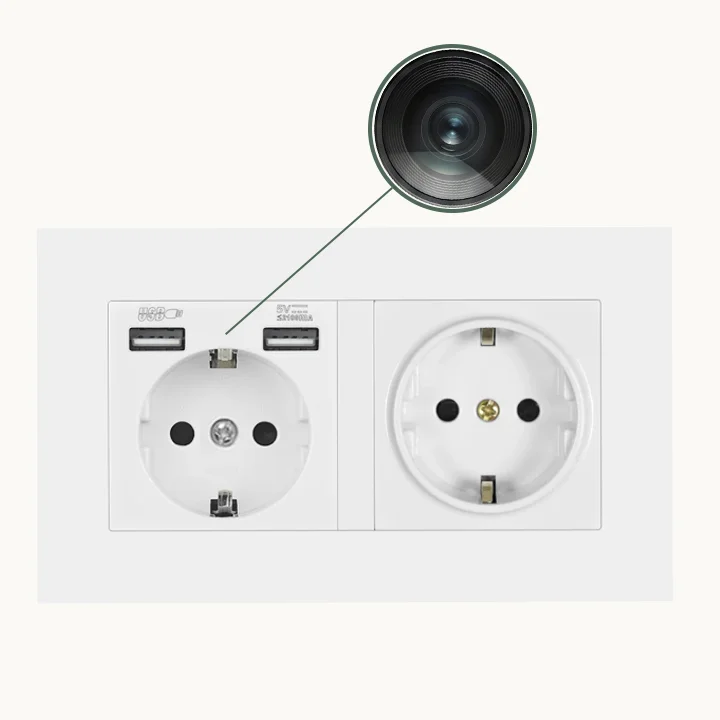
Not every situation benefits from remote connectivity. In fact, for some buyers, non-WiFi cameras are the objectively better choice.
No-network environments make WiFi cameras useless. Some properties — particularly in rural France, older buildings in Italy, or secure facilities — do not have reliable WiFi. A camera that cannot connect to any network reverts to local recording anyway, so you have paid for a feature you cannot use.
Maximum security environments are another consideration. Banks, legal offices, and government facilities often prohibit network-connected surveillance devices for data security reasons. A non-WiFi camera recording to an SD card kept in a locked drawer is the only compliant option in those settings.
Sensitive investigations benefit from the air-gapped approach. If a private investigator or a business owner needs to document activity without any digital footprint on the local network, a non-WiFi device ensures the footage cannot be intercepted, remotely accessed, or accidentally exposed by a weak app password.
Budget-conscious bulk buyers often find that non-WiFi models offer better value per unit. For a distributor stocking a retail shelf, the lower price point of non-WiFi variants appeals to end customers who simply want a reliable local-recording device — and that is a significant portion of the market.
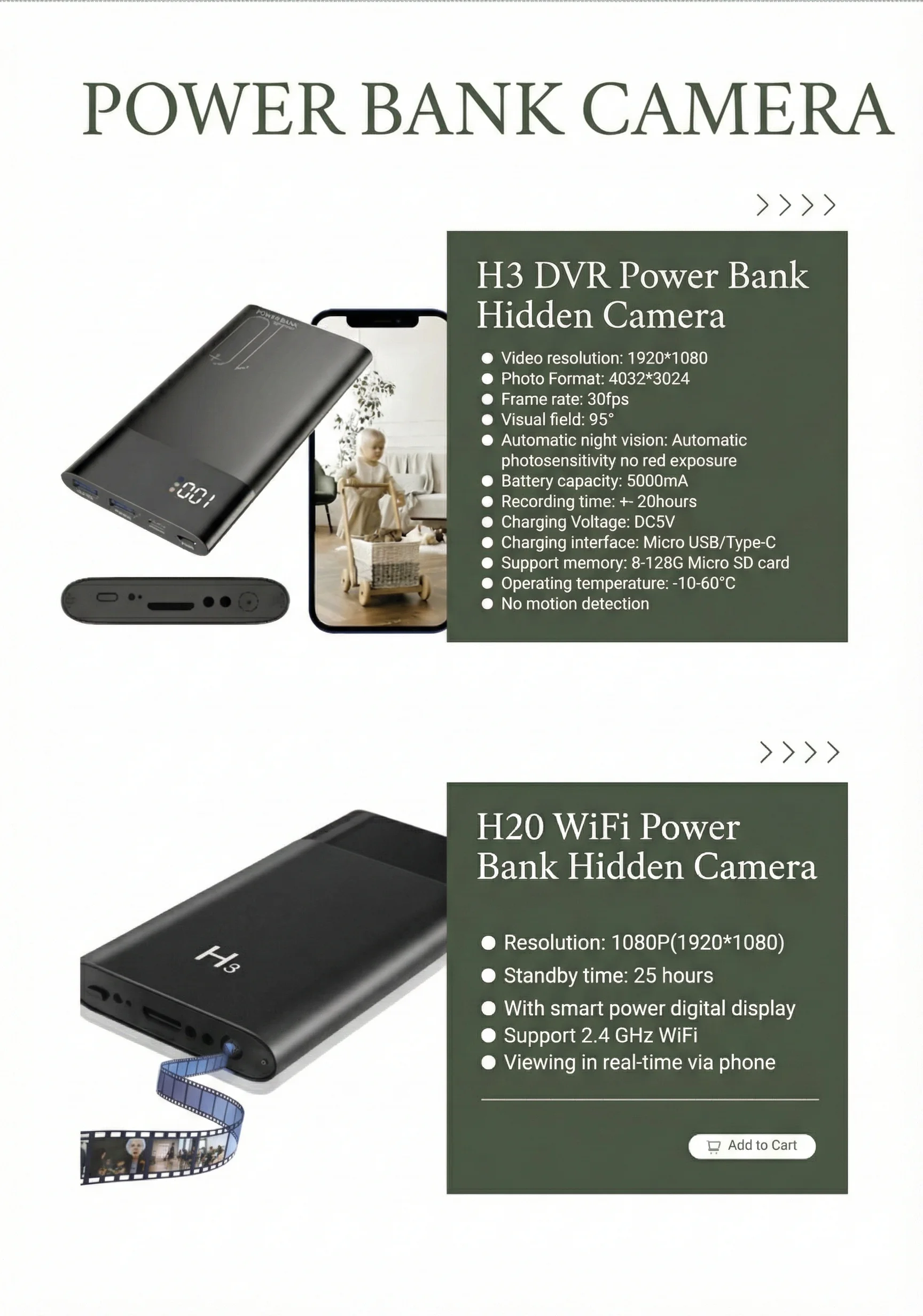
The QZT Power Bank Hidden Camera and the QZT USB Flash Drive Spy Camera are two of the most popular non-WiFi models in the current QZT lineup.
How WiFi Affects Battery Life and Recording Time
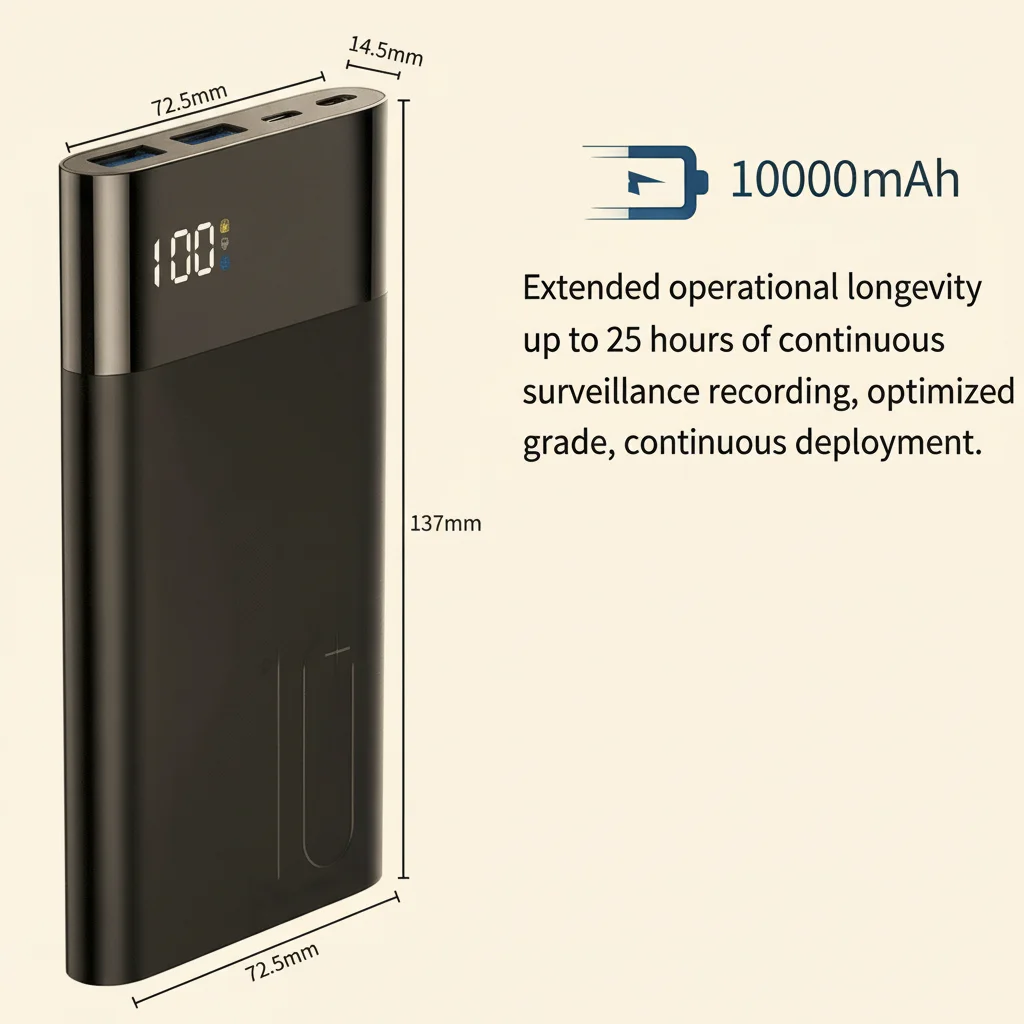
This is where the trade-off becomes quantitative rather than qualitative.
WiFi radios draw meaningful power. A module that transmits video over your home network consumes considerably more battery than a camera that simply writes data to a local card. The practical impact varies by form factor:
– A WiFi power bank camera might give you 4–6 hours of continuous recording versus 6–8 hours for the non-WiFi version of the same product.
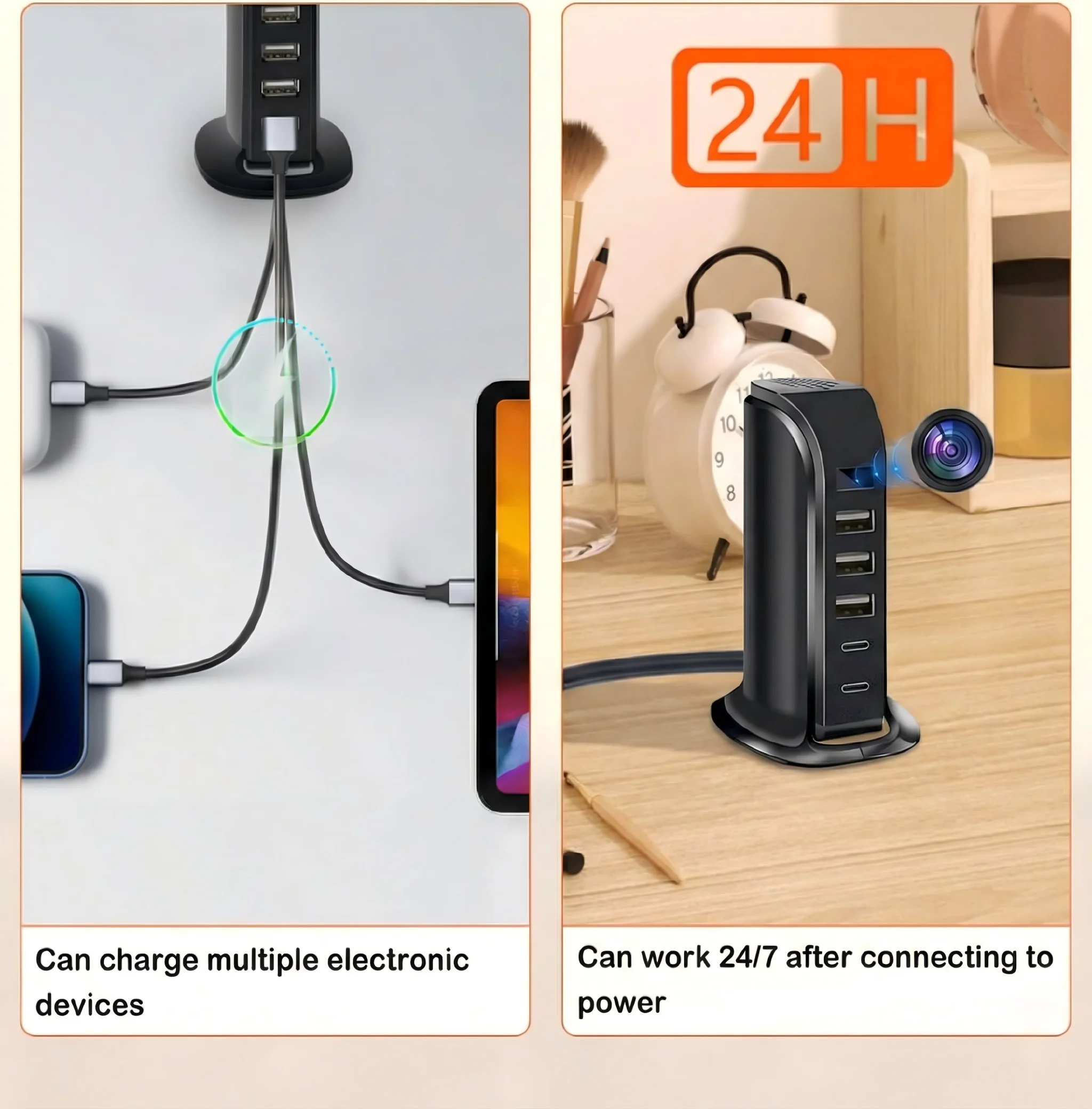
– A WiFi clock camera plugged into a wall socket is unaffected by this trade-off — it runs on mains power continuously.
– A WiFi pen camera lasts roughly 60–90 minutes in live-streaming mode but can stretch to 2–3 hours in local-only recording mode (where WiFi is disabled).
For distribution planning, this matters. If your customer base skews toward users who need all-day battery life — field investigators, outdoor workers, anyone without access to a power socket — non-WiFi models or mains-powered units will have fewer returns and complaints. If your target market is urban apartment dwellers with reliable WiFi and nearby power sockets, the WiFi models are more appropriate.
Security and Privacy: What WiFi Really Means for Your Footage
Here is the uncomfortable truth that most product listings gloss over: a WiFi camera is a networked device. Like any networked device, it has attack surface.
In practice, the risks for well-known brands like QZT are manageable. QZT’s WiFi cameras support WPA2 and WPA3 encryption protocols and require users to set a password during app setup. Firmware updates are pushed over the air (OTA) to patch vulnerabilities. The companion apps used by QZT products run on TUYA’s cloud infrastructure, which handles data in compliance with GDPR requirements.
But the baseline security of a non-WiFi camera is simply higher by design. There is no network to attack. There is no app that could theoretically be compromised. The footage exists on a physical card in a physical device until you choose to access it.
For most private users in the UK and EU, this difference is theoretical rather than practical — QZT’s WiFi cameras are not meaningfully more likely to be hacked than any other IoT device. But for enterprise buyers, security teams, or anyone operating in a regulated environment, the non-WiFi option often eliminates an entire compliance question.
A Direct Comparison: QZT WiFi vs Non-WiFi Product Lines
| Feature | WiFi Models (QZT) | Non-WiFi Models (QZT) |
|---|---|---|
| Remote live view | Yes, via app | No |
| Motion alerts to phone | Yes | No |
| Footage access | App + SD card | SD card only |
| Continuous recording time (typical) | 4–6 hrs (battery) | 6–10 hrs (battery) |
| Network dependency | Requires 2.4GHz WiFi | None |
| Security (network attack surface) | Low (WPA2/WPA3) | Zero |
| GDPR data handling | Local + optional cloud | Fully local |
| Price point | £35–£80 | £20–£50 |
| Best for | Remote monitoring, rentals, multi-camera setups | Fixed locations, sensitive environments, budget buyers |
This table makes the decision framework clearer than any product listing does. Walk through the columns and ask yourself: which features am I actually going to use?
Key Takeaway: Matching the Camera to the Actual Use Case
The WiFi versus non-WiFi debate resolves when you stop thinking about it as a quality question and start thinking about it as a workflow question.
Ask yourself three things:
1. Do I need to see footage in real time from a different location? If yes, WiFi. If no, move to question two.
2. Is the recording environment network-accessible and stable? If yes, WiFi adds genuine value. If no — remote cabin, older building, secure facility — the feature becomes useless and you should buy non-WiFi.
3. Is battery life a primary concern? If you need the longest possible recording time from a single charge, non-WiFi models consistently deliver 20–40% more runtime.
For European distributors and UK retailers building their product catalogue, stocking both variants of the same form factor — for example, both the WiFi Power Bank Camera and the standard Power Bank Camera — covers the widest range of customer needs. The margin profiles are similar, and the return rates are lower when customers get exactly what their situation requires.
Frequently Asked Questions
Can I use a WiFi camera without connecting it to WiFi?
Yes. Most QZT WiFi cameras default to local SD card recording when no WiFi network is available. You lose remote viewing and motion alerts but the camera functions as a normal recorder. This is useful if you want to buy the WiFi version now and use the non-WiFi features initially, then enable WiFi later when your network setup changes.
Do I need internet at the camera location for WiFi cameras to work?
You need a WiFi network at the camera location, but it does not have to be connected to the internet. A local-only router or a travel router works fine. For remote viewing over the internet, the app connects through QZT’s cloud servers — so your phone needs internet access even when the camera is connected to a local network without WAN access.
Can multiple people view the same WiFi camera simultaneously?
It depends on the app. TUYA-based apps typically allow 1–3 simultaneous viewers. For business security applications requiring multiple staff to have access, you may need to set up a shared account or use a different viewing platform.
Does WiFi drain the battery faster on all camera types?
Primarily on battery-powered units. Cameras that run on mains power — like the QZT WiFi Clock Camera or WiFi Smoke Detector Camera — are unaffected since they draw continuous power from the wall socket.
Are non-WiFi cameras completely offline?
Yes, in the sense that they have no wireless transmission capability. However, the footage on the SD card can still be accessed by anyone who has physical access to the camera or card. Use a device password feature if your model supports one, and store the card securely when the camera is not in use.
For professional guidance on which hidden camera solution fits your specific situation, contact QZT Security — we supply distributors and retailers across the UK and European Union.

 English
  Italiano
  Deutsch
  Français
  Español
  Polski