
Devrais-je acheter une caméra cachée WiFi ou non-WiFi ? Guide pratique pour 2026
Si vous avez comparé des caméras cachées en ligne, vous avez probablement remarqué quelque chose de déroutant : le même produit de base — par exemple, une caméra dans une batterie externe ou une caméra-stylo — existe en deux versions qui se ressemblent presque mais diffèrent par une fonctionnalité. L'une se connecte à votre téléphone via WiFi. L'autre non. L'écart de prix est réel. La décision n'est pas aussi simple qu'il y paraît.
Voici la tension fondamentale. Les caméras WiFi vous permettent de vérifier votre salon ou votre bureau depuis n'importe où dans le monde via une application smartphone. C'est véritablement utile si vous voyagez fréquemment ou gérez une location. Mais cette connexion sans fil comporte des compromis : une consommation énergétique plus élevée, la nécessité d'un réseau stable et une couche supplémentaire de risque potentiel pour la sécurité. Les caméras non WiFi enregistrent sur une carte SD locale et nécessitent de récupérer physiquement les séquences. Cela semble peu pratique — et parfois ça l'est — mais cela signifie aussi que les séquences ne quittent jamais vos mains jusqu'à ce que vous décidiez de les transmettre.
Ce guide coupe à travers le bruit marketing. À la fin, vous saurez exactement quel type correspond à votre situation, quels modèles QZT regarder, et à quoi faire attention avant de passer commande.
Quelle est la différence réelle entre les caméras cachées WiFi et non WiFi ?
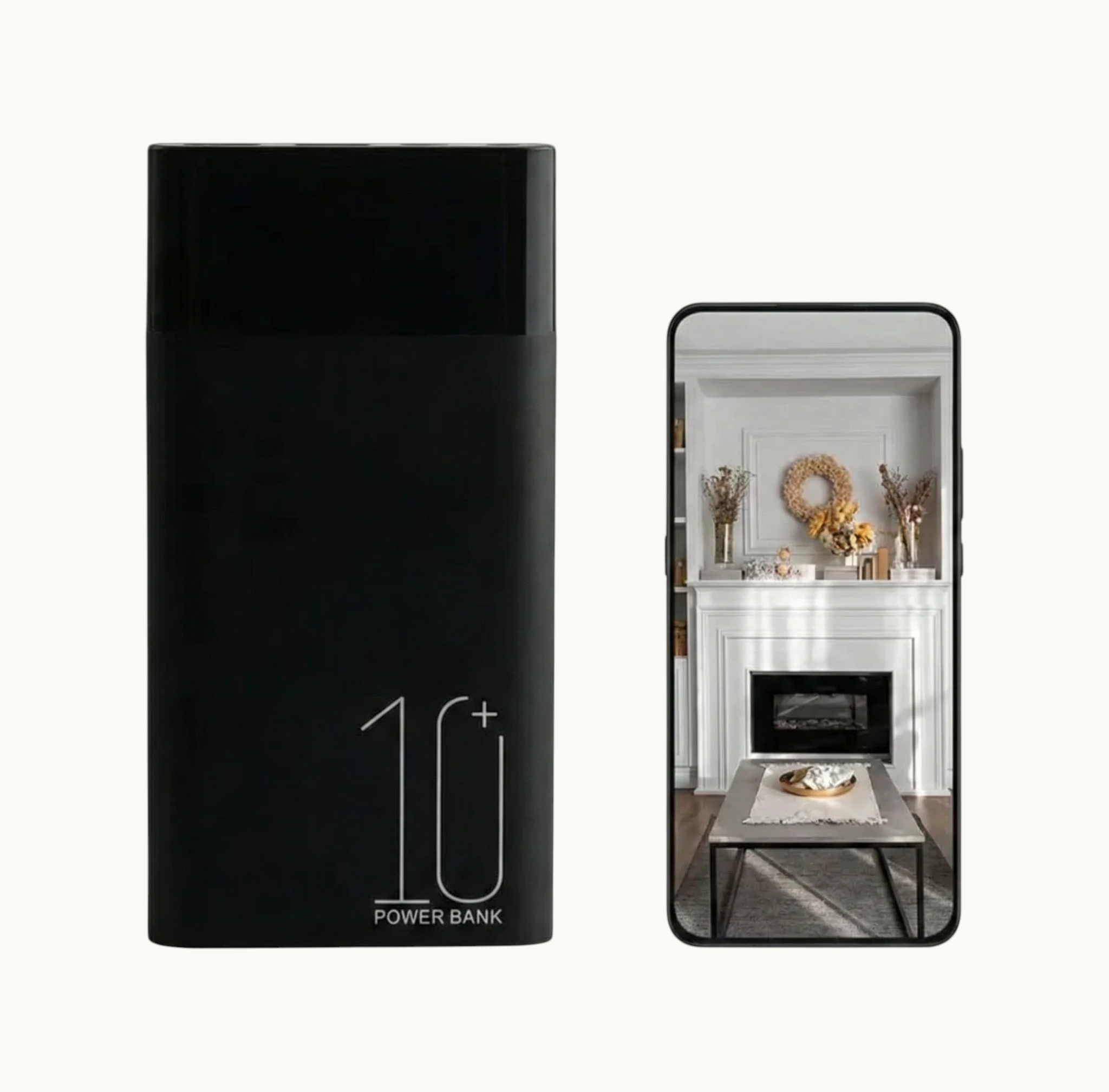
La distinction va au-delà de l'étiquette de prix sur la page produit.
Une caméra cachée non WiFi écrit les images directement sur une carte SD à l'intérieur de l'appareil. Lorsque vous souhaitez visionner l'enregistrement, vous ouvrez le logement de la carte, retirez la carte et la branchez sur un ordinateur ou un lecteur de carte. Certains modèles affichent également les images sur un petit écran intégré. C'est tout. Pas d'application. Pas de mot de passe. Pas de réseau.
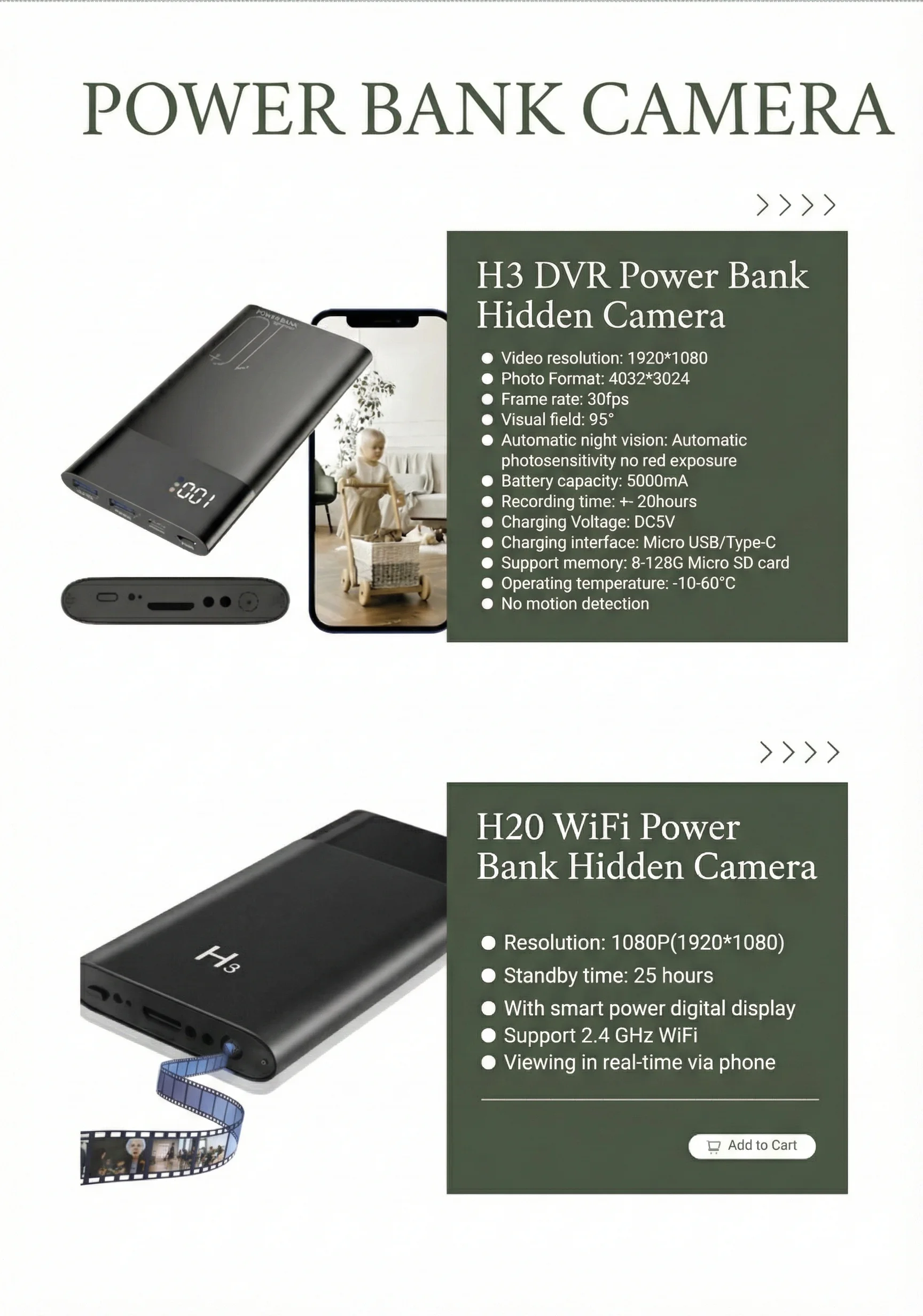
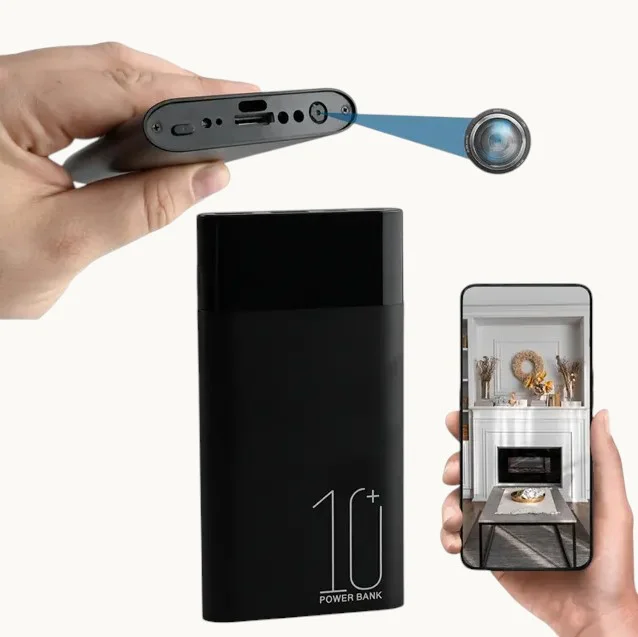
Caméra cachée WiFi fait tout ce que fait un modèle non-WiFi — et ajoute un émetteur sans fil. Lorsque la caméra se connecte à votre routeur domestique ou de bureau, l'application compagnon sur votre téléphone peut diffuser un flux vidéo en direct, consulter les enregistrements sauvegardés sur la carte SD et recevoir des notifications push déclenchées par mouvement. Certains modèles, y compris le Caméra power bank WiFi QZT, vous permet de basculer entre la vue en direct à distance et l'enregistrement local uniquement selon que vous disposez d'un réseau ou non.
Voici ce que la plupart des fiches produits ne vous disent pas clairement : une caméra non WiFi n’est pas une version « dégradée » d’une caméra WiFi. C’est un outil différent conçu pour des usages différents. Plus tôt vous l’acceptez, plus la décision devient facile.
Quand une caméra cachée WiFi est le bon choix
Permettez-moi d'être précis sur le moment où le coût et la complexité supplémentaires portent réellement leurs fruits.
Surveillance à distance de propriété est le cas d'utilisation le plus clair. Si vous possédez un appartement locatif à Berlin, une location de vacances en Toscane, ou un atelier que vous ne visitez que deux fois par semaine, une caméra WiFi vous donne un œil sur l'espace sans avoir à vous y rendre. Les alertes de mouvement vous informent dès que quelqu'un entre. Vous pouvez consulter le flux en direct depuis votre téléphone pendant vos vacances en Thaïlande.
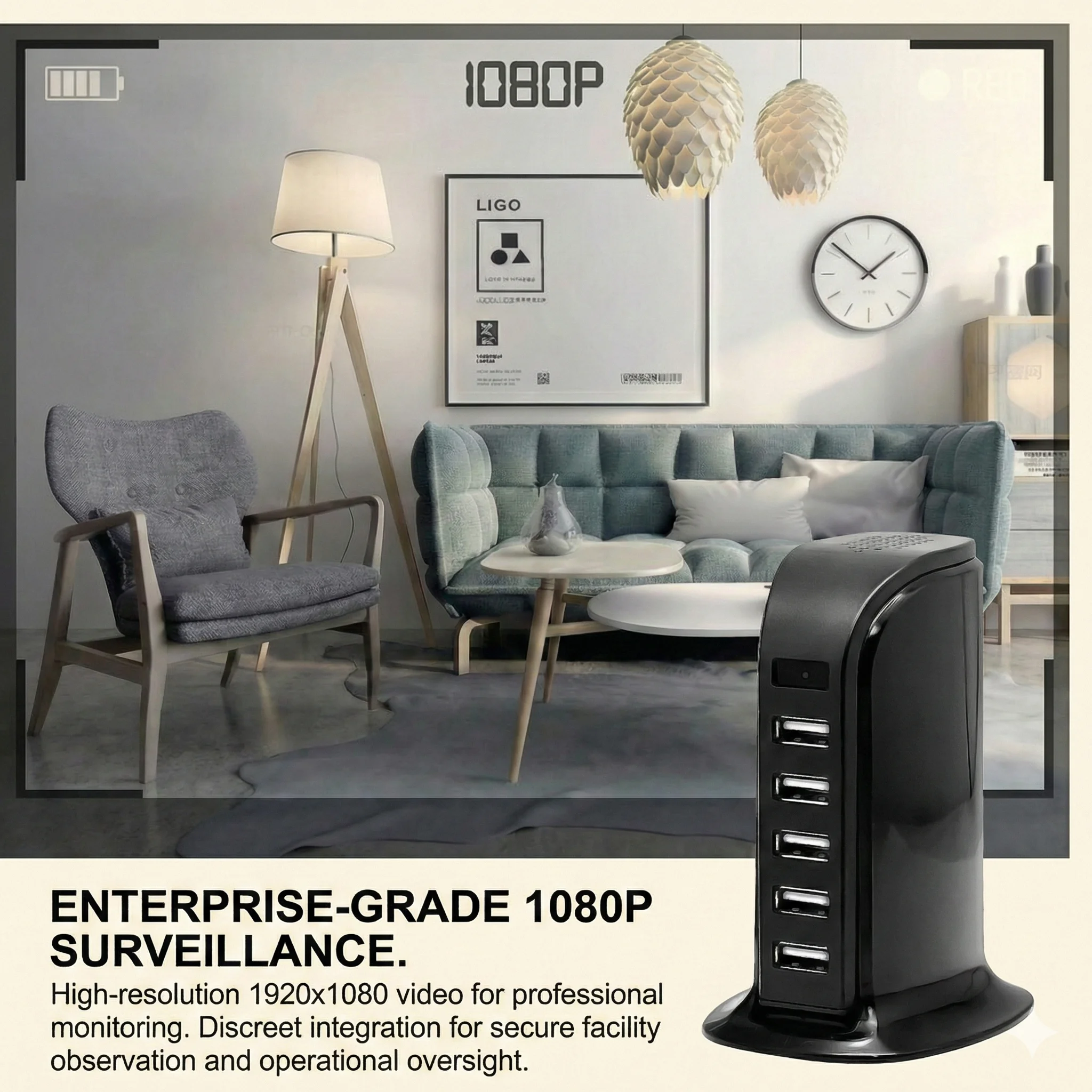
Conscience en temps réel du ménage fonctionne de la même manière. Les parents qui souhaitent vérifier ce que fait une personne de confiance vivant au domicile ou un enfant à la maison pendant qu'ils sont au bureau tirent un réel bénéfice de la visualisation à distance. Le Caméra horloge WiFi QZT est particulièrement populaire pour cela — il ressemble à un réveil ordinaire sur une table de chevet mais diffuse une vidéo 1080p vers votre téléphone et peut enregistrer en continu tant qu'il reste branché.
Gestion multi-caméras s'adapte mieux au WiFi. La plupart des applications compagnes permettent d'afficher quatre, huit, ou davantage de flux de caméra simultanément. Pour un petit commerçant utilisant trois ou quatre caméras cachées dans un espace de vente, la vue consolidée de l'application remplace le processus fastidieux de vérification des cartes SD individuelles.
Temporary deployment convient bien aux caméras WiFi. Configurez la caméra pendant une semaine pour attraper quiconque accède à votre bureau à domicile pendant que vous voyagez, puis déplacez-la. Vous n'avez jamais à récupérer physiquement une carte SD d'une pièce verrouillée — vous téléchargez les images à distance et reformatez la carte depuis l'application.
Le fil conducteur est le suivant : si vous devez agir en fonction de ce que voit la caméra maintenant — ou de n'importe où — Le WiFi mérite sa place. Si vous n'avez besoin des images que plus tard, le WiFi est optionnel.
Quand une caméra cachée sans WiFi est un achat plus judicieux
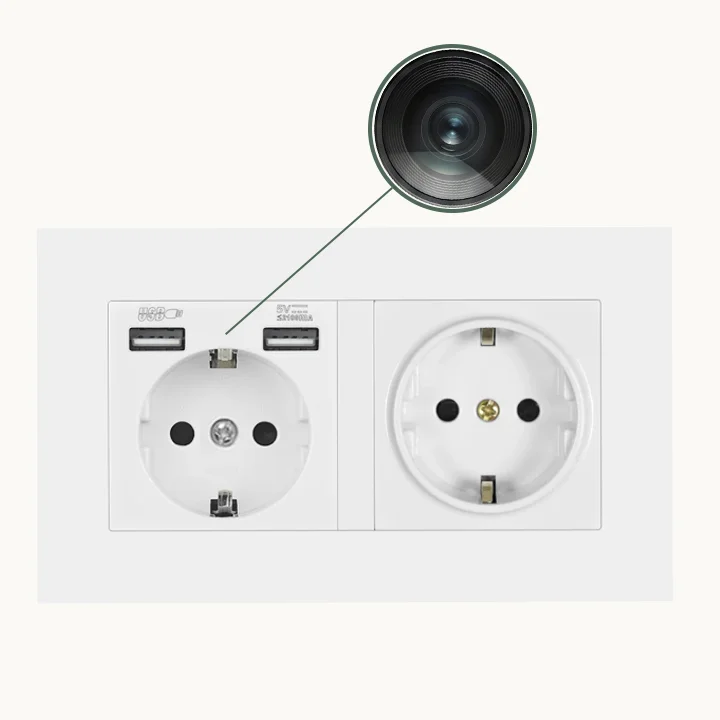
Toutes les situations ne bénéficient pas de la connectivité à distance. En fait, pour certains acheteurs, les caméras non WiFi sont objectivement le meilleur choix.
environnements sans réseau Rendre les caméras WiFi inutiles. Certaines propriétés — en particulier en France rurale, dans les bâtiments anciens en Italie ou dans les installations sécurisées — ne disposent pas d'un WiFi fiable. Une caméra qui ne peut se connecter à aucun réseau revient de toute façon à un enregistrement local, donc vous avez payé pour une fonctionnalité que vous ne pouvez pas utiliser.
environnements de sécurité maximale sont une autre considération. Les banques, les cabinets d'avocats et les installations gouvernementales interdisent souvent les dispositifs de surveillance connectés au réseau pour des raisons de sécurité des données. Une caméra non WiFi enregistrant sur une carte SD conservée dans un tiroir verrouillé est la seule option conforme dans ces contextes.
Enquêtes sensibles bénéficier de l'approche air-gapped. Si un détective privé ou un propriétaire d'entreprise a besoin de documenter une activité sans aucune empreinte numérique sur le réseau local, un appareil non WiFi garantit que les images ne peuvent pas être interceptées, consultées à distance ou exposées accidentellement par un mot de passe d'application faible.
Acheteurs en gros soucieux de leur budget On constate souvent que les modèles non-WiFi offrent un meilleur rapport qualité-prix par unité. Pour un distributeur stockant des rayons, le prix plus bas des variantes non-WiFi attire les clients finaux qui veulent simplement un dispositif d'enregistrement local fiable — et cela représente une partie significative du marché.
Le QZT Power Bank Caméra Cachée et le Caméra espion clé USB QZT sont deux des modèles non-WiFi les plus populaires de la gamme actuelle de QZT.
Comment le WiFi affecte la durée de vie de la batterie et le temps d'enregistrement
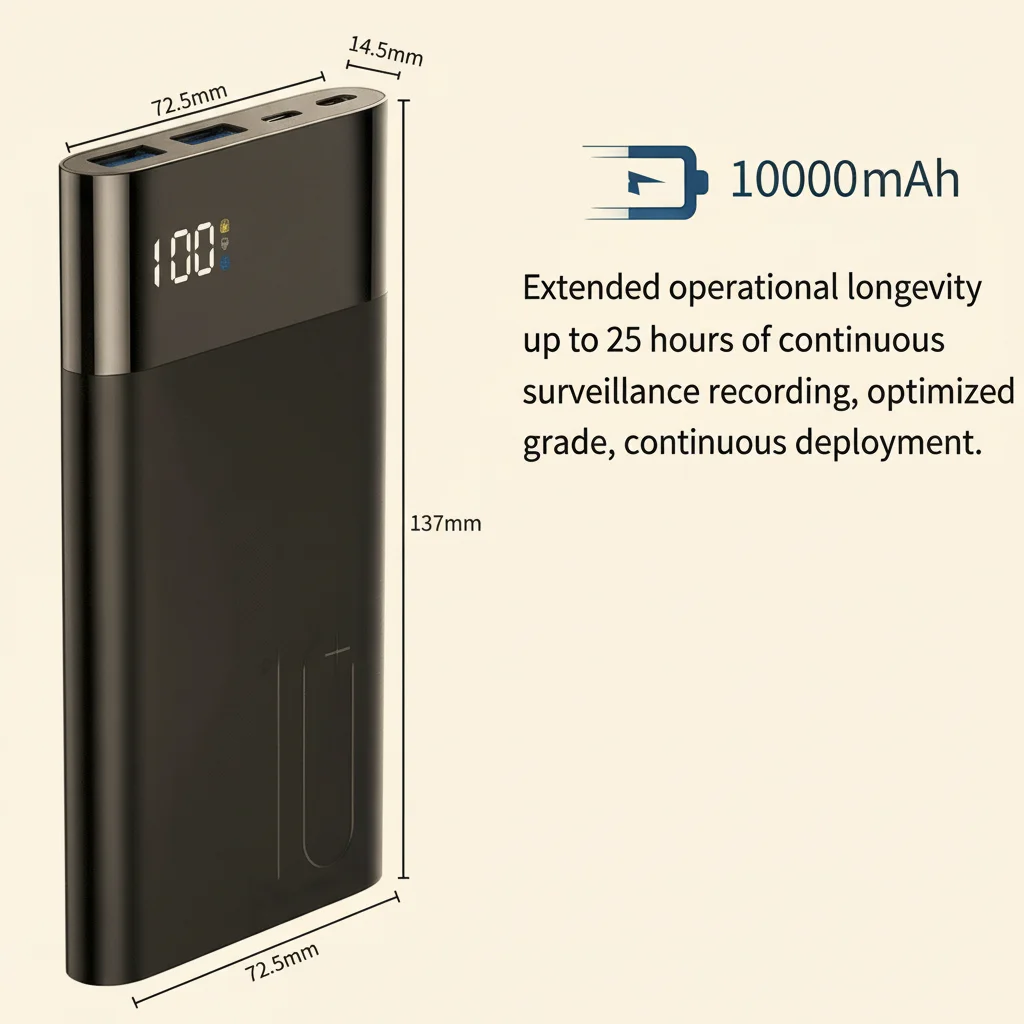
C'est là où le compromis devient quantitatif plutôt que qualitatif.
Les radios WiFi consomment une puissance significative. Un module qui transmet de la vidéo sur votre réseau domestique consomme considérablement plus de batterie qu'une caméra qui écrit simplement des données sur une carte locale. L'impact pratique varie selon le facteur de forme :
– Une caméra power bank WiFi pourrait vous offrir 4 à 6 heures d'enregistrement continu contre 6 à 8 heures pour la version non-WiFi du même produit.
– Une caméra horloge WiFi branchée sur une prise murale n'est pas affectée par ce compromis — elle fonctionne en continu sur secteur.
– Une caméra stylo WiFi dure environ 60 à 90 minutes en mode diffusion en direct, mais peut atteindre 2 à 3 heures en mode enregistrement local uniquement (où le WiFi est désactivé).
Pour la planification de la distribution, c'est important. Si votre clientèle penche vers les utilisateurs qui ont besoin d'une autonomie de toute la journée — enquêteurs de terrain, travailleurs en extérieur, toute personne sans accès à une prise électrique — les modèles sans WiFi ou les appareils alimentés sur secteur entraîneront moins de retours et de réclamations. Si votre marché cible est constitué de citadins vivant en appartement avec un WiFi fiable et des prises électriques à proximité, les modèles WiFi sont plus appropriés.
Sécurité et vie privée : ce que le WiFi signifie vraiment pour vos séquences
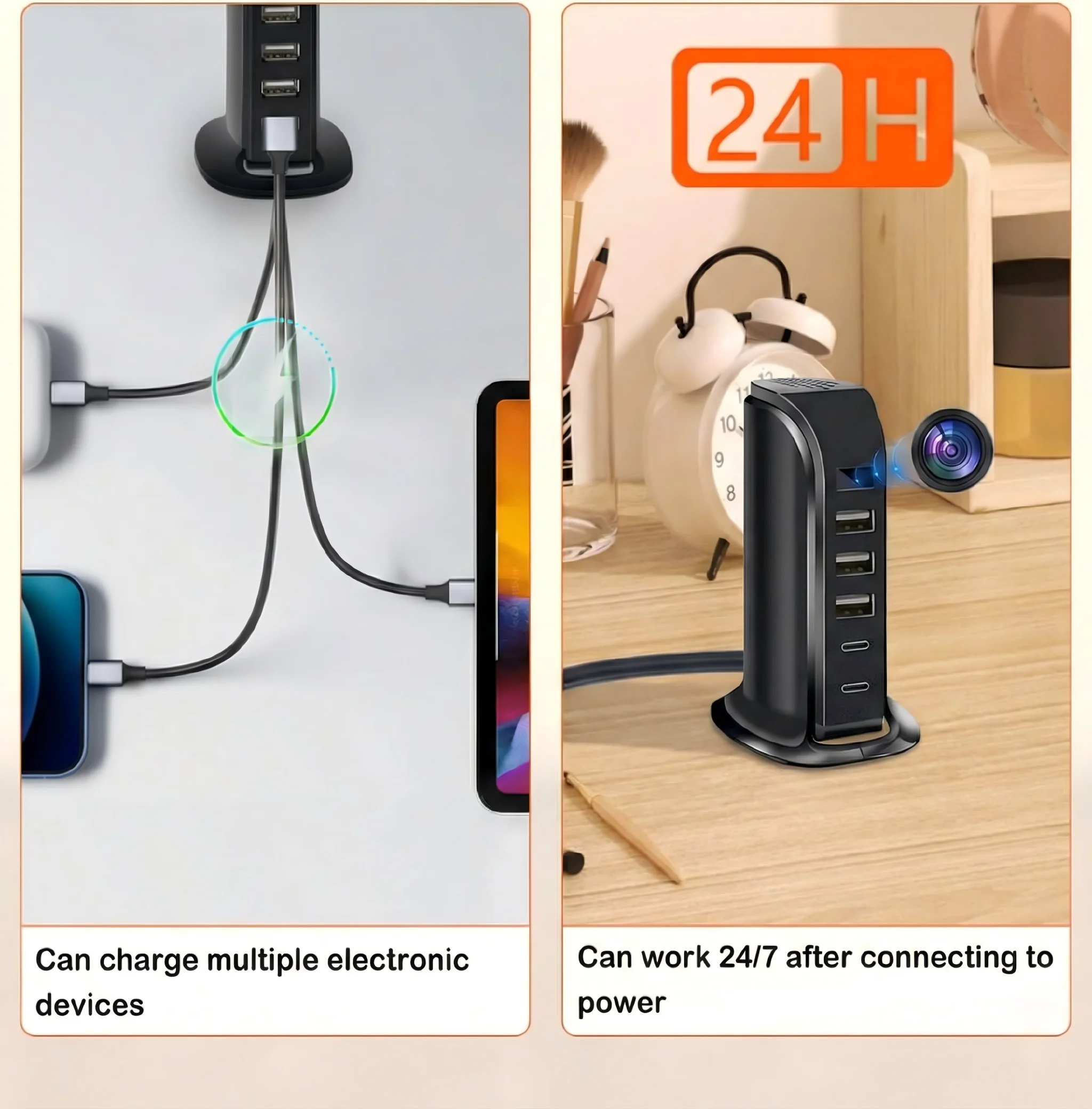
Voici la vérité inconfortable que la plupart des fiches produits passent sous silence : une caméra WiFi est un appareil en réseau. Comme tout appareil en réseau, elle présente une surface d'attaque.
En pratique, les risques pour les marques connues comme QZT sont gérables. Les caméras WiFi de QZT prennent en charge les protocoles de chiffrement WPA2 et WPA3 et exigent que les utilisateurs définissent un mot de passe lors de la configuration de l'application. Les mises à jour du firmware sont envoyées par liaison radio (OTA) pour corriger les vulnérabilités. Les applications compagnons utilisées par les produits QZT fonctionnent sur l'infrastructure cloud de TUYA, qui traite les données conformément aux exigences du RGPD.
Mais la sécurité de base d'une caméra non-WiFi est tout simplement plus élevée par conception. Il n'y a pas de réseau à attaquer. Il n'y a pas d'application qui pourrait théoriquement être compromise. Les images existent sur une carte physique dans un appareil physique jusqu'à ce que vous choisissiez d'y accéder.
Pour la plupart des utilisateurs privés au Royaume-Uni et dans l'UE, cette différence est théorique plutôt que pratique — les caméras WiFi de QZT ne sont pas significativement plus susceptibles d'être piratées que tout autre appareil IoT. Mais pour les acheteurs professionnels, les équipes de sécurité ou toute personne opérant dans un environnement réglementé, l'option non-WiFi élimine souvent toute une question de conformité.
Une comparaison directe : QZT WiFi vs gammes de produits non-WiFi
| Fonctionnalité | Modèles WiFi (QZT) | Modèles non WiFi (QZT) |
|---|---|---|
| Vue en direct à distance | Oui, via l'application | Non |
| Alertes de mouvement sur téléphone | Oui | Non |
| Accès aux séquences | Application + carte SD | Carte SD uniquement |
| Continuous recording time (typical) | 4–6 h (batterie) | 6–10 h (batterie) |
| Dépendance réseau | Nécessite un WiFi 2,4 GHz | Aucun |
| Sécurité (surface d'attaque réseau) | Faible (WPA2/WPA3) | Zéro |
| Traitement des données RGPD | Local + cloud optionnel | Entièrement local |
| point de prix | £35–£80 | 20–50 £ |
| Idéal pour | Surveillance à distance, locations, configurations multi-caméras | Emplacements fixes, environnements sensibles, acheteurs à budget limité |
Ce tableau rend le cadre décisionnel plus clair que n'importe quelle liste de produits. Parcourez les colonnes et demandez-vous : quelles fonctionnalités vais-je réellement utiliser ?
Point clé : Adapter la caméra au cas d'utilisation réel
Le débat entre WiFi et non-WiFi se résout lorsque vous cessez de le considérer comme une question de qualité et commencez à le considérer comme une question de workflow.
Demandez-vous trois choses :
1. Dois-je voir des images en temps réel depuis un autre endroit ? Si oui, WiFi. Si non, passez à la question deux.
2. L'environnement d'enregistrement est-il accessible via le réseau et stable ? Si oui, le WiFi ajoute une réelle valeur. Si non — cabine isolée, bâtiment ancien, installation sécurisée — la fonctionnalité devient inutile et vous devriez acheter sans WiFi.
3. L'autonomie de la batterie est-elle une préoccupation principale ? Si vous avez besoin du temps d'enregistrement le plus long possible avec une seule charge, les modèles non WiFi offrent systématiquement 20 à 40 % d'autonomie supplémentaire.
Pour les distributeurs européens et les détaillants britanniques qui construisent leur catalogue de produits, stocker les deux variantes du même facteur de forme — par exemple, les deux Caméra avec batterie externe WiFi et le Caméra Power Bank standard — couvre la plus large gamme de besoins clients. Les profils de marge sont similaires, et les taux de retour sont plus faibles lorsque les clients obtiennent exactement ce que leur situation exige.
Questions fréquemment posées
Puis-je utiliser une caméra WiFi sans la connecter au WiFi ?
Oui. La plupart des caméras WiFi QZT enregistrent par défaut sur une carte SD locale lorsqu'aucun réseau WiFi n'est disponible. Vous perdez la visualisation à distance et les alertes de mouvement, mais la caméra fonctionne comme un enregistreur normal. Cela est utile si vous souhaitez acheter la version WiFi maintenant et utiliser les fonctions non WiFi dans un premier temps, puis activer le WiFi plus tard lorsque votre configuration réseau changera.
Ai-je besoin d'Internet à l'emplacement de la caméra pour que les caméras WiFi fonctionnent ?
Vous avez besoin d'un réseau WiFi à l'emplacement de la caméra, mais il ne doit pas nécessairement être connecté à Internet. Un routeur local uniquement ou un routeur de voyage fonctionne très bien. Pour une visualisation à distance via Internet, l'application se connecte via les serveurs cloud de QZT — donc votre téléphone a besoin d'un accès Internet même lorsque la caméra est connectée à un réseau local sans accès WAN.
Plusieurs personnes peuvent-elles voir la même caméra WiFi simultanément ?
Cela dépend de l'application. Les applications basées sur TUYA permettent généralement 1 à 3 spectateurs simultanés. Pour les applications de sécurité professionnelles nécessitant que plusieurs employés aient accès, vous devrez peut-être configurer un compte partagé ou utiliser une plateforme de visualisation différente.
Le WiFi draine-t-il la batterie plus rapidement sur tous les types d'appareils photo ?
Principalement sur les unités alimentées par batterie. Caméras qui fonctionnent sur secteur — comme la Caméra horloge WiFi QZT or Caméra détecteur de fumée WiFi — ne sont pas affectés puisqu'ils tirent une alimentation continue de la prise murale.
Les caméras non Wi-Fi sont-elles complètement hors ligne ?
Oui, dans le sens où ils n'ont aucune capacité de transmission sans fil. Cependant, les images sur la carte SD peuvent toujours être consultées par toute personne ayant un accès physique à la caméra ou à la carte. Utilisez une fonction de mot de passe de l'appareil si votre modèle en prend en charge une, et conservez la carte en toute sécurité lorsque la caméra n'est pas utilisée.
Pour des conseils professionnels sur la solution de caméra cachée adaptée à votre situation spécifique, contacter QZT Sécurité — nous fournissons des distributeurs et des détaillants à travers le Royaume-Uni et l'Union européenne.

 English
  Italiano
  Deutsch
  Français
  Español
  Polski