
Come Identificare Telecamere Nascoste 1080p False Prima dell'Acquisto
You found a hidden camera online that claims “True 1080p HD video” at a price that looks too good to be true. It probably is.
The hidden camera market — particularly the lower-cost segment — is full of devices that claim 1080p resolution but do not deliver it. Some use interpolated upscaling from 720p sensors. Others use cheap lenses that cannot resolve 1080p detail even with a 1080p sensor. A few list “4K” on the box when the sensor is actually 1080p.
This guide tells you exactly what to check before buying, how to test a camera once you have it, and which QZT models can be trusted to deliver their stated specifications.
What “Fake 1080p” Actually Means
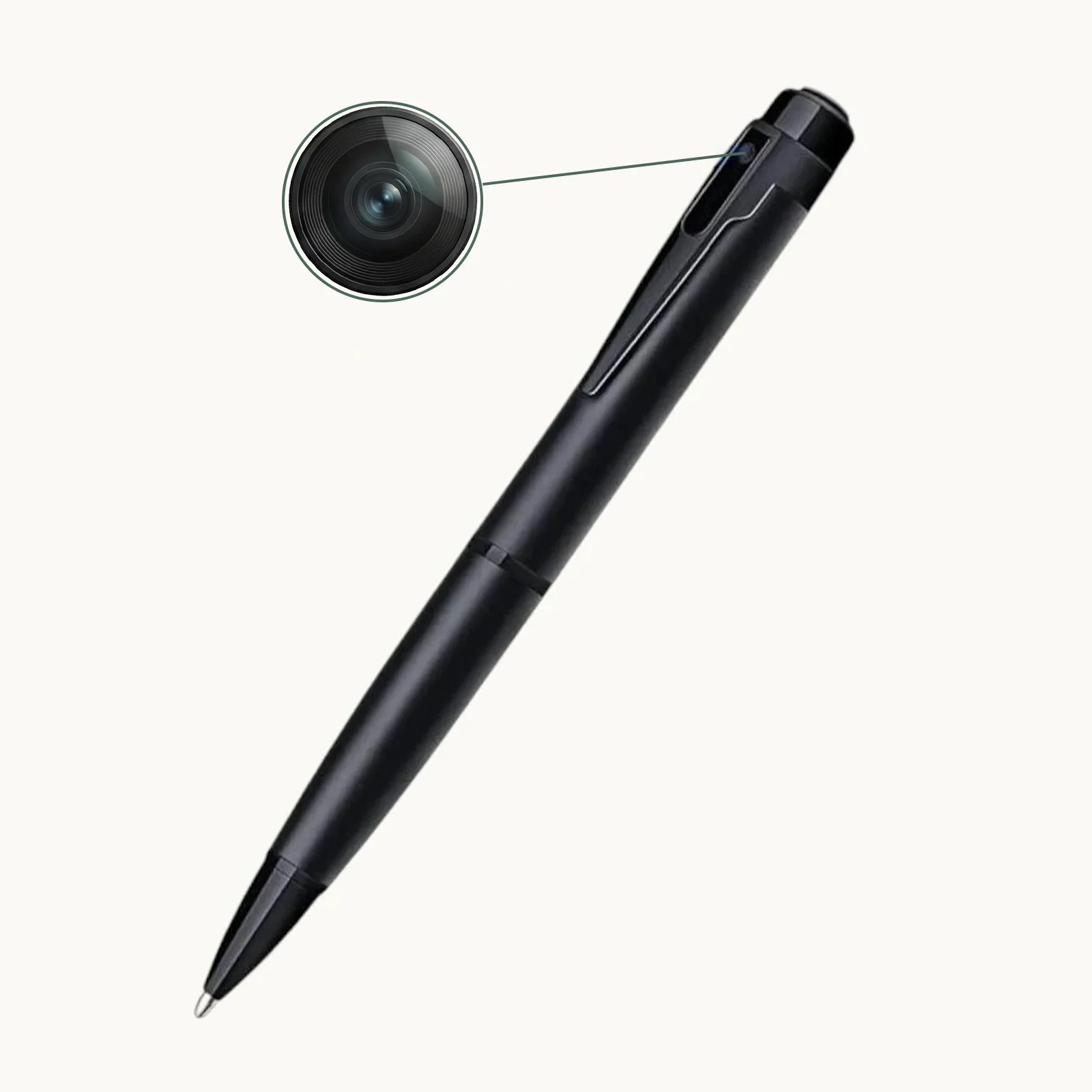
“1080p” refers to a video resolution of 1920 pixels horizontal by 1080 pixels vertical — approximately 2 million pixels per frame. “Fake 1080p” means the camera captures at a lower resolution and upscales the image to 1920×1080 through software, or uses a lens that cannot focus that many pixels clearly.
There are three main ways manufacturers fake 1080p:
Interpolated resolution is the most common. The camera’s actual sensor might be 1280×720 (720p) or 960×540. When it records, it uses software interpolation to scale the image up to 1920×1080. The file is technically 1080p (it will play on a 1080p monitor), but the actual detail is only what the sensor captured at lower resolution. In a resolution test chart, interpolated footage looks soft and lacks sharp edges.
Mislabelled sensor specifications are the second method. A manufacturer might use a genuine 1080p sensor but pair it with a cheap lens that resolves only 720p worth of detail. The file says 1080p, the sensor is 1080p, but the image is never sharp because the lens cannot deliver that level of detail to the sensor.
False frame-rate claims are the third issue. A camera might be sold as “1080p at 30fps” but actually record at 1080p at 10–15fps with dropped frames to save processing power. The footage plays back at 30fps after frame interpolation, but the actual captured frames are fewer, making motion appear choppy and details harder to discern.
How to Check Resolution Before You Buy

You can identify most fake-1080p cameras before ordering, using only the product listing and a few targeted questions.
1. Request a sample video file at maximum quality.
A reputable manufacturer will provide a 10–30 second sample clip recorded at the camera’s highest settings. Download it and open it in VLC media player (free, available for Windows and macOS). Press `Ctrl+J` (Windows) or `Cmd+J` (macOS) to see the codec information. Check the resolution field. If it says 1920×1080, that is a start — but also pause the video and take a screenshot. Zoom in to 100%. Can you read text that was legible to the naked eye during recording? If not, the lens is not resolving true 1080p detail.
2. Check the file size of one hour of 1080p footage.
This is a surprisingly effective test. At genuine 1080p / 30fps / H.264 encoding, one hour of footage typically occupies 3.5GB–5GB of storage. If the manufacturer provides a sample file that is 700MB for one hour at “1080p”, the actual resolution is likely 720p or lower and has been upscaled.
3. Look for a sensor specification, not just a resolution claim.
A real 1080p hidden camera will list the sensor type or at minimum the sensor resolution. For example: “1/3-inch CMOS sensor, 2.0 megapixels” is a meaningful specification. “HD 1080p” with no sensor information is a warning sign. The Power Bank Fotocamera WiFi QZT lists its sensor specifications clearly on the product page — reputable manufacturers do this because they have nothing to hide.
4. Check the night vision specification.
Fake 1080p cameras often boast “Full HD night vision” in the same breath as their daytime 1080p claim. Infrared night vision at 1080p requires a high-quality sensor and properly positioned IR LEDs. Cheap interpolated cameras typically drop to 720p or lower resolution automatically in night vision mode — and do not mention this in the specifications. If the product listing does not specify the night vision resolution separately, ask before buying.
How to Test a Camera’s Resolution After Delivery
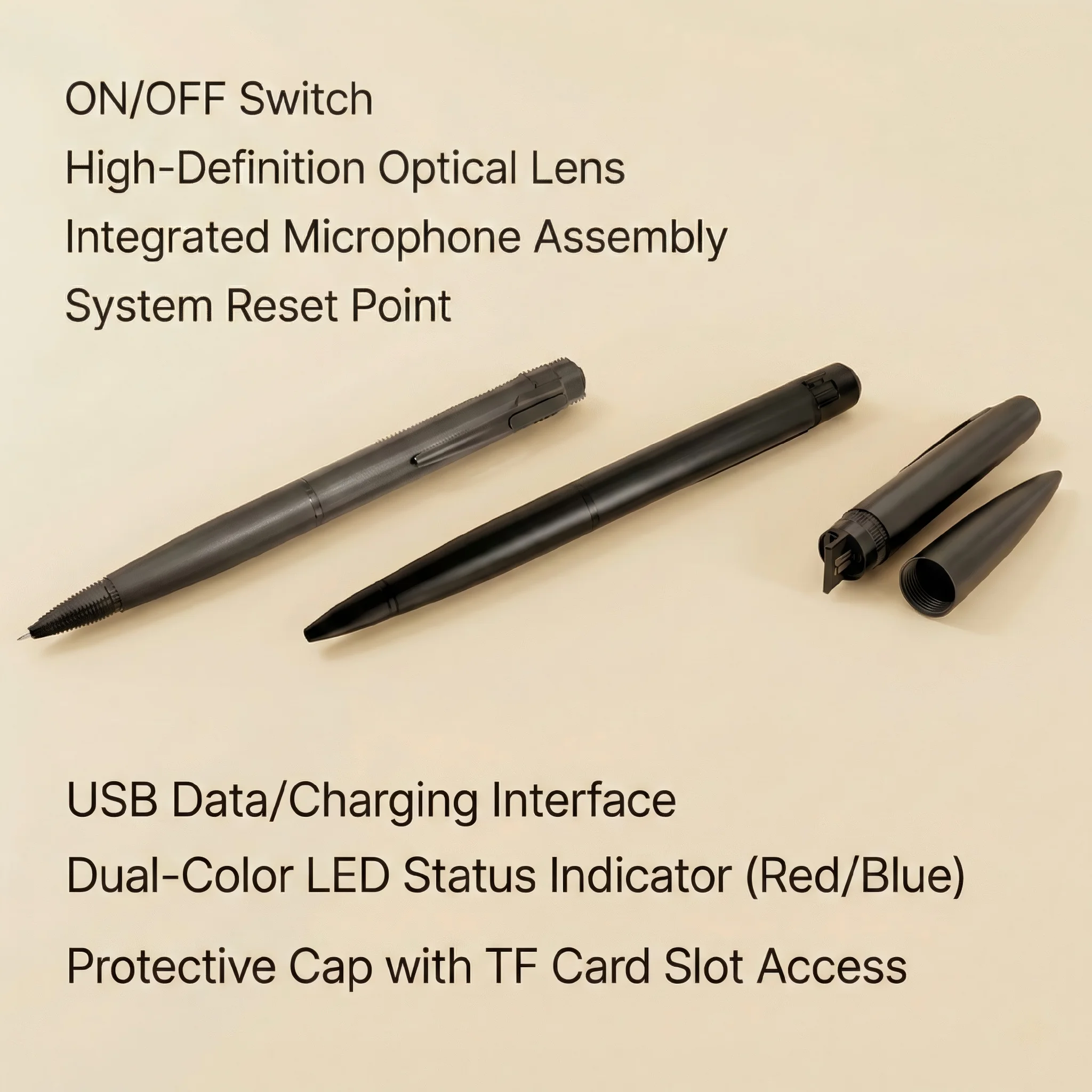
If you have received the camera, these are the practical tests any buyer can do in 15 minutes.
Resolution test chart: Print or display a standard 1080p resolution test chart (freely available online) on a monitor at the camera’s expected viewing distance. Record the chart. Play back the footage and pause on the chart section. Can you clearly distinguish the line pairs at the 1080p level? If the lines blur together before reaching the finest detail, the camera is not delivering true 1080p resolution.
Reading text at 1 metre: Place a sheet of paper with 12-point font text at 1 metre from the camera. Record in 1080p mode. Playback should show clearly readable text. If the text is blurry or individual letters are hard to distinguish, you have a fake-1080p camera.
Motion smoothness test: Record someone walking past the camera at normal speed. Play back at 1080p and look for dropped frames — the walking will appear jerky. Record the same scene at the camera’s highest advertised frame rate (typically 30fps). Compare. A fake camera often drops frames to maintain its interpolated resolution claim.
QZT Models with Verified 1080p Performance
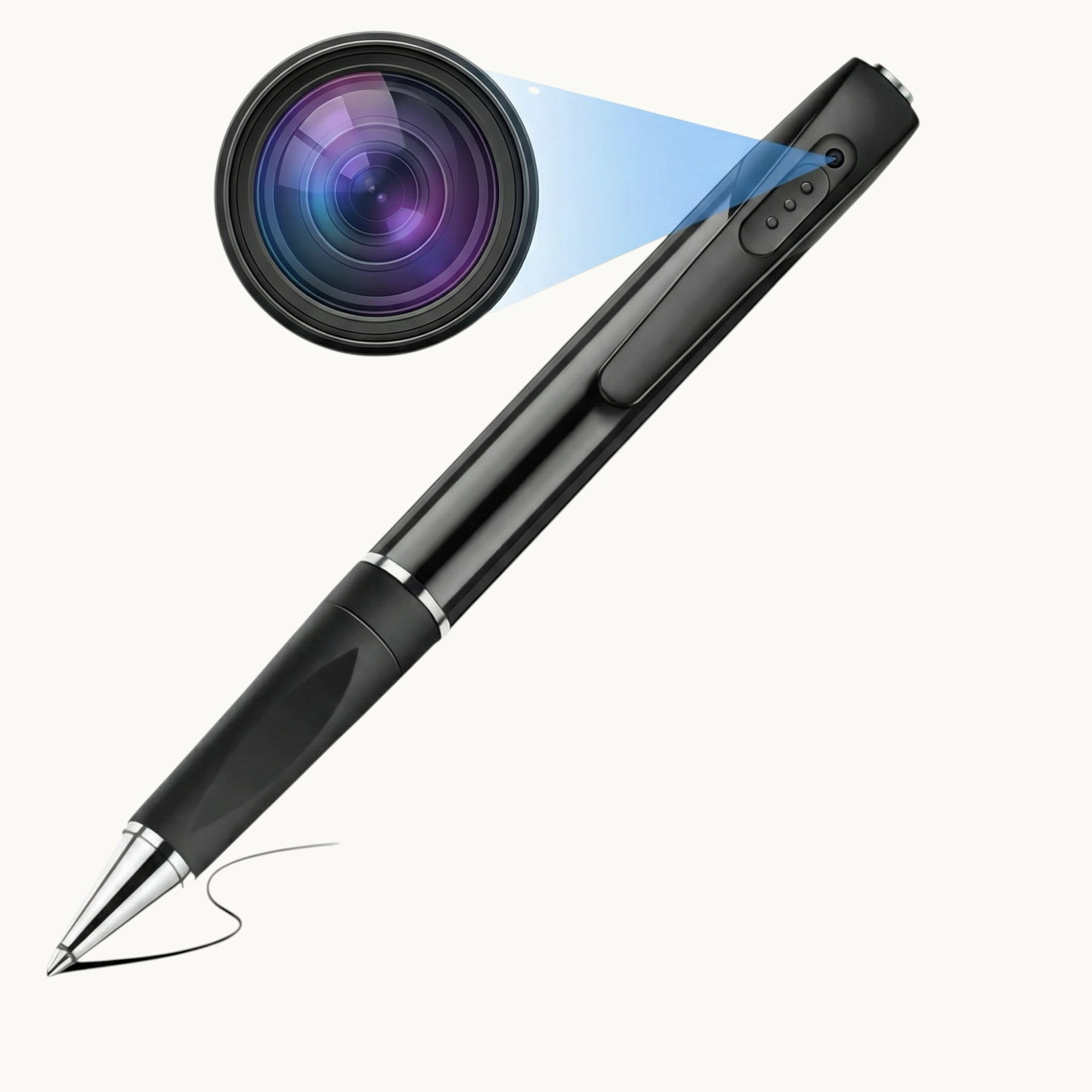
All QZT hidden cameras list genuine resolution specifications. The current lineup includes:
– QZT WiFi Spy Pen Camera — 1080p video with audio, genuine sensor resolution
– QZT W9 Spy Pen Camera — 1080p video, 12MP photo
– QZT W10 Spy Pen Camera — 1080p video, 30MP photo, extended storage
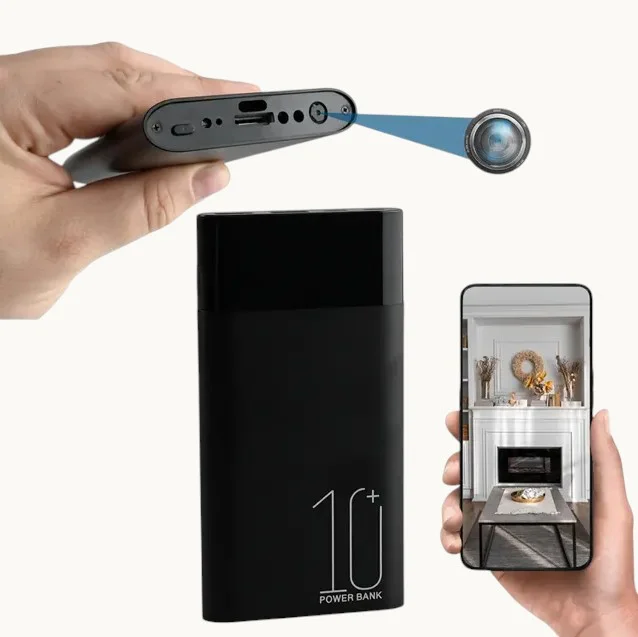
– Power Bank Fotocamera WiFi QZT — 1080p, mains or battery powered
– Telecamera Rivelatore di Fumo QZT — 1080p, mains powered, 24/7 recording capable
– QZT Bluetooth Speaker Camera — 1080p with rotating lens
Each product page lists the actual sensor resolution and encoding specifications clearly. QZT provides sample footage on request for distributors and bulk buyers.
Interpolated “4K” — A Related Problem
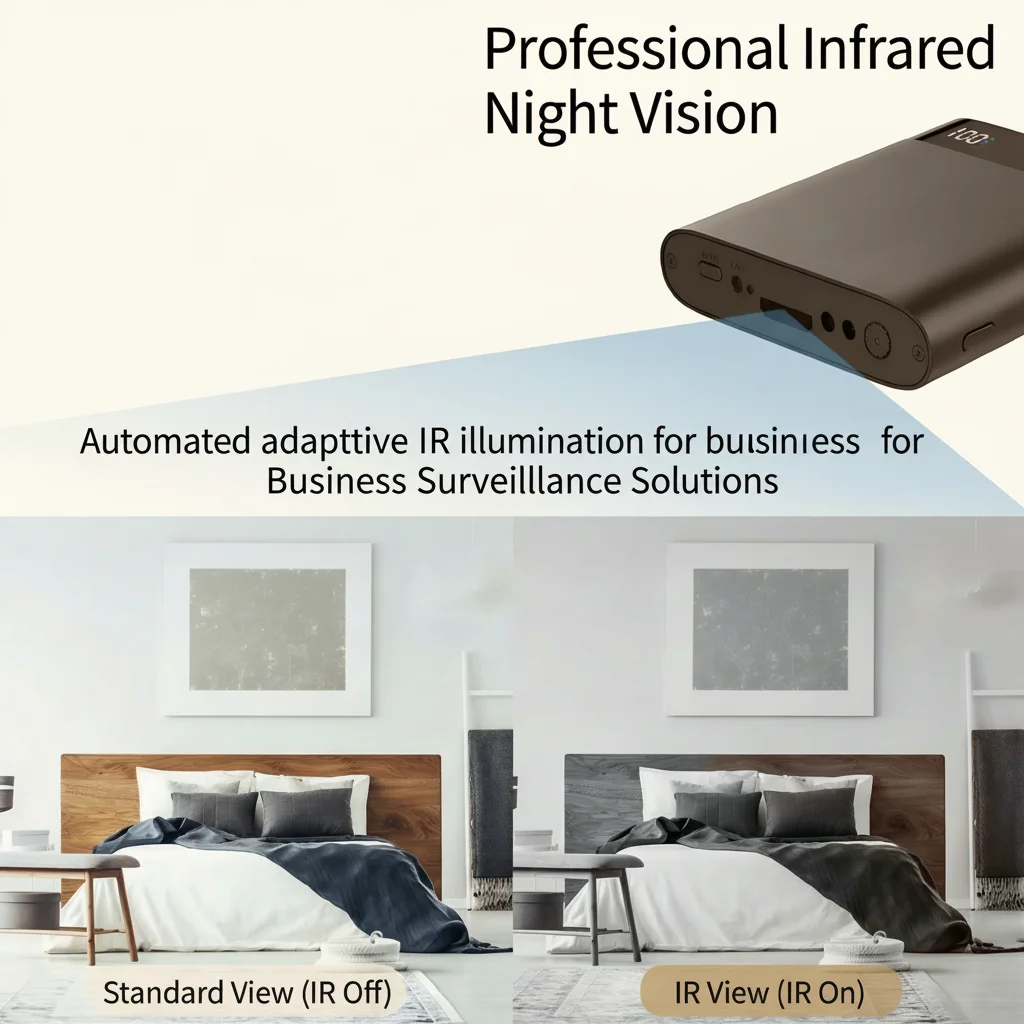
A significant number of low-cost hidden cameras now advertise “4K Ultra HD” resolution. In almost all cases, this is a 1080p sensor with software upscaling to 4K (3840×2160). The result is a 1080p image that has been made larger but not sharper.
If you see a hidden camera priced under £60 claiming 4K resolution, it is interpolated. Genuine 4K hidden cameras require expensive sensors, more powerful processors, and significantly more storage — all of which push the price well above the £60 range.
For evidence purposes — the most common use case for hidden camera footage — the distinction matters. Courts and tribunal panels view interpolated 4K footage that actually looks like 720p and conclude that the recording device was of low quality. Genuine 1080p footage from a reputable manufacturer is far more persuasive.
Key Takeaway: Trust Verified Specifications, Not Marketing Claims
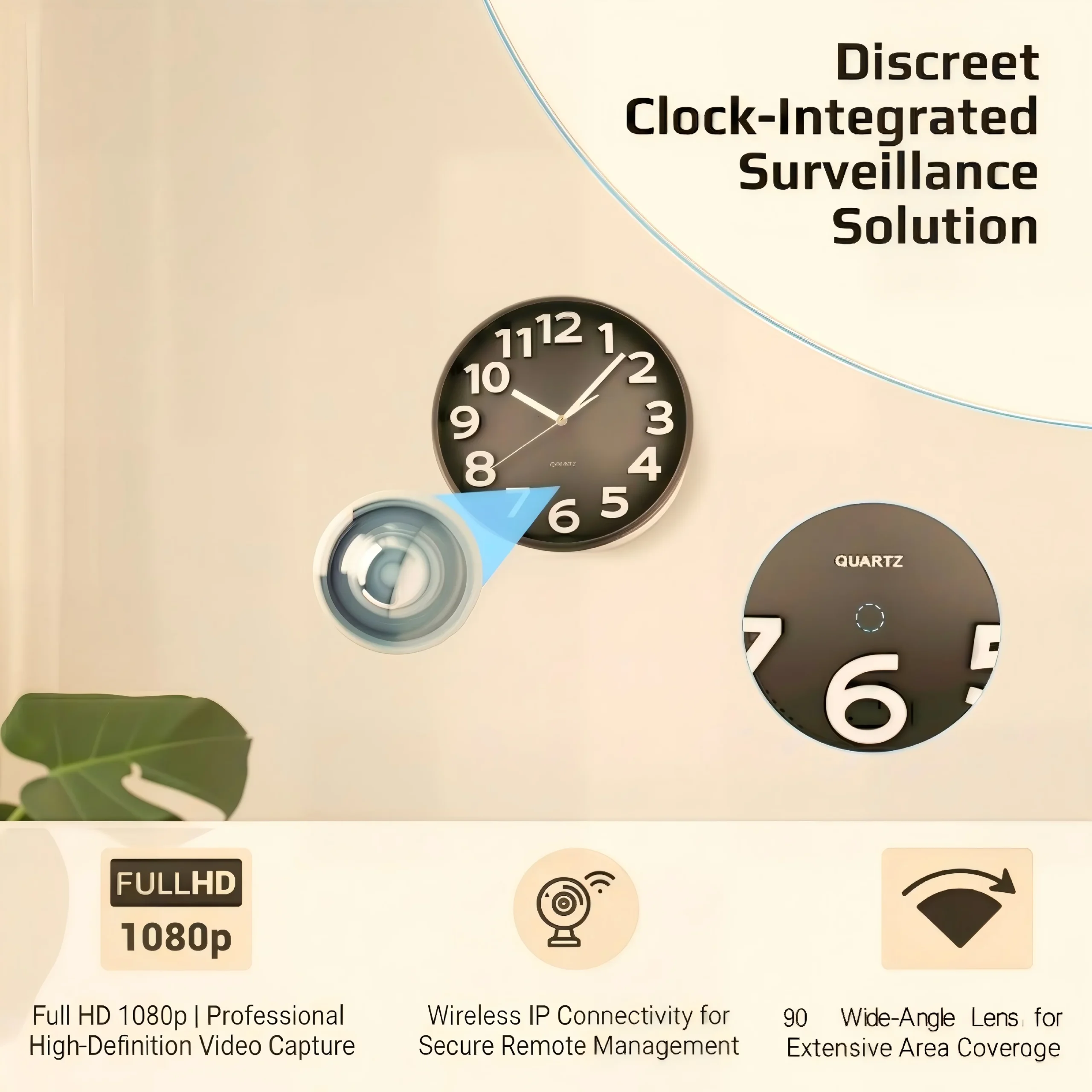
The hidden camera market has enough low-quality, misrepresented products that due diligence before purchase is essential.
L'approccio diretto per qualsiasi acquirente: richiedere un file video campione, controllare la dimensione e la risoluzione del file, verificare le specifiche del sensore nella pagina del prodotto e, se si acquista in quantità, eseguire il proprio test di risoluzione prima di effettuare l'ordine completo.
Per i distributori, offrire telecamere con specifiche verificate da un produttore come QZT è un vantaggio competitivo. I clienti finali che sono stati truffati una volta da telecamere 1080p false pagheranno di più per un dispositivo che mantiene ciò che promette — e torneranno dal rivenditore che glielo ha venduto.
Domande frequenti
Il 1080p interpolato è illegale?
Non illegale — ma è marketing ingannevole. Nel Regno Unito, il Regolamento sulla protezione dei consumatori dalle pratiche commerciali sleali del 2008 vieta marchi falsi o ingannevoli. Una telecamera venduta come “1080p” che registra a 720p e upscala potrebbe essere contestata secondo questi regolamenti. In pratica, l'applicazione è rara a meno che non venga stabilito un modello di reclami.
Il 1080p interpolato sembra peggiore del 720p nativo?
A volte. Il processo di upscaling può introdurre artefatti — bordi sfocati, sbavature di colore, motivi moiré — che fanno sembrare il filmato peggiore di quanto sarebbe sembrato il 720p nativo. Ciò è particolarmente evidente quando il filmato viene visualizzato su un monitor di grandi dimensioni o utilizzato come prova dove i dettagli contano.
Posso restituire una telecamera 1080p falsa?
Secondo la legge britannica sui consumatori, se un prodotto è stato venduto con affermazioni false o fuorvianti riguardo alle sue specifiche, hai diritto a un reso e a un rimborso. Conserva le prove della scheda prodotto che mostra l'affermazione della risoluzione 1080p e i tuoi risultati di test che mostrano la risoluzione effettiva. La maggior parte delle piattaforme online affidabili elaborerà un reso in queste circostanze.
Tutte le telecamere nascoste economiche falsificano la loro risoluzione?
No. Esistono telecamere 1080p economiche genuine disponibili, specialmente da produttori affermati. L'indicatore chiave è la trasparenza: un venditore affidabile elenca il modello del sensore o almeno la risoluzione del sensore in megapixel; un venditore disonesto utilizza solo termini di marketing come “HD” e “Full HD” senza dettagli tecnici.
Quale risoluzione dovrei effettivamente acquistare per la sicurezza domestica?
1080p a 30fps è il giusto equilibrio per la sicurezza domestica e per scopi probatori. Fornisce dettagli sufficienti per identificare i volti a 3-5 metri e le targhe a distanza ravvicinata, senza richiedere un'enorme capacità di archiviazione o di elaborazione. La risoluzione 720p è accettabile in condizioni di buona illuminazione, ma fatica a riprodurre i dettagli a distanza. Il “4K” in una telecamera nascosta è quasi sempre interpolato e non aggiunge alcun valore reale.
Come posso verificare personalmente la risoluzione di una telecamera QZT?
Ogni telecamera QZT produce un file AVI o MP4 che può essere ispezionato con strumenti gratuiti. Il lettore multimediale VLC mostra la risoluzione effettiva e la frequenza dei fotogrammi di qualsiasi file video. QZT fornisce anche le specifiche del sensore su ogni pagina del prodotto. Per i distributori, QZT può organizzare unità campione per i test prima di effettuare un ordine all'ingrosso.
Per telecamere nascoste con specifiche verificate e filmati campione prima dell'acquisto, contatta QZT Security.

 English
  Italiano
  Deutsch
  Français
  Español
  Polski