
Wie man gefälschte 1080p-Versteckkameras vor dem Kauf erkennen kann
You found a hidden camera online that claims “True 1080p HD video” at a price that looks too good to be true. It probably is.
The hidden camera market — particularly the lower-cost segment — is full of devices that claim 1080p resolution but do not deliver it. Some use interpolated upscaling from 720p sensors. Others use cheap lenses that cannot resolve 1080p detail even with a 1080p sensor. A few list “4K” on the box when the sensor is actually 1080p.
This guide tells you exactly what to check before buying, how to test a camera once you have it, and which QZT models can be trusted to deliver their stated specifications.
What “Fake 1080p” Actually Means
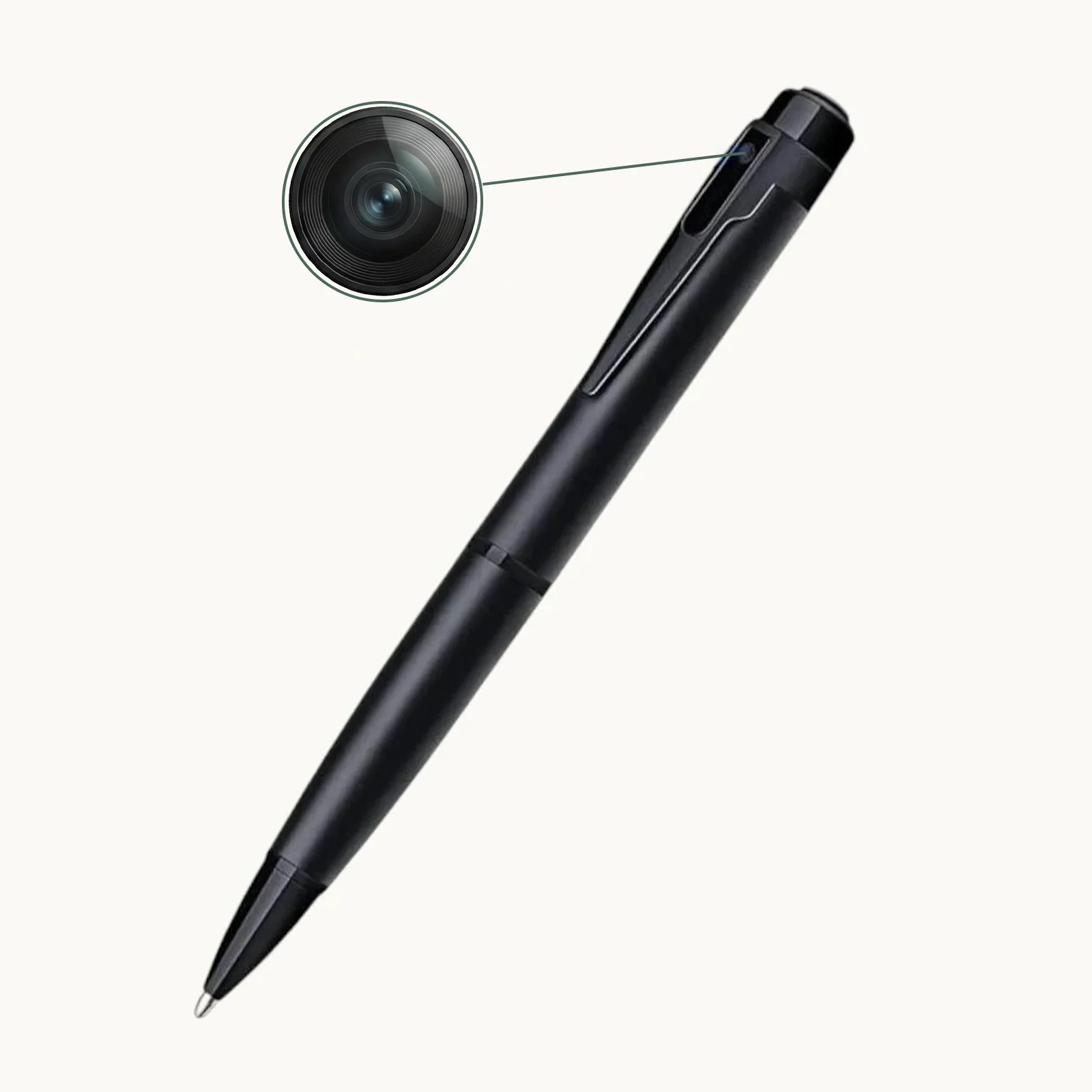
“1080p” refers to a video resolution of 1920 pixels horizontal by 1080 pixels vertical — approximately 2 million pixels per frame. “Fake 1080p” means the camera captures at a lower resolution and upscales the image to 1920×1080 through software, or uses a lens that cannot focus that many pixels clearly.
There are three main ways manufacturers fake 1080p:
Interpolated resolution is the most common. The camera’s actual sensor might be 1280×720 (720p) or 960×540. When it records, it uses software interpolation to scale the image up to 1920×1080. The file is technically 1080p (it will play on a 1080p monitor), but the actual detail is only what the sensor captured at lower resolution. In a resolution test chart, interpolated footage looks soft and lacks sharp edges.
Mislabelled sensor specifications are the second method. A manufacturer might use a genuine 1080p sensor but pair it with a cheap lens that resolves only 720p worth of detail. The file says 1080p, the sensor is 1080p, but the image is never sharp because the lens cannot deliver that level of detail to the sensor.
False frame-rate claims are the third issue. A camera might be sold as “1080p at 30fps” but actually record at 1080p at 10–15fps with dropped frames to save processing power. The footage plays back at 30fps after frame interpolation, but the actual captured frames are fewer, making motion appear choppy and details harder to discern.
How to Check Resolution Before You Buy
You can identify most fake-1080p cameras before ordering, using only the product listing and a few targeted questions.
1. Request a sample video file at maximum quality.
A reputable manufacturer will provide a 10–30 second sample clip recorded at the camera’s highest settings. Download it and open it in VLC media player (free, available for Windows and macOS). Press `Ctrl+J` (Windows) or `Cmd+J` (macOS) to see the codec information. Check the resolution field. If it says 1920×1080, that is a start — but also pause the video and take a screenshot. Zoom in to 100%. Can you read text that was legible to the naked eye during recording? If not, the lens is not resolving true 1080p detail.
2. Check the file size of one hour of 1080p footage.
This is a surprisingly effective test. At genuine 1080p / 30fps / H.264 encoding, one hour of footage typically occupies 3.5GB–5GB of storage. If the manufacturer provides a sample file that is 700MB for one hour at “1080p”, the actual resolution is likely 720p or lower and has been upscaled.
3. Look for a sensor specification, not just a resolution claim.
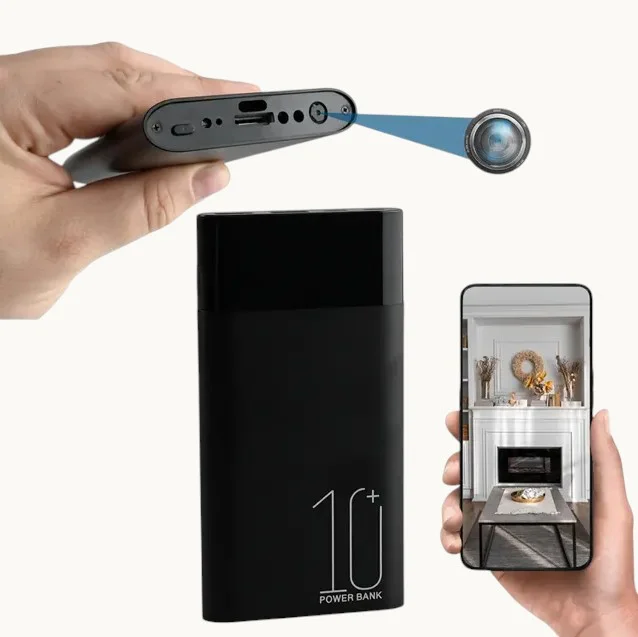
A real 1080p hidden camera will list the sensor type or at minimum the sensor resolution. For example: “1/3-inch CMOS sensor, 2.0 megapixels” is a meaningful specification. “HD 1080p” with no sensor information is a warning sign. The QZT WiFi-Powerbank-Kamera lists its sensor specifications clearly on the product page — reputable manufacturers do this because they have nothing to hide.
4. Check the night vision specification.
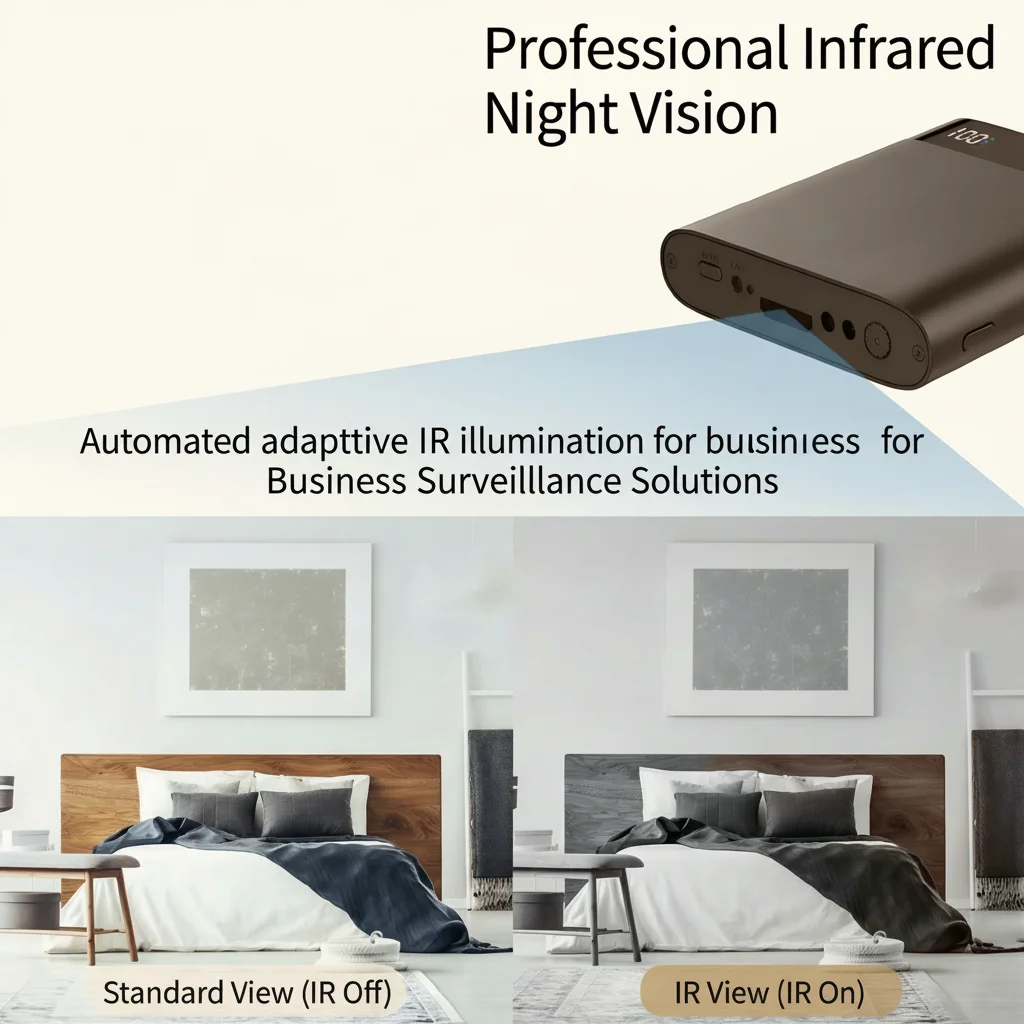
Fake 1080p cameras often boast “Full HD night vision” in the same breath as their daytime 1080p claim. Infrared night vision at 1080p requires a high-quality sensor and properly positioned IR LEDs. Cheap interpolated cameras typically drop to 720p or lower resolution automatically in night vision mode — and do not mention this in the specifications. If the product listing does not specify the night vision resolution separately, ask before buying.
How to Test a Camera’s Resolution After Delivery
If you have received the camera, these are the practical tests any buyer can do in 15 minutes.
Resolution test chart: Print or display a standard 1080p resolution test chart (freely available online) on a monitor at the camera’s expected viewing distance. Record the chart. Play back the footage and pause on the chart section. Can you clearly distinguish the line pairs at the 1080p level? If the lines blur together before reaching the finest detail, the camera is not delivering true 1080p resolution.
Reading text at 1 metre: Place a sheet of paper with 12-point font text at 1 metre from the camera. Record in 1080p mode. Playback should show clearly readable text. If the text is blurry or individual letters are hard to distinguish, you have a fake-1080p camera.
Motion smoothness test: Record someone walking past the camera at normal speed. Play back at 1080p and look for dropped frames — the walking will appear jerky. Record the same scene at the camera’s highest advertised frame rate (typically 30fps). Compare. A fake camera often drops frames to maintain its interpolated resolution claim.
QZT Models with Verified 1080p Performance
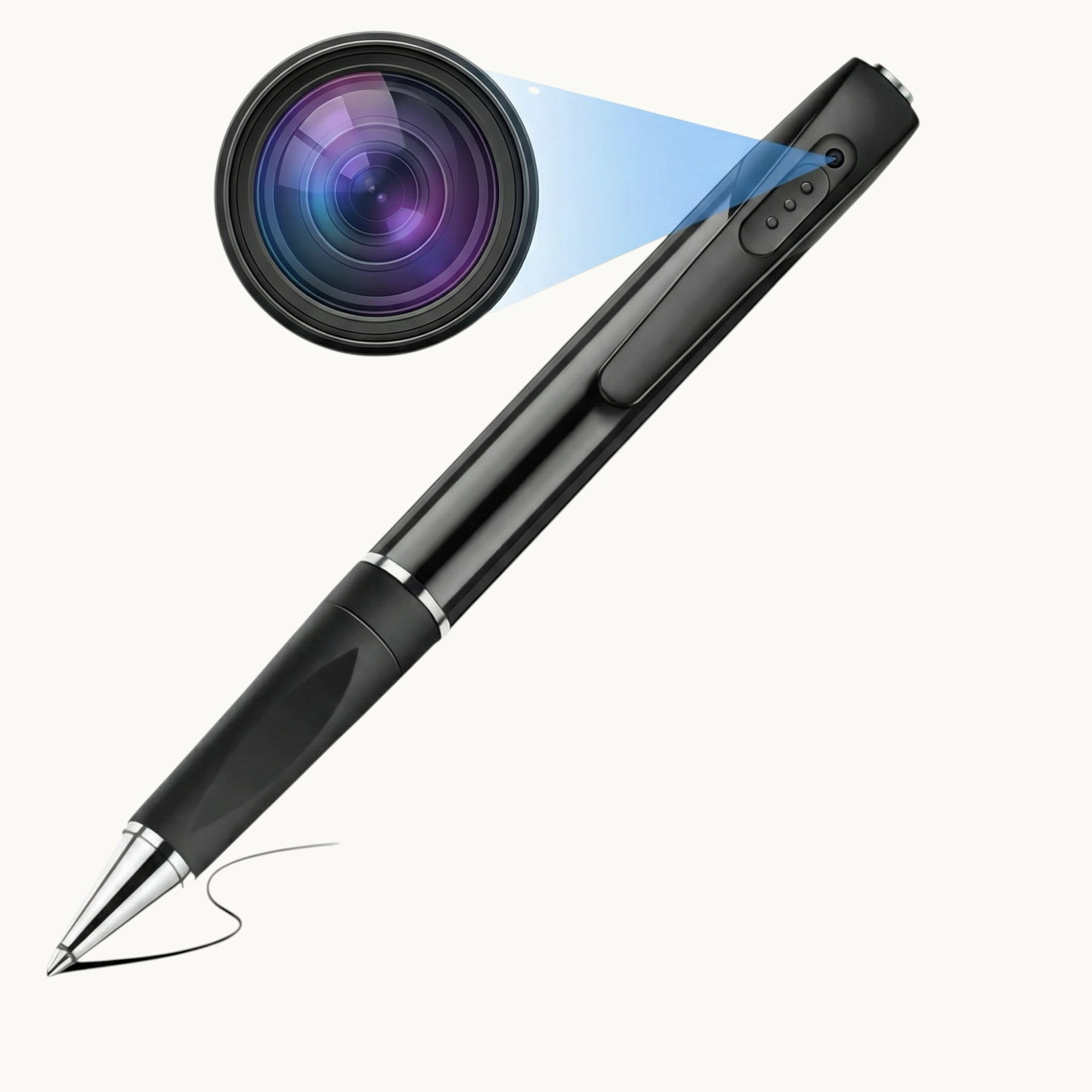
All QZT hidden cameras list genuine resolution specifications. The current lineup includes:
– QZT WiFi-Spionage-Stift-Kamera — 1080p video with audio, genuine sensor resolution
– QZT W9 Spionage-Stiftkamera — 1080p video, 12MP photo
– QZT W10 Spionage-Stiftkamera — 1080p video, 30MP photo, extended storage
– QZT WiFi-Powerbank-Kamera — 1080p, mains or battery powered
– QZT Rauchmelder-Kamera — 1080p, mains powered, 24/7 recording capable
– QZT Bluetooth Speaker Camera — 1080p with rotating lens
Each product page lists the actual sensor resolution and encoding specifications clearly. QZT provides sample footage on request for distributors and bulk buyers.
Interpolated “4K” — A Related Problem
A significant number of low-cost hidden cameras now advertise “4K Ultra HD” resolution. In almost all cases, this is a 1080p sensor with software upscaling to 4K (3840×2160). The result is a 1080p image that has been made larger but not sharper.
If you see a hidden camera priced under £60 claiming 4K resolution, it is interpolated. Genuine 4K hidden cameras require expensive sensors, more powerful processors, and significantly more storage — all of which push the price well above the £60 range.
For evidence purposes — the most common use case for hidden camera footage — the distinction matters. Courts and tribunal panels view interpolated 4K footage that actually looks like 720p and conclude that the recording device was of low quality. Genuine 1080p footage from a reputable manufacturer is far more persuasive.
Key Takeaway: Trust Verified Specifications, Not Marketing Claims
The hidden camera market has enough low-quality, misrepresented products that due diligence before purchase is essential.
The straightforward approach for any buyer: request a sample video file, check the file size and resolution, verify the sensor specifications on the product page, and if you are buying in quantity, run your own resolution test before placing the full order.
For distributors, offering verified-specification cameras from a manufacturer like QZT is a competitive advantage. End customers who have been burned by fake-1080p cameras once will pay more for a device that delivers what it promises — and they will return to the retailer who sold it to them.
Häufig gestellte Fragen
Is interpolated 1080p illegal?
Nicht illegal – aber es ist irreführendes Marketing. In Großbritannien verbieten die Verbraucherschutzvorschriften gegen unlauteren Handel von 2008 falsche oder täuschende Kennzeichnungen. Eine als “1080p” verkaufte Kamera, die mit 720p aufzeichnet und hochskaliert, könnte unter diesen Vorschriften angefochten werden. In der Praxis ist eine Durchsetzung selten, es sei denn, es liegt ein Muster an Beschwerden vor.
Sieht interpoliertes 1080p schlechter aus als natives 720p?
Manchmal. Der Hochskalierungsprozess kann Artefakte einbringen – weiche Kanten, Farbverläufe, Moiré-Muster – die das Filmmaterial schlechter aussehen lassen, als natives 720p ausgesehen hätte. Dies ist besonders auffällig, wenn das Filmmaterial auf einem großen Monitor betrachtet oder als Beweismittel verwendet wird, bei dem Details wichtig sind.
Kann ich eine gefälschte 1080p-Kamera zurückgeben?
Nach britischem Verbraucherrecht haben Sie Anspruch auf Rückgabe und Rückerstattung, wenn ein Produkt mit falschen oder irreführenden Angaben zu seinen Spezifikationen verkauft wurde. Bewahren Sie Aufzeichnungen der Produktliste auf, die die 1080p-Angabe zeigt, sowie Ihre eigenen Testergebnisse, die die tatsächliche Auflösung belegen. Die meisten seriösen Online-Plattformen bearbeiten in solchen Fällen eine Rückgabe.
Fälschen alle Budget-versteckten Kameras ihre Auflösung?
Nein. Es gibt echte Budget-1080p-Kameras, insbesondere von etablierten Herstellern. Der Schlüsselindikator ist Transparenz: Ein seriöser Verkäufer listet das Sensormodell oder mindestens die Sensorauflösung in Megapixeln auf; ein unseriöser Verkäufer verwendet nur Marketingbegriffe wie “HD” und “Full HD” ohne technische Details.
Welche Auflösung sollte ich tatsächlich für die Heimüberwachung kaufen?
1080p bei 30 Bildern pro Sekunde ist die richtige Balance für Heimüberwachung und Beweiszwecke. Es liefert genügend Details, um Gesichter auf 3–5 Meter Entfernung und Nummernschilder aus der Nähe zu erkennen, ohne großen Speicherplatz oder Rechenleistung zu benötigen. 720p ist bei guter Beleuchtung akzeptabel, hat aber Probleme mit Details in der Ferne. “4K” in einer versteckten Kamera ist fast immer interpoliert und bringt keinen echten Mehrwert.
Wie kann ich die Auflösung einer QZT-Kamera selbst überprüfen?
Jede QZT-Kamera erzeugt eine AVI- oder MP4-Datei, die mit kostenlosen Tools überprüft werden kann. Der VLC Media Player zeigt Ihnen die tatsächliche Auflösung und Bildrate jeder Videodatei an. QZT stellt auch die Sensorspezifikationen auf jeder Produktseite bereit. Für Händler kann QZT Muster-Einheiten für Tests arrangieren, bevor Sie eine Großbestellung aufgeben.
Für verifizierte Spezifikationen versteckter Kameras und Beispielaufnahmen vor dem Kauf, Kontaktieren Sie QZT Security.

 English
  Italiano
  Deutsch
  Français
  Español
  Polski