
Sì, Tuya attualmente fornisce la visualizzazione web da computer per dispositivi telecamera supportati. La sua documentazione di supporto per le telecamere afferma che il video in diretta, i video archiviati nel cloud e le registrazioni su MicroSD possono essere visualizzati tramite portali web regionali, con accesso completato scansionando un codice QR dall'app.
Ciò non non significa che ogni dispositivo che utilizza Tuya Smart o Smart Life apparirà su un PC.
Il supporto telecamere di Tuya stesso afferma che se il dispositivo non appare nell'elenco dispositivi del visualizzatore web, il dispositivo stesso potrebbe non supportare tale funzione.
Ci sono anche diverse cose che le persone chiamano “Tuya su PC”:
1. il visualizzatore browser specifico per la telecamera;
2. l'esperienza web più ampia di Tuya App Web / OEM;
3. accesso locale/NVR tramite ONVIF o RTSP su hardware supportato.
Verifica il percorso esatto supportato dalla tua telecamera invece di considerarli la stessa funzione.
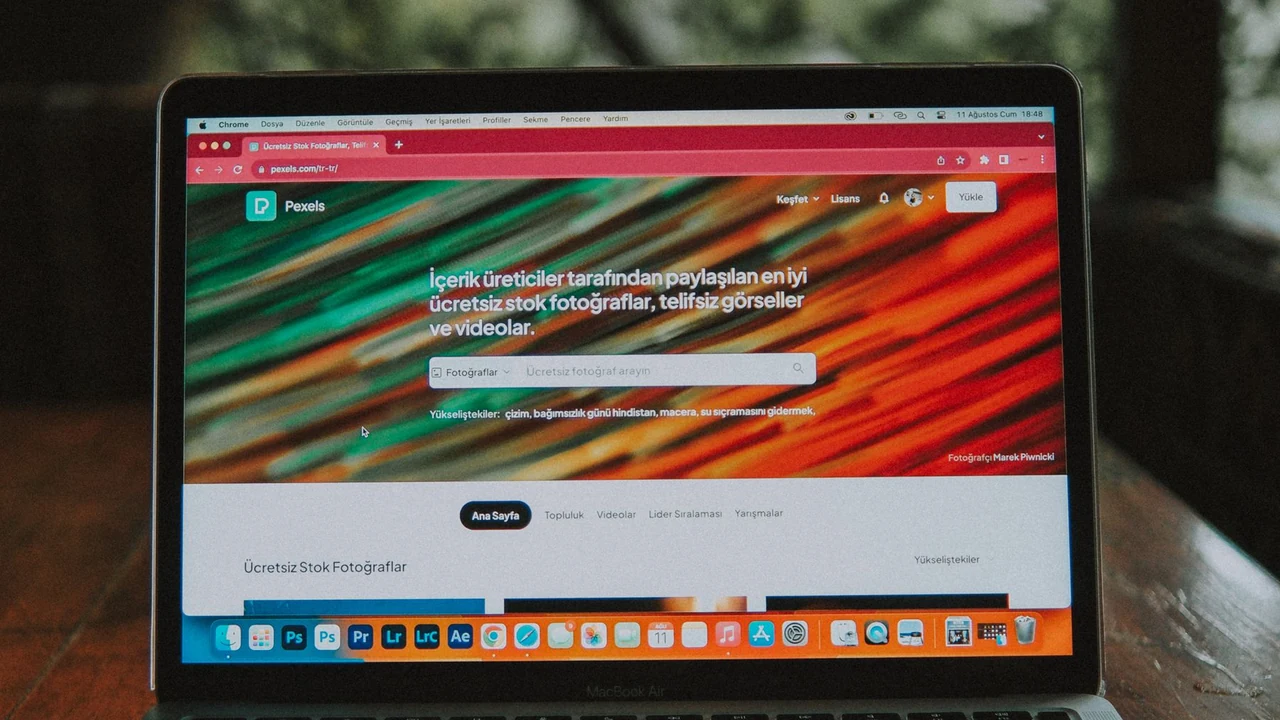
Fotografia di laptop Pexels con licenza utilizzata per illustrare l'accesso PC basato su browser. Non è uno screenshot di accesso Tuya e non prova che una particolare telecamera supporti il visualizzatore web.
Come funziona il visualizzatore web per telecamere Tuya?
Tuya’s current articolo sul supporto alla visualizzazione web delle telecamere fornisce portali browser specifici per regione per le telecamere supportate:
– Portale telecamere Singapore

Fotografia reale del prodotto QZT C12. Una pagina prodotto della famiglia Tuya non prova di per sé il supporto al visualizzatore web delle telecamere.
Il flusso attuale di Tuya è:
1. apri il portale per la regione applicabile;
2. utilizza l'app mobile per scansionare il codice QR di accesso;
3. aprire l'elenco telecamere/dispositivi;
4. selezionare la telecamera supportata;
5. verifica i contenuti disponibili in diretta, su cloud o su scheda SD.
Il testo di supporto Tuya specifica che i video su cloud, i video su scheda SD e i video in tempo reale della telecamera possono essere visualizzati da computer/browser web per i dispositivi supportati.
Non pubblicare una password né copiare le credenziali dell'account in un browser condiviso. Usa il flusso di login account/QR supportato.
Il visualizzatore di telecamere è lo stesso di Tuya App Web?
No. Tuya ha più di un percorso prodotto PC/web.
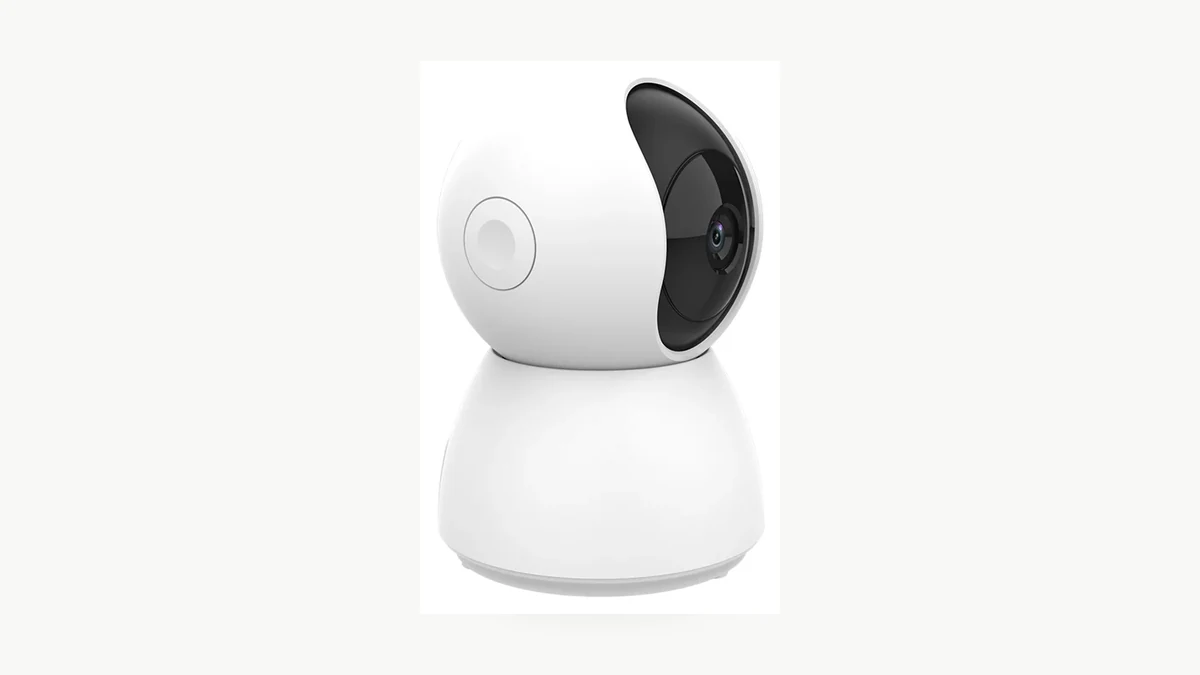
Scena reale del prodotto QZT C23B. Il supporto generale App Web e il supporto video della telecamera devono essere verificati separatamente.
Il supporto consumatori di Tuya di luglio 2026 afferma che il La versione web per PC viene distribuita gradualmente. Another Tuya support page says App WEB OEM può essere attivato come servizio a valore aggiunto e fa riferimento anche ai portali web standard di Tuya.
Quell'esperienza web più ampia può includere il controllo dei dispositivi, le scene e la gestione della smart home. Non deve essere usata come prova che ogni telecamera esponga video in diretta/SD/cloud nel visualizzatore specifico della telecamera.
Per un progetto di telecamera, poni due domande separate:
| Domanda | Prove necessarie |
|---|---|
| Questo account può usare Tuya/App Web? | Supporto app/account/regione |
| Questa telecamera specifica può mostrare video nel visualizzatore web per telecamere? | Dispositivo visibile nel portale telecamere regionale corretto + test video effettivo |
Un annuncio “versione web disponibile” non equivale a “tutte le telecamere sono supportate”.
Cosa bisogna verificare se la telecamera non appare sul PC?
Inizia con account, regione e supporto del dispositivo esatto prima di modificare impostazioni casuali della telecamera.
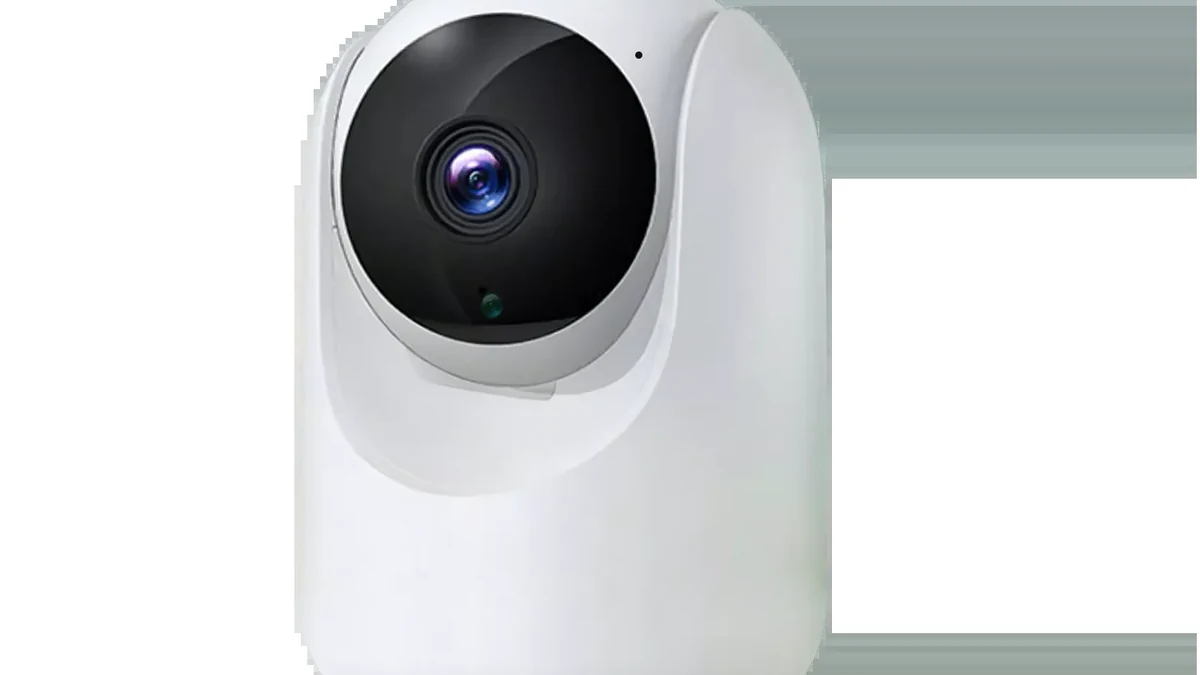
Fotografia reale del prodotto QZT C26. Un dispositivo mancante nel portale PC va considerato una questione di supporto/regione/account, non automaticamente un guasto della telecamera.
Verifica:
1. si sta utilizzando il portale regionale corretto;
2. hai scansionato il codice QR con la stessa app/account autorizzata che possiede o può accedere alla telecamera;
3. la telecamera è online nell'app mobile;
4. il dispositivo appare nell'elenco dei dispositivi del visualizzatore web;
5. la telecamera/firmware specifica supporta il visualizzatore web;
6. qualsiasi contenuto di archiviazione cloud che ti aspetti di vedere sia effettivamente abilitato per quell'account/dispositivo;
7. il browser non blocca il flusso di accesso/sessione.
L'articolo attuale di Tuya sul visualizzatore di telecamere afferma esplicitamente che un dispositivo mancante può significare che il dispositivo stesso non supporta la funzione.
Non presumere che reinstallare l'app mobile, resettare la telecamera o cambiare il WiFi aggiunga il supporto PC-web a hardware/firmware che non lo espone.
Se il problema è iniziato dopo aver cambiato il router o il WiFi, risolvere prima la rete utilizzando il Guida QZT Tuya nuovo WiFi.
Cosa dimostrano le attuali pagine QZT Tuya sul supporto PC?
Le attuali pagine prodotto QZT possono stabilire l'ecosistema dell'app e alcune capacità di integrazione. Attualmente non stabiliscono il supporto del visualizzatore web per telecamere per ogni SKU elencato.
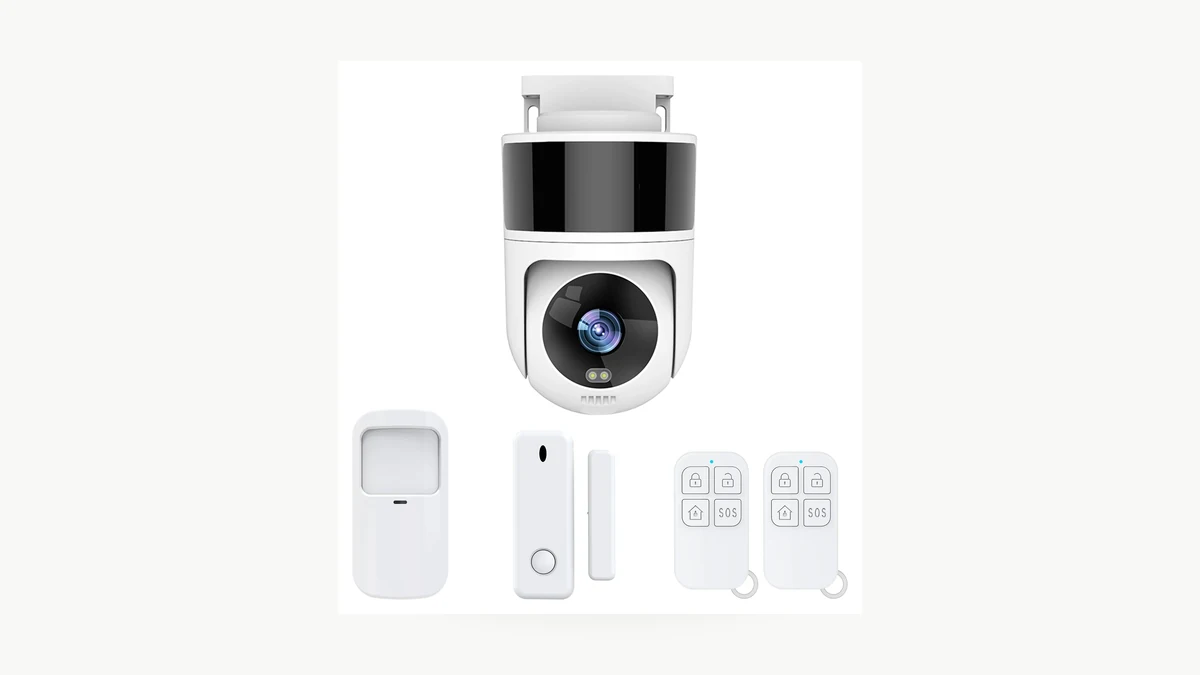
Scena reale QZT C40. Le specifiche ONVIF/App attuali della pagina prodotto sono separate dal supporto del visualizzatore browser Tuya.
| Modello QZT | Elenchi attuali delle pagine pubbliche | Visualizzatore web telecamera PC verificato qui? |
|---|---|---|
| C12 | Tuya Smart / Smart Life; ONVIF elencato | Non testato |
| C23B | Tuya Smart; ONVIF elencato | Non testato |
| C26 | Tuya Smart / Smart Life; ONVIF elencato | Non testato |
| C40 | Tuya Smart / Smart Life; ONVIF elencato | Non testato |
| C45L | Tuya Smart / Smart Life; la pagina attuale dice esplicitamente no ONVIF | Non testato |
Questo è intenzionale. ONVIF elencato nella pagina prodotto non prova la visualizzazione web Tuya, e l'assenza di ONVIF non prova che il visualizzatore browser Tuya non sia disponibile. Sono percorsi di accesso diversi.
Per una scheda prodotto, usa “app Tuya/Smart Life” solo quando è ciò che stabilisce la pagina prodotto attuale. Aggiungi “visualizzazione web su PC” solo dopo aver verificato l'esatta telecamera/firmware/account/regione.
E per ONVIF, RTSP o un NVR sul PC?
Quelli sono percorsi locali/di integrazione, non sono la stessa cosa del portale web per telecamere di Tuya.
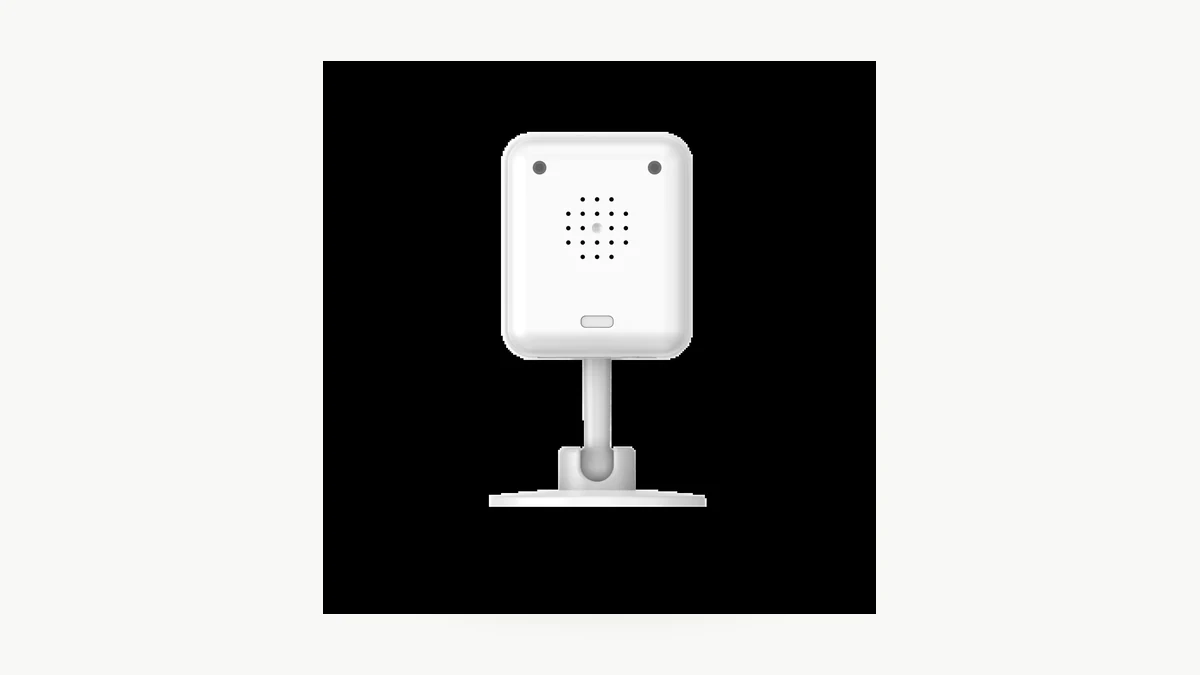
Immagine reale del prodotto QZT C12. La sua pagina attuale elenca ONVIF, ma l’effettiva integrazione NVR/PC dipende da modello/firmware/client.
Una telecamera supportata potrebbe essere visualizzata su PC tramite:
– un client NVR;
– VMS/software compatibile ONVIF;
– un'applicazione compatibile con RTSP;
– un'altra integrazione locale documentata.
Ma usa quei metodi solo quando la build specifica della telecamera li espone.
IL Guida QZT Tuya ONVIF/NVR separa gli elenchi ONVIF pubblici delle pagine prodotto dalle effettive prove su NVR di live/registrazione/riproduzione/PTZ/eventi.
Non copiare un URL RTSP, una porta, un nome utente o una password generici da un altro prodotto Tuya.
Se l'unico requisito è "aprire la telecamera in un browser", iniziare dal portale regionale per telecamere supportato da Tuya invece di inventare un percorso di streaming locale.
Come dovresti testare la visualizzazione su PC prima di un ordine all'ingrosso?
Considera l'accesso da PC come una funzione che necessita di una registrazione su campione, proprio come l'interoperabilità NVR.
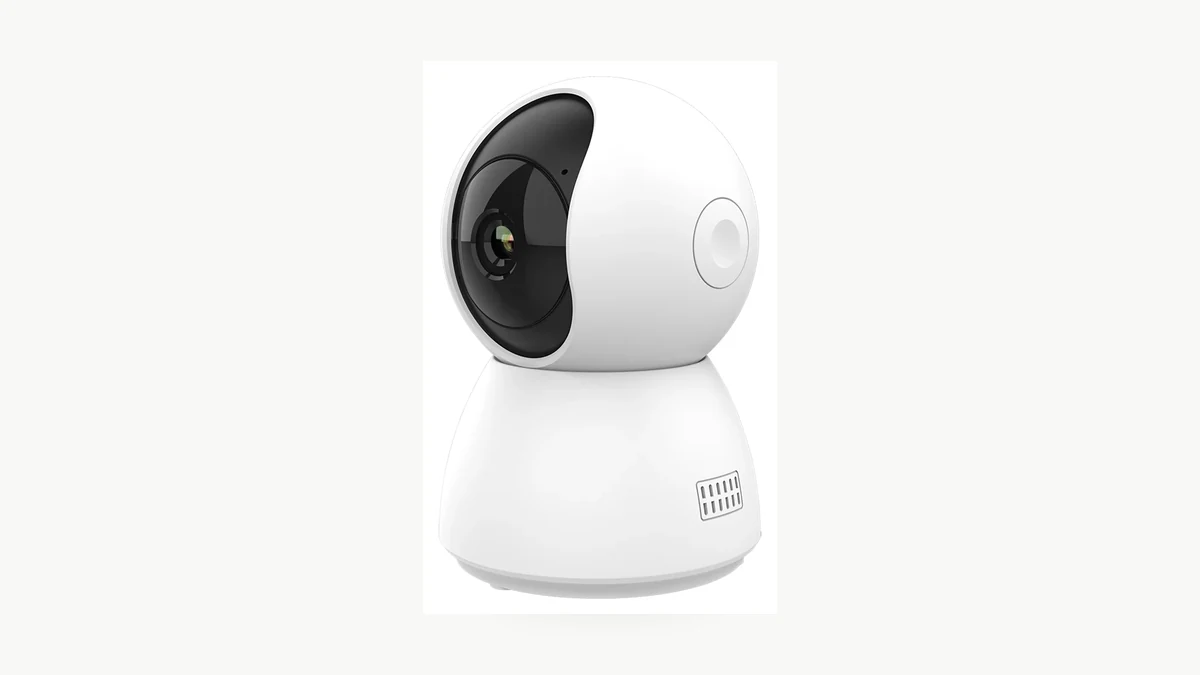
Immagine reale della confezione QZT C23B. Registra l'hardware, il firmware, l'account e la regione esatti utilizzati per un campione di visualizzazione su PC.
Utilizza un campione autorizzato e registra:
| Verifica | Risultato |
|---|---|
| SKU QZT / revisione hardware | |
| Firmware | |
| App mobile / versione app | |
| Regione dell'account | |
| portale PC / regione | |
| Dispositivo visibile su PC | Superato / Non superato |
| Video in diretta | Superato / Non superato / Non supportato |
| Registrazione cloud | Superato / Non superato / Non sottoscritto / Non supportato |
| Riproduzione da scheda SD | Superato / Non superato / Non testato / Non supportato |
| Browser / Sistema operativo | |
| Accesso tramite QR | Superato / Non superato |
| Disconnessione / chiusura sessione | Superato / Non superato |
| Prove | Screenshot / record di supporto / registro di test |
Eseguire il test dalla regione e dal tipo di account previsti dall'acquirente.
Se il prodotto sarà venduto con “visualizzazione su PC” nelle specifiche, conserva il record del test e la versione del firmware. Ricontrolla quando cambiano firmware, progetto Tuya o servizio web.
Domande frequenti
Posso visualizzare una telecamera Tuya in un browser?
Per i dispositivi supportati, sì. Attualmente Tuya fornisce portali web regionali per telecamere che possono mostrare contenuti live, cloud e da scheda SD dopo il login tramite QR code dall'app. Se la telecamera non è presente nell'elenco dei dispositivi, Tuya afferma che il dispositivo potrebbe non supportare la funzione.
Esiste un'app desktop Tuya per Windows o Mac?
Tuya’s current support describes PC web accesso e afferma che la versione web PC più ampia viene distribuita gradualmente. Non promettere un'applicazione nativa Windows/macOS per una telecamera a meno che il prodotto/servizio esatto non ne fornisca una.
Posso usare il portale Europa per un account USA?
Utilizza il portale corrispondente alla regione dell'account/dispositivo applicabile. Testa l'account reale invece di presumere che i portali regionali siano intercambiabili.
ONVIF significa che la telecamera apparirà nel visualizzatore web PC di Tuya?
No. ONVIF e il visualizzatore cloud/web per telecamere Tuya sono metodi di accesso separati.
Se la telecamera funziona in Smart Life, funzionerà sicuramente su PC?
No. Il supporto telecamere di Tuya afferma esplicitamente che un dispositivo che non appare nel visualizzatore web potrebbe non supportare tale funzione.
Posso vedere le registrazioni su microSD da un PC?
Il supporto attuale di Tuya per il web delle telecamere indica che il video su scheda SD può essere visualizzato tramite il portale web supportato per i dispositivi compatibili. Verifica la telecamera specifica, il firmware e l'account perché il supporto dei dispositivi può variare.
La regola pratica è: utilizzare il portale web regionale per telecamere Tuya per la visualizzazione cloud/web supportata; utilizzare ONVIF/NVR/RTSP solo quando la telecamera specifica lo documenta e supera quel percorso di integrazione locale. Non unire i due in un'unica affermazione universale di "supporto PC".

 English
  Italiano
  Deutsch
  Français
  Español
  Polski