
How to Use a Power Bank Spy Camera for Discreet Recording
You’re carrying something you use every day — a portable charger — and it’s recording 1080P video without anyone nearby suspecting a thing. That’s the basic premise of a power bank spy camera, and the reason these devices have become one of the most popular covert recording tools for personal use.
The appeal is obvious. A power bank sits on a desk, a café table, or a car dashboard without attracting attention. It’s functional — it actually charges your phone. And when fitted with a 1080P or 4K hidden lens, infrared night vision, and WiFi remote access, it turns into a full surveillance unit that looks completely ordinary. For people protecting themselves in workplace harassment situations, documenting interactions for legal purposes, or monitoring a space they can’t be physically present in, it solves a real problem.
But most guides stop at “point it at something and press record.” This one explains the complete picture: what these cameras are actually capable of, how to configure them properly, when and where they’re legally appropriate to use, and how to get footage that holds up — whether for personal reference or as admissible evidence.

What Is a Power Bank Spy Camera and How Does It Differ from a Regular Spy Camera?
A power bank camera is a dual-function device: it operates as a genuine high-capacity battery pack (typically 5000mAh to 10000mAh) while housing a hidden camera lens in the front or side face. The lens is usually a 2–3mm pinhole, recessed behind the housing so it’s invisible at normal viewing distances.
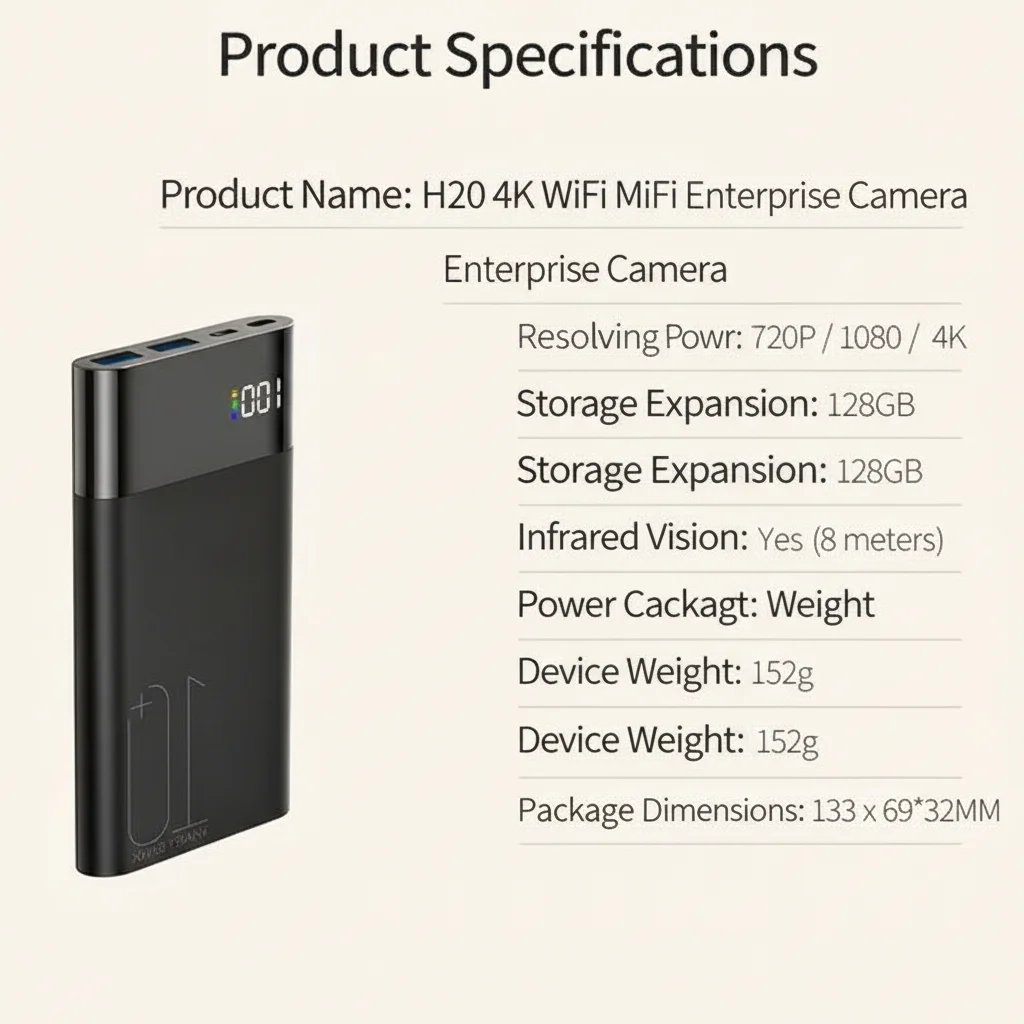
What separates modern power bank cameras from older spy camera designs is connectivity. The QZT H20 model, for example, is a 10000mAh WiFi power bank camera that integrates the Tuya Smart platform — meaning it connects to your phone over 2.4GHz WiFi for live streaming, remote triggering, and real-time alerts. Footage is stored locally on a microSD card (up to 128GB) and optionally backed up to Tuya cloud storage.
The key differentiator from a fixed camera or a smoke detector camera is mobility. A power bank can move with you — in a bag to a meeting, on a bookshelf at different positions, or passed between locations. Its 10000mAh capacity means it can run its own internal camera continuously for 3–5 hours while simultaneously charging another device.
| Specification | 5000mAh Model | 10000mAh Model (H20) |
|---|---|---|
| Continuous recording | ~2–3 hours | ~4–6 hours |
| Motion-activated standby | Up to 3 days | Up to 7 days |
| Video resolution | 1080P Full HD | 1080P / 4K option |
| Night vision | Infrared (invisible) | Infrared (invisible) |
| WiFi remote access | Some models | Yes (Tuya App) |
| Storage | Up to 64GB | Up to 128GB |
| Charging output | 5V/2A | 5V/2A (charges phone simultaneously) |
How to Set Up a WiFi Power Bank Camera for the First Time
Initial setup is straightforward, but the sequence matters. Rushing through it produces common problems: the camera connects to WiFi but doesn’t save to SD card, or the motion detection trigger sensitivity is set too low to capture the relevant events.
Step 1: Format the microSD card before inserting. Use FAT32 format. Cards formatted in NTFS or exFAT will not write correctly with most hidden camera firmware. Use your computer to format the card before first use.
Step 2: Insert the card, then power on. Do not insert the card while the device is running — this can corrupt the file system. Power on with the card already in place.
Step 3: Connect to the camera’s AP (access point) first. Most WiFi cameras create their own hotspot on first boot. Connect to it from your phone — you’ll see it in your WiFi list as “SSID: [device name]” without a password or with a default password printed on the unit.
Step 4: Open the Tuya Smart app. Add the device by scanning the QR code on the unit, or allow auto-discovery. Once paired, you can configure the recording mode, motion sensitivity, and cloud storage.
Step 5: Switch to STA mode (station mode). This connects the camera to your home WiFi network. In this mode, it can be accessed from anywhere — office, hotel, or a different country. AP mode is local-only and useful for testing, but STA mode is what enables remote live view.
Step 6: Test before deployment. Walk in front of the camera and verify that motion detection triggers correctly. Review one minute of footage to confirm the resolution, angle, and audio quality are adequate for your purpose.
How to Position a Power Bank Camera for Maximum Coverage
Lens placement and angle determine whether your footage is usable. A camera pointed at a wall six inches away tells you nothing. A camera angled slightly downward from a shelf at chest height captures faces, movements, and context.
Key positioning principles:
Height: Mount at 90–130cm (roughly desk or shelf height). This gives a field of view that captures faces at a natural angle — not the ceiling view of a smoke detector, not the shoes-only view of a floor-level placement.
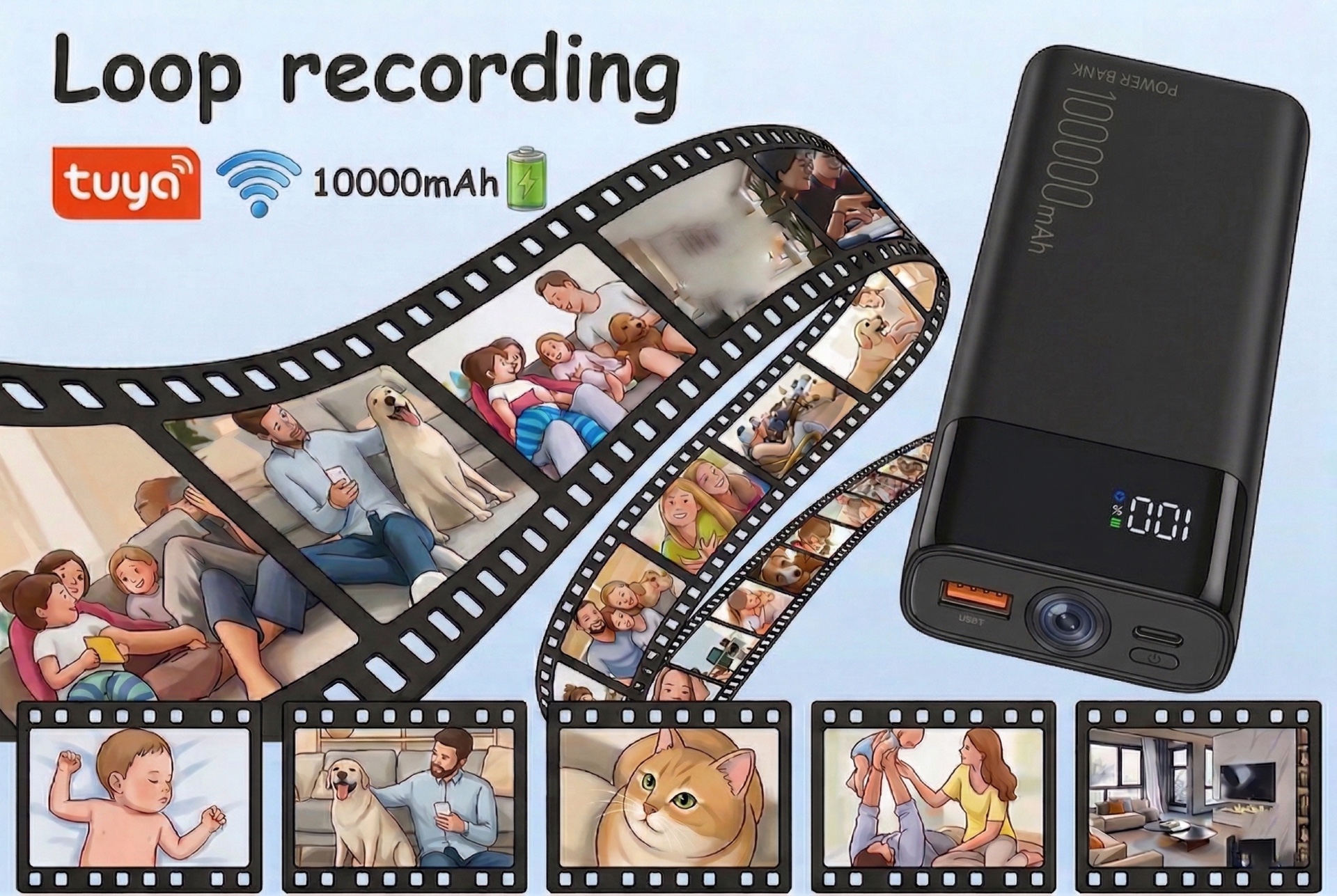
Angle: The pinhole lens should be oriented slightly downward (10–15 degrees below horizontal) toward the area you need to monitor. Most power bank hidden cameras have a 120°–170° wide-angle lens, which means even a small positional error captures a surprisingly large area.
Background: Place the device in front of a neutral, dark background (a bookshelf, a dark wall) to make the lens opening invisible. A bright background behind the device causes lens flare and makes it harder to review footage.
Stability: The device must be completely still during recording. Even a slight vibration from a moving object nearby creates motion blur on footage. If placing on a surface with foot traffic, use a non-slip mat or a small piece of mounting putty.
What you might not know is that 170-degree ultra-wide lenses introduce significant barrel distortion at the edges. If you need footage for legal documentation, center the subject of interest in the middle third of the frame — the corners will be distorted, but the center section is optically clean.
Recording Modes: Continuous vs Motion Detection vs Loop Recording
Modern power bank spy cameras support three recording modes. Which one you use depends entirely on what you’re trying to capture and how long you need the device to operate.
Continuous recording — The camera records uninterrupted from power-on to power-off or SD card capacity. This produces the most complete record but consumes battery and storage rapidly. A 128GB card at 1080P 30fps will fill in approximately 12–18 hours of footage. Use this when you know an event is imminent and you need a complete record.
Motion-activated recording (VAR/PIR) — The camera sleeps in standby until the motion sensor detects movement, then wakes and begins recording for a configurable window (typically 15 seconds to 5 minutes after the last movement). This can extend battery life to 3–7 days on a single charge and preserves storage for only the relevant footage. Use this for unattended monitoring over multiple days.
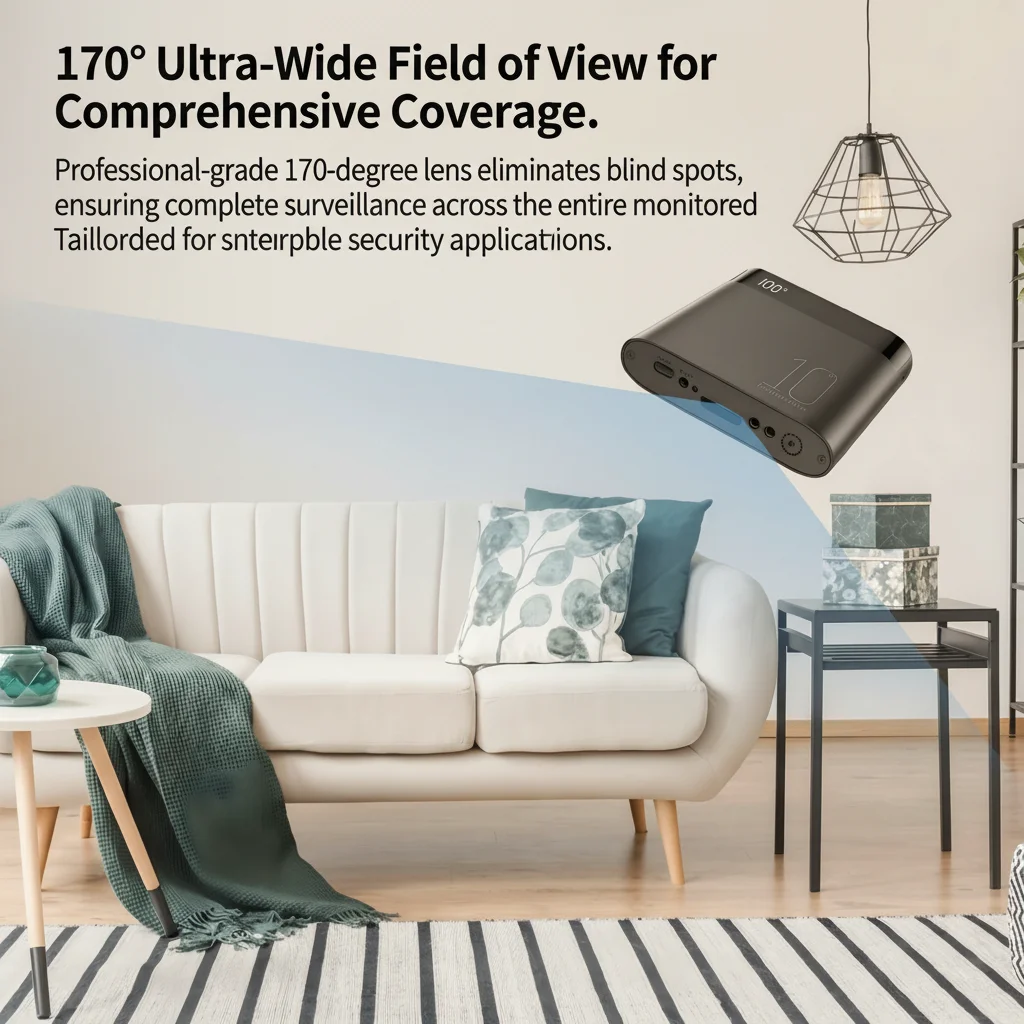
Loop recording — When the SD card fills, the oldest footage is overwritten automatically. This is useful for ongoing ambient monitoring (watching a property or workspace continuously) but means that if an event occurred several days ago and wasn’t flagged, the footage may be gone. Pair loop recording with cloud backup if evidence preservation matters.
For legal evidence purposes, continuous recording without loop-overwrite is the safest option, supplemented by a cloud backup that timestamps each clip automatically.
How to Use Infrared Night Vision Effectively
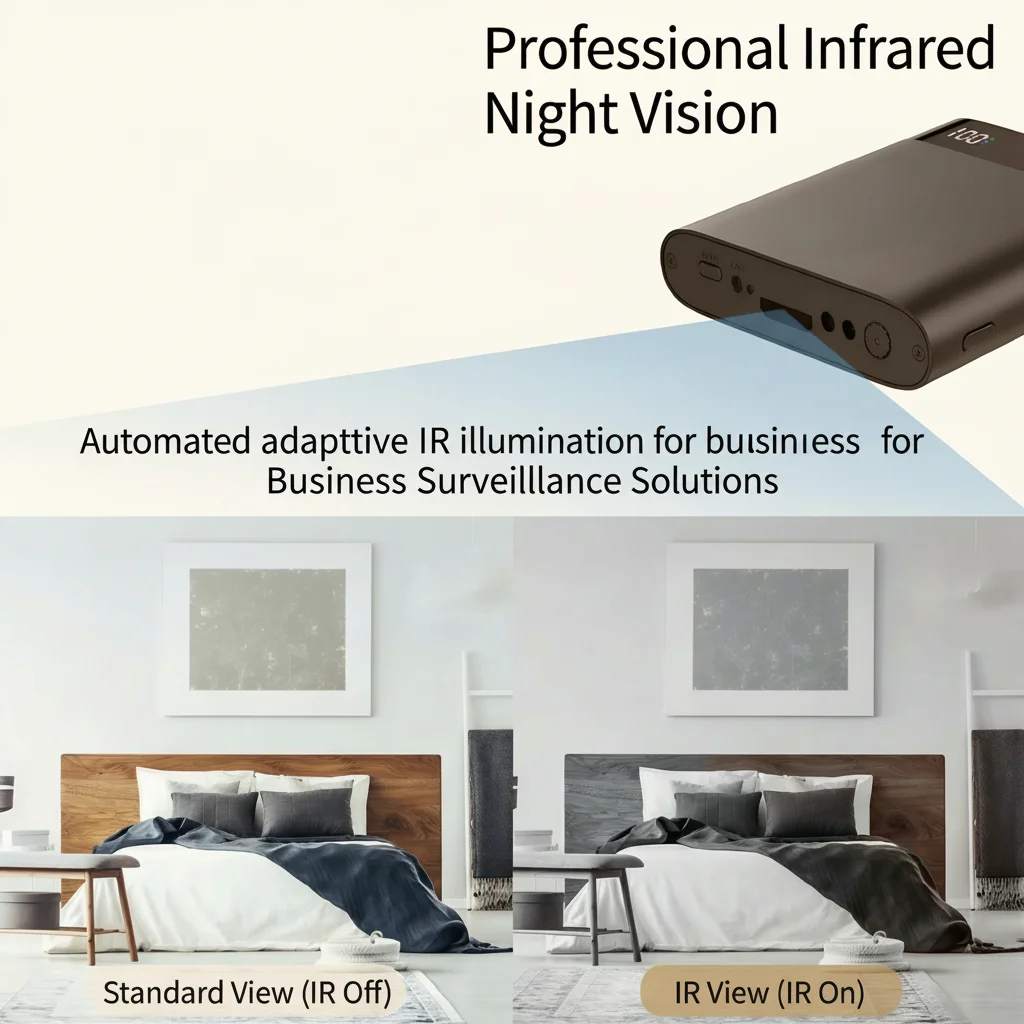
Infrared (IR) night vision is one of the most underused features on power bank cameras. Most users leave it in auto-mode and assume it will handle low-light conditions. It does — but with caveats.
IR LEDs emit light at 850nm or 940nm wavelength, which is invisible to the human eye but fully captured by the camera sensor. At 850nm, there is a faint red glow visible from the LEDs at close range (within 50cm). At 940nm, there is no visible glow at all. The QZT H20 uses 940nm IR LEDs, making it truly invisible even in complete darkness.
Practical limits of IR night vision:
– Range: Most power bank cameras achieve clear IR illumination within 2–5 metres. Beyond 5m, image quality degrades significantly.
– Reflection: White walls and ceilings reflect IR light back toward the lens, causing overexposure (“whiteout”) in the near field. Position the camera so it is not pointed directly at a white wall within 1 metre.
– Glass: IR does not pass through glass effectively. If your camera is behind glass (inside a bag, for example), night vision footage will be unusable.
– Contrast: IR footage is black-and-white. Color information is lost. If color identification is important for your purpose (clothing colour, for example), ensure there is sufficient ambient light for colour recording.
Switching between day-colour and night-IR mode is handled automatically by the light sensor, but you can force daytime mode in the app settings if you’re in a dimly lit room and need colour footage.
Guide to Remote Live View and Cloud Storage via Tuya App
WiFi connectivity transforms a power bank camera from a passive recorder into an active monitoring tool. With the Tuya Smart app configured correctly, you can:
– Watch live footage from anywhere in the world via 4G/5G data connection
– Receive push notifications the moment motion is detected
– Download specific clips directly to your phone
– Share access with a second phone (partner, family member) for simultaneous monitoring
– Review and delete footage without removing the SD card
For remote access to work reliably, the camera must be connected to a stable home or office WiFi network (STA mode) with consistent internet uptime. The Tuya cloud relay ensures that even if the device and phone are on different networks, the live view is stable. Typical video latency on a standard broadband connection is 1–3 seconds.
Data privacy consideration: when using cloud storage, footage is processed through Tuya’s servers (based in mainland China with GDPR-compliant EU nodes for European users). For sensitive recordings, consider disabling cloud storage and using only local SD card storage, with footage reviewed directly via cable connection to a computer.
Legal Considerations for Using a Power Bank Spy Camera
Here’s what most people get wrong: they assume that because they own the device, they can use it anywhere. The law is more specific than that.
In the EU, recording someone without their knowledge is regulated by the GDPR and local laws. The relevant legal framework depends on:
Location: Recording in a space you own or control (your own home, office, or vehicle) is generally permissible under legitimate interest provisions, especially when disclosing the presence of cameras to people who enter the space. Recording someone in a public space without disclosure — on a street, in a shared workspace, in someone else’s property — enters legally problematic territory.
Purpose: Personal safety and evidence collection for legal disputes are generally considered legitimate purposes under Article 6(1)(f) of the GDPR. Gratuitous recording of others without necessity does not qualify.
Audio: In Germany, Austria, and Switzerland, recording private conversations without consent from all parties is a criminal offense under wiretapping statutes, even on your own property. In the UK and Italy, single-party consent (one person in the conversation knowing about the recording) is generally sufficient.
Disclosure: In workplace contexts across the EU, cameras must be disclosed to employees under data protection law. Undisclosed workplace monitoring is a Category B GDPR violation (significant fine risk).
For personal protective use — documenting harassment, monitoring your own property, preserving evidence of domestic incidents — power bank cameras are an effective and legally defensible tool when used appropriately. Consult a local legal professional if you are planning to use recorded footage in formal legal proceedings.
Conclusion: A Tool Worth Understanding
A power bank camera is not complicated hardware — it’s a straightforward recording device with a useful disguise. But most of the people who buy one use about 30% of what it’s capable of. Setting up remote live view, configuring motion sensitivity correctly, understanding the limits of night vision, and knowing the legal framework for your country turns a consumer gadget into something genuinely reliable.
The practical applications are real: documenting a property dispute, monitoring an elderly parent’s care, protecting yourself in a confrontational situation, or simply keeping watch on a space when you can’t be there in person. None of those require technical expertise — they require understanding what the device does and using it correctly.
If you’re sourcing for resale or retail, QZT offers the H20 model with Tuya integration, 10000mAh battery, 4K recording option, and CE/RoHS certification for EU market compliance. The 1080P Power Bank Hidden Camera is the entry-level alternative for buyers focused on price-sensitive markets.
FAQ
Q: Can I charge my phone while the camera is recording?
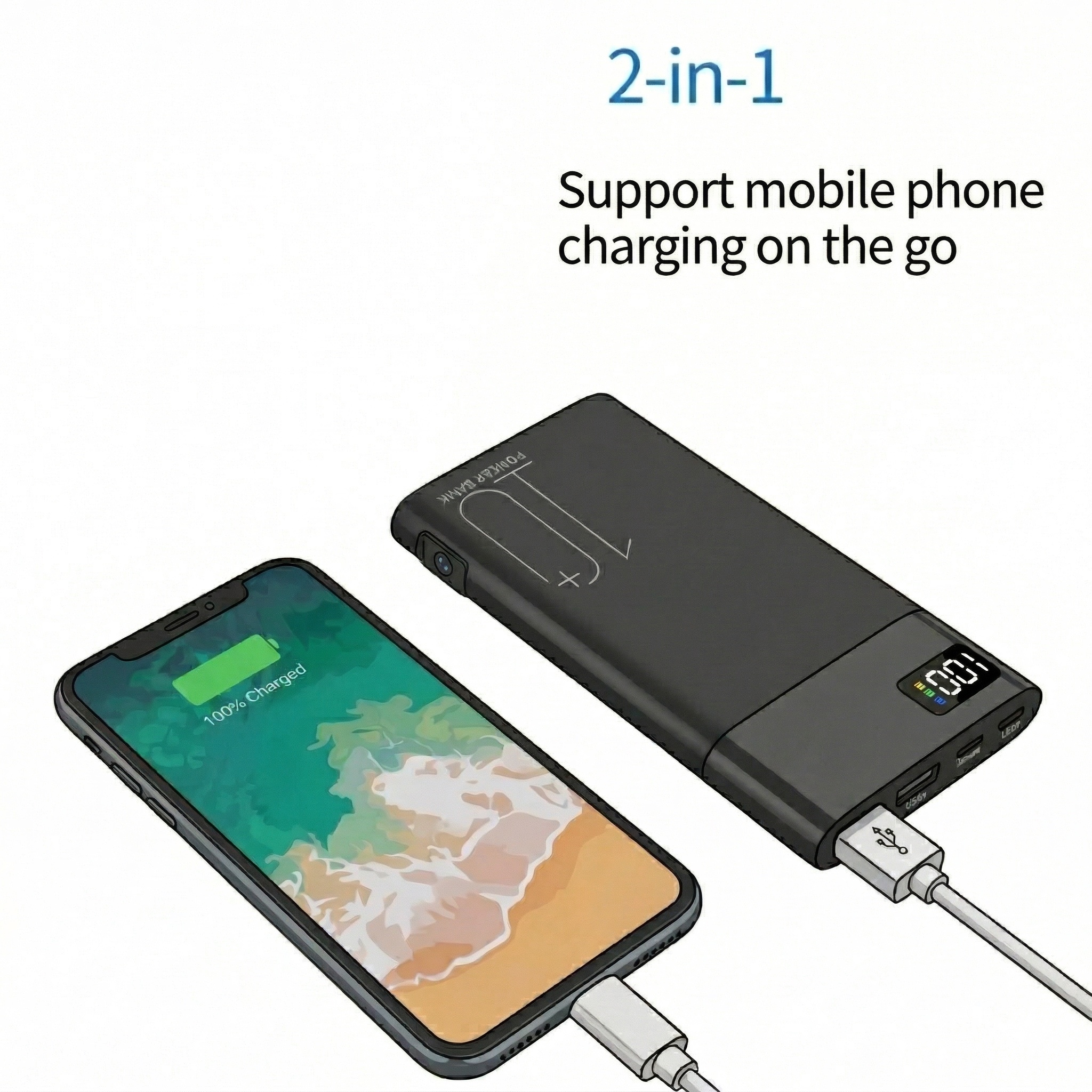
A: Yes, on dual-function models like the H20. The camera draws power from the internal battery while the USB output simultaneously charges a connected device. Recording does not interrupt charging, and vice versa.
Q: How do I retrieve footage from the SD card?
A: Remove the microSD card and insert it into a card reader connected to your computer. Files are stored as standard .MP4 or .AVI clips organised by date and time. No special software is required for playback.
Q: Does the camera work without WiFi?
A: Yes. If not connected to WiFi, the camera records locally to the SD card. WiFi is required only for remote live view, cloud backup, and push notifications. Local recording functions independently of network connectivity.
Q: What’s the difference between the 5000mAh and 10000mAh models?
A: Battery capacity determines how long the camera can operate before requiring a recharge. The 5000mAh model runs approximately 2–3 hours on continuous recording; the 10000mAh runs 4–6 hours. In motion-activated mode, both models extend substantially — the 10000mAh can operate in standby for up to a week between charges.
Q: Is power bank camera footage admissible in court?
A: Generally yes, if the recording was made legally (within the applicable consent laws of your jurisdiction) and the file metadata is intact (timestamps, GPS if available). Courts in the EU and UK have accepted covertly recorded footage as evidence in civil and criminal proceedings where it was obtained under single-party consent laws and proportionality principles.

 English
  Italiano
  Deutsch
  Français
  Español
  Polski