
Este conecta la cámara a tu red WiFi doméstica. En este modo, puede ser accedida desde cualquier lugar — oficina, hotel o un país diferente. El modo AP es solo local y útil para pruebas, pero el modo STA es lo que permite la vista en vivo remota.
Está llevando algo que usa todos los días — un cargador portátil — y está grabando video 1080P sin que nadie cerca sospeche nada. Esa es la premisa básica de una power bank spy camera, and the reason these devices have become one of the most popular covert recording tools for personal use.
El atractivo es obvio. Un power bank se coloca en un escritorio, una mesa de café o el tablero de un automóvil sin llamar la atención. Es funcional — realmente carga su teléfono. Y cuando está equipado con una lente oculta 1080P o 4K, visión nocturna infrarroja y acceso remoto WiFi, se convierte en una unidad de vigilancia completa que parece completamente ordinaria. Para personas que se protegen en situaciones de acoso laboral, documentan interacciones con fines legales o monitorean un espacio en el que no pueden estar físicamente presentes, resuelve un problema real.
Pero la mayoría de las guías se detienen en “apúntelo a algo y presione grabar”. Esta explica el panorama completo: de qué son realmente capaces estas cámaras, cómo configurarlas correctamente, cuándo y dónde es legalmente apropiado usarlas, y cómo obtener imágenes que sean válidas — ya sea para referencia personal o como evidencia admisible.

What Is a Power Bank Spy Camera and How Does It Differ from a Regular Spy Camera?
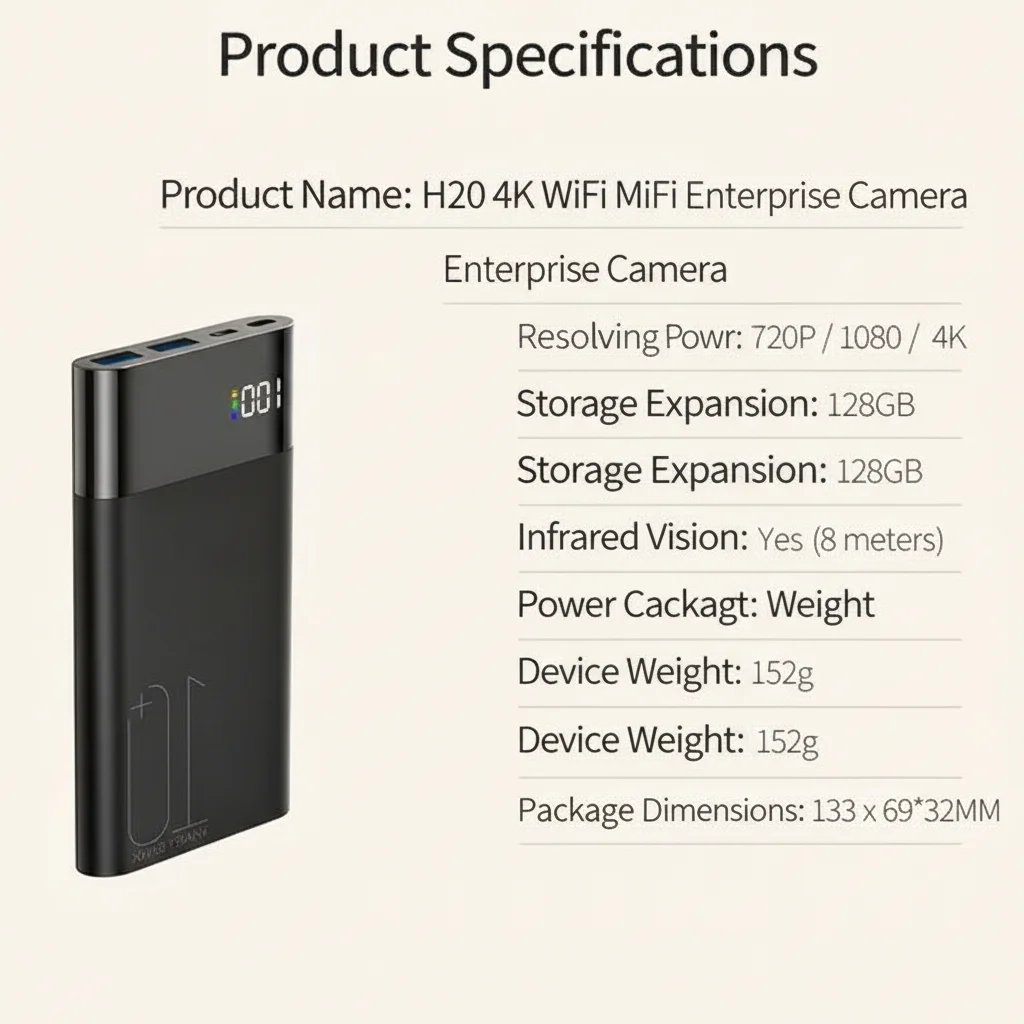
Una cámara power bank es un dispositivo de doble función: funciona como un paquete de baterías genuino de alta capacidad (típicamente de 5000mAh a 10000mAh) mientras aloja una lente de cámara oculta en la cara frontal o lateral. La lente suele ser un orificio de alfiler de 2–3 mm, empotrado detrás de la carcasa para que sea invisible a distancias de visión normales.
What separates modern power bank cameras from older spy camera designs is connectivity. The QZT H20 model, for example, is a 10000mAh WiFi power bank camera that integrates the Tuya Smart platform — meaning it connects to your phone over 2.4GHz WiFi for live streaming, remote triggering, and real-time alerts. Footage is stored locally on a microSD card (up to 128GB) and optionally backed up to Tuya cloud storage.
The key differentiator from a fixed camera or a smoke detector camera is mobility. A power bank can move with you — in a bag to a meeting, on a bookshelf at different positions, or passed between locations. Its 10000mAh capacity means it can run its own internal camera continuously for 3–5 hours while simultaneously charging another device.
| Especificación | 5000mAh Model | 10000mAh Model (H20) |
|---|---|---|
| Grabación continua | ~2–3 hours | ~4–6 hours |
| Motion-activated standby | Up to 3 days | Up to 7 days |
| Resolución de vídeo | 1080P Full HD | 1080P / 4K option |
| visión nocturna | Infrared (invisible) | Infrared (invisible) |
| WiFi remote access | Algunos modelos | Yes (Tuya App) |
| Almacenamiento | Up to 64GB | Hasta 128 GB |
| Salida de carga | 5V/2A | 5V/2A (charges phone simultaneously) |
How to Set Up a WiFi Power Bank Camera for the First Time
La configuración inicial es sencilla, pero la secuencia importa. Hacerlo apresuradamente produce problemas comunes: la cámara se conecta al WiFi pero no guarda en la tarjeta SD, o la sensibilidad del disparador de detección de movimiento está configurada demasiado baja para capturar los eventos relevantes.
Step 1: Format the microSD card before inserting. Use FAT32 format. Cards formatted in NTFS or exFAT will not write correctly with most hidden camera firmware. Use your computer to format the card before first use.
Step 2: Insert the card, then power on. Do not insert the card while the device is running — this can corrupt the file system. Power on with the card already in place.
Paso 3: Conéctese primero al AP (punto de acceso) de la cámara. La mayoría de las cámaras WiFi crean su propio punto de acceso en el primer arranque. Conéctese a él desde su teléfono — lo verá en su lista WiFi como “SSID: [nombre del dispositivo]” sin contraseña o con una contraseña predeterminada impresa en la unidad.
Step 4: Open the Tuya Smart app. Add the device by scanning the QR code on the unit, or allow auto-discovery. Once paired, you can configure the recording mode, motion sensitivity, and cloud storage.
Step 5: Switch to STA mode (station mode). This connects the camera to your home WiFi network. In this mode, it can be accessed from anywhere — office, hotel, or a different country. AP mode is local-only and useful for testing, but STA mode is what enables remote live view.
Si estás buscando para reventa o retail, QZT ofrece el modelo H20 con integración Tuya, batería de 10000mAh, opción de grabación 4K y certificación CE/RoHS para cumplir con el mercado de la UE. El. Walk in front of the camera and verify that motion detection triggers correctly. Review one minute of footage to confirm the resolution, angle, and audio quality are adequate for your purpose.
How to Position a Power Bank Camera for Maximum Coverage
Lens placement and angle determine whether your footage is usable. A camera pointed at a wall six inches away tells you nothing. A camera angled slightly downward from a shelf at chest height captures faces, movements, and context.
Key positioning principles:
Altura: Mount at 90–130cm (roughly desk or shelf height). This gives a field of view that captures faces at a natural angle — not the ceiling view of a smoke detector, not the shoes-only view of a floor-level placement.
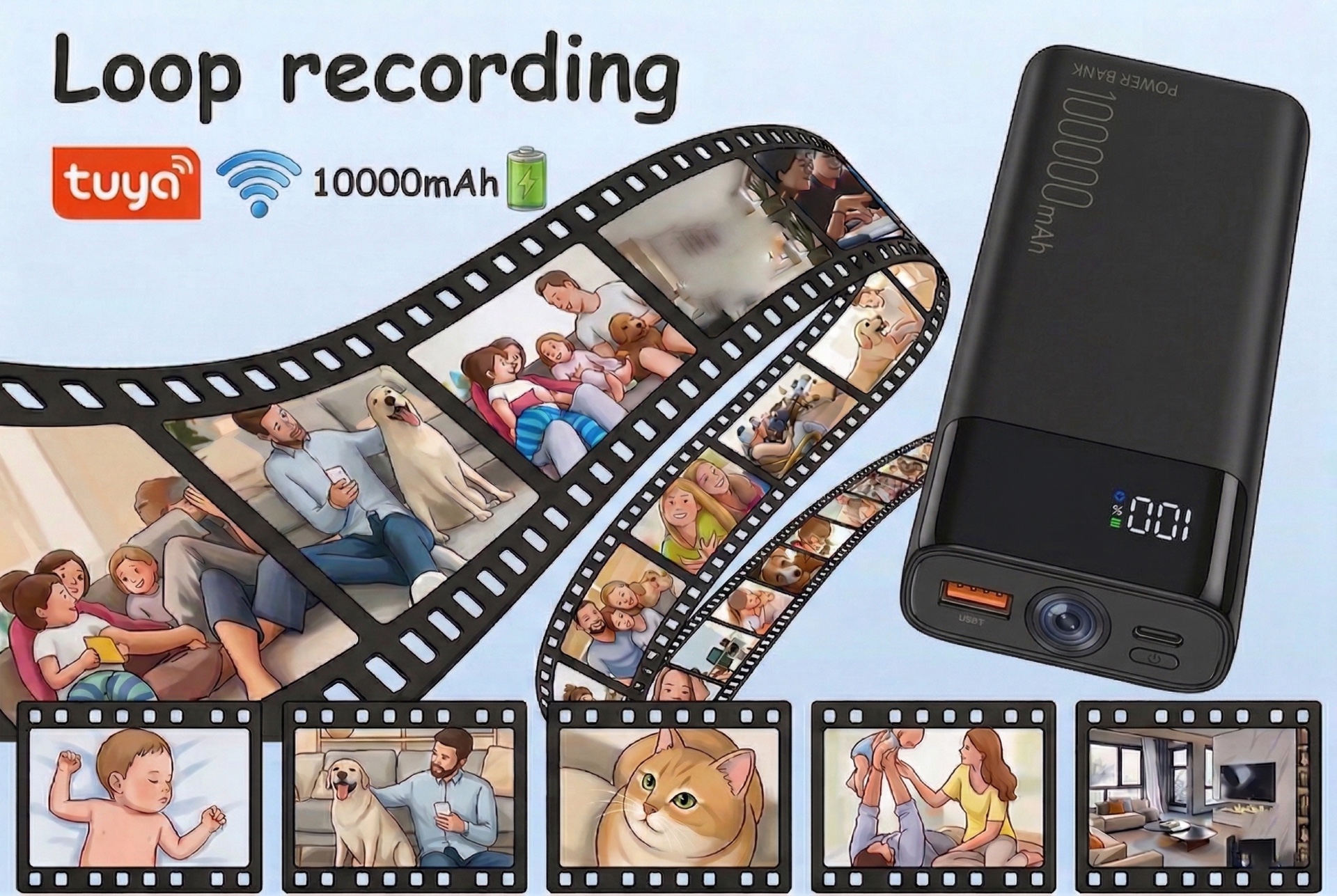
Ángulo: The pinhole lens should be oriented slightly downward (10–15 degrees below horizontal) toward the area you need to monitor. Most power bank hidden cameras have a 120°–170° wide-angle lens, which means even a small positional error captures a surprisingly large area.
Fondo: Place the device in front of a neutral, dark background (a bookshelf, a dark wall) to make the lens opening invisible. A bright background behind the device causes lens flare and makes it harder to review footage.
Estabilidad: The device must be completely still during recording. Even a slight vibration from a moving object nearby creates motion blur on footage. If placing on a surface with foot traffic, use a non-slip mat or a small piece of mounting putty.
What you might not know is that 170-degree ultra-wide lenses introduce significant barrel distortion at the edges. If you need footage for legal documentation, center the subject of interest in the middle third of the frame — the corners will be distorted, but the center section is optically clean.
Recording Modes: Continuous vs Motion Detection vs Loop Recording
Las cámaras espía power bank modernas admiten tres modos de grabación. Cuál use depende completamente de lo que intente capturar y cuánto tiempo necesita que el dispositivo opere.
Grabación continua — The camera records uninterrupted from power-on to power-off or SD card capacity. This produces the most complete record but consumes battery and storage rapidly. A 128GB card at 1080P 30fps will fill in approximately 12–18 hours of footage. Use this when you know an event is imminent and you need a complete record.
Motion-activated recording (VAR/PIR) — The camera sleeps in standby until the motion sensor detects movement, then wakes and begins recording for a configurable window (typically 15 seconds to 5 minutes after the last movement). This can extend battery life to 3–7 days on a single charge and preserves storage for only the relevant footage. Use this for unattended monitoring over multiple days.
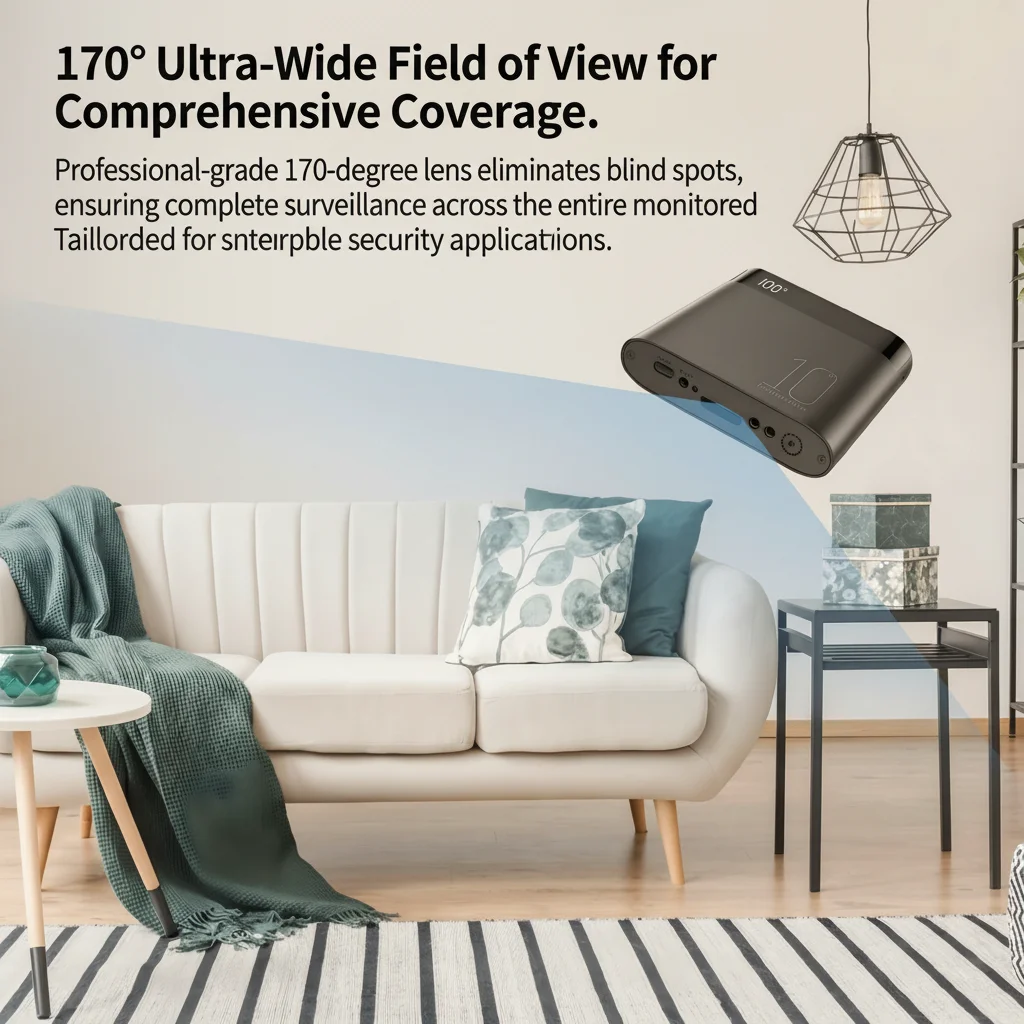
Grabación en bucle — Cuando la tarjeta SD se llena, las imágenes más antiguas se sobrescriben automáticamente. Esto es útil para monitoreo ambiental continuo (vigilar una propiedad o espacio de trabajo continuamente) pero significa que si un evento ocurrió hace varios días y no fue marcado, las imágenes pueden haberse perdido. Combine la grabación en bucle con copia de seguridad en la nube si la preservación de evidencia es importante.
For legal evidence purposes, continuous recording without loop-overwrite is the safest option, supplemented by a cloud backup that timestamps each clip automatically.
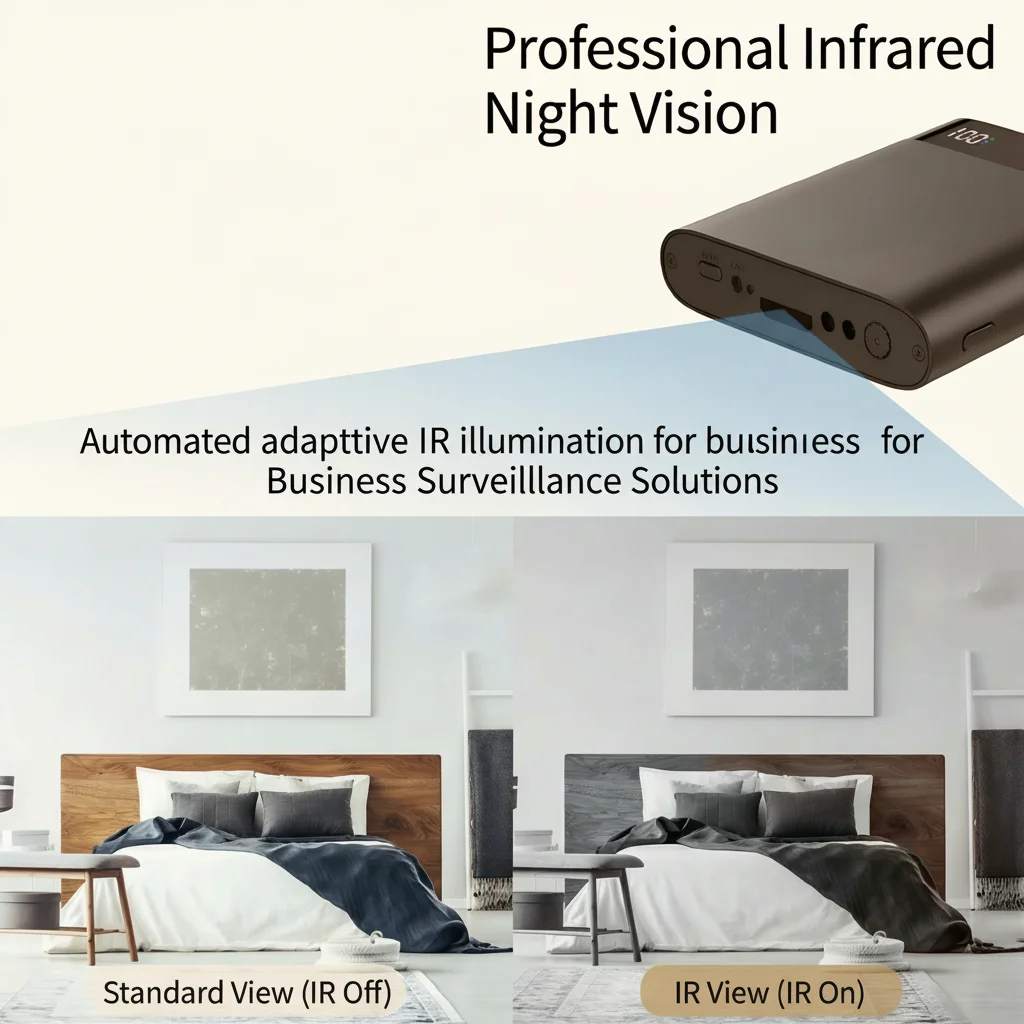
How to Use Infrared Night Vision Effectively
Infrared (IR) night vision is one of the most underused features on power bank cameras. Most users leave it in auto-mode and assume it will handle low-light conditions. It does — but with caveats.
IR LEDs emit light at 850nm or 940nm wavelength, which is invisible to the human eye but fully captured by the camera sensor. At 850nm, there is a faint red glow visible from the LEDs at close range (within 50cm). At 940nm, there is no visible glow at all. The QZT H20 uses 940nm IR LEDs, making it truly invisible even in complete darkness.
Practical limits of IR night vision:
– Rango: Most power bank cameras achieve clear IR illumination within 2–5 metres. Beyond 5m, image quality degrades significantly.
– Reflection: Las paredes y techos blancos reflejan la luz IR hacia la lente, causando sobreexposición (“blanqueo”) en el campo cercano. Coloque la cámara de modo que no apunte directamente a una pared blanca dentro de 1 metro.
– Glass: IR does not pass through glass effectively. If your camera is behind glass (inside a bag, for example), night vision footage will be unusable.
– Contrast: IR footage is black-and-white. Color information is lost. If color identification is important for your purpose (clothing colour, for example), ensure there is sufficient ambient light for colour recording.
El cambio entre modo día-color y noche-IR se maneja automáticamente por el sensor de luz, pero puede forzar el modo diurno en la configuración de la aplicación si está en una habitación con poca luz y necesita imágenes en color.
Guide to Remote Live View and Cloud Storage via Tuya App
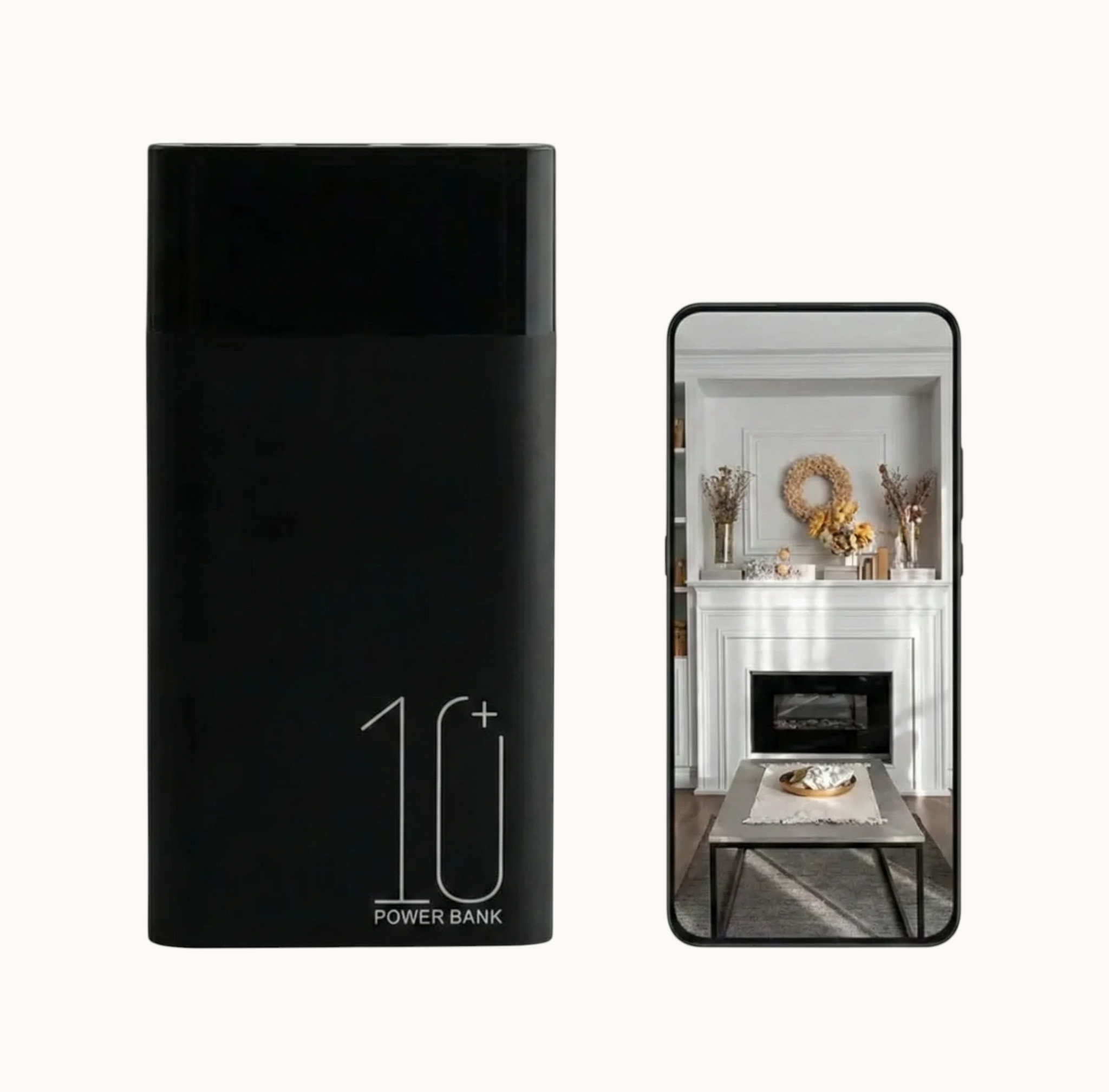
WiFi connectivity transforms a power bank camera from a passive recorder into an active monitoring tool. With the Tuya Smart app configured correctly, you can:
– Vea imágenes en vivo desde cualquier parte del mundo mediante conexión de datos 4G/5G
– Reciba notificaciones push en el momento en que se detecta movimiento
– Descargue clips específicos directamente a su teléfono
– Comparta el acceso con un segundo teléfono (pareja, familiar) para monitoreo simultáneo
– Revise y elimine grabaciones sin quitar la tarjeta SD
For remote access to work reliably, the camera must be connected to a stable home or office WiFi network (STA mode) with consistent internet uptime. The Tuya cloud relay ensures that even if the device and phone are on different networks, the live view is stable. Typical video latency on a standard broadband connection is 1–3 seconds.
Consideración de privacidad de datos: al usar almacenamiento en la nube, las grabaciones se procesan a través de los servidores de Tuya (con sede en China continental con nodos de la UE conformes al RGPD para usuarios europeos). Para grabaciones sensibles, considere deshabilitar el almacenamiento en la nube y usar solo almacenamiento local en tarjeta SD, revisando las grabaciones directamente mediante conexión por cable a una computadora.
Legal Considerations for Using a Power Bank Spy Camera
Esto es en lo que la mayoría de las personas se equivocan: asumen que porque poseen el dispositivo, pueden usarlo en cualquier lugar. La ley es más específica que eso.
In the EU, recording someone without their knowledge is regulated by the GDPR and local laws. The relevant legal framework depends on:
Ubicación: Grabar en un espacio que posee o controla (su propia casa, oficina o vehículo) generalmente es permisible bajo disposiciones de interés legítimo, especialmente cuando se divulga la presencia de cámaras a las personas que ingresan al espacio. Grabar a alguien en un espacio público sin divulgación — en una calle, en un espacio de trabajo compartido, en la propiedad de otra persona — entra en territorio legalmente problemático.
Propósito: Personal safety and evidence collection for legal disputes are generally considered legitimate purposes under Article 6(1)(f) of the GDPR. Gratuitous recording of others without necessity does not qualify.
Audio: In Germany, Austria, and Switzerland, recording private conversations without consent from all parties is a criminal offense under wiretapping statutes, even on your own property. In the UK and Italy, single-party consent (one person in the conversation knowing about the recording) is generally sufficient.
Disclosure: In workplace contexts across the EU, cameras must be disclosed to employees under data protection law. Undisclosed workplace monitoring is a Category B GDPR violation (significant fine risk).
For personal protective use — documenting harassment, monitoring your own property, preserving evidence of domestic incidents — power bank cameras are an effective and legally defensible tool when used appropriately. Consult a local legal professional if you are planning to use recorded footage in formal legal proceedings.
Conclusion: A Tool Worth Understanding
A Power Bank Cámara no es un hardware complicado — es un dispositivo de grabación directo con un disfraz útil. Pero la mayoría de las personas que compran una usan aproximadamente 30% de lo que es capaz. Configurar la vista en vivo remota, ajustar correctamente la sensibilidad de movimiento, entender los límites de la visión nocturna y conocer el marco legal de su país convierte un dispositivo de consumo en algo genuinamente confiable.
Las aplicaciones prácticas son reales: documentar una disputa de propiedad, monitorear el cuidado de un padre anciano, protegerse en una situación conflictiva, o simplemente vigilar un espacio cuando no puede estar allí en persona. Ninguna de esas requiere experiencia técnica — requieren entender lo que hace el dispositivo y usarlo correctamente.
Si está abasteciéndose para reventa o venta al por menor, QZT ofrece el modelo H20 con integración de Tuya, batería de 10000mAh, opción de grabación 4K y certificación CE/RoHS para cumplimiento en el mercado de la UE. El Cómo usar una cámara espía de banco de energía para grabaciones discretas is the entry-level alternative for buyers focused on price-sensitive markets.
Preguntas frecuentes
Q: Can I charge my phone while the camera is recording?
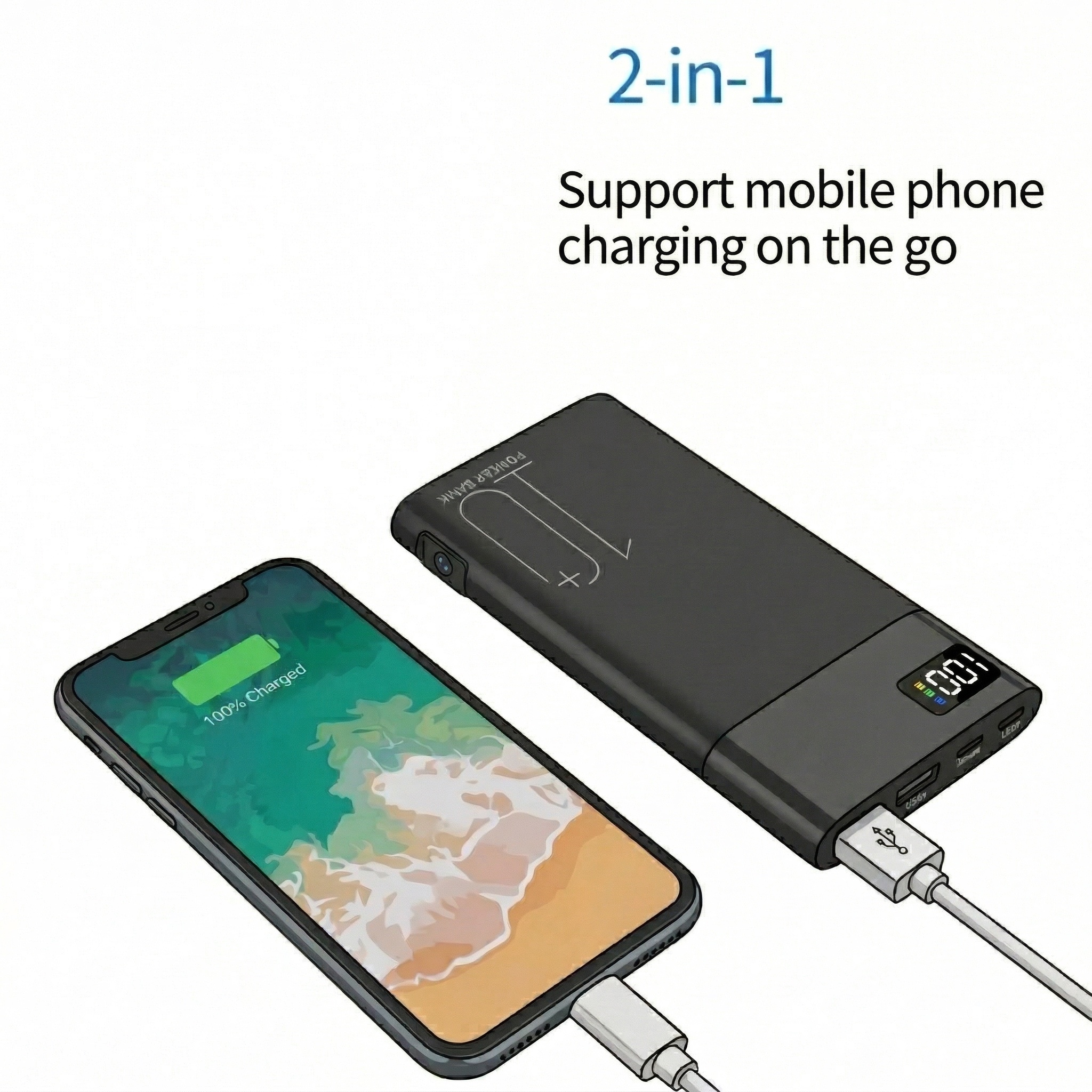
A: Yes, on dual-function models like the H20. The camera draws power from the internal battery while the USB output simultaneously charges a connected device. Recording does not interrupt charging, and vice versa.
Q: How do I retrieve footage from the SD card?
A: Remove the microSD card and insert it into a card reader connected to your computer. Files are stored as standard .MP4 or .AVI clips organised by date and time. No special software is required for playback.
Q: Does the camera work without WiFi?
A: Yes. If not connected to WiFi, the camera records locally to the SD card. WiFi is required only for remote live view, cloud backup, and push notifications. Local recording functions independently of network connectivity.
P: ¿Cuál es la diferencia entre los modelos de 5000mAh y 10000mAh?
A: Battery capacity determines how long the camera can operate before requiring a recharge. The 5000mAh model runs approximately 2–3 hours on continuous recording; the 10000mAh runs 4–6 hours. In motion-activated mode, both models extend substantially — the 10000mAh can operate in standby for up to a week between charges.
Q: Is power bank camera footage admissible in court?
A: Generally yes, if the recording was made legally (within the applicable consent laws of your jurisdiction) and the file metadata is intact (timestamps, GPS if available). Courts in the EU and UK have accepted covertly recorded footage as evidence in civil and criminal proceedings where it was obtained under single-party consent laws and proportionality principles.

 English
  Italiano
  Deutsch
  Français
  Español
  Polski