
How to Choose a Mini Indoor WiFi Camera for Your Home
The Italian market for home security has shifted dramatically over the past three years. What once required a professional installer, coaxial cables, and a monthly monitoring contract can now be handled by a single compact device you set up in fifteen minutes. When Italian homeowners search for mini telecamera wifi interno, they are looking for exactly that kind of simplicity — a small, affordable, self-contained camera that feeds directly to their phone without the overhead of a traditional system.
This guide explains what separates a genuinely useful mini indoor WiFi camera from the dozens of low-quality options flooding online marketplaces, and what to look for before you buy.
Why “Mini” Cameras Have Become the Default Choice for Italian Homes
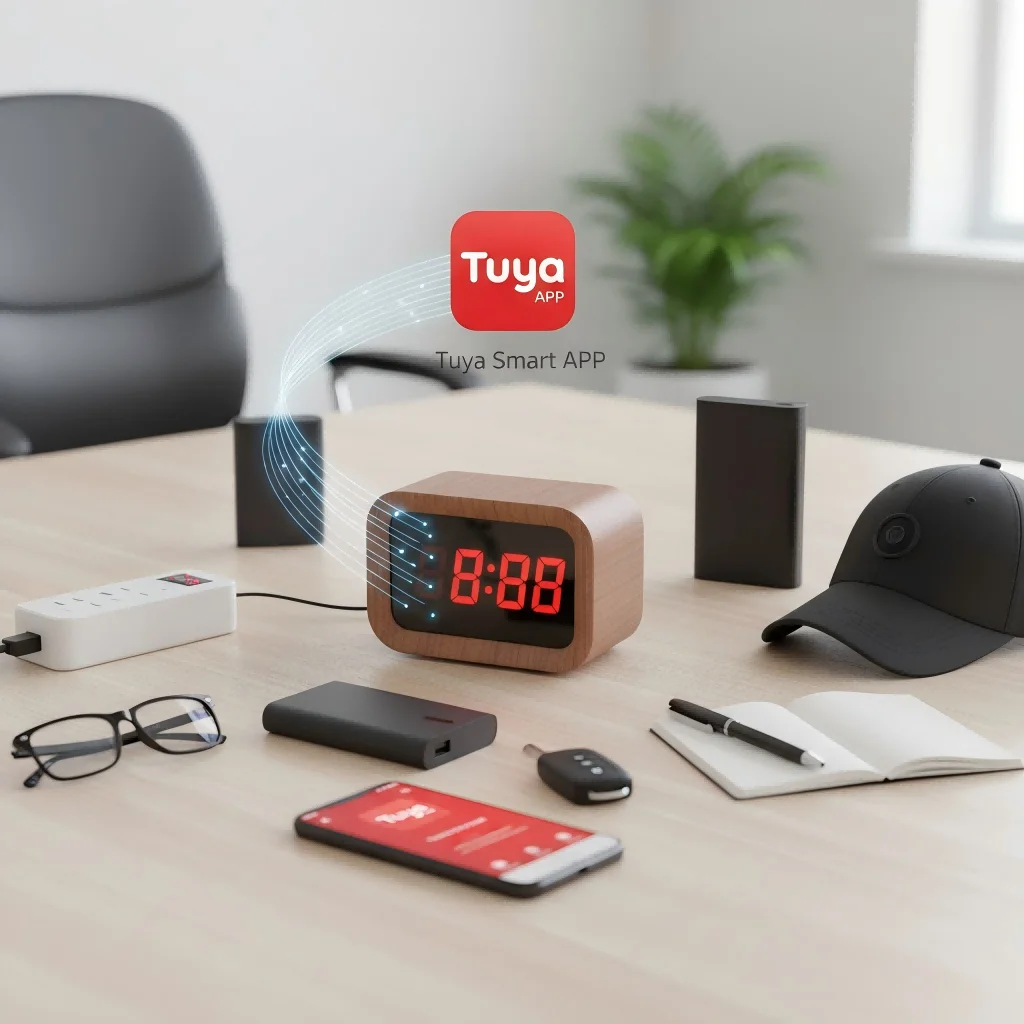
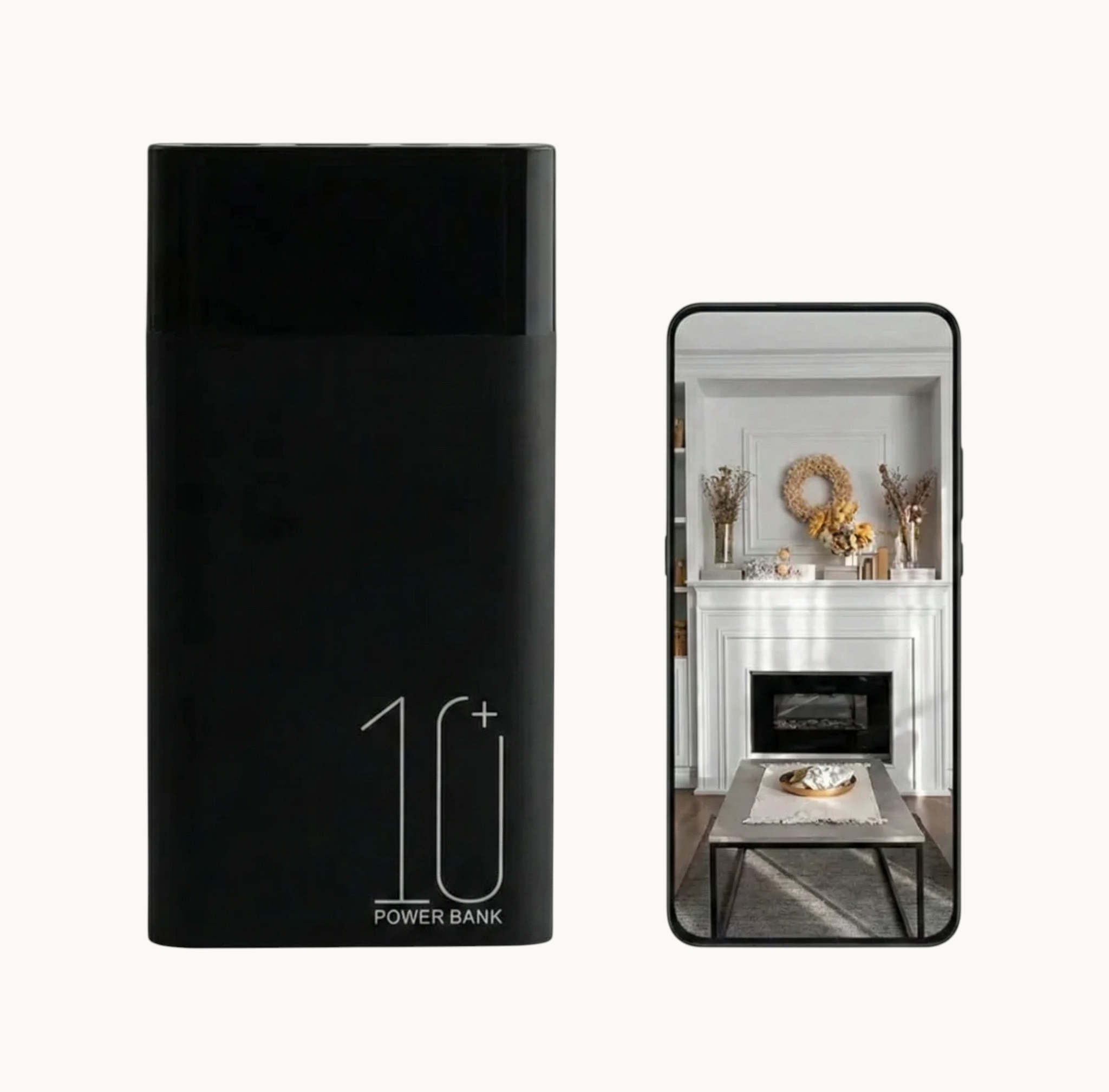
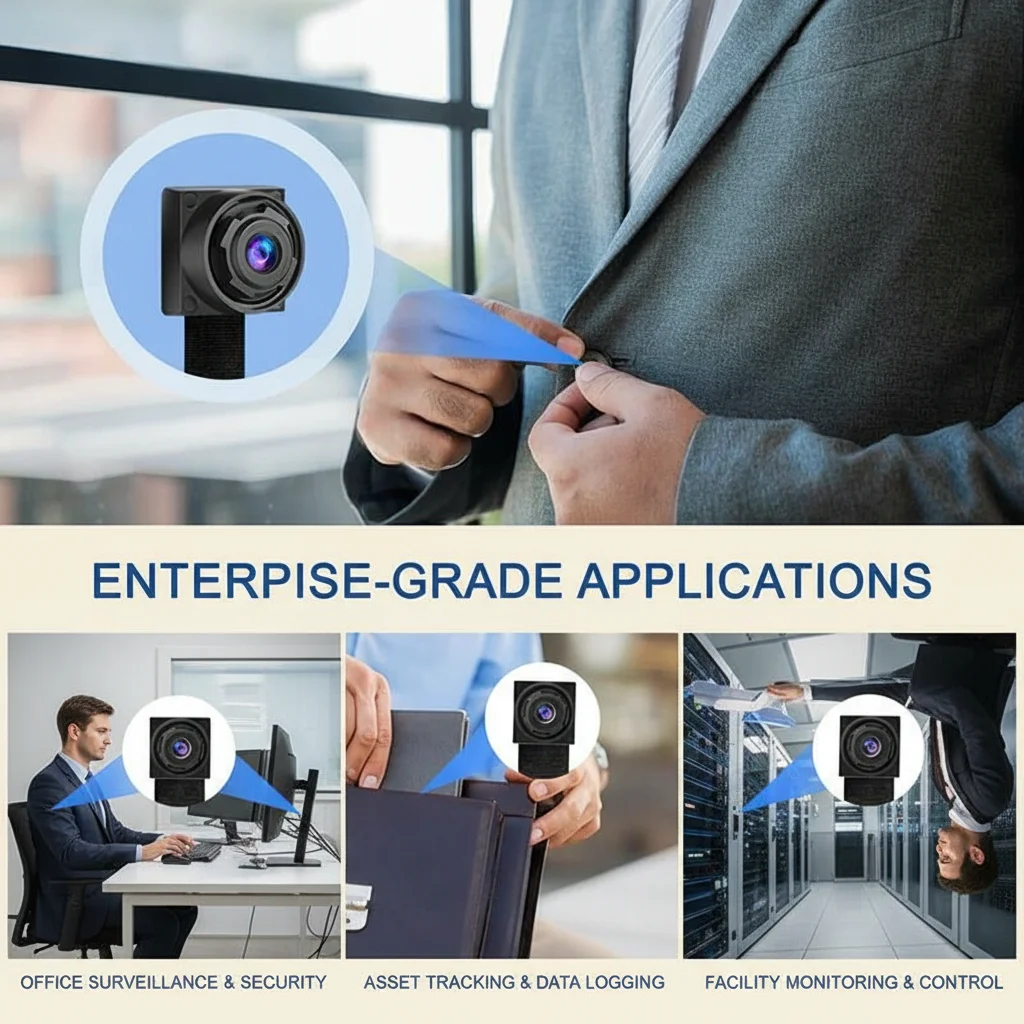
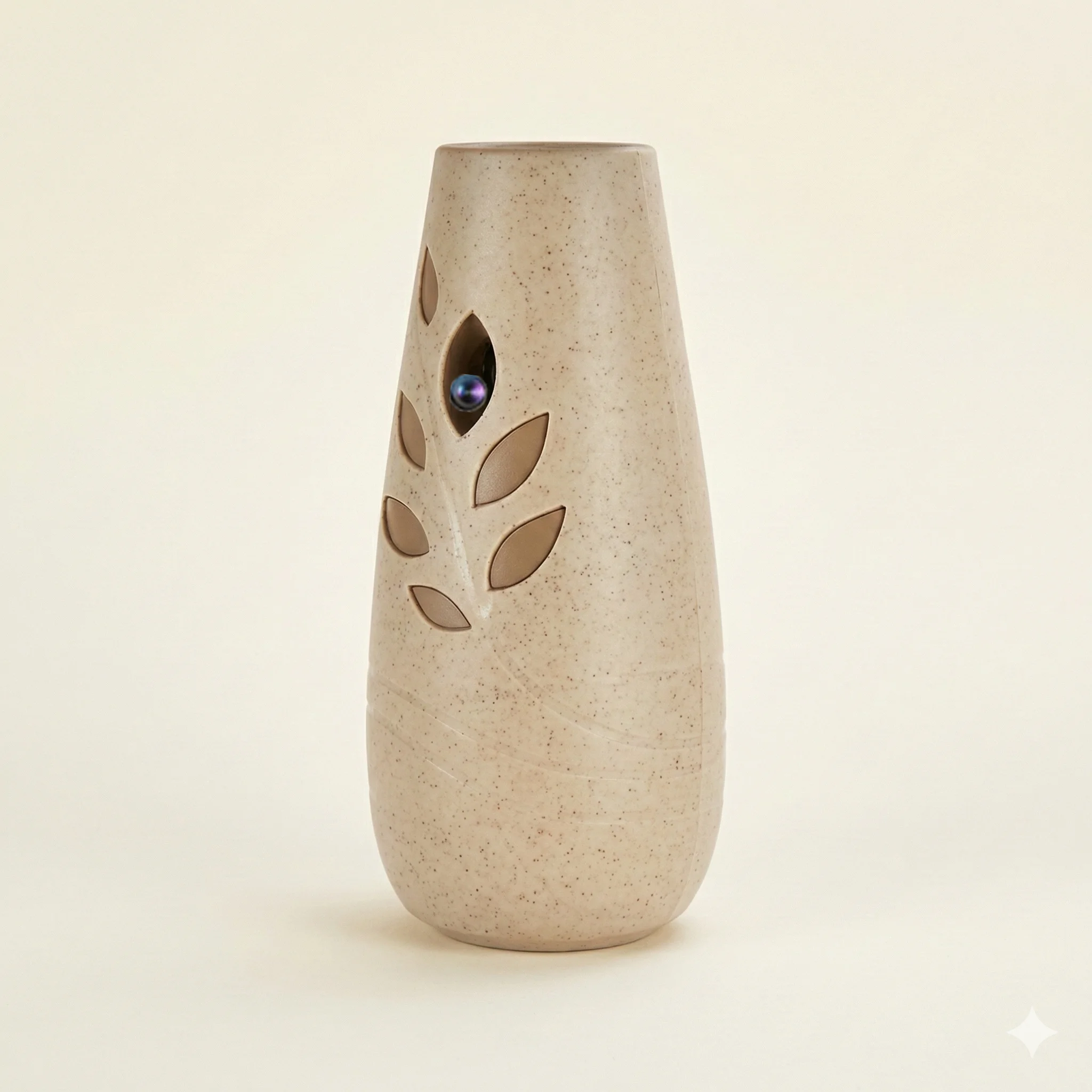
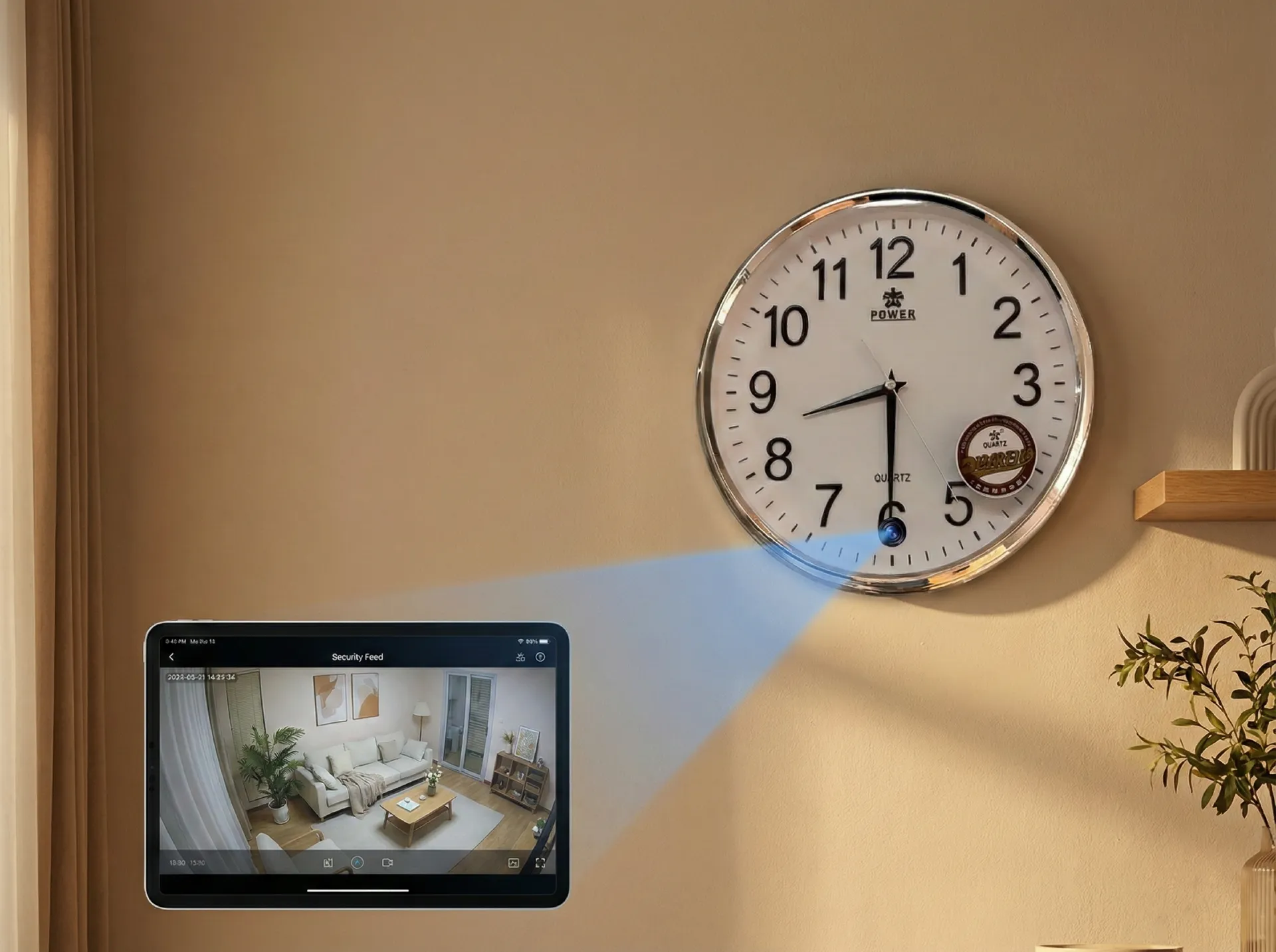
The appeal of a compact indoor camera is partly aesthetic and partly practical. Italian apartments — especially in older buildings in cities like Rome, Milan, and Naples — have limited space and traditional decor that large security domes or bullet cameras disrupt visually. A mini camera sits on a shelf, blends into a bookshelf, or disguises itself as a clock or charger.
Beyond aesthetics, mini indoor cameras have dropped in price without dropping in capability. A decent 1080p indoor WiFi camera now costs €30–60, compared to €150–300 for an equivalent setup five years ago. The economics have changed completely.
For the typical Italian household, a mini indoor camera solves three specific problems:
– Monitoring a babysitter or domestic worker in a private home
– Checking on elderly relatives living independently
– General home security when away on holiday or at work
> One thing many buyers overlook: a mini indoor camera placed in the right location is often more effective than multiple larger cameras. A single well-positioned camera covering a living room entrance, hallway, or nursery provides better coverage than three poorly aimed wide-angle units.
What Resolution Do You Actually Need for Indoor Use?
Resolution is the most discussed — and most misunderstood — specification when buying a mini indoor camera.
The honest answer for most Italian households: 1080p is more than enough. Here is why the 4K marketing push is mostly irrelevant for indoor use:
Indoor environments have controlled, consistent lighting. You do not need the additional resolution for challenging conditions the way you might for outdoor surveillance. A 1080p camera captures clear facial detail at typical indoor distances (2–5 meters) and produces files that are manageable — roughly 3–4GB per hour of footage.
720p cameras are cheaper but are now difficult to recommend. The footage quality is noticeably inferior, especially for evidence purposes, and the price difference between 720p and 1080p models has narrowed to the point where it is not worth sacrificing clarity.
The one scenario where 4K matters: if you need to read text on a screen or identify license plates from distance. For standard living room, nursery, or hallway monitoring, 1080p at 30fps is the practical sweet spot.
The Z10 WiFi Spy Clock Camera is a consistent bestseller precisely because it delivers 1080p recording in a completely unremarkable form factor — it looks like a digital alarm clock on a bedside table, which is exactly where most Italian families want their first indoor camera.
Field of View: Why 120°–130° Is the Practical Sweet Spot
Field of view (FOV) determines how much of a room the camera captures in a single frame. Too narrow and you miss peripheral movement. Too wide and everything in the image becomes small and indistinct.
For most Italian indoor rooms — a typical sala da pranzo, camera da letto, or studio — a 120° to 130° wide-angle lens provides the best balance. This covers the full width of a standard room from a corner or shelf position.
Ultra-wide lenses at 160° or above introduce fisheye distortion that distorts faces at the edges. While this is a stylistic effect in photography, it is a practical problem when you need to identify someone clearly.
Narrow lenses at 70°–90° are better suited for focusing on a specific point — a doorway, a cot in a nursery, or a desk in a home office. For multi-purpose rooms, the wider angle wins.
When evaluating this spec, also check whether the camera has digital pan and tilt — a software feature that lets you pan and zoom the view after the footage is captured, effectively giving you more coverage from a single fixed lens.
WiFi Connectivity: 2.4GHz vs Dual-Band and What It Means in Practice
Almost all mini indoor WiFi cameras sold in Europe operate on the 2.4GHz WiFi band only. This is not a limitation in most Italian homes — 2.4GHz provides better wall penetration than 5GHz and is sufficient for streaming 1080p video.
The practical concern arises in larger apartments or multi-floor Italian homes where the router sits on one floor and the camera needs to operate several rooms away. In these situations:
– Place the camera within 2–3 walls of the router for reliable performance
– If you have a mesh WiFi system (increasingly common in larger homes), the camera will connect to the nearest node automatically
– Avoid placing the camera inside a metal cabinet or behind a large mirror, both of which block WiFi signals significantly
Some newer models now support dual-band WiFi (2.4GHz + 5GHz), which provides more stable connectivity in congested WiFi environments — apartment buildings in major Italian cities where dozens of networks overlap on the 2.4GHz band.
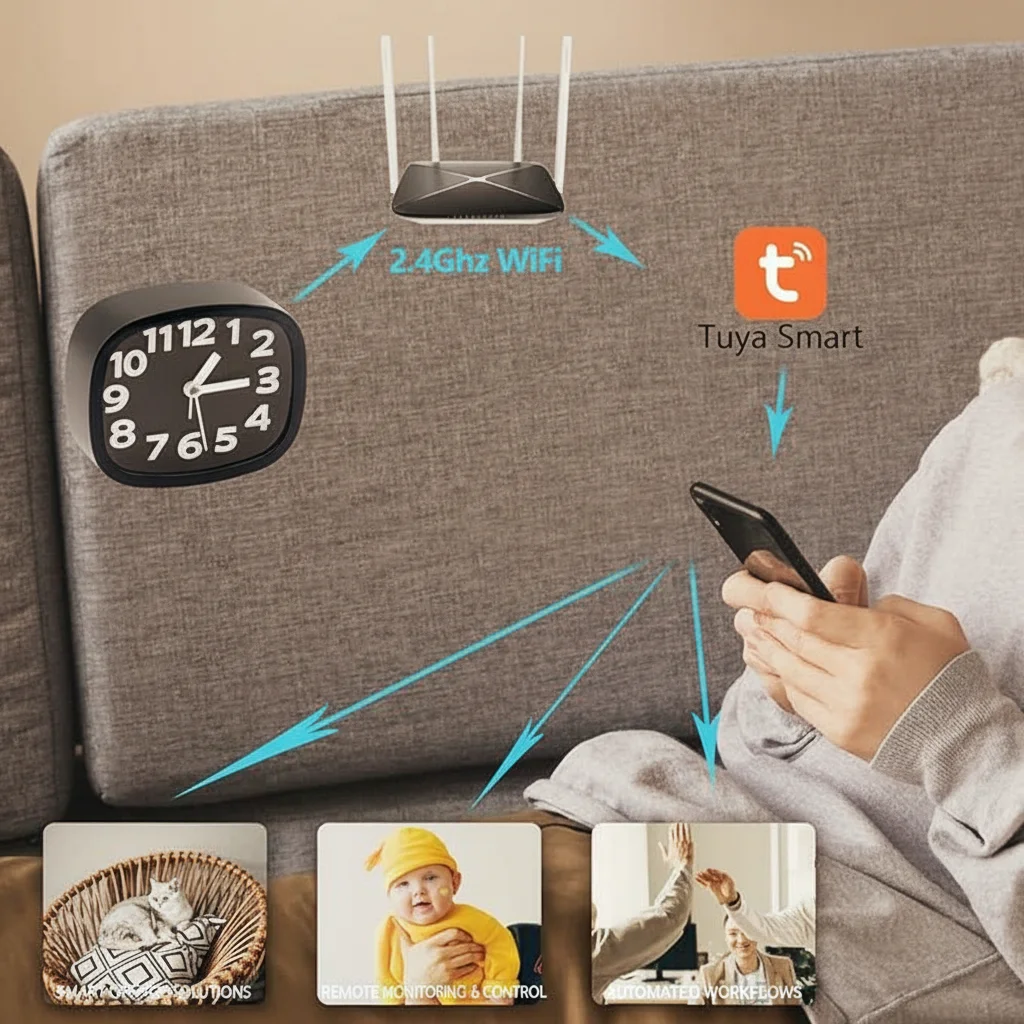
For the app experience, confirm that the camera uses Tuya Smart or Smart Life before purchasing. These platforms are the most widely supported and offer the smoothest experience for Italian users who may already have other smart home devices on the same ecosystem.
Motion Detection and Alerts: The Feature That Defines Quality
The difference between a useful indoor camera and an frustrating one is almost entirely determined by how well the motion detection works.
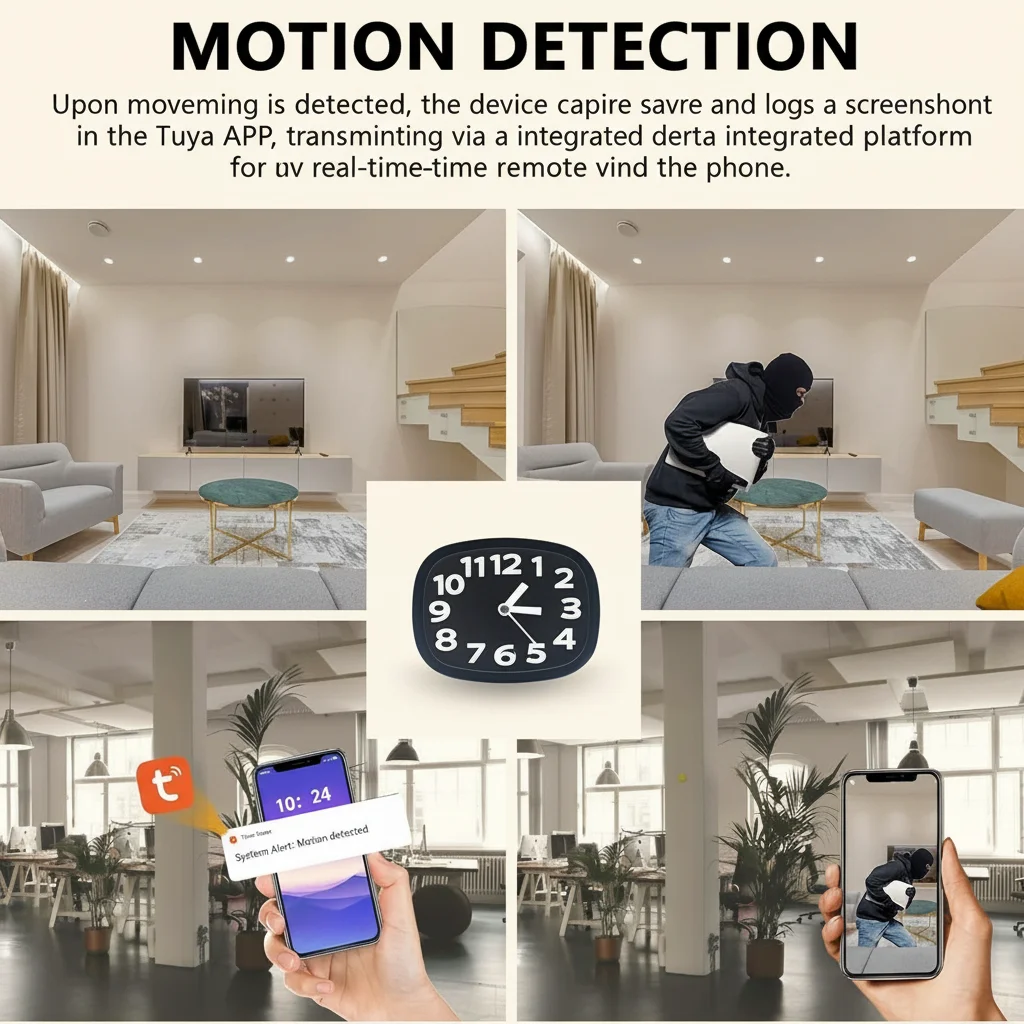
Basic motion detection uses pixel-change analysis — the camera detects when pixels in the image shift significantly. This is cheap to implement but prone to false alerts: light changes from curtains moving, sunlight shifting across the floor, or a pet cat will all trigger recordings.
PIR (Passive Infrared) motion detection detects heat signatures from humans and animals using an infrared sensor. This dramatically reduces false alerts and is the standard feature on quality indoor cameras. When a person walks through the room, their body heat triggers the PIR sensor before they enter the camera’s direct line of sight.
For Italian households with pets, look for cameras that allow pet-immune motion detection — the ability to set the sensitivity so that small animals do not trigger alerts while humans still do.
The app-side features matter equally:
– Motion zones let you draw a specific area of the image where movement is monitored, ignoring irrelevant areas
– Alert frequency limits prevent you from being flooded with notifications when the room is busy
– Scheduling lets you set the camera to only alert during specific hours — when the children are home alone, or when you are away on a weekend
Storage: SD Card, Cloud, or Subscription — What Italian Buyers Need to Know
Italian buyers face a genuine decision point around storage, and the right answer depends on how they plan to use the camera.
Local SD card recording is the most popular choice for privacy-conscious Italian households. A 128GB card in a 1080p camera holds approximately 35–40 hours of footage — enough for 4–5 days of continuous recording, or weeks of motion-triggered clips. The footage stays on the physical device and does not require any cloud infrastructure.
Cloud storage adds a monthly subscription (typically €3–10/month depending on the provider and the number of cameras) but provides off-site backup. If someone takes the camera or the SD card, cloud footage is preserved. Italian users who travel frequently or who use the camera for security purposes often find this worth the cost.
A practical middle ground: choose a camera that supports both local SD recording and optional cloud backup. Start with local recording, add cloud storage if your use case evolves.
Most Tuya-based cameras offer local SD recording free of charge and cloud storage as a paid optional extra — a setup that works well for most Italian households.
Placement: Where to Put Your Mini Indoor Camera for Maximum Effectiveness
Getting the placement right is the single biggest factor in whether your camera investment actually pays off.
The most effective indoor positions in an Italian home:
1. Corner of the main living area — covers the primary entrance and the living space in one view
2. Nursery or children’s bedroom — monitoring with a clock-form or compact camera at a high shelf position
3. Hallway or corridor — captures movement between rooms with minimal distortion
4. Near the main entrance — facing the door from above at an angle that captures faces without backlighting from the hallway
Avoid these common mistakes:
– Pointing the camera toward a window — backlight from daylight destroys the image
– Placing it too high — an overhead angle misses facial detail
– Mounting it in a dark corner — even good cameras struggle with deep shadows without IR
– Putting it behind glass — reflections and IR bounce from the glass surface interfere with night vision
Frequently Asked Questions
Can I use a mini indoor WiFi camera in more than one room?
Yes. Most mini indoor cameras can be accessed from the same smartphone app, and you can add as many cameras as your home WiFi network can handle without degradation. For Italian apartments, 3–4 cameras on a standard dual-band router typically work without issues. For larger homes, a mesh WiFi system is recommended before adding more than four cameras.
Do mini indoor WiFi cameras record sound as well as video?
Most mini indoor WiFi cameras include built-in microphones that capture audio alongside video. Italian buyers should be aware that audio recording has different privacy implications than video — always inform anyone present in the property that recording is taking place. Audio recording of conversations without the knowledge of all parties may have legal restrictions under Italian privacy law and should be reviewed with a legal advisor if used in a professional context.
How do I access my mini indoor camera when I am not at home?
The camera connects to your home WiFi, which connects to your internet router. The router connects to the internet, and the camera’s app communicates with the camera through the manufacturer’s cloud servers. As long as your home internet is active, you can view live footage and receive motion alerts from anywhere in the world with the app installed on your smartphone.
What happens to the footage if my internet goes down?
The camera continues recording to its SD card regardless of internet connectivity. When the internet is restored, any cloud-synced footage will upload, and the app will reconnect for remote viewing. If you rely solely on cloud storage without local backup, the camera will not upload new footage during the outage — but local recording resumes immediately when connectivity returns.
Can I share access to the camera with family members?
Yes. All major apps allow you to invite additional users to view the camera feed. You can typically add 3–5 simultaneous viewers without a premium account. For households with multiple family members wanting access, check the specific app’s multi-user policy before purchasing.
Conclusion
Choosing a mini telecamera wifi interno comes down to matching the specifications to your specific home layout and monitoring needs. For most Italian households, a 1080p camera with PIR motion detection, local SD recording, and Tuya Smart app integration represents the best balance of performance, privacy, and price. Place it thoughtfully, configure the motion zones, and set sensible alert schedules — and the camera becomes genuinely useful rather than just another device generating useless notifications.
Browse our full range of indoor WiFi cameras at qztsecurity.com or get in touch with our team for advice on the right model for your installation.

 English
  Italiano
  Deutsch
  Français
  Español
  Polski