
Wie man eine Mini-Innen-WLAN-Kamera für Ihr Haus auswählt
The Italian market for home security has shifted dramatically over the past three years. What once required a professional installer, coaxial cables, and a monthly monitoring contract can now be handled by a single compact device you set up in fifteen minutes. When Italian homeowners search for mini telecamera wifi interno, they are looking for exactly that kind of simplicity — a small, affordable, self-contained camera that feeds directly to their phone without the overhead of a traditional system.
This guide explains what separates a genuinely useful mini indoor WiFi camera from the dozens of low-quality options flooding online marketplaces, and what to look for before you buy.

Why “Mini” Cameras Have Become the Default Choice for Italian Homes
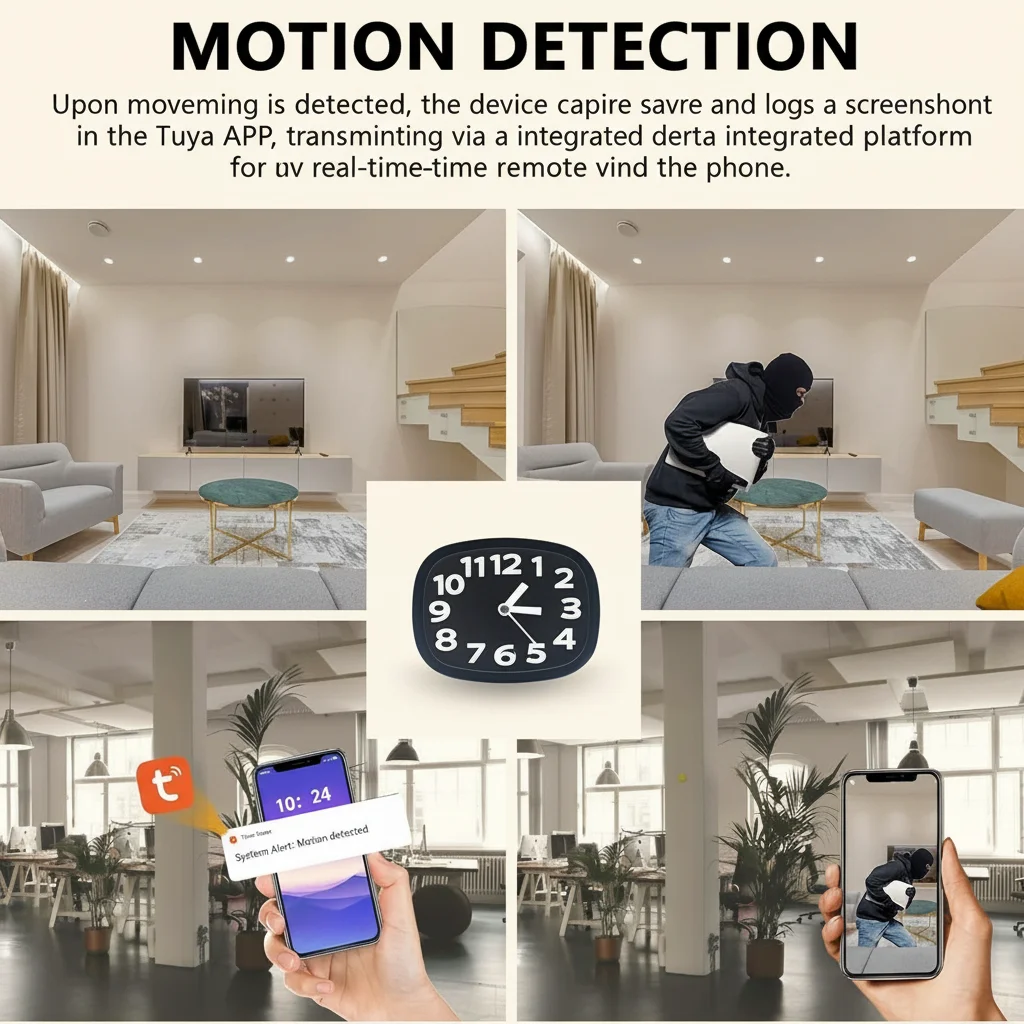
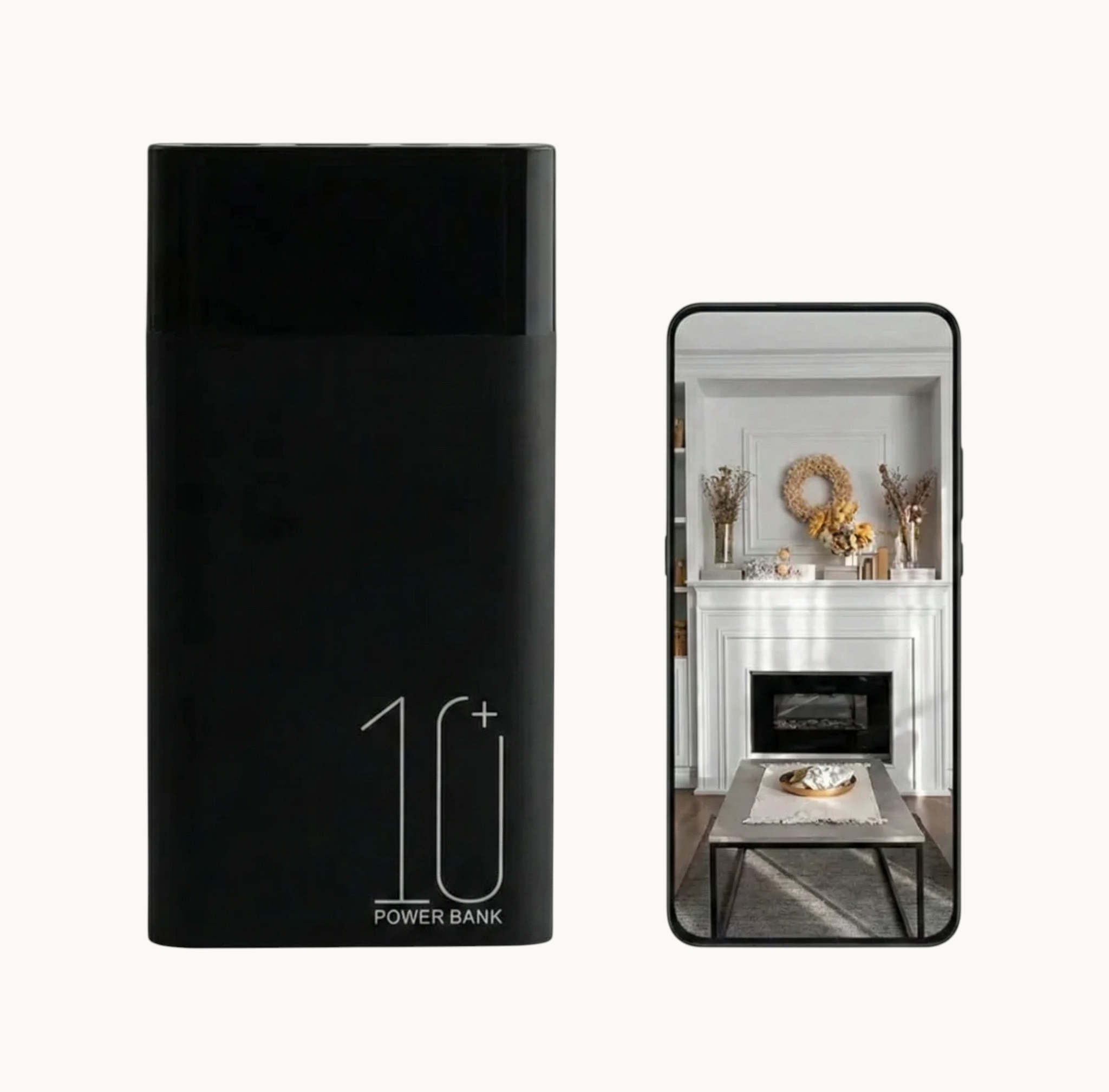
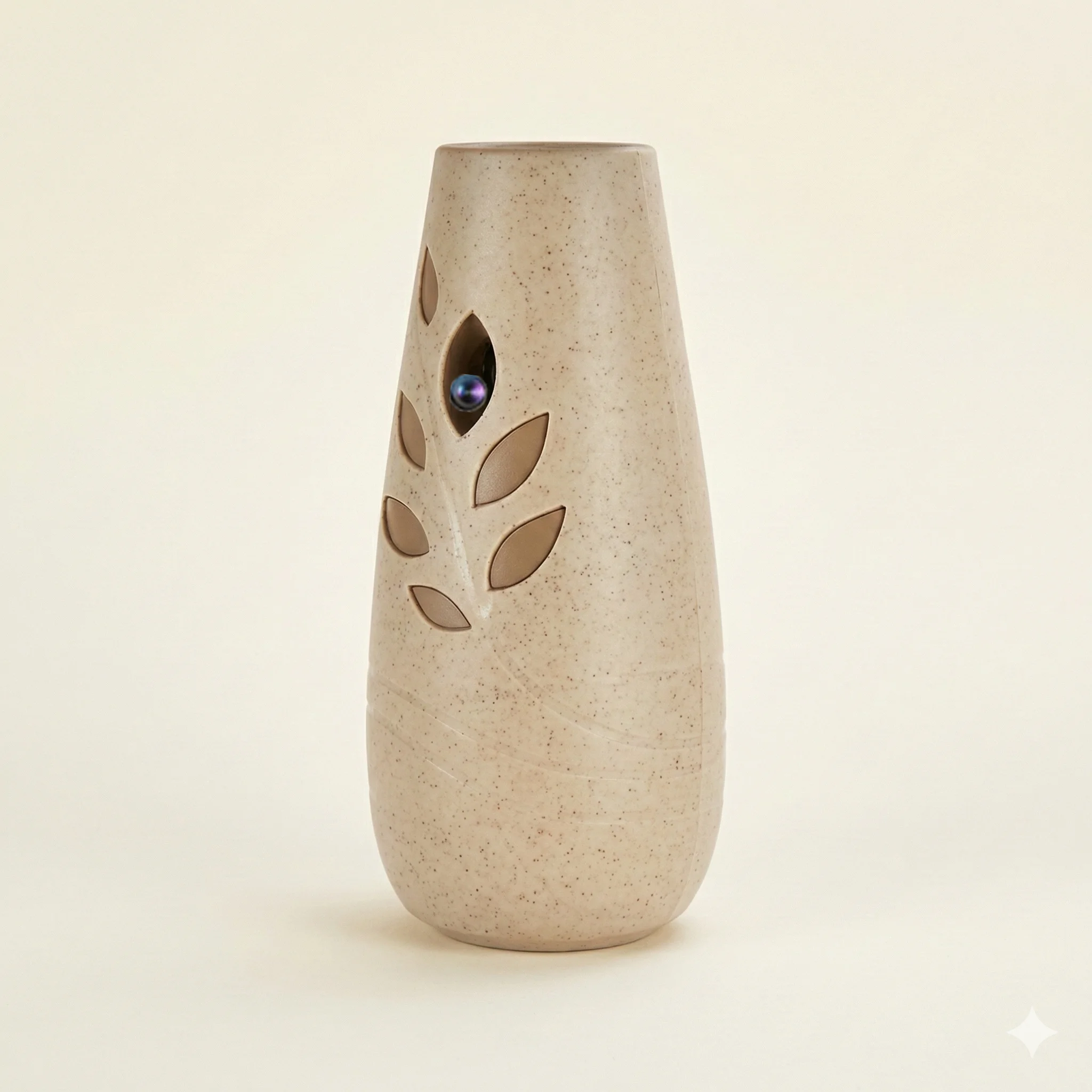
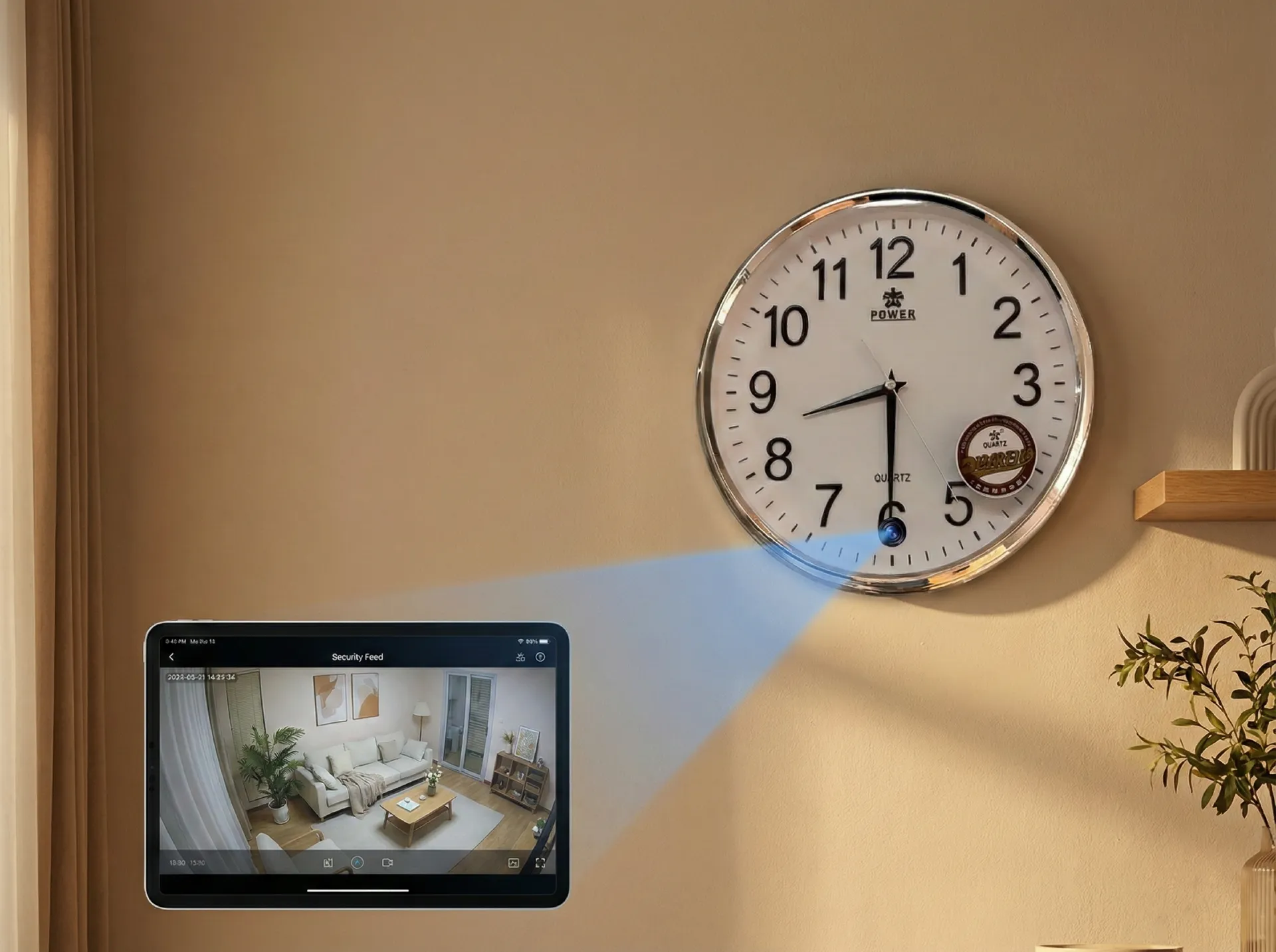
The appeal of a compact indoor camera is partly aesthetic and partly practical. Italian apartments — especially in older buildings in cities like Rome, Milan, and Naples — have limited space and traditional decor that large security domes or bullet cameras disrupt visually. A mini camera sits on a shelf, blends into a bookshelf, or disguises itself as a clock or charger.
Beyond aesthetics, mini indoor cameras have dropped in price without dropping in capability. A decent 1080p indoor WiFi camera now costs €30–60, compared to €150–300 for an equivalent setup five years ago. The economics have changed completely.
For the typical Italian household, a mini indoor camera solves three specific problems:
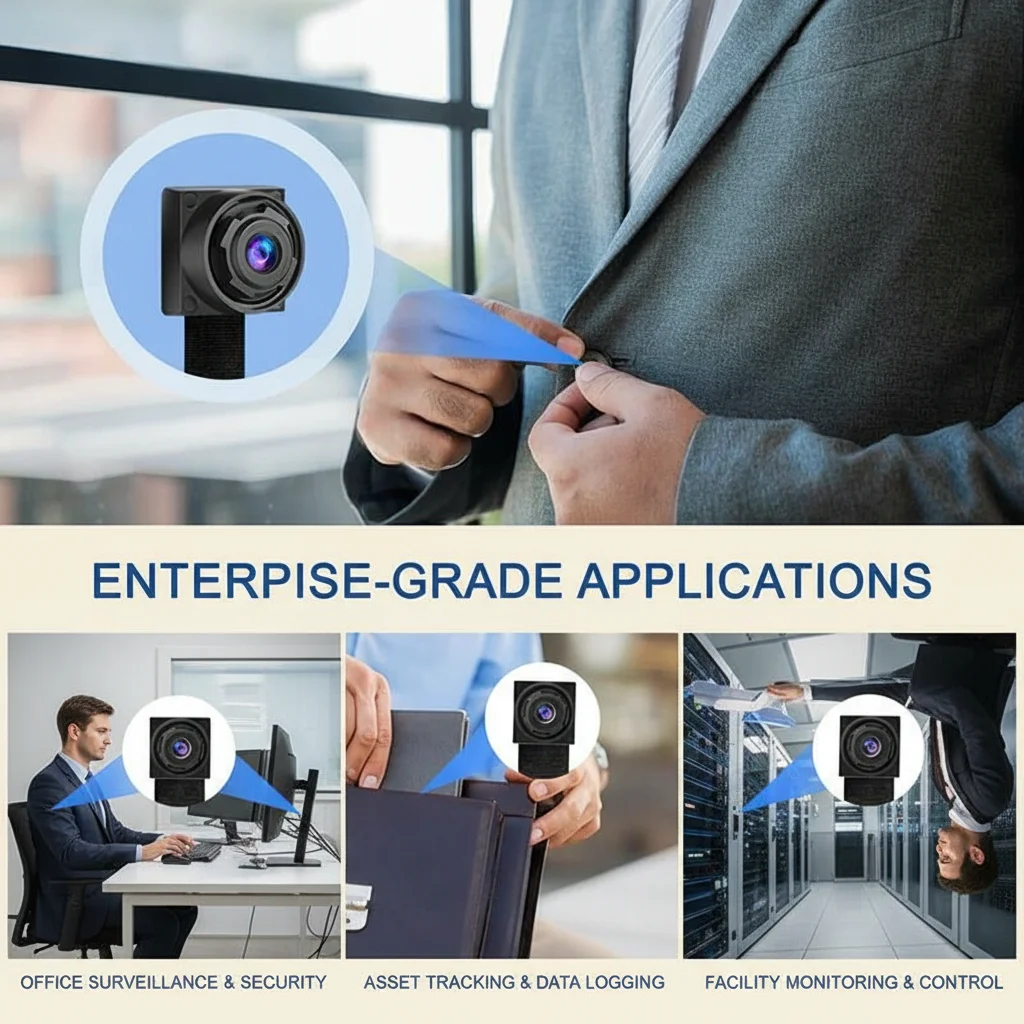
– Monitoring a babysitter or domestic worker in a private home
– Checking on elderly relatives living independently
– General home security when away on holiday or at work
> One thing many buyers overlook: a mini indoor camera placed in the right location is often more effective than multiple larger cameras. A single well-positioned camera covering a living room entrance, hallway, or nursery provides better coverage than three poorly aimed wide-angle units.
What Resolution Do You Actually Need for Indoor Use?
Resolution is the most discussed — and most misunderstood — specification when buying a mini indoor camera.
The honest answer for most Italian households: 1080p is more than enough. Here is why the 4K marketing push is mostly irrelevant for indoor use:
Indoor environments have controlled, consistent lighting. You do not need the additional resolution for challenging conditions the way you might for outdoor surveillance. A 1080p camera captures clear facial detail at typical indoor distances (2–5 meters) and produces files that are manageable — roughly 3–4GB per hour of footage.
720p cameras are cheaper but are now difficult to recommend. The footage quality is noticeably inferior, especially for evidence purposes, and the price difference between 720p and 1080p models has narrowed to the point where it is not worth sacrificing clarity.
The one scenario where 4K matters: if you need to read text on a screen or identify license plates from distance. For standard living room, nursery, or hallway monitoring, 1080p at 30fps is the practical sweet spot.
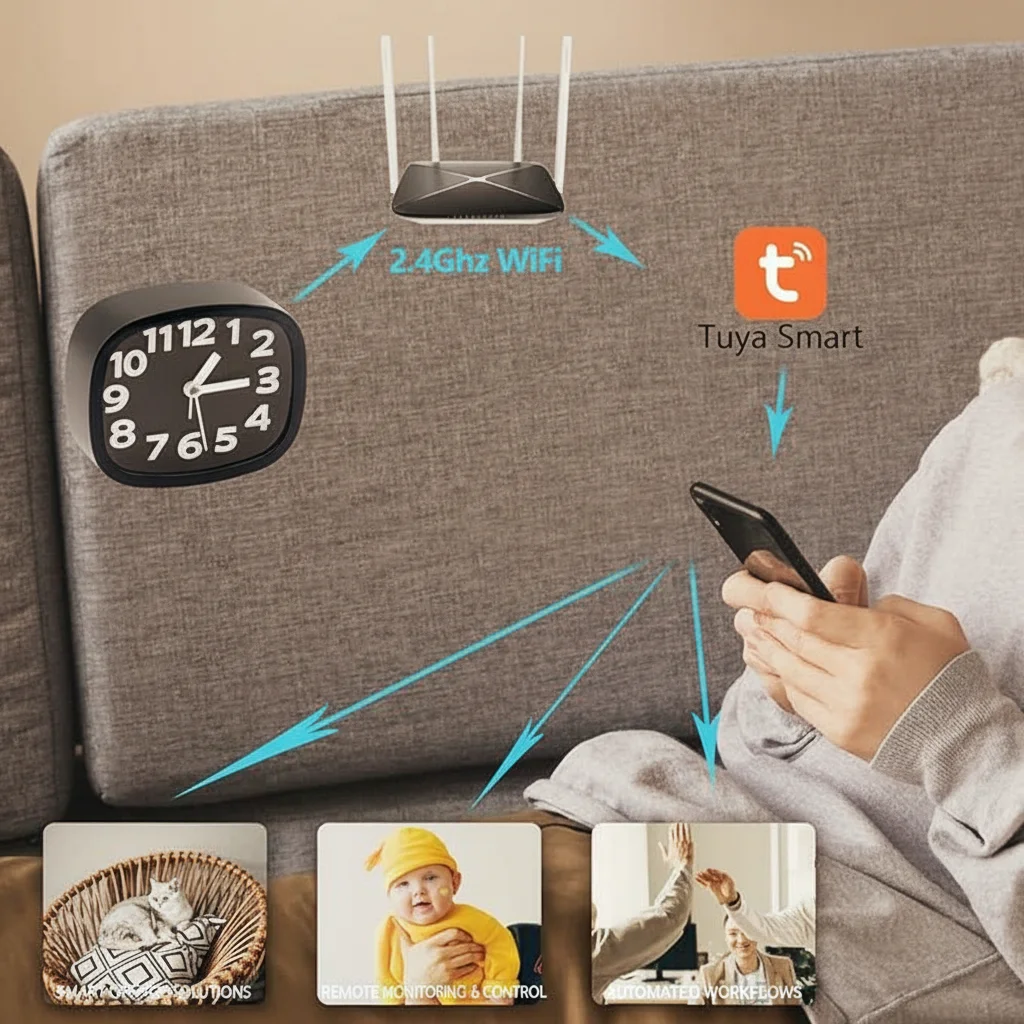
Die Z10 WiFi-Spionagenuhr-Kamera is a consistent bestseller precisely because it delivers 1080p recording in a completely unremarkable form factor — it looks like a digital alarm clock on a bedside table, which is exactly where most Italian families want their first indoor camera.
Field of View: Why 120°–130° Is the Practical Sweet Spot
Field of view (FOV) determines how much of a room the camera captures in a single frame. Too narrow and you miss peripheral movement. Too wide and everything in the image becomes small and indistinct.
For most Italian indoor rooms — a typical sala da pranzo, camera da letto, or studio — a 120° to 130° wide-angle lens provides the best balance. This covers the full width of a standard room from a corner or shelf position.
Ultra-wide lenses at 160° or above introduce fisheye distortion that distorts faces at the edges. While this is a stylistic effect in photography, it is a practical problem when you need to identify someone clearly.
Narrow lenses at 70°–90° are better suited for focusing on a specific point — a doorway, a cot in a nursery, or a desk in a home office. For multi-purpose rooms, the wider angle wins.
When evaluating this spec, also check whether the camera has digital pan and tilt — a software feature that lets you pan and zoom the view after the footage is captured, effectively giving you more coverage from a single fixed lens.
WiFi Connectivity: 2.4GHz vs Dual-Band and What It Means in Practice
Almost all mini indoor WiFi cameras sold in Europe operate on the 2.4GHz WiFi band only. This is not a limitation in most Italian homes — 2.4GHz provides better wall penetration than 5GHz and is sufficient for streaming 1080p video.
The practical concern arises in larger apartments or multi-floor Italian homes where the router sits on one floor and the camera needs to operate several rooms away. In these situations:
– Place the camera within 2–3 walls of the router for reliable performance
– If you have a mesh WiFi system (increasingly common in larger homes), the camera will connect to the nearest node automatically
– Avoid placing the camera inside a metal cabinet or behind a large mirror, both of which block WiFi signals significantly
Einige neuere Modelle unterstützen nun dual-band WiFi (2.4GHz + 5GHz), die eine stabilere Verbindung in überlasteten WLAN-Umgebungen bietet — Wohngebäuden in großen italienischen Städten, wo sich viele Netzwerke im 2,4GHz-Band überlappen.
Für die App-Erfahrung, vergewissern Sie sich, dass die Kamera Tuya Smart oder Smart Life vor dem Kauf. Diese Plattformen sind die am weitesten unterstützten und bieten die beste Erfahrung für italienische Nutzer, die bereits andere Smart-Home-Geräte im gleichen Ökosystem haben.
Motion Detection and Alerts: The Feature That Defines Quality
Der Unterschied zwischen einer nützlichen Indoor-Kamera und einer frustrierenden wird fast ausschließlich davon bestimmt, wie gut die Bewegungserkennung funktioniert.
Basis-Bewegungserkennung nutzt Pixeländerungsanalyse – die Kamera detektiert, wenn Pixel im Bild sich signifikant ändern. Dies ist kostengünstig zu implementieren, aber anfällig für Fehlalarme: Lichtänderungen durch sich bewegende Vorhänge, sich über den Boden wandernde Sonnenlicht oder eine Haustierkatze triggern alle Aufnahmen.
PIR (Passive Infrarot) Bewegungserkennung erkennet Wärmesignaturen von Menschen und Tieren mit einem Infrarotsensor. Dies reduziert Fehlalarme drastisch und ist ein Standardfeature auf hochwertigen Indoor-Kameras. Wenn eine Person durch den Raum geht, triggert ihre Körperwärme den PIR-Sensor, bevor sie in die direkte Sichtlinie der Kamera kommt.
Für italienische Haushalte mit Haustieren suchen Sie Kameras, die Haustier-unempfindliche Bewegungserkennung – die Möglichkeit, die Empfindlichkeit einzustellen, sodass kleine Tiere keine Alarme triggern, während Menschen es noch tun.
Die Funktionen auf der App-Seite sind ebenso wichtig:
– Bewegungszonen lassen Sie einen spezifischen Bereich des Bildes definieren, wo Bewegung überwacht wird, irrelevant Bereiche ignorieren
– Alarmhäufigkeit-Limit verhindern, dass Sie mit Benachrichtigungen überflutet werden, wenn der Raum viel genutzt wird
– Zeitplanung ermöglicht es Ihnen, die Kamera so einzustellen, dass sie nur während bestimmter Stunden Alarm gibt – wenn die Kinder alleine zu Hause sind oder wenn Sie an einem Wochenende weg sind
Storage: SD Card, Cloud, or Subscription — What Italian Buyers Need to Know
Italienische Käufer stehen bei der Speicherung vor einer echten Entscheidung, und die richtige Antwort hängt davon ab, wie sie die Kamera nutzen wollen.
Lokale SD-Kartenaufnahme ist die beliebteste Wahl für datenschutzbewusste italienische Haushalte. Eine 128GB-Karte in einer 1080p-Kamera fasst etwa 35–40 Stunden Aufnahmen — genug für 4–5 Tage kontinuierliche Aufzeichnung oder Wochen von Bewegungsauslöser-Clips. Die Aufnahmen bleiben auf dem physischen Gerät und benötigen keine Cloud-Infrastruktur.
Cloud-Speicher fügt eine monatliche Abonnementgebühr hinzu (typisch €3–10/Monat, je nach Provider und Anzahl der Kameras), bietet aber Offsite-Backup. Wenn jemand die Kamera oder die SD-Karte entfernt, bleiben Cloud-Videos erhalten. Italienische Nutzer, die häufig reisen oder die Kamera für Sicherheitszwecke nutzen, finden dies oft kosteneffektiv.
Eine praktische Mitte: wählen Sie eine Kamera, die sowohl lokale SD-Aufzeichnung als auch optionales Cloud-Backup unterstützt. Beginnen Sie mit lokaler Aufzeichnung, fügen Sie Cloud-Speicher hinzu, wenn Ihr Anwendungsfall sich entwickelt.
Die meisten Tuya-basierten Kameras bieten lokale SD-Aufzeichnung kostenlos und Cloud-Speicher als kostenpflichtige optionale Ergänzung – eine Konfiguration, die für die meisten italienischen Haushalte gut funktioniert.
Placement: Where to Put Your Mini Indoor Camera for Maximum Effectiveness
Die richtige Platzierung ist der größte Einflussfaktor, ob Ihre Kamera-Investition sich wirklich auszahlt.
Die effektivsten Indoor-Positionen in einem italienischen Haus:
1. Ecke des Hauptlebensbereichs — deckt den Haupteingang und den Wohnbereich in einem Blick ab
2. Kinderzimmer oder Schlafraum für Kinder — Überwachung mit einer Uhrform- oder kompakten Kamera an einer hohen Ablageposition
3. Flur oder Korridor – erfasst Bewegung zwischen Räumen mit minimaler Verzerrung
4. Nahe dem Haupteingang — die Tür von oben in einem Winkel aufnehmen, der Gesichter ohne Gegenlicht vom Flur erfasst
Vermeiden Sie diese häufigen Fehler:
– Kamera Richtung Fenster — Gegenlicht von Tageslicht zerstört das Bild
– Zu hoch platzieren – ein Überblickwinkel verpasst Gesichtsdetails
– Montage in einem dunklen Eck — sogar gute Kameras kämpfen mit tiefen Schatten ohne IR
– Hinter Glas stellen – Reflexionen und IR-Reflexionen von der Glasoberfläche beeinträchtigen die Nachtvision
Häufig gestellte Fragen
Kann ich eine kleine Indoor-WLAN-Kamera in mehr als einem Raum verwenden?
Ja. Die meisten kleinen Indoor-Kameras können über die gleiche Smartphone-App bedient werden, und Sie können so viele Kameras hinzufügen, wie Ihr Heim-WLAN-Netzwerk ohne Leistungsabfall bewältigen kann. Für italienische Wohnungen funktionieren typisch 3–4 Kameras auf einem Standard-Dualband-Router ohne Probleme. Für größere Häuser wird ein Mesh-WLAN-System empfohlen, bevor mehr als vier Kameras hinzugefügt werden.
Können Mini Indoor WiFi Kameras auch Ton sowie Video aufnehmen?
Die meisten kleinen Indoor-WLAN-Kameras enthalten eingebaute Mikrofone, die Audio neben Video aufnehmen. Italienische Käufer sollten wissen, dass Audioaufnahmen andere Datenschutzimplikationen haben als Video — informieren Sie immer alle Personen im Haus, dass Aufnahmen gemacht werden. Audioaufnahmen von Gesprächen ohne Kenntnis aller Parteien können unter italienischen Datenschutzgesetzen rechtliche Einschränkungen haben und sollten mit einem Rechtsberater geprüft werden, wenn sie im professionellen Kontext verwendet werden.
Wie kann ich meine Mini Indoor Kamera zugreifen, wenn ich nicht zu Hause bin?
Die Kamera verbindet sich mit Ihrem Heim-WiFi, das sich mit Ihrem Internetrouter verbindet. Der Router verbindet sich mit dem Internet, und die Kamera-App kommuniziert mit der Kamera über die Cloud-Server des Herstellers. Solange Ihr Heiminternet aktiv ist, können Sie Liveaufnahmen sehen und Bewegungsalerts von überall auf der Welt erhalten, wenn die App auf Ihrem Smartphone installiert ist.
Was passiert mit den Aufnahmen, wenn mein Internet ausfällt?
Die Kamera speichert weiterhin auf ihrer SD-Karte, unabhängig von der Internetverbindung. Wenn das Internet wieder verfügbar ist, werden alle mit der Cloud synchronisierten Aufnahmen hochgeladen, und die App wird für Fernansicht neu verbunden. Wenn Sie ausschließlich auf Cloud-Speicher ohne lokale Sicherung setzen, wird die Kamera während des Ausfalls keine neuen Aufnahmen hochladen – aber die lokale Aufnahme beginnt wieder, sobald die Verbindung zurückkehrt.
Kann ich den Zugang zur Kamera mit Familienmitgliedern teilen?
Ja. Alle wichtigen Apps ermöglichen es Ihnen, zusätzliche Benutzer zum Betrachten des Kamera-Feeds einzuladen. Sie können typisch 3–5 gleichzeitige Betrachter ohne Premium-Account hinzufügen. Für Haushalte mit mehreren Familienmitgliedern, die Zugang wollen, prüfen Sie die Multi-User-Politik der spezifischen App vor dem Kauf.
Schlussfolgerung
Die Auswahl einer mini telecamera wifi interno besteht darin, die Spezifikationen mit Ihrem spezifischen Hauslayout und Überwachungsbedarf abzustimmen. Für die meisten italienischen Haushalte bietet eine 1080p-Kamera mit PIR-Bewegungserkennung, lokaler SD-Aufnahme und Tuya Smart App Integration die beste Balance zwischen Leistung, Privatsphäre und Preis. Platzieren Sie sie sorgfältig, konfigurieren Sie die Bewegungszonen und setzen Sie sinnvolle Alarmzeiten – und die Kamera wird wirklich nützlich, statt nur ein weiteres Gerät, das nutzlose Benachrichtigungen generiert.
Entdecken Sie unsere gesamte Palette von Indoor-WiFi-Kameras auf qztsecurity.com oder kontaktieren Sie unser Team für Beratung zum richtigen Modell für Ihre Installation.

 English
  Italiano
  Deutsch
  Français
  Español
  Polski