
How to Fix Night Vision on a Hidden Spy Camera
Nachtsicht ist eine der wichtigsten Funktionen jeder Spionagekamera oder versteckten Überwachungsvorrichtung. Wenn Ihre Kamera nachts unscharfe, grüne oder völlig dunkle Aufnahmen liefert, ist das frustrierend – und vereitelt den Zweck der 24/7-Überwachung. Diese Anleitung führt Sie durch jeden praktischen Schritt, um Nachtsichtprobleme bei versteckten Spionagekameras zu diagnostizieren und zu beheben, von der einfachen Linsenreinigung bis zu den IR-LED-Einstellungen.
What Causes Poor Night Vision on Spy Cameras
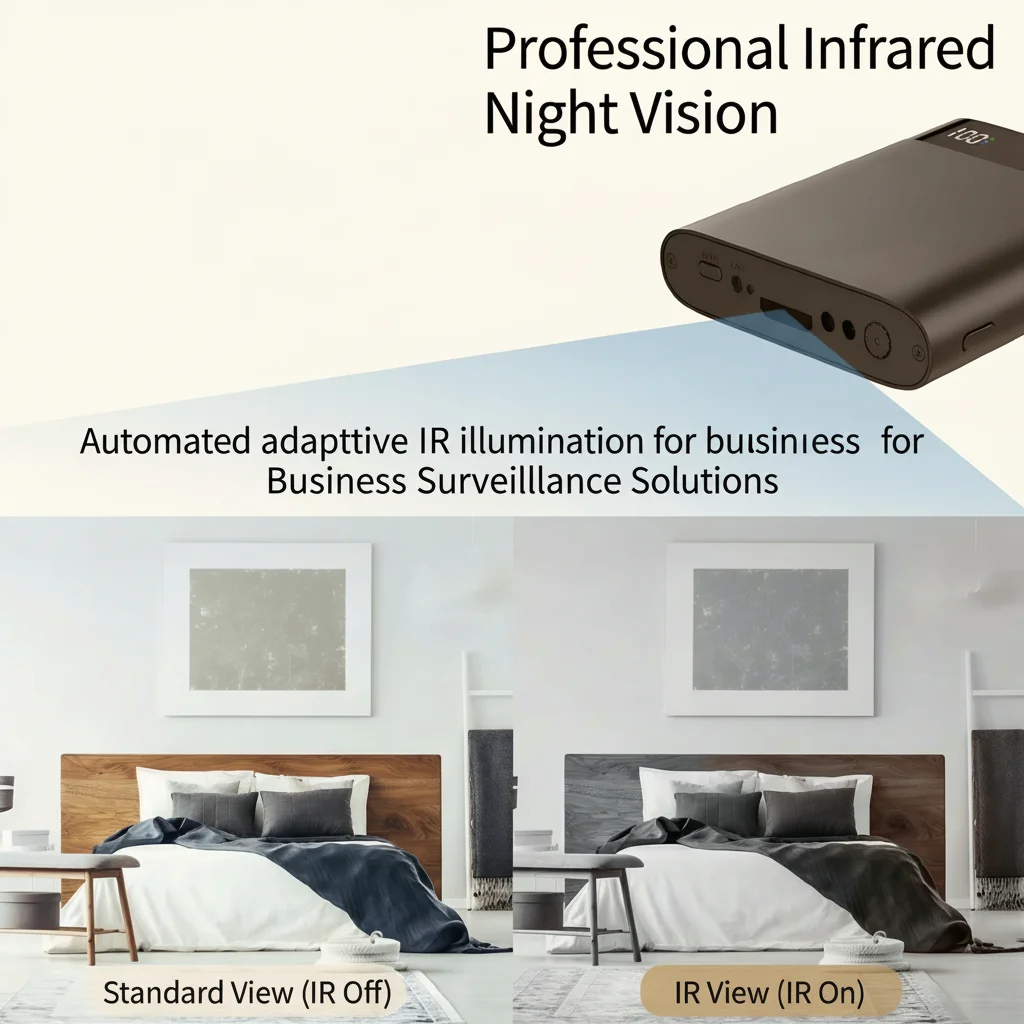
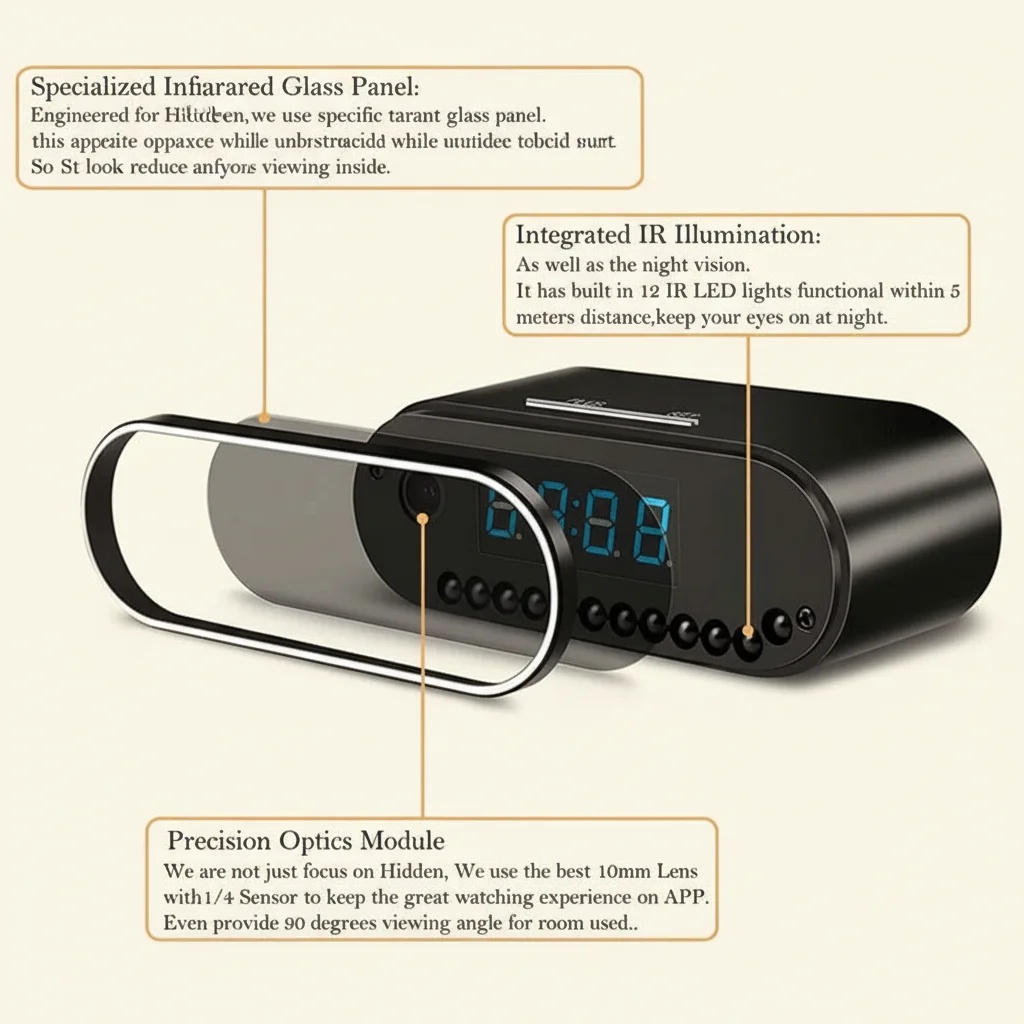
Before diving into fixes, it helps to understand why night vision fails. Most hidden cameras use Infrarot-LEDs (IR-LEDs) to illuminate scenes in darkness. The camera sensor picks up this invisible IR light and converts it to a black-and-white image. Problems arise from:
– Dirty or fogged lens — dust, grease, or condensation blocks IR light
– IR LEDs burned out — LEDs have a lifespan; heavy usage can degrade them
– Wrong night vision mode — some cameras require manual switching between day/night
– IR cut filter stuck — the mechanical filter that switches between color and IR modes can jam
– Insufficient IR range — das Objekt ist zu weit von der effektiven IR-Reichweite der Kamera entfernt
– Reflective surfaces nearby — IR light bouncing off walls or glass overexposes the sensor
Understanding the root cause saves you from chasing the wrong fix. Start with the simplest checks first.
How to Clean the Camera Lens for Better Night Vision
A dirty lens is the #1 cause of blurry night vision footage. The camera lens and the IR LED window both need to be clean and clear.
What you need:
– Mikrofasertuch oder Objektivreinigungstuch
– Isopropylalkohol (70% oder höher)
– Wattestäbchen für enge Stellen
Steps:
1. Power off the camera before cleaning to avoid accidental recordings
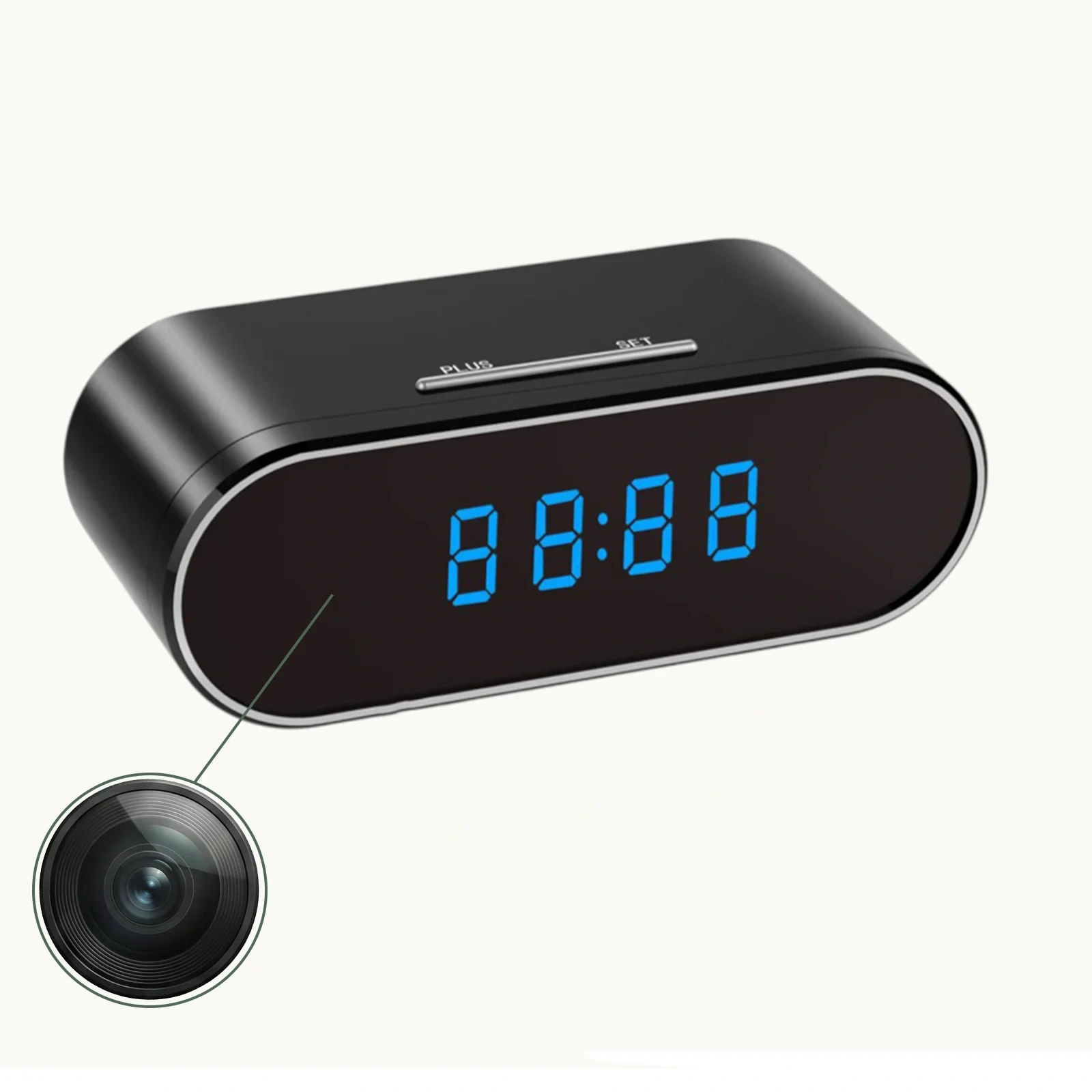
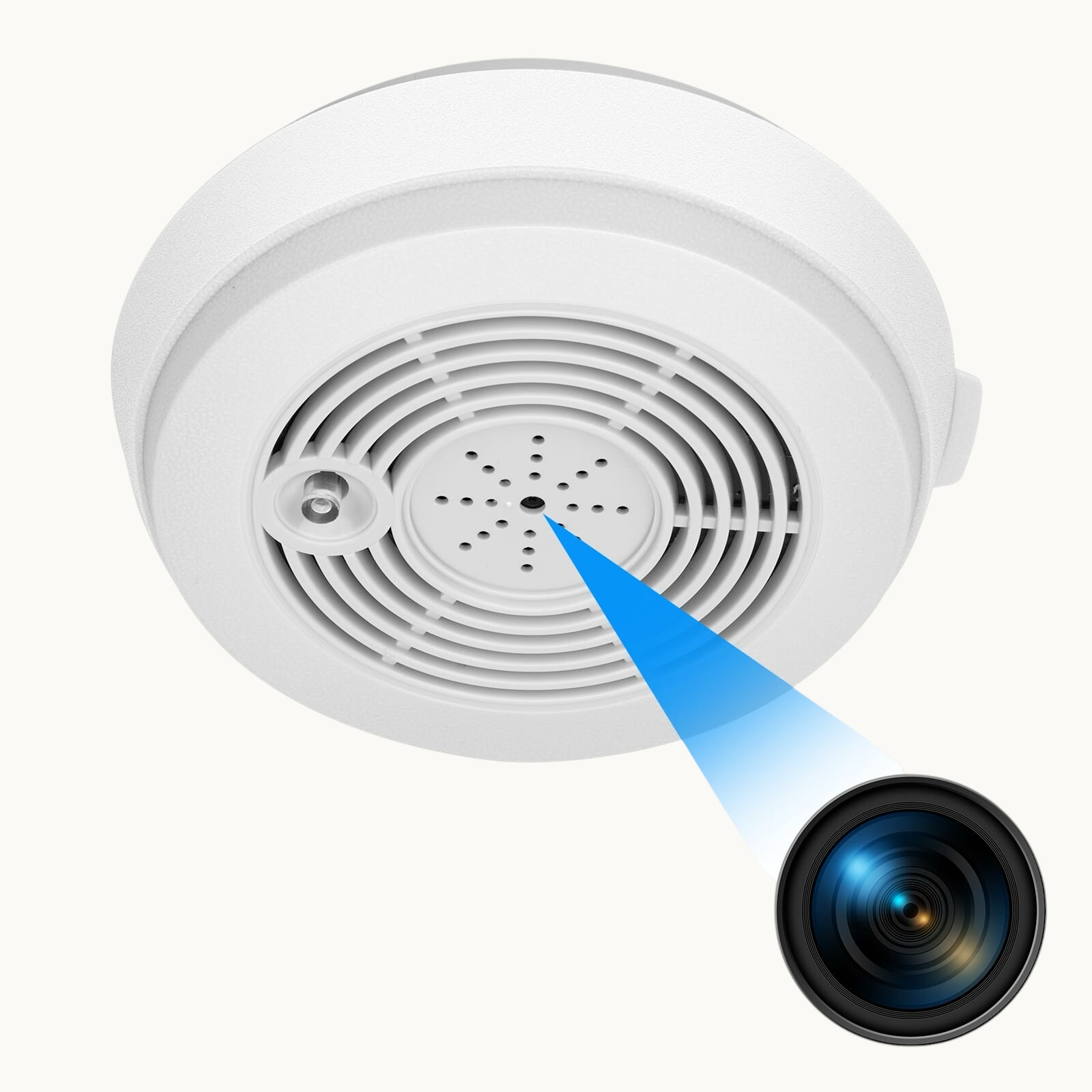
2. Locate the lens — bei Uhrkameras ist sie oft im Zifferblatt versteckt; bei Ladegerätkameras im Steckerkopf; bei Rauchmelderkameras im Sensorgehäuse
3. Gently wipe the lens with a dry microfiber cloth in circular motions — this removes dust and light smudges
4. For stubborn grease or fingerprints, lightly dampen the cloth with isopropyl alcohol and wipe again
5. Clean the IR LED window — this is the small dark-tinted panel next to or around the lens. Use a cotton swab with alcohol for precision
6. Check for condensation — if the camera was moved from a cold environment, moisture can fog the interior glass. Leave the device in a warm, dry room for several hours before testing again
After cleaning, test the camera in a dark room to see if the image has improved.
How to Switch Night Vision Mode on Your Spy Camera
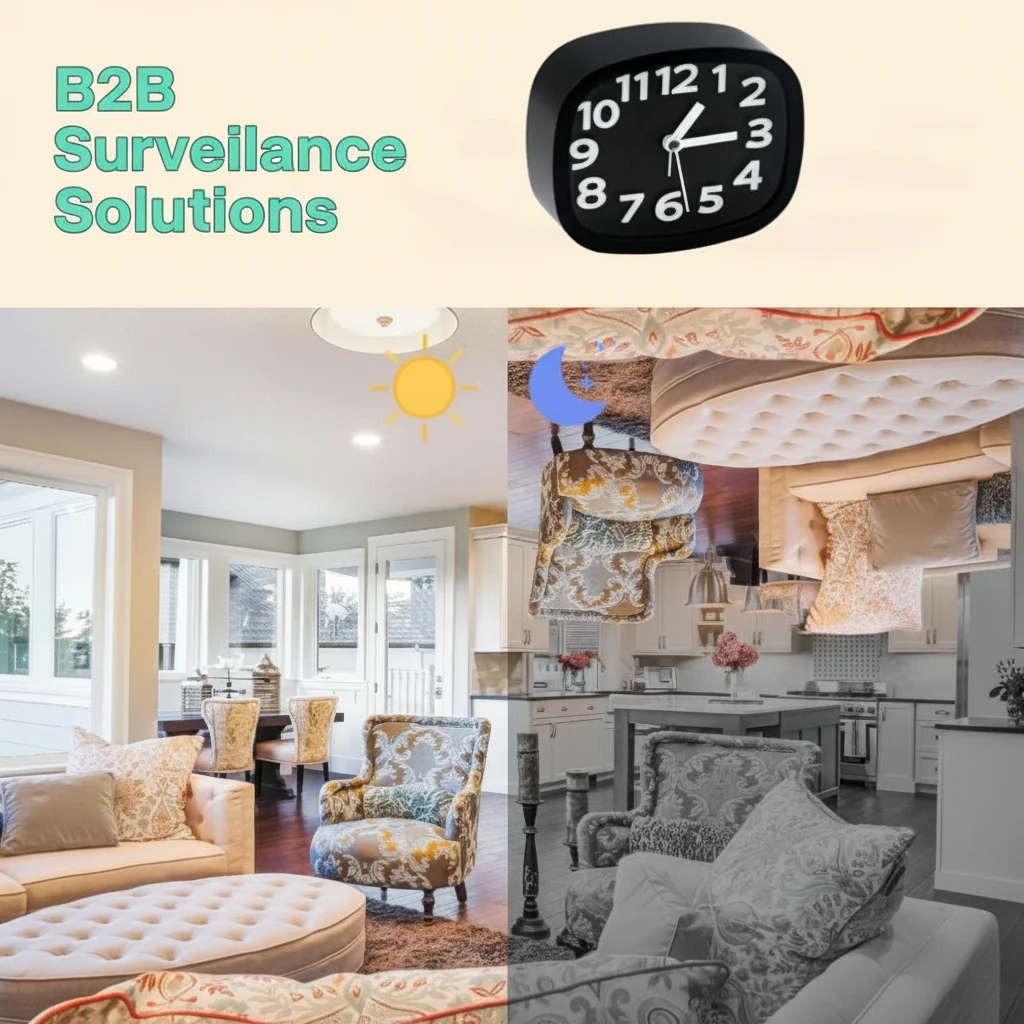
Many hidden cameras have two or three night vision modes that must be set correctly. Using the wrong mode produces green-tinted, overexposed, or completely black footage.
Common night vision modes:
| Modus | What it does | Am besten geeignet für |
|---|---|---|
| Auto | Camera switches between day/night automatically based on ambient light | Tipps zur Erweiterung der effektiven Nachtsehreichweite: |
| IR Always On | IR LEDs stay on continuously, even in daylight | 24/7 dark environments (closets, drawers) |
| IR Always Off | Night vision disabled; camera records in color only | Brightly lit areas where IR would cause glare |
| Schedule Mode | IR activates only during set hours | Predictable environments (office, home) |
To change the mode:
– Via the App (Tuya/Smart Life/HDLiveCam): Geräteeinstellungen öffnen → “Nachtsicht” oder “IR-Modus” antippen → Automatik auswählen
– Über den physischen Knopf der Kamera: Some cameras cycle through modes by holding the reset button for 3 seconds while powered on — check your device manual
– Via the SD card config file: Advanced users can edit the `config.ini` file on the SD card to set a specific IR mode
> Tip: Beginnen Sie mit dem Automatikmodus. Wenn das Filmmaterial immer noch falsch aussieht, probieren Sie “IR immer ein”, um zu prüfen, ob die IR-LEDs tatsächlich funktionieren.
Why Is My Night Vision Footage Green or Too Bright
Green, washed-out, or overexposed night vision footage typically means IR light is reflecting back into the lens rather than illuminating the scene.
Common causes and fixes:
Camera placed too close to a wall or surface
IR light reflects off nearby walls and creates a blinding white/green glow. Move the camera at least 1–2 feet away from the nearest reflective surface, or angle it slightly away.
Camera behind glass or a plastic window
Glass reflects IR light strongly. If your camera is looking through a window, the IR LEDs will create a visible reflection. Either disable IR mode (use ambient light) or remove the glass barrier.
IR LEDs too powerful for the space
In very small rooms, the IR output may be too intense. Switch to a lower IR brightness setting in the app if available, or tape thin layers of semi-transparent material (like printer paper) over some of the IR LEDs to reduce output.
Weiße Wände oder Decken direkt im Sichtfeld der Kamera
Richten Sie die Kamera auf einen dunkleren Bereich des Raums oder positionieren Sie sie so um, dass das Sichtfeld keine nahen weißen Oberflächen einschließt.
How to Test If IR LEDs Are Working
Wenn Ihre Nachtaufnahmen komplett schwarz sind – überhaupt kein Bild – könnten die IR-LEDs defekt oder deaktiviert sein. Hier ist ein einfacher Test:
The smartphone camera test:
1. Take out your smartphone and open the front-facing camera (not the main camera, as some main cameras have IR filters)
2. Richten Sie in einem dunklen Raum die Linse Ihrer Spionagekamera aus nächster Nähe auf Ihr Telefon-Display
3. Schauen Sie auf Ihr Telefon-Display – wenn die IR-LEDs funktionieren, sehen Sie ein purple or white glow aus dem LED-Bereich der Spionagekamera
4. No glow = IR LEDs are not emitting light
What to do if IR LEDs are dead:
– Überprüfen Sie die App-Einstellungen – IR könnte manuell deaktiviert sein; schalten Sie es wieder ein
– Führen Sie einen Werksreset durch (siehe unsere factory reset guide) to restore default IR settings
– Prüfen Sie, ob das Gerät einen niedrigen Akkustand hat – einige Kameras deaktivieren IR, um Energie zu sparen
– Wenn die LEDs physisch durchgebrannt sind, muss das Gerät repariert oder ausgetauscht werden
How to Improve Night Vision Range and Clarity
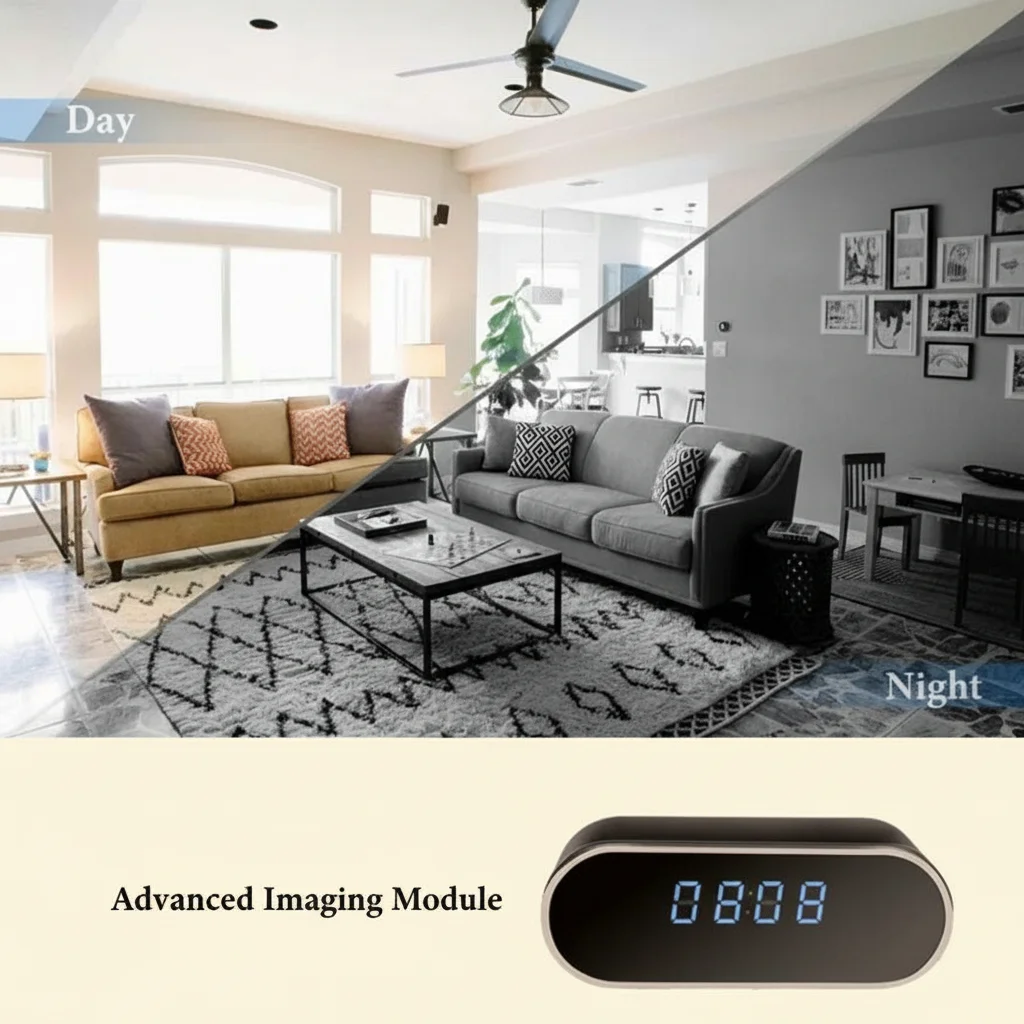
Even working IR cameras can struggle at longer distances. The effective range of most hidden camera IR systems is 3–8 meters (10–26 feet). Beyond that, footage gets grainy.
Tips to extend effective night vision range:
– wie man die Firmware von Spy-Kameras aktualisiert — even faint streetlight or LED indicators can confuse the auto-exposure sensor. Cover or relocate competing light sources
– Choose the right camera placement — position the camera at a mid-room height (1.5–2m) pointing slightly downward for maximum scene coverage within IR range
– Use a camera with higher IR LED count — cameras with 6+ IR LEDs have noticeably better range than those with 2–3 LEDs. Our USB-Ladegerät Kameras Und Rauchmelder-Kameras use arrays of 4–8 IR LEDs for extended range
– Check the video resolution settings — recording at 1080p in dark conditions produces better detail than 720p due to larger pixel capture area
– Increase camera sensitivity — in der App nach “Nachtsichtempfindlichkeit” oder “ISO”-Einstellungen suchen und für dunklere Umgebungen erhöhen
How to Fix the IR Cut Filter Stuck Issue
Higher-end hidden cameras include a mechanical IR cut filter (ICR) — a small filter that physically moves in front of the sensor. During the day it blocks IR light (to produce natural color). At night it moves out of the way to let IR light through.
When this filter gets stuck in the wrong position:
– Stuck in day mode (filter in): Camera shows a dim, grainy, bluish image at night despite IR LEDs working
– Stuck in night mode (filter out): Camera shows pink/reddish color during daytime footage
Fixes:
1. Tap or gently shake the camera — sometimes the filter is just stuck from dust or static. A light tap on the side of the device can free it
2. Power cycle the device — turn off completely for 30 seconds, then power back on. The filter motor runs a reset cycle on startup
3. Factory reset — restores motor control parameters to default
4. Temperature change — move the camera from a cold to warm environment; thermal expansion can free a stuck filter
5. Contact support — if none of the above works, the ICR motor may need replacement
Tips for Getting the Best Night Vision Footage
Even after fixing technical issues, proper placement and settings make a huge difference in footage quality.
Placement best practices:
– Montieren Sie in 1,5–2 Metern Höhe für optimalen IR-Abdeckungswinkel
– Vermeiden Sie es, direkt auf Fenster, Spiegel oder glänzende Oberflächen zu richten
– Halten Sie das Sichtfeld frei – jedes Objekt innerhalb von 30 cm vom Objektiv verursacht IR-Reflexionsblendung
– Positionieren Sie das Objekt so, dass es innerhalb von 5 Metern von der Kamera entfernt ist, um scharfes Filmmaterial zu erhalten
Settings best practices:
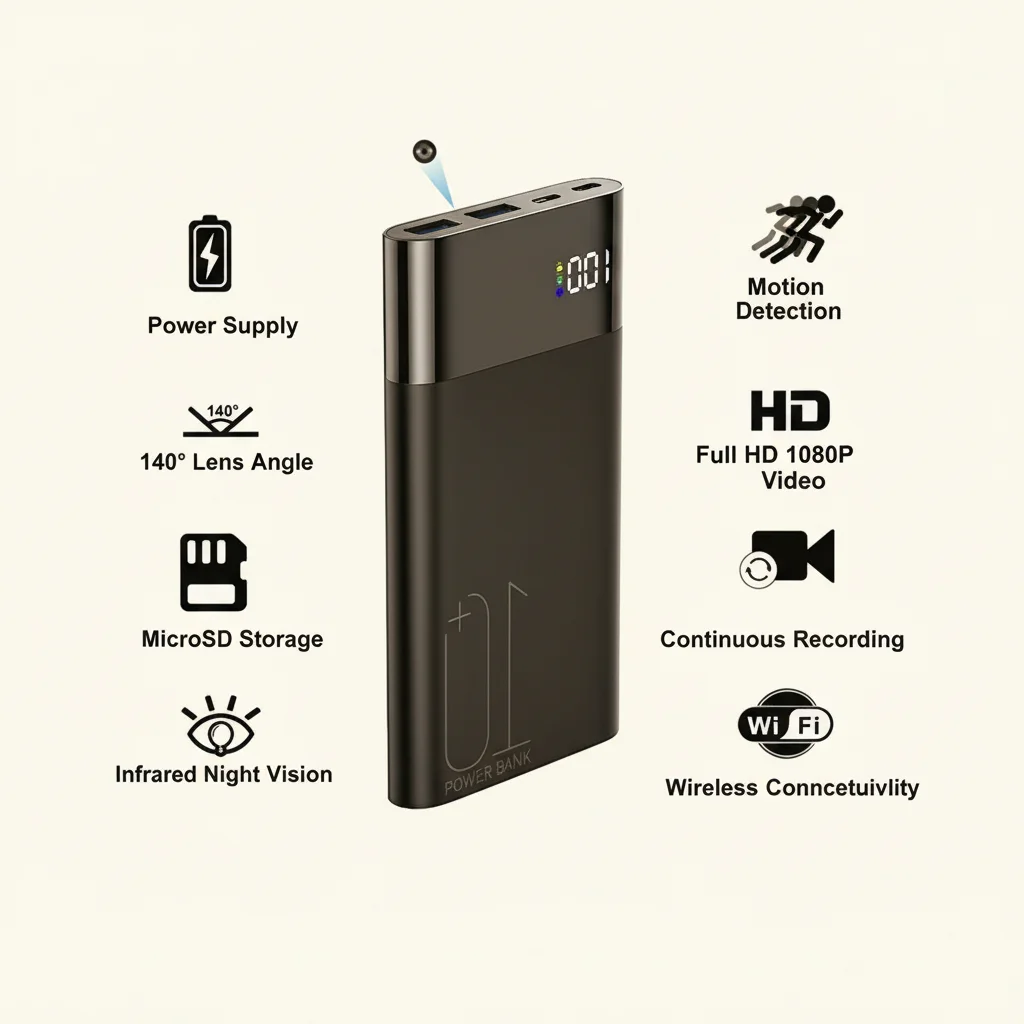
– Aufnahmeauflösung einstellen auf 1080p minimum for usable nighttime detail
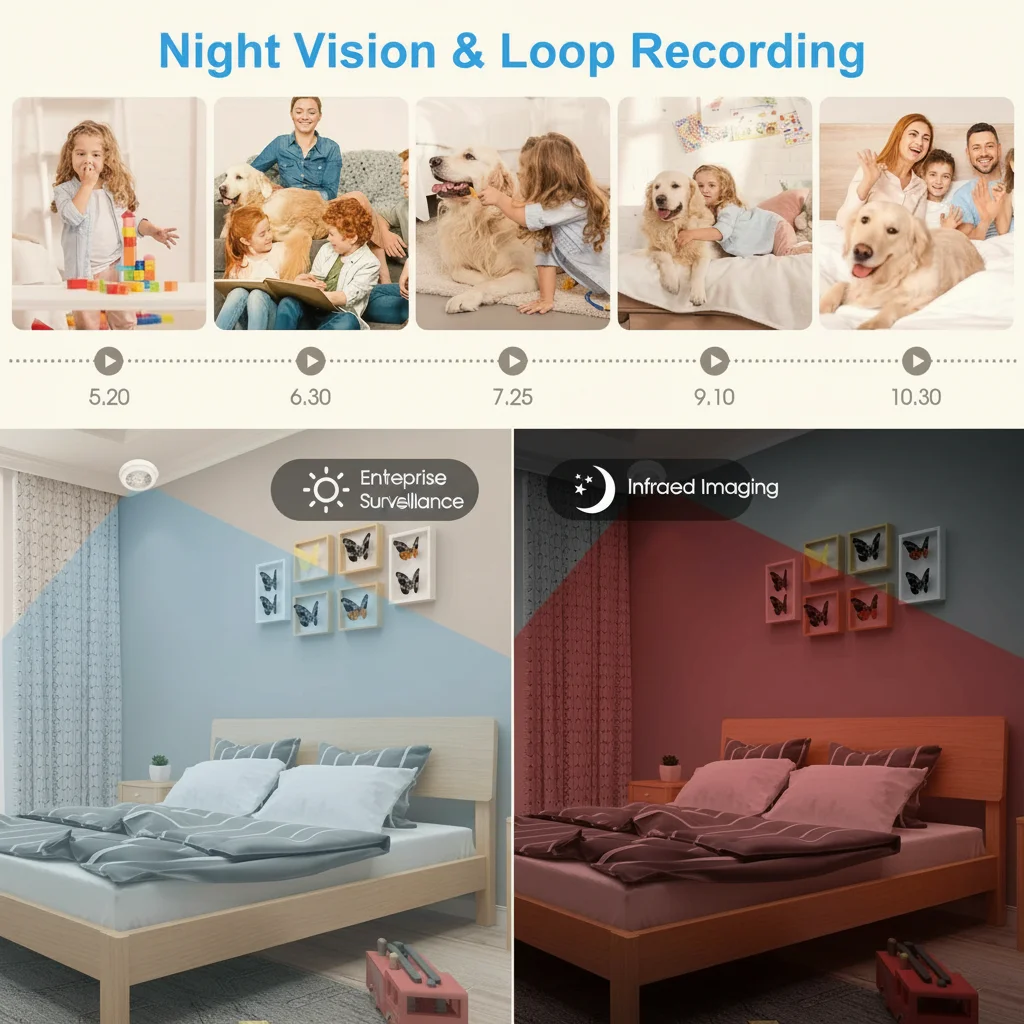
– Aktivieren Sie Bewegungserkennung so the camera only records when activity occurs, reducing storage waste from dark empty footage
– Einstellen Schleifenaufzeichnung so the SD card never fills up and stops recording unexpectedly. See our Leitfaden zur SD-Karten-Formatierung for best practices.
Maintenance:
– Reinigen Sie die Linse monatlich
– Überprüfen Sie alle 3 Monate auf Firmware-Updates – Hersteller verbessern oft Nachtsichtalgorithmen in Updates. Siehe unsere Anleitung zu how to update spy camera firmware Wie man die Nachtvision auf einer versteckten Spionagekamera 2 repariert.
– Ersetzen Sie das Gerät, wenn die IR-LEDs nach mehr als 2 Jahren täglicher Nutzung weniger als 50% ihrer ursprünglichen Helligkeit liefern
Schlussfolgerung
Nachtsichtprobleme bei versteckten Spionagekameras lassen sich fast immer einer von fünf Kategorien zuordnen: verschmutztes Objektiv, falsche Moduseinstellungen, IR-Reflexion, defekte LEDs oder blockierter IR-Sperrfilter. Arbeiten Sie die Fehlerbehebungsschritte in dieser Anleitung vom einfachsten (Objektiv reinigen) bis zum komplexesten (IR-Sperrfilter) durch, und Sie werden die überwiegende Mehrheit der Probleme lösen, ohne das Gerät austauschen zu müssen.
Wenn die IR-LEDs Ihrer Kamera physisch ausgefallen sind oder der Sensor beschädigt ist, könnte es Zeit für ein Upgrade sein. Durchstöbern Sie unsere Auswahl an versteckte Kameras with premium IR night vision systems built for reliable 24/7 performance.
Häufig gestellte Fragen
Q: Why does my spy camera show a green image at night?
A: Ein grüner Farbstich bedeutet normalerweise, dass IR-Licht von einer nahen Oberfläche zurück ins Objektiv reflektiert wird. Positionieren Sie die Kamera so um, dass sie nicht zu nah an Wänden ist, und stellen Sie sicher, dass die IR-LEDs nicht direkt auf reflektierende Materialien gerichtet sind.
Q: Can I add external IR illuminators to improve night vision?
A: Yes — standalone IR illuminators plug into a USB port and significantly boost the IR range of any compatible camera. Place them near but separate from the camera to avoid direct reflection.
F: Meine Kamera zeigt tagsüber ein klares Bild, nachts jedoch nichts – was ist das Problem?
A: Prüfen Sie zuerst, ob der IR-Modus in der App aktiviert ist. Führen Sie dann den Smartphone-Kameratest durch, um zu überprüfen, ob die IR-LEDs Licht aussenden. Wenn nicht, versuchen Sie einen Werksreset oder überprüfen Sie die Stromversorgung.
Q: How far can a typical hidden camera see at night?
A: Most entry-level hidden cameras see 3–5 meters clearly in total darkness. Premium models with 8+ IR LEDs can reach 8–12 meters. Distance also depends on the size of the subject and ambient light conditions.
Q: Will the IR light be visible to people in the room?
A: Standard 850nm IR LEDs emit a very faint red glow visible in complete darkness when looked at directly. For completely covert operation, choose cameras with 940nm IR LEDs, which are truly invisible to the naked eye.

 English
  Italiano
  Deutsch
  Français
  Español
  Polski