
Best Professional Digital Voice Recorders in 2026: The Complete Buyer’s Guide
A journalist on a tight deadline does not have time to scramble through notes. A lawyer preparing a brief needs the full, exact wording of a witness statement. A student who sat through a two-hour lecture on acoustics does not want to discover that the recording captured nothing but room noise and distant murmuring.
The right voice recorder does not just capture sound — it solves a specific problem. The problem a journalist faces is different from the one a musician faces, which is different again from the one a property manager faces. This guide is built around that reality. Instead of starting with specifications, we start with use cases, then show you which features actually matter for each one.
Why Buy a Dedicated Recorder When Smartphones Record Audio?
This is the first question most first-time buyers ask, and it deserves a direct answer.
A smartphone can record audio. But a dedicated recorder does several things a phone cannot do as reliably.
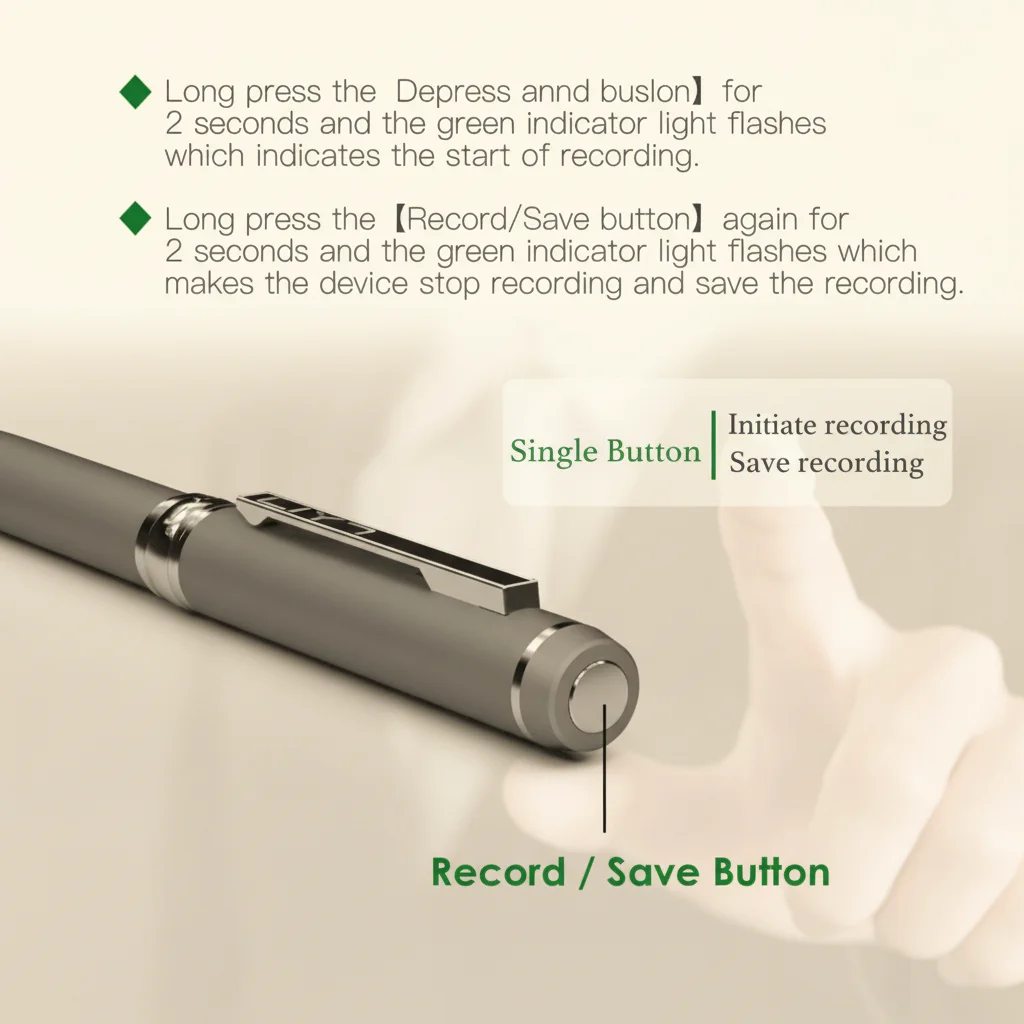
Battery independence. A phone that is recording audio cannot be used for calls, messages, navigation, or anything else without interrupting the recording. A recorder runs independently — it can record an eight-hour meeting while you use your phone normally.
Dedicated hardware. Voice recorders have purpose-designed microphones, noise reduction circuitry, and recording formats optimised for voice capture. A phone microphone is designed to pick up the person holding the phone at ear level — not the person across a conference table.
Start speed. Opening a voice recorder app on a phone takes 5–15 seconds. A dedicated recorder has a one-press record button. In a meeting that starts unexpectedly, that difference matters.
Evidence integrity. A recording on a dedicated device with its own timestamped storage is harder to challenge than a phone recording. For professional documentation purposes, a dedicated device provides a cleaner chain of custody.
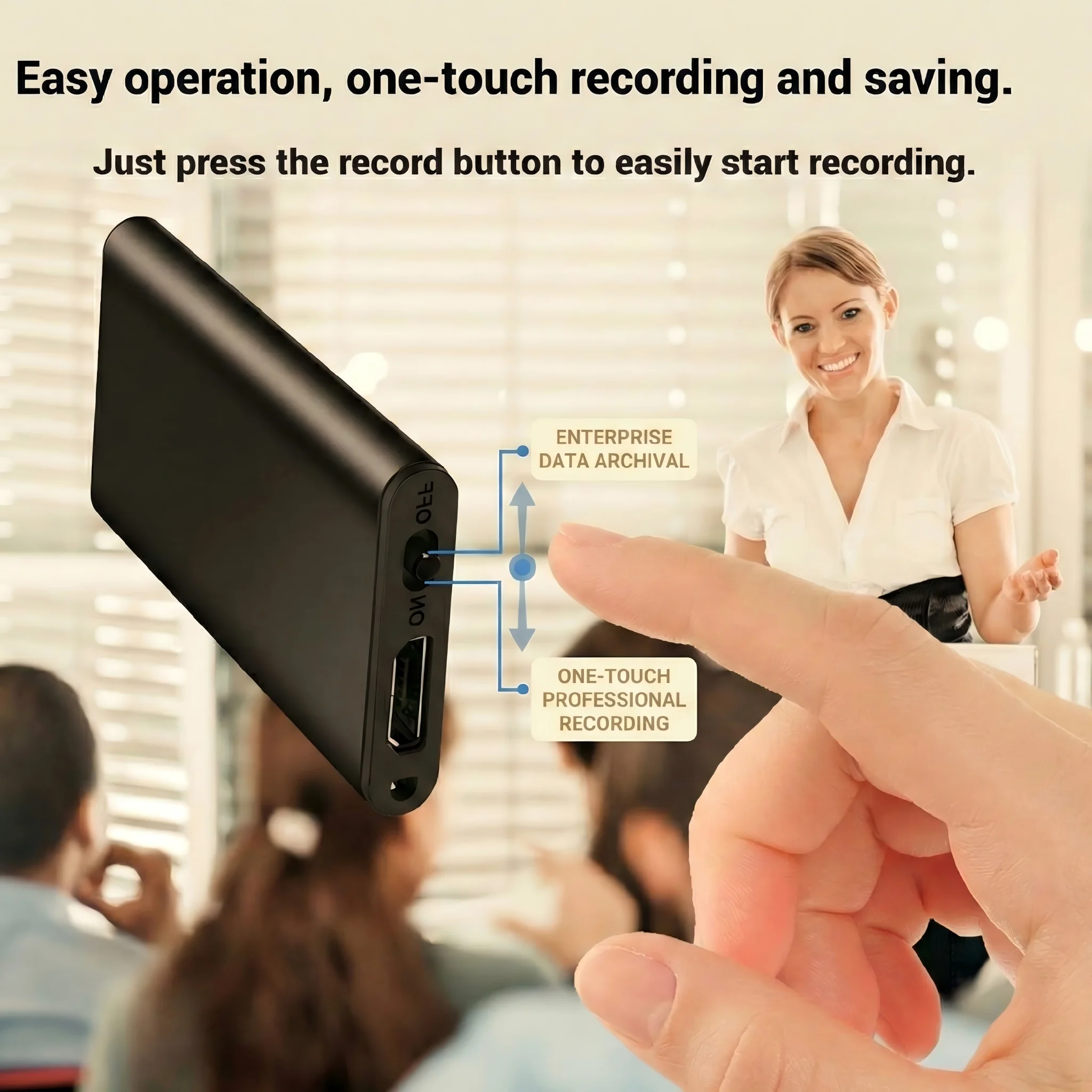
Discretion. Holding up a phone to record a conversation changes the dynamic. A pen recorder, dictation machine, or small recorder sitting on a table records without anyone noticing.
Understanding Audio Quality Specifications
Before looking at specific recorder types, it helps to understand the specifications that actually determine whether a recording is useful.
Audio Format and Bitrate
The two most common formats are MP3 and WAV:
– MP3: Compressed, smaller files, broadly compatible. At 128kbps it is acceptable for voice; at 192kbps or 256kbps it is very good for voice. Most professional voice recorders default to MP3 at 128kbps or higher.
– WAV: Uncompressed, larger files, no quality loss. WAV at 44.1kHz/16-bit is the professional standard for voice and is accepted without question in legal proceedings. A WAV file from a quality microphone is substantially clearer than an MP3 at the same source quality.
For professional use — legal documentation, interviews for publication, evidence capture — WAV at 44.1kHz/16-bit is the right choice. The storage cost is modest: a one-hour WAV recording at standard quality is approximately 600MB.
Microphone Types and What They Mean
Stereo microphones (Left-Right configuration): Capture a wide, immersive soundscape. Best for music recording, environmental sound documentation, and situations where you want to capture the full acoustic environment. For voice-only purposes, stereo is less important.
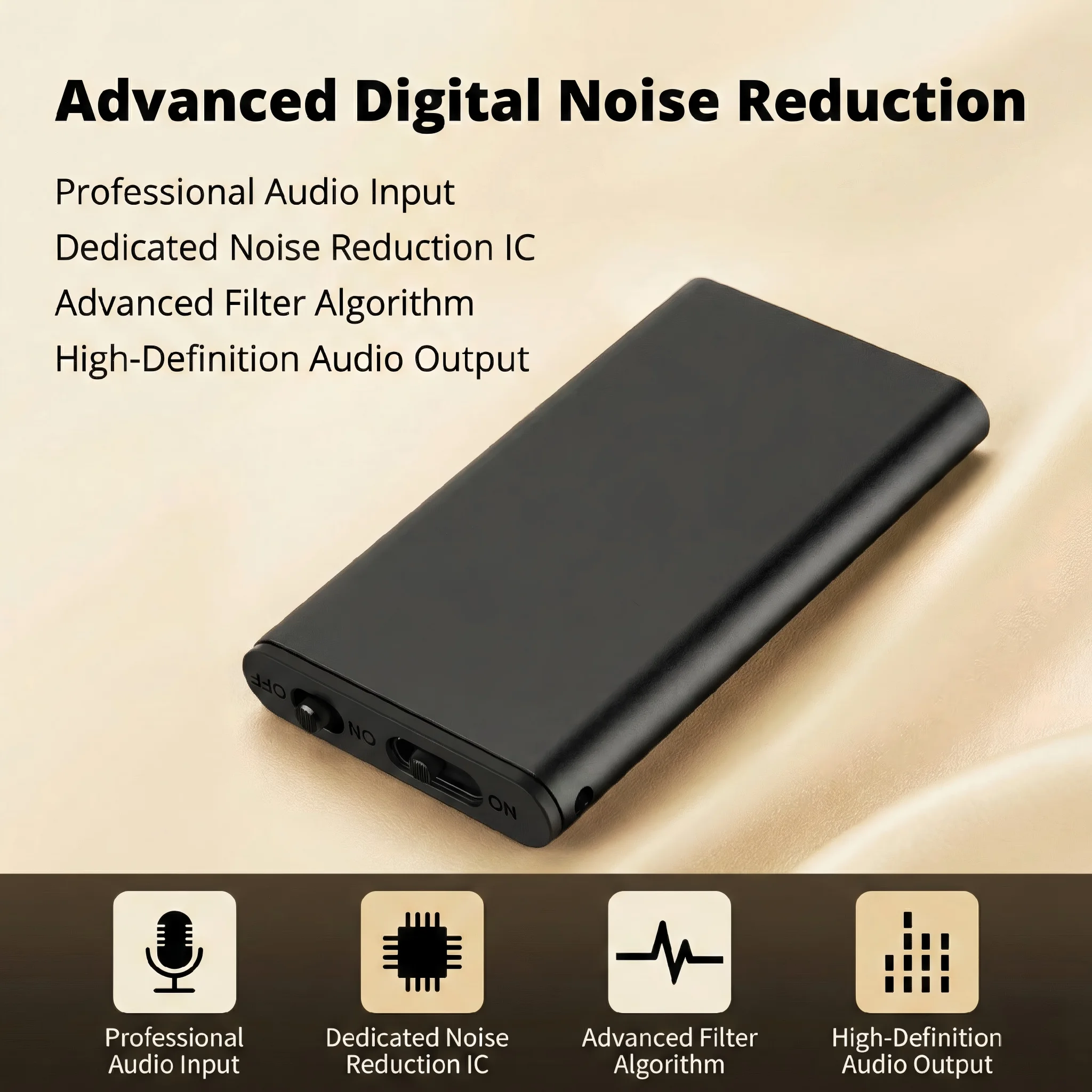
Uni-directional (cardioid) microphones: Pick up sound primarily from one direction — typically the front of the device. These are designed for speech in noisy environments and are the standard configuration for voice recorders. A good uni-directional mic will isolate a speaker from background noise significantly better than a phone microphone.
External microphone input: Many professional recorders include a 3.5mm jack or XLR input for connecting an external lavalier (clip-on) microphone. This is essential for interview situations where you want the recorder hidden in a pocket or bag while the lapel mic captures clear audio from the speaker’s chest level.
Signal-to-Noise Ratio
This specification — measured in decibels (dB) — tells you how much louder the desired signal (voice) is compared to the background noise. A recorder with a 60dB signal-to-noise ratio is significantly better than one at 45dB. For professional voice recording, look for 50dB or higher as a minimum; 60dB or above is the professional standard.
Matching a Recorder to Your Use Case

For Legal and Business Documentation
If you are a solicitor, paralegal, consultant, or anyone who needs reliable records of important conversations, your priorities are:
– WAV recording at 44.1kHz/16-bit — this is non-negotiable for any recording that might be used in proceedings
– Automatic timestamp — essential for navigating long recordings
– Large internal storage or SD card support — you may record dozens of meetings per month
– Password protection and encryption — sensitive client information must be secured
– USB direct connection — for quick transfer to your case management system
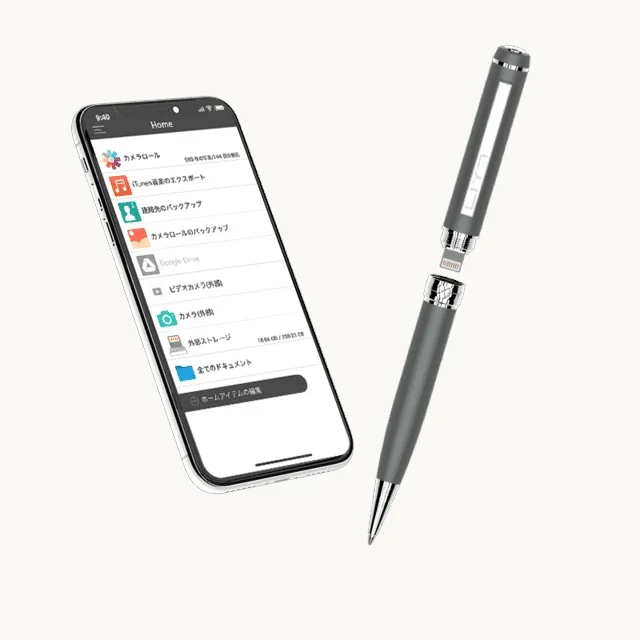
The QZT A57 WiFi voice recorder pen is designed for this exact use case: it records WAV audio, supports up to 128GB of storage via SD card, and includes WiFi connectivity for direct transfer to secure devices. The pen form factor means it sits naturally on a meeting table and records without announcing itself.
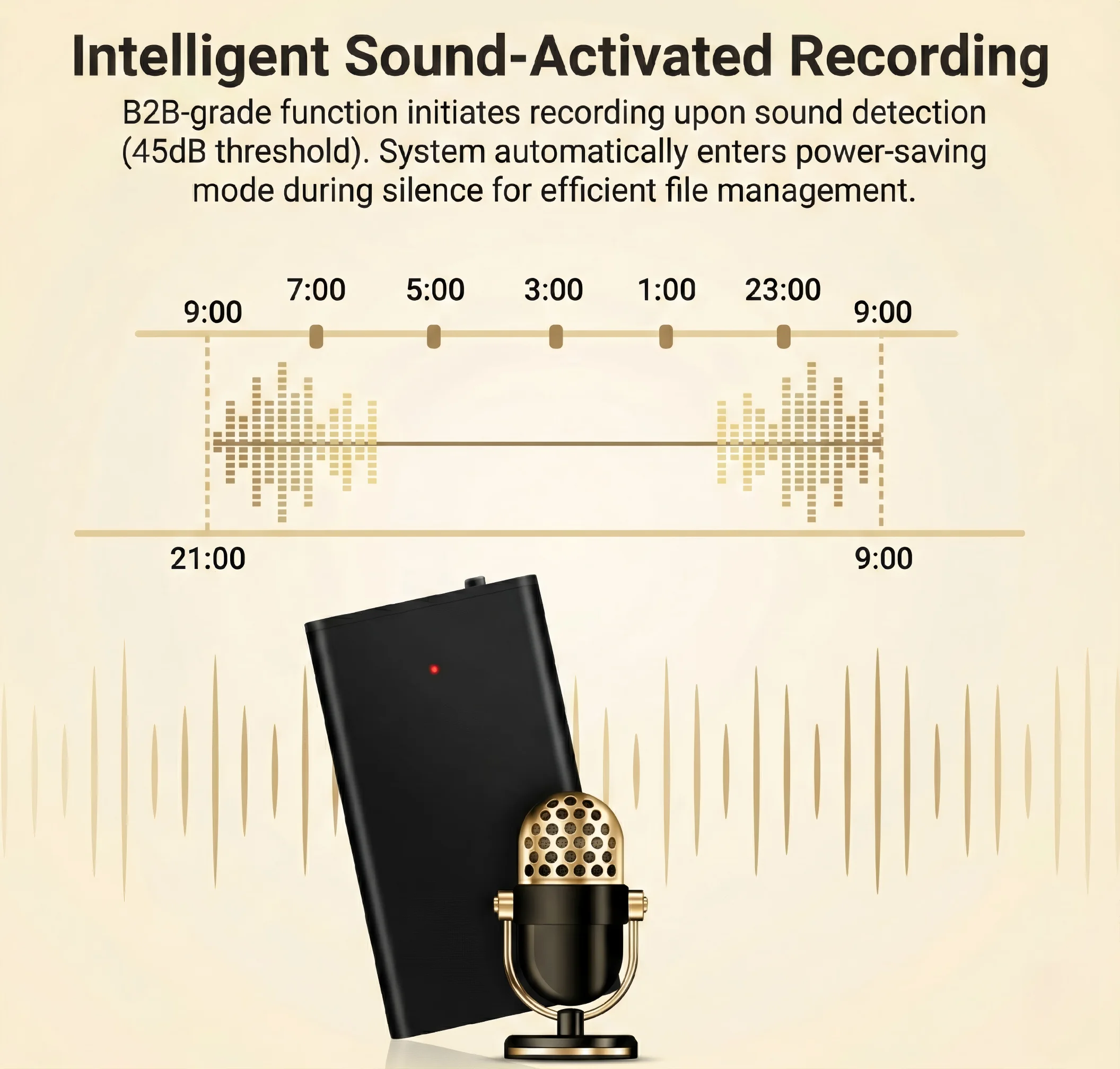
For longer dictation sessions — legal briefs, contract notes, case summaries — a QZT voice recorder pen with voice activation is worth considering. Voice activation starts recording the moment speech is detected, extending battery life and storage capacity by eliminating hours of dead air.
For Journalists and Interviewers
Journalists have a specific set of requirements that go beyond standard dictation:
– Rapid start — the ability to begin recording within one second of pressing the button
– External lavalier microphone input — for discreet recording during sensitive interviews
– Wind and plosive reduction — built-in processing to handle sibilance and breath noise
– Robust build quality — a recorder that survives being carried in a bag, pocket, or jacket
– Clear vocal reproduction — accurate capture of accent, tone, and exact wording
For field journalism, a dedicated voice recorder with an external lapel mic is often more practical than a pen recorder. The recorder itself can be in a bag or on a desk while the microphone cable runs discretely to the speaker’s collar.
The QZT W8 spy pen camera with audio-only recording mode is suitable for journalists who need both video and audio documentation in a single device — particularly valuable for interview-based reporting where having visual context alongside the audio adds credibility to the record.
For Students and Academic Researchers
Lecture recording has different requirements from professional documentation:
– Long-distance voice capture — the recorder may be sitting on a desk 3–5 metres from the lecturer
– Large room acoustics — echo and reverberation are significant problems in large lecture halls
– Battery life — a full day of back-to-back lectures can run 6–8 hours
– Bookmarking and file organisation — the ability to mark important moments during recording
– Affordability — students typically have limited budgets
For lecture capture, look for recorders with:
– A sensitive uni-directional microphone capable of capturing from distance
– Battery life of 20+ hours
– SD card storage of 32GB or more
– Simple file transfer to a computer or cloud storage
Some recorders include dedicated lecture modes that optimise microphone sensitivity and compression for speech captured at distance. If you record in echoey rooms frequently, this feature is worth prioritising.
For Property Managers and Surveyors
Property documentation requires a different mindset from standard voice recording. You are not capturing conversation — you are capturing observations. A property surveyor walking through a three-bedroom flat needs to narrate findings clearly: “Kitchen — laminate flooring in good condition, minor scuffing near the sink area, no evidence of damp behind the washing machine, window mechanism operational.”
For this use case:
– Dictation mode — optimised for single-speaker narration rather than multi-person conversation
– Long battery life — a full property inspection can run 2–3 hours
– File bookmarking — ability to mark the start of each room
– Clear audio — enough to capture observations accurately in environments with background noise (traffic, building work, HVAC systems)
– Easy file transfer — recordings need to be named, organised, and attached to property reports
AI Transcription: The 2026 Development That Changes Everything
The biggest change in professional voice recording over the past two years is the integration of AI transcription. Modern recorders and recording apps can now convert speech to text automatically, and the accuracy has reached the point where it is genuinely useful for professional work.
A typical AI transcription setup works like this:
– The recording is made as normal (WAV or high-quality MP3)
– The audio is processed by an AI model — either on-device or in the cloud
– The AI produces a text transcript with speaker identification
– The transcript is made available alongside the original audio
For professionals who need searchable records of meetings, this is transformative. Instead of listening to a two-hour meeting to find a specific point, you can search the transcript in seconds.
When evaluating AI transcription features, check:
– Language support — some tools handle dozens of languages accurately; others are English-only or support only a handful
– Speaker identification — the ability to distinguish between different speakers in a multi-person meeting
– Accuracy rate — professional-grade tools advertise 95%+ accuracy under good conditions; accuracy drops with accented speech, background noise, and poor microphone quality
– Privacy model — where does the audio go for processing? Cloud processing raises data protection obligations under GDPR; local processing keeps data entirely within your control
– Export formats — SRT subtitles, Word documents, plain text, structured notes — different tools offer different outputs
For EU-based professionals, the privacy model matters. Any system that uploads audio to a cloud server for AI processing is processing personal data under GDPR. You need to confirm that the provider has a lawful basis, that they delete the audio after processing (or have a contractual obligation to do so), and that the processing does not transfer data outside the EU in ways that are non-compliant.
Storage: Planning for Real-World Use
Storage is the practical constraint that catches most buyers out. Here is how to calculate what you need.
At 44.1kHz/16-bit WAV, one hour of stereo recording is approximately 600MB. At 128kbps MP3, one hour is approximately 60MB.
| Format | 8GB Holds | 32GB Holds | 128GB Holds |
|---|---|---|---|
| WAV 44.1kHz/16-bit (stereo) | ~13 hours | ~53 hours | ~213 hours |
| MP3 128kbps | ~130 hours | ~533 hours | ~2,133 hours |
| MP3 256kbps | ~65 hours | ~266 hours | ~1,067 hours |
For most professional uses, 32GB is the practical minimum — it gives you approximately 50 hours of WAV recording or 500+ hours of MP3. If you record frequently or in multiple meetings per day, 64GB or 128GB is a better choice.
The critical feature to look for is SD card support. Internal storage cannot be expanded. A recorder with an SD card slot lets you add storage as needed and swap cards between recording sessions.
Battery Life: Planning for Long Days
Battery life specifications are another area where marketing and reality diverge. Manufacturers advertise maximum battery life under ideal conditions — quiet room, new battery, lowest quality setting. Real-world battery life at standard recording quality is typically 70–80% of the stated figure.
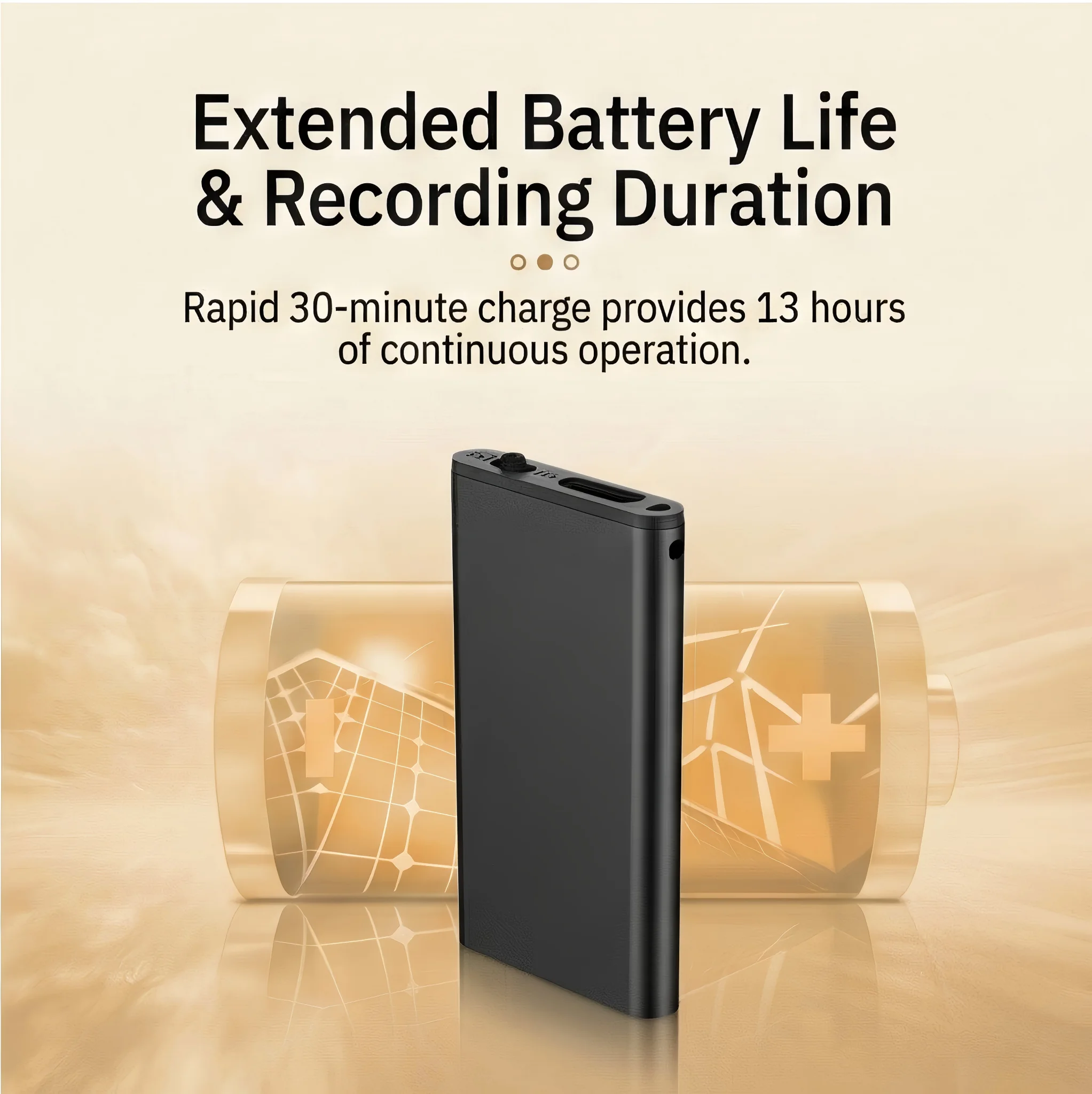
For all-day recording, target:
– 20+ hours continuous recording at your standard format setting
– USB-C charging — allows charging from a power bank during recording if needed
– Swap-able batteries (AA or AAA) — useful for field work where you cannot access a power source; carry spares
Some recorders support power bank charging during recording — you connect the power bank to the recorder via USB-C and it continues recording while the battery charges. This effectively eliminates battery anxiety for any recording scenario.
Key Features Checklist by User Type
| Feature | Legal / Business | Journalist | Student | Property Manager |
|---|---|---|---|---|
| WAV 44.1kHz/16-bit | Essential | Important | Nice to have | Nice to have |
| MP3 128kbps+ | Standard | Standard | Standard | Standard |
| External mic input | Recommended | Essential | Unnecessary | Unnecessary |
| SD card support | Essential | Essential | Recommended | Essential |
| 20+ hour battery | Recommended | Recommended | Essential | Important |
| USB-C charging | Essential | Essential | Recommended | Recommended |
| Password protection | Recommended | Important | Unnecessary | Unnecessary |
| AI transcription | Important | Important | Useful | Useful |
| Voice activation | Optional | Optional | Unnecessary | Optional |
| WiFi / cloud sync | Optional | Optional | Useful | Optional |
Common Mistakes When Buying a Voice Recorder
Buying on resolution instead of microphone quality. A recorder that advertises “high definition audio” but has a cheap omni-directional microphone will produce worse recordings than a simpler recorder with a quality directional mic. Always evaluate microphone quality directly — test record in your typical environment before committing.
Ignoring storage format. Buying a recorder that only records in a proprietary format that your computer cannot play without special software. Check that the recorder outputs standard WAV or MP3 files that open in any audio software or media player.
Underestimating battery requirements. A recorder that lasts 10 hours on a charge sounds adequate until you need to record a 12-hour conference day. Add a 20–30% buffer to your battery life requirements.
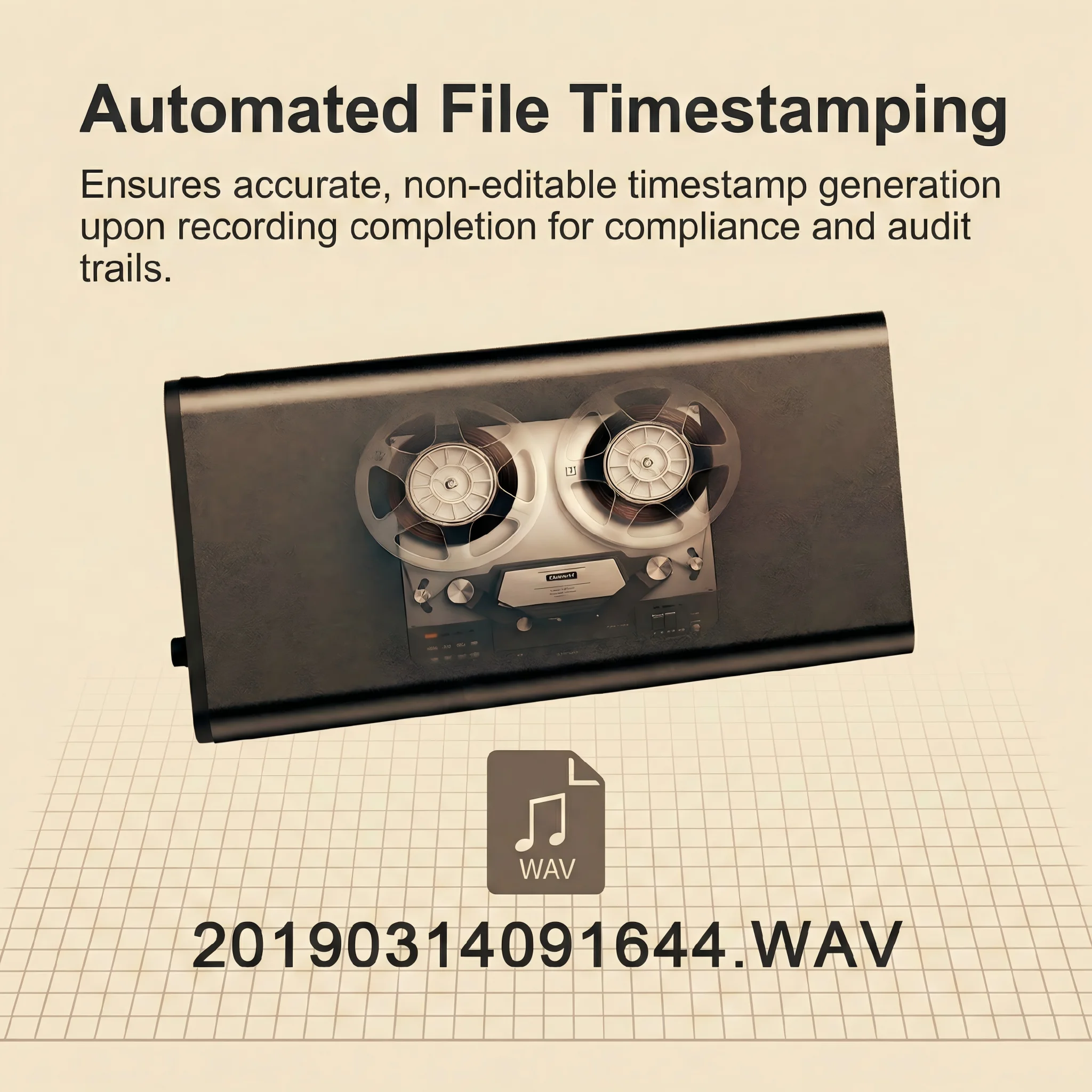
Not checking file naming and organisation. Some budget recorders name files sequentially (VOICE001, VOICE002) with no date or context. This makes organising recordings from multiple sessions time-consuming. Look for recorders that name files by date and time automatically.
Forgetting about transfer. A recorder with 128GB of storage is useless if it takes 3 hours to transfer files via a slow USB 2.0 connection. USB-C with data transfer speeds of 5Gbps or higher makes managing large recordings practical.
Building Your Recording Kit
A recorder is only as good as the ecosystem around it. Here is what most professional users eventually add:
A quality external microphone. Even a budget recorder with a good lapel mic will outperform an expensive recorder with its built-in microphone in interview situations. The Røde SmartLav+, Movo PRO MC100, and Sony ECM-CS3 are widely used lavalier options.
A windscreen or “deadcat”. Even indoors, breath noise and air conditioning draughts create plosive sounds that degrade recordings. A simple foam windscreen costs almost nothing and makes a meaningful difference.
A small desktop tripod. For situations where the recorder sits on a table — meetings, lectures, property inspections — a small adjustable tripod lets you position the microphone optimally without propping the device on books or papers.
A USB-C hub or card reader. For transferring large WAV files quickly, a dedicated card reader can be faster than connecting the recorder directly — and means you do not need to carry the recorder to your computer.
Need a professional-grade recording device? Contact us today to explore our range of voice recorder pens and audio recording solutions — built for professionals who need reliable, accurate, and legally defensible documentation.
Frequently Asked Questions
What audio quality do I need for professional voice recordings?
For any professional use where the recording might be used as evidence or documentation — legal proceedings, formal interviews, contractual agreements — WAV at 44.1kHz/16-bit is the professional standard. This captures the full frequency range of human speech and is accepted without question in legal and regulatory contexts. For routine documentation where file size matters more than absolute quality, MP3 at 192kbps or higher is acceptable.
How long can a voice recorder record on a full charge?
Battery life varies significantly between models. Entry-level recorders may manage 10–15 hours. Professional-grade models with large batteries can record 20–40 hours continuously. Some models support power bank charging during recording, which effectively removes any practical limit on recording duration. Always check the battery life at your intended recording format — the advertised figure is typically measured at the lowest quality setting.
Do I need an external microphone for voice recording?
For interviews, property documentation, or any situation where you want the recorder hidden or positioned away from the speaker, an external lavalier (clip-on) microphone is worth the investment. Built-in recorder microphones are designed for close-range use — placing the recorder on a table 1–2 metres from a speaker significantly reduces audio quality. A £30–50 lapel microphone connected to a good recorder will outperform a phone recording every time.
What is AI transcription and is it accurate enough to rely on?
AI transcription uses machine learning models to convert speech to text automatically. Under good conditions — clear audio, native-level pronunciation, minimal background noise — accuracy rates of 95% or higher are achievable with current tools. Accuracy drops with strong accents, noisy environments, technical vocabulary, and poor microphone quality. AI transcription is a powerful productivity tool but should be reviewed manually before being used as the sole record of any important meeting or interview.
Can voice recordings be used as evidence in legal proceedings?
In the UK, a recording made by a party to a private conversation — such as a solicitor recording a client meeting — is generally admissible as evidence if it was obtained lawfully. The key requirements are that the recording was made in a private setting, for a legitimate purpose, without coercion, and not in breach of any other law. In EU countries, admissibility rules vary by jurisdiction, and recording in some countries (notably Germany) has specific restrictions. Always verify the rules for your specific jurisdiction before relying on recordings in legal proceedings.
How much storage do I need for voice recordings?
For regular professional use, 32GB is a practical minimum — it holds approximately 50 hours of WAV recordings or 500+ hours of MP3 at standard quality. If you record multiple long meetings per week or work on extended projects, 64GB or 128GB is a better choice. SD card support is strongly recommended as it allows you to expand storage as needed and swap cards between recording sessions.
Are pen-shaped voice recorders discreet enough for professional use?
Pen recorders are among the most practical discreet recording options for professional use. They look identical to ordinary writing pens and sit naturally on a meeting table, in a breast pocket, or in a briefcase. Audio quality varies by model — look for recorders that capture WAV audio at 44.1kHz/16-bit and have a sensitive directional microphone. The QZT A57 recorder pen records in WAV format, supports up to 128GB of SD card storage, and includes WiFi for direct secure transfer — making it suitable for legal, business, and professional documentation use.

 English
  Italiano
  Deutsch
  Français
  Español
  Polski