
Unreliable camera connections cause missed security events. This creates coverage gaps and risks for your clients. Proper integration ensures your WiFi cameras work consistently.
To integrate WiFi mini cameras reliably, you must choose quality devices with stable apps like Tuya. Ensure a strong 2.4GHz WiFi signal, use correct power sources, and test camera placement. Proper network setup is the key to consistent performance for professional surveillance projects.
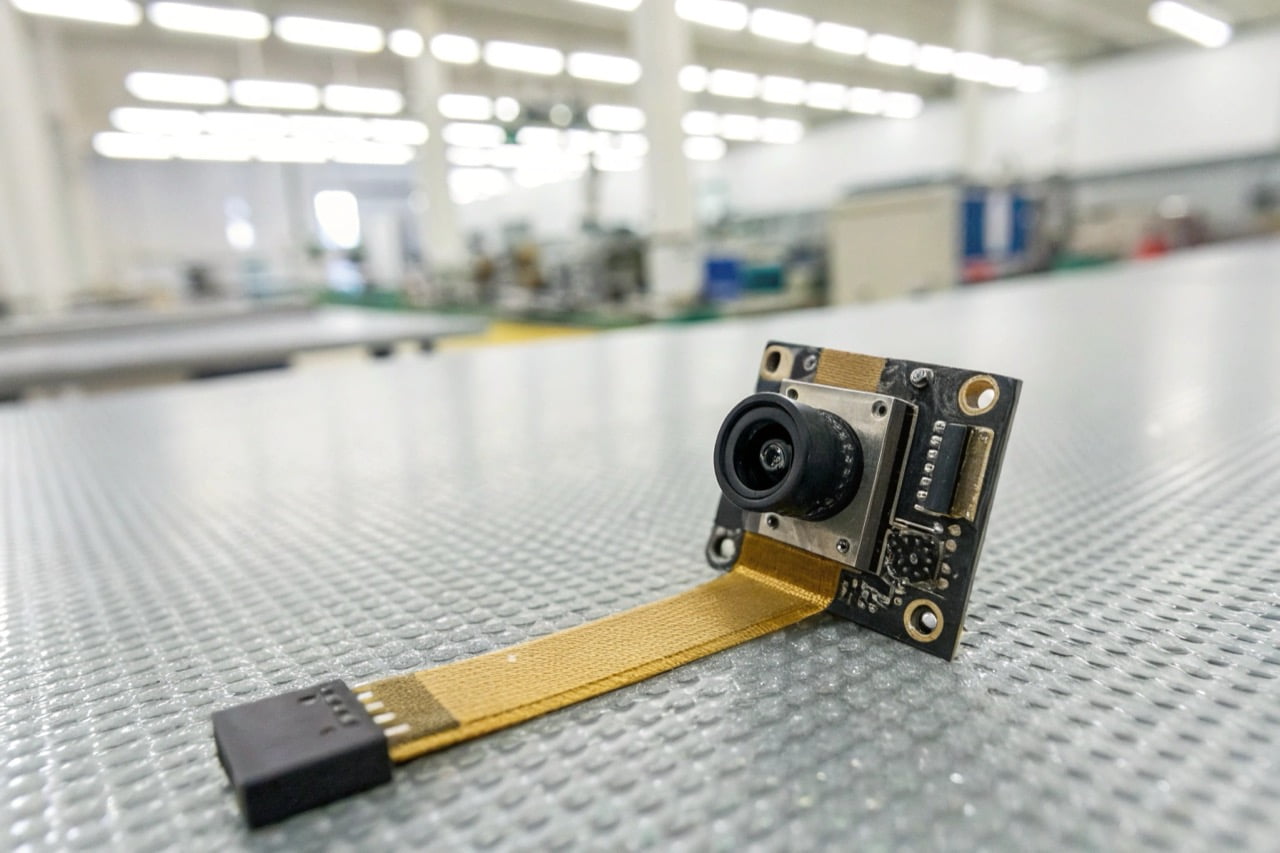
Reliability is not just about the camera. It is about the entire system. Your WiFi network, the power supply, and the camera's placement are all critical. Let's look at the important questions professional buyers ask.
How reliable are WiFi security cameras?
Your clients doubt the stability of wireless surveillance. A single connection drop can mean a critical event is lost forever. Modern WiFi cameras are very reliable with the right setup.
WiFi security cameras are highly reliable when installed correctly. Reliability depends on the quality of the camera's hardware, the stability of the mobile app (like Tuya), and the strength of your 2.4GHz WiFi network. Professional-grade cameras with CE/ROHS certification offer better performance.
Dive Deeper
The reliability of a WiFi camera depends on several factors working together. As a manufacturer, we see a clear difference between consumer-grade and professional-grade devices. Professional buyers should evaluate these four areas:
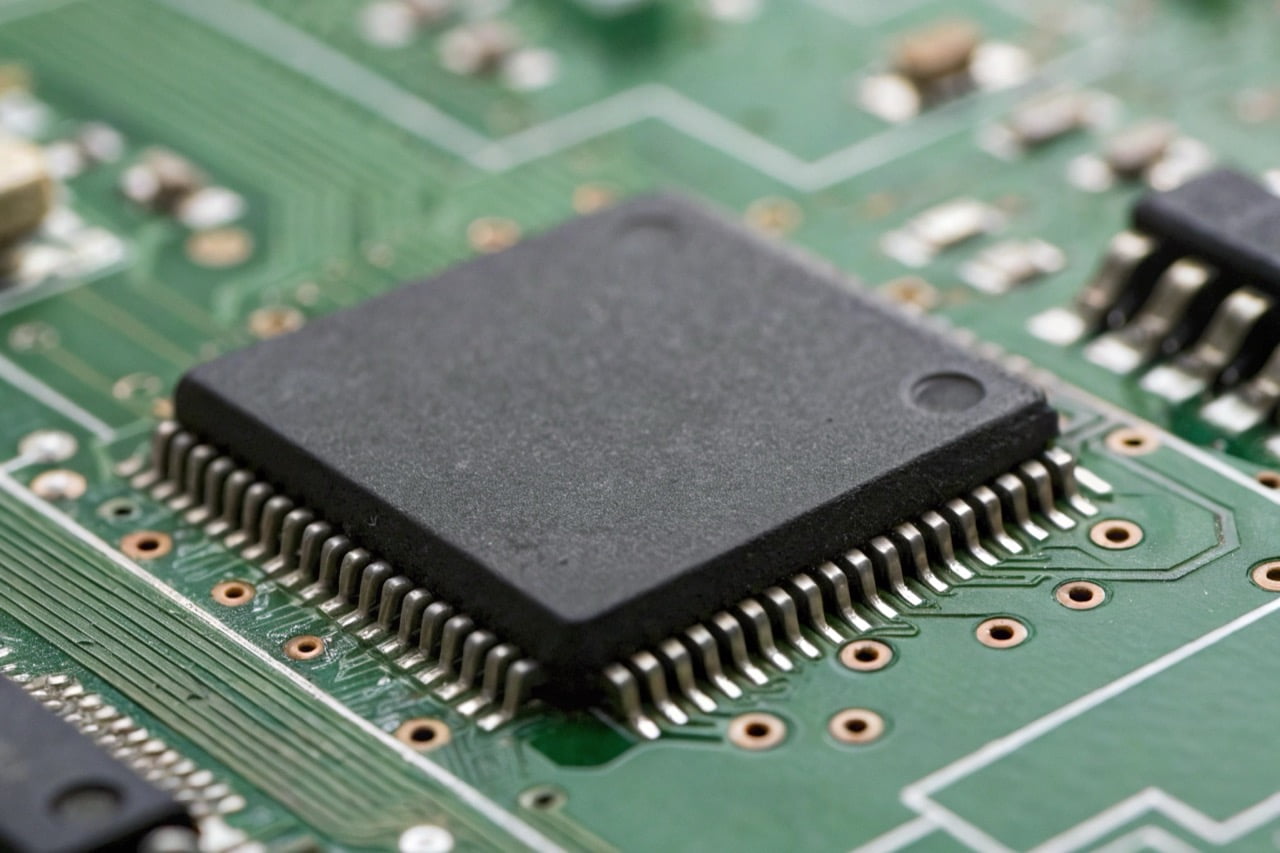
- Hardware and Certifications: The internal components determine performance. Look for high-quality sensors and stable chipsets. Certifications like CE and ROHS are not just paperwork. They indicate that the product meets high European standards for safety and quality. This is a baseline requirement for professional use.
- Application Stability: The camera hardware is only half of the system. The mobile application is the other half. An unstable app will cause connection issues, no matter how good the camera is. We recommend platforms like Tuya because they have a proven, stable network infrastructure that is trusted globally.
- Network Environment: Most hidden WiFi cameras operate on the 2.4GHz frequency band. You must ensure a strong, stable signal at the camera's location. Test the WiFi signal strength before installation. Weak signals lead to video lag and disconnections.
- Źródło zasilania: A consistent power source is essential. Battery-powered cameras offer flexibility, but they must be recharged. For critical surveillance, choose a model that can record while charging or one that connects directly to a mains power supply.
For professional projects, it is critical to use devices that have passed strict quality controls. You can explore our professional surveillance cameras which are all CE/ROHS compliant.
Is it better to have wired or wireless security cameras?
Choosing between wired and wireless systems is difficult. The wrong choice leads to high installation costs or poor reliability. The best option depends on the specific project requirements.
Wired cameras (PoE) offer the most stable connection and power. They are best for fixed, critical locations. Wireless (WiFi) cameras provide flexibility and easy installation. They are ideal for areas where running cables is difficult or for discreet custom projects.
Dive Deeper
Both wired and wireless cameras have specific advantages. The decision depends entirely on the installation scenario and security objectives. Here is a simple comparison for professional buyers.
Wired (PoE - Power over Ethernet) Cameras:
- Zalety:
- Maximum Reliability: The physical connection is not affected by wireless interference.
- Stable Power: Power and data are delivered over a single Ethernet cable. No batteries or separate power adapters are needed.
- Higher Bandwidth: Can often support higher resolutions and frame rates without network congestion.
- Wady:
- Difficult Installation: Running Ethernet cables through walls and ceilings is labor-intensive and expensive.
- Fixed Location: Cameras are not easy to move once installed.
- Not Discreet: The cameras and cables are visible and difficult to hide.
Wireless (WiFi) Cameras:
- Zalety:
- Easy Installation: No data cables are required. This significantly reduces installation time and cost.
- Flexible Placement: Can be placed anywhere within range of a WiFi signal and a power source.
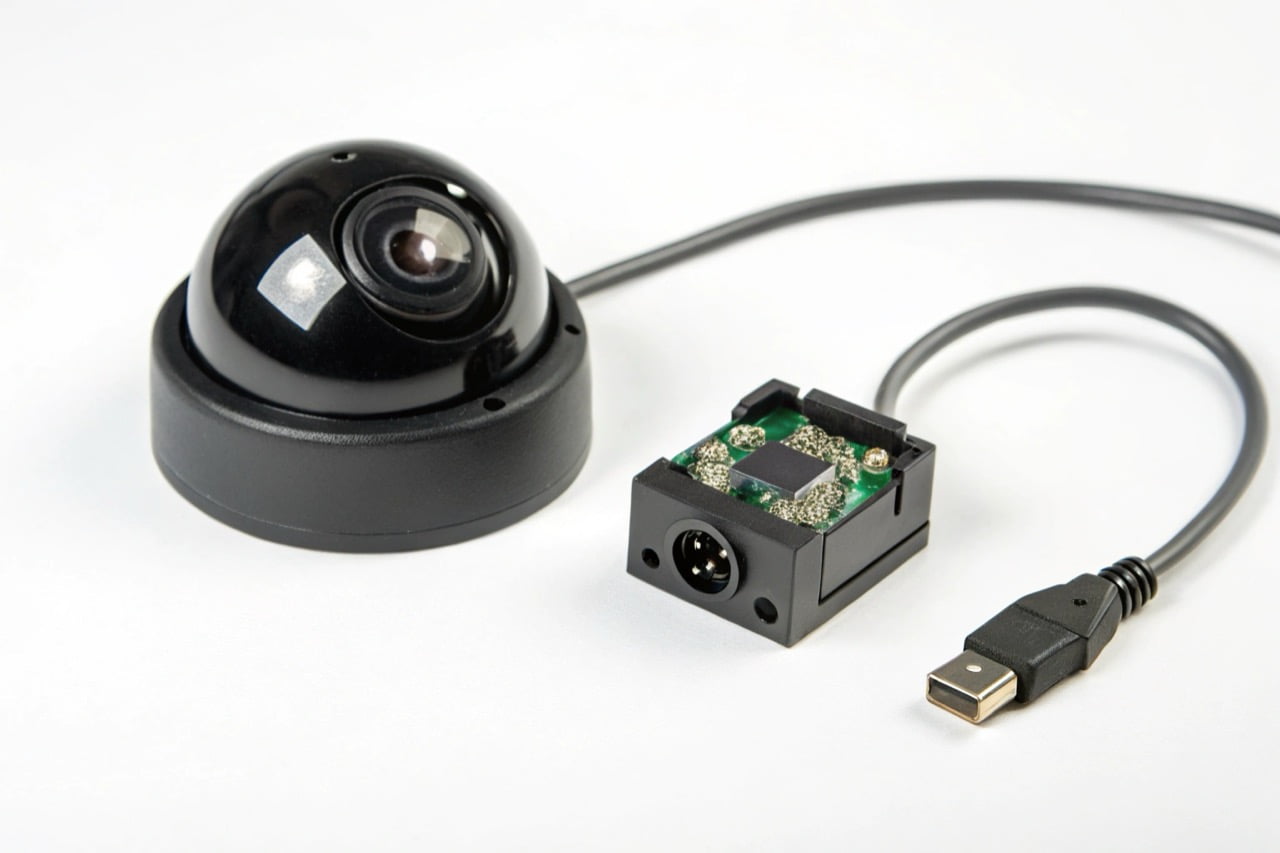
- Ideal for Discreet Use: Mini WiFi camera modules can be integrated into everyday objects for covert surveillance.
- Wady:
- Dependent on WiFi Signal: Performance can be affected by distance from the router, walls, and other electronic interference.
- Requires Power: Needs a battery or a nearby power outlet.
For most custom and hidden camera solutions, WiFi is the superior choice due to its flexibility.
Can you connect a WiFi camera to an NVR?
You need to integrate flexible WiFi cameras into a central recording system. Standalone cameras create data silos and complex management. Yes, many WiFi cameras can connect to an NVR.
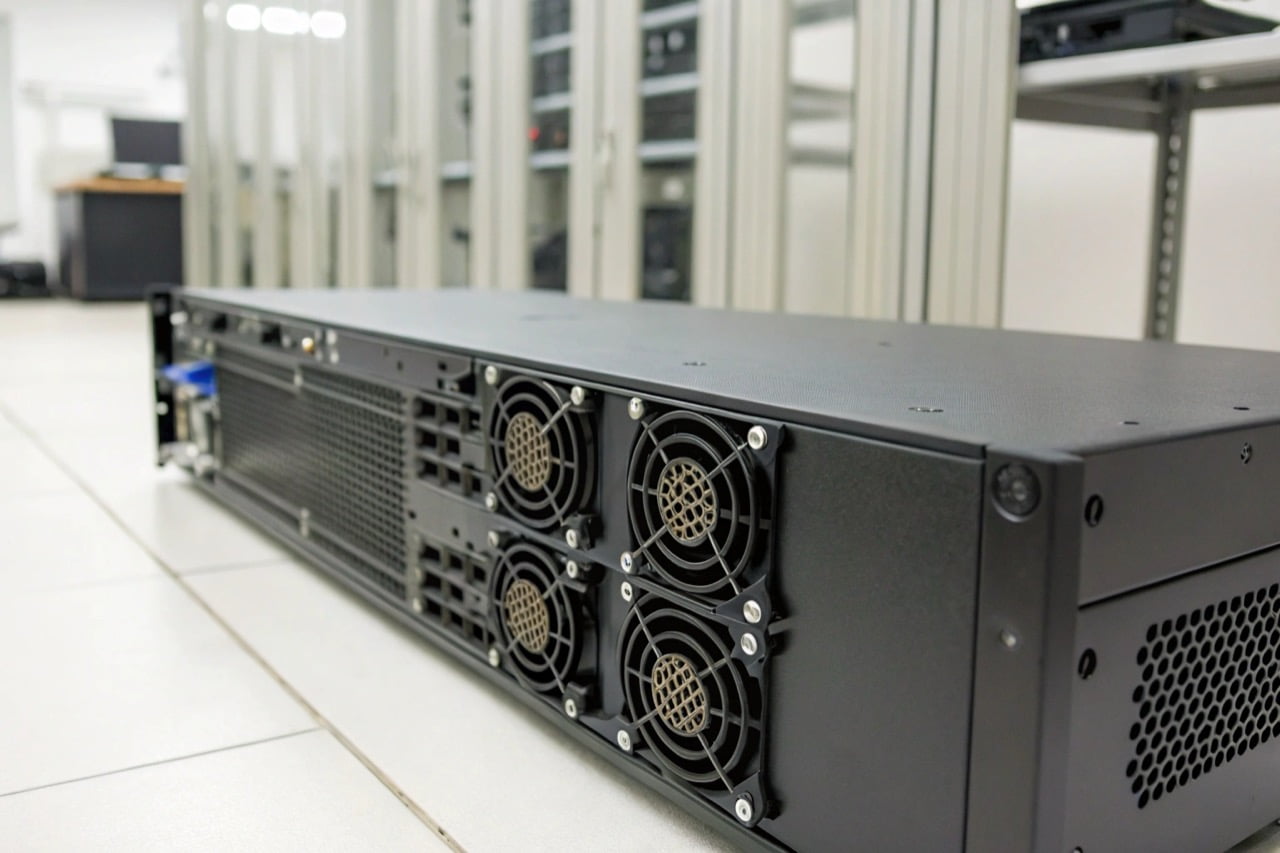
You can connect a WiFi camera to a Network Video Recorder (NVR), but compatibility is key. The camera must support the ONVIF protocol. The NVR and camera must be on the same local network. This creates a powerful, centralized surveillance system.
Dive Deeper
Integrating WiFi cameras into a larger, wired system with an NVR provides the best of both worlds: the flexibility of wireless and the central storage of a wired system. The key to this integration is a technical standard called ONVIF.
ONVIF (Open Network Video Interface Forum) is a global standard for how IP-based security products communicate. If both your WiFi camera and your NVR are ONVIF-compliant, they can work together.
Here is the general process:
- Check for ONVIF Compliance: Before you purchase, verify that the WiFi camera's specification sheet explicitly states it supports ONVIF. This is a critical feature.
- Connect to the Network: Connect the WiFi camera to the same local WiFi network that the NVR is connected to (usually via an Ethernet cable).
- Add Camera to NVR: Use the NVR's administration menu to search for new devices on the network. The NVR should discover the ONVIF-compliant WiFi camera.
- Configure and Record: Dodaj kamerę do listy urządzeń swojego NVR. Następnie możesz skonfigurować ją do nagrywania ciągłego, według harmonogramu lub na podstawie wykrywania ruchu, podobnie jak kamerę przewodową.
Ważne ostrzeżenie: Wiele małych, dyskretnych lub szpiegowskich kamer WiFi nie obsługuje ONVIF. Ich głównym założeniem jest proste zdalne podglądanie przez aplikację mobilną. Zawsze potwierdzaj tę funkcję u dostawcy, jeśli integracja z NVR jest wymagana w projekcie.
How far away will a WiFi camera work?
Nie jesteś pewien efektywnego zasięgu kamery WiFi. Umieszczenie kamery zbyt daleko od routera powoduje utratę sygnału i przestoje. Zasięg zależy od twojego routera i środowiska.
Typowa kamera WiFi działa niezawodnie do 50 metrów od routera na otwartej przestrzeni. W budynku ze ścianami i piętrami praktyczny zasięg jest znacznie krótszy, często 15-25 metrów. Liczba przeszkód i zakłócenia sieciowe są najważniejszymi czynnikami.
Dive Deeper
"Zasięg" kamery WiFi jest określany przez siłę sygnału, a nie tylko odległość. Słaby sygnał skutkuje słabej jakości transmisją wideo lub całkowitą utratą połączenia. Profesjonaliści muszą uwzględniać te czynniki.
Czynniki zmniejszające zasięg WiFi:
- Pasmo częstotliwości: Większość naszych kamer wykorzystuje pasmo 2,4 GHz. Ta częstotliwość ma większy zasięg i lepiej przenika przez stałe obiekty niż 5 GHz. Jest jednak również bardziej zatłoczona i podatna na zakłócenia.
- Przeszkody fizyczne: Sygnał słabnie za każdym razem, gdy przechodzi przez obiekt.
- Wysoki wpływ: Ściany betonowe, konstrukcje metalowe, tynk z siatką metalową.
- Średni wpływ: Ściany murowane, drewniane drzwi, przegrody biurowe.
- Niski wpływ: Szkło, płyta gipsowo-kartonowa (bez metalu).
- Zakłócenia bezprzewodowe: Wiele urządzeń korzysta z pasma 2,4 GHz i może zakłócać sygnał twojej kamery. Typowe źródła to kuchenki mikrofalowe, telefony bezprzewodowe, urządzenia Bluetooth, a nawet sąsiednie sieci WiFi.
Jak poprawić zasięg i sygnał:
- Zoptymalizuj położenie routera: Umieść router WiFi w centralnym miejscu, jak najwyżej i z dala od grubych ścian.
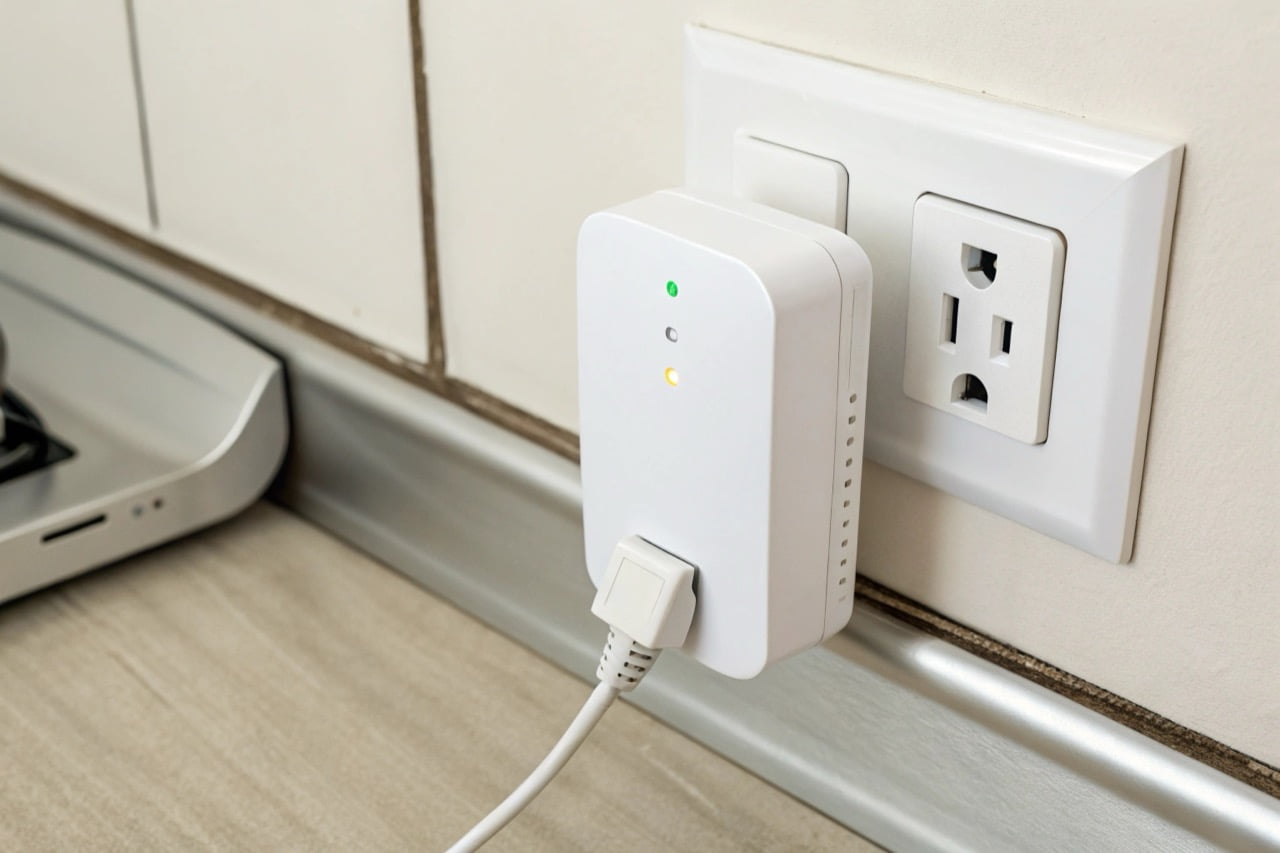
- Użyj przedłużacza WiFi: Wzmacniacz zasięgu WiFi (lub repeater) to proste urządzenie, które odbiera istniejący sygnał WiFi i retransmituje go, rozszerzając obszar zasięgu.
- Zainstaluj sieć mesh: W przypadku dużych posesji lub budynków z wieloma przeszkodami, system WiFi mesh jest najbardziej efektywnym rozwiązaniem. Wykorzystuje wiele węzłów do stworzenia jednej, silnej, płynnej sieci.
Przed ostateczną instalacją zawsze przetestuj siłę sygnału WiFi w dokładnej lokalizacji kamery za pomocą aplikacji na smartfonie. Do niezawodnego strumieniowania wideo wymagany jest silny i stabilny sygnał.
Niezawodny nadzór kamerą WiFi wynika z jakości sprzętu, silnej sieci i prawidłowej konfiguracji. Staranne planowanie zapewnia stabilność i skuteczność systemu dla każdej profesjonalnej potrzeby bezpieczeństwa.

 English
  Italiano
  Deutsch
  Français
  Español
  Polski