
Unreliable camera connections cause missed security events. This creates coverage gaps and risks for your clients. Proper integration ensures your WiFi cameras work consistently.
To integrate WiFi mini cameras reliably, you must choose quality devices with stable apps like Tuya. Ensure a strong 2.4GHz WiFi signal, use correct power sources, and test camera placement. Proper network setup is the key to consistent performance for professional surveillance projects.
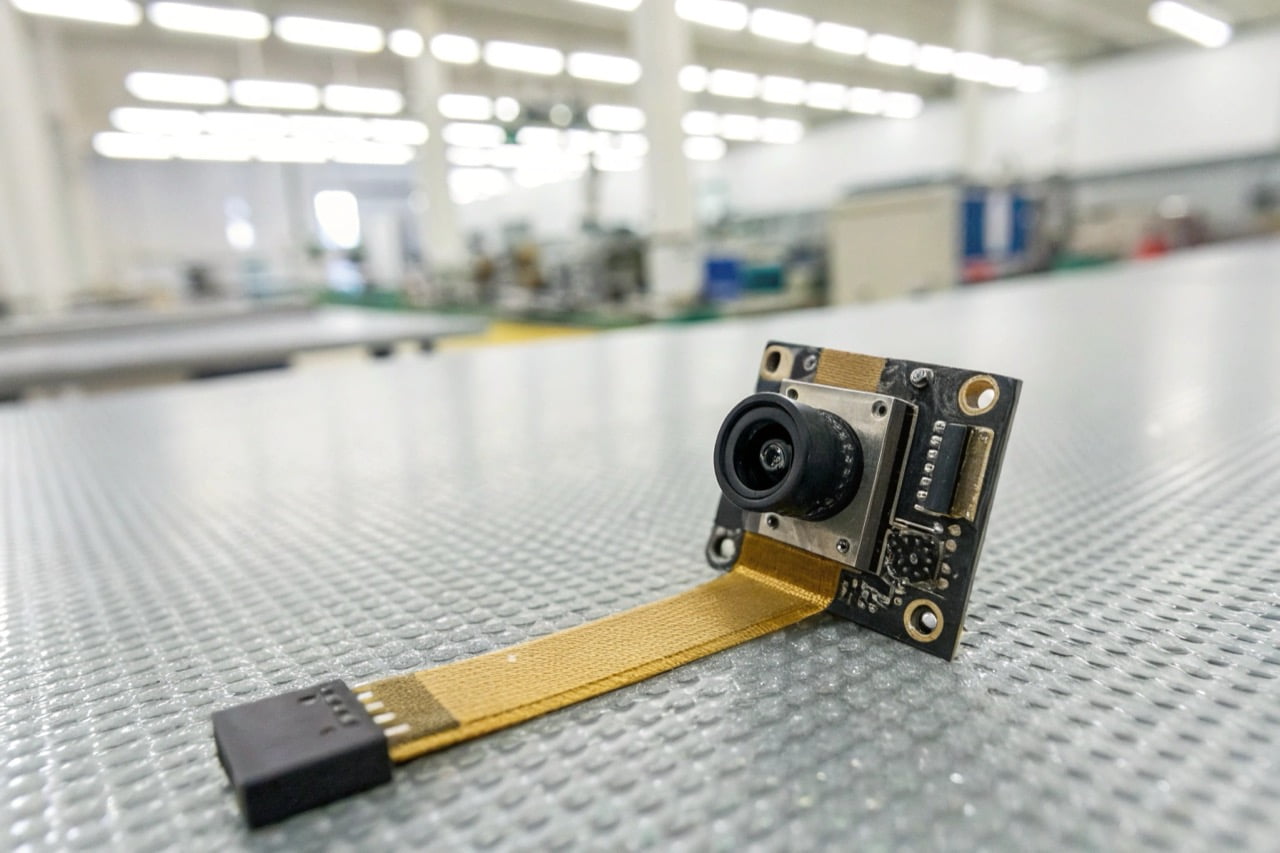
Reliability is not just about the camera. It is about the entire system. Your WiFi network, the power supply, and the camera's placement are all critical. Let's look at the important questions professional buyers ask.
How reliable are WiFi security cameras?
Your clients doubt the stability of wireless surveillance. A single connection drop can mean a critical event is lost forever. Modern WiFi cameras are very reliable with the right setup.
WiFi security cameras are highly reliable when installed correctly. Reliability depends on the quality of the camera's hardware, the stability of the mobile app (like Tuya), and the strength of your 2.4GHz WiFi network. Professional-grade cameras with CE/ROHS certification offer better performance.
Tauchen Sie tiefer ein
The reliability of a WiFi camera depends on several factors working together. As a manufacturer, we see a clear difference between consumer-grade and professional-grade devices. Professional buyers should evaluate these four areas:
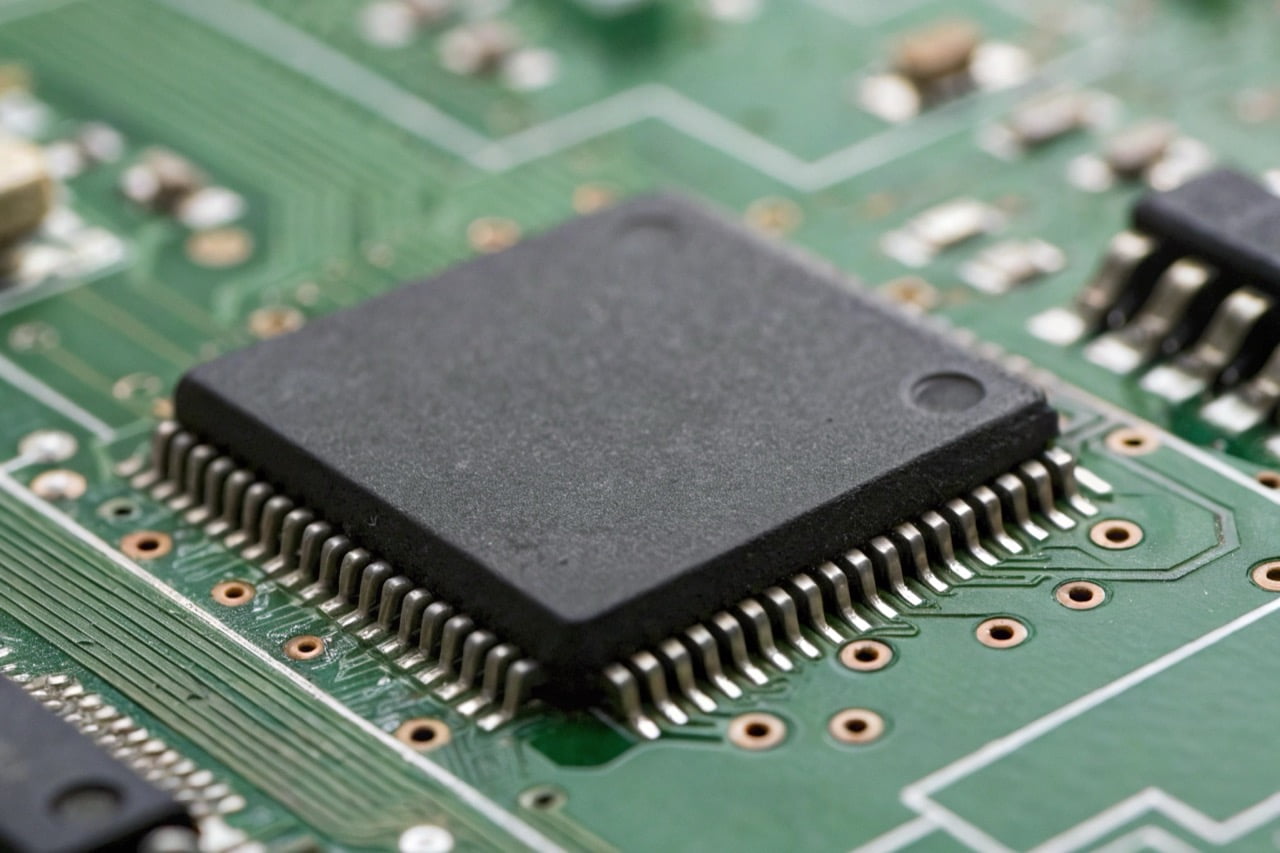
- Hardware and Certifications: The internal components determine performance. Look for high-quality sensors and stable chipsets. Certifications like CE and ROHS are not just paperwork. They indicate that the product meets high European standards for safety and quality. This is a baseline requirement for professional use.
- Application Stability: The camera hardware is only half of the system. The mobile application is the other half. An unstable app will cause connection issues, no matter how good the camera is. We recommend platforms like Tuya because they have a proven, stable network infrastructure that is trusted globally.
- Network Environment: Most hidden WiFi cameras operate on the 2.4GHz frequency band. You must ensure a strong, stable signal at the camera's location. Test the WiFi signal strength before installation. Weak signals lead to video lag and disconnections.
- Stromquelle: A consistent power source is essential. Battery-powered cameras offer flexibility, but they must be recharged. For critical surveillance, choose a model that can record while charging or one that connects directly to a mains power supply.
For professional projects, it is critical to use devices that have passed strict quality controls. You can explore our professional surveillance cameras which are all CE/ROHS compliant.
Is it better to have wired or wireless security cameras?
Choosing between wired and wireless systems is difficult. The wrong choice leads to high installation costs or poor reliability. The best option depends on the specific project requirements.
Wired cameras (PoE) offer the most stable connection and power. They are best for fixed, critical locations. Wireless (WiFi) cameras provide flexibility and easy installation. They are ideal for areas where running cables is difficult or for discreet custom projects.
Tauchen Sie tiefer ein
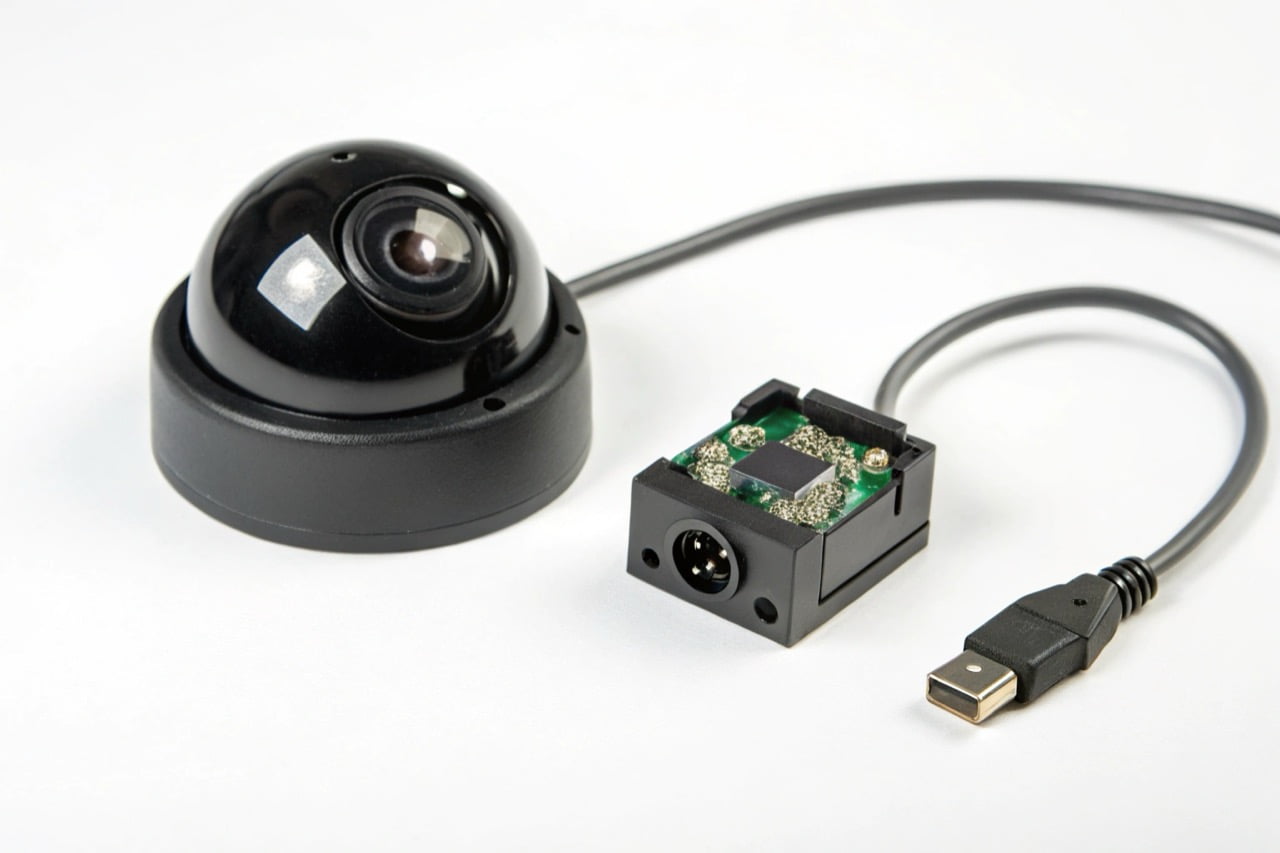
Both wired and wireless cameras have specific advantages. The decision depends entirely on the installation scenario and security objectives. Here is a simple comparison for professional buyers.
Wired (PoE - Power over Ethernet) Cameras:
- Vorteile:
- Maximum Reliability: The physical connection is not affected by wireless interference.
- Stable Power: Power and data are delivered over a single Ethernet cable. No batteries or separate power adapters are needed.
- Higher Bandwidth: Can often support higher resolutions and frame rates without network congestion.
- Nachteile:
- Difficult Installation: Running Ethernet cables through walls and ceilings is labor-intensive and expensive.
- Fixed Location: Cameras are not easy to move once installed.
- Not Discreet: The cameras and cables are visible and difficult to hide.
Wireless (WiFi) Cameras:
- Vorteile:
- Easy Installation: No data cables are required. This significantly reduces installation time and cost.
- Flexible Placement: Can be placed anywhere within range of a WiFi signal and a power source.
- Ideal for Discreet Use: Mini WiFi camera modules can be integrated into everyday objects for covert surveillance.
- Nachteile:
- Dependent on WiFi Signal: Performance can be affected by distance from the router, walls, and other electronic interference.
- Requires Power: Needs a battery or a nearby power outlet.
For most custom and hidden camera solutions, WiFi is the superior choice due to its flexibility.
Can you connect a WiFi camera to an NVR?
You need to integrate flexible WiFi cameras into a central recording system. Standalone cameras create data silos and complex management. Yes, many WiFi cameras can connect to an NVR.
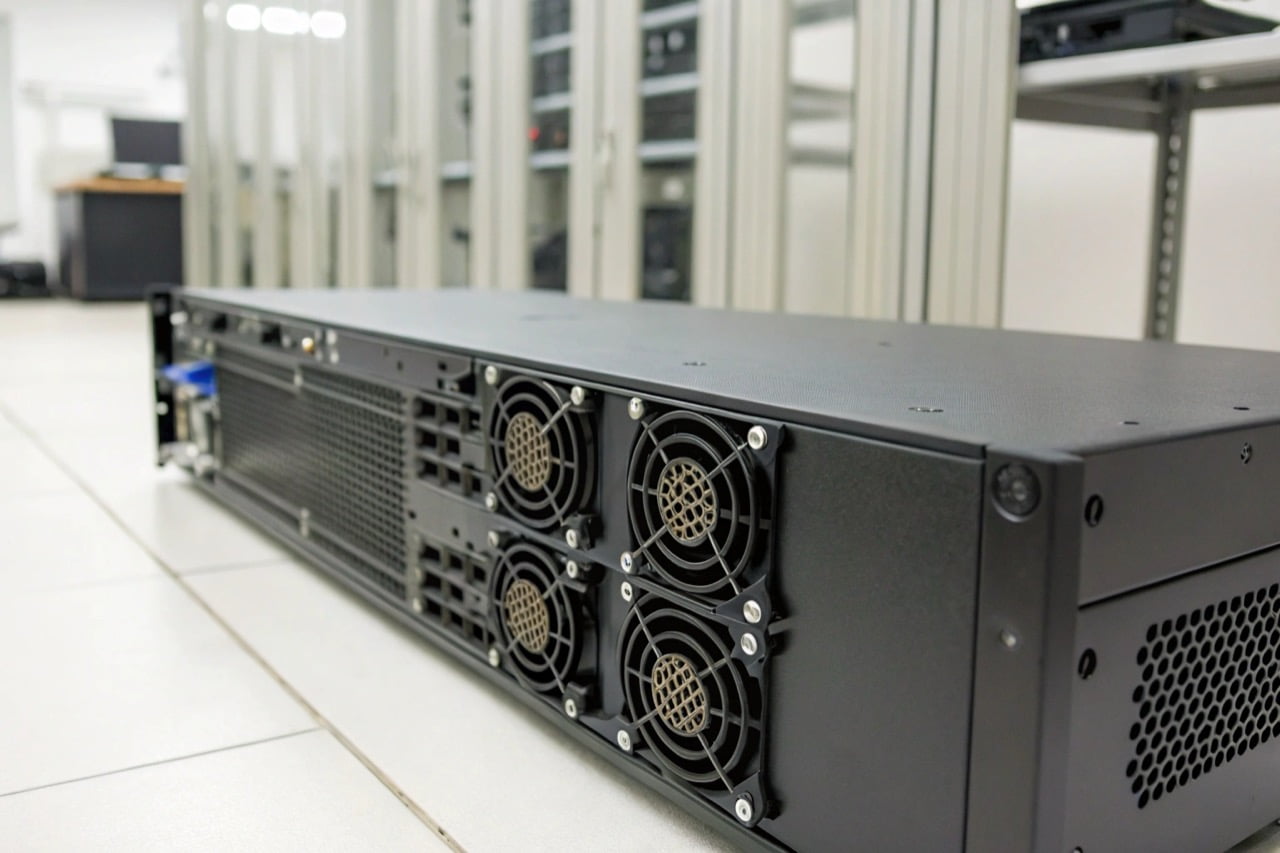
You can connect a WiFi camera to a Network Video Recorder (NVR), but compatibility is key. The camera must support the ONVIF protocol. The NVR and camera must be on the same local network. This creates a powerful, centralized surveillance system.
Tauchen Sie tiefer ein
Integrating WiFi cameras into a larger, wired system with an NVR provides the best of both worlds: the flexibility of wireless and the central storage of a wired system. The key to this integration is a technical standard called ONVIF.
ONVIF (Open Network Video Interface Forum) is a global standard for how IP-based security products communicate. If both your WiFi camera and your NVR are ONVIF-compliant, they can work together.
Here is the general process:
- Check for ONVIF Compliance: Before you purchase, verify that the WiFi camera's specification sheet explicitly states it supports ONVIF. This is a critical feature.
- Connect to the Network: Connect the WiFi camera to the same local WiFi network that the NVR is connected to (usually via an Ethernet cable).
- Add Camera to NVR: Use the NVR's administration menu to search for new devices on the network. The NVR should discover the ONVIF-compliant WiFi camera.
- Configure and Record: Fügen Sie die Kamera zur Geräteliste Ihres NVR hinzu. Sie können sie dann so konfigurieren, dass sie kontinuierlich, nach Zeitplan oder basierend auf Bewegungserkennung aufzeichnet, genau wie eine verkabelte Kamera.
Wichtige Warnung: Viele kleine, unauffällige oder Spionage-WiFi-Kameras unterstützen ONVIF nicht. Ihr Hauptdesign ist für einfache Fernbetrachtung über eine mobile App. Bestätigen Sie diese Funktion immer bei Ihrem Lieferanten, wenn NVR-Integration eine Projektanforderung ist.
How far away will a WiFi camera work?
Sie sind unsicher über die effektive Reichweite einer WiFi-Kamera. Das Platzieren einer Kamera zu weit vom Router entfernt führt zu Signalverlust und Ausfallzeiten. Die Reichweite hängt von Ihrem Router und der Umgebung ab.
Eine typische WiFi-Kamera funktioniert zuverlässig bis zu 50 Meter vom Router entfernt in einem offenen Raum. In einem Gebäude mit Wänden und Böden ist die praktische Reichweite viel kürzer, oft 15-25 Meter. Die Anzahl der Hindernisse und Netzwerkstörungen sind die wichtigsten Faktoren.
Tauchen Sie tiefer ein
Die "Reichweite" einer WiFi-Kamera wird durch die Signalstärke bestimmt, nicht nur durch die Entfernung. Ein schwaches Signal führt zu einer schlechten Videoqualität oder einem vollständigen Verbindungsverlust. Fachleute müssen diese Faktoren berücksichtigen.
Faktoren, die die WiFi-Reichweite verringern:
- Frequenzband: Die meisten unserer Kameras nutzen das 2,4-GHz-Band. Diese Frequenz hat eine größere Reichweite und durchdringt feste Objekte besser als 5 GHz. Sie ist jedoch auch überlasteter und anfälliger für Störungen.
- Physische Hindernisse: Das Signal schwächt sich jedes Mal ab, wenn es ein Objekt durchdringt.
- Hohe Auswirkung: Betonwände, Metallstrukturen, Putz mit Metallgitter.
- Mittlere Auswirkung: Ziegelwände, Holztüren, Bürotrennwände.
- Geringe Auswirkung: Glas, Trockenbauwände (ohne Metall).
- Drahtlose Störungen: Viele Geräte nutzen das 2,4-GHz-Band und können das Signal Ihrer Kamera stören. Häufige Quellen sind Mikrowellenherde, schnurlose Telefone, Bluetooth-Geräte und sogar benachbarte WiFi-Netzwerke.
Wie Sie Reichweite und Signal verbessern:
- Router-Position optimieren: Platzieren Sie den WiFi-Router an einem zentralen Ort, möglichst hoch und entfernt von dicken Wänden.
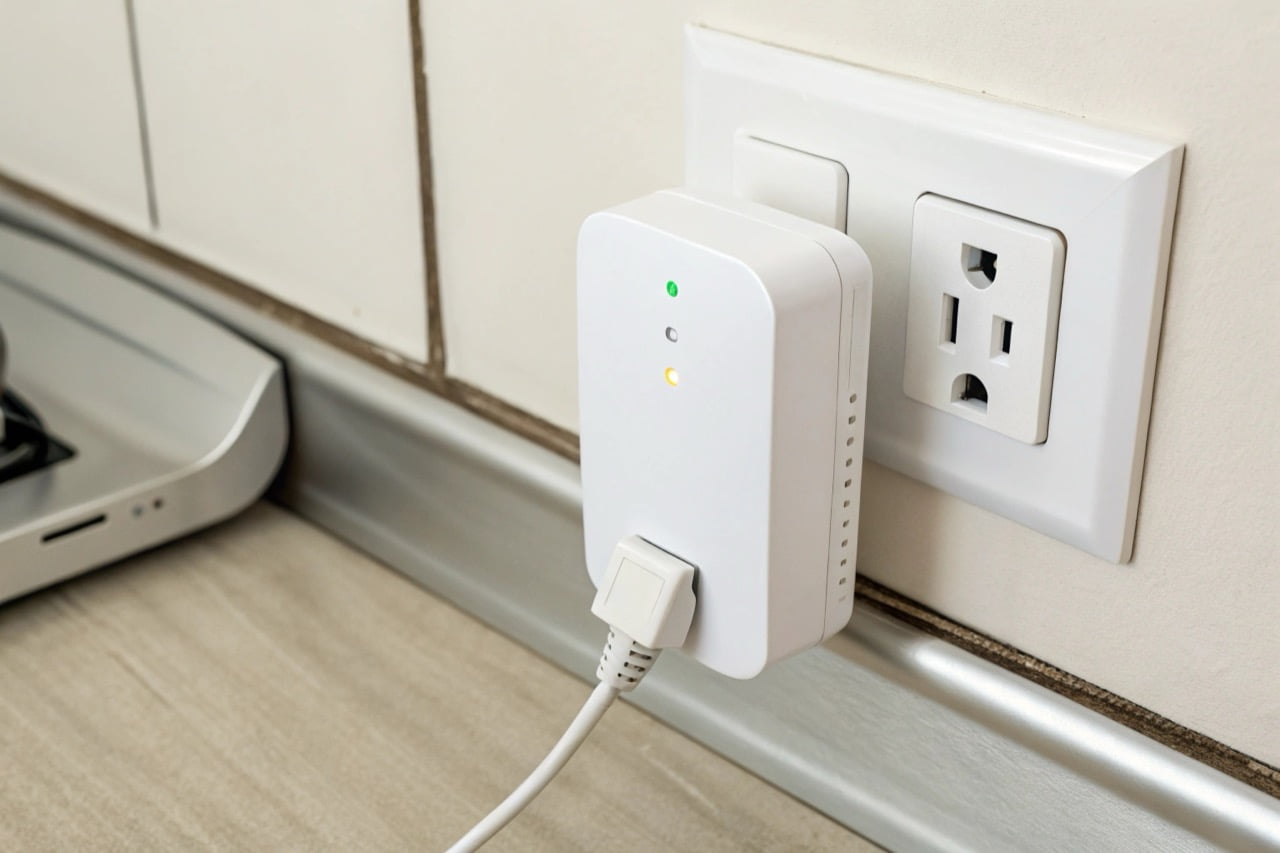
- Verwenden Sie einen WiFi-Verstärker: Ein WiFi-Reichweitenverstärker (oder Repeater) ist ein einfaches Gerät, das Ihr vorhandenes WiFi-Signal aufnimmt und erneut aussendet, um die Abdeckungsfläche zu erweitern.
- Installieren Sie ein Mesh-Netzwerk: Für große Grundstücke oder Gebäude mit vielen Hindernissen ist ein Mesh-WiFi-System die effektivste Lösung. Es verwendet mehrere Knotenpunkte, um ein einziges, starkes und nahtloses Netzwerk zu schaffen.
Vor der endgültigen Installation testen Sie immer die WiFi-Signalstärke am genauen Kamerastandort mit einer Smartphone-App. Ein starkes und stabiles Signal ist für zuverlässiges Video-Streaming erforderlich.
Zuverlässige WiFi-Kameraüberwachung ergibt sich aus qualitativ hochwertiger Hardware, einem starken Netzwerk und korrekter Einrichtung. Sorgfältige Planung stellt sicher, dass Ihr System für jeden professionellen Sicherheitsbedarf stabil und effektiv ist.

 English
  Italiano
  Deutsch
  Français
  Español
  Polski