
Niektóre kamery Tuya mogą łączyć się z NVR przez ONVIF. Ale korzystanie z Tuya Smart lub Smart Life nie dowodzi, że dana kamera udostępnia ONVIF, a wpis ONVIF nie dowodzi, że każda funkcja rejestratora NVR została przetestowana.
W rzeczywistym projekcie zweryfikuj osobno trzy warstwy:
1. dokładny SKU kamery i oprogramowanie układowe wymieniają lub udostępniają ONVIF;
2. rejestrator NVR może wykryć i odbierać wymagany strumień;
3. nagrywanie, odtwarzanie, dźwięk, PTZ, zdarzenia i zachowanie przy ponownym połączeniu działają w dokładnej kombinacji kamera/NVR.
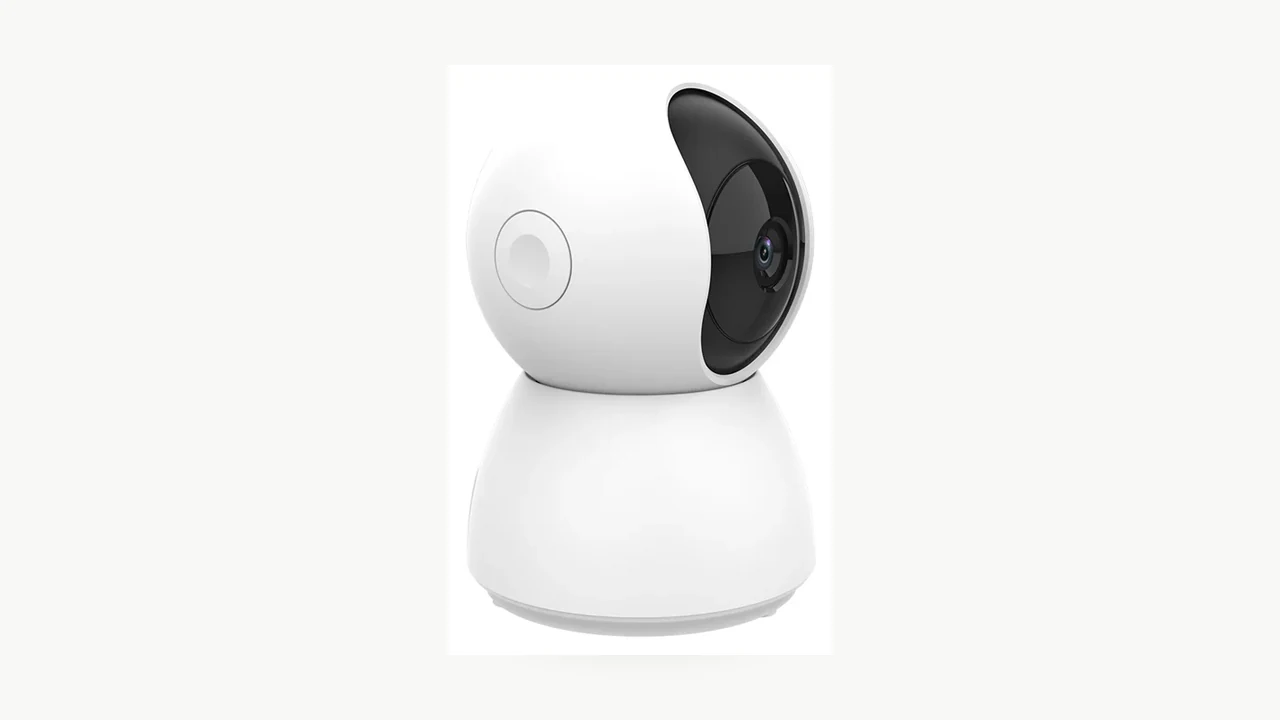
Prawdziwe zdjęcie produktu QZT C23B. Jego aktualna strona produktu wymienia Tuya Smart i ONVIF; samo zdjęcie nie jest testem zgodności z NVR.
Tuya to ekosystem, a nie gwarancja ONVIF
Kamera może korzystać z Tuya Smart lub Smart Life i nadal nie mieć interfejsu ONVIF. Ekosystem aplikacji i lokalny protokół wideo to odrębne możliwości.
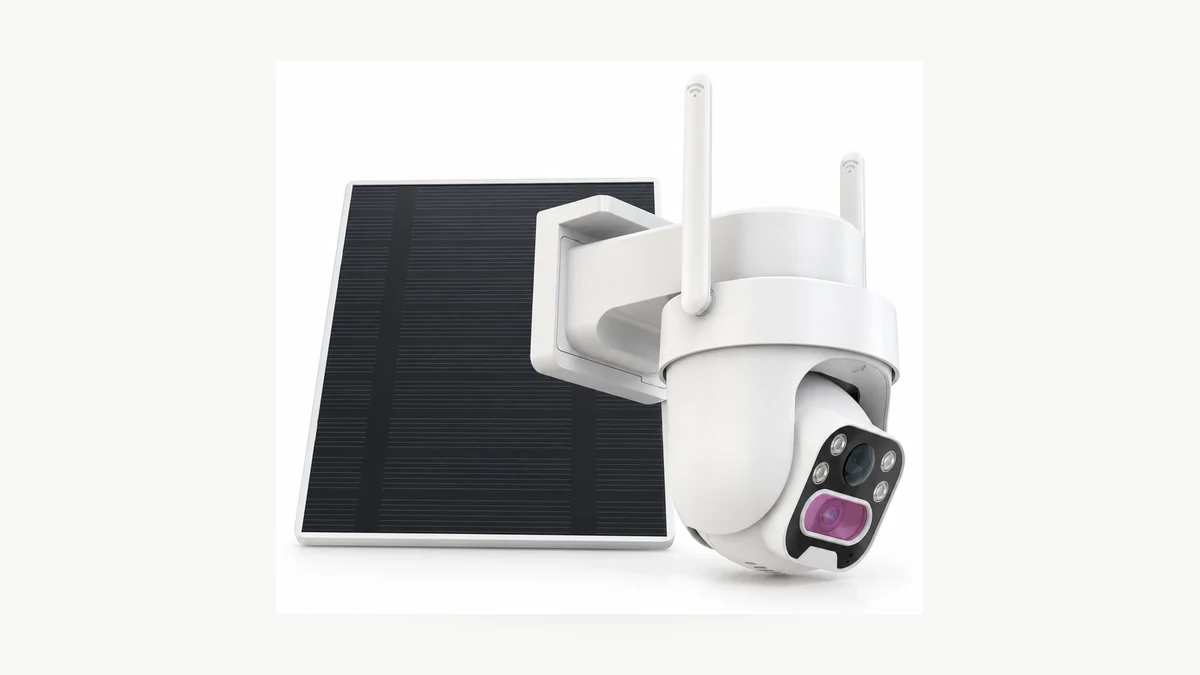
Prawdziwe zdjęcie produktu QZT C45L. Jego aktualna strona produktu wymienia Tuya Smart / Smart Life i wyraźnie stwierdza brak ONVIF, co czyni go użytecznym kontrprzykładem dla twierdzenia, że każda kamera Tuya obsługuje ONVIF.
QZT ma już wyraźny aktualny przykład. Strona produktu C45L lists Tuya Smart i Smart Life, podczas gdy jego sekcja dotycząca platformy mówi brak ONVIF.
To najbezpieczniejszy sposób myślenia:
> Tuya mówi, z jakiego ekosystemu inteligentnych urządzeń korzysta kamera. Samo w sobie nie mówi, które lokalne protokoły NVR są włączone.
Odwrotny skrót też jest ryzykowny. Jeśli strona produktu wymienia ONVIF, to jest to stwierdzenie specyfikacyjne. Nadal nie mówi, czy twój rejestrator obsługuje tę samą autoryzację, strumień, kodek, PTZ lub zachowanie zdarzeń.
Co faktycznie podają aktualne strony produktów QZT
Kilka aktualnych stron standardowych kamer IP QZT wymienia zarówno aplikację z rodziny Tuya, jak i ONVIF. Są to użyteczne punkty wyjścia do testu próbki NVR, a nie ukończone certyfikaty interoperacyjności.
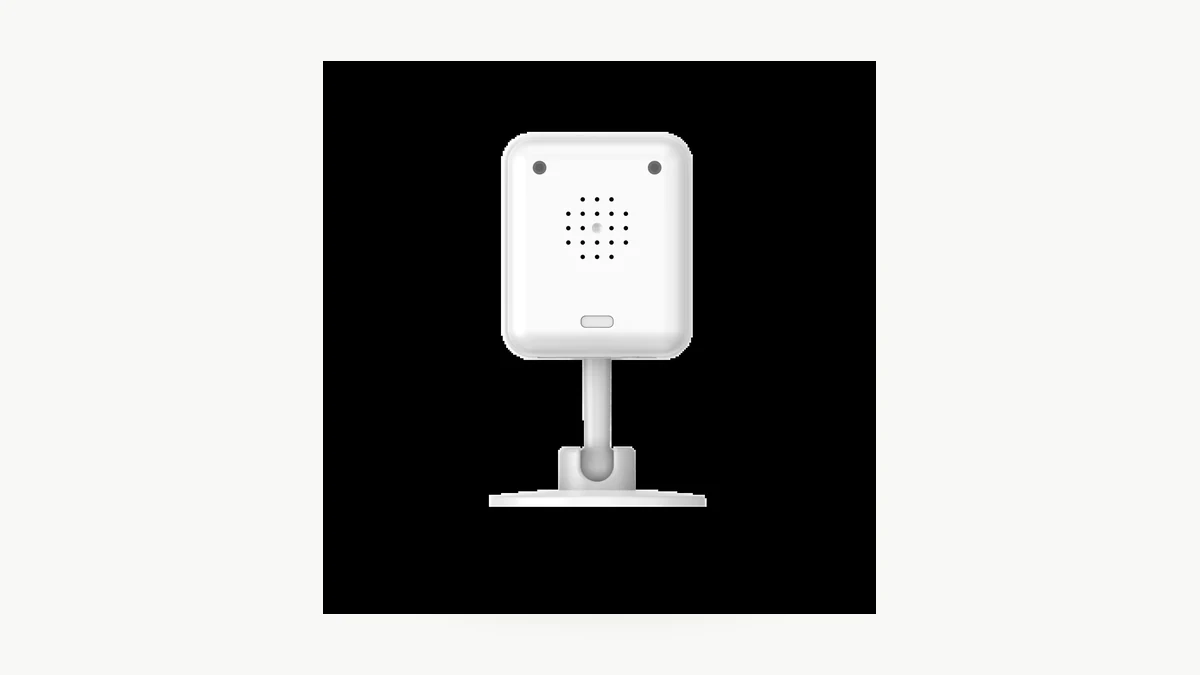
Prawdziwe zdjęcie produktu QZT C12. Poniższa tabela przedstawia aktualne publiczne sformułowania specyfikacji, a nie ukończony test NVR.
| QZT SKU | Aplikacja wymieniona na aktualnej stronie | ONVIF na aktualnej stronie | Wymienione kodowanie wideo | Status testu funkcji rejestratora NVR |
|---|---|---|---|---|
| C12 | Tuya Smart / Smart Life | Wymienione | H.264 | Nieprzetestowane |
| C23B | Tuya Smart | Wymienione | H.264 | Nieprzetestowane |
| C26 | Tuya Smart / Smart Life | Wymienione | H.264 | Nieprzetestowane |
| C40 | Tuya Smart / Smart Life | Wymienione | H.264 | Nieprzetestowane |
| C45L | Tuya Smart / Smart Life | Brak wyraźnie wymienionego ONVIF | Sprawdź dokładną wersję | Nie dotyczy ONVIF, chyba że dostarczono inną udokumentowaną kompilację |
Ważne jest sformułowanie Wymienione, a nie zweryfikowano z każdym NVR.
Strona C12 informuje nabywców, aby sprawdzili zgodność rejestratora na próbce, jeśli ONVIF ma znaczenie. Strona C23B idzie dalej i zaleca przetestowanie podglądu na żywo, nagrywania i wszelkich potrzebnych elementów sterujących na rzeczywistym NVR i zatwierdzonej próbce. C26 i C40 podobnie zalecają sprawdzenie zachowania rejestratora podczas instalacji lub testów próbki.
To jest właściwa granica również dla tego artykułu. Publiczna specyfikacja jest dowodem, że ONVIF jest przeznaczony dla tych wymienionych wersji. Nie jest dowodem, że każda komórka w macierzy integracji została zaliczona.
Czego wymaga implementacja ONVIF w Tuya
Tuya’s own Dokumentacja TuyaOS ONVIF opisuje kamerę IPC jako serwer ONVIF, a NVR jako klienta w tej samej sieci LAN.
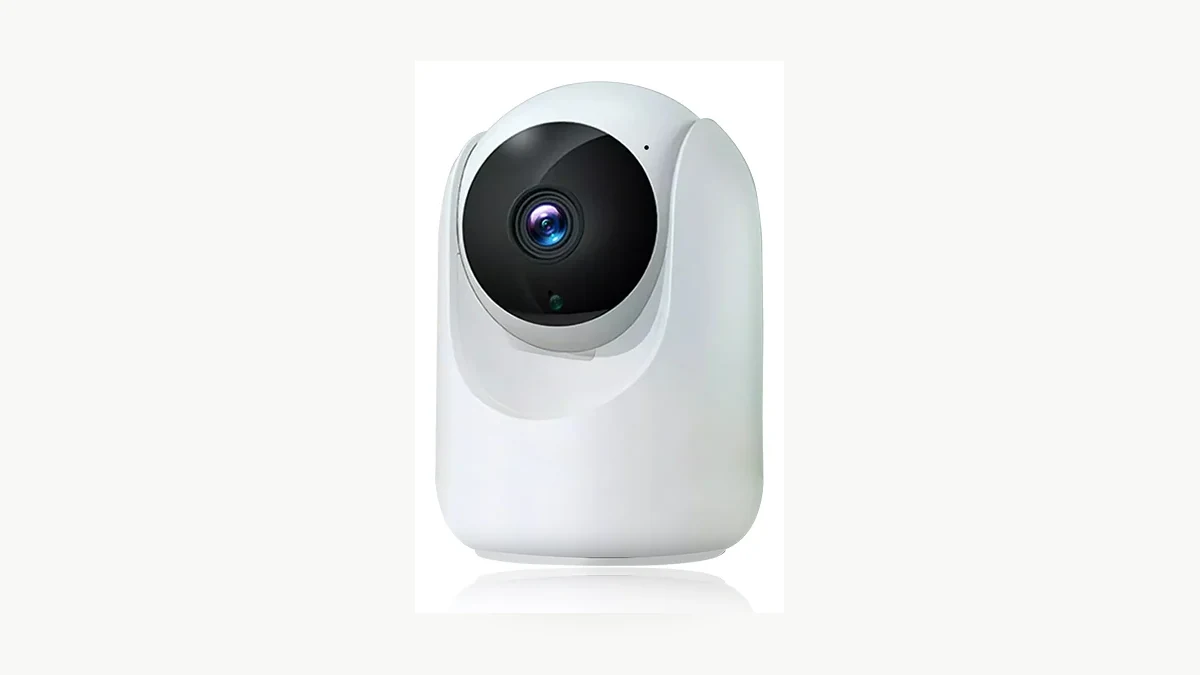
Prawdziwe zdjęcie produktu QZT C26. Dokumentacja platformy Tuya wyjaśnia wymagania protokołu; ten obraz nie dowodzi konkretnego wyniku w NVR.
Temat TuyaOS również wyraźnie określa kilka szczegółów implementacji:
– ONVIF musi być włączony w rozwiązaniu kamery;
– IPC SDK musi obsługiwać RTSP, aby klient otrzymywał strumień wideo;
– serwer ONVIF używa uwierzytelniania HTTP Digest dla bezpieczeństwa;
– różnice w uwierzytelnianiu klienta mogą powodować błędy połączenia lub strumieniowania;
– można osiągnąć limity połączeń ONVIF i RTSP;
– udokumentowana implementacja obejmuje funkcje ONVIF device, media i PTZ;
– przechwytywanie obrazu zdarzenia jest oznaczone jako obecnie nieobsługiwane w tym temacie TuyaOS.
Te punkty wyjaśniają, dlaczego dwa produkty mogą oba mówić „ONVIF”, a mimo to zachowywać się różnie z tym samym NVR.
Nie kopiuj portu, ścieżki RTSP, nazwy użytkownika ani hasła z innego produktu marki Tuya. Użyj ustawień udokumentowanych dla dokładnej wersji kamery lub wygenerowanych przez jej autoryzowany proces konfiguracji.
A current third-party example shows what a supported implementation can look like. Artykuł pomocy technicznej Nivian z 20 lipca 2026 informuje użytkowników, aby włączyli ONVIF w kamerze Tuya Smart, ustawili hasło, a następnie dodali kamerę do NVR. Jest to przydatne jako przykład wdrożenia, ale jest to nie szablon menu, danych logowania lub portów dla sprzętu QZT.
Obsługa ONVIF to nie to samo co oficjalna zgodność z ONVIF
Istnieje istotna różnica między stwierdzeniem, że produkt udostępnia interfejs ONVIF, a twierdzeniem, że jest oficjalnie Zgodny z ONVIF.

Zdjęcie z Pexels przedstawiające centrum nadzoru. Formalna zgodność z ONVIF jest ustalana w procesie i bazie ONVIF, a nie na podstawie wyglądu konfiguracji NVR.
ONVIF podaje, że jego Baza produktów zgodnych jest autorytatywnym źródłem oficjalnej zgodności. Podaje również, że zgodność jest powiązana z konkretną wersją oprogramowania sprzętowego/oprogramowania wymienioną dla danego produktu.
Its Proces zgodności wymaga odpowiedniego wsparcia profilu, narzędzi testowych i przesłanych dokumentów zgodności, zanim produkt będzie mógł ubiegać się o oficjalną zgodność.
Dlatego należy rozdzielić dwa pola:
| Pytanie | Dowody |
|---|---|
| Czy ta wersja QZT wymienia lub udostępnia ONVIF dla projektu? | Aktualna dokumentacja modelu + test próbki/integracji |
| Czy produkt jest oficjalnie zgodny z ONVIF? | Pasujący wpis produktu i firmware'u/oprogramowania w bazie ONVIF Conformant Products |
Ten artykuł nie deklaruje oficjalnej zgodności z ONVIF dla żadnego modelu QZT. Jeśli specyfikacja projektu wymaga formalnej zgodności, przed takim cytowaniem zweryfikuj dokładnie dostarczoną wersję w bazie ONVIF.
Testuj integrację jako macierz wersji
Znalezienie kamery w rejestratorze NVR to dopiero pierwszy test. Przydatny zapis zgodności rozdziela każdą funkcję, od której zależy projekt.
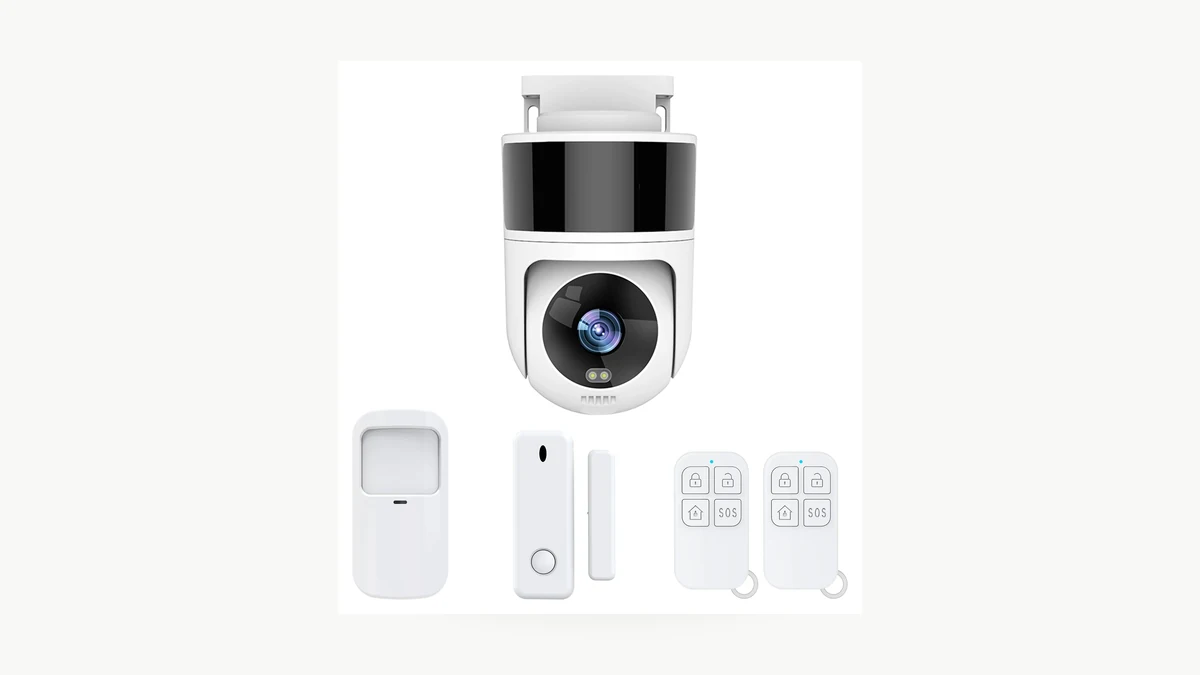
Prawdziwe zdjęcie produktu QZT C40. Jego aktualna strona wymienia ONVIF; rzeczywiste zachowanie z NVR pozostaje kwestią do przetestowania na próbce.
Zacznij od próbki w autoryzowanej sieci lokalnej i zarejestruj:
| Pole | Wynik |
|---|---|
| QZT SKU | Dokładny zamówiony SKU |
| Wersja sprzętowa | Zapis na podstawie próbki |
| Wersja oprogramowania | Zapisz dokładną wersję |
| Wersja aplikacji / projektu | Zapisz, jeśli istotne |
| Widoczna opcja ONVIF | Tak / Nie / Nie testowano |
| Strumień RTSP | Tak / Nie / Nie testowano |
| Metoda uwierzytelniania | Wyłącznie udokumentowana metoda |
| Podgląd wideo | Zaliczone / Niezaliczone / Nieprzetestowane |
| Odebrany kodek / rozdzielczość | Zapisz zaobserwowaną wartość |
| Dźwięk | Zaliczone / Niezaliczone / Nieprzetestowane |
| Nagrywanie NVR | Zaliczone / Niezaliczone / Nieprzetestowane |
| Odtwarzanie NVR | Zaliczone / Niezaliczone / Nieprzetestowane |
| PTZ | Zaliczone / Niezaliczone / Nie dotyczy / Nie testowano |
| Metadane ruchu / zdarzeń | Zaliczone / Niezaliczone / Nieprzetestowane |
| Ponowne połączenie po restarcie kamery | Zaliczone / Niezaliczone / Nieprzetestowane |
| Ponowne połączenie po zmianie routera / DHCP | Zaliczone / Niezaliczone / Nieprzetestowane |
| Model NVR + firmware | Dokładna wersja |
| Data testu | RRRR-MM-DD |
| Dowody | Zrzut ekranu / log / ID nagrania |
Nie wpisuj „Tak” w nieprzetestowanej komórce tylko dlatego, że wykrywanie lub transmisja na żywo zadziałały.
Ta sama zasada dotyczy po zmianie oprogramowania. Wynik zarejestrowany dla jednej pary wersji kamera/NVR nie powinien po cichu stać się trwałą obietnicą zgodności dla każdej przyszłej wersji.
Co wysłać dostawcy przed złożeniem zamówienia
Powtarzalne wymaganie jest bardziej przydatne niż pytanie: „Czy ta kamera Tuya obsługuje ONVIF?”
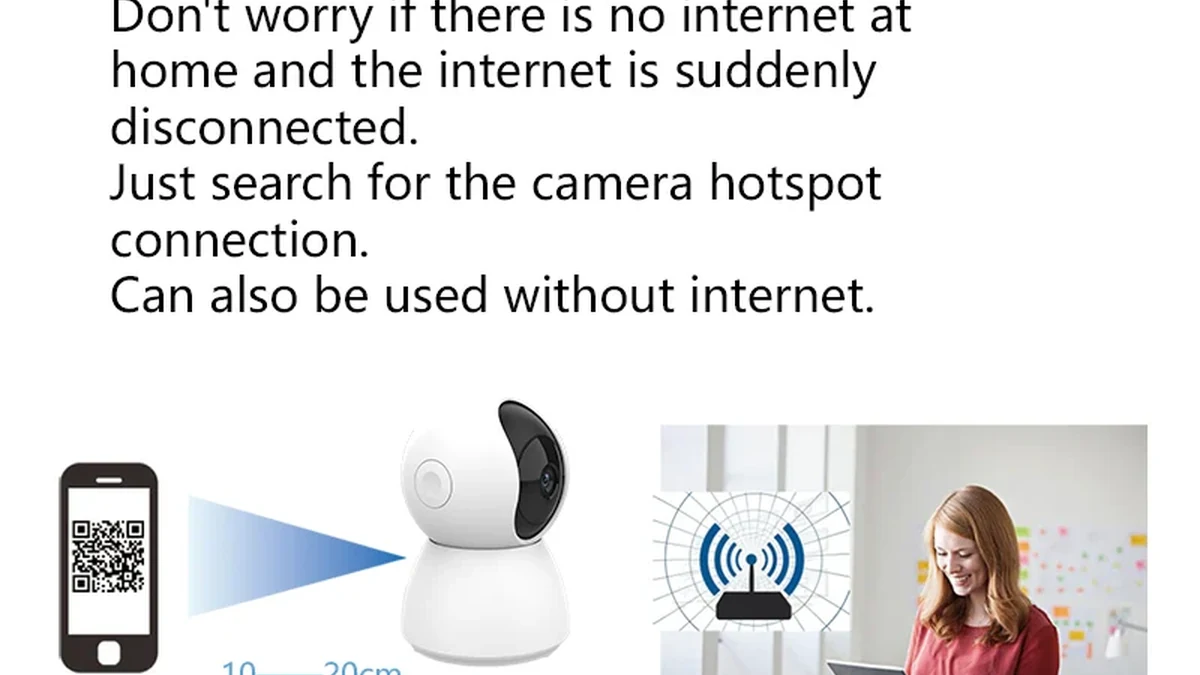
Prawdziwe zdjęcie opakowania QZT C23B. Potwierdź dokładny sprzęt i firmware dostarczony w próbce przed wykorzystaniem wyniku zgodności dla większego zamówienia.
Przekaż dostawcy te informacje przed zatwierdzeniem próbki:
> Potrzebujemy dokładnego SKU kamery do użytku w autoryzowanej sieci lokalnej z [model i oprogramowanie NVR]. Prosimy o potwierdzenie wersji sprzętowej i oprogramowania, czy ta wersja udostępnia ONVIF i/lub RTSP, udokumentowanej metody uwierzytelniania, obsługiwanego kodeka/rozdzielczości strumienia oraz czy przetestowano wideo, audio, nagrywanie/odtwarzanie NVR, PTZ i metadane ruchu/zdarzeń. Prosimy o wskazanie funkcji, które nie są obsługiwane.
W projekcie QZT należy również uwzględnić:
– rynek docelowy;
– wymagana dokładna rozdzielczość/wersja;
– czy Tuya Smart / Smart Life musi nadal działać, gdy NVR nagrywa;
– czy dźwięk jest wymagany przez ścieżkę NVR;
– czy sterowanie PTZ jest wymagane z NVR;
– czy wymagane są metadane ruchu/zdarzeń, czy tylko ciągły obraz wideo;
– co powinno się stać po restarcie kamery, routera lub NVR.
Daje to działowi technicznemu konkretny cel testowy zamiast niejasnej obietnicy „Tuya + NVR”.
Często zadawane pytania
Czy wszystkie kamery Tuya obsługują ONVIF?
Nie. Obecna strona QZT C45L jest bezpośrednim przykładem: wymienia Tuya Smart / Smart Life i wyraźnie mówi, że nie ma ONVIF. Własna dokumentacja dla deweloperów Tuya również traktuje ONVIF jako funkcję, którą należy włączyć w rozwiązaniu IPC.
Które aktualne kamery QZT Tuya wymieniają ONVIF?
Na dzień 18 września 2026 r. aktualne strony produktów QZT dla C12, C23B, C26 i C40 wymieniają aplikację z rodziny Tuya oraz ONVIF. Należy to traktować jako publiczny wykaz specyfikacji. Podgląd na żywo w NVR, nagrywanie, odtwarzanie, dźwięk, PTZ, zdarzenia i odzyskiwanie nadal wymagają testu na dokładnie tej kamerze i tym rejestratorze NVR.
Jeśli NVR znajdzie kamerę, czy integracja jest zakończona?
Nie. Wykrywanie potwierdza tylko jedną część połączenia. Przetestuj strumień, kodek/rozdzielczość, nagrywanie, odtwarzanie, dźwięk, PTZ jeśli potrzebne, zdarzenia jeśli potrzebne oraz odzyskiwanie po restarcie.
Czy „obsługuje ONVIF” to to samo co „zgodny z ONVIF”?
Nie. Oficjalna zgodność musi odpowiadać produktowi oraz wersji oprogramowania sprzętowego/oprogramowania w bazie Conformant Products ONVIF.
Czy powinienem użyć domyślnego adresu URL RTSP lub hasła znalezionego w internecie?
Nie. Używaj wyłącznie ustawień udokumentowanych dla dokładnej kamery i oprogramowania lub wygenerowanych przez autoryzowany proces konfiguracji. Różne produkty oparte na Tuya mogą używać różnych implementacji.
Czy aplikacja Tuya i NVR mogą działać jednocześnie?
Mogą, ale limity połączeń i szczegóły implementacji mogą mieć znaczenie. Dokumentacja Tuya zauważa, że można osiągnąć maksymalną liczbę połączeń ONVIF/RTSP. Przetestuj dokładną kombinację podglądu w aplikacji i nagrywania w NVR wymaganą przez projekt.
Praktyczna zasada jest prosta: na podstawie aktualnej specyfikacji wybierz egzemplarz, a następnie użyj dokładnie tej kamery, tego oprogramowania układowego i tego rejestratora NVR, aby potwierdzić zgodność. “Tuya” is an ecosystem label. “ONVIF listed” is a specification. A completed compatibility matrix is evidence.

 English
  Italiano
  Deutsch
  Français
  Español
  Polski