
What’s the Best WiFi Socket Camera for Home Monitoring
A WiFi socket camera hides a full HD surveillance system inside what appears to be an ordinary wall socket or USB charger. Plugged directly into a standard power outlet, it draws power continuously and streams live video to your smartphone. This guide covers everything — how socket cameras work, what to look for, how to set one up, and how to use it effectively for home monitoring.
What Is a WiFi Socket Camera
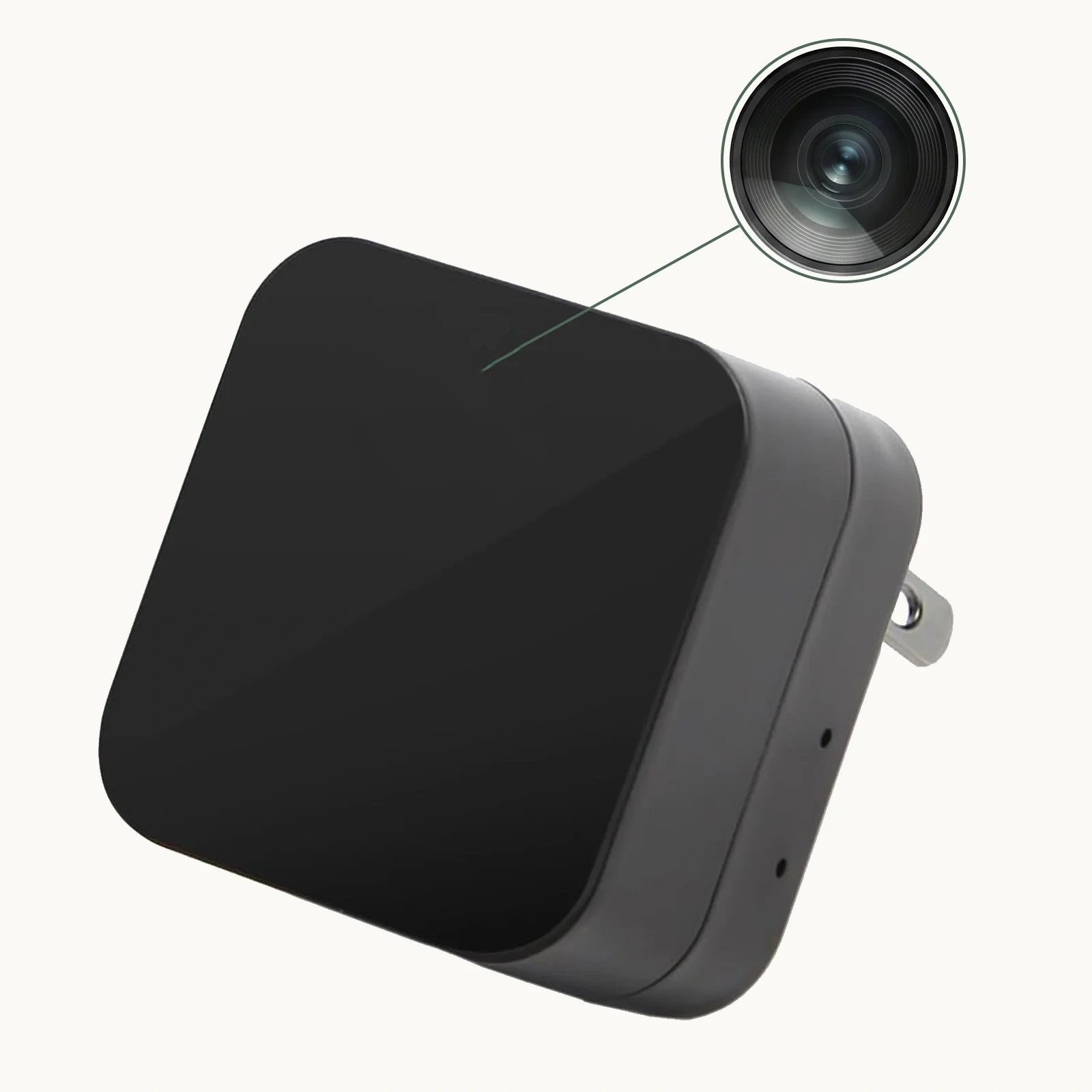
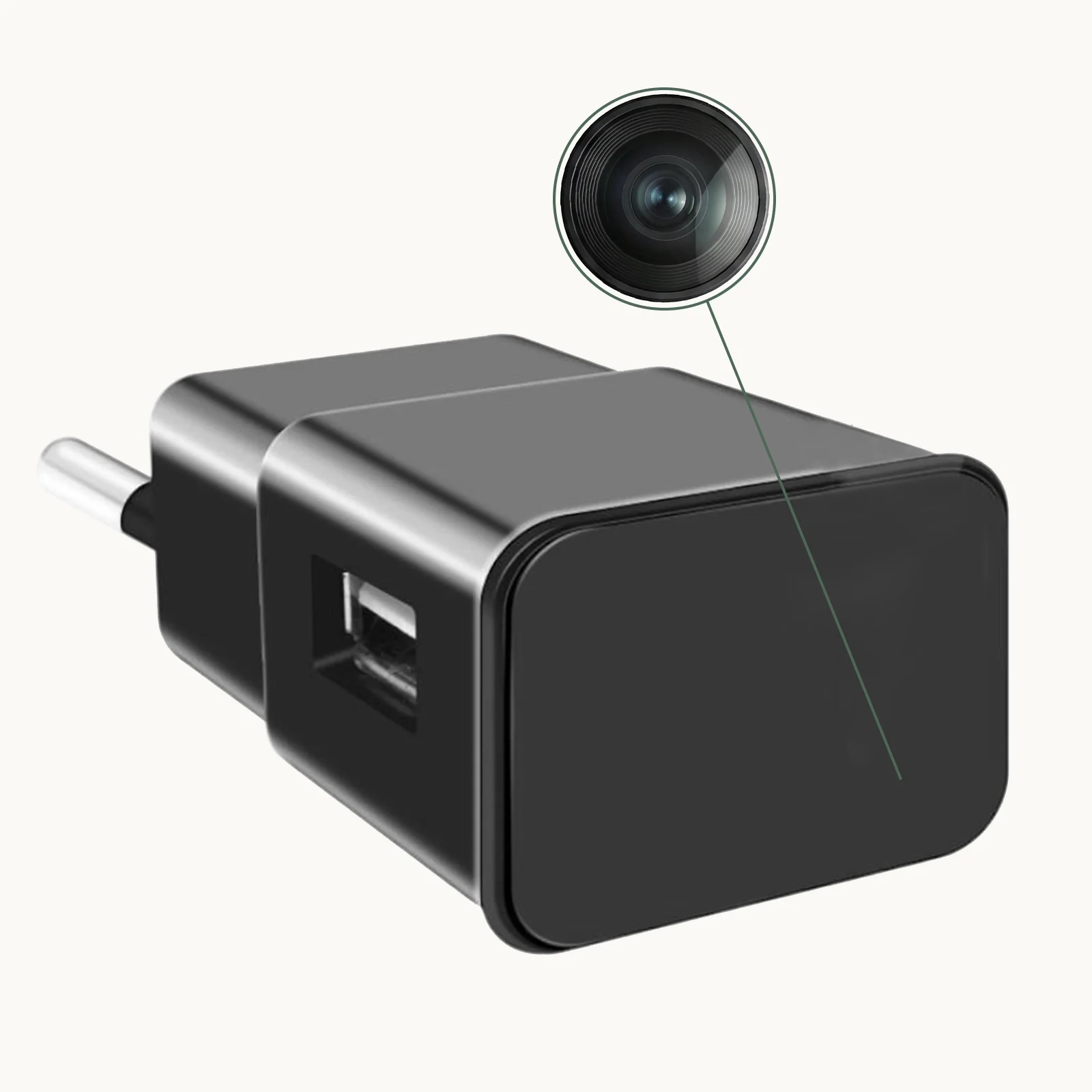
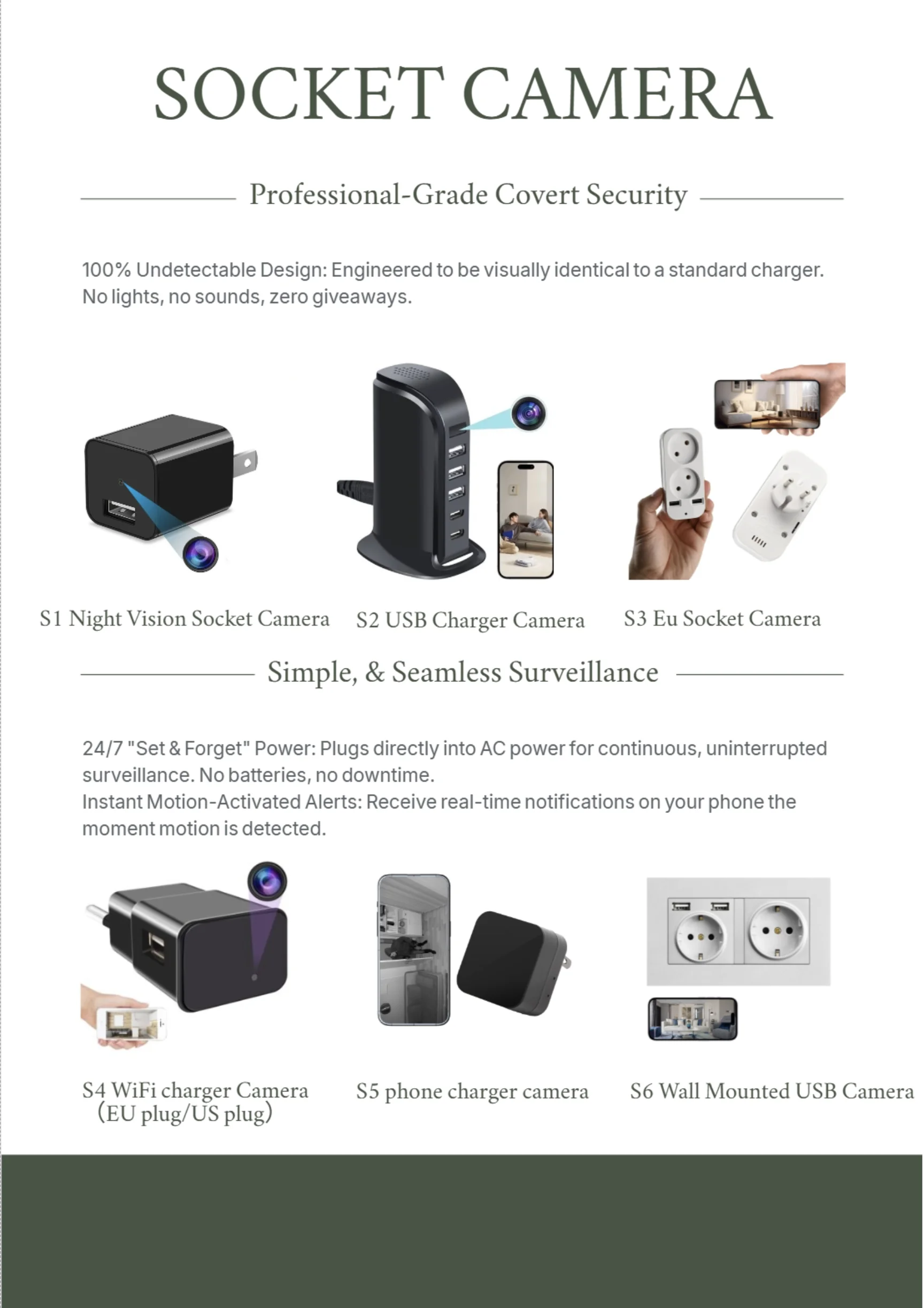
A WiFi socket camera is a covert surveillance device built into the housing of a functional wall socket or USB power adapter. From the outside, it looks identical to a regular socket or charger. The hidden pinhole lens, typically positioned in a small, inconspicuous opening, captures wide-angle 1080P footage of the room. Because the device is always plugged in, it never runs out of power — making it ideal for continuous home monitoring.
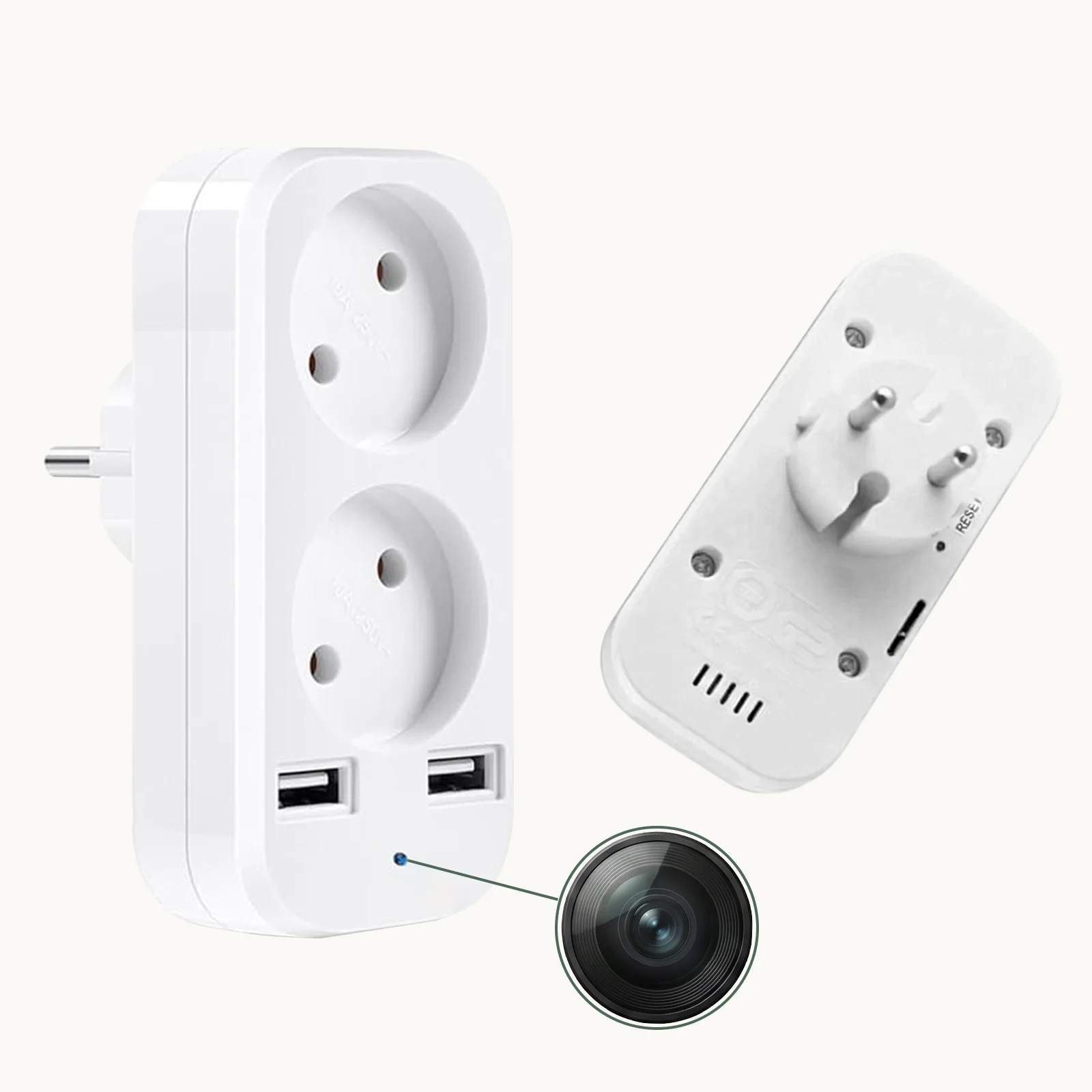
IL Telecamera Nascosta in Presa EU WiFi 1080P is a prime example: it functions as a fully working USB charger while simultaneously streaming live 1080P footage to an app on your smartphone, with motion detection and night vision built in.
Why Socket Cameras Are Ideal for Home Monitoring
Socket cameras offer unique advantages over traditional security cameras:
– No visible camera hardware — Even if someone looks directly at the device, they see only a standard charger
– Always powered — Plugged in means no battery replacements, no power interruptions
– Functional cover — The USB charging ports actually work, making the device completely convincing
– Easy placement — Every room has outlets, giving you unlimited placement options
– Wide-angle coverage — Most models include 100–120° wide-angle lenses

How to Set Up a WiFi Socket Camera
Setting up a WiFi Telecamera a presa typically takes under 10 minutes:
1. Plug it in — Insert the socket camera into a standard wall outlet. For EU models, use the appropriate adapter if needed.
2. Scarica l'app — Most models use the Tuya Smart app or a proprietary companion app. Download from the App Store or Google Play.
3. Create an account — Register with your email and set a strong password.
4. Add the device — Nell'app, seleziona “Aggiungi Dispositivo” e scegli la categoria telecamera. Il dispositivo di solito entra in modalità di abbinamento automaticamente alla prima accensione.
5. Connettersi al WiFi a 2,4 GHz — Enter your home WiFi credentials. Most socket cameras only support 2.4GHz bands.
6. Name your camera — Etichettalo per stanza (es. “Presa del Soggiorno”) per una facile identificazione.
7. Configura le impostazioni — Enable motion detection, set recording mode, and configure storage.

What to Look for in a Socket Camera
Not all socket cameras deliver the same performance. Evaluate these key specifications:
| Caratteristica | Minimum Recommended | Best Option |
|---|---|---|
| Risoluzione | 1080P | 1080P Full HD |
| Wifi | 2,4 GHz | 2.4GHz + remote access |
| visione notturna | 5m IR range | 8m IR range |
| Immagazzinamento | MicroSD 32GB | 128GB microSD |
| Rilevamento del movimento | Basic | Zone-based with sensitivity control |
| Qualità dell'app | Works on iOS + Android | Stable, regularly updated |

How to Position a Socket Camera for Maximum Coverage
Placement determines how useful your footage will be:
– Altezza: Standard wall outlets (25–45cm height) provide a slightly upward-angled view ideal for capturing faces as people walk through the room.
– Doorway coverage: Position the socket camera near an entry door, angled toward where visitors enter the room.
– Wide open rooms: Use a corner outlet to maximize the angle of coverage across the full room width.
– Avoid obstructions: Furniture placed between the camera and the area of interest will block or reduce coverage.
How Motion Detection Works on Socket Cameras
Motion detection in WiFi socket cameras works by analyzing the video stream in real time. When the camera detects a change in pixel patterns — indicating movement — it triggers a recording and sends a push notification to your smartphone.
Most modern models allow you to:
– Set sensitivity levels (low/medium/high) to reduce false triggers from pets or lighting changes
– Define detection zones all'interno del campo visivo della telecamera in modo che solo aree specifiche attivino gli avvisi
– Set quiet hours to disable alerts during times you know movement is expected (e.g., when you are home)
How to Access Live Footage Remotely
One of the biggest advantages of WiFi socket cameras is remote access. From anywhere in the world with an internet connection, you can:
– Visualizza il live video stream in real time
– Play back recorded footage from the app timeline
– Download specific clips to your phone for evidence or sharing
– Receive instant push alerts when motion is detected
– Abilita l'audio bidirezionale on models with built-in microphones and speakers
The setup is the same whether you are monitoring from the next room or from another country — as long as your phone has data, you have visibility.
How to Use a Socket Camera for Business Security
Socket cameras are popular in small businesses for several reasons:
– Reception areas and offices: A charging socket near the entrance captures everyone who enters
– Retail environments: Placed near checkout counters, they monitor transactions discreetly
– Warehouses and stockrooms: Corner outlets cover large floor areas
– Conference rooms: Monitor sensitive business meetings or after-hours access
Always comply with local workplace monitoring laws. In most jurisdictions, you must inform employees that monitoring is occurring in work areas.
Tips for Maximizing Storage on Socket Cameras
Storage management is important for continuous recording:
– Use high-endurance microSD cards — Le schede standard si degradano rapidamente con cicli di scrittura 24/7. Usa schede etichettate “alta resistenza” o progettate per dashcam/telecamere di sicurezza.
– Attivare la registrazione ciclica — When the card fills up, the camera overwrites the oldest footage automatically. This ensures continuous recording without manual intervention.
– Use motion-only recording — If storage space is limited, configure the camera to record only when motion is detected. This dramatically extends storage life.
– Back up important clips immediately — When you receive a motion alert, download the clip before it is overwritten.
How Socket Cameras Handle Night Vision
IL telecamera nascosta lens in socket models uses infrared LEDs for night vision, just like standalone security cameras. The LEDs activate automatically when the ambient light drops below a threshold. In complete darkness, most socket cameras provide:
– Portata di illuminazione IR di 5–8 metri
– Filmati in bianco e nero (l'infrarosso è monocromatico)
– Commutazione automatica tra modalità giorno (colore) e notte (IR)
Because socket cameras are always near a power outlet, power is never an issue for keeping the IR LEDs active.
Conclusione
A WiFi socket camera is one of the most effective and discreet home monitoring tools available. It requires no drilling, no battery management, and no obvious camera hardware — just a standard wall outlet. With 1080P HD video, remote smartphone access, motion detection, and night vision, a quality socket camera like the Telecamera Nascosta in Presa EU WiFi 1080P delivers professional-grade home security in a completely inconspicuous package.

Domande frequenti
Q: Will a socket camera work with US outlets?
A: Socket cameras come in region-specific versions (EU, US, UK). Always purchase the version matching your local outlet type. Some manufacturers provide adapters.
Q: How much data does a WiFi socket camera use?
A: A 1080P live stream uses approximately 1–2GB per hour. For continuous 24/7 streaming, this adds up to 24–48GB per day. To reduce data usage, use motion-only recording mode.
Q: Can a socket camera be detected?
A: A socket camera is very difficult to detect visually. RF detectors and lens detector devices can potentially identify it. The best practice is to place it where detection is unlikely.
Q: Does the USB charging port actually work?
A: Yes — on quality models, the USB charging ports function normally. This makes the device convincing even when examined closely.
Q: How do I change the microSD card?
A: Most socket cameras have a small access panel on the side or bottom that conceals the microSD slot. Power down the camera, remove the card, swap it, and power back on.
Q: What app do most socket cameras use?
R: Molte telecamere da presa utilizzano la piattaforma Tuya Smart. Controlla la scheda prodotto per il nome specifico dell'app e verifica che sia disponibile nel negozio di app del tuo paese.

 English
  Italiano
  Deutsch
  Français
  Español
  Polski