
Sì, una telecamera di sicurezza può spesso mostrare un'immagine esterna utilizzabile attraverso una finestra in condizioni di luce diurna. Ciò non non significa automaticamente che la stessa configurazione funzionerà di notte o attiverà avvisi di movimento affidabili. Il vetro modifica la luce che raggiunge l'obiettivo, l'infrarosso integrato può riflettersi verso la telecamera e un rilevatore PIR può essere bloccato anche quando l'immagine visibile sembra corretta.
Il modo più rapido per valutare una configurazione dietro un vetro è testare quattro cose separatamente: immagine, rilevamento, notifica e filmato salvato.
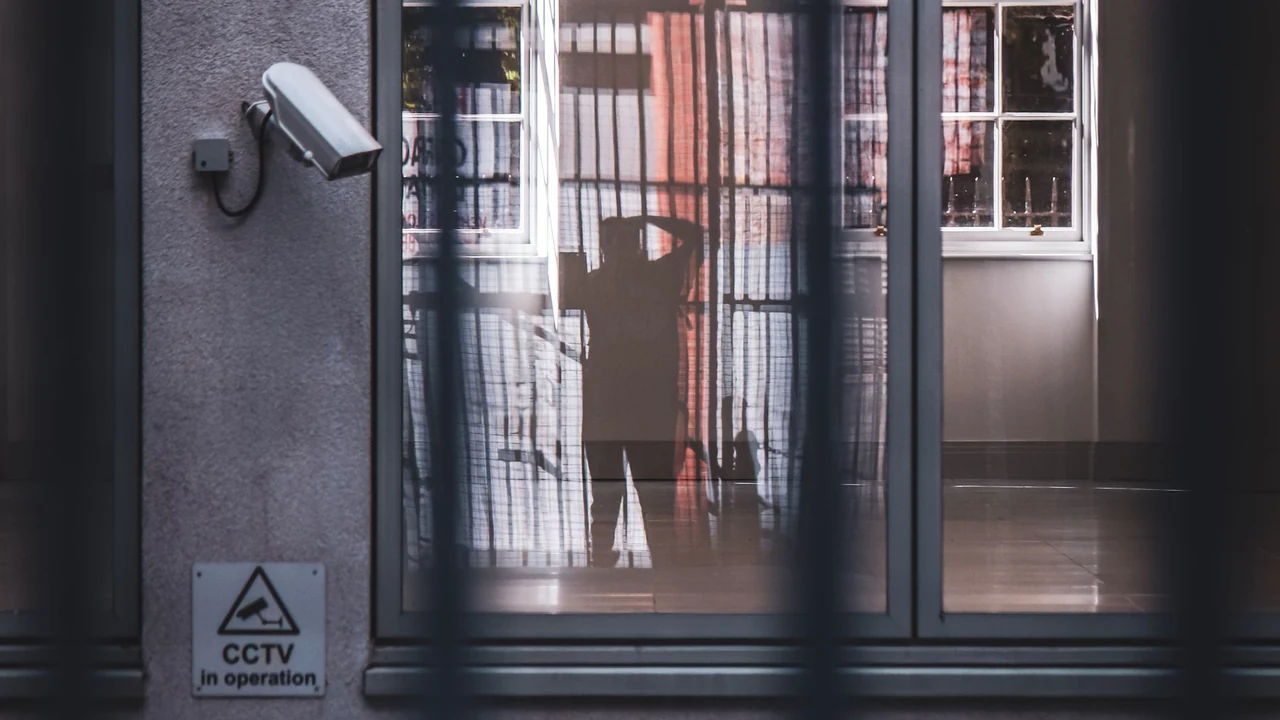
Fotografia Pexels con videosorveglianza e vetro riflettente. Utilizzata come riferimento visivo reale, non come test di prestazioni attraverso il vetro.
Una telecamera di sicurezza può davvero vedere attraverso una finestra?
Per l'immagine visibile, spesso sì. Se il vetro è pulito, la scena esterna è più luminosa della stanza dietro la telecamera e la telecamera ha un campo visivo adeguato, un'immagine diurna può apparire del tutto normale.
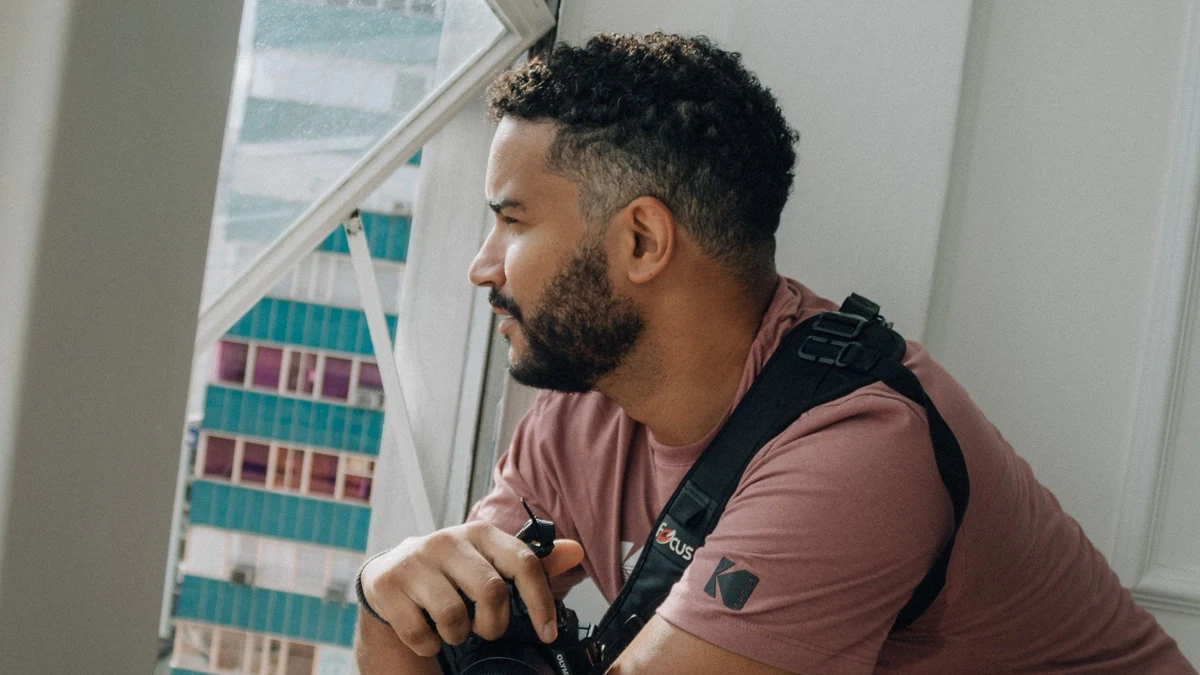
Fotografia Pexels che mostra una telecamera utilizzata attraverso una finestra interna; i risultati effettivi della telecamera di sicurezza dipendono dall'installazione esatta.
L'errore è considerare quell'immagine come prova che ogni funzione della telecamera stia funzionando. Una telecamera può utilizzare il sensore d'immagine per creare il video, un sensore PIR separato per attivare il dispositivo, un software per decidere se il movimento è rilevante e un'app o un servizio cloud per inviare l'avviso. Questi percorsi possono fallire indipendentemente l'uno dall'altro.
Prima di modificare le impostazioni, definisci ciò di cui hai bisogno dall'installazione:
| Requisito | Cosa devi verificare |
|---|---|
| Visualizzazione in diretta | La scena esterna è utilizzabile nel momento in cui ti serve |
| Attivazione del movimento | La persona o il veicolo previsto avvia effettivamente un evento |
| Notifica | L'avviso previsto raggiunge l'account/il telefono |
| Registrazione | Il clip previsto esiste ed è recuperabile |
Se ti serve solo guardare fuori manualmente durante il giorno, i requisiti sono molto più semplici rispetto a quando hai bisogno di una registrazione notturna affidabile degli eventi.
Perché di notte la finestra diventa uno specchio?
Di notte l'equilibrio di luminosità si inverte. La stanza può diventare più luminosa della scena esterna, quindi lampade, schermi, spie luminose e la telecamera stessa possono apparire nel vetro.
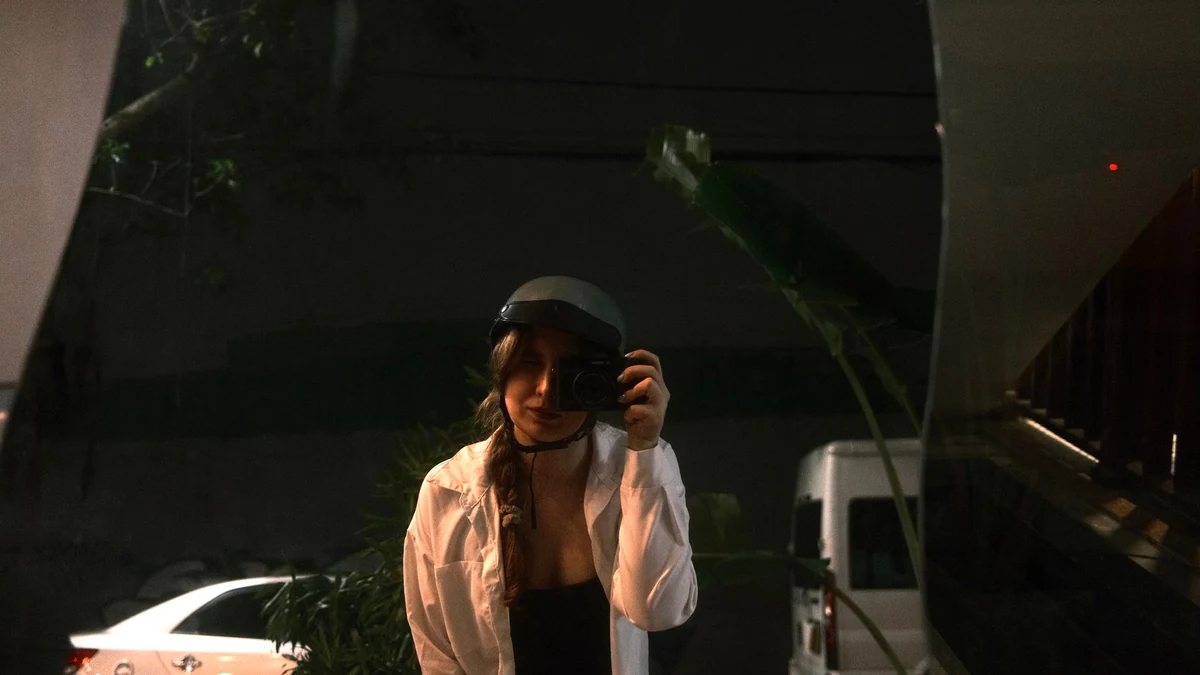
Foto Pexels del riflesso notturno alla finestra che illustra perché luci intense e vetro possono dominare l'immagine dopo il buio.
La visione notturna a infrarossi integrata può peggiorare il problema. Su molte telecamere i LED IR sono vicini all'obiettivo. Invece di illuminare nitidamente la scena esterna, parte di quella luce può riflettersi dal vetro verso l'obiettivo. Reolink descrive il riflesso della finestra causato da LED IR, luci ambientali e luci di stato as a common cause of washed-out night video through glass. A Guida eufy sui riflessi del 7 settembre 2026 fornisce una sequenza diagnostica simile: inizia con l'IR integrato e l'illuminazione interna prima di modificare impostazioni dell'immagine non correlate.
Inizia con la luce sul lato della telecamera rispetto alla finestra:
1. Se il manuale lo consente, disattiva l'illuminazione IR integrata della telecamera per un test.
2. Spegni o sposta le lampade interne e gli schermi luminosi che compaiono nel vetro.
3. Avvicina l'obiettivo al vetro pulito e riduci la quantità di stanza visibile attorno ad esso.
4. Se la scena è troppo buia con l'IR integrato disattivato, prova un'illuminazione esterna visibile adeguata o un'altra soluzione di illuminazione supportata dalla tua installazione.
5. Ricontrolla l'inquadratura esatta di notte invece di presumere che l'angolazione diurna sia ancora accettabile.
Non considerare “IR off” una soluzione universale. Rimuove una comune fonte di riflesso; non crea luce all'esterno. La scena necessita comunque di illuminazione sufficiente e utilizzabile perché la telecamera formi l'immagine che ti serve.
Il rilevamento del movimento funzionerà attraverso il vetro?
Questo dipende da come la telecamera specifica rileva il movimento.
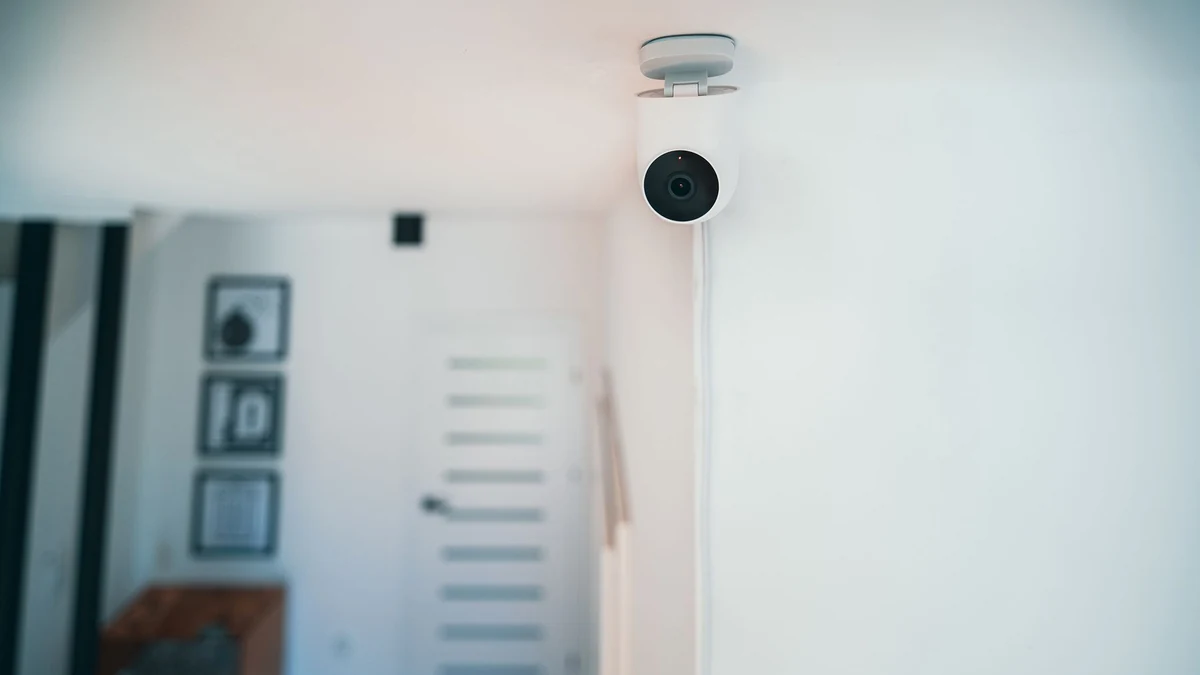
Foto Pexels di telecamera di sicurezza interna. L'immagine dell'hardware non stabilisce se un modello specifico utilizza PIR o analisi video.
Un sensore a infrarossi passivo e un sistema di analisi video/immagini non sono la stessa cosa. Le FAQ PaPIRs di Panasonic affermano che il suo sensore a infrarossi passivo non può rilevare una persona attraverso vetro normale o acrilico; il documento spiega che il sensore riceve energia infrarossa anziché utilizzare semplicemente l'immagine visibile. Vedi FAQ sui sensori di movimento PIR PaPIRs di Panasonic, Q1-13. eufy likewise says motion detection on its listed PIR-based cameras non può funzionare in modo affidabile dietro vetri o finestre.
Ecco perché una telecamera a batteria può mostrare un'immagine in diretta perfettamente comprensibile ma non attivarsi per una persona che cammina all'esterno.
Il rilevamento basato su immagini o video-analisi può comportarsi diversamente. Articolo di supporto di VicoHome del 13 marzo 2026 distingue le telecamere a batteria basate su PIR dalle telecamere alimentate che utilizzano l'analisi video: afferma che queste ultime possono rilevare il movimento attraverso il vetro purché l'attività sia visibile, mentre i riflessi possono generare falsi eventi.
La conclusione pratica non è “PIR cattivo, software buono”. È: identificare il meccanismo di rilevamento utilizzato dal tuo modello esatto e testare il risultato di cui hai bisogno. Un'etichetta di menu del produttore come “rilevamento del movimento” non ti dice da sola se l'attivazione proviene da PIR, cambiamento dell'immagine, rilevamento di oggetti o una combinazione.
Cosa dovrebbe permetterti di controllare una configurazione con telecamera alla finestra?
Se la telecamera sarà posizionata dietro un vetro, le impostazioni e i dettagli di installazione contano più di un numero di risoluzione di facciata.
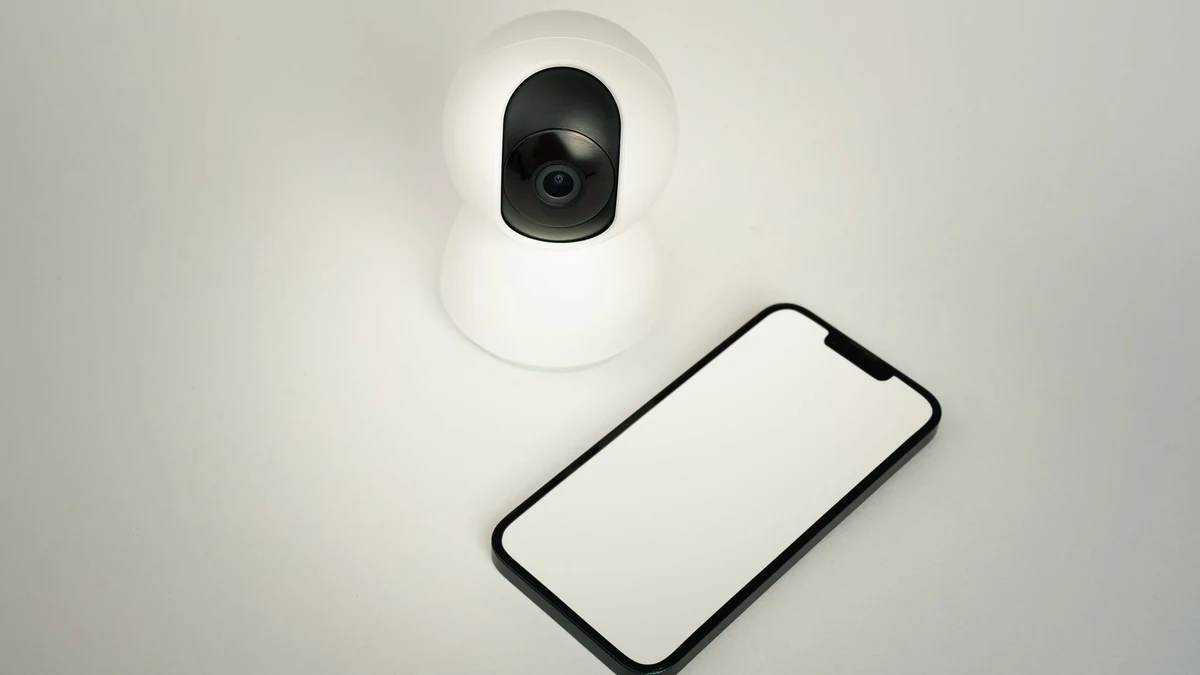
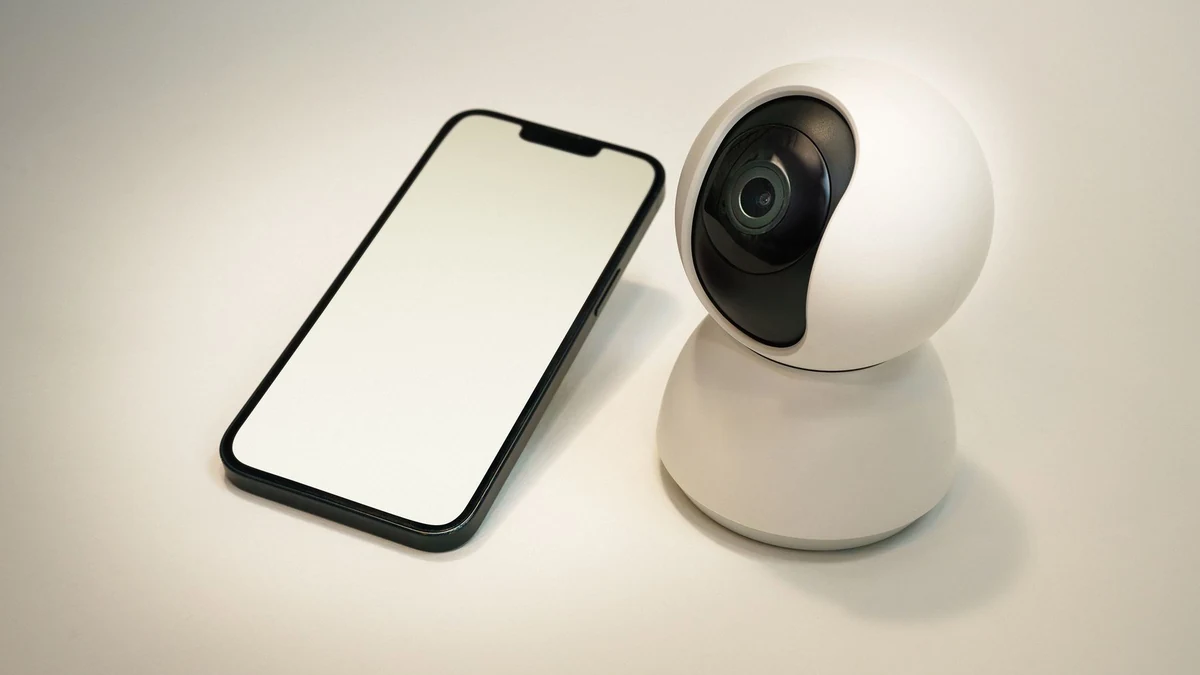
Scena Pexels con telecamera smart e smartphone che illustra i controlli dell'app e delle impostazioni per il modello esatto.
Cerca i controlli e le prove che rispondono a queste domande:
– L'illuminazione IR integrata può essere disattivata senza disattivare la modalità di registrazione che ti serve? Controlla il manuale o l'app per la versione esatta.
– Cosa attiva un evento? PIR, video analytics o un altro metodo dovrebbero essere documentati anziché dedotti dalla categoria del prodotto.
– Dove vengono salvate le registrazioni? Scheda locale, NVR, cloud o una combinazione possono cambiare ciò che accade durante un'interruzione di rete.
– Come è alimentata la telecamera? Un'installazione a finestra pensata per una disponibilità continua necessita di un piano di alimentazione realistico; una sola etichetta della batteria non dimostra un particolare ciclo di utilizzo.
– L'obiettivo può stare vicino al vetro senza bloccare la ventilazione o danneggiare l'alloggiamento? Un supporto stabile è meglio che bilanciare temporaneamente la telecamera su un davanzale.
– La luce di stato interna può essere disattivata se si riflette nel vetro? Usa solo le impostazioni che il produttore documenta effettivamente.
Per l'approvvigionamento QZT, questi campi vanno verificati a livello di SKU e versione hardware. Non dare per scontato che due telecamere che usano la stessa app espongano gli stessi controlli IR o di rilevamento.
Come testare la tua esatta configurazione alla finestra prima di affidarti ad essa
Esegui un breve test di accettazione su una finestra e un'area che sei autorizzato a monitorare. Annota le impostazioni originali in modo da poter annullare una modifica alla volta.
Scena di monitoraggio Pexels che illustra un test di accettazione di esempio prima di affidarsi alla posizione della finestra.
1. Salva un riferimento diurno
Cattura la vista effettiva che ti interessa. Segna le aree in cui un volto, un veicolo, un cancello o un pacco devono essere riconoscibili. Una scena ampia che tecnicamente “mostra il vialetto” può comunque mancare del dettaglio necessario alla distanza importante.
2. Ripeti dopo il buio senza cambiare la posizione della telecamera
Annota riflessi, velo bianco, luci della stanza, LED di stato e sorgenti luminose esterne intense. Questo ti dice cosa è cambiato a causa dell'illuminazione e non perché hai spostato la telecamera.
3. Testa l'IR integrato come variabile a sé stante
Se il modello esatto ti consente di controllare l'IR, confronta la stessa scena notturna con l'impostazione attiva e disattivata. Non modificare contemporaneamente altre cinque impostazioni; altrimenti non saprai quale modifica è stata determinante.
4. Percorri il percorso di rilevamento reale
Fai muovere una persona di test nell'area che la telecamera dovrebbe monitorare. Registra se la telecamera ha rilevato l'evento, se il telefono ha ricevuto un avviso e se una clip è stata salvata.
Usa una semplice registrazione:
| Verifica | Day | Notte | Prove |
|---|---|---|---|
| Usable image | Non testato | Non testato | Nome file screenshot/clip |
| Il movimento previsto attiva la registrazione | Non testato | Non testato | Event time |
| Arriva la notifica | Non testato | Non testato | Tempo di avviso |
| Il clip previsto viene salvato | Non testato | Non testato | ID file/evento |
"Non testato" non è un superamento. Una notifica riuscita non è prova che il video salvato sia utile, e un video salvato non è prova che ogni evento previsto si attivi.
5. Decidi se la finestra è ancora la posizione di montaggio giusta
Se riesci a ottenere un'immagine corretta ma il rilevatore richiesto non può funzionare attraverso il vetro, le impostazioni software non possono cambiare la fisica di quel sensore. Se i riflessi notturni rimangono inaccettabili, una telecamera per esterni montata all'esterno del vetro può essere la soluzione più pulita.
La scelta giusta è l'installazione che supera gli output di cui hai effettivamente bisogno, non quella più facile da posizionare all'interno.
Domande frequenti
Una telecamera di sicurezza può vedere attraverso una finestra di notte?
Può farlo, ma il risultato dipende dall'illuminazione e dai riflessi. L'illuminazione notturna IR integrata comunemente si riflette sul vetro, quindi un'immagine diurna nitida non predice le prestazioni notturne. Testa l'esatto vetro e l'illuminazione dopo il buio. Guida di Reolink per l'uso attraverso la finestra E la guida ai riflessi di eufy entrambi consigliano di affrontare prima l'IR e la luce dal lato della telecamera.
Il rilevamento del movimento PIR funziona attraverso una finestra di vetro?
Non fare affidamento su di esso senza prove specifiche del modello. Le FAQ PaPIRs di Panasonic affermano che il suo sensore a infrarossi passivo non può rilevare una persona attraverso vetro normale o acrilico, e eufy fornisce un avviso simile per le sue telecamere basate su PIR elencate. L'immagine visibile della telecamera e il percorso di rilevamento PIR sono diversi.
Il rilevamento del movimento software può funzionare attraverso una finestra?
In alcune implementazioni può farlo perché il sistema analizza i cambiamenti visibili dell'immagine invece di affidarsi solo al PIR. VicoHome documenta questa distinzione per le sue telecamere plug-in con video analytics, avvertendo che i riflessi possono produrre falsi eventi. Verifica come il tuo modello esatto implementa il rilevamento del movimento.
Devo premere la telecamera direttamente contro il vetro?
Avvicinare l'obiettivo al vetro può ridurre la quantità di stanza riflessa nella visuale, ma non bloccare la ventilazione, graffiare la finestra, tendere un cavo o usare un supporto che il produttore non supporta. Considera il posizionamento ravvicinato come una variabile di test controllata, non una garanzia. Il eufy reflection guide consiglia di posizionare la telecamera vicino a un vetro pulito come parte di una sequenza più ampia.
Una configurazione interna alla finestra è meglio che montare la telecamera all'esterno?
Può proteggere le apparecchiature dalle intemperie e da manomissioni accidentali, ma il vetro introduce compromessi ottici e di rilevamento. Se l'immagine notturna o l'attivazione del movimento richieste non funzionano dietro il vetro, una telecamera per esterni posizionata all'esterno può essere più affidabile per quel compito.
La domanda utile non è semplicemente “Questa telecamera può guardare attraverso il vetro?” Chiedi: Questa installazione specifica può produrre l'immagine, l'attivazione, l'avviso e la clip salvata di cui ho bisogno di giorno e di notte? Testa quei quattro output prima di rendere permanente la posizione alla finestra.

 English
  Italiano
  Deutsch
  Français
  Español
  Polski