
How to Set Up a Covert Security Camera Without Breaking EU Law
Setting up a covert security camera correctly takes about ten minutes. Setting it up legally — in a way that you could defend if challenged — takes understanding four things that most installation guides never mention.
This article covers both: the technical setup process for the most common covert camera types used in European homes and businesses, and the legal boundaries that determine whether your installation is compliant with GDPR and national privacy law in the EU and UK.
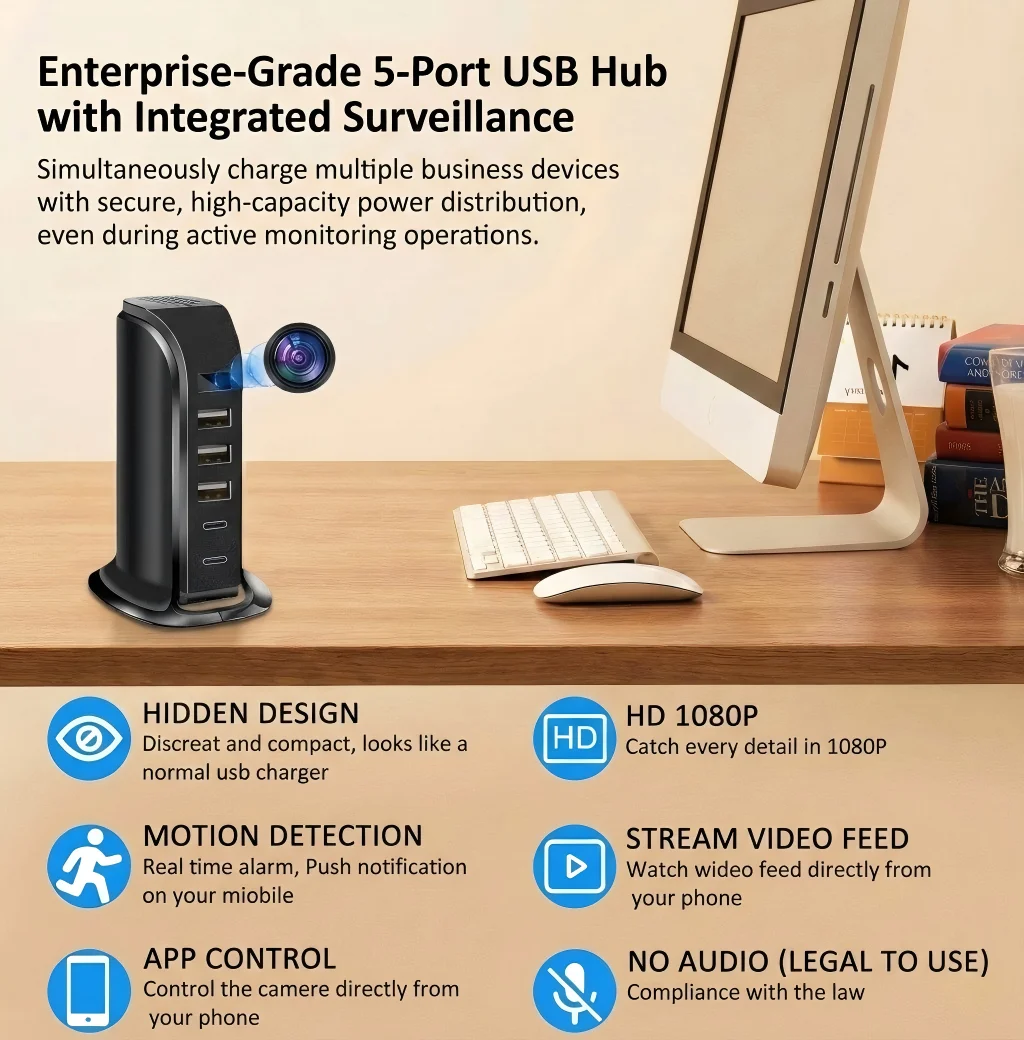
What Makes a Covert Camera “Legal” in the EU?
Before touching a screwdriver, it helps to understand what the law actually cares about — because it’s not what most people think.
GDPR Recital 18 explicitly excludes “purely personal or household activities” from the regulation’s scope. This single paragraph is the legal foundation for all legitimate home camera use in Europe. If your camera is inside your own property, capturing people in your household or lawful visitors, for personal security purposes — the regulation does not apply to you.
Where the law does apply is when your camera captures people outside your own private sphere: neighbours, members of the public, employees in a workplace, or tenants in a rented property. In those cases, GDPR’s rules around legal basis, transparency, and data minimisation come into force.
The practical question, then, is not “can I use a covert camera?” but “where is my camera pointing, and who does it capture?” Answer those two questions honestly before installation, and you’ll know exactly where you stand.
| Installation Context | GDPR Applies? | Legal Setup Possible? |
|---|---|---|
| Inside your own home | No (Recital 18 exemption) | Yes, no disclosure needed |
| Garden / driveway (own property) | Partially (captures public space) | Yes, with careful angle |
| Workplace / employer-owned property | Yes | Yes, with employee notification |
| Rented property monitoring tenants | Yes | No (covert monitoring prohibited) |
| Holiday let / Airbnb interior | Yes | No (guests have privacy rights) |
| Retail shop floor | Yes | Yes, with customer-facing notice |
How to Set Up a WiFi Clock Camera at Home
The wall clock camera is the most versatile covert device for home use. It draws continuous mains power, blends naturally into any room, and offers WiFi streaming to a smartphone — all without anything about it suggesting surveillance.
Step 1: Choose the installation location. The camera should have a clear line of sight to the area you want to monitor. For a living room, a shelf or mantelpiece at 1.2–1.5m height gives a natural downward angle across seating areas. Avoid placing the clock directly facing a window — backlighting from natural daylight will degrade footage quality.
Step 2: Insert the SD card before powering on. Most WiFi clock cameras support up to 128GB micro SD cards. Insert the card before the first boot so that the device initialises the storage correctly. Format the card in the camera rather than in a PC if possible — this ensures the file system is compatible with the camera’s recording software.
Step 3: Connect to WiFi. On first power-up, the camera broadcasts its own temporary hotspot. Connect your smartphone to this hotspot, open the Tuya app, and follow the pairing wizard. You’ll enter your home WiFi credentials (2.4GHz only — 5GHz is not supported on most current models), and the camera connects to your router. The device will then appear in your Tuya app within 60 seconds.
Step 4: Configure motion detection zones. In the Tuya app, navigate to motion detection settings and draw zones over the areas you want to trigger recording. If your camera has a wide-angle lens that also captures a doorway to a shared corridor or a window facing a public street, exclude those areas from the motion zone. This is good practice legally — it minimises capture of third parties — and practically, it reduces false alerts.
Step 5: Test the night vision. Activate IR night vision mode and darken the room. Walk through the monitored area and check the footage. Most cameras auto-switch between colour (daylight) and infrared (low light) modes — make sure the transition works correctly and that the IR range covers the full monitored zone.
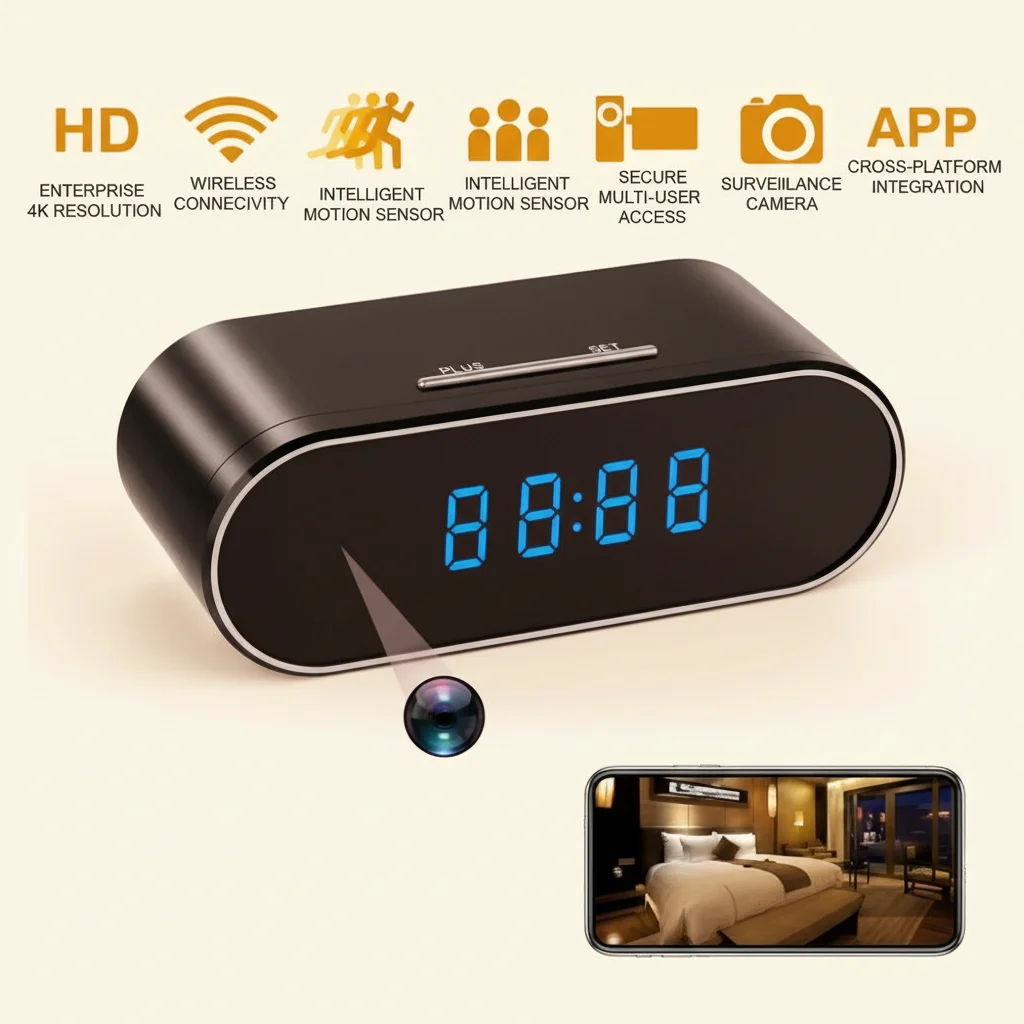
How to Set Up a Plug Socket Camera
The EU plug socket camera is arguably the cleanest covert installation in the domestic market. It sits in any standard wall socket, passes as an ordinary charger, draws permanent mains power, and requires no separate mounting.
Step 1: Select the right socket. Choose a socket in a location that gives your desired field of view. Kitchen sockets near countertop level, hallway sockets adjacent to entry points, or living room sockets behind seating areas all offer useful angles depending on your monitoring objective. The lens on most EU socket cameras is a 100–110° wide-angle, which means a socket at 0.5m height will capture from floor to ceiling across a 4–5m room.
Step 2: Check for obstructions. Furniture, cables, and decorative items can block the lens without you realising. Take a note of the lens position on the device (it is typically a small pinhole, 2–3mm diameter) and physically check the line of sight before committing to the socket.
Step 3: Pair via Tuya app. The setup process is identical to the clock camera: power up, connect to the device’s hotspot, enter your WiFi credentials, complete pairing. Because the device uses the standard Tuya protocol, it integrates into any existing Tuya/Smart Life ecosystem alongside other smart home devices.
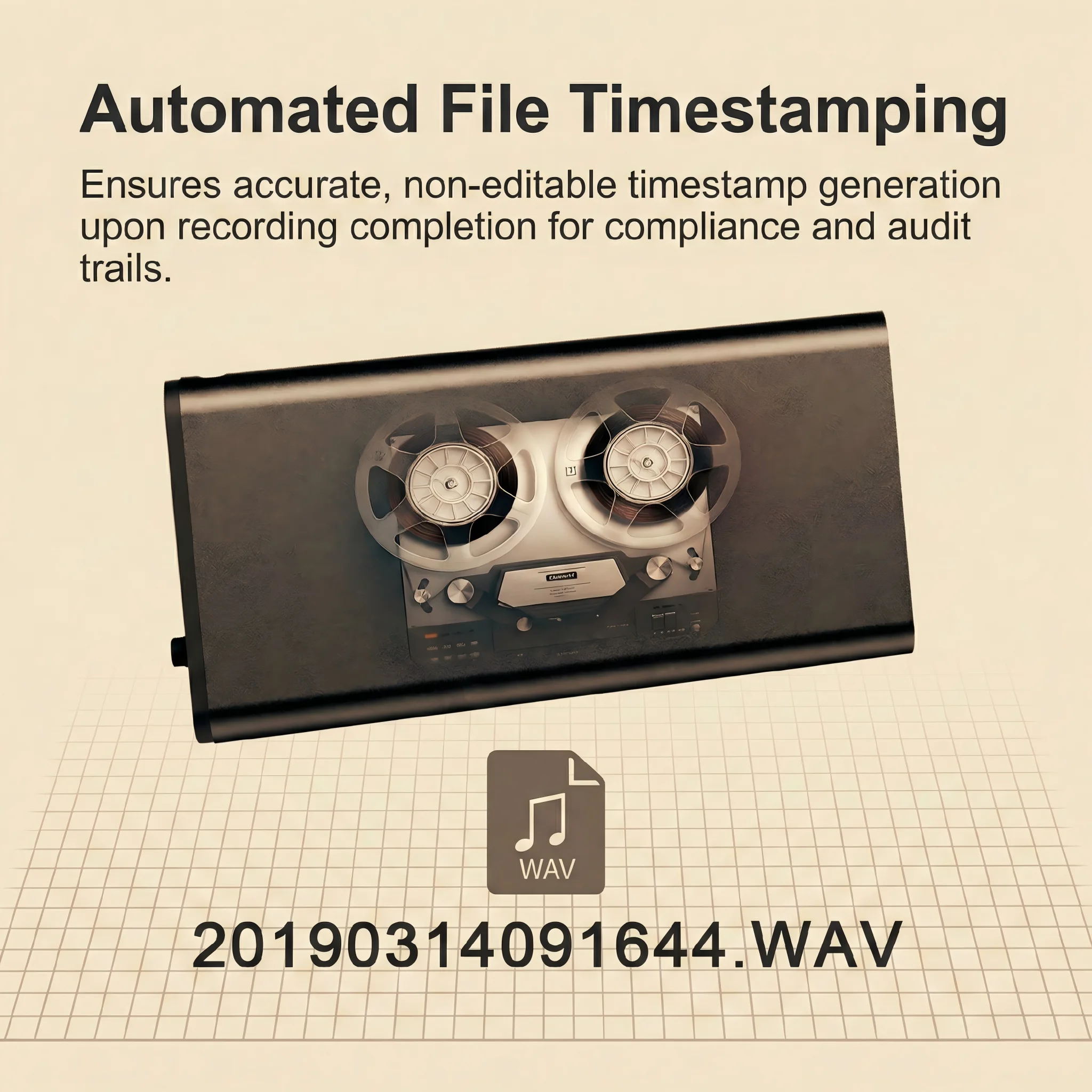
Step 4: Enable loop recording. Loop recording means the device overwrites the oldest footage when the SD card is full. This is the default and correct setting for continuous monitoring — it ensures you always have recent footage without manual card management.
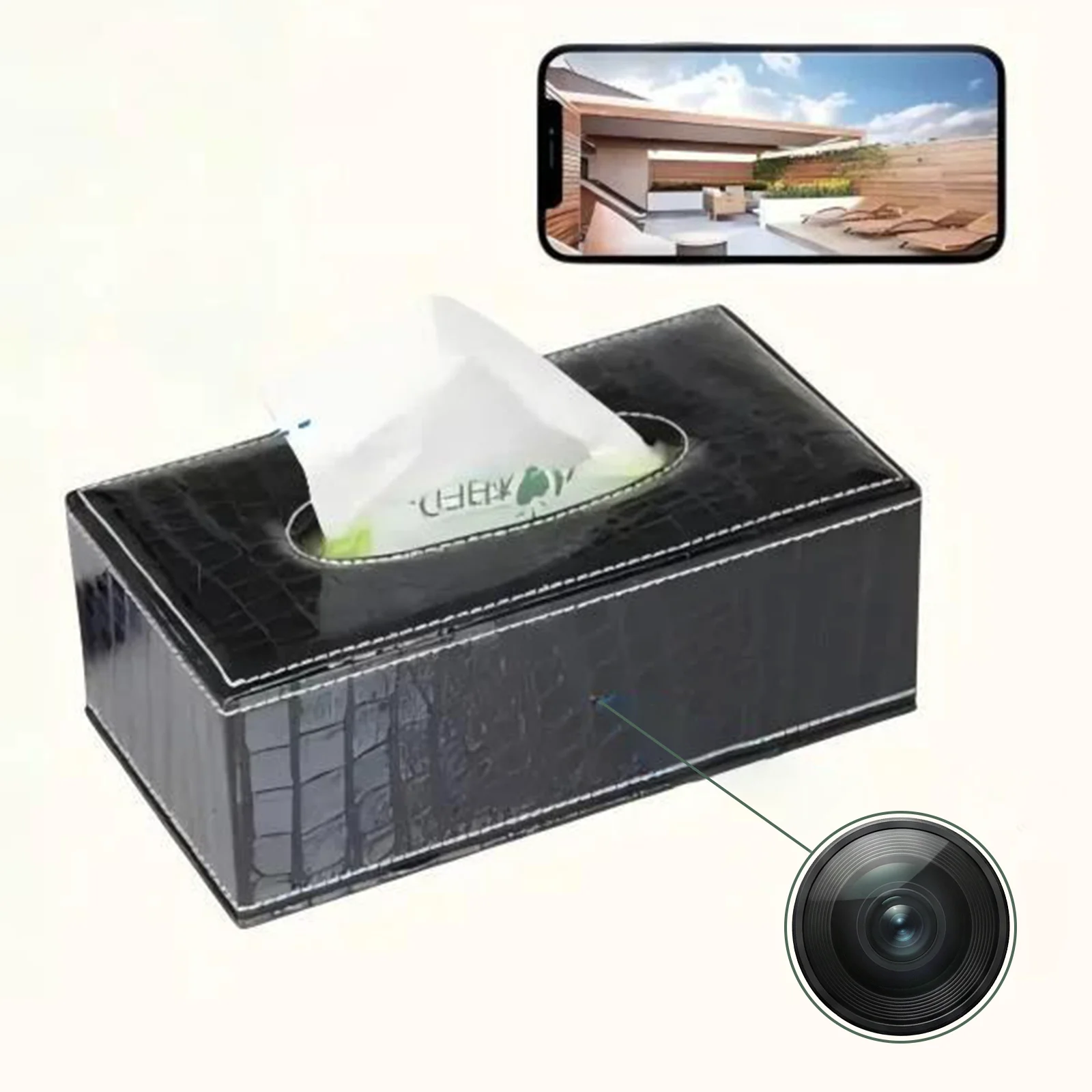
How to Set Up a Covert Camera in a Business or Workplace
For businesses — retail shops, small offices, warehouses — the legal setup is more involved but entirely manageable.
The core requirement under GDPR for workplace surveillance is Article 6(1)(f) legitimate interest, supported by a balancing test demonstrating that your security purpose outweighs employees’ privacy interests. In practice, this means three things: you must have a genuine security reason for the camera, employees must be informed that surveillance is in place (not necessarily where each camera is), and footage must be stored securely and deleted when no longer needed.
Here’s what most people get wrong: “covert” in a commercial context does not mean secret from employees — it means concealed from external view to deter and catch thieves or intruders. A hidden camera in a retail stockroom that customers and employees alike know exists (because they were informed in their employment contract) is fully GDPR compliant. A hidden camera installed to covertly monitor employee behaviour without any notification is not.
The practical setup steps for a covert office or shop camera are the same as home installation. The additional legal steps are: include a surveillance disclosure in employment contracts or staff handbooks; maintain a simple record of what cameras are in use and for what purpose; and set a retention period (30 days is standard for most business CCTV).
| Business Setup Step | Why Required | How to Do It |
|---|---|---|
| Install camera with clear field of view | Effectiveness | Follow camera placement guide above |
| Inform employees in writing | GDPR Article 13 transparency | Include in employment contract / handbook |
| Define retention period | Data minimisation principle | Set to 30 days standard; configure loop recording |
| Document processing activity | Article 30 records | Simple log: location, purpose, retention, who has access |
| Secure access controls | Data security obligation | Password-protect app; limit who can view footage |
What to Do If Your Camera Captures a Public Street or Neighbour’s Property
This is the most common grey area in domestic camera installation, and it needs a direct answer.
If your camera’s field of view includes a public pavement, a shared driveway, or part of a neighbour’s garden, the household exemption may not fully apply. The European Court of Justice ruled in the Ryneš case that a camera capturing a public street from a private home brought the processing within GDPR’s scope. Individual member states have different thresholds, but the safest approach is to treat any external capture as potentially covered.
What you might not know is that this doesn’t mean you can’t install the camera — it means you need to take the additional steps required for external surveillance: position the camera to minimise public area capture (angle downward toward your own driveway rather than outward toward the street), use privacy masking in the app to black out any area beyond your property boundary, and avoid retaining footage of public areas for longer than necessary.
Most modern hidden cameras support digital zoom and privacy zones in the app, which means you can configure a street-facing installation to record only your own property without any physical repositioning.
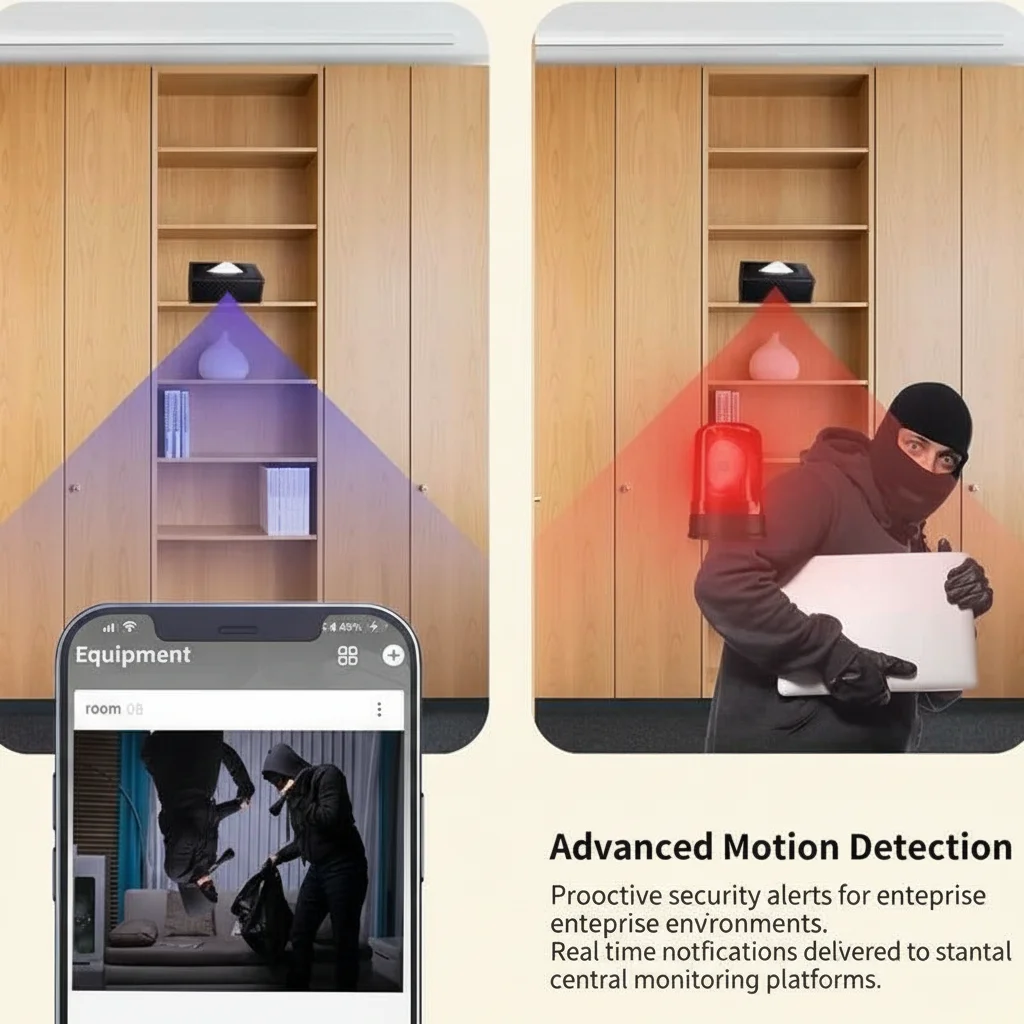
How to Store and Delete Footage Correctly Under EU Law
For home users operating under the household exemption, there is no legal obligation governing footage storage — the regulation doesn’t apply to you. But practical data hygiene is still worth following.
Loop recording on a 32–64GB SD card provides between 7 and 30 days of motion-triggered footage before old files are overwritten. This is sufficient for almost all residential use cases and means you never have to manually delete anything. If an incident occurs, download the relevant clip to your phone or computer immediately — it will otherwise be overwritten as the card fills.
For business users, the EDPB’s Guidelines on Video Devices recommend a maximum retention period of 72 hours for standard surveillance footage, with longer retention (up to 30 days) only where there is a specific documented reason. The standard business practice of 30-day loop recording satisfies this in most cases.
Never share footage externally — to social media, to a neighbour, or to a third party — without specific legal basis. Within your own household, sharing access to the monitoring app with family members is fine. Sending clips to others creates a new processing activity outside the household exemption and may require a legal basis.
How to Conceal a Camera Effectively Without Compromising Footage Quality
The best concealment is the device itself — a camera that looks exactly like an ordinary clock, charger, or household item needs no additional hiding. But placement choices can either improve or completely destroy footage quality.
Lighting. Cameras perform best in consistent, even lighting. Avoid placing a covert device where the light source is directly behind the subject — this creates silhouettes rather than identifiable images. Front-lit or side-lit subjects produce the clearest footage.
Height and angle. A camera at 1.5m height pointing slightly downward gives the most usable perspective for identifying faces and reading details. Very high cameras (ceiling level) capture geometry but not faces. Very low cameras capture the floor and little else.
Lens cleanliness. The pinhole lens on a covert device is 2–3mm in diameter. A small smear of dust, grease, or condensation degrades image quality dramatically. Clean the lens cover monthly with a dry microfibre cloth.
WiFi signal strength. Covert cameras streaming over WiFi need a reliable signal. If the installation point is at the edge of your router’s range, consider a WiFi extender. A camera that drops connection intermittently will miss the incidents you most need to capture.
Do You Need a CE-Certified Camera for EU Installation?
Yes, if you’re purchasing from a European retailer or importing for resale.
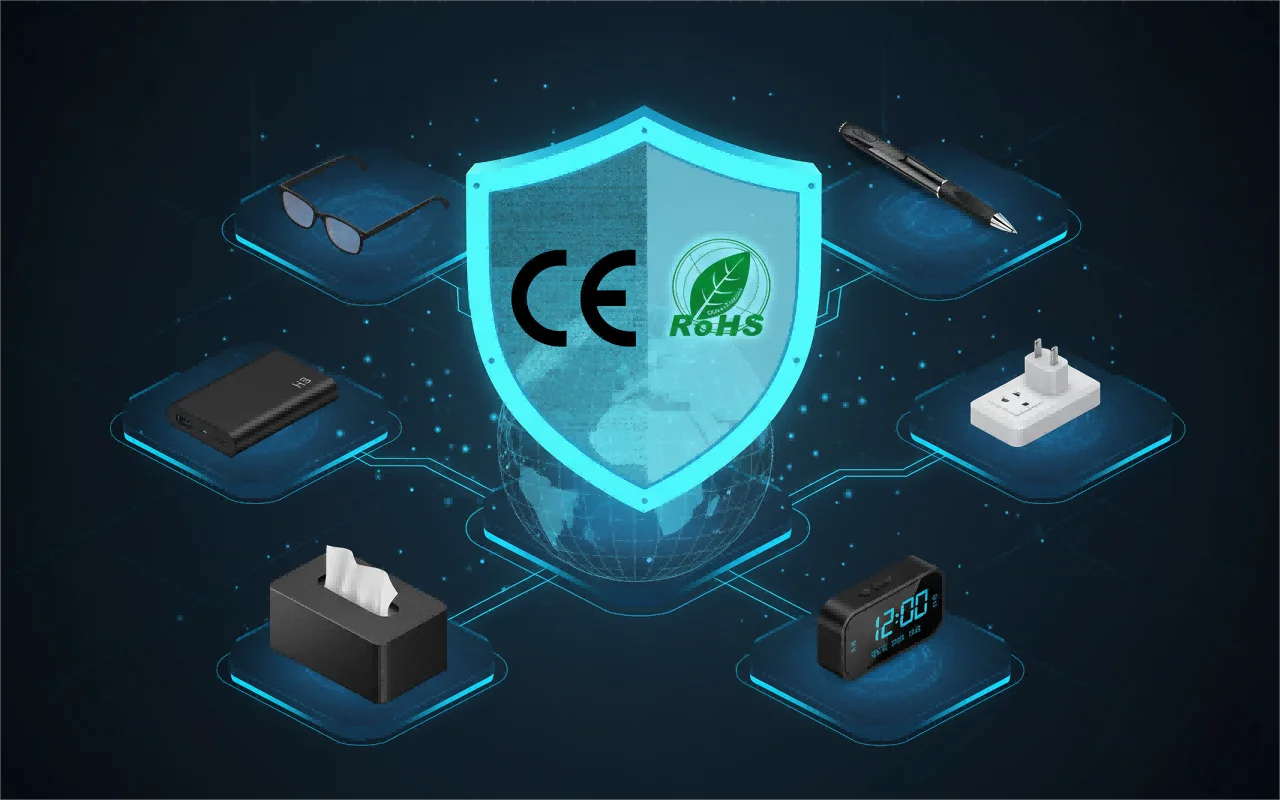
The CE marking indicates that an electronic product meets EU safety, health, and electromagnetic compatibility requirements. Cameras without CE marking cannot legally be sold in the EU, and in theory cannot legally be imported for personal use either (though enforcement at the individual level is rare).
RoHS compliance is the additional requirement for electronics — it certifies that the product does not contain hazardous materials above threshold levels. For covert cameras, both CE and RoHS marking should be visible on product documentation and packaging.
All QZT cameras sold into the European market carry full CE and RoHS certification. For distributors requiring compliance documentation for customs clearance or wholesale customers, certificates are available on request from the sales team.
What Is the Simplest Legal Setup for Home Use?
If you want the shortest path from “I want a covert camera” to “it’s installed and running legally,” here it is:
1. Buy a WiFi mains-powered covert camera — clock, socket, or charger type.
2. Install it inside your home, pointing at your own interior space.
3. Pair it to the Tuya app using your home WiFi.
4. Enable motion detection and push alerts.
5. Set up loop recording on a 32GB SD card.
That’s it. For purely domestic use in the EU or UK, no disclosure, no registration, no privacy policy, no GDPR compliance steps required. You’re covered by the Recital 18 household exemption from the moment the camera is aimed at your own home.
If you’re operating outside that scenario — business premises, rental properties, employer-employee relationships — take the additional steps described in the workplace section above. They’re not complex, and they’re entirely manageable.
Conclusion: Compliance Is Simpler Than People Think
GDPR has a reputation for complexity, and in some business contexts, that reputation is earned. But for home security, the regulation is actually very simple: your home is your household, and household activities are exempt.
The covert cameras sold by QZT are designed specifically for the European market — CE certified, Tuya-integrated, and shipped from Italy with no customs delays for EU buyers. Whether you’re protecting your family home, monitoring a caregiver, or setting up a professional distribution arrangement for the European security market, the legal framework supports you.
For technical guidance on specific installations or for wholesale enquiries, contact QZT today — our team works with distributors across Germany, France, the UK, Poland, and Italy and can advise on product selection, compliance documentation, and import logistics.
FAQ
Q1: Can I install a covert camera inside my home without any legal steps in the EU?
Yes. For purely domestic use inside your own home, GDPR’s Recital 18 household exemption applies and no compliance steps are required. There is no registration, notification, or privacy policy needed for home security cameras used by private individuals.
Q2: What’s the best covert camera setup for a small business in the UK or Europe?
A mains-powered socket camera or clock camera connected to the Tuya app, with motion detection enabled and loop recording on a 32GB SD card. Add a written disclosure to employment contracts informing staff that surveillance is in use, and document the camera’s purpose and retention period. These steps satisfy GDPR for most small business deployments.
Q3: How do I stop my outdoor camera from capturing a public street?
Use the privacy zone / masking feature in the Tuya or camera app to black out any area beyond your property boundary. Alternatively, angle the camera downward so the field of view covers your driveway or garden without reaching the public pavement. Most modern WiFi cameras support both approaches.
Q4: Is CE certification required for hidden cameras used at home in Europe?
CE certification is required for legal sale and import of electronic devices in the EU. Practically, enforcement against individual buyers importing non-CE products for personal use is rare, but for any commercial purpose — resale, distribution, use in a business — CE marking is mandatory. All QZT products are CE and RoHS certified.
Q5: How long should I keep CCTV footage under GDPR for a small business?
The EDPB recommends a maximum of 72 hours for standard surveillance, with up to 30 days where there is documented justification. For most small businesses, 30-day loop recording satisfies GDPR requirements. For home users under the household exemption, there is no legal retention requirement — but loop recording to overwrite old footage is the practical standard.

 English
  Italiano
  Deutsch
  Français
  Español
  Polski