
How to Monitor an Elderly Parent at Home Safely and Legally
Your mother’s neighbour called at 7pm to say she had been wandering in the garden for two hours in her nightdress, confused about where she was. You were three hours away and had no idea. That is the moment when the abstract idea of home monitoring becomes an urgent practical question.
Setting up a camera in a relative’s home is not straightforward. There are real privacy concerns, legitimate legal constraints, and a significant emotional dimension — a parent who knows they are being watched may feel their independence is being taken away. But the safety case is equally real. Falls are the leading cause of injury-related death in adults over 65 in the UK, and the NHS records approximately 250,000 hospital admissions annually from fall-related injuries. Early detection of a fall, a medical emergency, or a sudden change in behaviour can be the difference between recovery and a permanent decline.
This guide addresses the whole picture: the legal framework for monitoring an elderly relative, the technical setup that works in a real home environment, and how to handle the conversation with the person being monitored.
Is It Legal to Install a Hidden Camera in an Elderly Relative’s Home?
This is the question most people ask first, and the answer depends on a critical distinction: who lives in the space being monitored.
Monitoring your own property while a carer is present. If you own or jointly own the property and a paid or voluntary carer visits, you are generally entitled to monitor the space for safeguarding purposes without informing the carer. The camera is on your property, and you have a legitimate duty of care to the person being looked after. The ICO guidance on domestic CCTV explicitly recognises home safety monitoring as a legitimate purpose.
Monitoring in a relative’s own home. This is more complex. If the camera is installed in a property your relative owns or rents independently, you do not have the same automatic right to install surveillance. Installing a camera in someone else’s home without their knowledge or consent is a serious privacy violation, regardless of your intentions.
There are two legitimate routes:
1. With consent. Your relative agrees to the camera and understands its purpose. This is both the legally cleanest and psychologically healthiest approach. Even where cognitive decline is present, consent should be sought at a level of understanding that is realistic for the individual.
2. Deputyship or lasting power of attorney. If you hold a Lasting Power of Attorney (Property and Financial Affairs) or are a court-appointed deputy, you have legal authority to make decisions in the best interests of a person who lacks the mental capacity to make them. Installing monitoring for safeguarding purposes may fall within the scope of this authority, but you should document your reasoning and consult a solicitor if in doubt.
Care homes and supported living settings. Placing a camera in a room in a care home requires consent from the facility management and, where possible, the resident. The Care Quality Commission (CQC) has published guidance on cameras in care settings that distinguishes between private rooms (where resident consent is paramount) and communal areas (where staff should be informed).
| Situation | Legal Position | Recommended Action |
|---|---|---|
| Your property, carer visits | Generally lawful for safeguarding | Install, document purpose |
| Relative’s own home, consent given | Lawful | Install, document consent |
| Relative’s own home, no consent | Not lawful without LPA or deputyship | Seek consent or legal advice |
| Care home private room | Requires resident consent and facility notification | Consult CQC guidance |
| Shared accommodation | Complex — multiple residents’ privacy affected | Legal advice required |
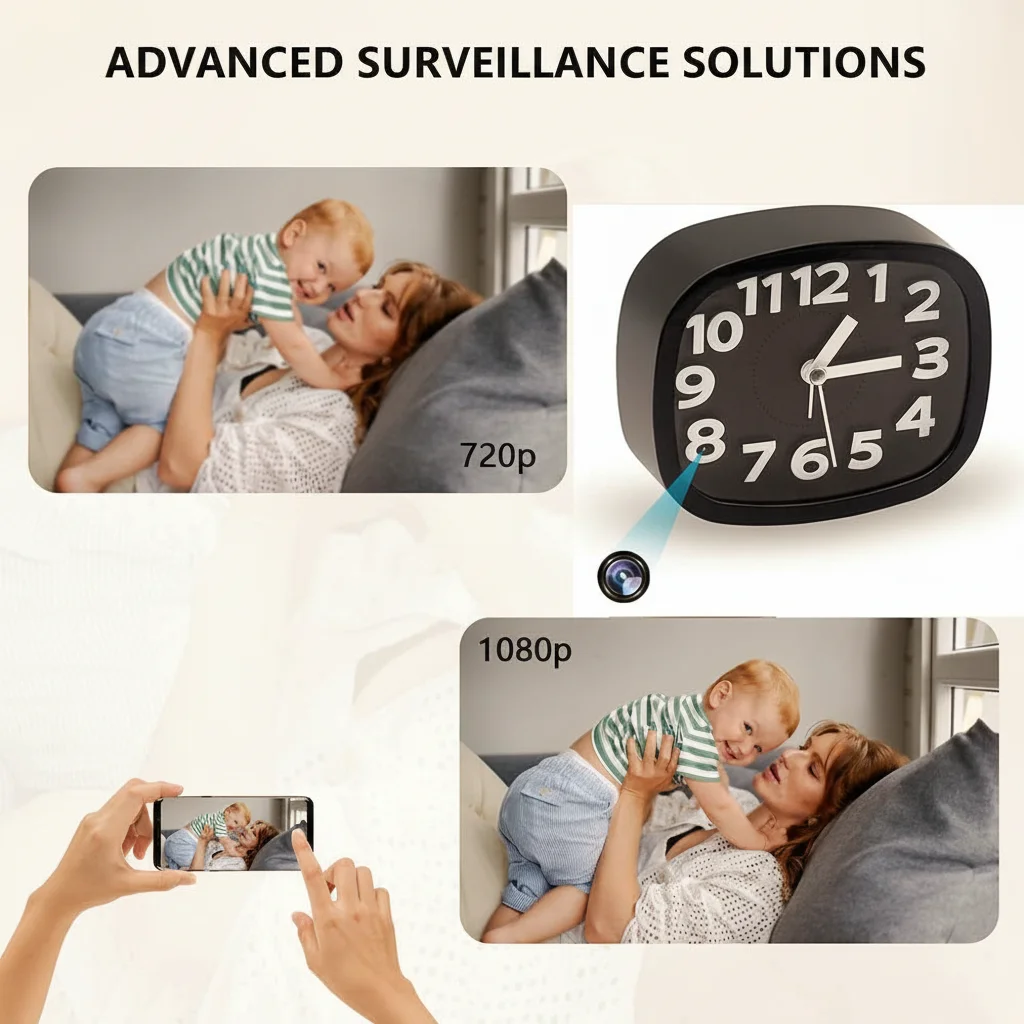
Key Takeaway: Monitoring in a property you own is generally lawful for safeguarding purposes. Monitoring in your relative’s independent home requires their consent or a formal legal authority. When in doubt, seek consent — it protects both you and them.
What Kind of Camera Works Best in an Elderly Person’s Home?
The ideal camera for monitoring an elderly relative has four characteristics that are distinct from typical security or surveillance applications:
Unobtrusive form factor. A visible dome camera in a living room communicates “you are being watched” every time the person looks at it. A clock camera on a shelf, a smoke detector shape on a ceiling, or a tabletop ornament blends into the home environment without dominating it visually. For elderly people with anxiety or mild cognitive decline, a visible surveillance camera can cause distress and disorientation.
Continuous power. Battery-powered cameras are unsuitable for long-term elder monitoring. A camera that runs out of battery at 3am on a night when a fall occurs defeats the entire purpose. A mains-powered camera — plugged into a wall socket or a USB hub — provides uninterrupted coverage without any maintenance requirement.
Night vision. Falls and disorientation episodes are significantly more common at night. A camera with infrared night vision captures events in complete darkness, where most standard cameras produce unusable footage. The Digital Clock Camera with Infrared Night Vision combines a natural bedside or shelf clock form factor with 850 nm IR LEDs that cover a 6-metre range in complete darkness.
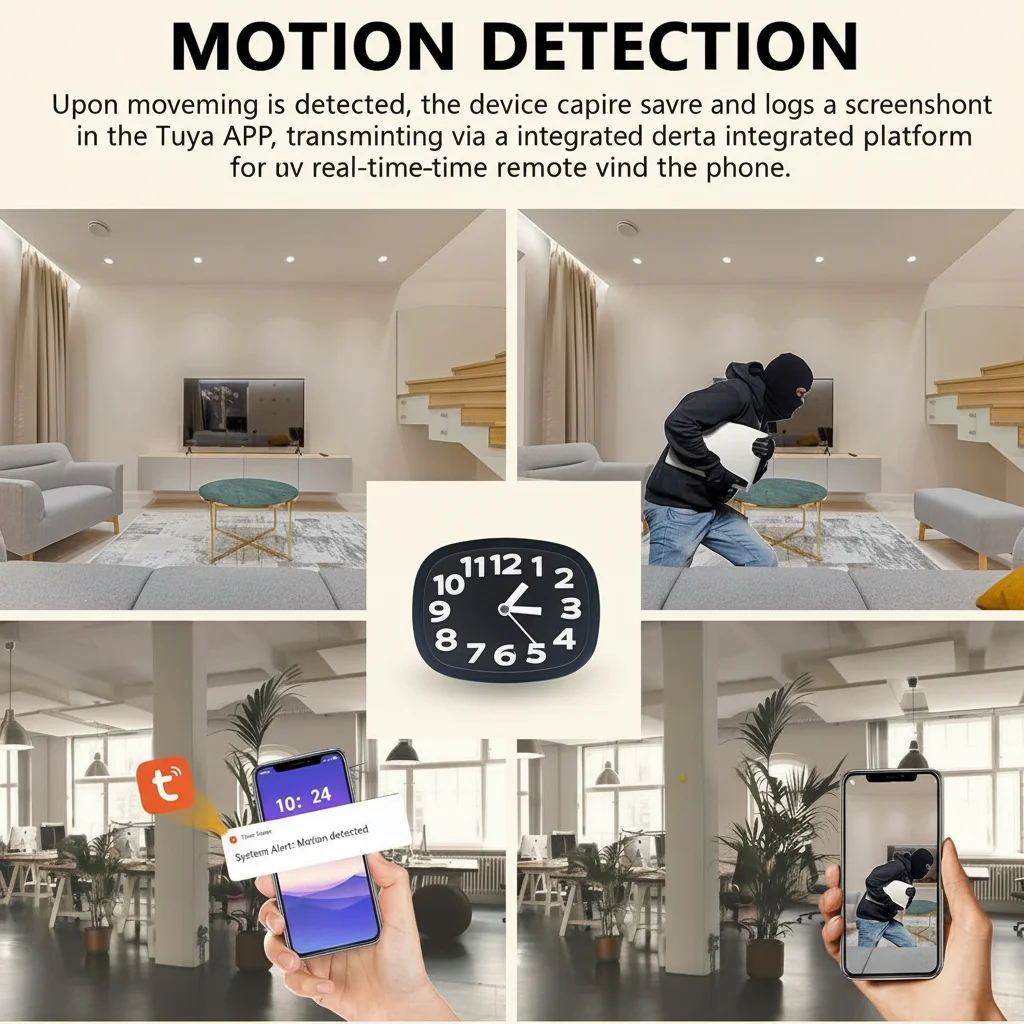
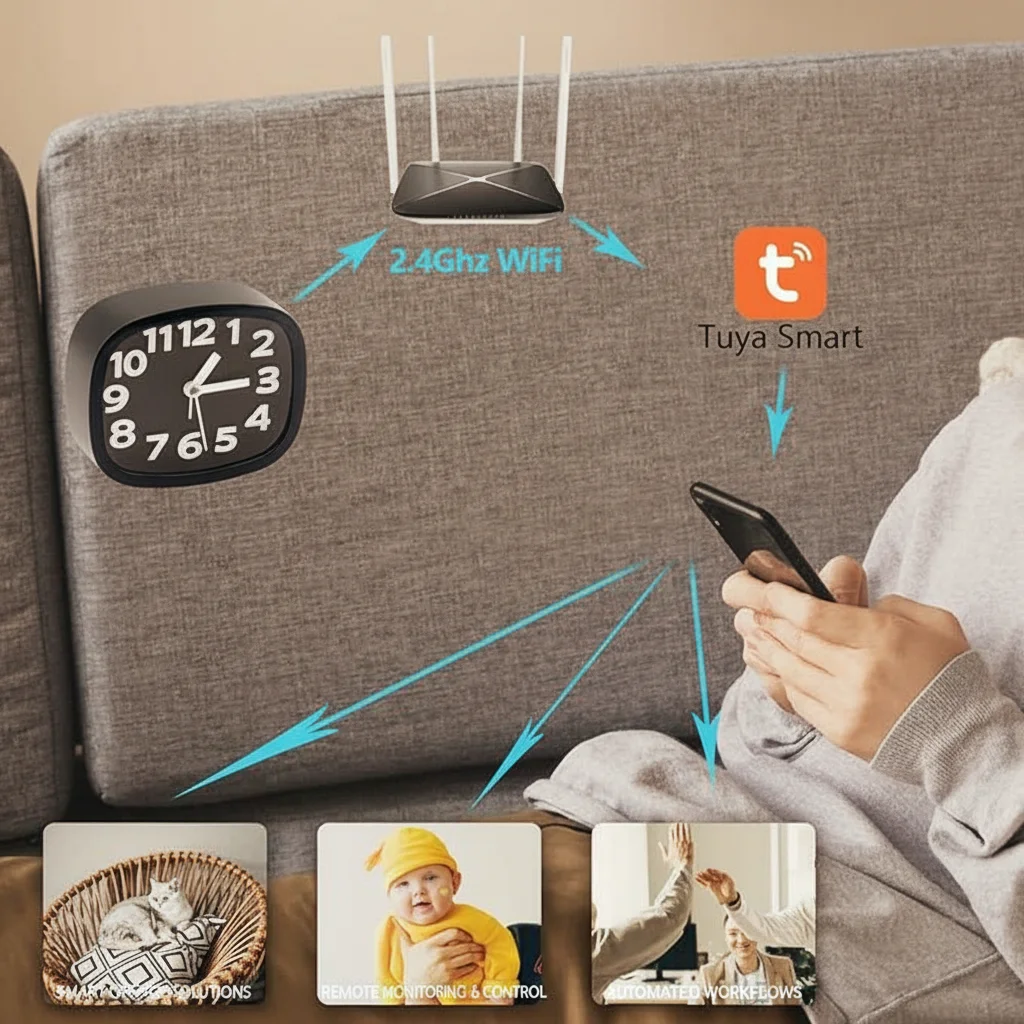
Motion alerts. Real-time push notifications when motion is detected allow remote family members to check in the moment something happens, rather than reviewing hours of footage after the fact. WiFi-connected cameras that send alerts via a smartphone app (such as Tuya Smart) give you the same real-time awareness as a baby monitor but across any distance.
Privacy settings. The ability to schedule recording windows — on at night, off during daytime when the person is active — respects the relative’s privacy during their normal daily activities while ensuring coverage during the hours when risk is highest.
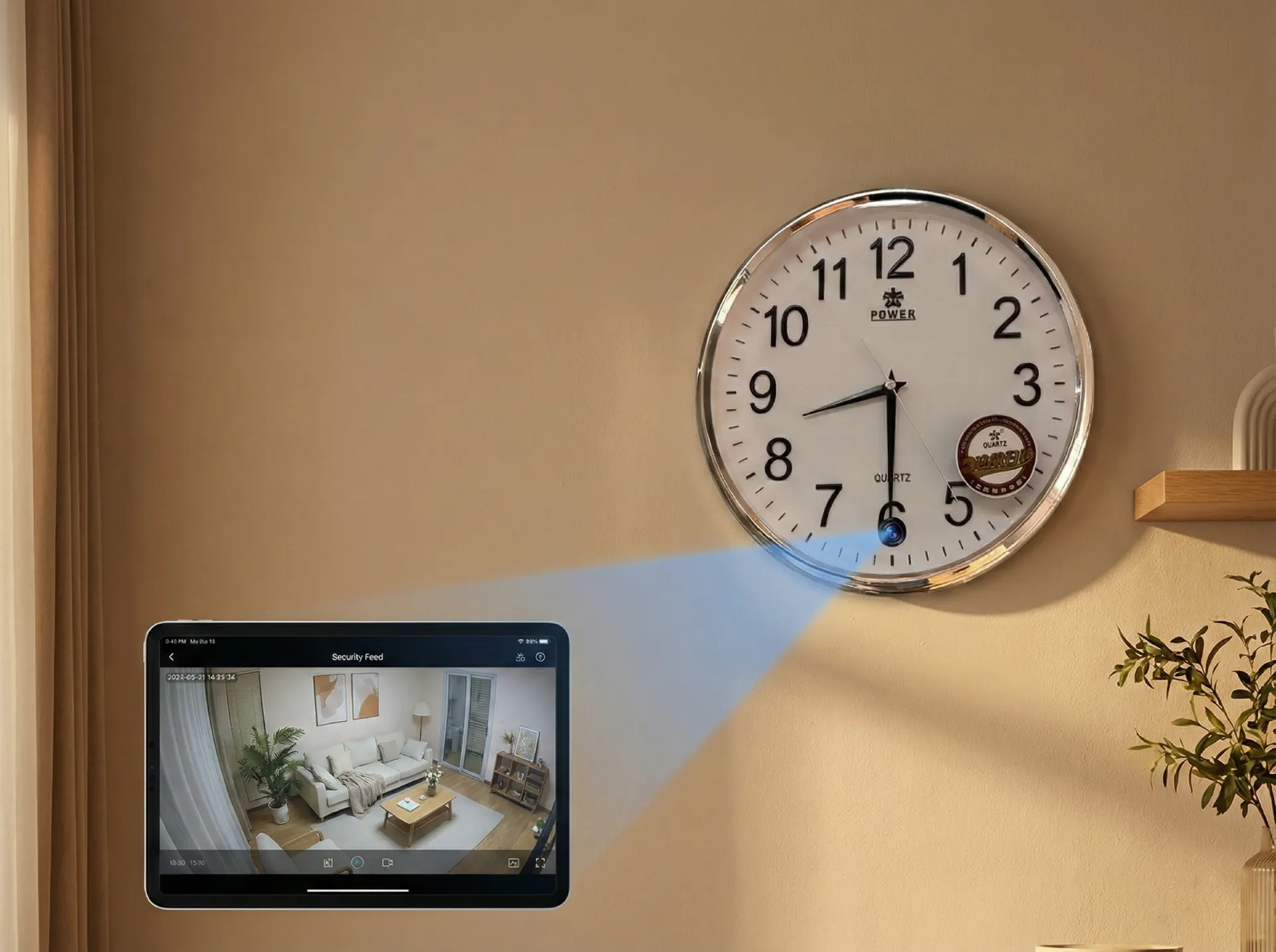
Key Takeaway: Mains-powered, night vision, motion alerts, and an unobtrusive form factor are the four essential requirements. Clock cameras and socket cameras meet all four and blend naturally into a home environment.
Where Should You Place Cameras in an Elderly Relative’s Home?
Effective placement covers the three highest-risk areas without unnecessarily invading private spaces.
Living room and main activity area. This is where the person spends most of their time and where general wellbeing can be assessed. A camera positioned at shelf height (1.2–1.5 metres) in a corner provides a wide view of the room. A wide-angle lens (120°–160°) covers the entire space from a single position. The WiFi Spy Clock Camera Z10 covers 120° from a natural clock position on a mantle or shelf, giving full coverage of a standard living room without any visible camera equipment.
Hallway and stairs. Stair falls are the most common cause of severe fall injuries in older adults. A camera at the top of the staircase or in the hallway detects movement at unusual hours (a parent getting up at 3am without a light on) and records any falls directly. A discreet smoke detector form factor ceiling-mounted at the top of the stairs is particularly effective — positioned above and looking down, the wide-angle lens captures the entire staircase.
Kitchen. Cooking accidents — leaving the hob on, forgetting a kettle boiling — are a significant safety risk. A kitchen camera, particularly one with motion alerts, allows you to detect unusual kitchen activity patterns (the hob has been on for four hours with no apparent cooking activity) that might otherwise go unnoticed.
What to avoid. Never place cameras in bathrooms, bedrooms, or any space where the person undresses or has a reasonable expectation of complete privacy, unless the person has specifically requested it for medical monitoring purposes and has consented. This restriction applies regardless of the safety motivation.
For a person living alone in a standard two-bedroom house, two cameras typically provide adequate coverage: one in the main living area and one in the hallway. A third in the kitchen adds value if cooking safety is a specific concern.
| Room | Risk | Camera Type | Placement |
|---|---|---|---|
| Living room | Falls, disorientation | Clock camera | Shelf/mantle at 1.2m, wide angle |
| Hallway/stairs | Stair falls, night wandering | Smoke detector camera | Ceiling, top of stairs |
| Kitchen | Cooking accidents | Socket camera | Near cooker, socket-level |
| Bedroom | Night falls, medical emergency | Clock camera (if consented) | Bedside table or shelf |
| Bathroom | Slip and fall | Not recommended | Privacy — consent required |
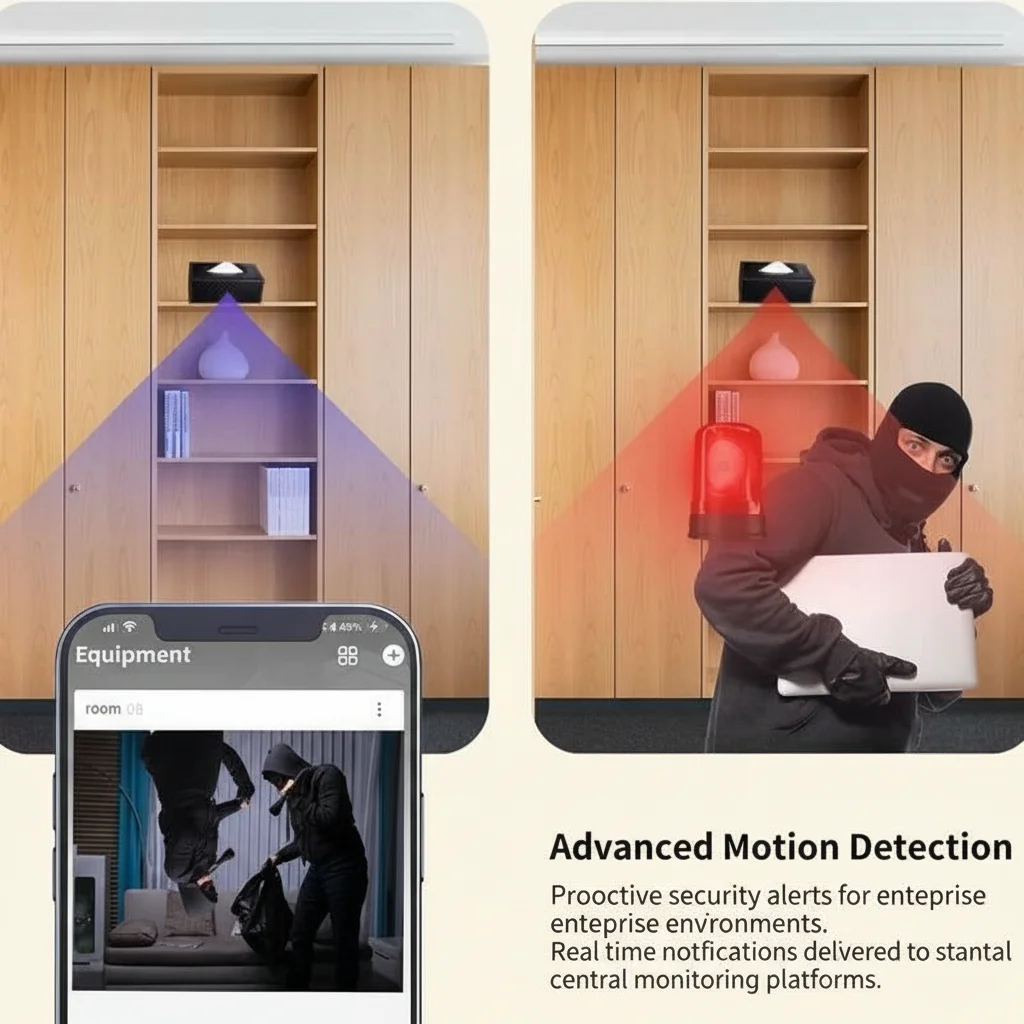
Key Takeaway: Prioritise living room, hallway, and kitchen. Never place cameras in bathrooms without explicit consent and a specific medical reason. Two to three cameras cover most single-storey or standard two-floor homes adequately.
How Do You Set Up Remote Viewing for Family Members?
The most significant practical advantage of WiFi-connected cameras over traditional DVR systems is the ability for multiple family members in different locations to monitor in real time through a shared smartphone app.
App setup (Tuya Smart). Most QZT cameras with WiFi functionality use the Tuya Smart platform (available free on iOS and Android). The setup process is:
1. Download Tuya Smart from the App Store or Google Play.
2. Create an account and verify by email.
3. Power the camera and follow the in-app pairing process (typically involves scanning a QR code displayed on the camera or connecting to a temporary WiFi hotspot broadcast by the device).
4. The camera appears in your device list within the app.
5. Share device access with additional family members through the app’s “Share Device” function — each person creates their own Tuya account and accepts your sharing invitation.
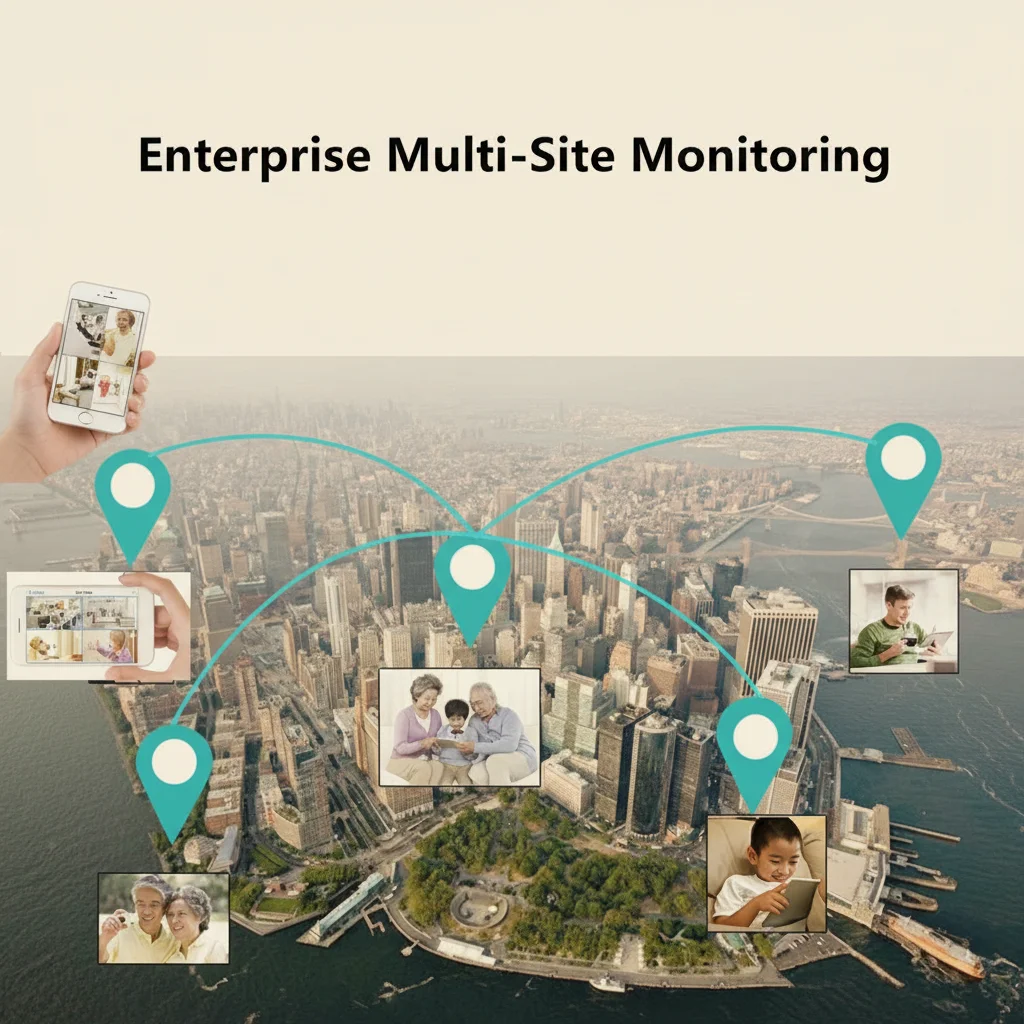
Once shared, all invited family members receive motion detection alerts simultaneously and can open a live view of the camera from anywhere with an internet connection. There is no limit on the number of shared viewers.
SD card local recording. The camera stores footage locally on a microSD card (up to 128GB). This provides an independent record that does not depend on an internet connection or cloud subscription. 128GB stores approximately 72 hours of 1080p continuous footage before loop overwriting begins. For most monitoring purposes, 30 days of retained footage is more than sufficient.
Cloud backup. Some cameras support optional cloud storage that keeps footage accessible even if the local SD card is removed or damaged. For elder monitoring where footage may be needed for safeguarding reports or care reviews, cloud backup provides a redundant copy. Tuya Cloud storage plans typically run £5–£10 per month per camera.
Network requirements. All QZT WiFi cameras operate on 2.4 GHz WiFi. In homes with older routers that broadcast only on 5 GHz, the camera will not connect. Before purchasing, confirm the home WiFi router supports 2.4 GHz. Most modern dual-band routers broadcast both automatically.
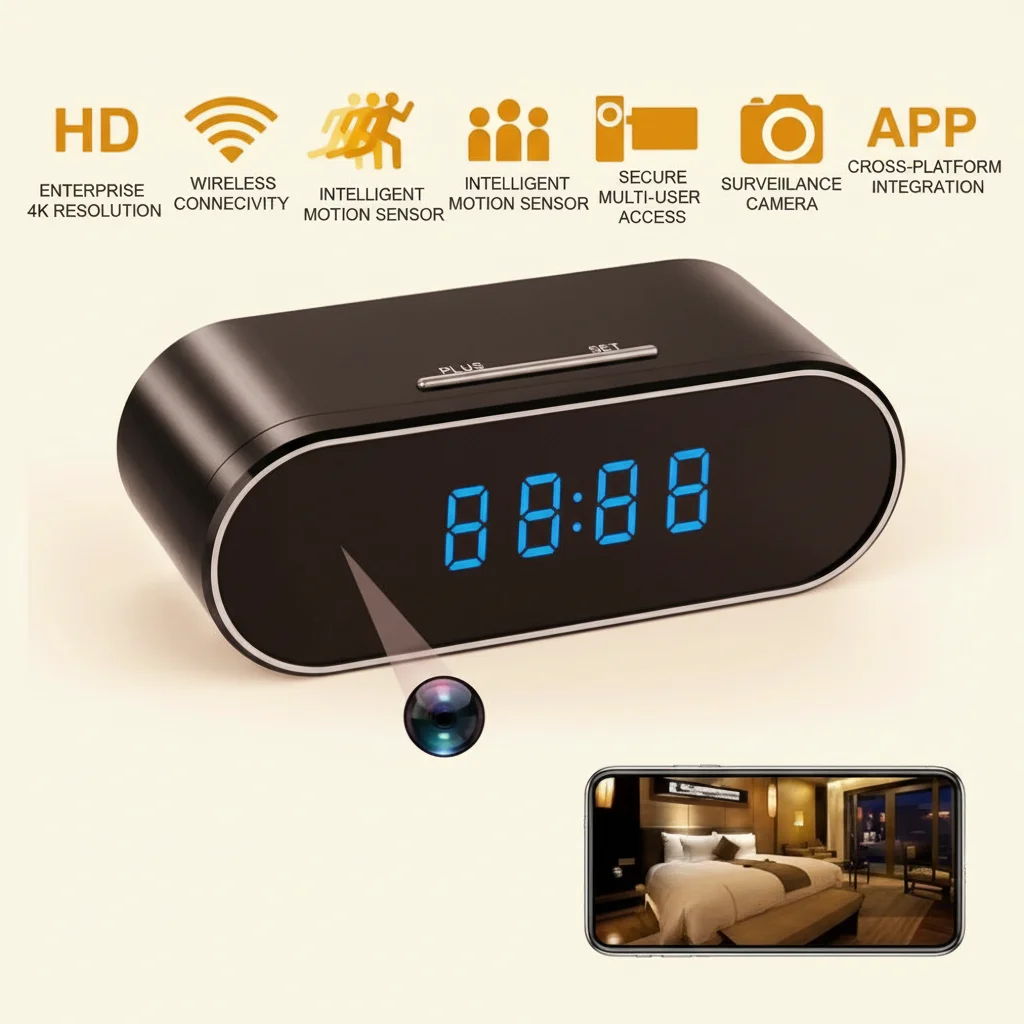
Key Takeaway: Tuya Smart app allows unlimited shared viewers and real-time alerts. Pair with a 128GB SD card for local backup. Confirm 2.4 GHz WiFi availability before setup — this is the single most common installation failure point.
How Do You Have the Conversation With Your Relative?
The hardest part of setting up elder monitoring is often not the technology — it is the conversation with the person being monitored.
A parent who still feels independent will resist the idea of surveillance, and understandably so. The framing matters enormously. These are the approaches that tend to work:
Frame it as family connection, not surveillance. “This camera lets me check in on you when we’re not there — I can see you’re having your morning cup of tea and know you’re fine” is a different conversation from “I want to watch you to make sure you don’t fall.” The first emphasises connection; the second emphasises incapacity.
Involve them in the decision. Ask where they would be comfortable with a camera and where they would not. A parent who has chosen the placement of the camera in their own living room has exercised agency over the decision, which changes the psychological dynamic entirely.
Start small. One camera in the living room, with their knowledge, set up together. If the experience is positive — if they find the remote check-ins reassuring rather than intrusive — you can expand from there.
Acknowledge the privacy trade-off honestly. “I know this means I can see what’s happening in the living room, and I understand if that feels strange. We can turn it off at any time, and I’ll only look at the footage if I’m worried about something.”
For people with dementia or significant cognitive decline, the conversation is more complex. Capacity is not binary — a person may lack capacity to make complex financial decisions but retain sufficient understanding to consent to or refuse a camera. An occupational therapist or the person’s GP can advise on the appropriate level and method of consent.
Key Takeaway: The conversation is as important as the technology. Involve the person in the decision where possible, frame the camera as a connection tool rather than surveillance, and start with one camera in an agreed location.
What Do You Do When an Alert Fires?
Real-time motion alerts are only useful if you have a clear protocol for what to do when one arrives. Without a protocol, alerts create anxiety rather than assurance — every notification triggers a worry spiral rather than a calm check-in.
Triage levels. Before setting up the camera, establish what level of alert requires what response:
– Level 1 (Normal): Motion at normal times of day in expected areas. A glance at the live view confirms everything is fine. No action required.
– Level 2 (Check-in): Motion at an unusual time (3am in the kitchen) or no expected motion when there should be (it’s 10am and the person is always up by 8am). Review the footage clip in the app. If it looks fine, call or message to confirm. If there’s no answer, escalate.
– Level 3 (Emergency): Person visible on camera in distress, on the floor, or not responding. Call 999 immediately and contact any local emergency contacts. A camera does not replace an emergency response — it supplements it.
What a camera cannot do. A camera detects and records; it does not act. For a person at significant fall risk, a camera should be paired with a personal alarm or emergency response wristband (such as those provided by Age UK or Careline) that the person can activate themselves. The camera covers the scenario where the person cannot activate a personal alarm; the personal alarm covers the scenario where the person can act but the camera is not being watched in real time.
Regular review rhythm. A weekly 10-minute review of the previous week’s footage — not searching for problems, just getting a general sense of activity patterns — catches gradual changes that real-time alerts miss. A person who was walking confidently six weeks ago but is now moving very slowly and holding the wall is showing a change that no single alert would capture but a periodic review would reveal.
Key Takeaway: Create a three-tier response protocol before the first alert arrives. Pair the camera with a personal emergency alarm for comprehensive coverage. Weekly pattern reviews catch gradual changes that real-time alerts miss.
What Are the Best Camera Options for Elder Monitoring in 2026?
For elder monitoring specifically, the following camera types from the QZT range address the core requirements — mains power, night vision, wide angle, WiFi alerts, and unobtrusive design.
For living rooms and main spaces: The Z10 WiFi Spy Clock Camera 1080p is a working digital clock with a hidden 1080p camera, infrared night vision, WiFi connectivity, and Tuya Smart integration. It sits naturally on any shelf or mantle without suggesting surveillance. Motion detection alerts, loop recording to microSD, and remote live view make it the most complete single-device option for living room monitoring.
For hallways and ceiling positions: A smoke detector form factor camera mounts flush to a ceiling and covers the full width of a hallway or staircase from above. The WiFi Smoke Detector Hidden Camera 1080p covers 100° from ceiling height, has infrared night vision, and is indistinguishable from a standard smoke detector.
For kitchens and countertop areas: A socket-style camera plugged directly into a wall outlet provides continuous power and a compact, natural form factor. The WiFi Spy Camera USB Charger 1080p works as a functioning USB charger while recording 1080p footage with motion detection.
| Camera | Form Factor | Resolution | Night Vision | Power | Best For |
|---|---|---|---|---|---|
| Z10 Clock Camera | Digital clock | 1080p | IR 850nm | Mains | Living room, bedroom |
| Smoke Detector Camera | Ceiling mount | 1080p | IR 850nm | Mains | Hallway, staircase |
| USB Charger Camera | Wall socket | 1080p | Yes | Mains | Kitchen, countertop areas |
| Power Bank Camera | Tabletop | 1080p | IR 850nm | Battery (6-10h) | Temporary monitoring |
Key Takeaway: The Z10 clock camera covers most living room needs. Add a smoke detector camera for staircase coverage. All three mains-powered options provide the continuous coverage that elder monitoring demands.
Frequently Asked Questions
Can I monitor my elderly parent at home without telling them?
Only if you own the property and have a specific safeguarding concern — for example, suspicion that a paid carer is mistreating them. If your parent owns or rents their own home independently, you should seek their consent or act under a formal Lasting Power of Attorney. Hidden monitoring without consent in someone else’s home is a breach of their privacy rights regardless of your intentions.
What’s the best hidden camera for monitoring elderly parents in the UK?
A mains-powered WiFi clock camera like the Z10 — it looks like a standard bedside clock, runs continuously without battery concerns, sends motion alerts to your phone via the Tuya Smart app, and records locally to SD card. The 1080p resolution with infrared night vision covers the scenarios (night-time falls, disorientation episodes) where monitoring is most critical.
How do I know if my elderly parent has had a fall if I’m not watching the live view?
Motion detection alerts fire within seconds of detecting movement. In a well-placed camera, a fall triggers an immediate notification with a 10-second preview clip. The clip shows enough to assess whether the alert requires action. The camera also provides a continuous recording record that can be reviewed if your parent mentions a fall or pain and cannot remember what happened.
Can family members abroad access the camera?
Yes. The Tuya Smart app works from any internet connection worldwide. All shared family members receive the same real-time alerts and can access live view simultaneously, regardless of their physical location.
Does the camera record even when the WiFi goes down?
Yes — all QZT cameras with microSD slots record locally regardless of WiFi connectivity. Footage is stored on the SD card even during internet outages. The live view and push notifications are unavailable during an outage, but the recording continues uninterrupted and can be accessed once connectivity is restored.
A Practical Step Worth Taking Today
Waiting until a serious incident occurs before setting up monitoring means you are always one step behind. A camera installed today — with a conversation, with consent, in the right location — is ready the moment it is needed. The peace of mind for you and the additional safety layer for your relative are both immediate.
Explore the QZT Security hidden camera range for options suited to home elder monitoring. If you need advice on which camera best matches your specific home layout or monitoring requirements, contact us directly.

 English
  Italiano
  Deutsch
  Français
  Español
  Polski