
How to Extend Battery Life on Your Hidden Spy Camera
Battery-powered spy cameras offer the ultimate placement flexibility — no wires, no power outlets needed. But short battery life undermines that advantage. Whether your camera is running out in hours instead of days, or you want to squeeze maximum runtime from a power bank camera, this guide covers every setting, habit, and technique to dramatically extend battery life on hidden spy cameras.
What Drains Spy Camera Batteries So Fast
To fix battery drain, you need to understand what uses the most power in a hidden camera:
Top power consumers (ranked by draw):
1. WiFi radio — constant WiFi connection uses 150–400mW continuously. If you’re struggling with WiFi connectivity, check our guide on how to fix WiFi hidden camera connection issues.
2. IR LEDs — night vision infrared LEDs consume significant power, especially on “always on” mode
3. Video resolution — 4K recording uses roughly 3x more power than 1080p
4. Live streaming — continuous cloud streaming doubles power consumption vs. local SD recording
5. Screen/display — cameras with LCD displays (like clock cameras) use more power than screenless models
6. Processor — video compression (H.264 vs H.265) affects CPU load and power draw
Understanding this list tells you exactly where to make changes first.
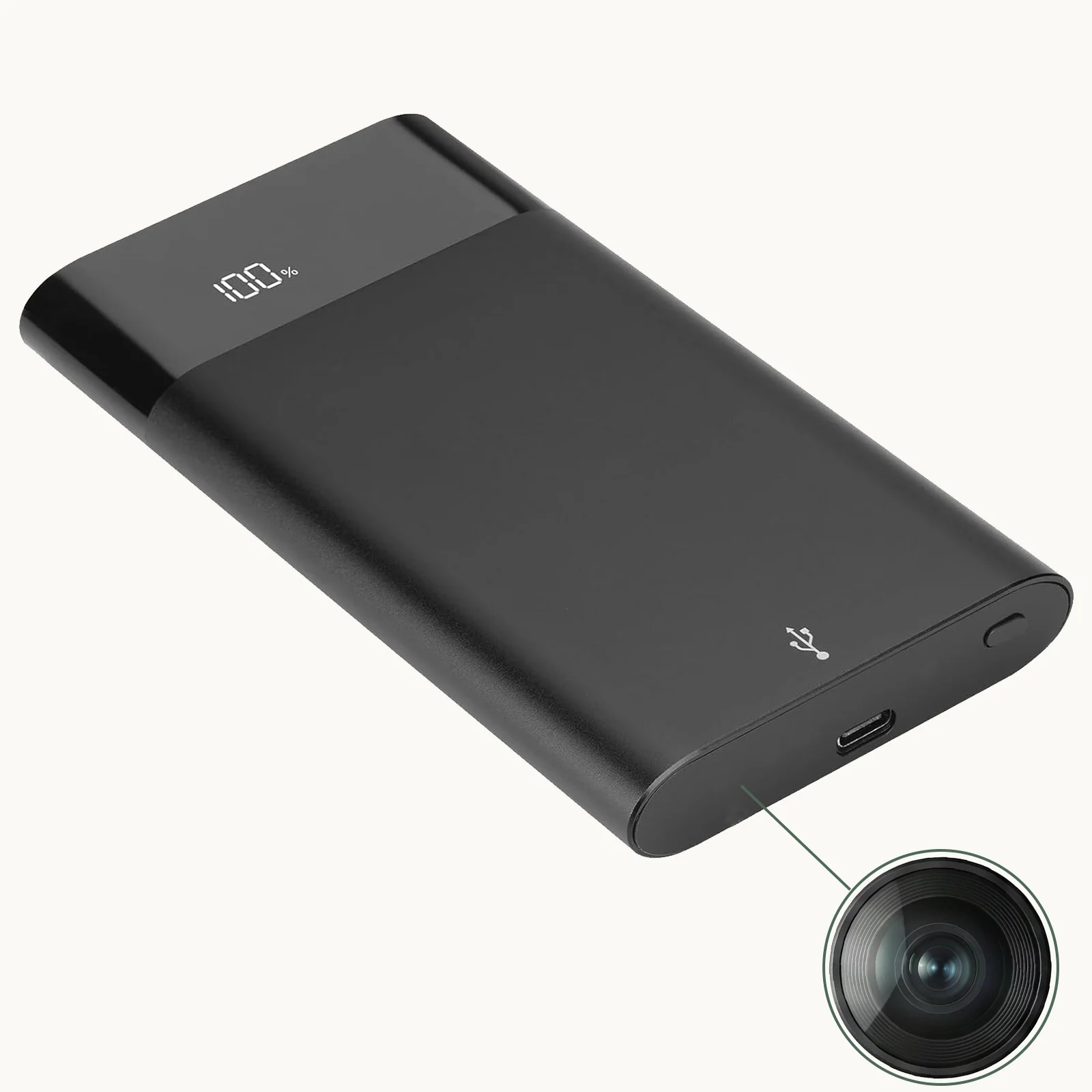
How to Enable Motion Detection to Save Battery
This single change delivers the biggest battery life improvement for most users. Instead of recording 24/7, motion detection activates the camera only when something moves in the frame.
Expected impact: 70–85% reduction in recording time → 3–5x longer battery life
How to enable motion detection:
Tuya / Smart Life app:
1. Open the device settings for your camera
2. Tap “Motion Detection” or “Smart Detection”
3. Toggle it ON
4. Set sensitivity to Medium (Low = misses small movements; High = too many false alerts)
5. Configure notification alerts if you want instant phone alerts on motion events
HDLiveCam app:
1. Open camera settings → “Detection”
2. Enable “Motion Detection”
3. Set detection zones if available (draw a region of interest to avoid triggering on irrelevant movement like curtains near a window)
Physical button method (for standalone cameras):
– Many cameras switch modes by holding the power/mode button for 3 seconds
– Cycle until the indicator LED shows motion detection mode (check your manual for LED patterns)
With motion detection enabled, cameras in low-activity environments (like a parked car or an empty room during work hours) can run for days on a single charge.

How to Lower Video Resolution to Save Power
Higher resolution = more data to process = more battery drain. If you’re monitoring for general activity rather than capturing fine detail, dropping the resolution extends battery life noticeably.
| Resolution | Power Use | Battery Life Estimate | Best For |
|---|---|---|---|
| 4K | Very High | 1–3 hours | High-detail evidence capture |
| 1080p | Medium | 3–6 hours | Standard indoor monitoring |
| 720p | Low | 6–10 hours | Long-duration covert recording |
| 480p (SD) | Very Low | 10–16 hours | Extended duration only |
How to change resolution:
In the Tuya or HDLiveCam app → Camera Settings → Video Quality → select the desired resolution. Some cameras also allow resolution changes through a physical button cycle or SD card config file.
> Recommendation: 720p strikes the best balance between clarity and battery life for most indoor monitoring scenarios.
How to Optimize Night Vision Settings for Battery Life
IR LEDs are power-hungry. “Always On” night vision mode wastes power even during daylight hours. Optimize night vision settings for your actual use case. For deeper troubleshooting of night vision issues, see our complete guide on how to fix night vision on a hidden spy camera.
Switch from “Always On” to “Auto” mode:
– In the app: Settings → Night Vision → Auto
– Auto mode only activates IR LEDs when the camera detects low light conditions
– This eliminates IR power draw during daytime recording
Disable night vision entirely if you don’t need it:
– If your camera location has adequate ambient light 24/7 (e.g., an office with always-on lighting), disabling IR saves significant power
– Settings → Night Vision → Off
Use 940nm IR cameras for critical battery situations:
– 940nm IR LEDs are completely invisible to the naked eye AND draw slightly less power than 850nm LEDs
– They also prevent the faint red glow that 850nm LEDs produce, improving covertness
Reduce IR brightness if adjustable:
– Some cameras allow IR intensity adjustment (25%, 50%, 75%, 100%)
– Set to 50% for normal indoor distances — full brightness is only needed for 8+ meter ranges
How to Manage WiFi Connection for Better Battery Life
WiFi consumes more power than almost any other component. Strategic WiFi management can double battery life. For a full guide to resolving WiFi connectivity issues, see our article on how to fix WiFi hidden camera not connecting to app.
Disable WiFi when not needed:
– If you only need local SD card recording (no remote viewing), turn off WiFi in the camera settings
– Many cameras support a “Recording Only” mode that disables WiFi entirely — check your manual
Reduce WiFi poll frequency:
– Some cameras “check in” with the server every few seconds, even when idle
– In advanced settings, look for “Heartbeat Interval” or “Keepalive” — increase this from 10s to 60s
Use local network mode (LAN) instead of cloud streaming:
– Cloud relay routing sends video through a distant server, requiring the camera to maintain a constant outbound connection
– LAN/P2P mode streams directly to your phone when on the same network, reducing upload activity
– Enable via app: Settings → Connection Mode → Local/LAN
Schedule WiFi connectivity:
– If your monitoring schedule is predictable (e.g., only monitoring from 6 PM to 8 AM), set the camera to disable WiFi during off-hours
– This requires firmware support — check your camera’s scheduling features
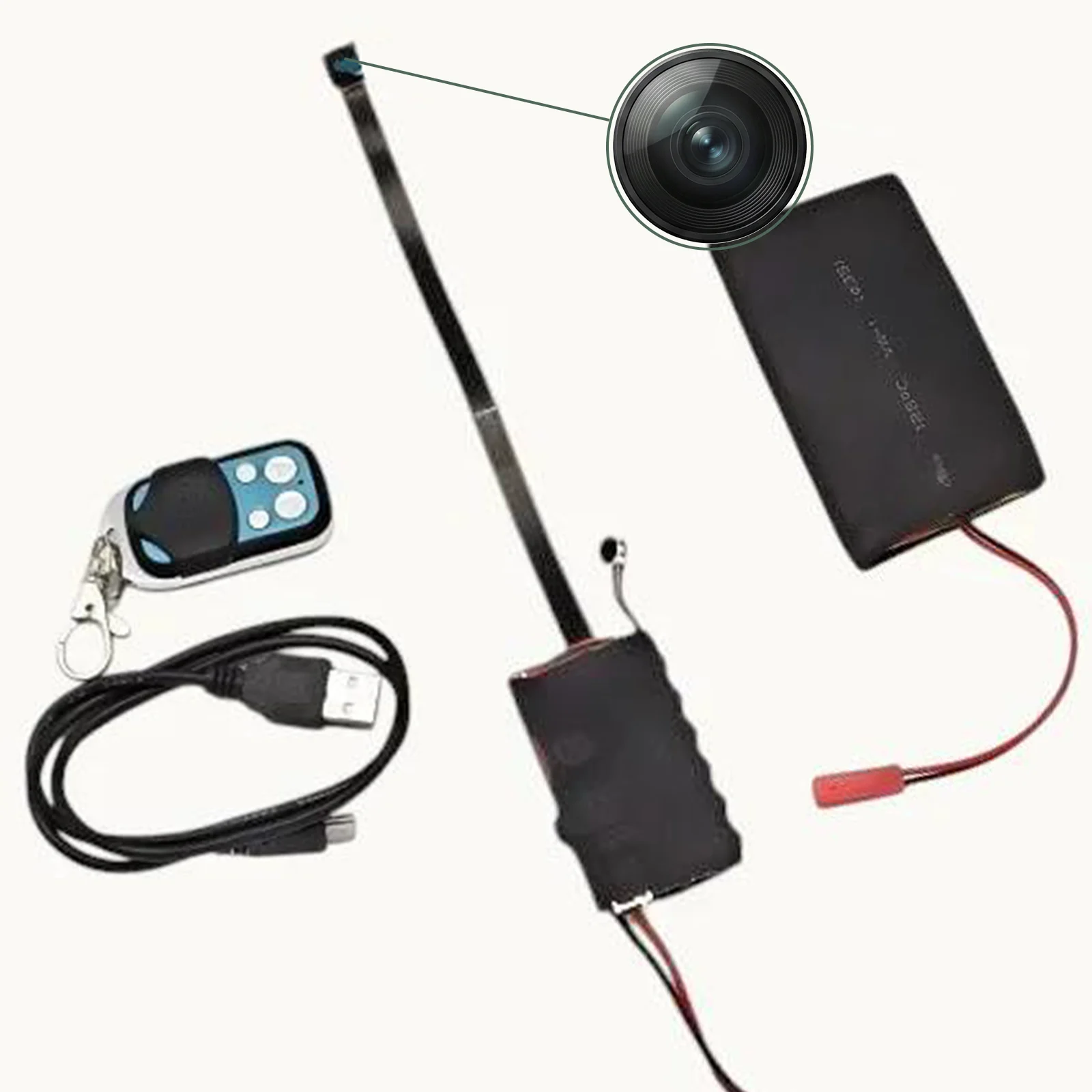
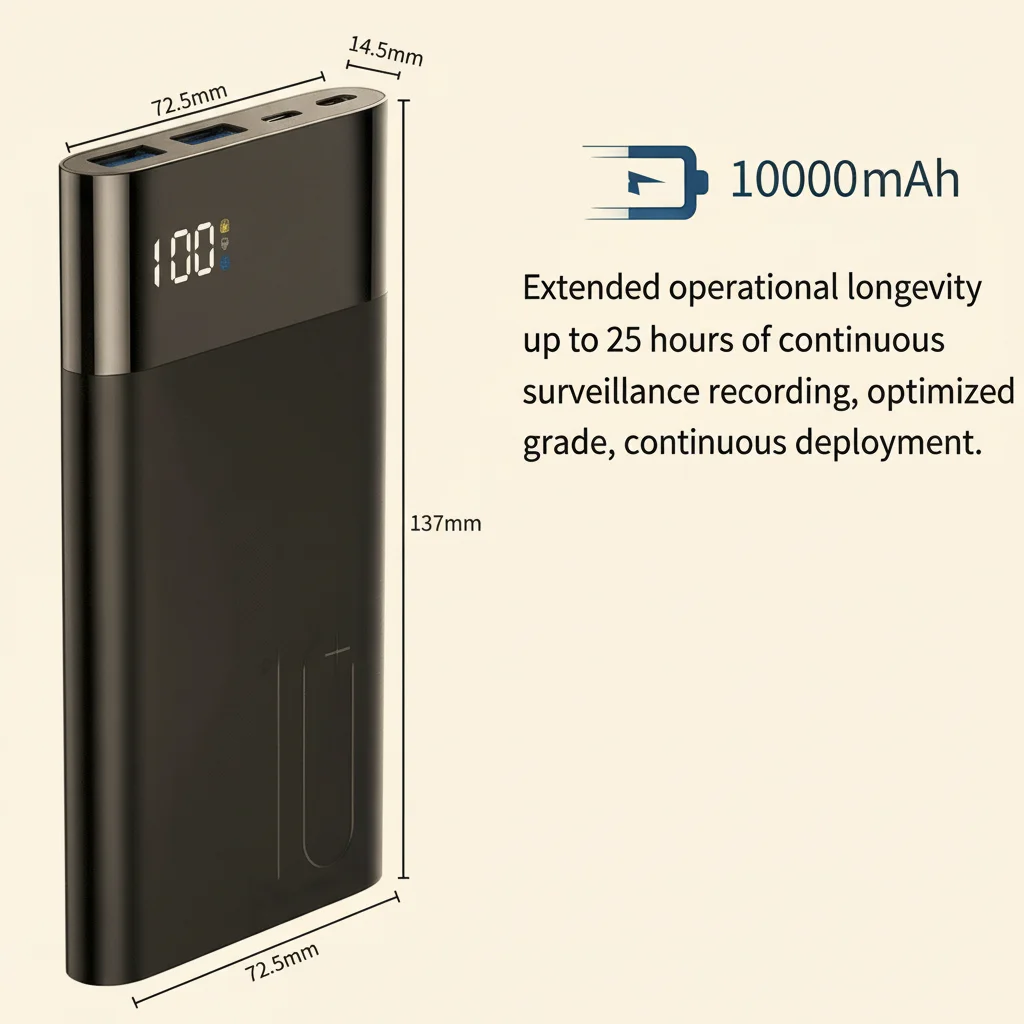
How to Choose the Right Power Bank for Your Camera
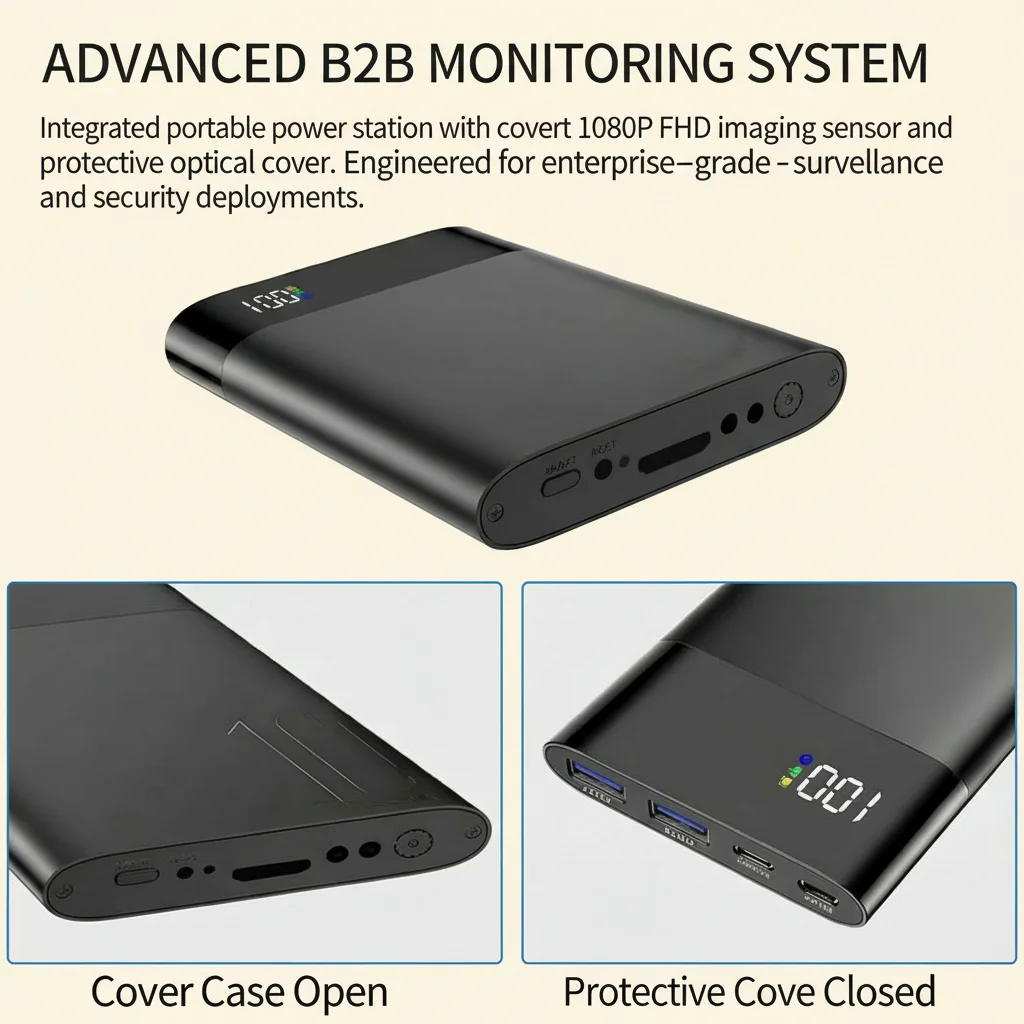
Power bank cameras are only as good as their battery. Understanding power bank ratings prevents disappointment. For a detailed comparison, see our guide on how to choose a power bank WiFi camera for home security.
How to calculate real battery life:
The rated mAh capacity is rarely the usable capacity:
– A 5000mAh power bank typically delivers ~3000–3500mAh to the camera (30% is lost to conversion efficiency)
– At 1080p + WiFi + motion detection, a typical camera draws ~300–500mA
– Formula: Usable mAh ÷ camera draw mA = hours
– Example: 3500mAh ÷ 400mA = ~8.75 hours
| Power Bank Size | Real Usable Capacity | Estimated Runtime (1080p + WiFi) |
|---|---|---|
| 2000mAh | ~1200mAh | 3–4 hours |
| 5000mAh | ~3000mAh | 6–8 hours |
| 10000mAh | ~6000mAh | 12–15 hours |
Tips for maximizing power bank performance:
– Use a power bank that supports pass-through charging — this allows the camera to run continuously while plugged in, essentially making battery life unlimited
– Store power banks at 40–80% charge when not in use to preserve long-term capacity
– Replace power bank cells if capacity has dropped below 70% of original rating (usually after 300–500 charge cycles)
Tips to Preserve Long-Term Battery Health
Proper charging habits prevent permanent battery degradation, keeping your camera’s runtime consistent over years of use.
Avoid these battery killers:
– Fully draining the battery to 0% — lithium batteries lose capacity faster when repeatedly deep discharged
– Leaving the camera charging at 100% for extended periods — overcharging generates heat that degrades cells
– Charging in hot environments (above 35°C / 95°F) — heat is the #1 enemy of lithium batteries
– Using cheap, non-certified USB chargers — they can deliver inconsistent voltage that stresses battery circuits
Good charging habits:
– Charge the camera when it reaches 20–30% remaining
– Unplug when fully charged or use a smart charger that stops at 100%
– Store the camera at 50% charge if not using it for a week or more
– Keep the camera away from direct sunlight and heat sources during operation
Signs your battery needs replacement:
– Runtime has dropped below 50% of the original rated hours
– Battery swells or becomes noticeably warm during normal use
– Camera shuts off unexpectedly even at 30–40% battery indicator
Conclusion
Extending spy camera battery life doesn’t require buying new hardware — the right settings make a dramatic difference. Start with enabling motion detection (the single biggest improvement), then optimize resolution, night vision mode, and WiFi connectivity in that order. For power bank cameras, understanding the real usable capacity and using pass-through charging unlocks unlimited runtime in the right situations.
If your camera’s battery has degraded significantly over time, the most cost-effective solution is often a new power bank rather than replacing the entire camera. Browse our spy cameras for models with optimized power consumption and long-duration recording capabilities.
FAQ
Q: How long should a fully charged spy camera battery last?
A: Varies by model and settings. At 1080p + WiFi + always-on recording, expect 3–8 hours. With motion detection only and WiFi off, the same camera may last 24–72 hours on standby.
Q: Can I use a solar panel to power my outdoor spy camera continuously?
A: Yes — USB solar panels (5V, 1–2W minimum) can maintain battery charge in sunny conditions. They work best as a supplement to battery rather than the sole power source, since they stop charging at night and on cloudy days.
Q: My camera drains even when powered off — is this normal?
A: A small standby drain (0.5–2mA) is normal for cameras that maintain a real-time clock or standby WiFi listen mode. If drain is substantial (camera drops from 100% to 50% overnight while “off”), the device isn’t fully powering down — try a factory reset to restore proper power management.
Q: Does recording audio significantly drain the battery?
A: Audio recording adds about 5–10% additional power consumption — relatively minor compared to video and WiFi. If battery life is critical, disabling audio saves some power, but it’s rarely the primary drain.
Q: What’s the best way to power a hidden camera for weeks without maintenance?
A: Use a wired power source whenever possible — a USB charger camera or socket camera plugged into a wall outlet will run indefinitely. For truly wireless operation, a power bank camera with pass-through charging connected to a wall outlet gives unlimited runtime in a battery camera form factor.

 English
  Italiano
  Deutsch
  Français
  Español
  Polski